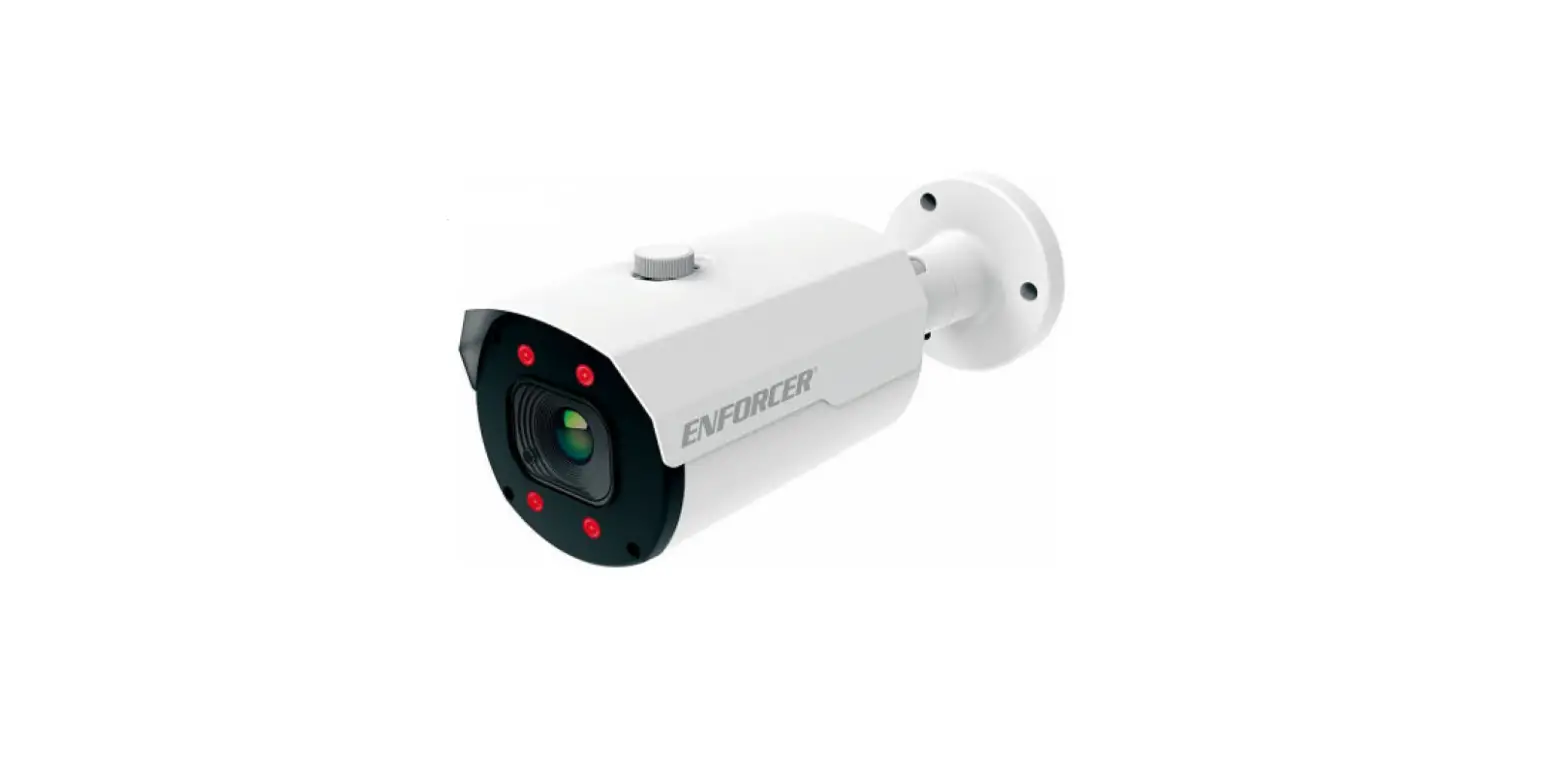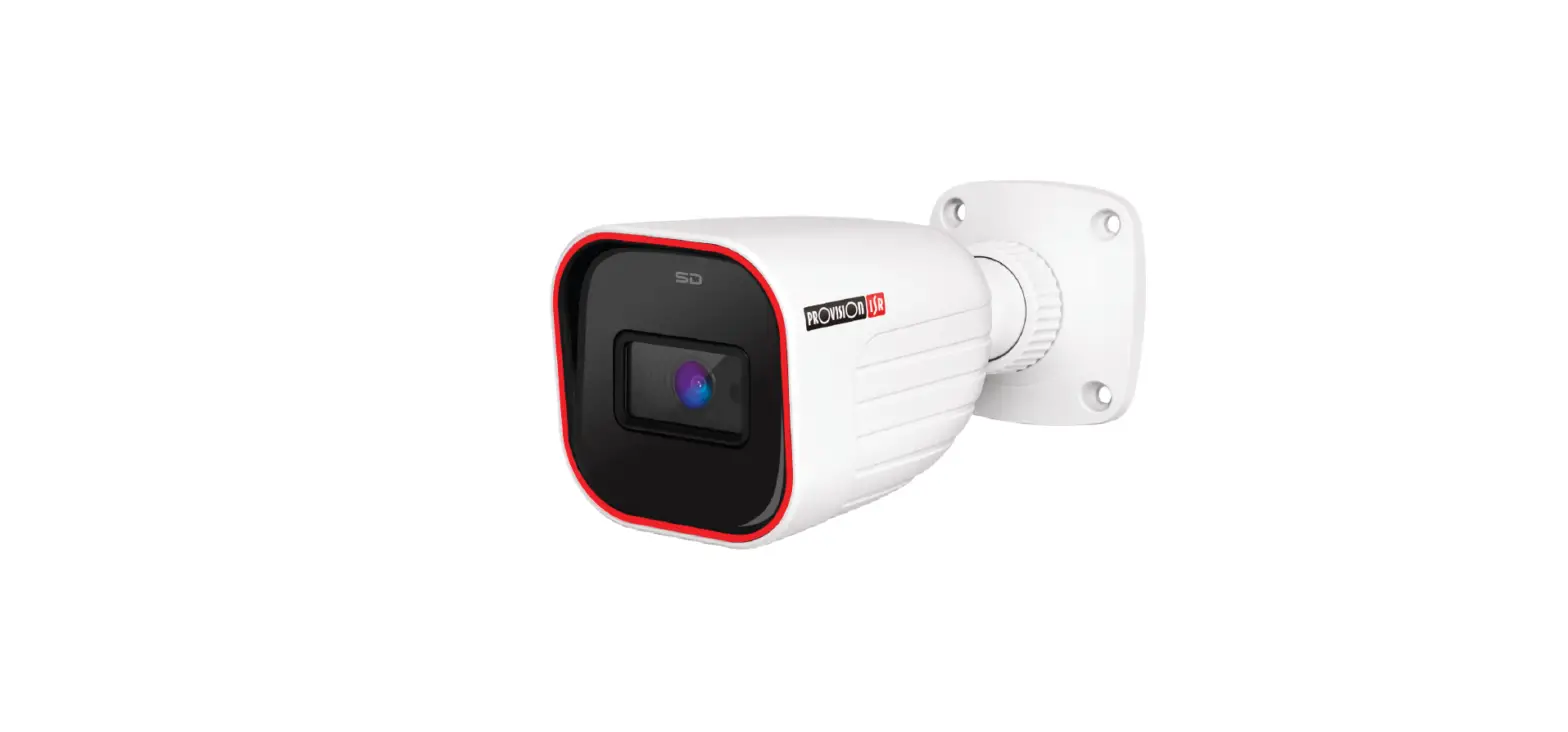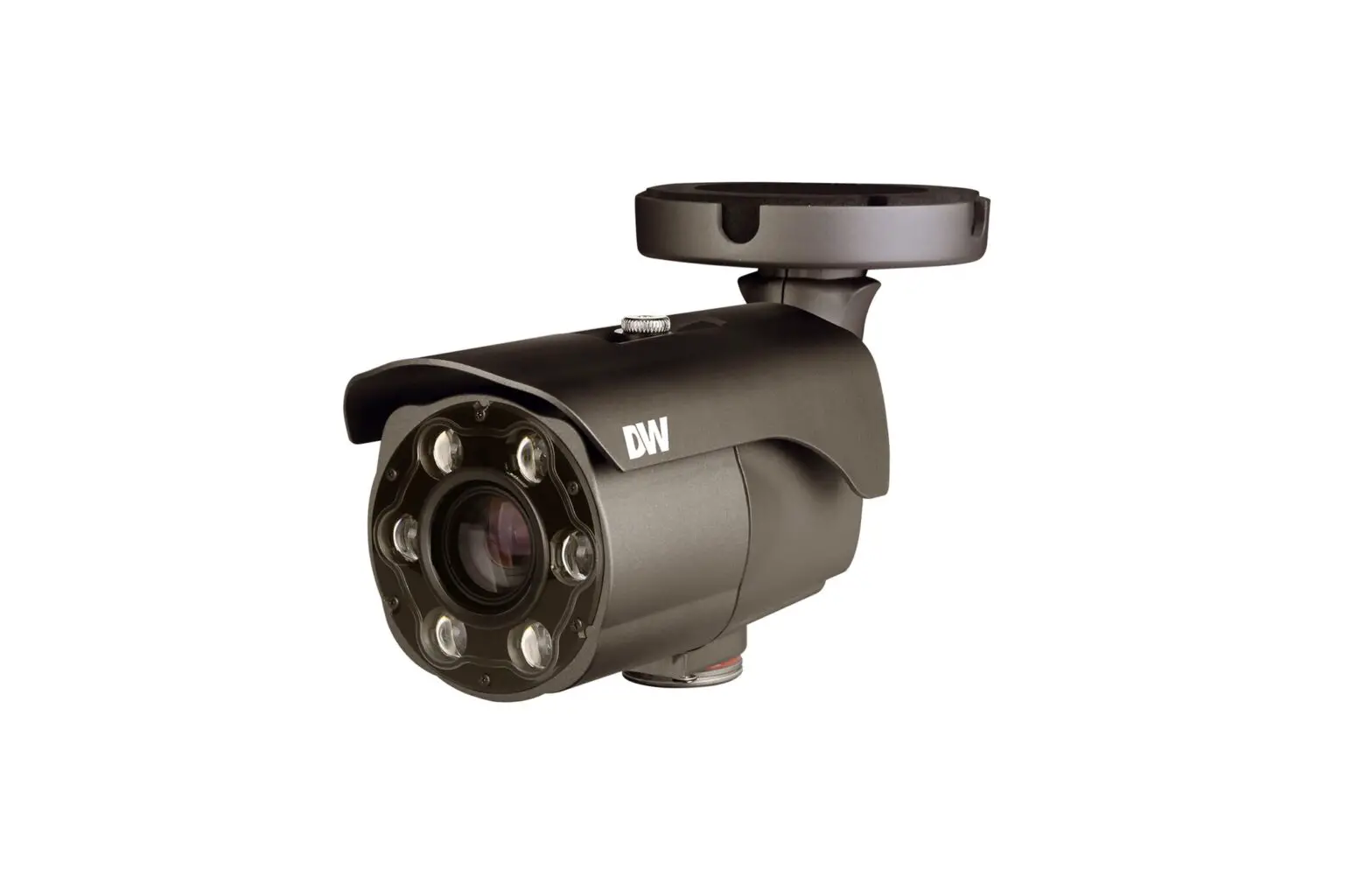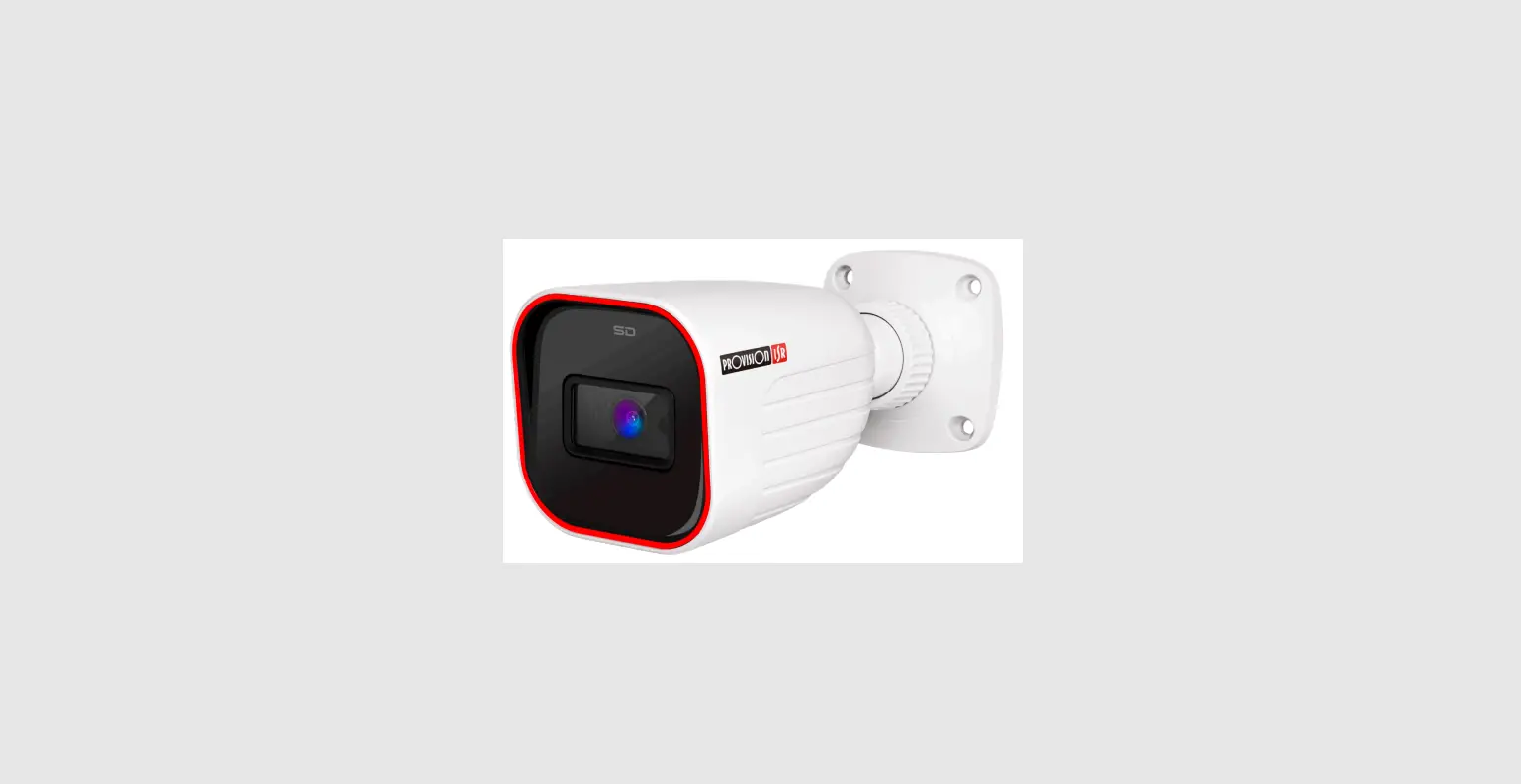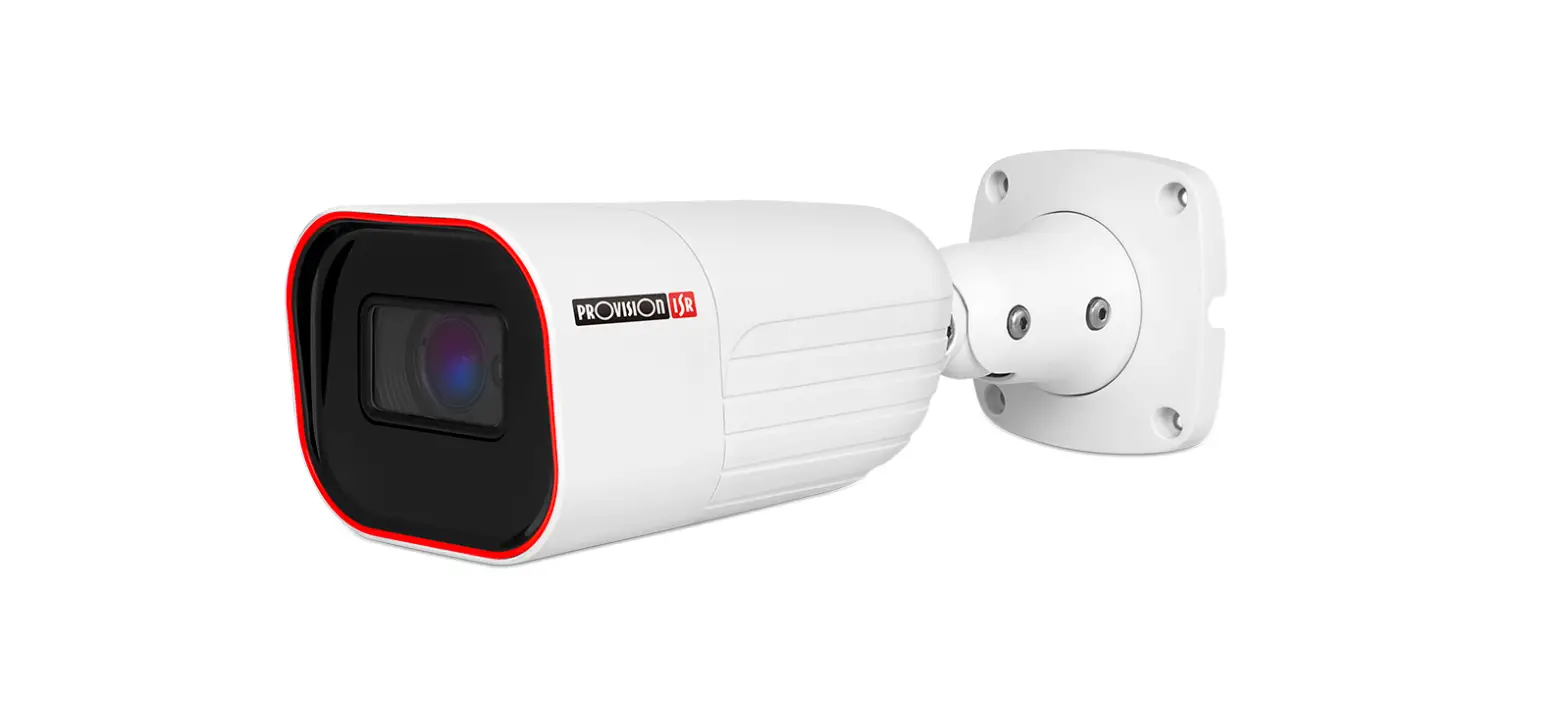
PROVISION-ISR I6-320LPR-MVF2 Smart LPR Bullet WDR Camera Installation Guide
PROVISION- ISR SMART PLATE CAMERAS
- I6-320LPR-MVF1

- I6-320LPR-MVF2
Image sensor | 1 / 2.8” CMOS | 1 / 2.8” CMOS |
Effective Pixels | 1920×1080 | 1920×1080 |
Frame rate | 1-25/30FPS In Normal Mode 1-50/60FPS in HFR Mode*** | 1-25/30FPS In Normal Mode 1-50/60FPS in HFR Mode*** |
Day/night | ICR | ICR |
Min. Illumination | Day: 0.1lux / Night: 0.005lux (@F1.6, AGC On) 0lux with IR on | Day: 0.1lux / Night: 0.005lux (@F1.6, AGC On) 0lux with IR on |
Lens | 2.8-12mm MVF(103.4°-32.4°) | 7-22mm MVF (44°-17.6°) |
IR distance | 60m (4 High Power IR LED) | 60m (4 High Power IR LED) |
Image enhancement | True WDR(120dB), BLC, HLC, ROI | True WDR(120dB), BLC, HLC, ROI |
Noise reduction | 3D-DNR | 3D-DNR |
Privacy mask | Yes | Yes |
Motion detection | Yes | Yes |
Standard analytics | Camera Tampering | Camera Tampering |
AI analytics | LPR: License plate recognition | LPR: License plate recognition |
LPR database | 10000 plates | 10000 plates |
LPR recognition speed | 0-70 Km/h | 0-70 Km/h |
LPR recognition distance | 15 m | 26 m |
Video compression | H.265S/H.264S*, H.265+/H.264+/H.265/H.264, MJPEG** | H.265S/H.264S*, H.265+/H.264+/H.265/H.264, MJPEG** |
Streams | 3 | 3 |
SD card | Event/Schedule based Main/Sub-Stream recording (Up to 128Gb) | Event/Schedule based Main/Sub-Stream recording (Up to 128Gb) |
Audio | Two-way Audio | Two-way Audio |
Alarm | 1 IN + 1 OUT | 1 IN + 1 OUT |
Power supply | DC12V/~910mA / PoE/~11W | DC12V/~910mA / PoE/~11W |
Working temperature | -30°C~60°C, 10%~90% Humidity | -30°C~60°C, 10%~90% Humidity |
Protection | IP67 | IP67 |
Dimensions | 271.8×92.4×79.4mm | 271.8×92.4×79.4mm |
Junction box | PR-JB14IP66 – PR-JB14IP64 | PR-JB14IP66 – PR-JB14IP64 |
SMART PLATE CAMERAS CAPABILITIES AND KEY STRENGTHS
- Industry leading accuracy (99% in optimal conditions)

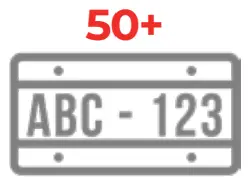
- More than 50 international license plates supported

- Ability to distinguish relevant signs from irrelevant ones.

- Fast reading (2 license plates per second)

- Vehicle speed: 0-70 km/h / 40 Mp/h
- On-board artificial intelligence based on deep learning algorithms

- Built-in SD Card

- Excellent night performances

- Dedicated parking management software








INSTALLATION GUIDE
INTRODUCTION
When it comes of license plates recognition, each Country has its own standard defining the main characteristics such as:
- DIMENSION
- GEOMETRIC FORMAT
- SYNTAX AND CHARACTER FORM
A quite common feature is their RETRO-REFLECTANCE, able to facilitate the correct reading in all lighting conditions.
Provision-ISR Smart Plate cameras are able to recognize license plates from over 50 countries around the world.
PLATE SIZE
Target Height should be:
- More than 10% of the scene
- Less than 50% of the scene

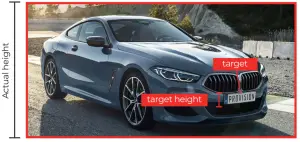
Overall Target Size should be:
- More than 6% of the scene
- Less than 50% of the scene


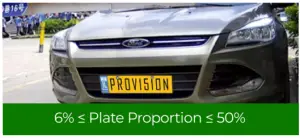
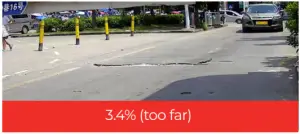
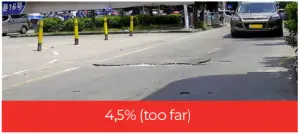
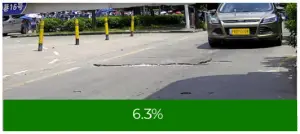
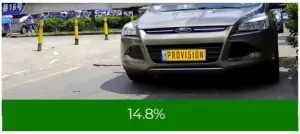
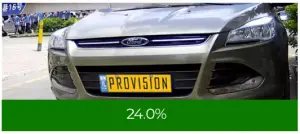
As we said, each country has it’s own plates and the plate’s width is not always the same. Therefore, it is important to choose a lens that will fit to the plate’s size.
A thumb rule will be: “if you can read the plate, so can the camera”. Use the table below to know where to install the camera distance-wise and to select a proper lens.
License plate Width (cm) | Lens | Max. Recognition Distance (cm) | Min. Recognition Distance (cm) |
| 30.48 | 7-22mm | 1576 | 197 |
| 30.48 | 2.8-12mm | 840 | 105 |
| 52 (Standard EU Size) | 7-22mm | 2688 | 336 |
| 52 (Standard EU Size) | 2.8-12mm | 1432 | 179 |
| 44 (Standard US Size) | 7-22mm | 2274 | 284 |
| 44 (Standard US Size) | 2.8-12mm | 1212 | 152 |
TILT ANGLE, OBSTACLES, FOCUS
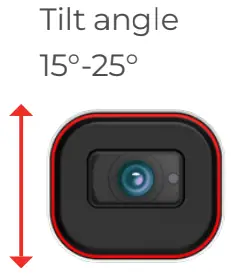
License plate camera tilt angle should be within -5° ~ 5°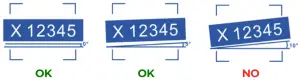
Make sure there are no “obstacles” between the camera and license plate

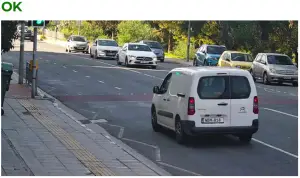
Put the detection area into focus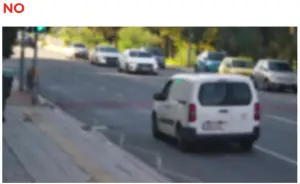
Fill Light (optional and depending on country)
Fill light may be used where the license plate is fully reflective (Characters + Background) In such case IR cannot be used. The strength of the fill light should not overexpose the license plate.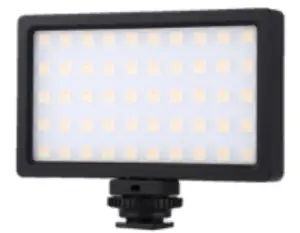
APPLICATION: GATE ENTRANCE/EXIT
INSTALLATION HEIGHT
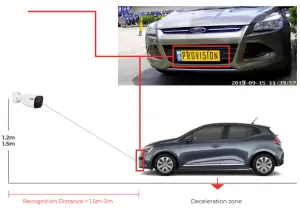
Recommended Height: 1.2 M – 1.5 M (Parking Lots)
License plates proportions
The width of the license plate should be between 6% to 50% of the screen width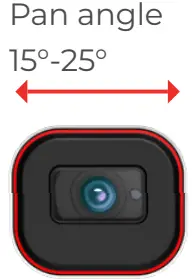
DETECTION AREA (ROI)
When it comes of gate control, we recommend to draw the detection area where the vehicle slows down: near a speed bump, entrance gate, stop sign (etc..)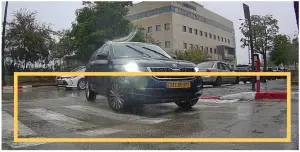
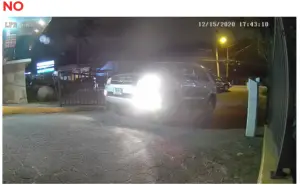
EXAMPLE OF GOOD AND BAD INSTALLATION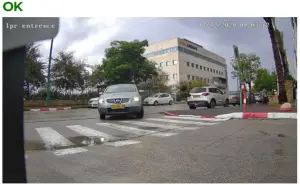
APPLICATION: STREET MONITORING
INSTALLATION HEIGHT
Recommended Height: 4m – 6m (Junctions Or Roads)
License plates proportions
The width of the license plate should be between 6% to 50% of the screen width
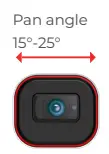
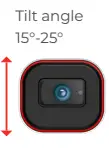
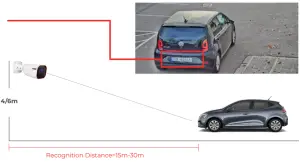
When it comes of street monitoring LPR cameras can be installed:
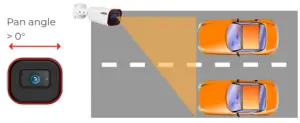
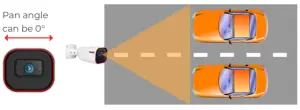
DETECTION AREA (ROI)
When it comes of street monitoring, we recommend to draw the detection area only in the closer lane, at the bottom of the screen, covering about one third of the area.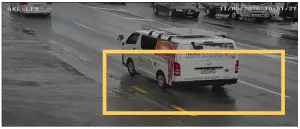
EXAMPLE OF GOOD AND BAD INSTALLATION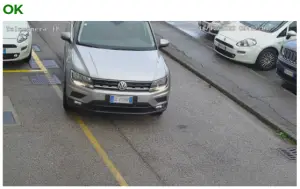
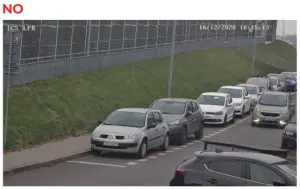
IMAGE SETTINGS
INTRODUCTION
The main aspects to be considered before installing any LPR camera should be:
Vehicle speed
The speed of the vehicle is strictly connected to the camera exposure time: if the exposure time is not the right one, the images will be “blurred”.
Provision-ISR LPR cameras, recognize vehicle’s plates at a speed up to 70km/h and work with exposure times suitable for capturing clear images, without the typical “light trails” caused by the vehicle movement.
Environmental conditions
The shooting conditions can significantly change during the 24 hours. The same location can be clearly visible when lit by the low sun, or extremely dark at night, during a storm.
Provision-ISR LPR cameras relay on the most advanced image-processing technology able to provide the best results in a variety of environmental conditions.
External “interferences“
By interferences we mean all those lighting sources that can affect the recognition process: from the front or rear headlights of the vehicle, to the license plate illuminator, passing through the lighting fittings along the street.
The user should be able to rapidly set the LPR camera in order to get the best recognition results even under extreme light conditions.
DAY & NIGHT
The best night results will be achieved when the camera is at night mode with IR ON.
This can be achieved by setting the camera to “Scheduled Day/Night” which will solve the following problems:
- Headlights directly from the Vehicle will cause the image to switch from B/W mode to color mode.
- Street-lights might cause the camera to stay in color mode while the LPR detection area is not well lit.

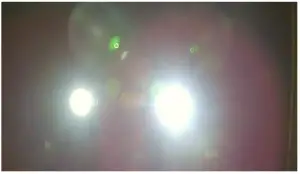
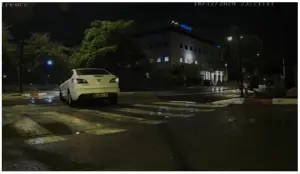
RECOMMENDED IMAGE SETTINGS FOR DAY & NIGHT
Image settings that works good in day time, won’t necessarily work for night as well. To solve the issue, it is recommended to use 2 sets of configurations.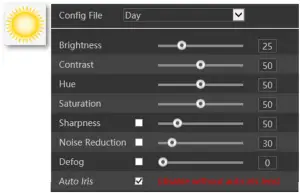
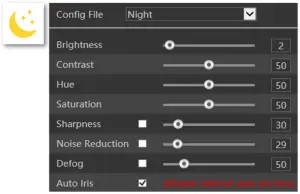
We have 2 ways to switch between day and night:
- Automatically, if there isn’t background lighting
- By schedule, if the camera doesn’t switch automatically


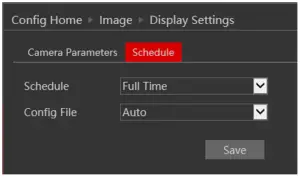
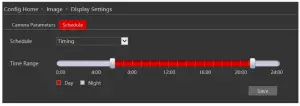
RECOMMENDED DAY MODE IMAGE SETTING
Brightness: Default value
Day/Night Mode: Day
Infra-Red Mode: Auto
Max. (Shutter): According to the live scene.
For static vehicles (gate) use ~1/100.
The faster the vehicle speed, the smaller the value needs to be set (~1/500)
Gain Mode: Auto
Gain Value: ~10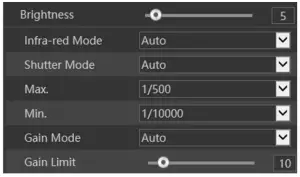
RECOMMENDED NIGHT MODE IMAGE SETTING
Brightness:
If the license plate is reflective, the brightness should be set to ~5. (General
Image will be darker)
Day/Night Mode: Night
Infra-Red Mode: Auto
Max. (Shutter): According to the live scene. For static vehicles (gate) use ~1/100.
The faster the vehicle speed, the smaller the value needs to be set (~1/750)
Gain Mode: Auto
Gain Value: ~10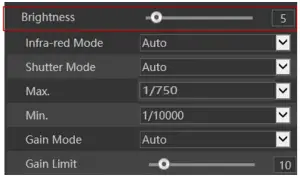
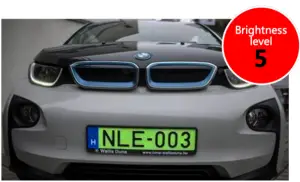
BRIGHTNESS
Setting a lower brightness to the camera (2) will cause the image to be darker overall, but it will be better for reflective license plates.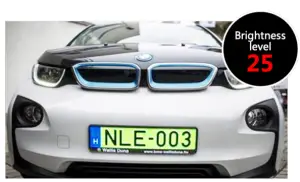
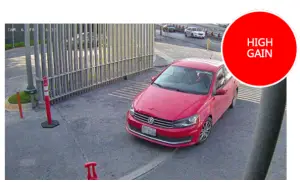
GAIN
Under insufficient light environments, Higher Gain values can improve the image brightness, but will create image noise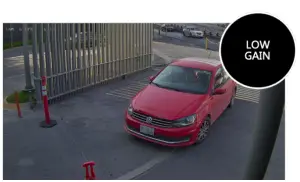
SHUTTER UPPER LIMIT
In the evening, the shutter values will start to increase to allow more light in the sensor.
Higher shutter limit results with blurrier image for moving objects, which can decrease recognition ability (1/25 is higher than 1/750)
More light enters the sensor fast moving objects might appear blurry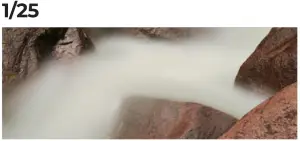

Less light enters the sensor Image is generally sharpe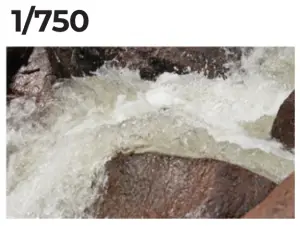
LICENSE PLATE EXPOSURE
This setting is used to perform automatic exposure based on the area marked for license plate recognition (detection area). The idea is to get visible plate, with less consideration on other parts of the image.
Note: when the image is already too bright/dark, this feature won’t be enough for capturing license plates. Repositioning the camera or changing the detection area might be needed.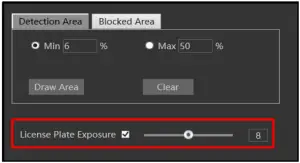
Provision-ISR
Headquarters: 11 Atir Yeda St, Kfar Saba, Israel
Postal Code: 44425
Tel: (972-9) 741 7511 Fax: (972-9) 745 7182
Web: www.provision-isr.com