
LYNX
TRUE WIRELESS EARBUDS
QUICKSTART GUIDE

GETTING STARTED
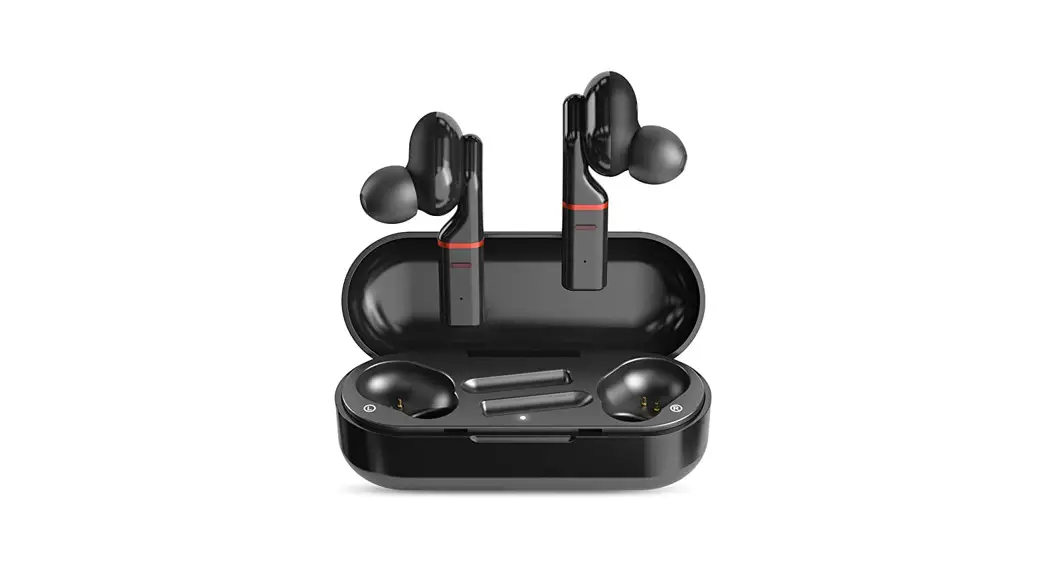
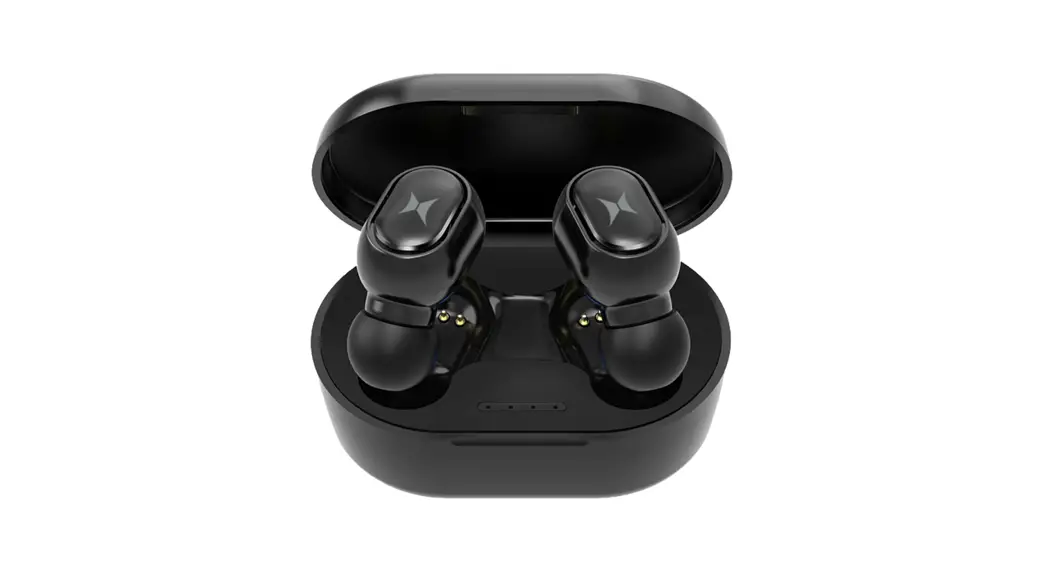
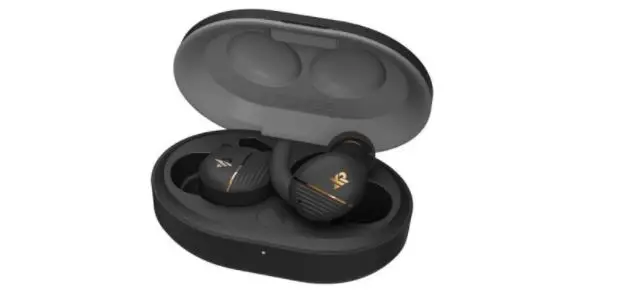
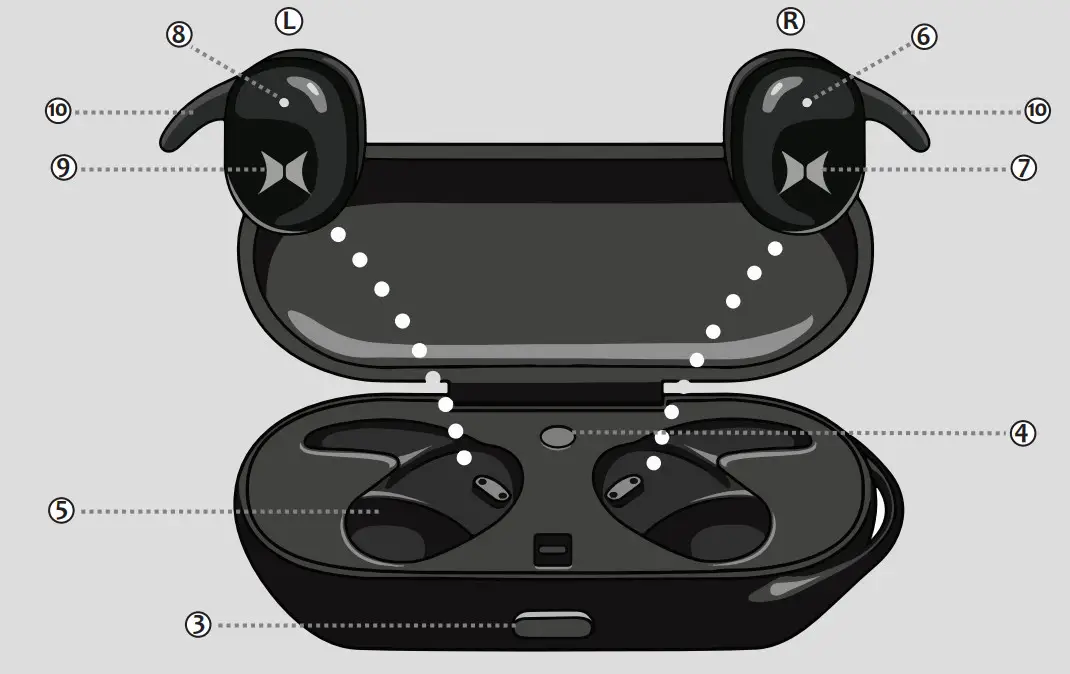
| 1. Micro USB charging port. 2. Battery level LED indicator. 3. Lid release button. 4. Battery level check button 5. Charging Cradle | 6. Right earbud LED indicator 7. Right touch press control button 8. Left earbud LED indicator. 9. Left touch press control button 10. Ear wing (S, M, L) |
L Left Earbud
Pause/Play/Hangup/Answer call, Previous
Track, Volume Down
R Right Earbud
Pause/Play/Hangup/Answer call,
Next Track (Hold for 2 seconds), Volume Up
CHARGING YOUR CASE
— Charge on the go charging case, with the included micro USB cable for 2-3 hours.
— When all LEDs are illuminated battery case is fully charged.
— To check the battery level, press the power indicator(4) button located inside the case.
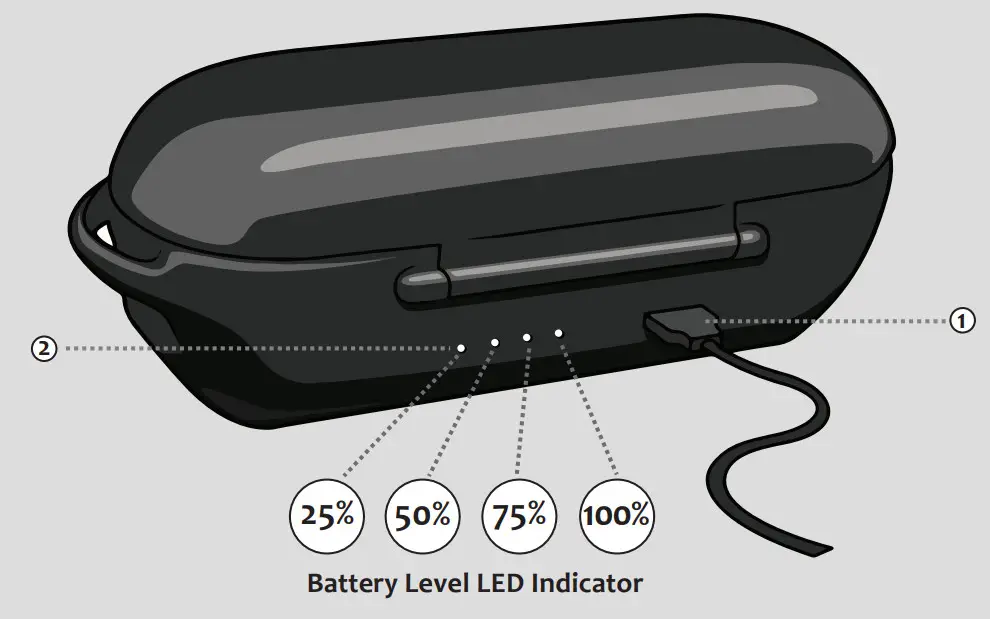 RED– Charging Flashing BLUE– Link Mode Solid BLUE– Paired Flashing RED – Battery Low
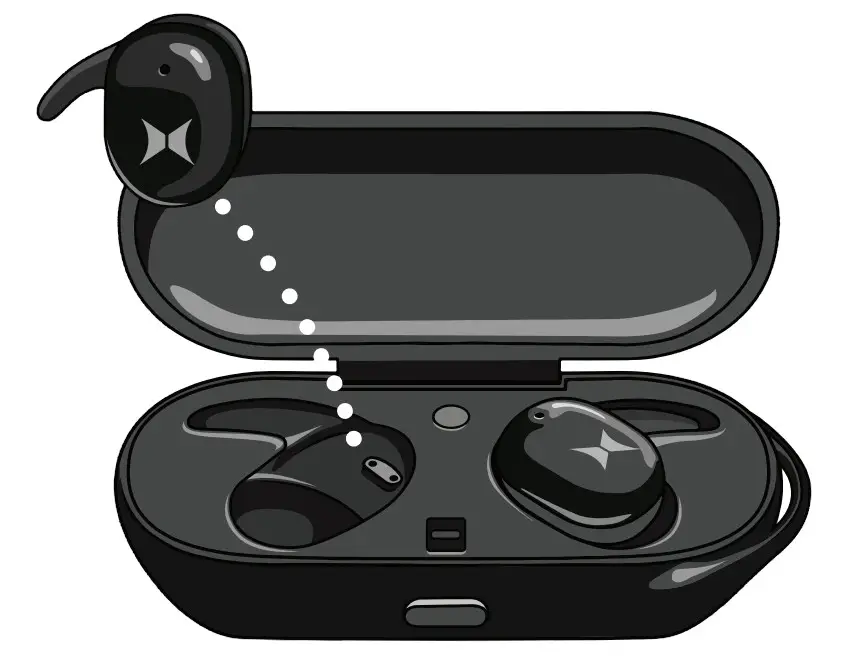
— Place Right and Left Earbuds in battery case charging cradle (5) to properly charge.
— Earbuds LED indicator will illuminate Red to indicate that they are charging properly. When LED turns off (6) earbuds battery is fully charged.
POWERING ON
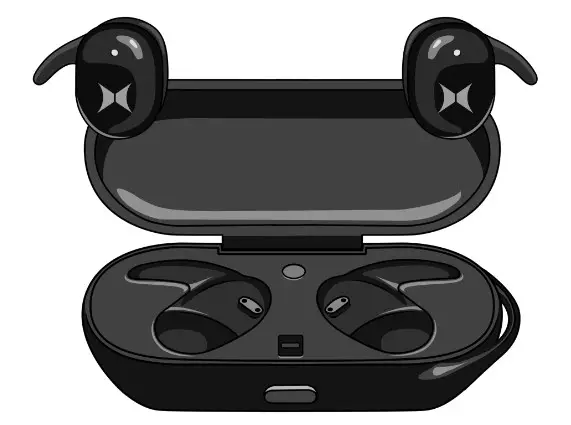
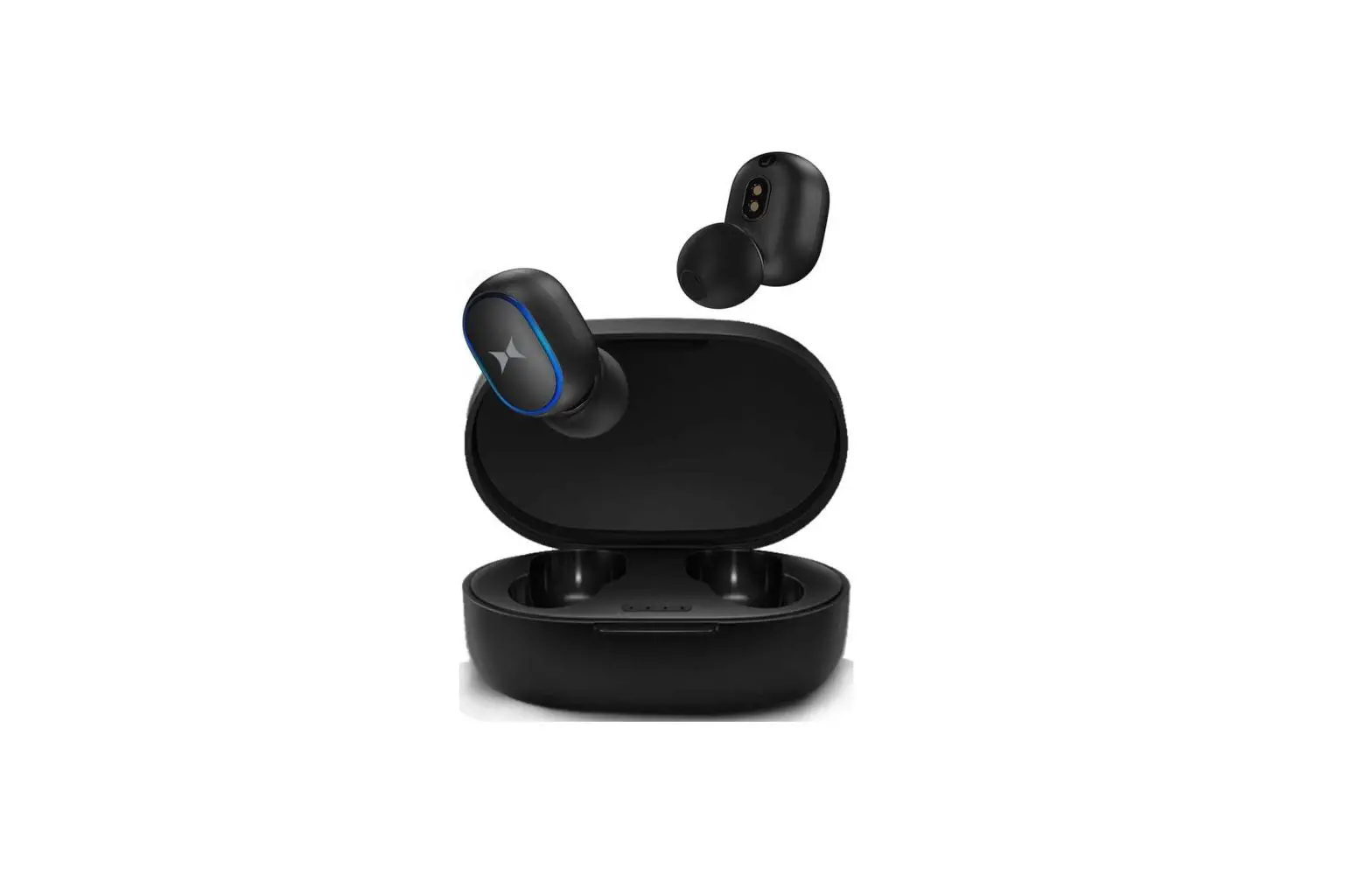
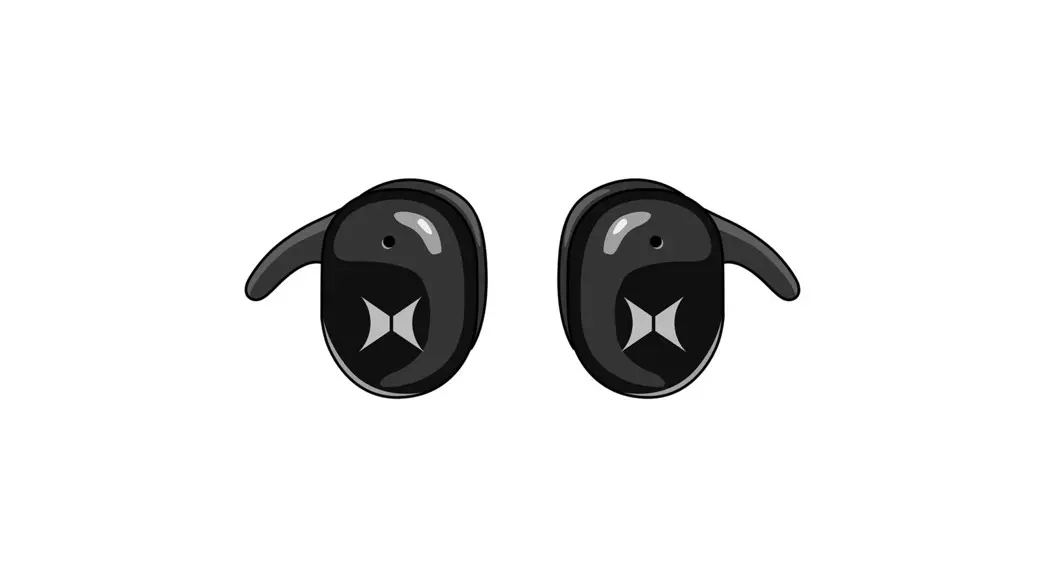
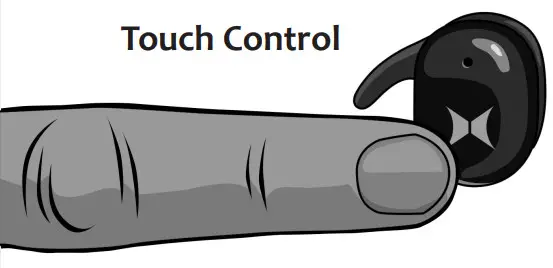
— Remove both earbuds from the charging cradle (5) and power on by touch pressing the “X” logo for 3 seconds(7).
— Earbuds will flash Blue to indicate that they are in Link mode. Right & Left earbuds will automatically link together and LED on both earbuds will remain solid(7)(8).
EARBUD PLACEMENT
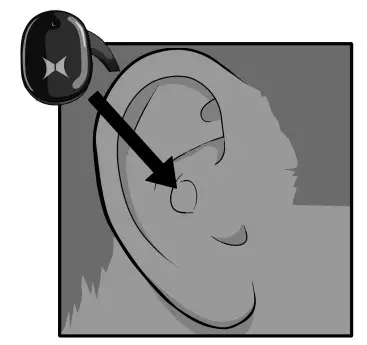 | 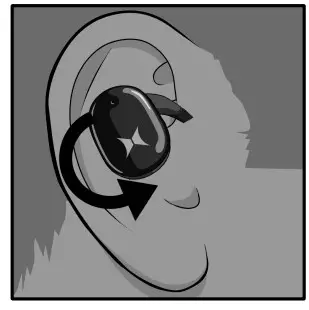 | 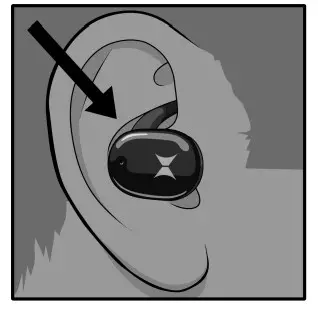 |
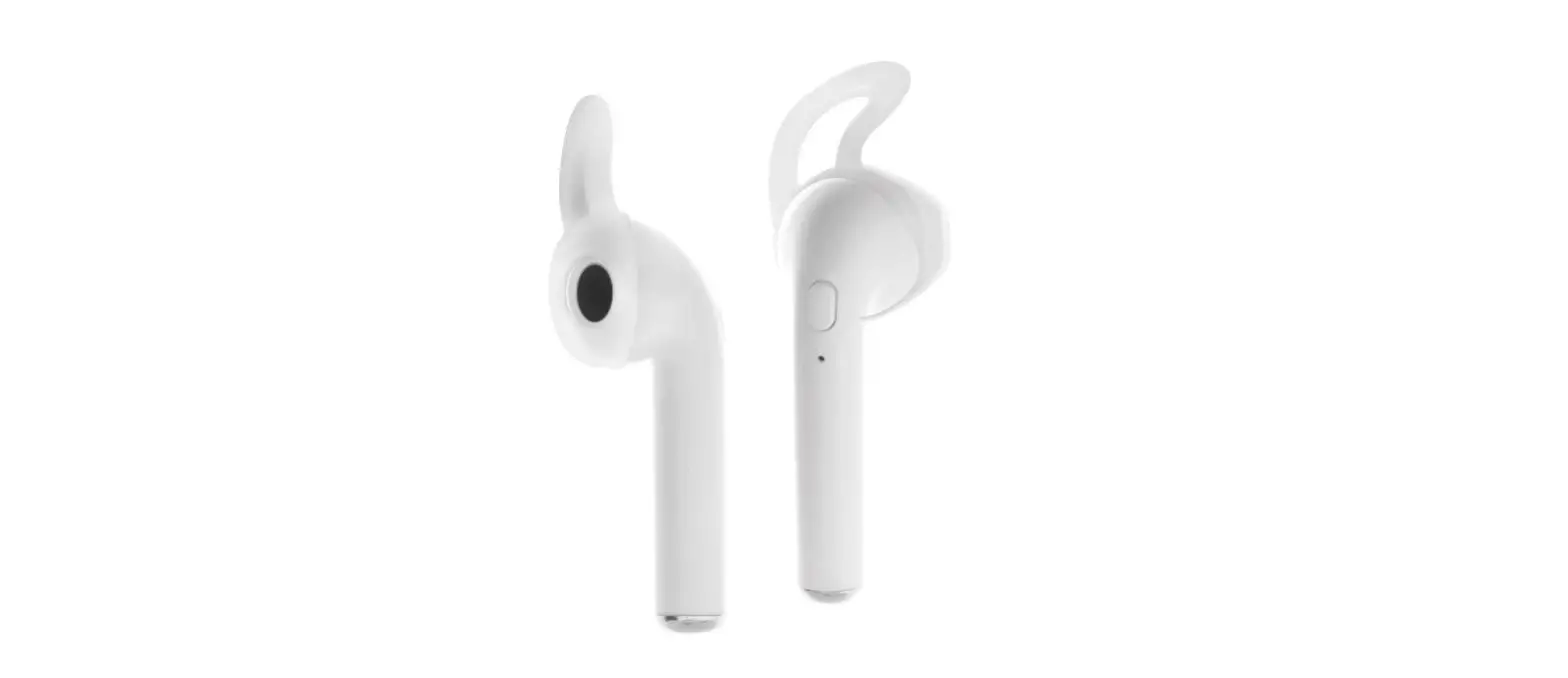
| Insert Insert the earbud into your ear. | Rotate Rotate the earbuds to fit snug inside your ear canal. | Tuck Tuck the tip of the earring (10) into the ridge of your ear. |
*Note: Please avoid touching the “X” logo while positioning in-ear, to prevent the earbuds from unintentionally powering down.
PAIRING
— Enable Bluetooth search mode on your mobile device and search for pairing name “LYNX-R” or “LYNX-L”, and select it on your mobile phone. Once the earbuds are successfully connected a notification will sound.
— Now you can enjoy your truly wireless Bluetooth Earbuds.
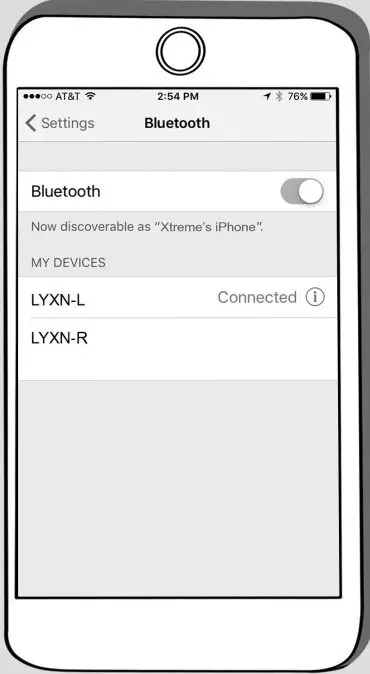
*Note: Once earbuds have been initially paired successfully with your mobile device they will automatically pair the next time they are powered on.
OPERATING BLUETOOTH EARBUDS
| Function | Operation |
| Power On | Hold L or R for 3 seconds |
| Power Off | Hold L or R for 5 seconds |
| Play/Pause | Single tap L or R |
| Answer/Reject | Single tap L or R |
| Raise Volume | Double Tap R |
| Lower Volume | Double Tap L |
| Change Previous | Hold L for 2 seconds |
| Change Next Track | Hold R for 2 seconds |
| Earbuds | LED indications (Blue & Red) |
| Power On | Red and Blue LED will flash 1 second |
| Pairing | Flashing Blue |
| Paired Successfully | Solid Blue |
| Low Battery | Flashing Red |
| Power Off | Remain Off |
| Earbuds in Cradle | |
| Charging | Solid Red |
| Fully Charged | Remain Off |