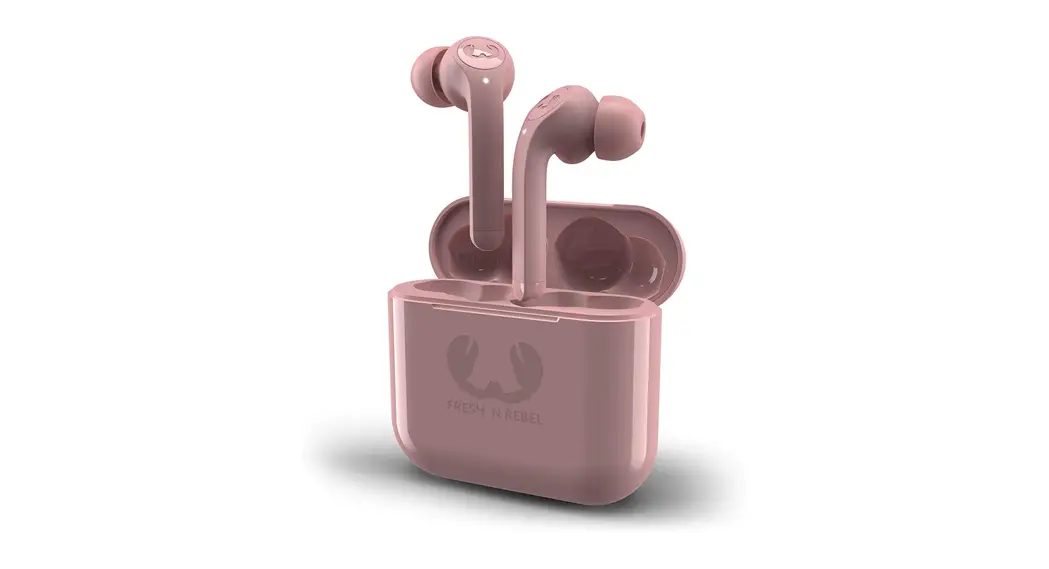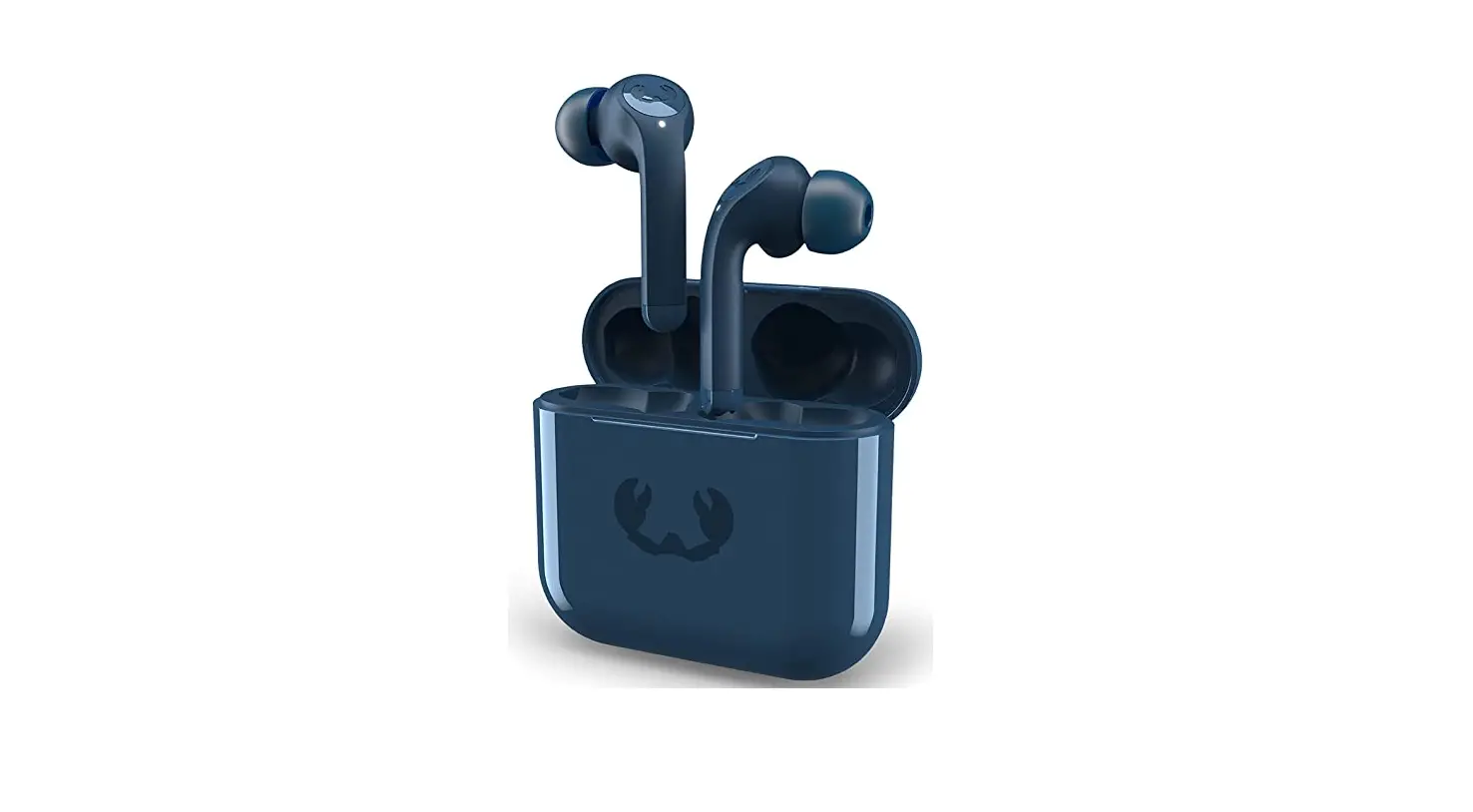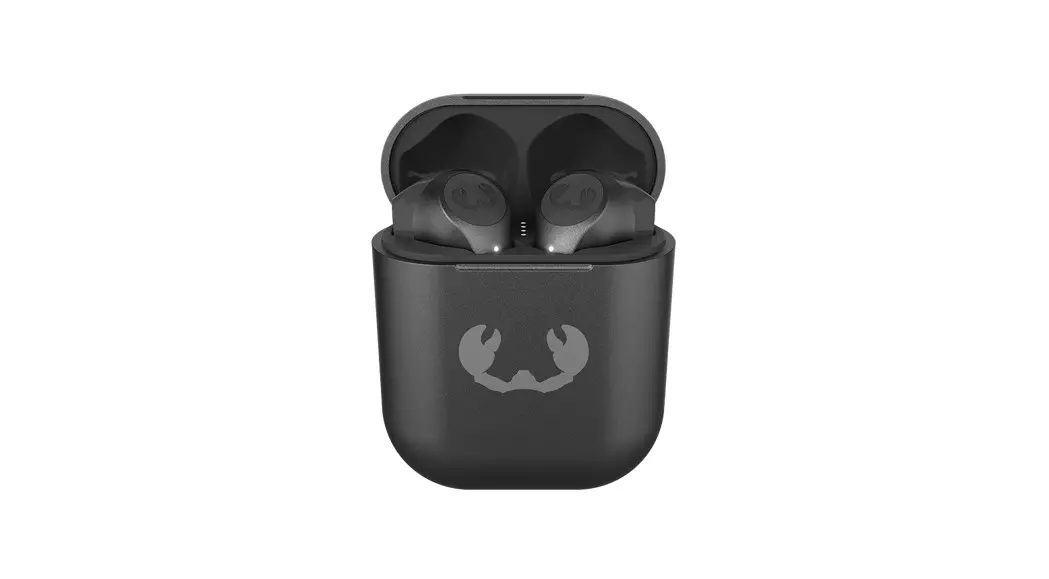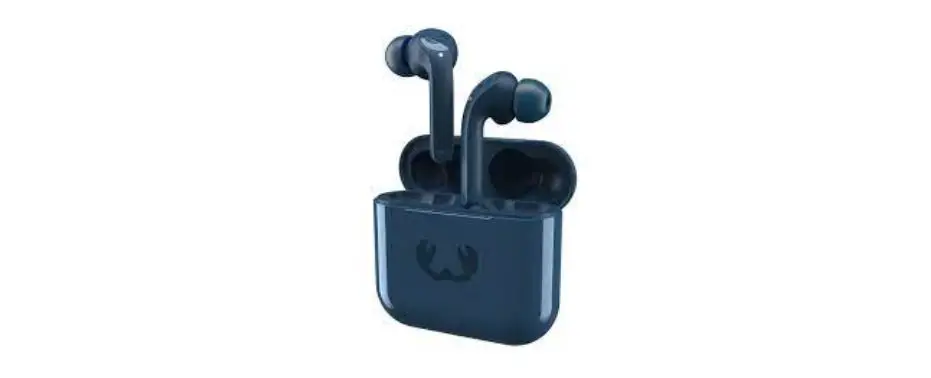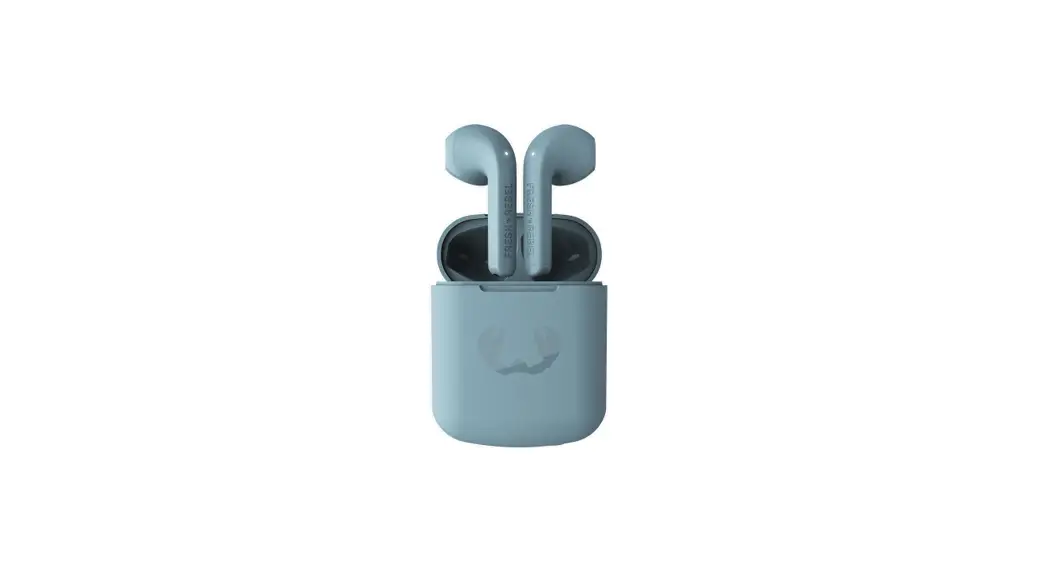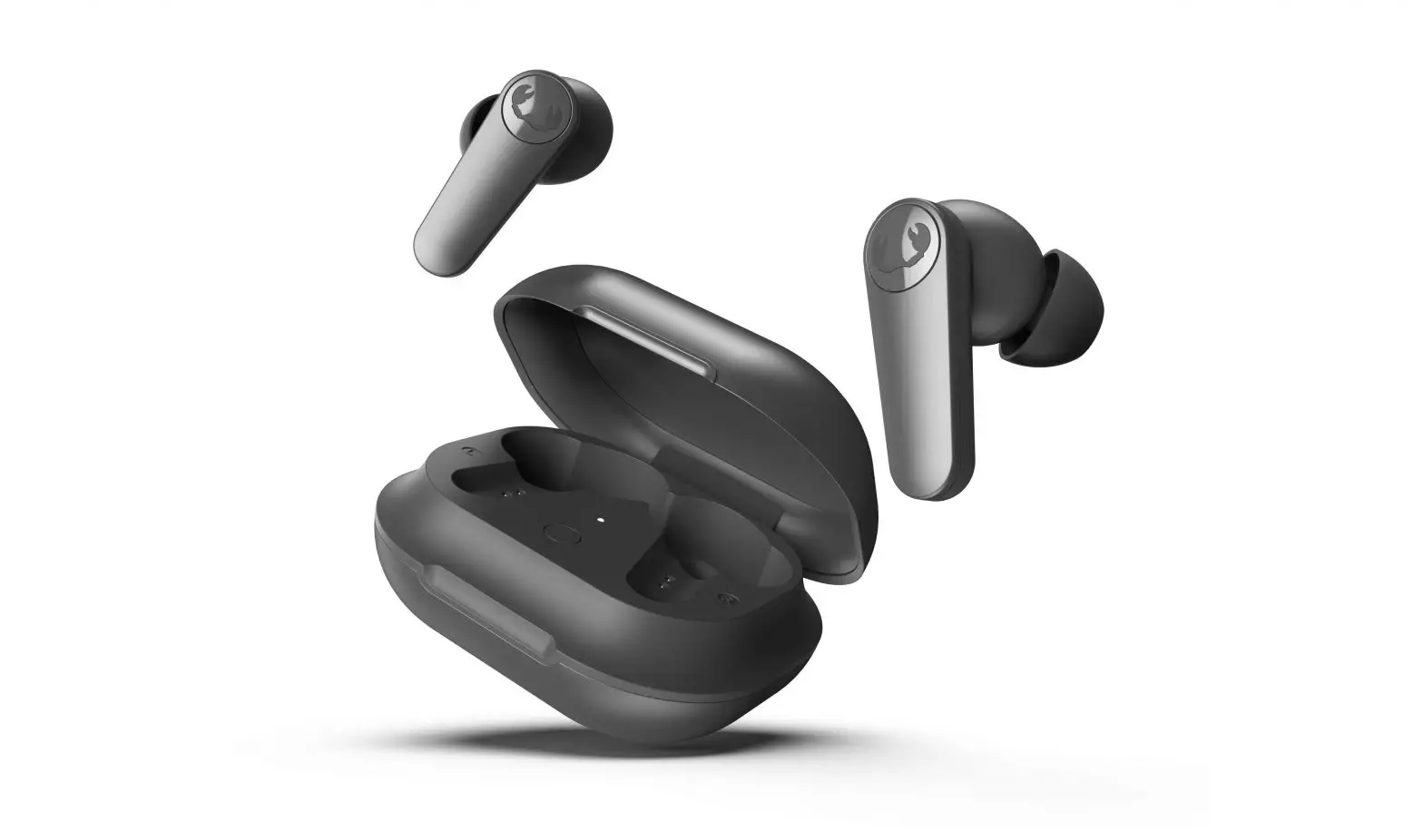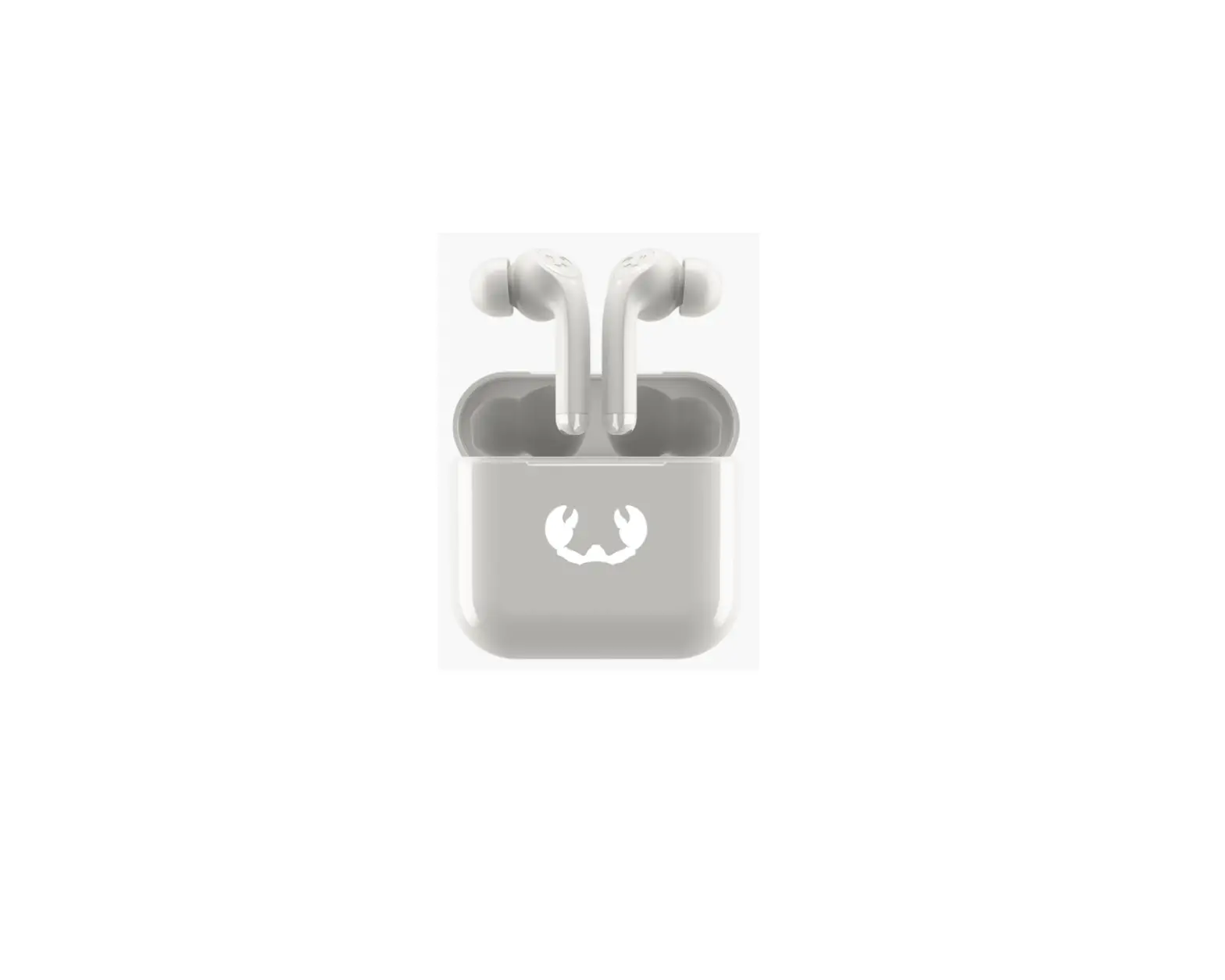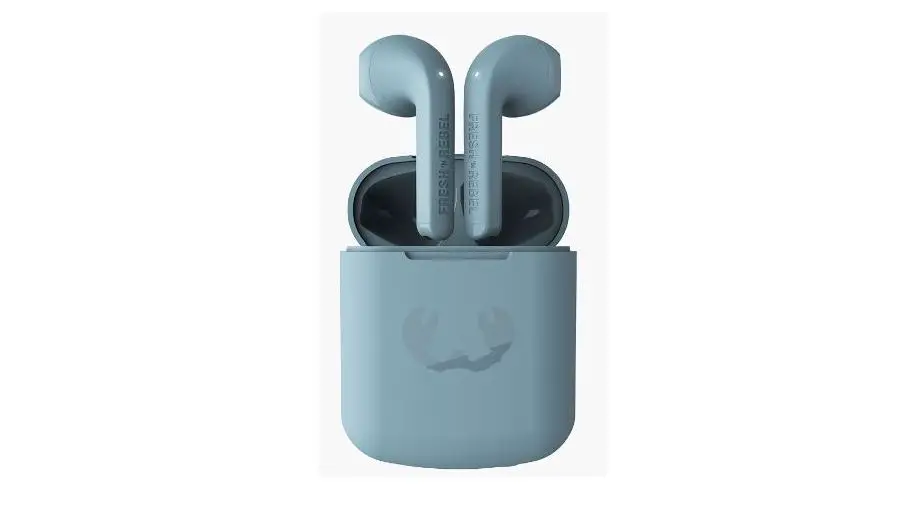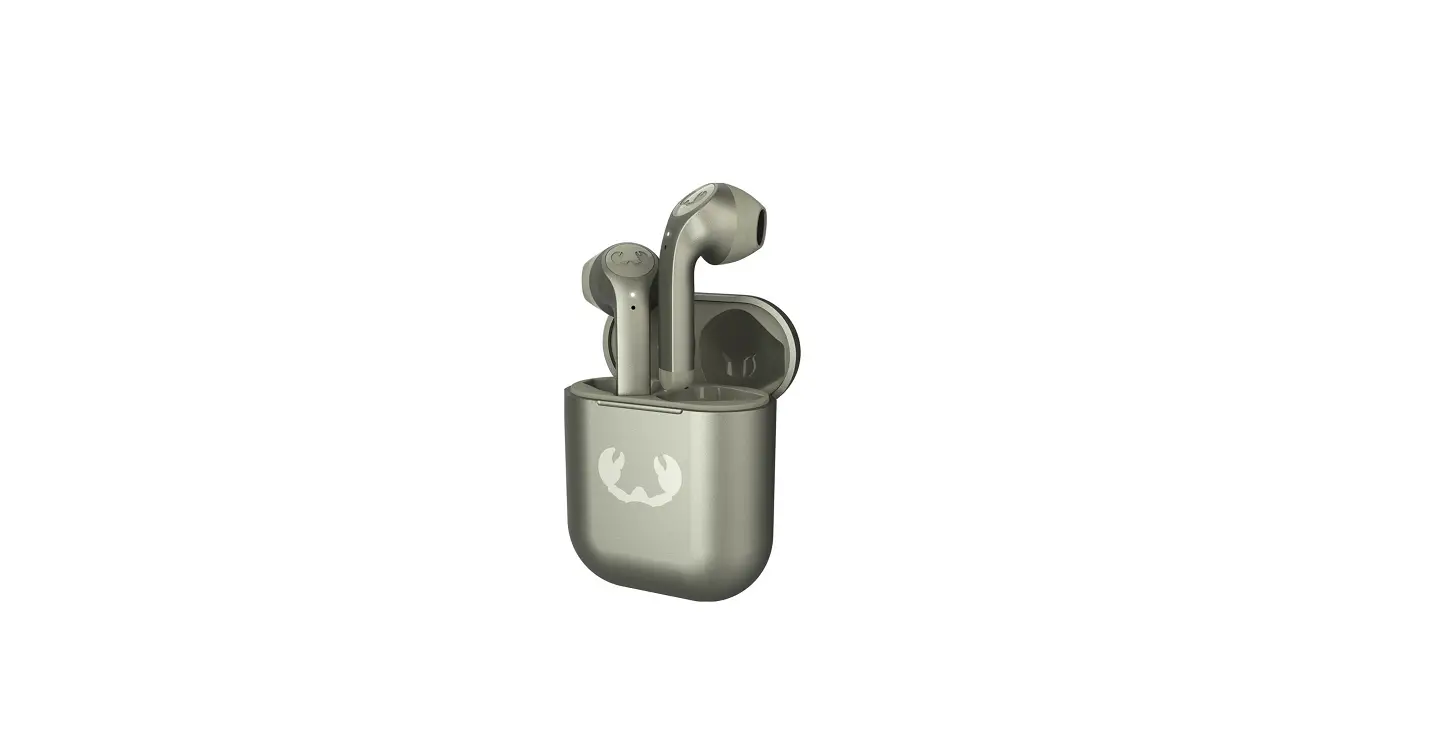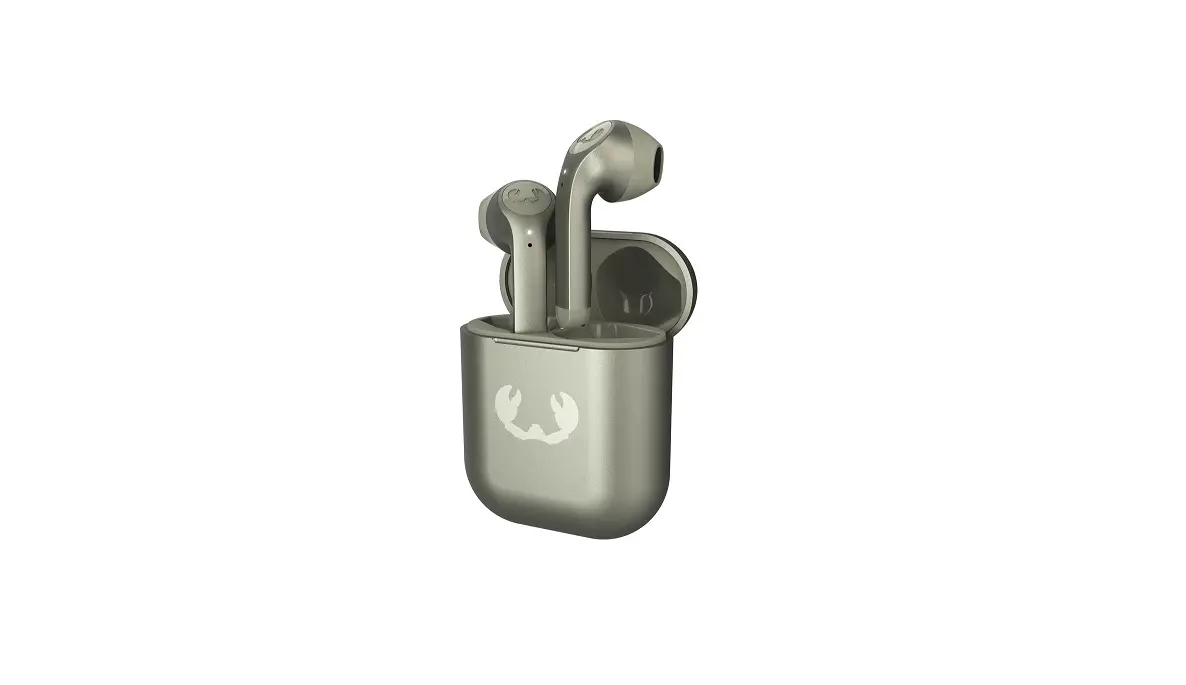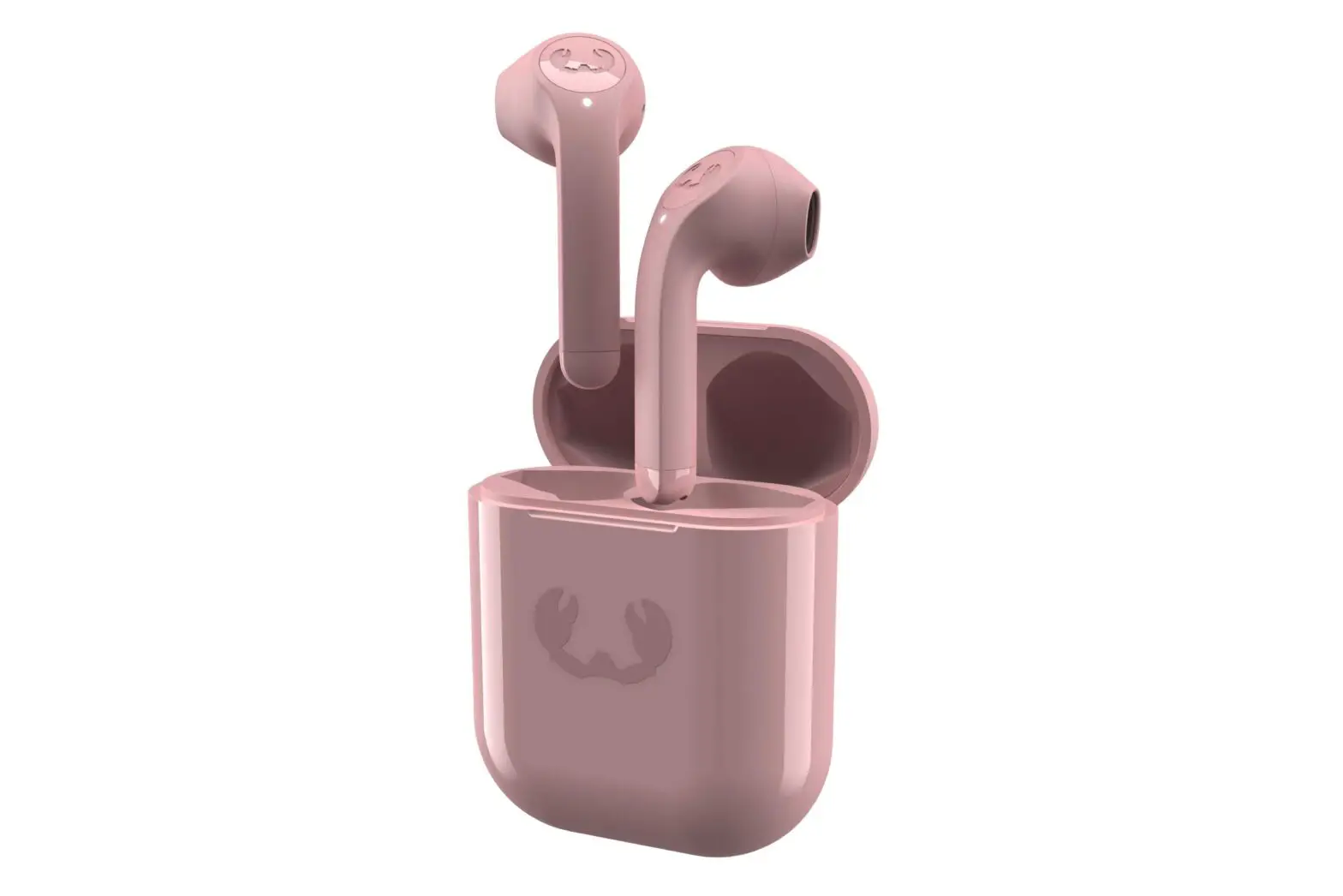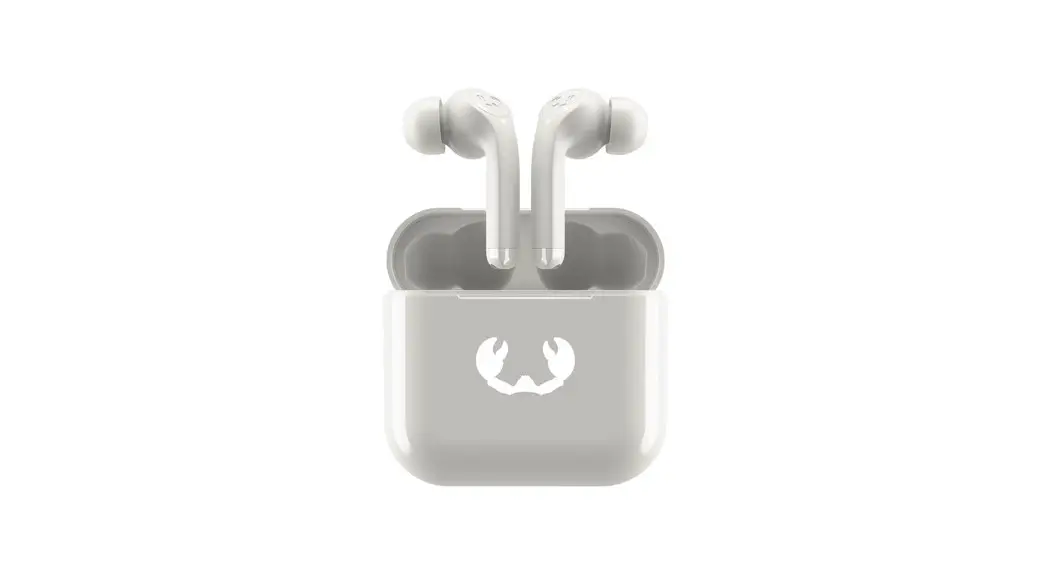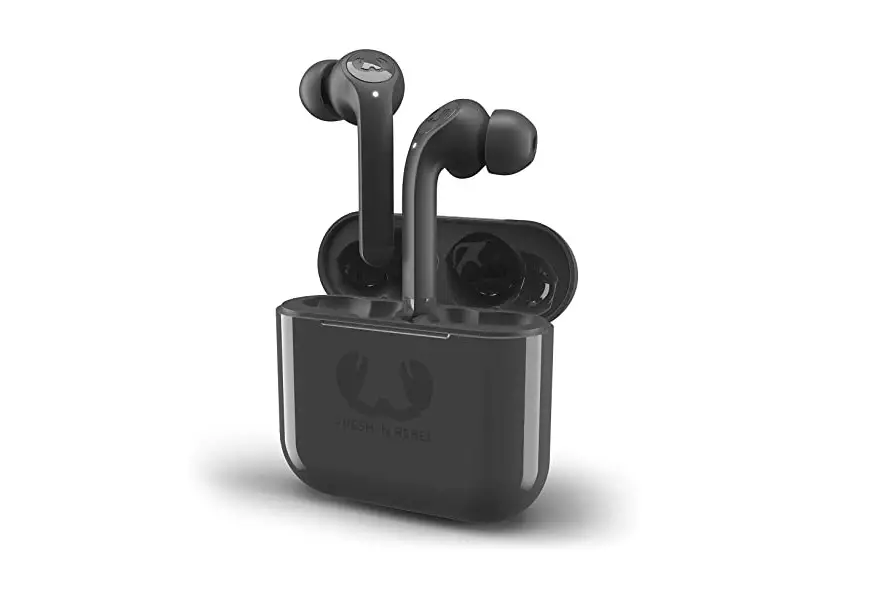
FRESH N REBEL B07XY9Y888 Twins Tip Wireless In-ear Headphones User Manual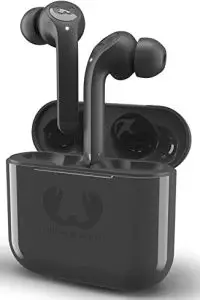
FAST AUTO PAIRING
Connecting the Twins for the first time?
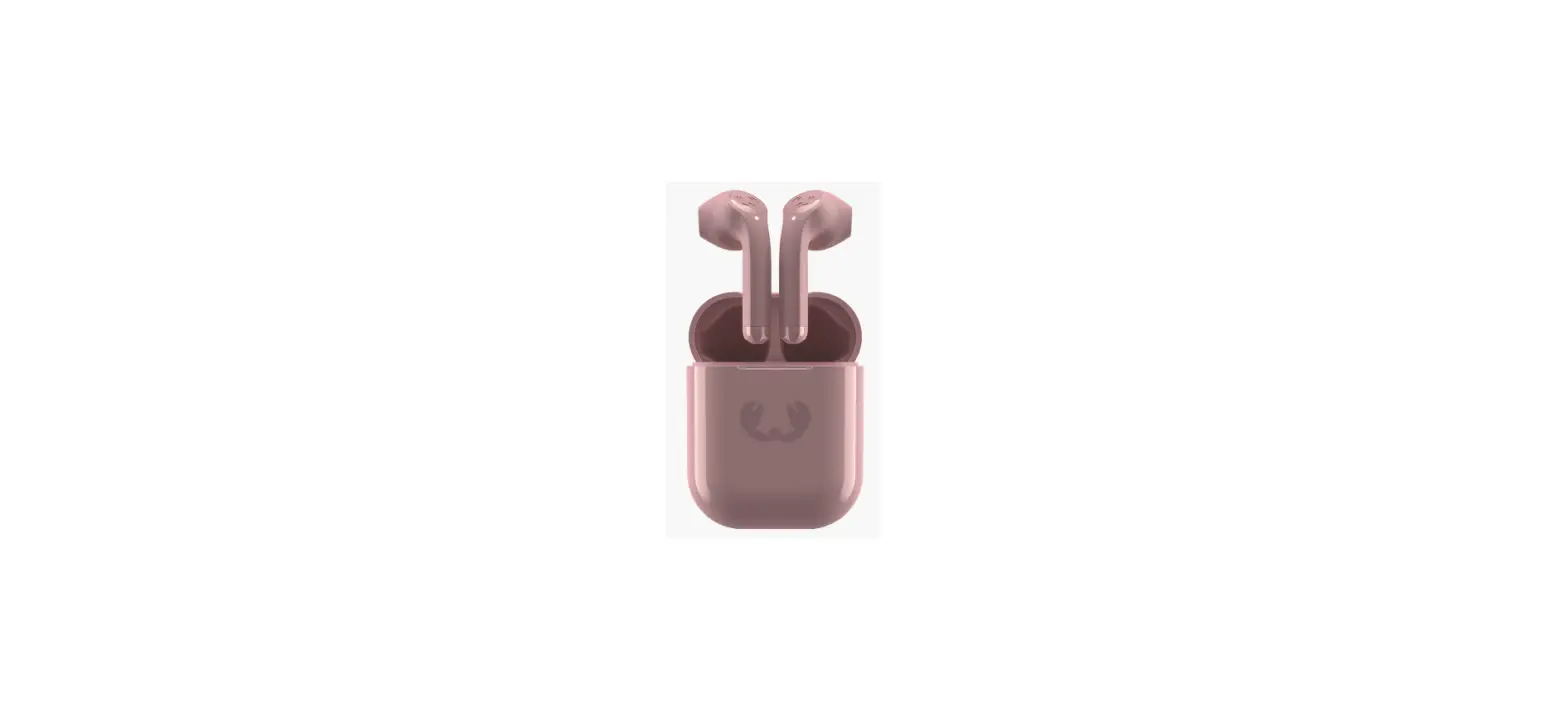
Simply open the charging case, turn on Bluetooth on your device and wait 5 seconds. The Twins (Tip) will appear on your device and you can connect via Bluetooth.
Every next time you take the earbuds out of the charging box, they will automatically turn on and connect to your phone within seconds.
When you put them back, they will disconnect and turn off.
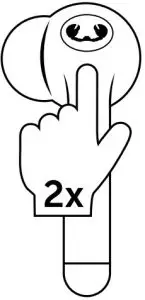
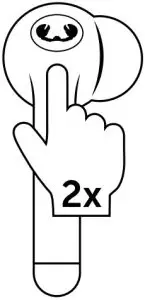
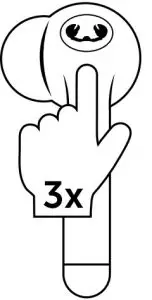
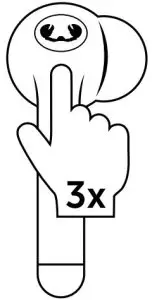
TOUCH CONTROLS
- Voice assistant

- Left

- Right
- Play/pause

- Previous song

- Left

- Right
- Next song





LED BEHAVIOUR
Earbuds
- Blinking very slowly → Connected
- Blinking →Searching for connection
- Blinking very fast → Earbuds are reconnecting to each other
Case (outside)
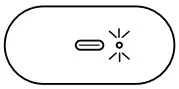
- On → charging with cable or wirelessly
- Off → done charging/not charging
Case (inside)
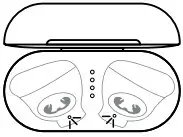
- Battery indicator:
| 1 LED | blinking | Case needs to be charged |
| 1 LED | 0-25% | Battery remaining in case |
| 2 LEDs | 25-50% | Battery remaining in case |
| 3 LEDs | 50-75% | Battery remaining in case |
| 4 LEDs | 75-100% | Battery remaining in case |
FEATURES
Playtime earbuds: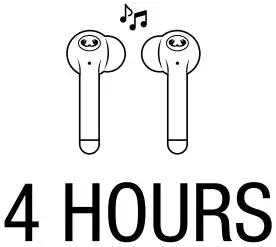
Total playtime: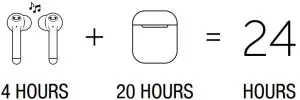
Recharging earbuds: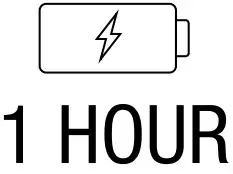
Recharging case::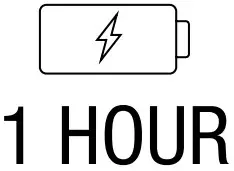
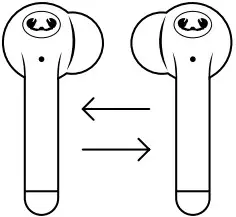
Double Master:
- Use the left and right earbuds separately or together.

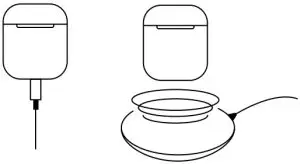
Wired & wireless charging:
- USB-C cable included. Charging pad not included

HOW TO DO A RESET
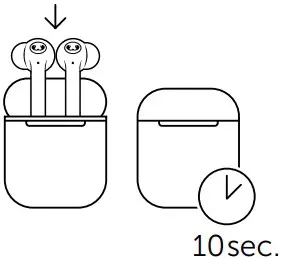
- Put the earbuds back in the case, close the lid and wait 10 seconds.

- Disable all Bluetooth devices that automatically connect to your Twins.

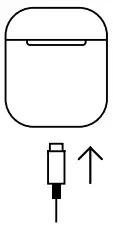
- Connect the charging cable to the case.

- Check if the small LED next to the USB-C port lights up.

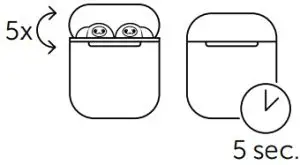
- Open and close the case at least 5 times in 5 seconds.

- The LEDs on the earbuds will now start to blink rapidly. Wait until this stops and test the earbuds again. You may need to pair the Twins again to your device.

- All set!




 Fresh 'n Rebel | On-trend mobile Must-Haves | 2 years warranty