
SUPPORT
[email protected]
QUICK START GUIDE
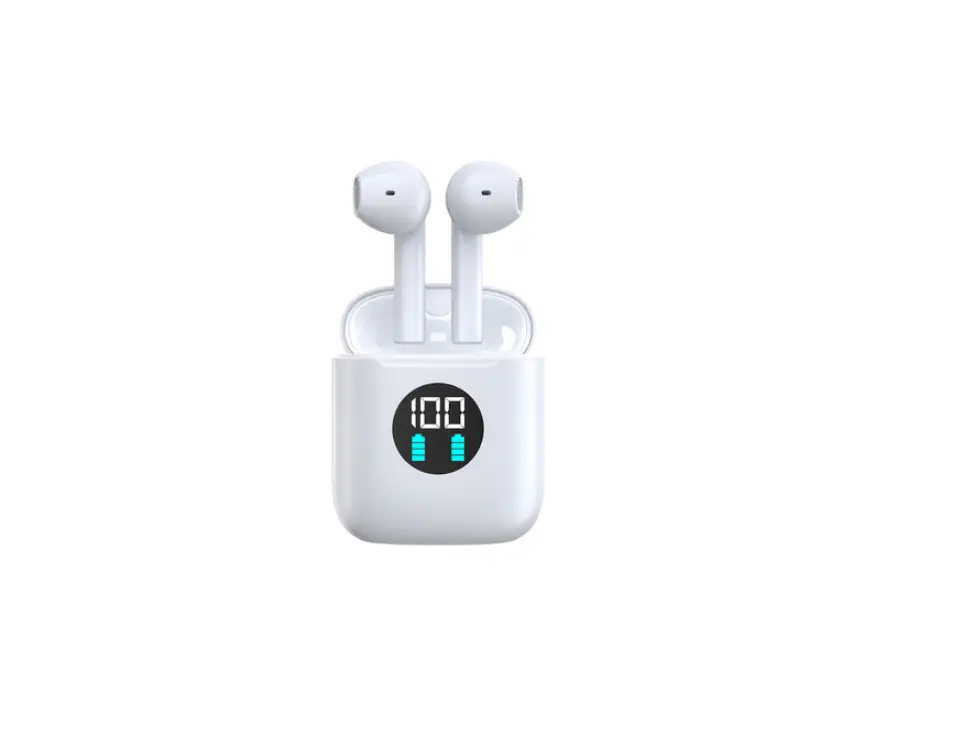
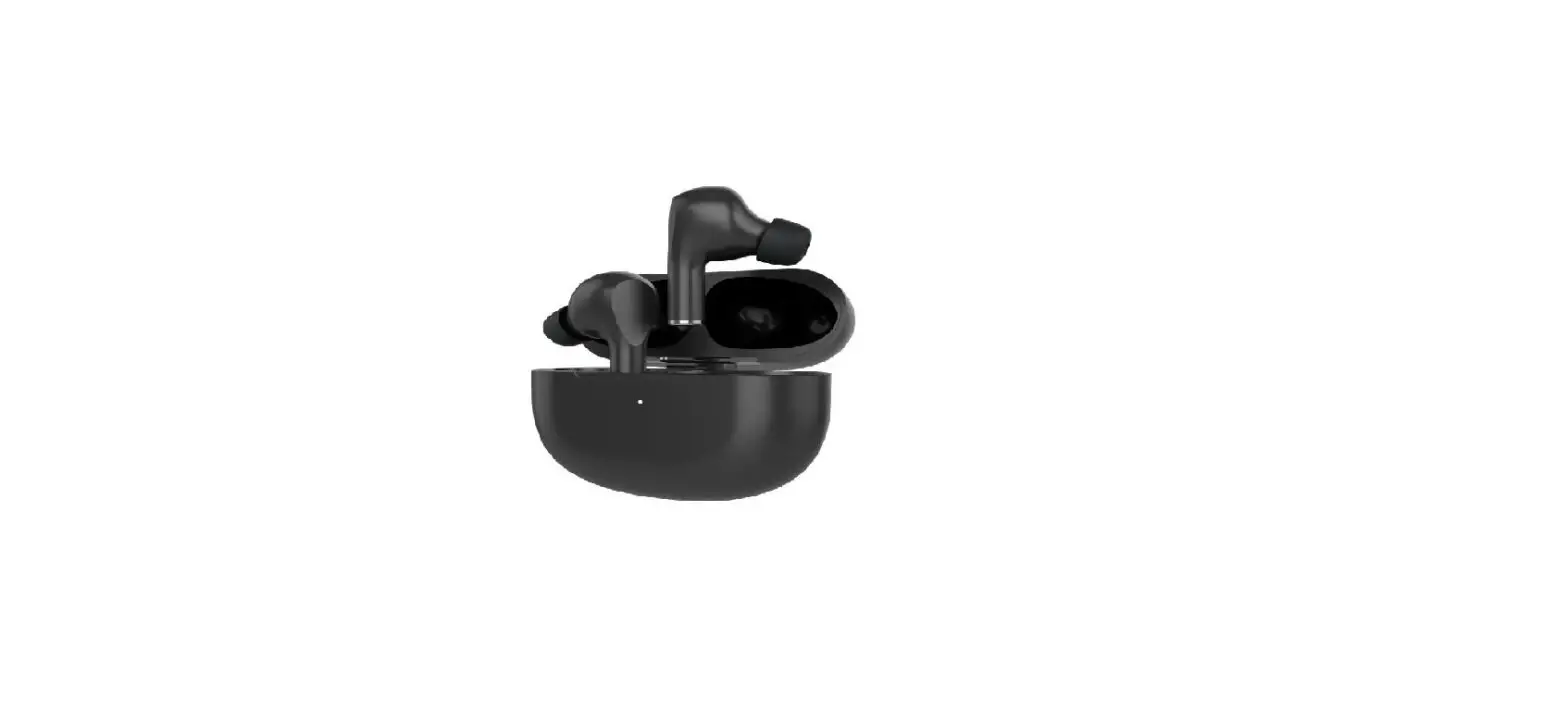
KTWS1OW
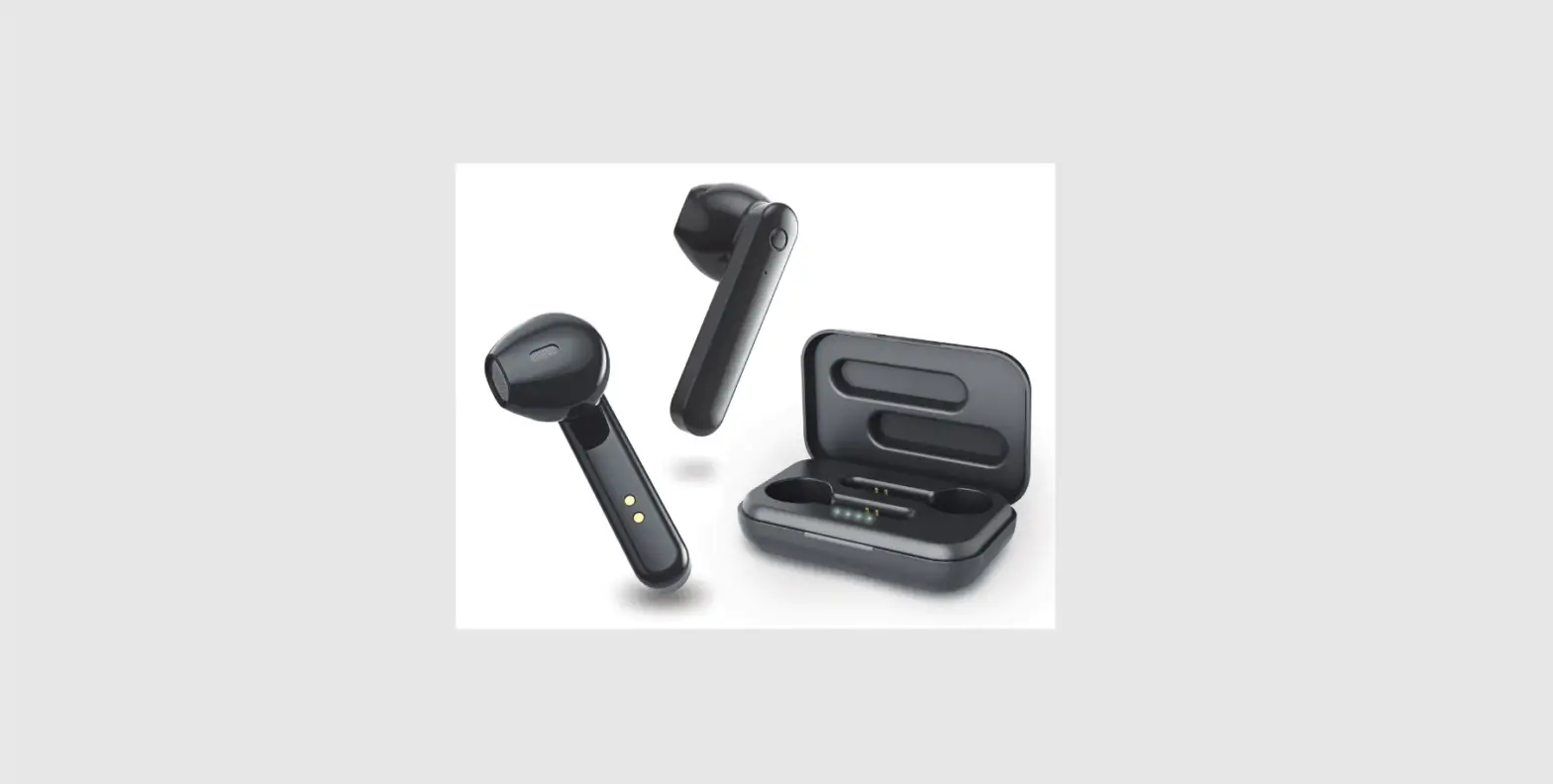
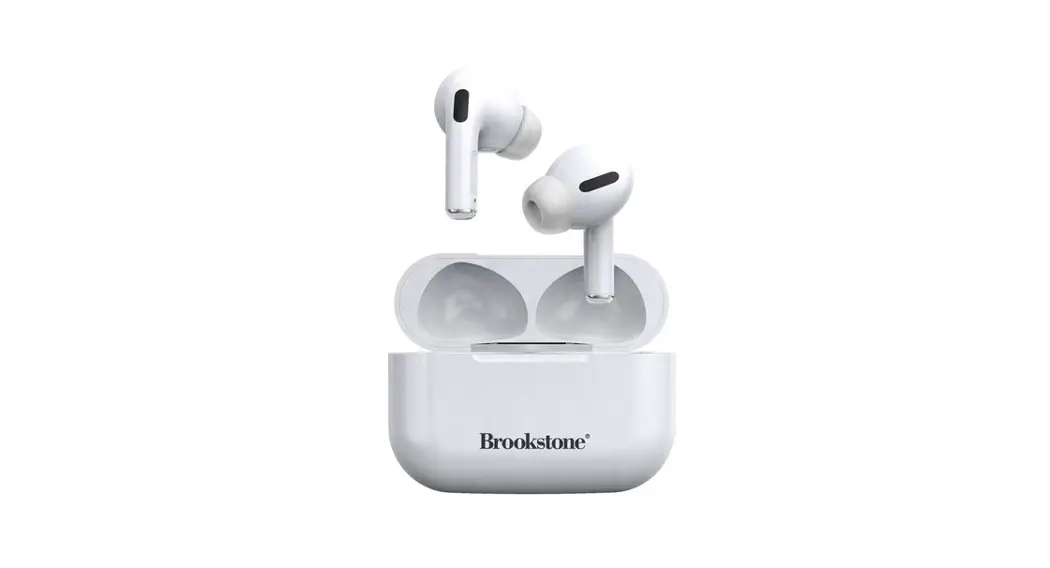
PRODUCT OVERVIEW
WARNINGS
Read the below warnings thoroughly before you start using your earphones. Store this quick start guide and warranty alongside product packaging. The safety precaution instructions reduce the risk of fire, electric shock, and injury when correctly complied with.
To reduce the risk of Injury:
- Keep batteries out of reach of children.
- Do not heat, open, or dispose of the battery pack in a fire.
- Do not allow metal objects to touch the battery on the device.
- Do not expose the battery pack to excessive heat.
OPERATION INSTRUCTIONS
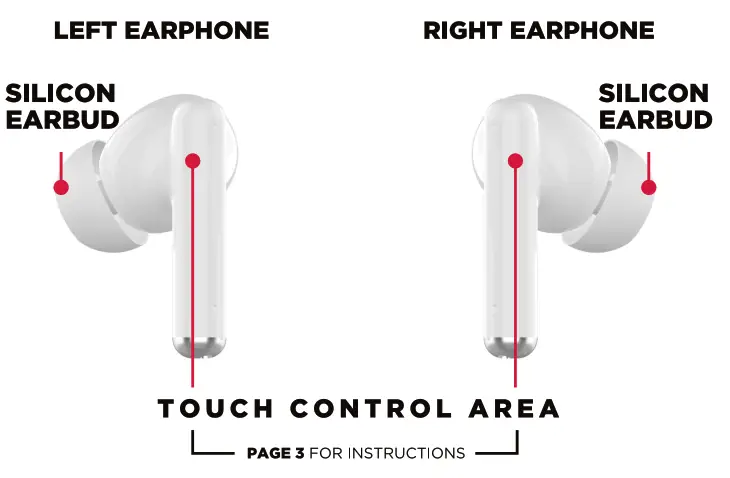
TURN ON When you remove the earpod from the charging case i t will automatically turn on or
Press and hold the earpod touch control area for 3 SECS to turn on.
TURN OFF When you put earpod in charging case it will automatically turn off or
Press and hold the earpod touch control area 3 SECS to turn off.
PAIRING
First-Time Pairing – Make sure you take out BOTH earphones from the charging case, they will turn on and pair with each other automatically. Then you can search for model KTWS10W in the Bluetooth settings on your smart device, select, and pair.
1. Go I n to Bluetooth Settings on your smart device.
3. Look for and select KTWSIOW.
4 Once paired, you can now listen to music from your smart device.
NOTE
If you have pairing issues between each earphone. Make sure one earphone is already connected to your smart device, turn off/on the other earphone for i t to auto-sync with the
the earphone that is already connected.
STILL NOT SYNCING –
If you are unable to sync earphones together please f o l l o w “RE-SYNCING EARPHONES” steps on the next page.
SMARTPHONE VOICE ASSIST
The below Voice assist instructions works depending on your operating system.
Android (Google Assist) / Apple OS (Sirl)
VOICE ASSIST Press and hold any Earpod touch area for 2 seconds to activate voice assist (Siri or Google Assist) on your smart device, then proceed to talk.
CONTROLLING MEDIA – TOUCH CONTROL AREA
The below Instructions are to be used while Listening to music.
| PLAY / PAUSE | Press (1 time) LEFT or RIGHT touch area Earpod – play or pause song. |
| PREVIOUS SONG | Press (2 times) LEFT Earpod to go to the previous song. |
| NEXT SONG | Press (2 times) RIGHT Earpod to go to next song. |
HANDS-FREE OPERATION
| ANSWER CALL | Press any Earpod touch area once (1 time) to answer calls. |
| END CALL | During a call, Press any Earpod touch area once (1 time) to end the call. |
| REJECT CALL | Press and Hold either earpod touch area to REJECT incoming call. |
| REDIAL | Press (3 times) any side earpod touch area to REDIAL the previous number. |
RE-SYNCING EARBUDS
NOTE: Make sure to unpair the EarPods from device Bluetooth Settings before proceeding.
- Double press (2 times) the touch area of either the LEFT or RIGHT EarPod.
- When EarPods successfully pair, 1 will flash BLUE/RED, other will flash BLUE only.
- You can now search and pair your EarPods to your Smart Device via Bluetooth.
SPECIFICATIONS
| MODEL | KTWSIOW |
| CHARGING CASE INPUT | 5VDC 1A |
| BT VERSION | V5.0 |
| WORKING RANGE | 10m |
| CHARGE CASE BATTERY CAPACITY | 300mAh |
| EARPODS CAPACITY | 40mAh |
| WORKING TIME | Up to 4 hours at 70% volume. |
| CHARGE TIME | 1h Earpods / 1-2 h Charging Case |
| SPEAKER IMPEDANCE | 320 |
| SUPPORTED OS | iOS / Android |
CONTENTS
- True Wireless Earpods
- 3 x Earbud silicons
- USB-C Charging Cable
- Instruction Manual
- Warranty Card
CUSTOMER SUPPORT
[email protected] – DISTRIBUTED BY: Ayonz Pty Ltd