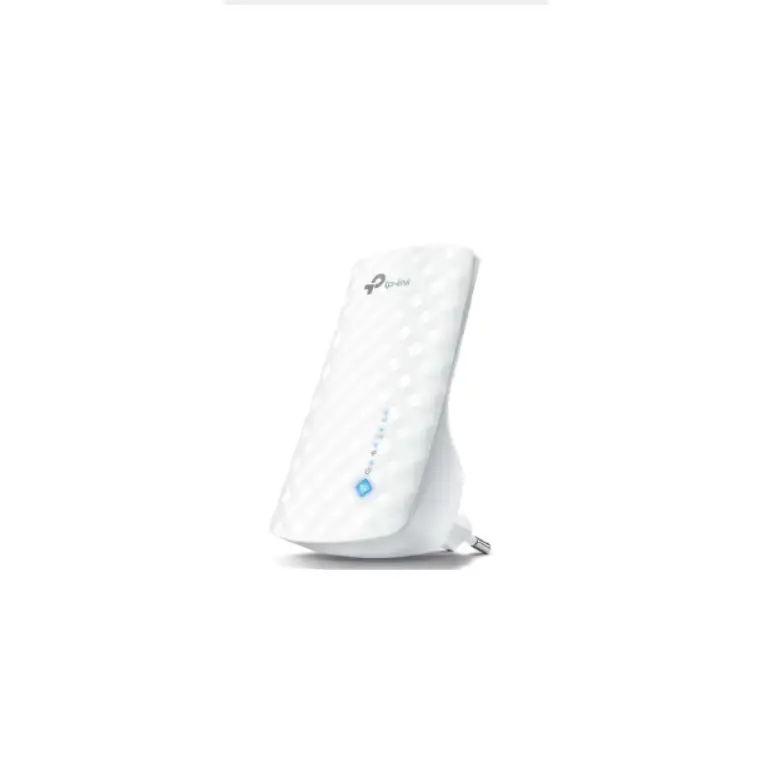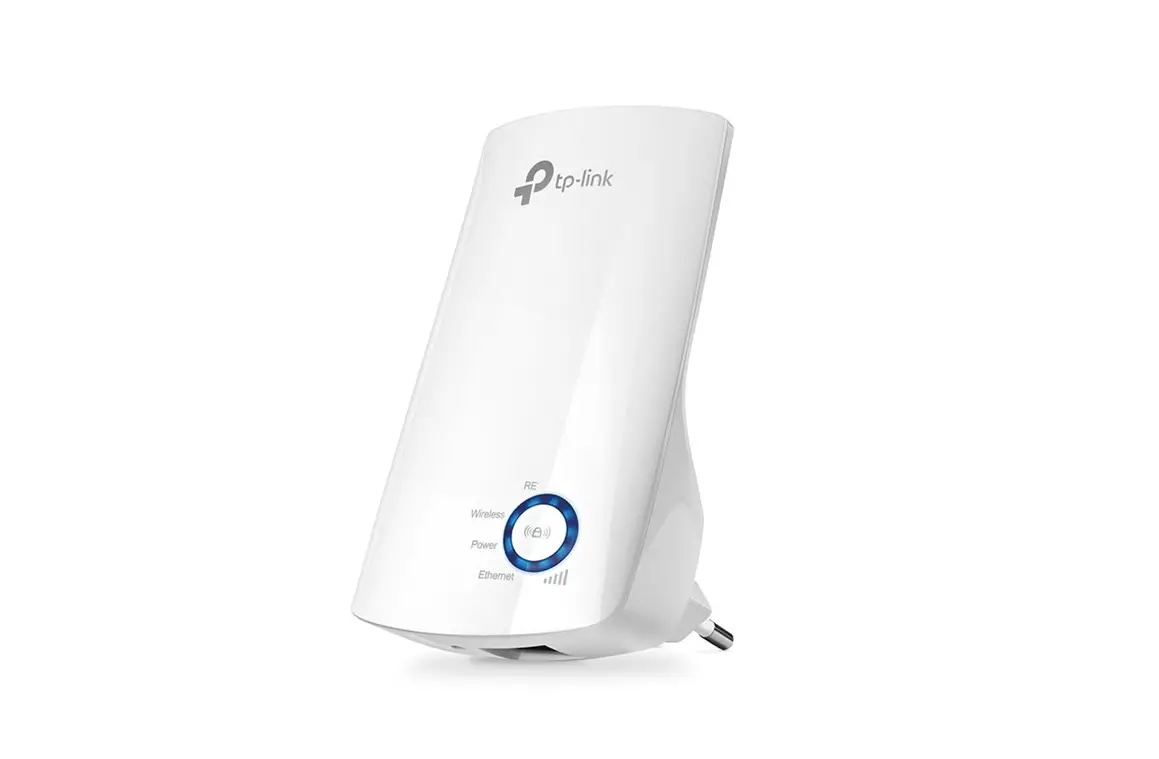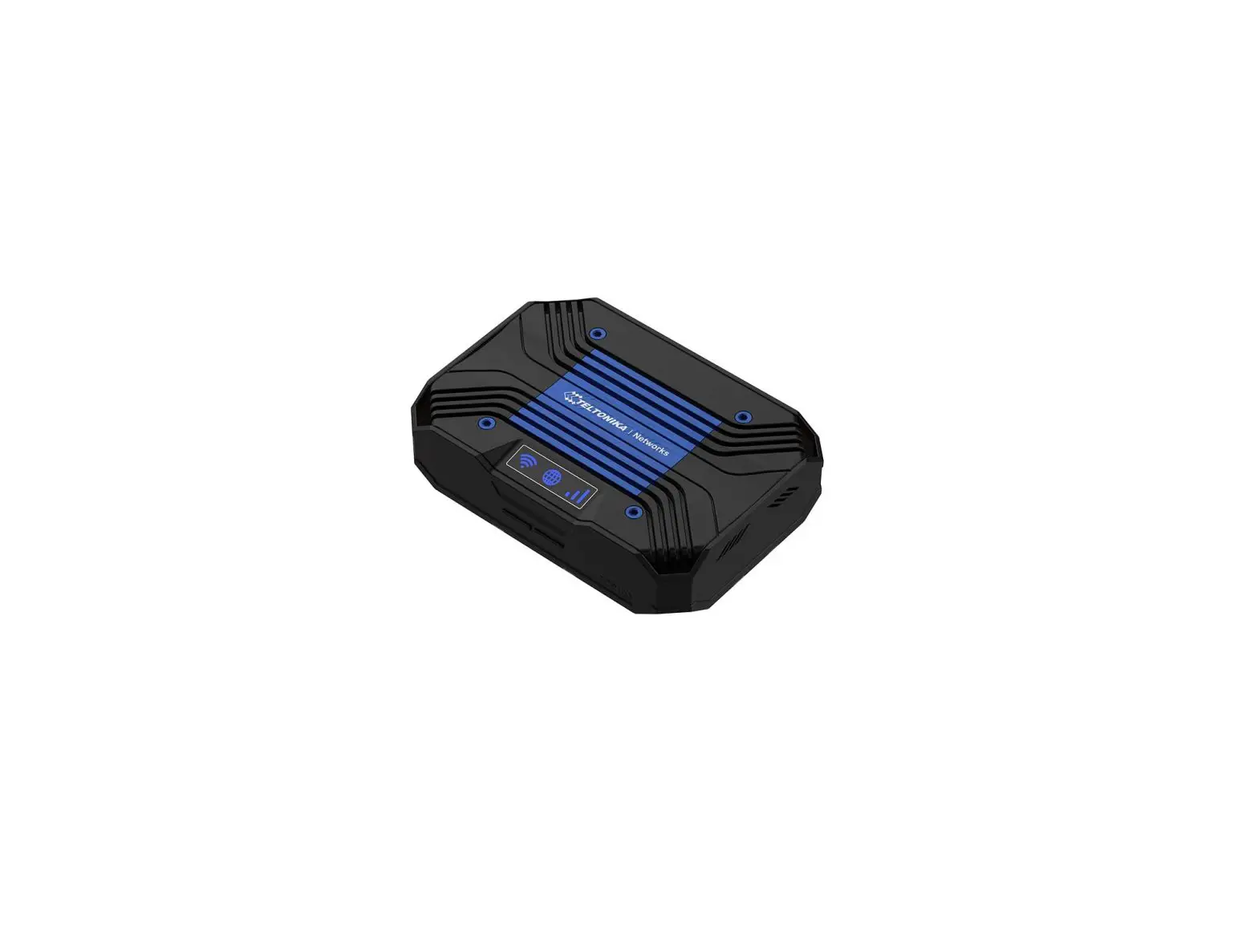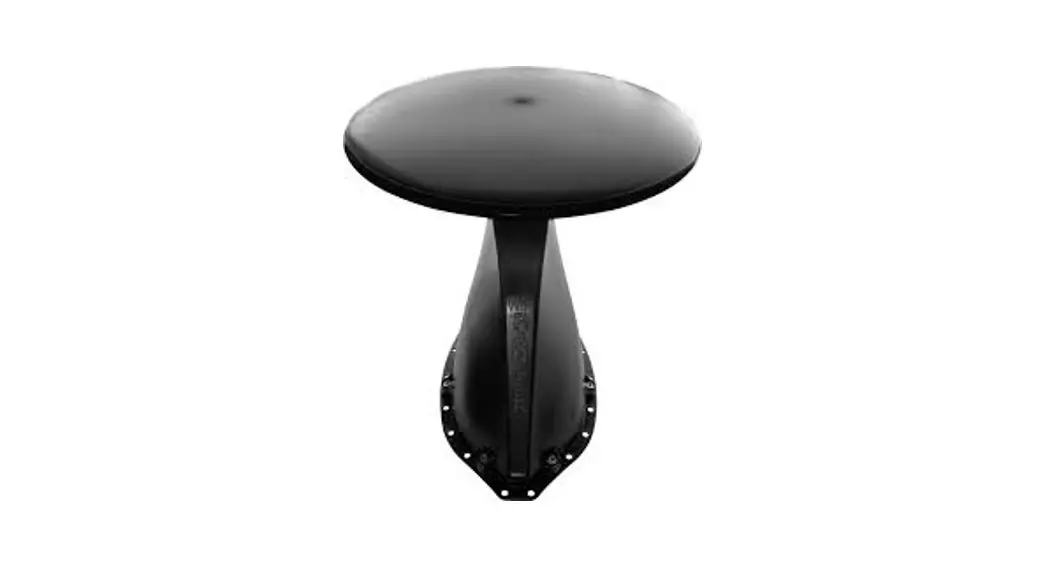

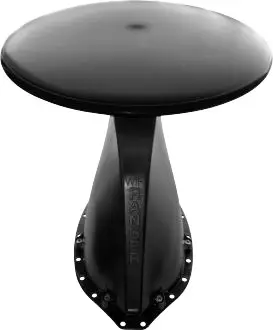
TETON HD
KEEP THIS DOCUMENT FOR CUSTOMER
QUICK START GUIDE
- Power up your Teton HD
Find the power switch for your WiFi router then turn it On, waiting 5 minutes for the router to boot up. Additional Support Resources Available online at wifiranger.com
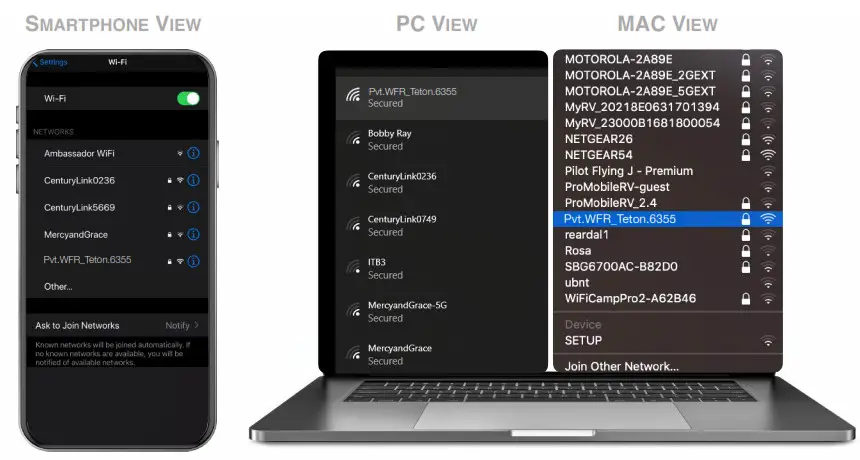
https://wifiranger.com/fr-qsg-teton-hd - Wirelessly connect your device to your Teton HD:
Pvt.WFR_Teton._ _ _ _
Note that the blank spaces need to be filled in with the 4 unique digits of your WiFiRanger Teton HD router (shown on the label next to the power switch).
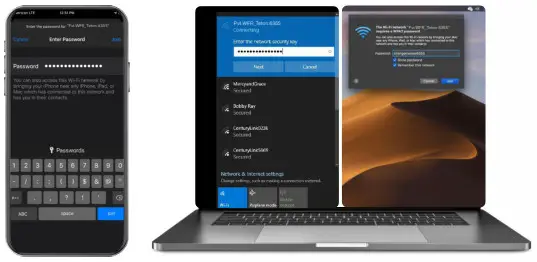
- Enter Password:
changemenow_ _ _ _
Enter the password in lower case with no spaces. Note that the blank spaces need to be filled in with the 4 unique digits of your WiFiRanger Teton HD router.
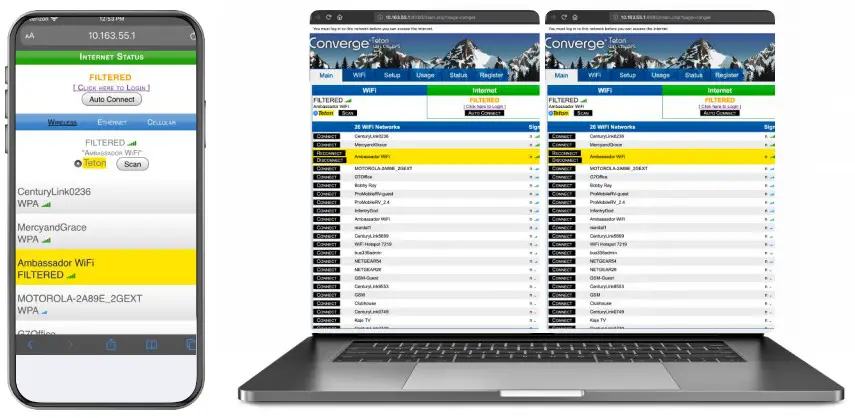
- Visit and bookmark Control Panel in a web browser (i.e. Chrome, Safari, Internet Explorer, Firefox, etc): mywifiranger.com
Alternatively, enter the direct Control Panel address which uses the following format:
10.1_ _._ _.1:8080
- Click Connect on WiFi network
For filtered WiFi networks, proceed to the captive portal or login page and enter the necessary credentials or terms of service.
Now enjoy using the internet with boosted WiFi strength and more security!
 Additional Support Resources Available online at
©2020 LinOra Corp
[email protected]
208.321.5544
QSG_FR_TETHD_v2 | 1
 - WiFiRanger