Control your home remotely with iPod touch
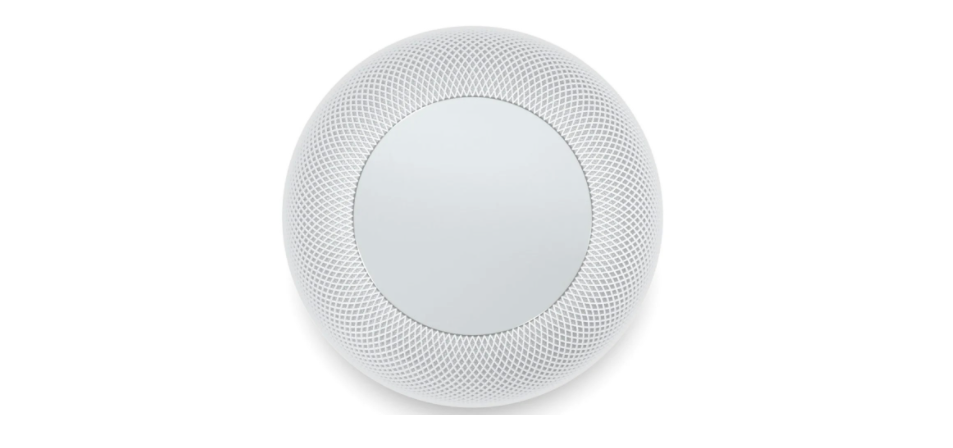
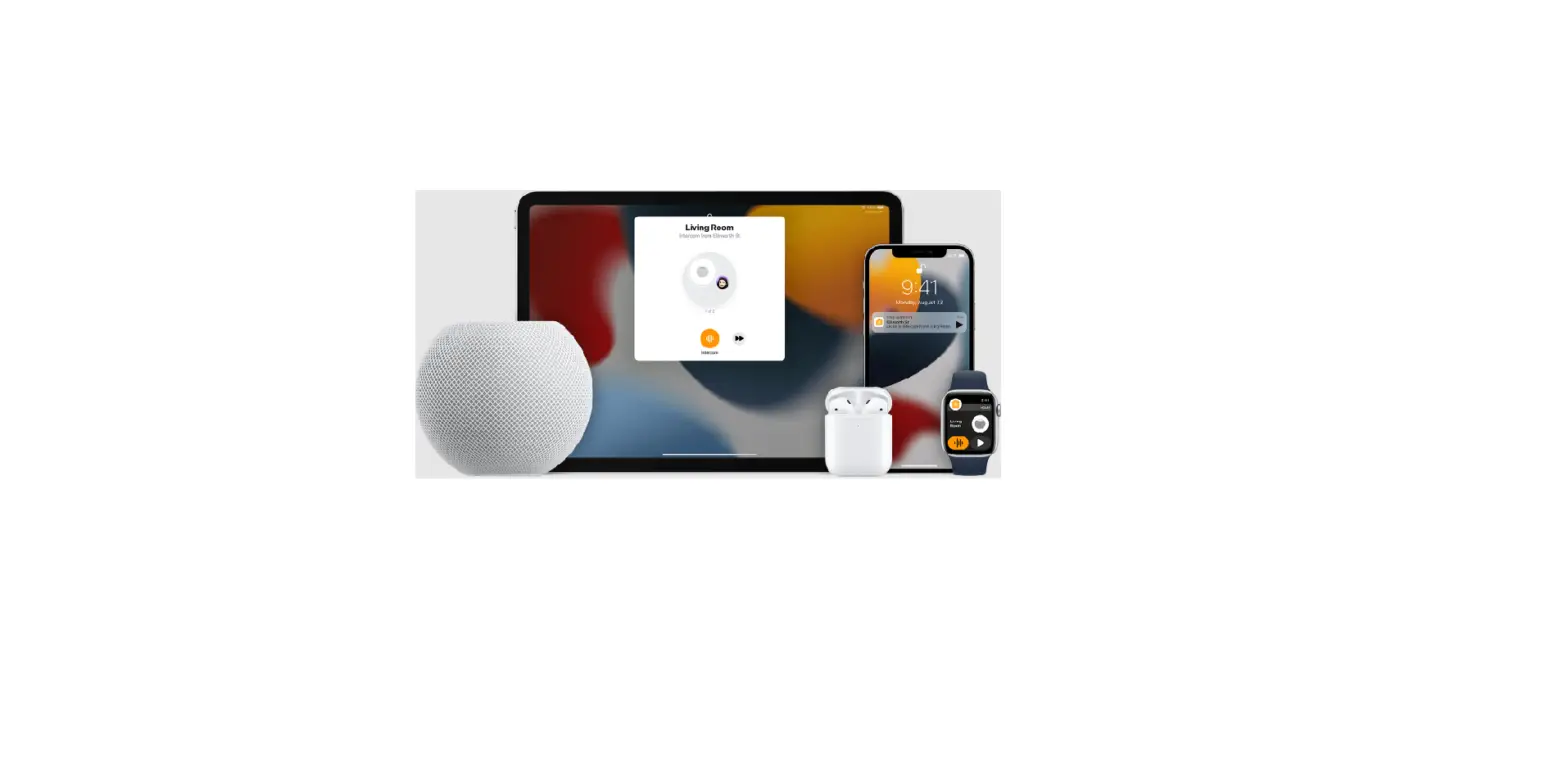
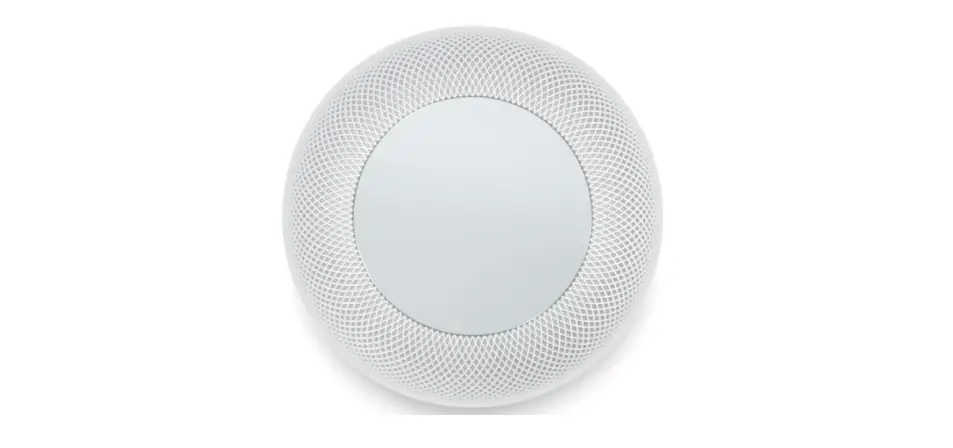
In the Home app  , you can control your accessories even when you’re away from home. To do so, you need a home hub, a device such as Apple TV (4th generation or later), HomePod, or iPad (with iOS 10.3, iPadOS 13, or later) that you leave at home.
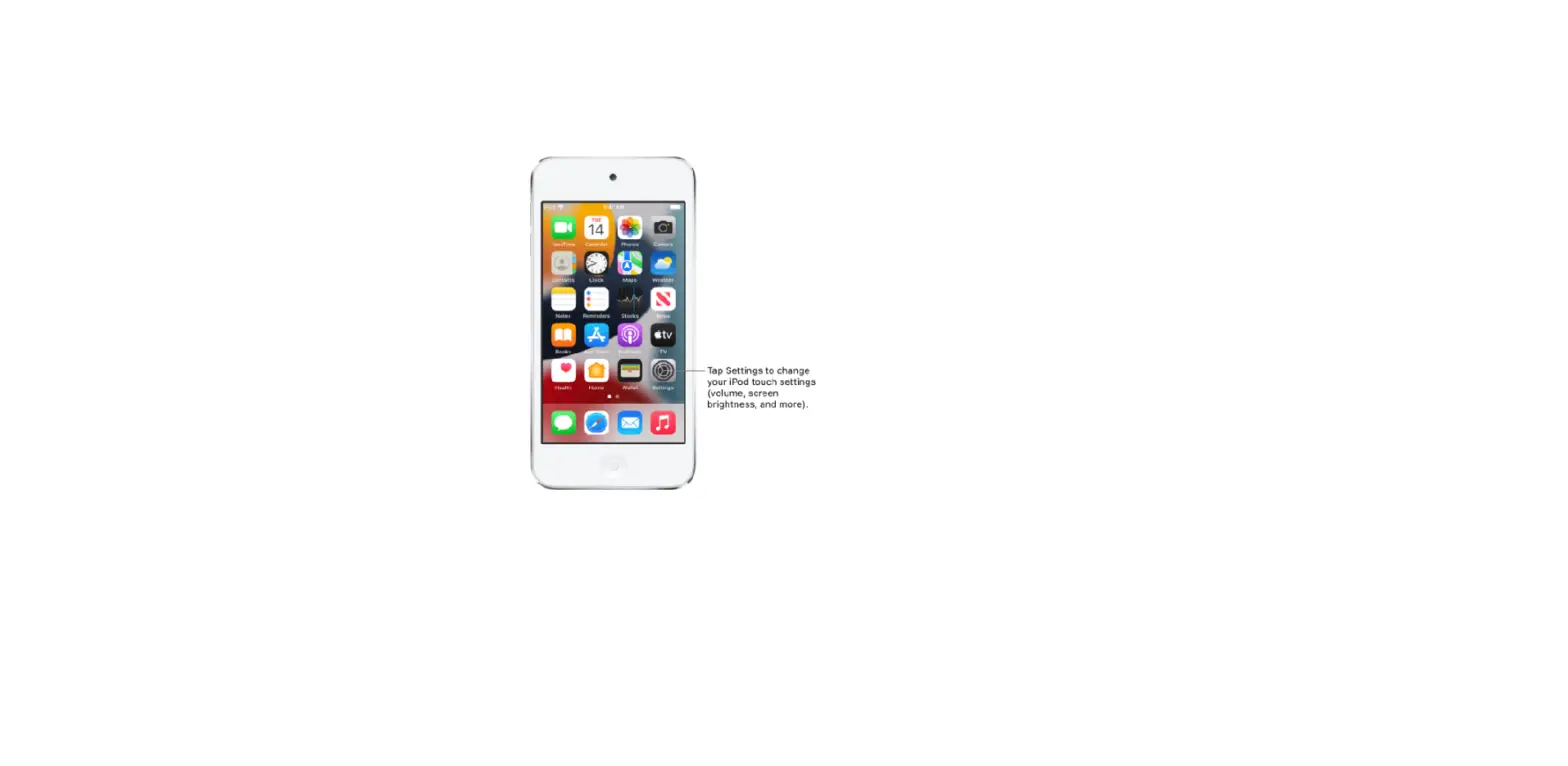
Go to Settings  > [your name] > iCloud, then turn on Home.
You must be signed in with the same Apple ID on your home hub device and your iPod touch.
If you have an Apple TV or a HomePod and you’re signed in with the same Apple ID as your iPod touch, it’s set up automatically as a home hub. To set up iPad as a home hub, see the Home chapter of the iPad User Guide.