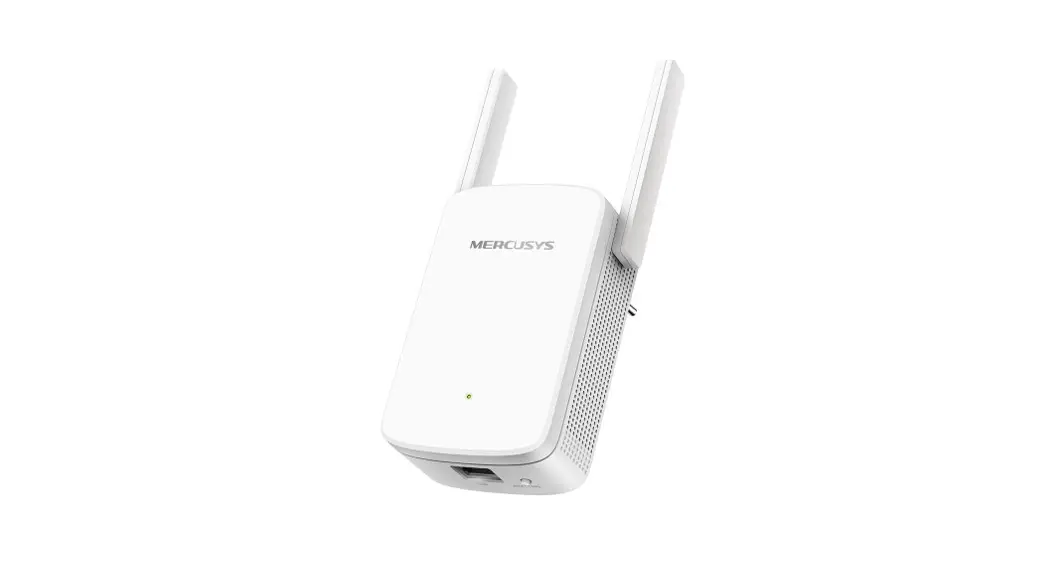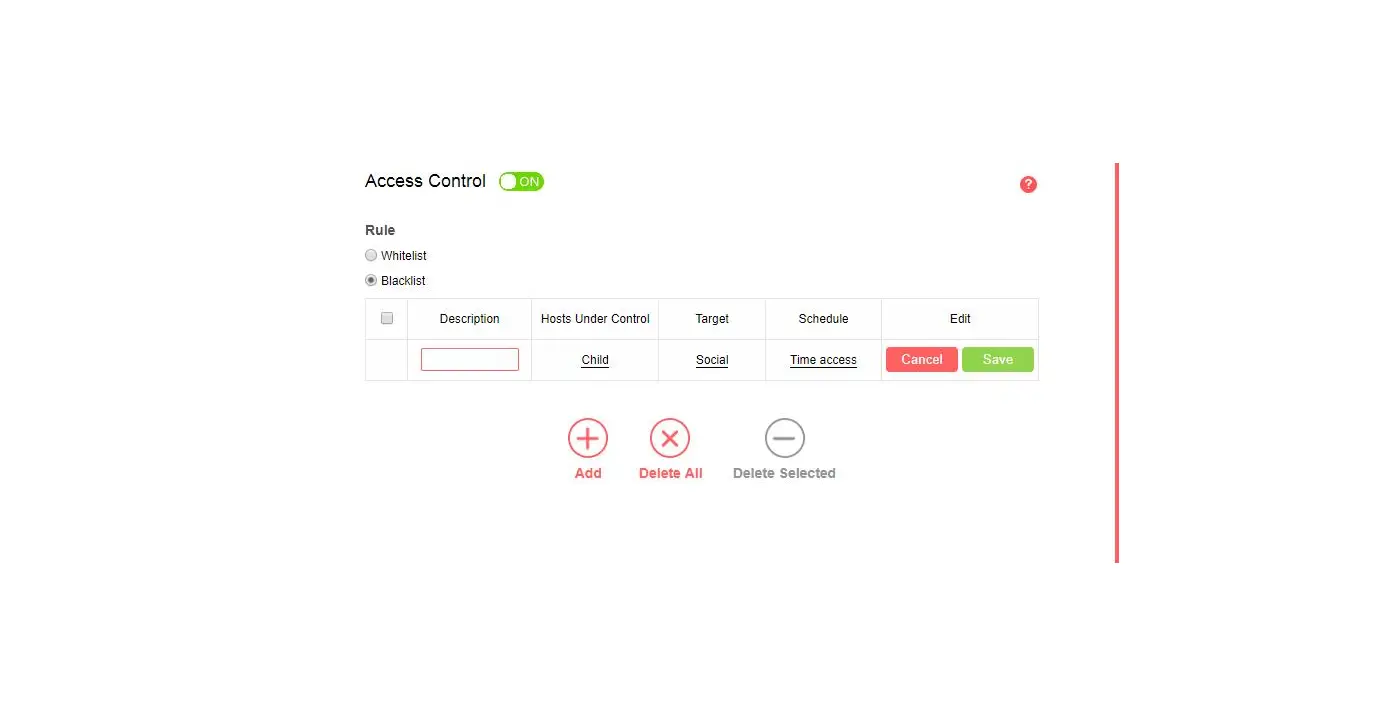
Preparations:
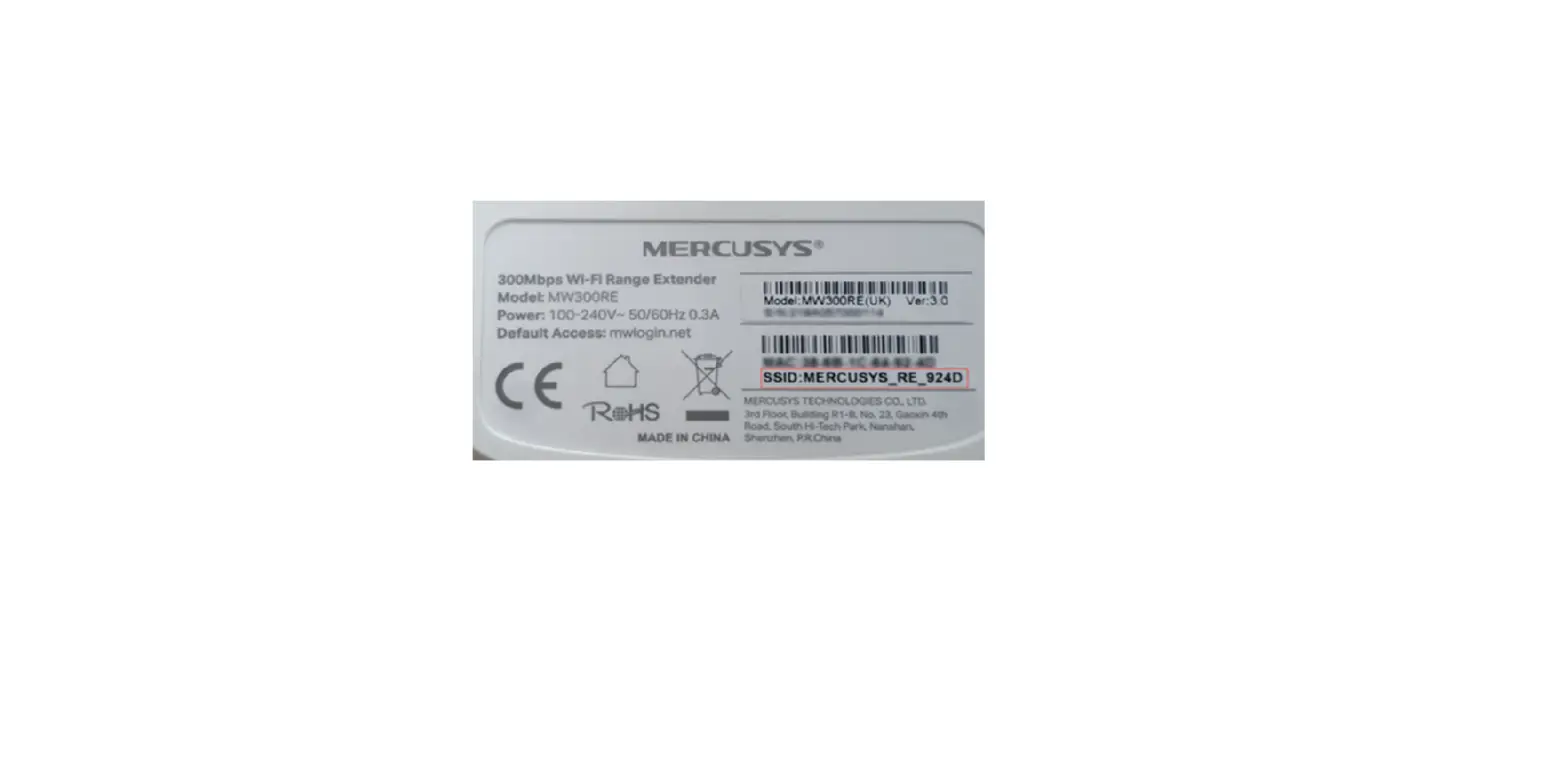
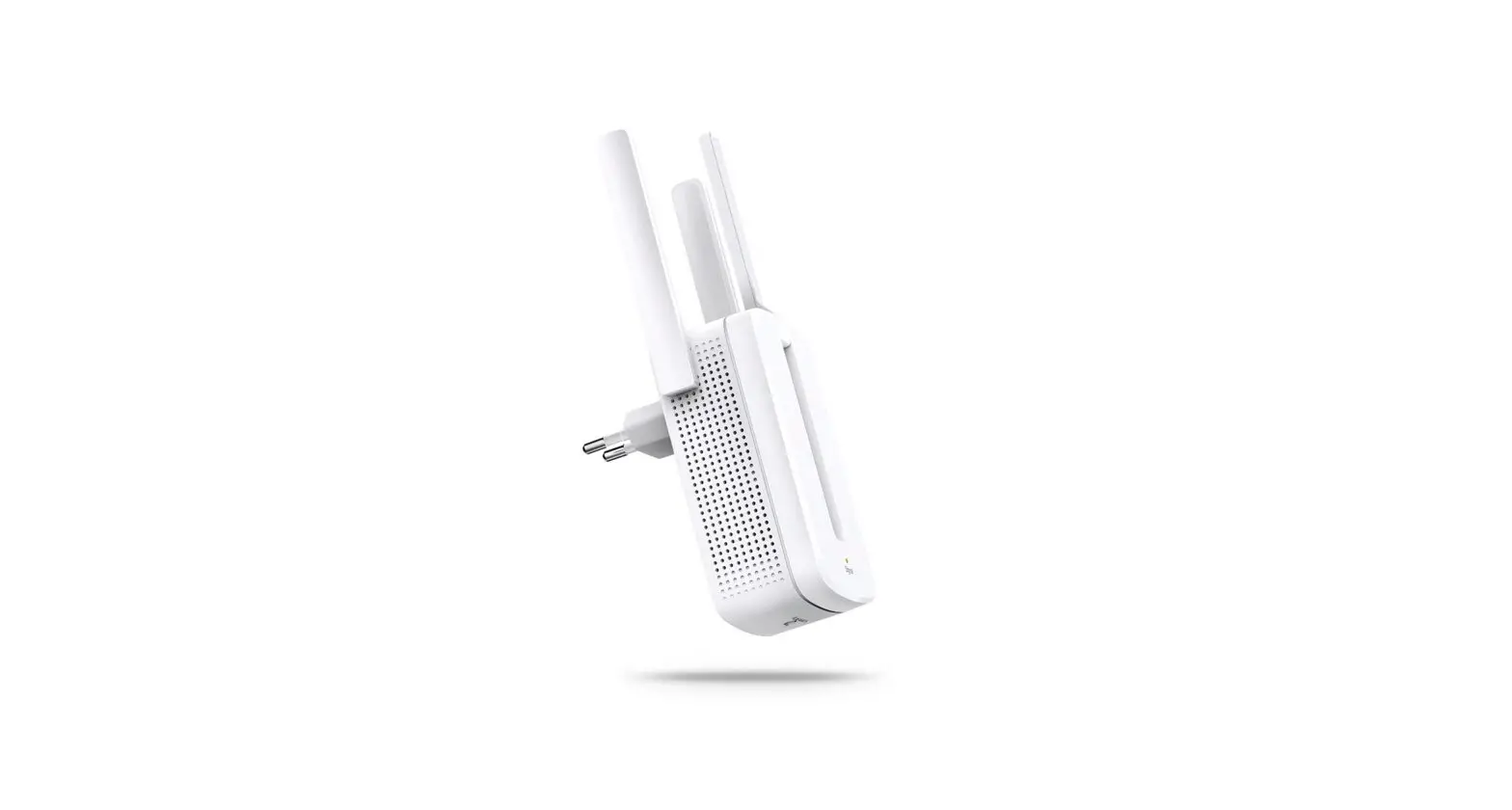
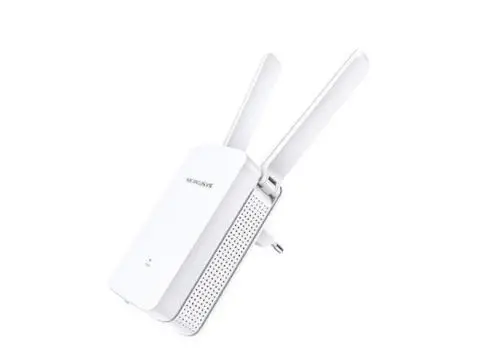
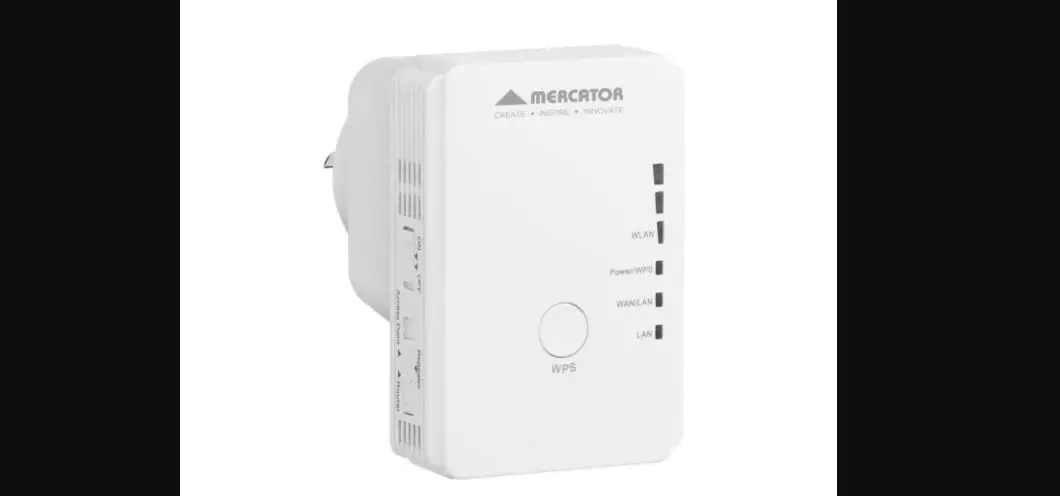
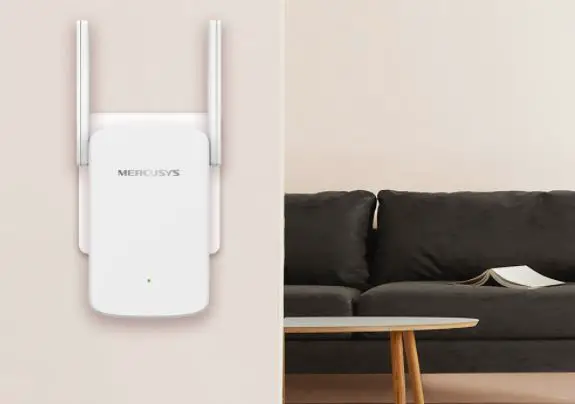
Have default SSID (network name) ready. They are printed on the product label at the back of the extender.
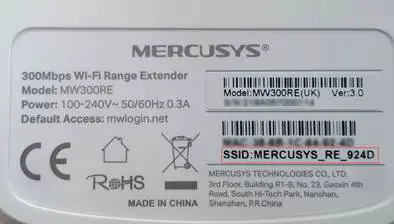
Step 1: Connect to the wireless network of the range extender.
Select the SSID on your laptop, iPad or phone, etc; then click on “connect”.
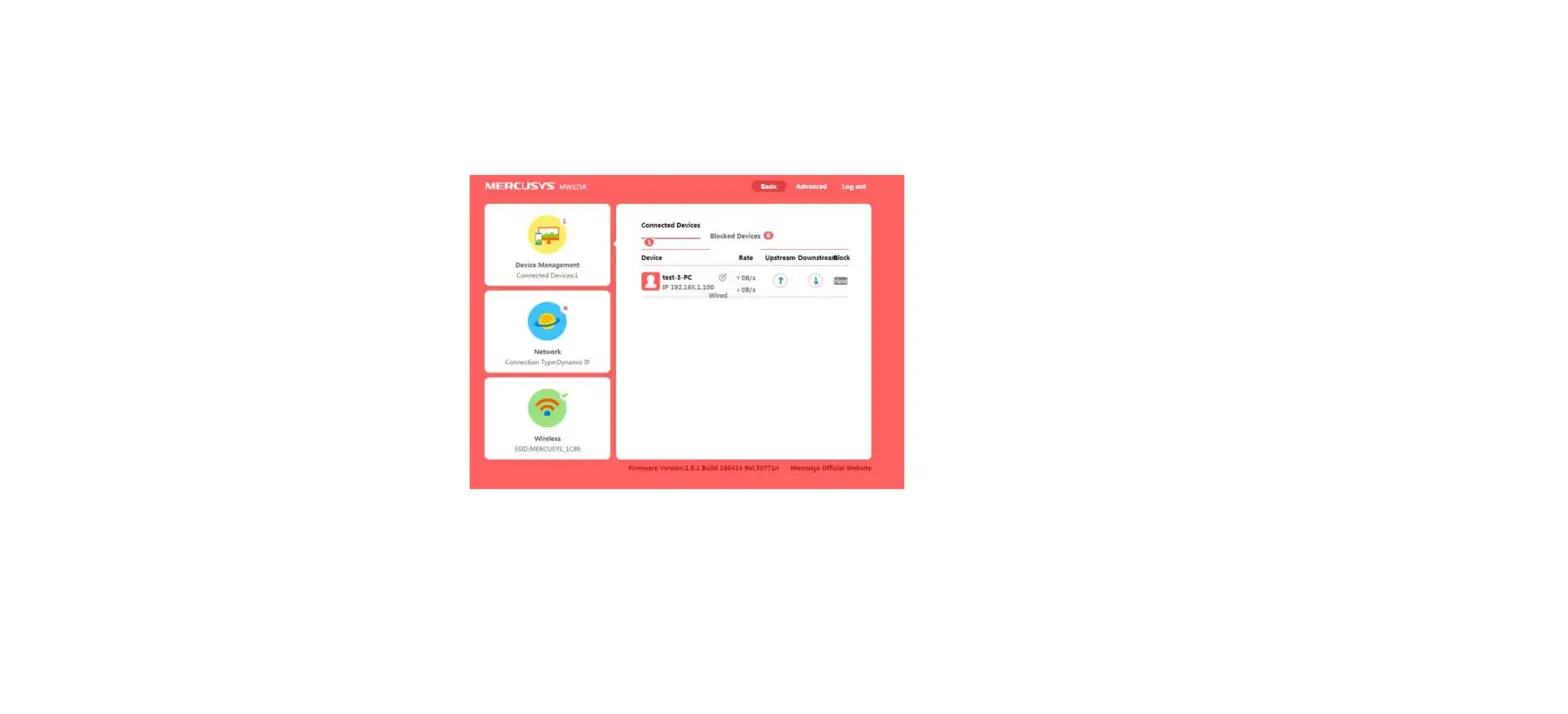
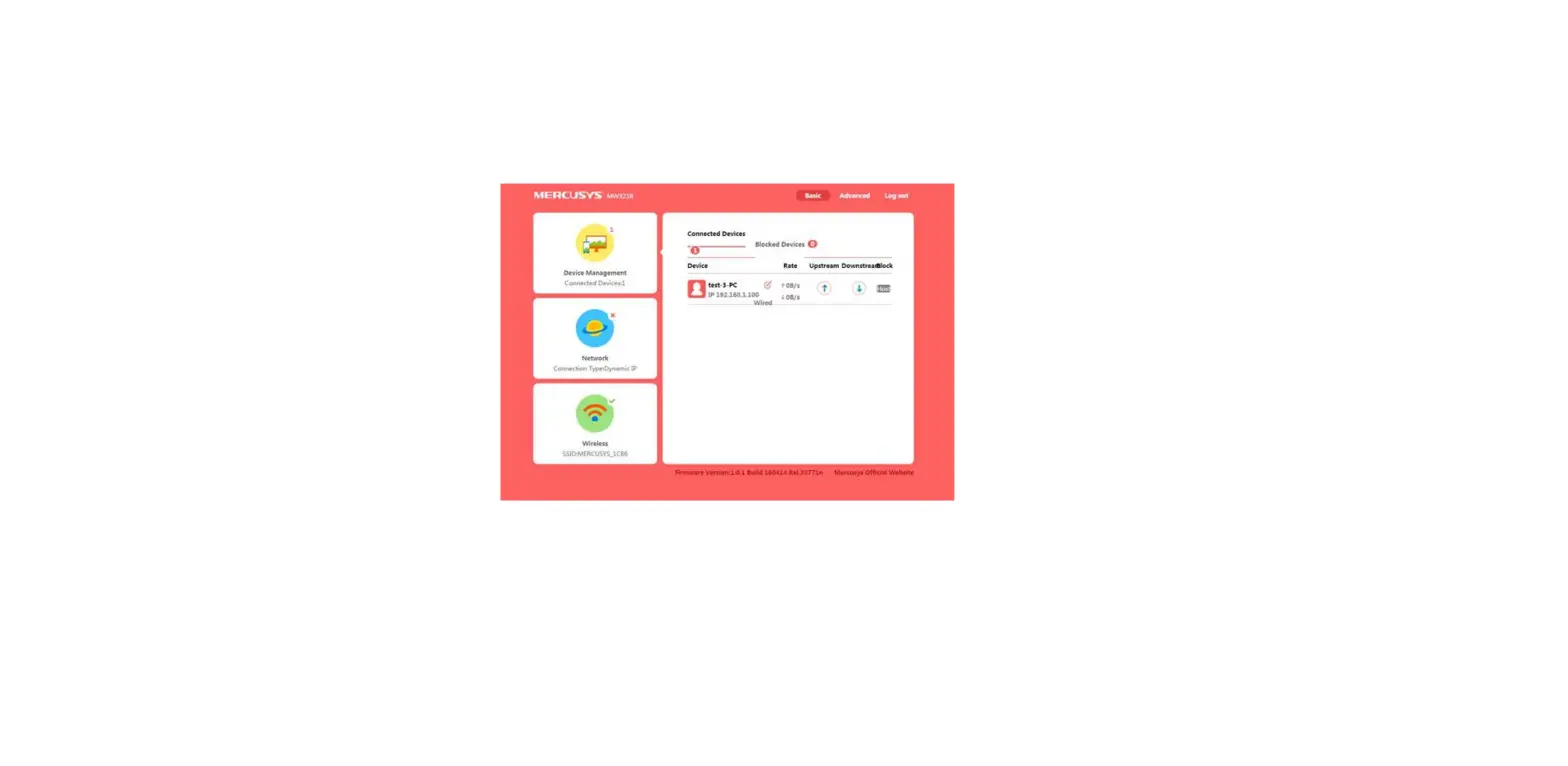
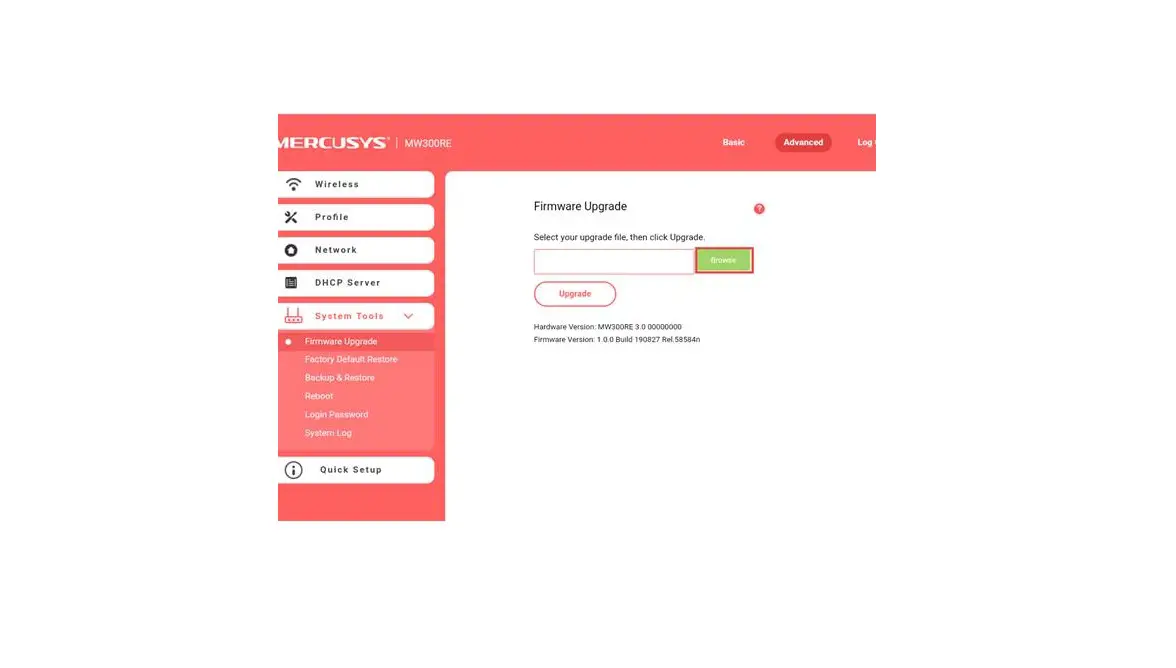
Step 2: Once the wireless is connected, please open the web browser and enter http://mwlogin.net in the address bar.

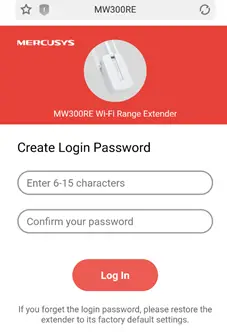
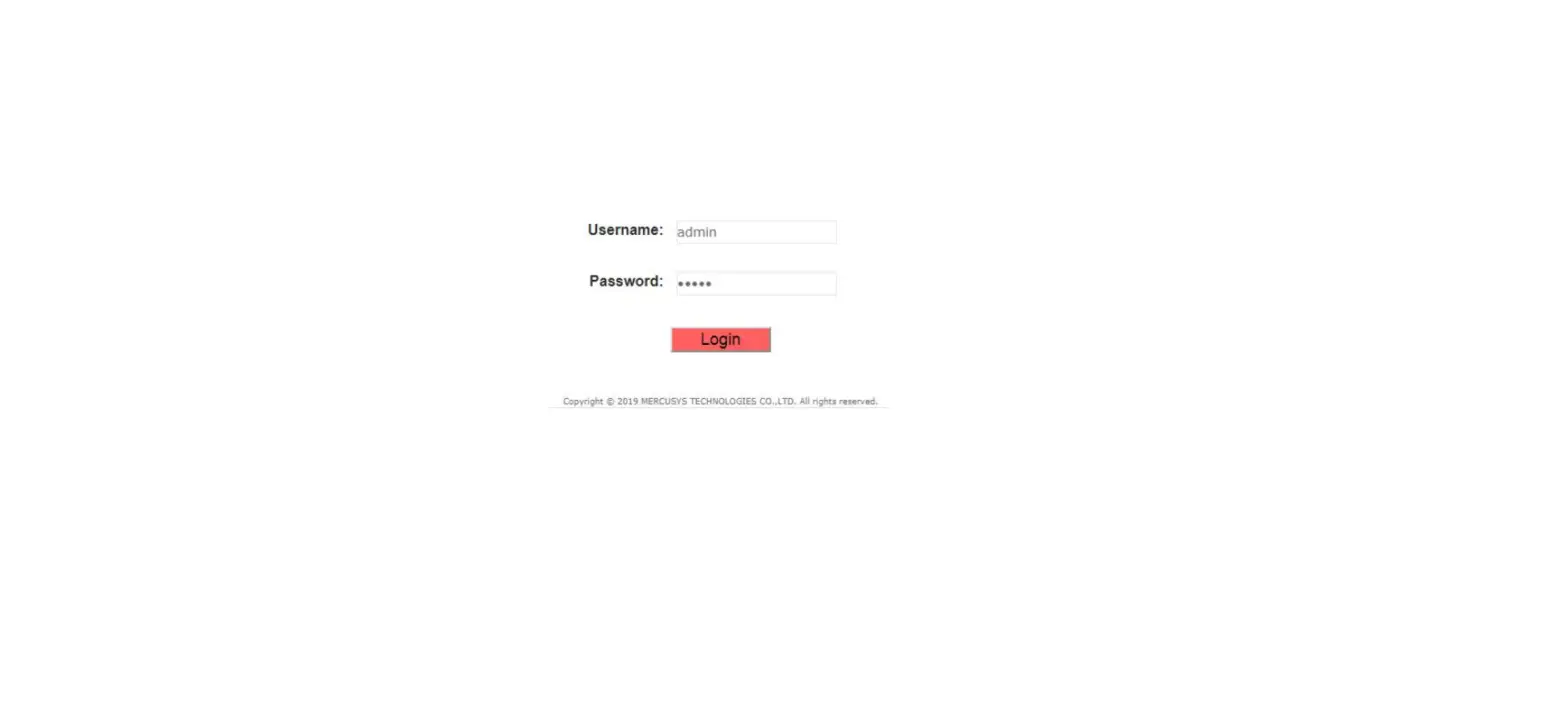
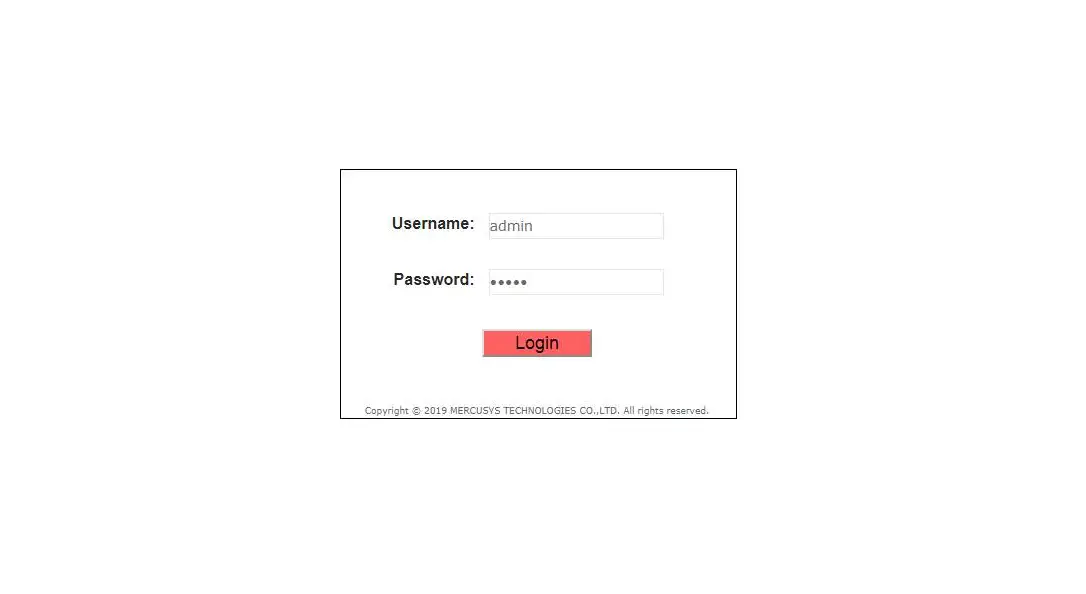
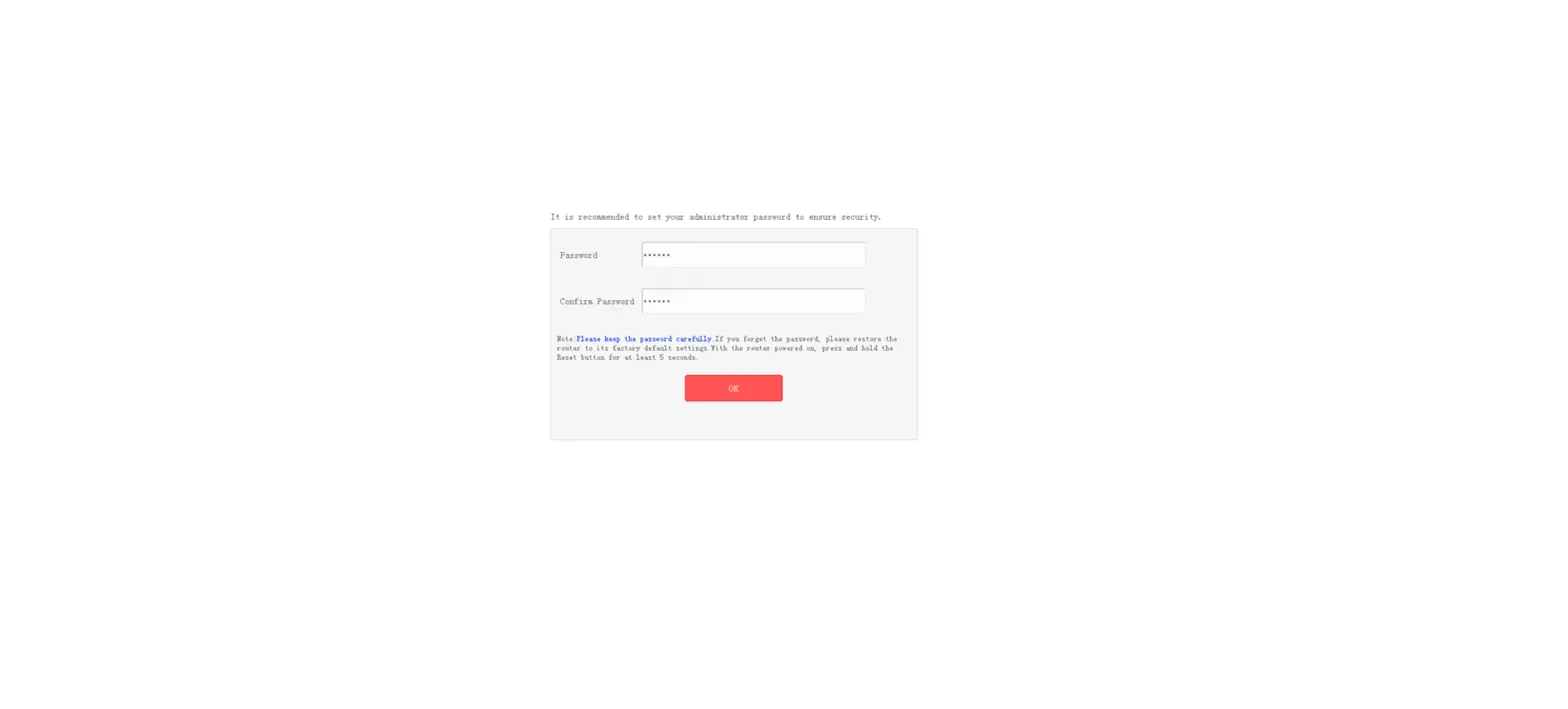
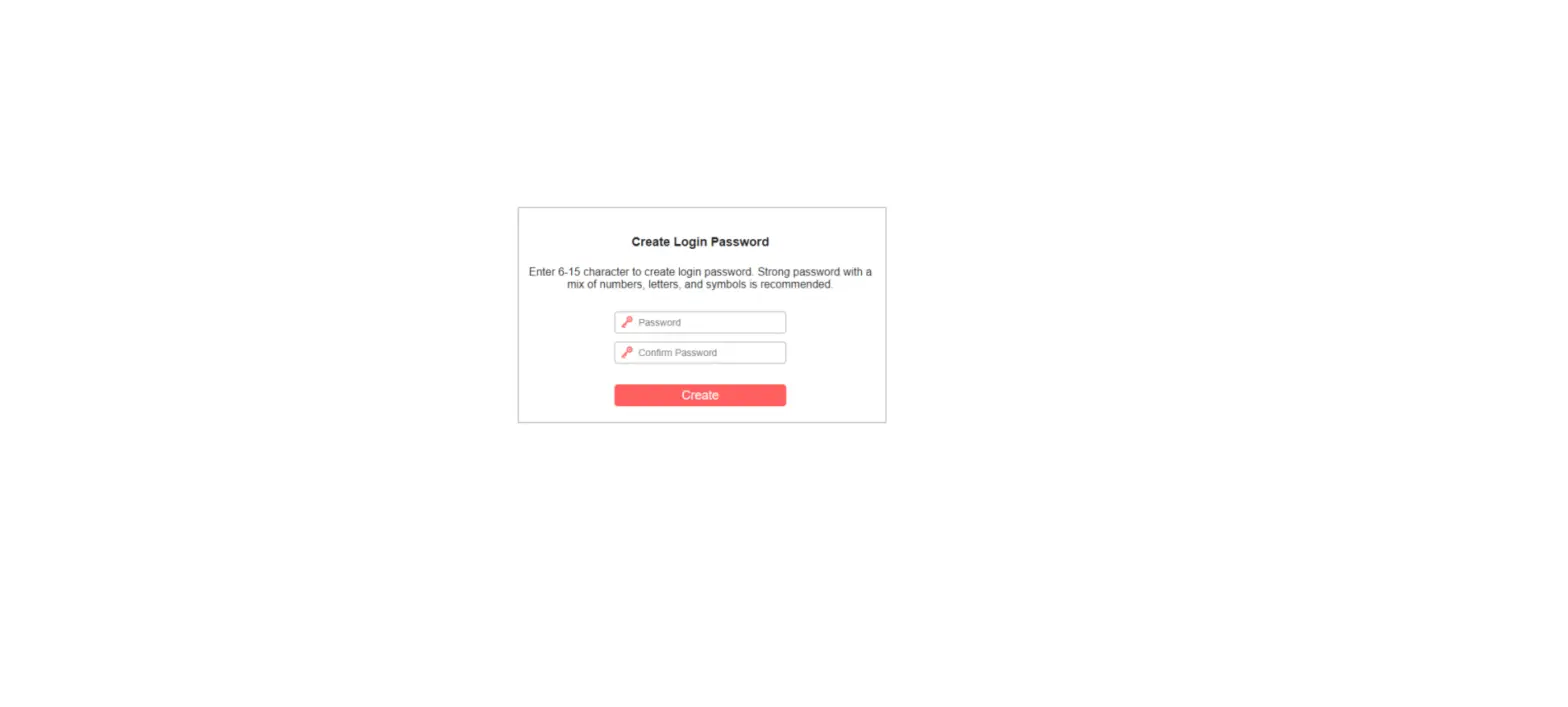
Step3: Create a password to log in.