PHILEX CC700 Gaming Controller Dual Charging Station User Guide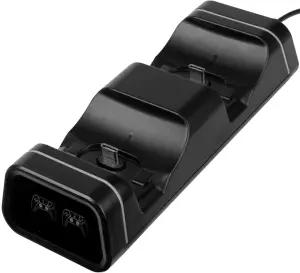
Warnings and advice
- Do not place the unit close to naked flame sources e.g. candles.
- Keep away from dripping or splashed fluids.
- The unit should not be exposed to direct sunlight, very high or low temperatures, moisture, strong magnetic fields high frequencies and dusty environments.
- Do not use abrasives or solvents to clean the surface of the unit. Wipe with a clean soft cloth it and a mild detergent solution.
- Do not disassemble or modify the unit, there are no user serviceable parts. If the unit is damaged or malfunctions do not use. Consult a qualified service engineer.
- To conserve energy disconnect from the power supply when not in use
Introduction
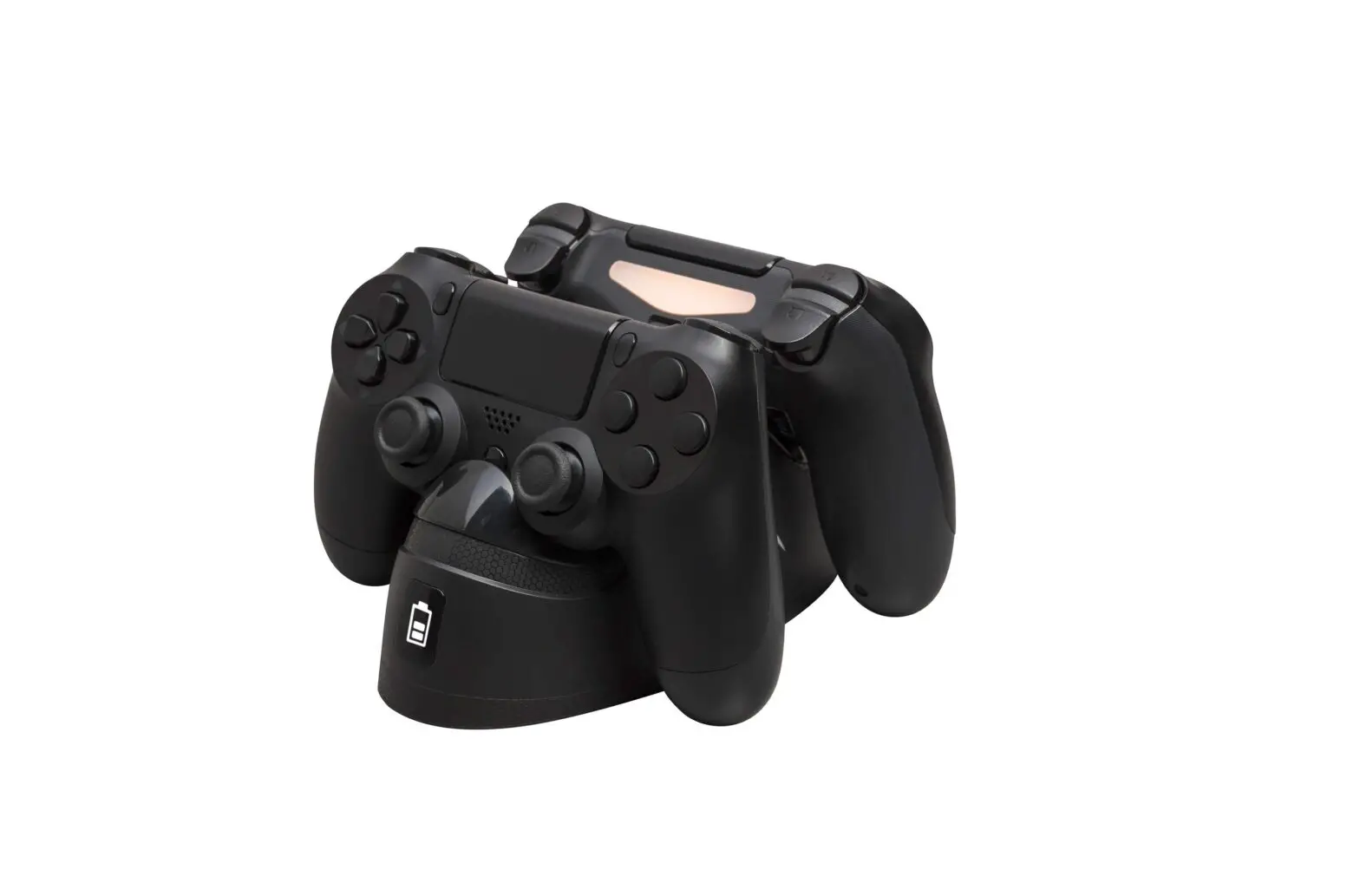
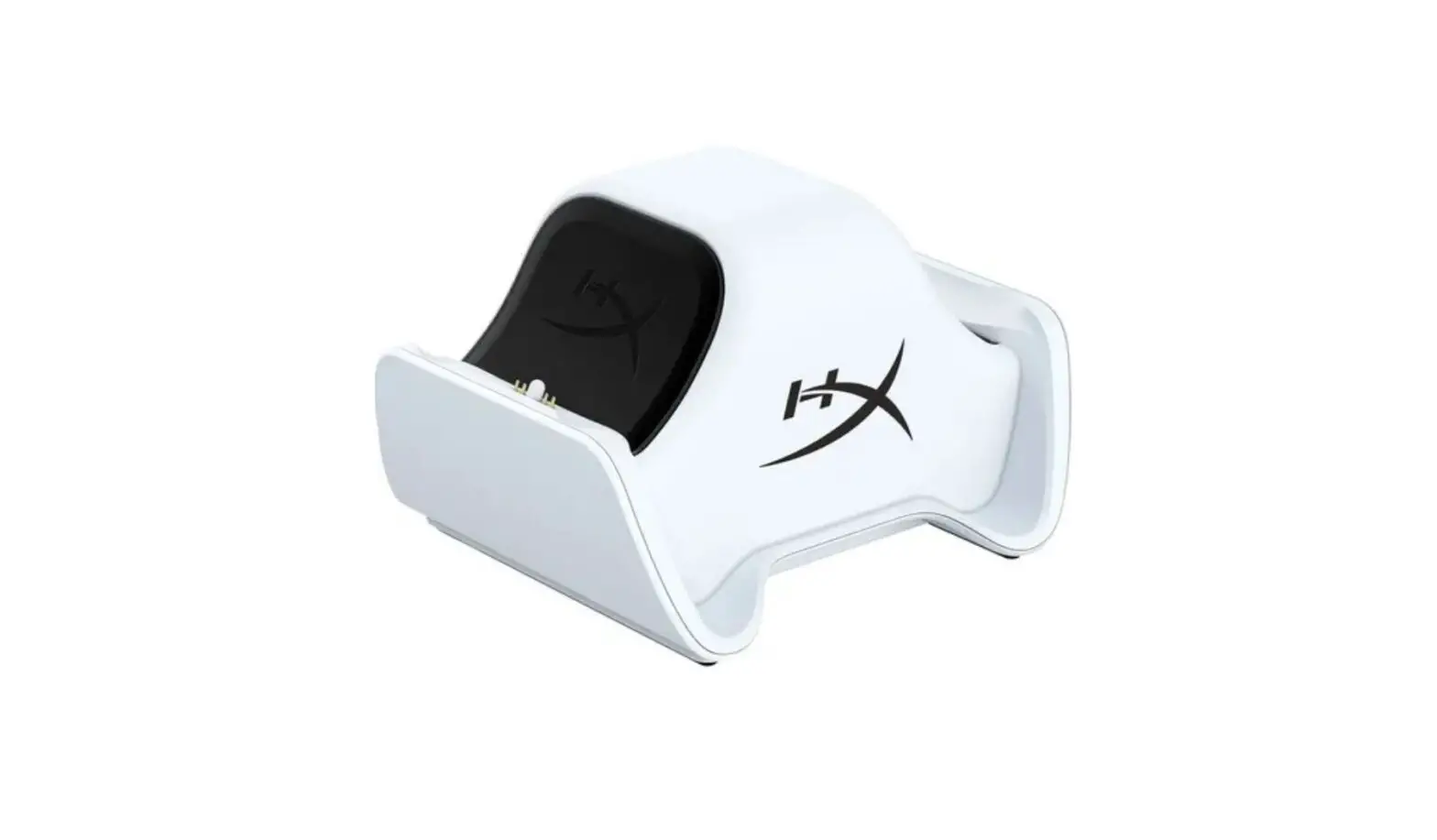
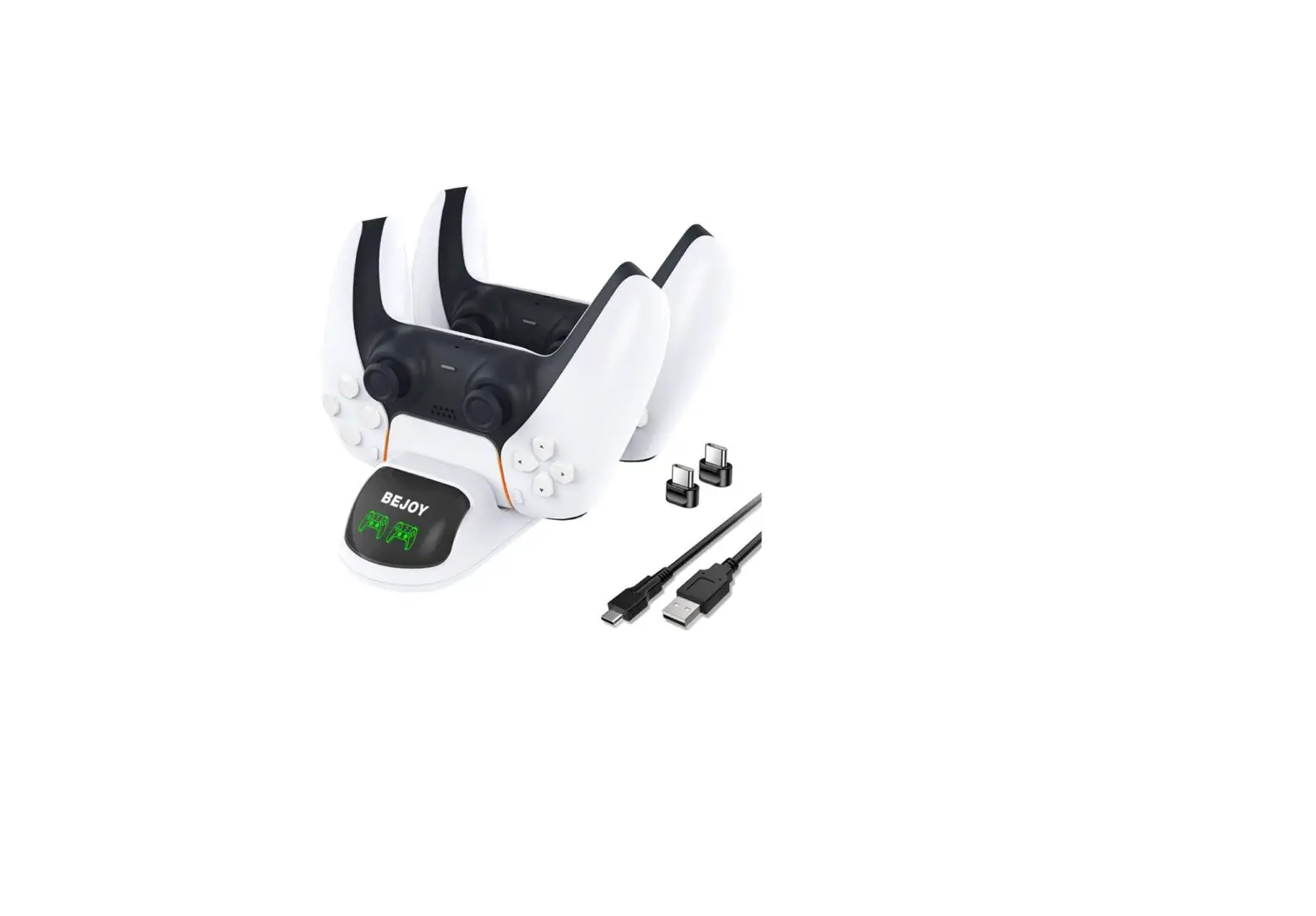
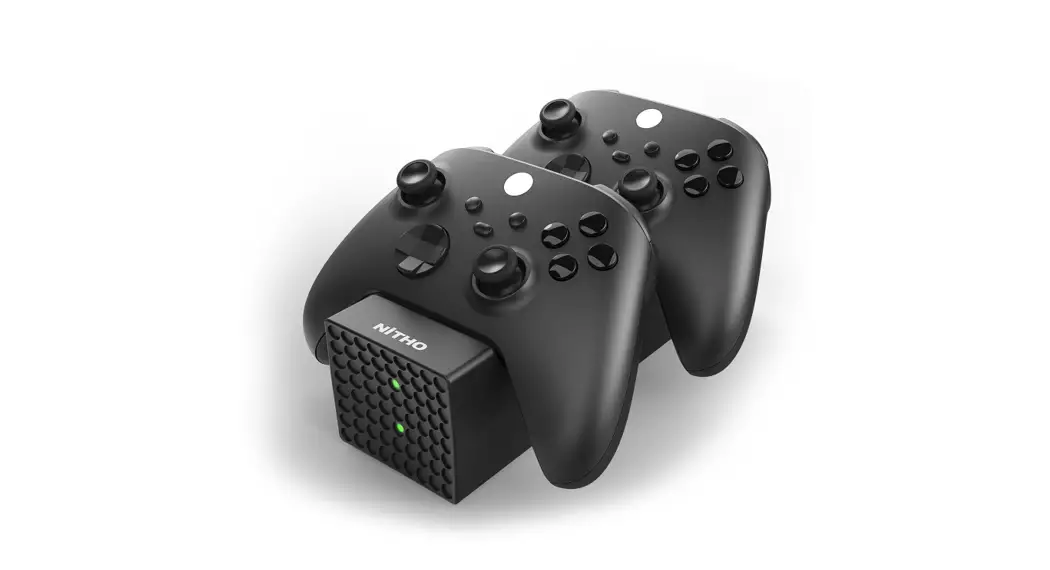
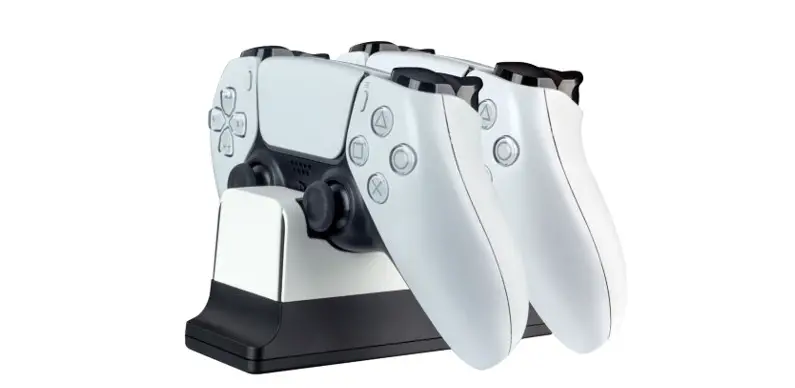
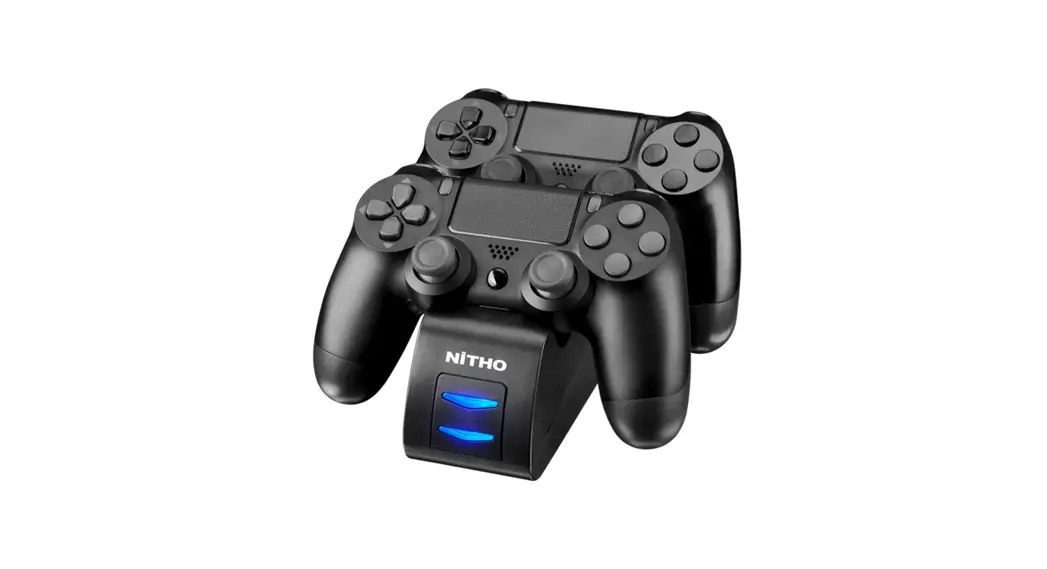
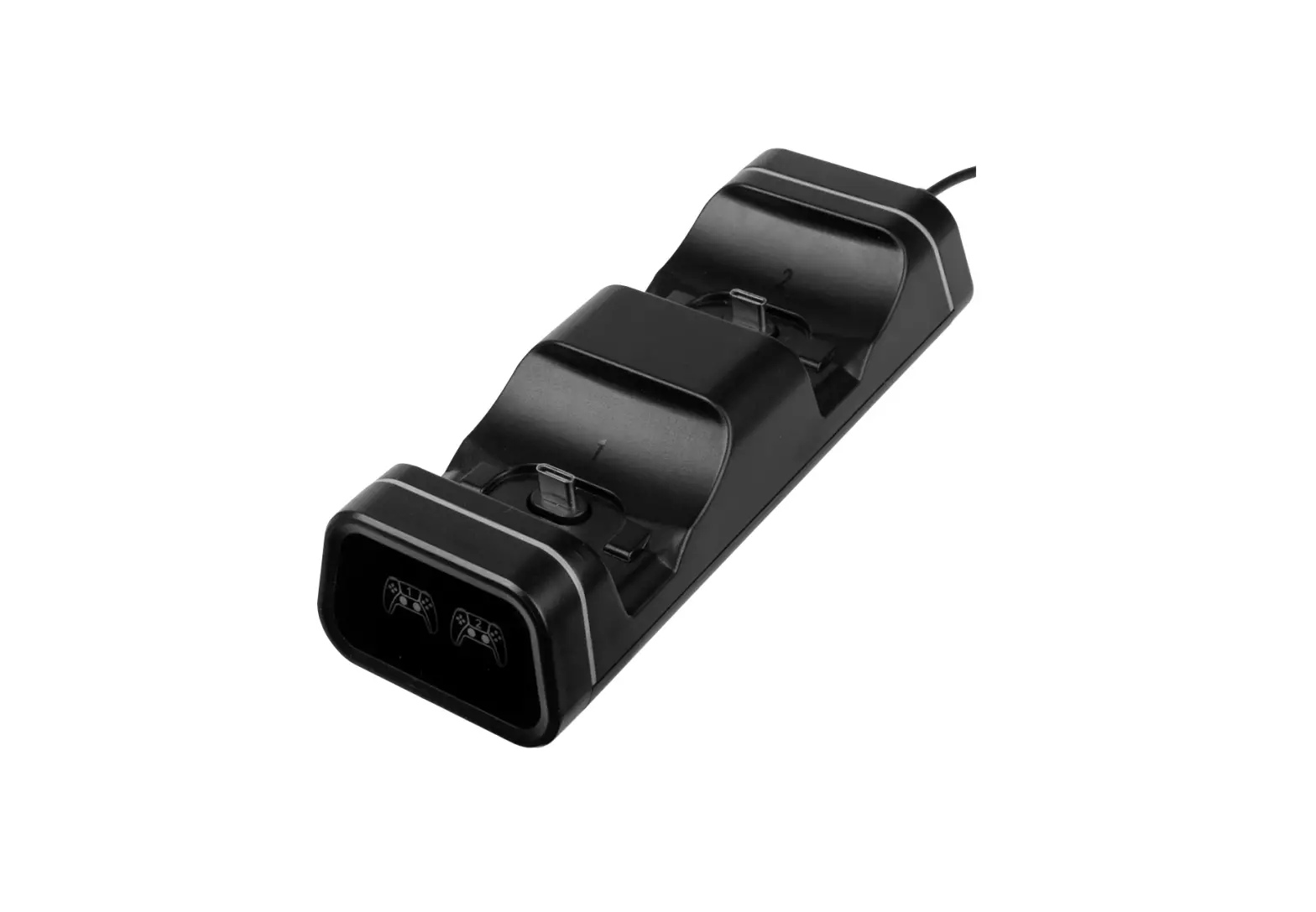
The CC700 Gaming Controller Dual Charging Station is designed to charge multiple types of games controllers with USB C charging ports. It can charge a single controller or two controllers simultaneously and is compatible with: the PS5, Xbox Series X/S, 2nd Gen Xbox One Elite controller, Switch Pro controller and the Google Stadia controller.
Charging times vary with different controllers but is usually around 4-4.5 hours. The individual LED charging indicators will change from pulsing red to green when a controller is fully charged.
The smart chip micro control charging technology optimises your controller’s battery life, ensures high efficiency energy conversion and low power consumption in standby mode.
Box Contents
- 1x Charging station
- 2xUSB C Adptors
- 1x Micro USB charging cable
- 1x User guide
Features
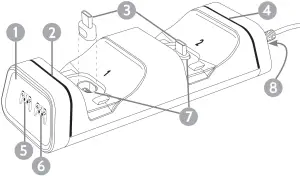
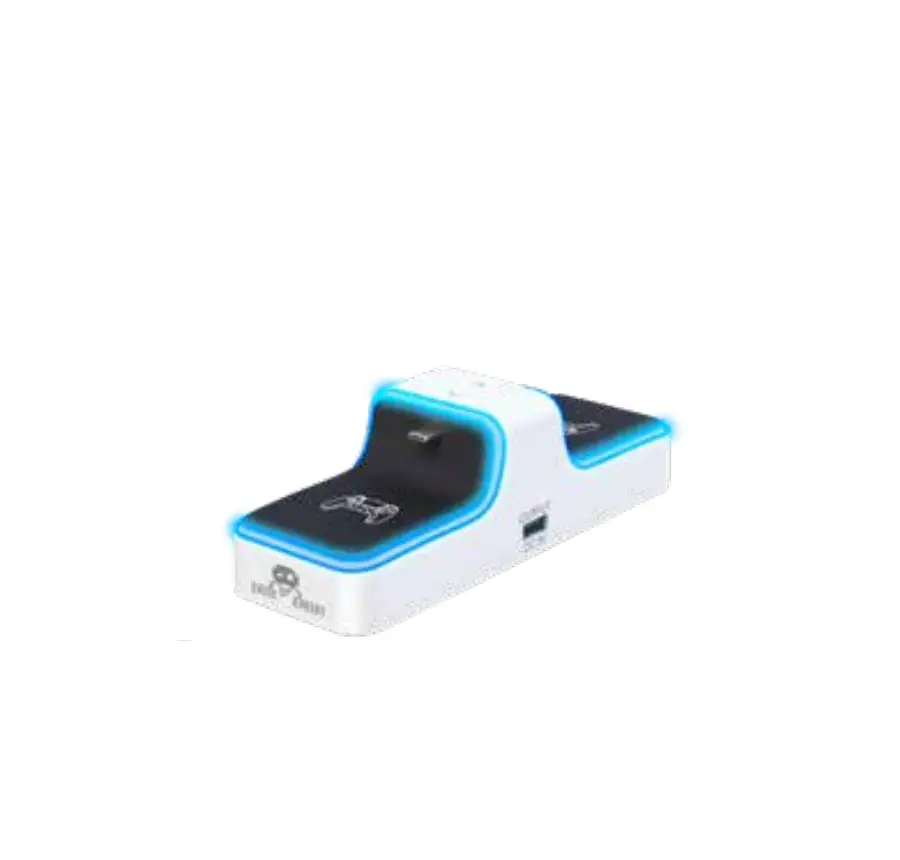
- LED Indicator Screen
- LED Indicator strip for controller 1
- USB C Adptors
- LED Indicator strip for controller 2
- Controller 1 charge icon
- Controller 2 charge icon
- USB C Charging ports
- Micro USB power input
Positioning your CC700
Place the charger on a flat stable surface in a well ventilated area within easy reach of a powered USB socket. Make sure it is not covered by curtains. newspapers, magazines or other materials that might prevent ventillation.
Powering your CC700
Use the cable supplied to connect the micro USB socket 8 on the back of the CC700 to a powered 5V USB socket. For optimum charging speeds make sure the output socket is rated at 1.5A or more.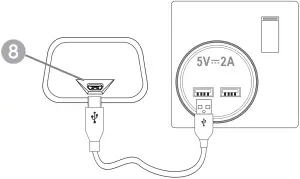
Operating your CC700
There are 2x USB C detachable port adaptors 3 supplied to help make sure your controllers don’t get scratched when they are being connected to the charger.
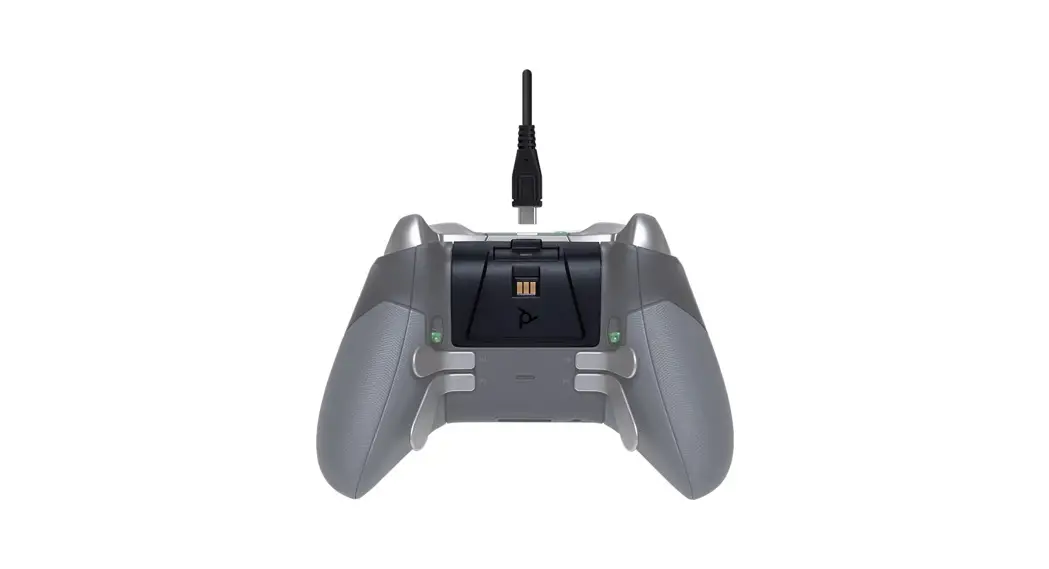
Plug the USB C adaptors 3 into the USB C sockets located on the top of your controllers.
The other end of the USB C adaptors 3 plug into the charging ports 7 on the charger. So each controller can now be plugged into one of the charging ports 7 top down as shown opposite.
Make sure the USB C adaptor 3 fits securely into the USB charging port 7 and makes good contact.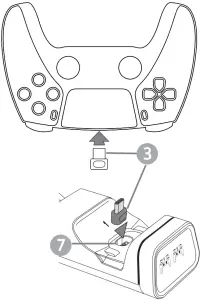
As soon as contact is made the LED strip 2 & 4 and icon indicators 5 & 6 for a connected port will change from constant green to pulsing red. When charging is complete the LED charging indicators will change back to constant green.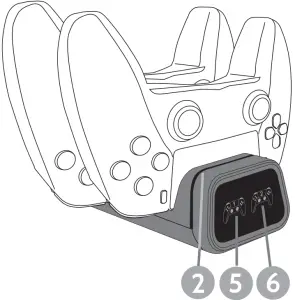
- RED = CHARGING
- GREEN = CHARGED
Troubleshooting
| Problem | Action |
| If the LED indicators are not lit | Check the micro USB cable connection |
| Check the charger is connected to a powered USB socket | |
| If the LED indicators don’t change from Green to Red when a console is connected | Check the USB C adaptor connection to controller and charger |
| Check rechargeable batteries are fitted (applies to controllers with no built-in battery) | |
| If the controller takes a long time to charge: | Check the USB port that the charger is connected to is rated at 5V  2A for PS5 controllers, 5V 1.5A for other controllers 2A for PS5 controllers, 5V 1.5A for other controllers |
| Specifications | |
| Optimum Input voltage | 5V 1.5A or 5V 2A for PS5 |
| Standby max power | ≤0.1W |
| Charging output | 2 x 5V/700mA max. |
| Charging time | 4~4.5 hours approx* |
| Dimensions: | 153 x 34 x 56mm (WxHxD) |
* Charging time will vary according to the controller type
Technical support
If you experience problems using your CC700 charger please visit our technical website at www.philex.com/technical-support to send us a message or live chat during office hours.
WEEE Disposal/Recycling

Waste electrical, electronic products and batteries should not be disposed of with household waste. Please recycle where facilities exist. Check with your Local Authority for recycling advice.
Made In China © Philex Electronic Ltd. Kingfisher Wharf, London Road, Bedford, MK42 0NX UK. 2020 V1.2 www.philex.com