How To Pair The Nintendo Switch Pro Controller - Nintendo Switch Lite

How To Pair The Nintendo Switch Pro Controller - Nintendo Switch Lite

Applies to:  Nintendo Switch Family, Nintendo Switch, Nintendo Switch Lite

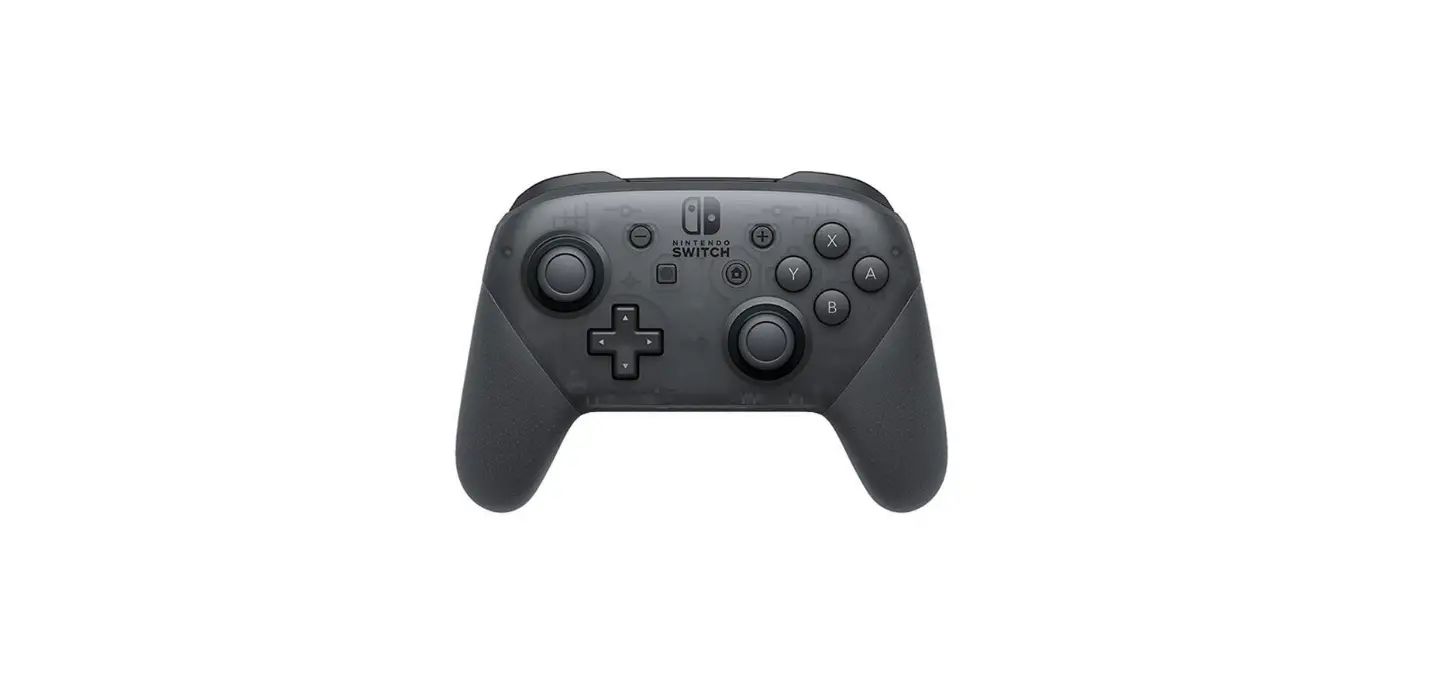
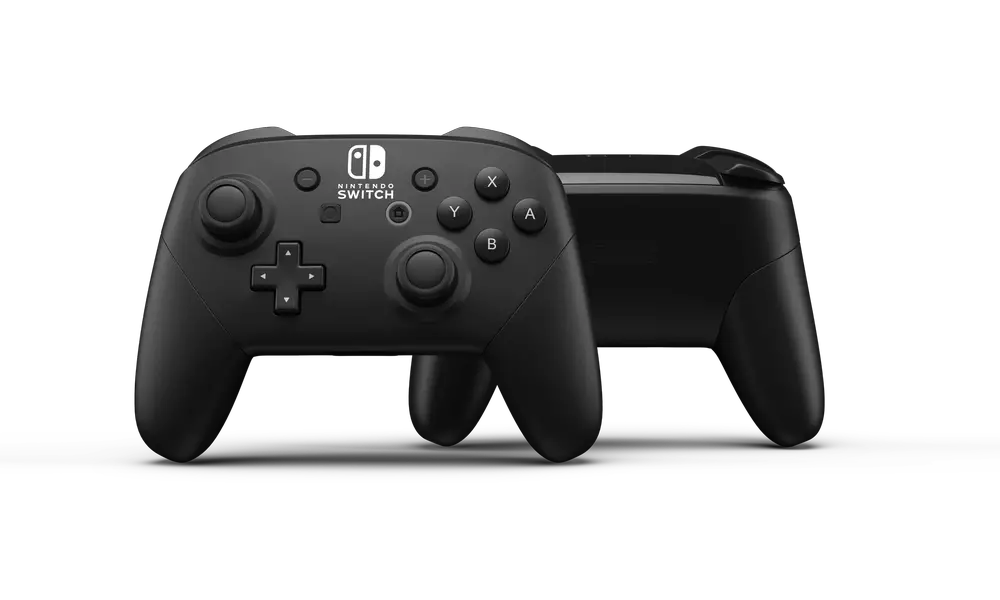
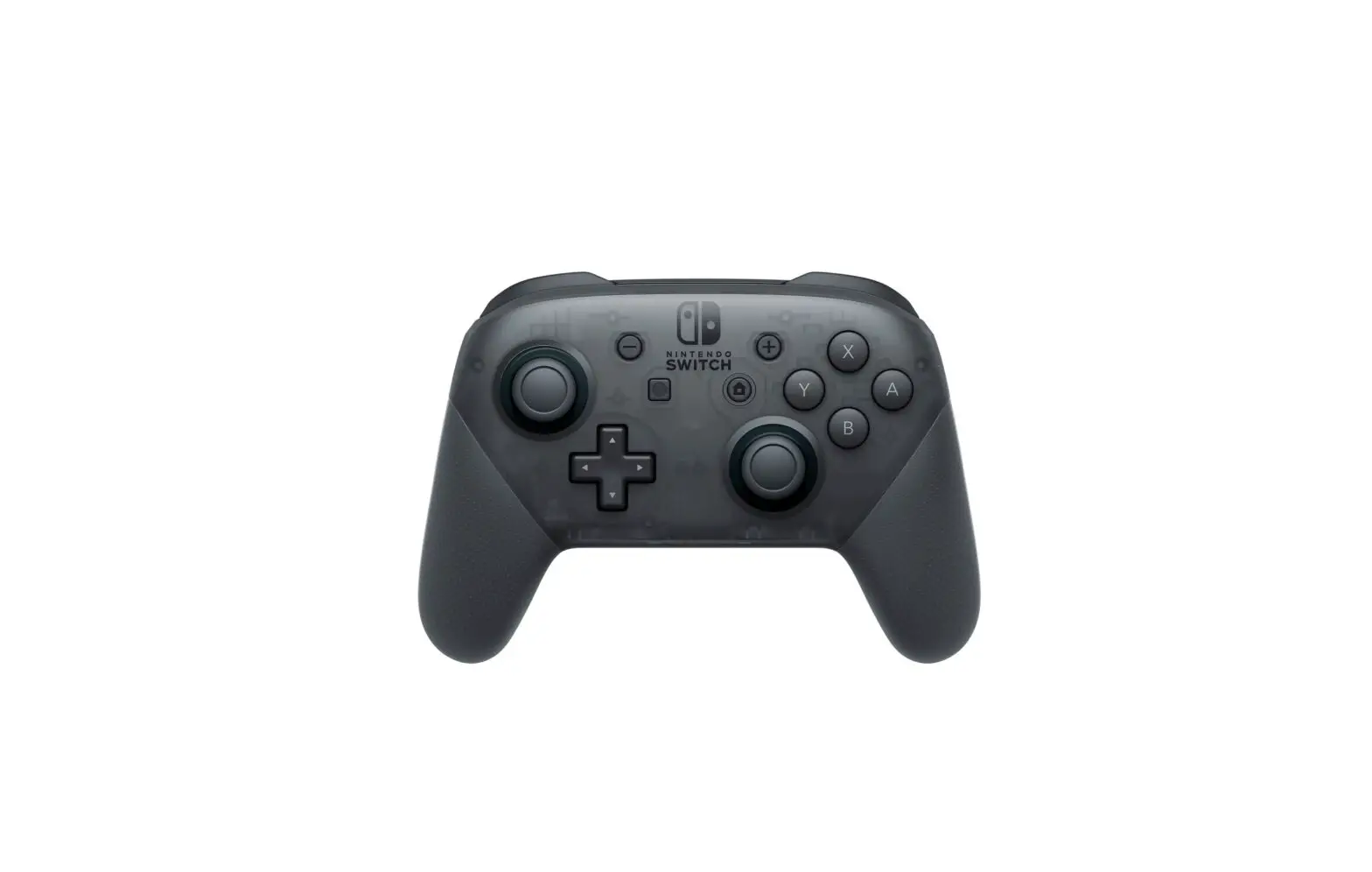
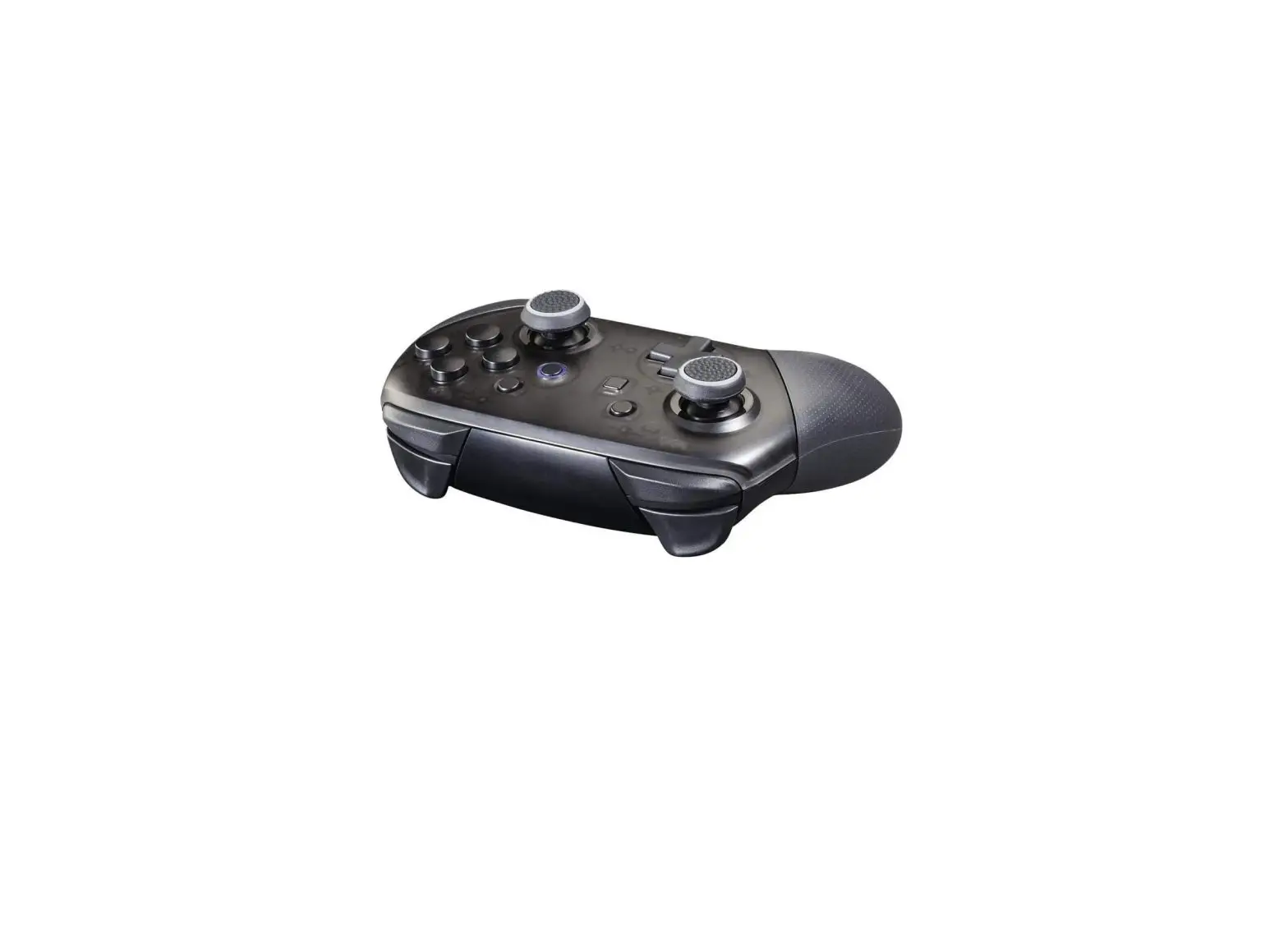
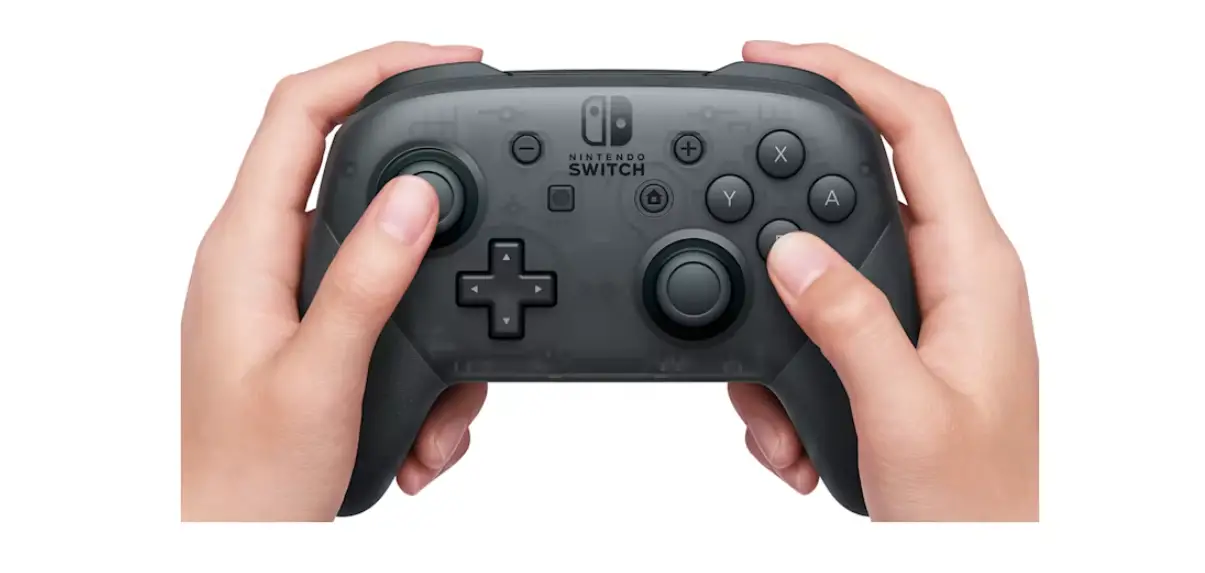
In this article, you’ll learn how to pair the Pro Controller to a Nintendo Switch system.
Note
  • Once paired, the player LED(s) corresponding to the controller number will remain lit.
  • Up to eight wireless controllers can be paired to a Nintendo Switch system. However, the maximum number of controllers that can be connected will vary depending on the type of controllers and features that are used.
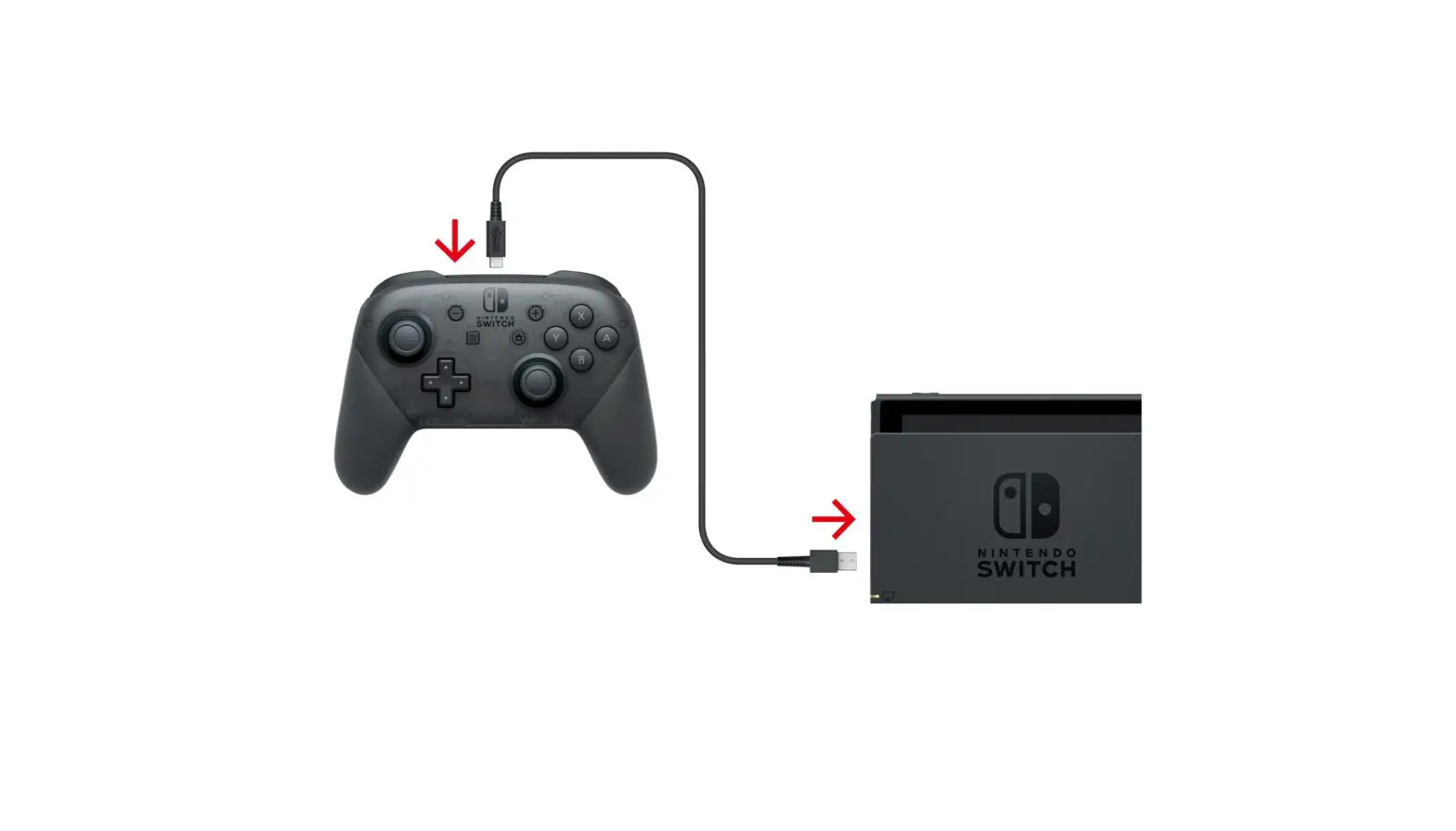
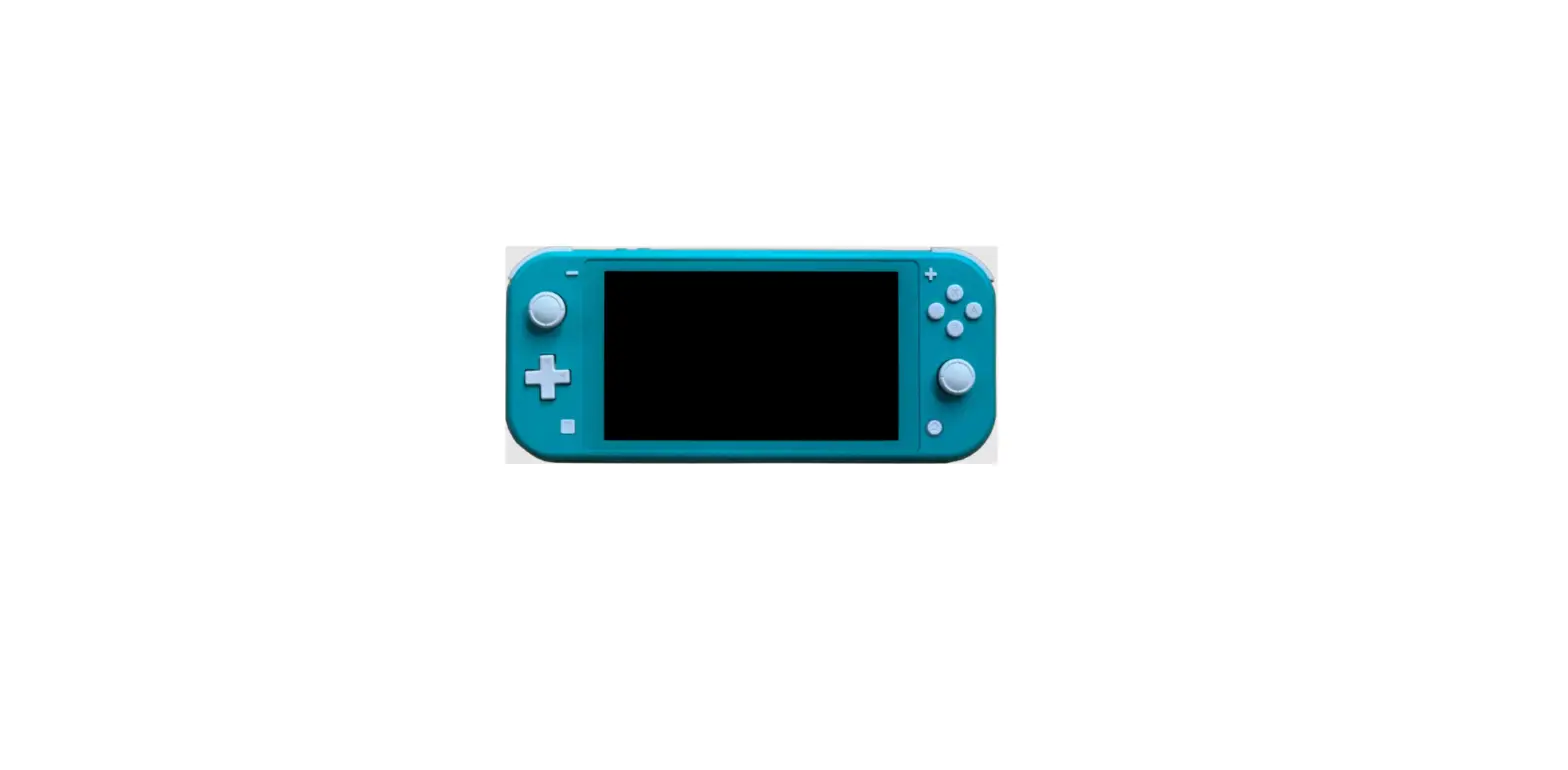
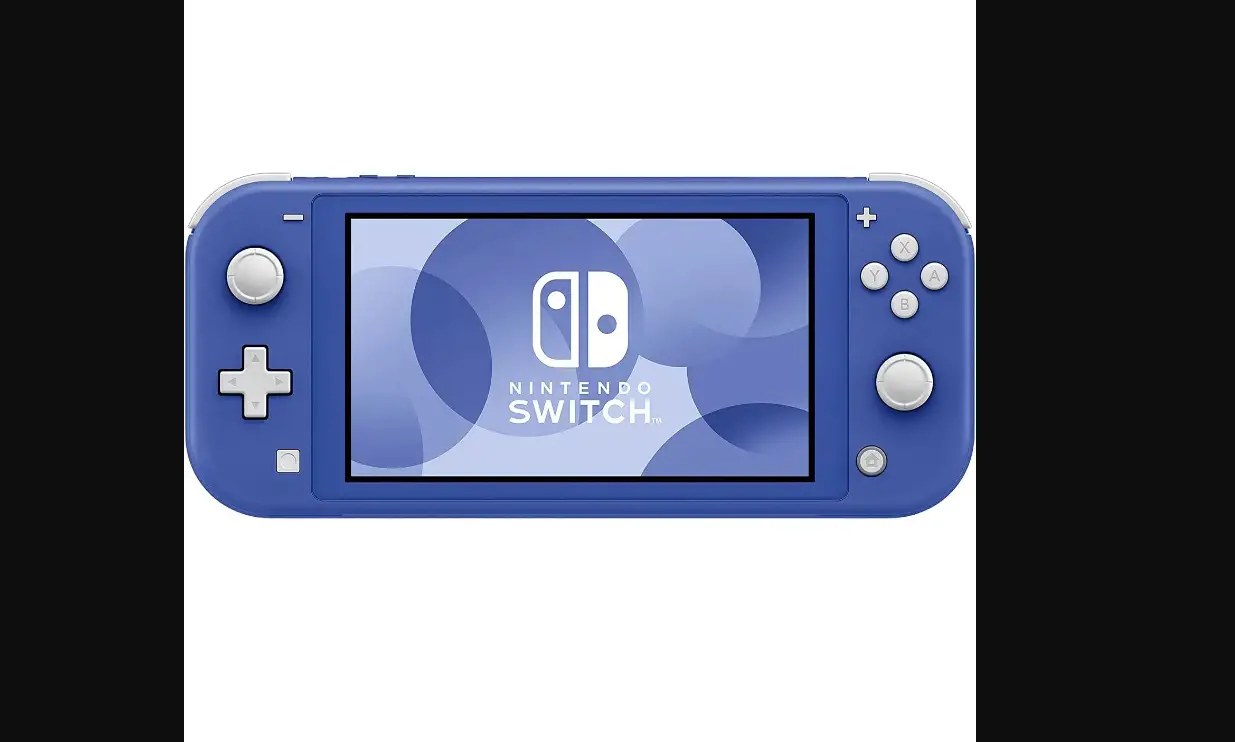
  1. The Pro Controller can be paired to Nintendo Switch Lite in the following ways:

    Button pairing or wireless pairing

    From the HOME Menu, select Controllers, then Change Grip and Order. While the following screen is displayed, press and hold down the SYNC Button for at least one second on the Pro Controller you wish to pair.

    • Once paired, the player LED(s) corresponding to the controller number will remain lit.

      Change Grip and Order screen


    USB connection pairing

    Place Nintendo Switch Lite on the Dual USB PlayStand (or other licensed accessory), then connect to it the Pro Controller using the USB charging cable (model No. HAC-010).

Documents / Resouces

Download manual
Here you can download full pdf version of manual, it may contain additional safety instructions, warranty information, FCC rules, etc.


Related Manuals