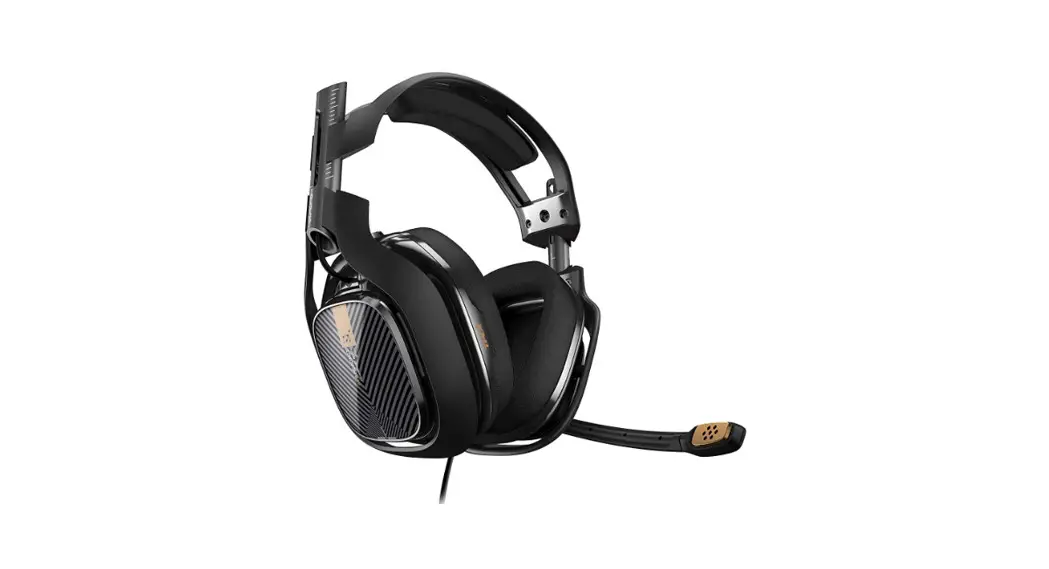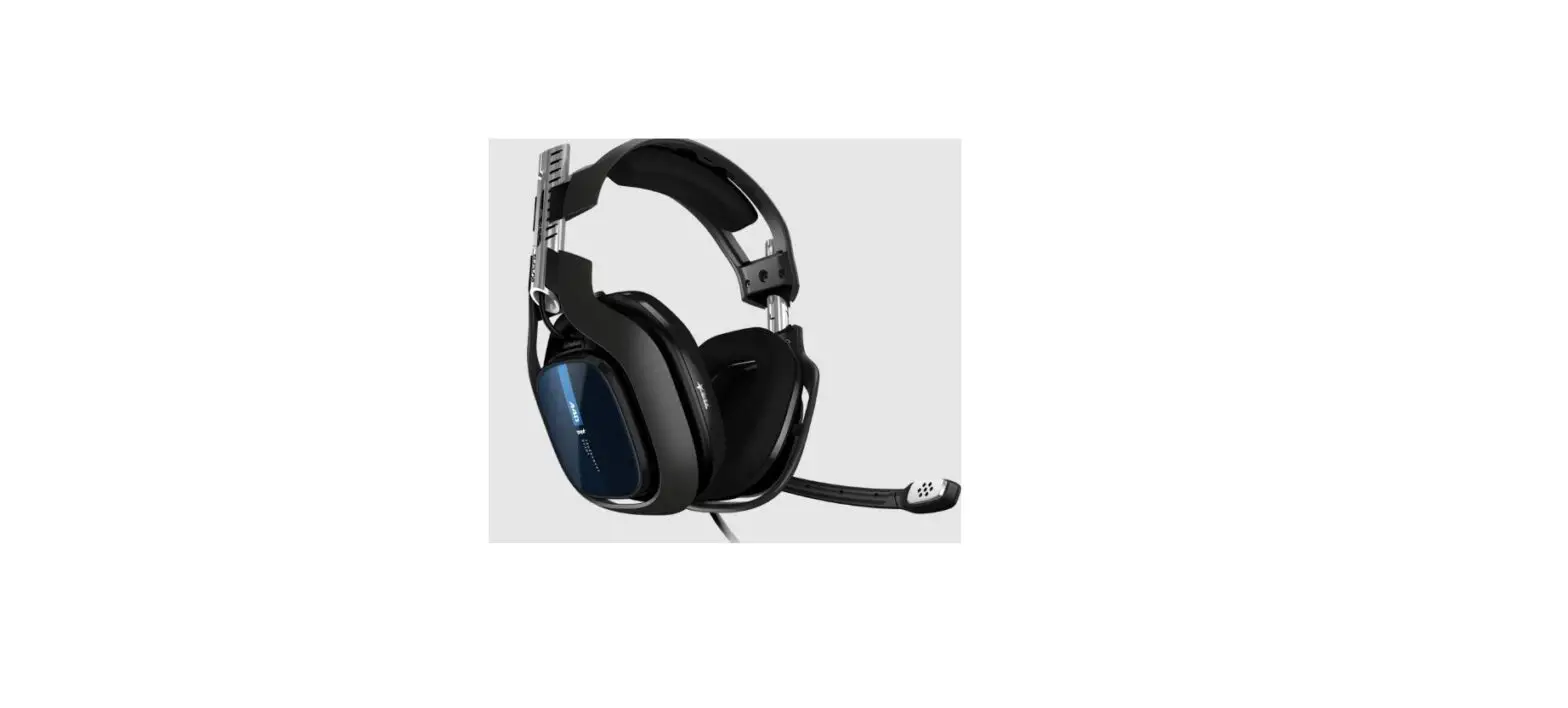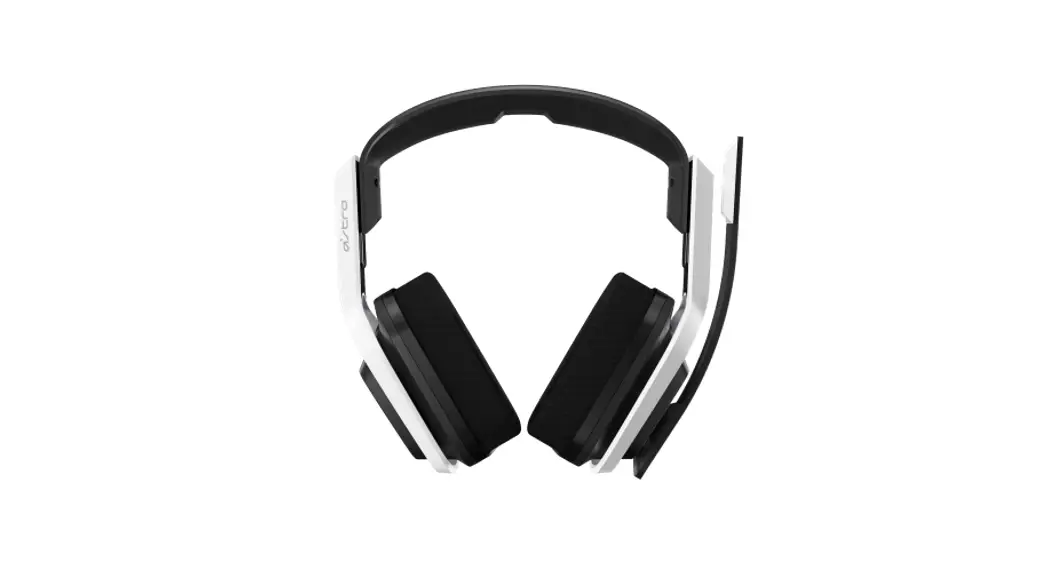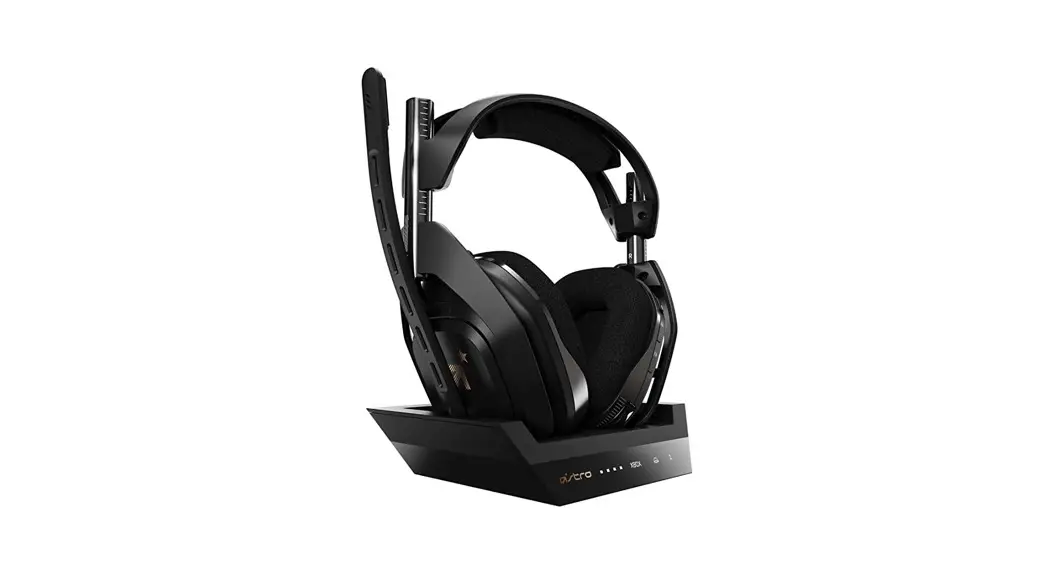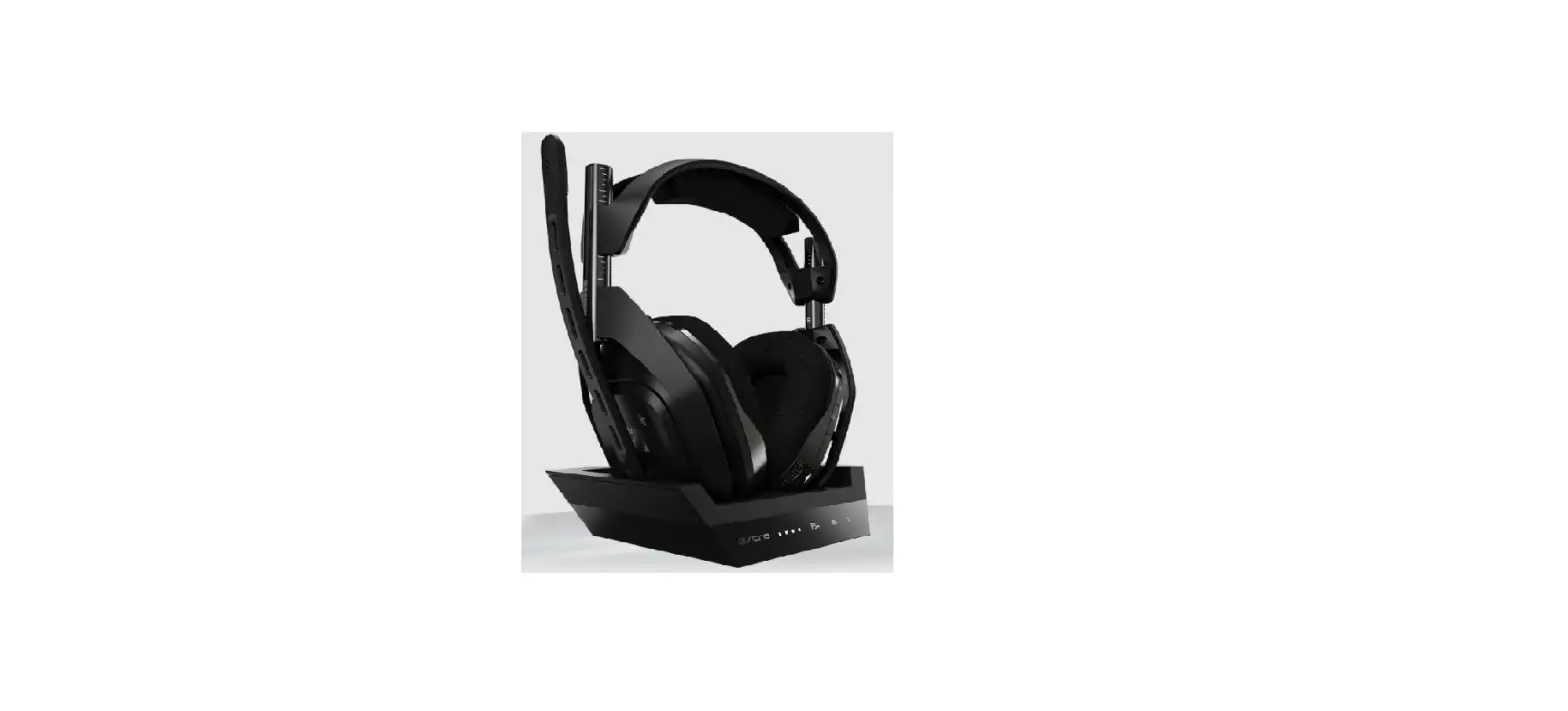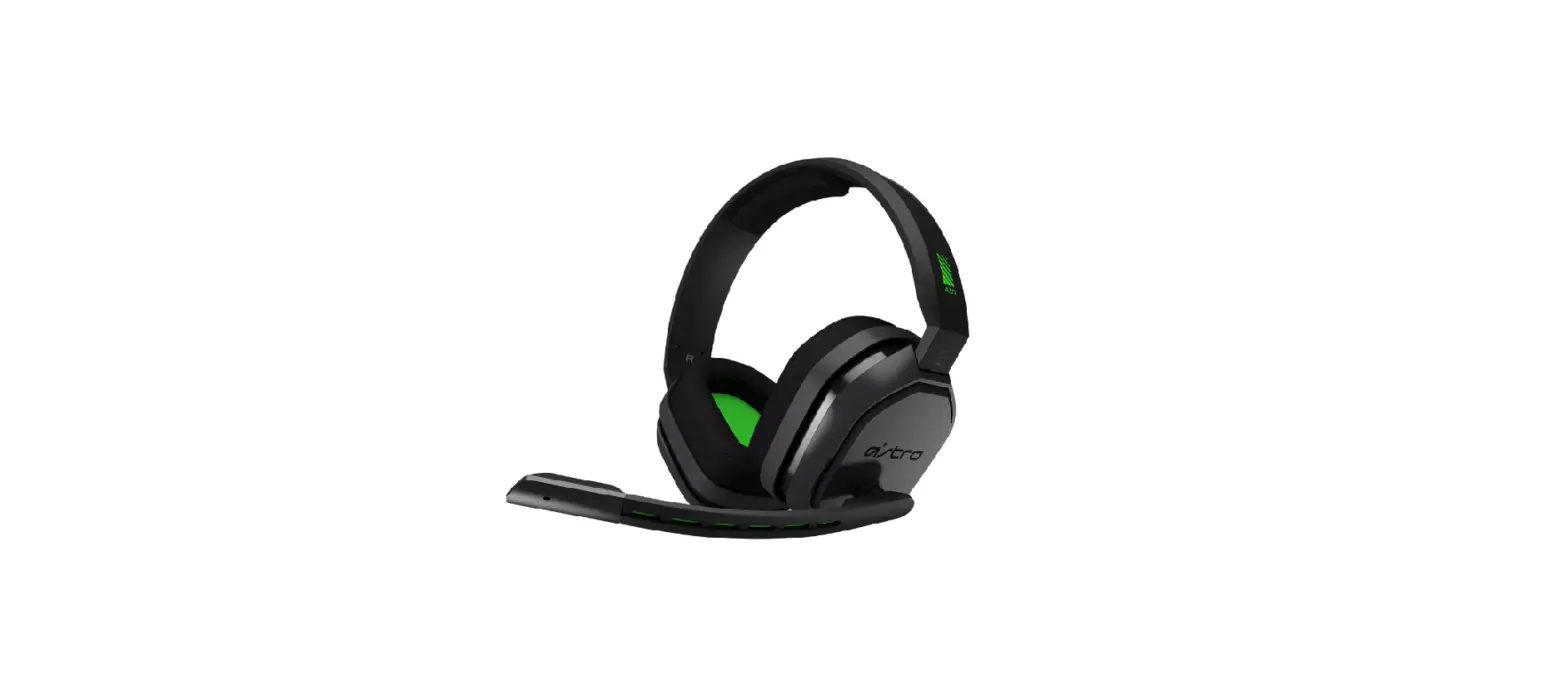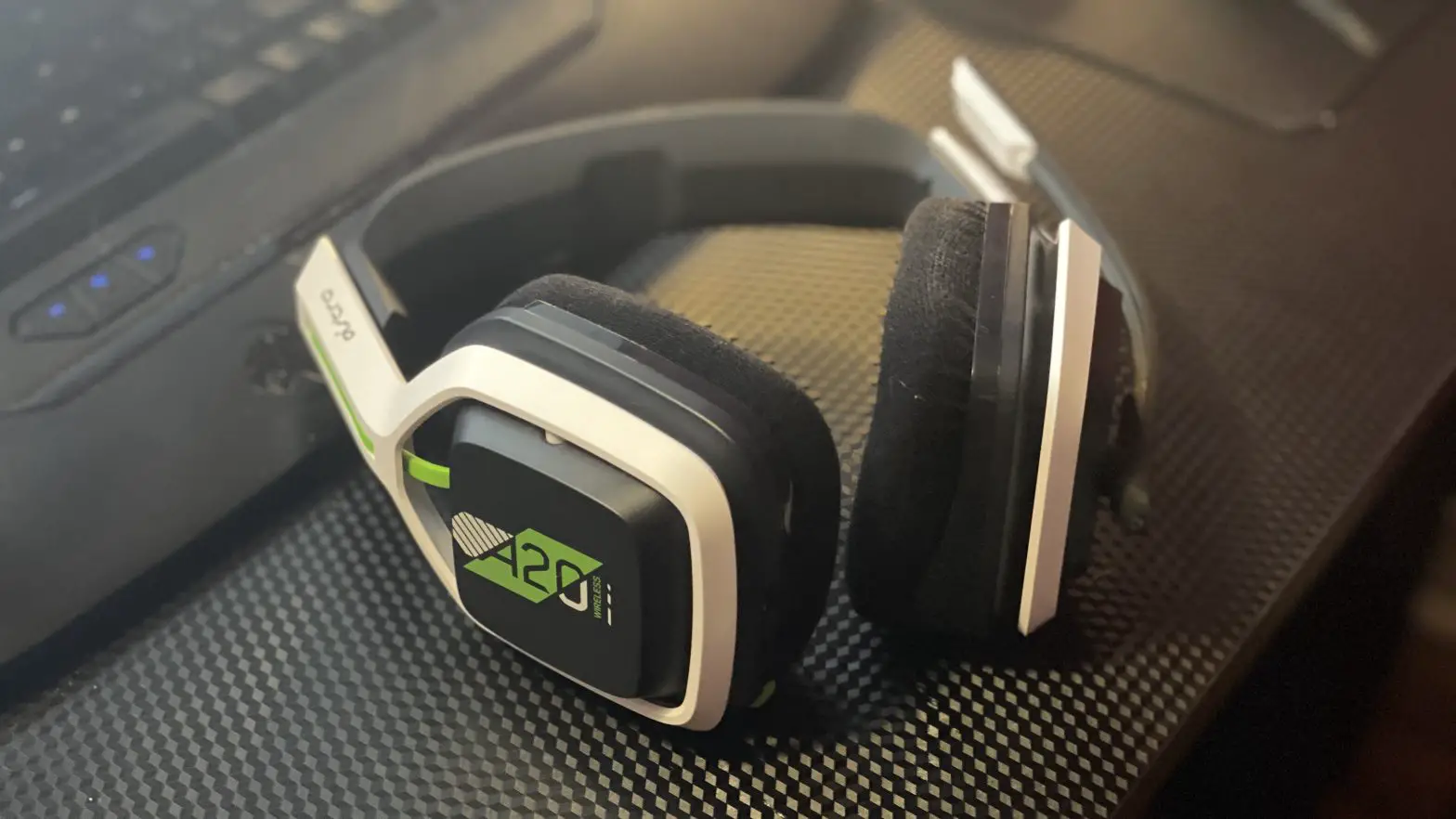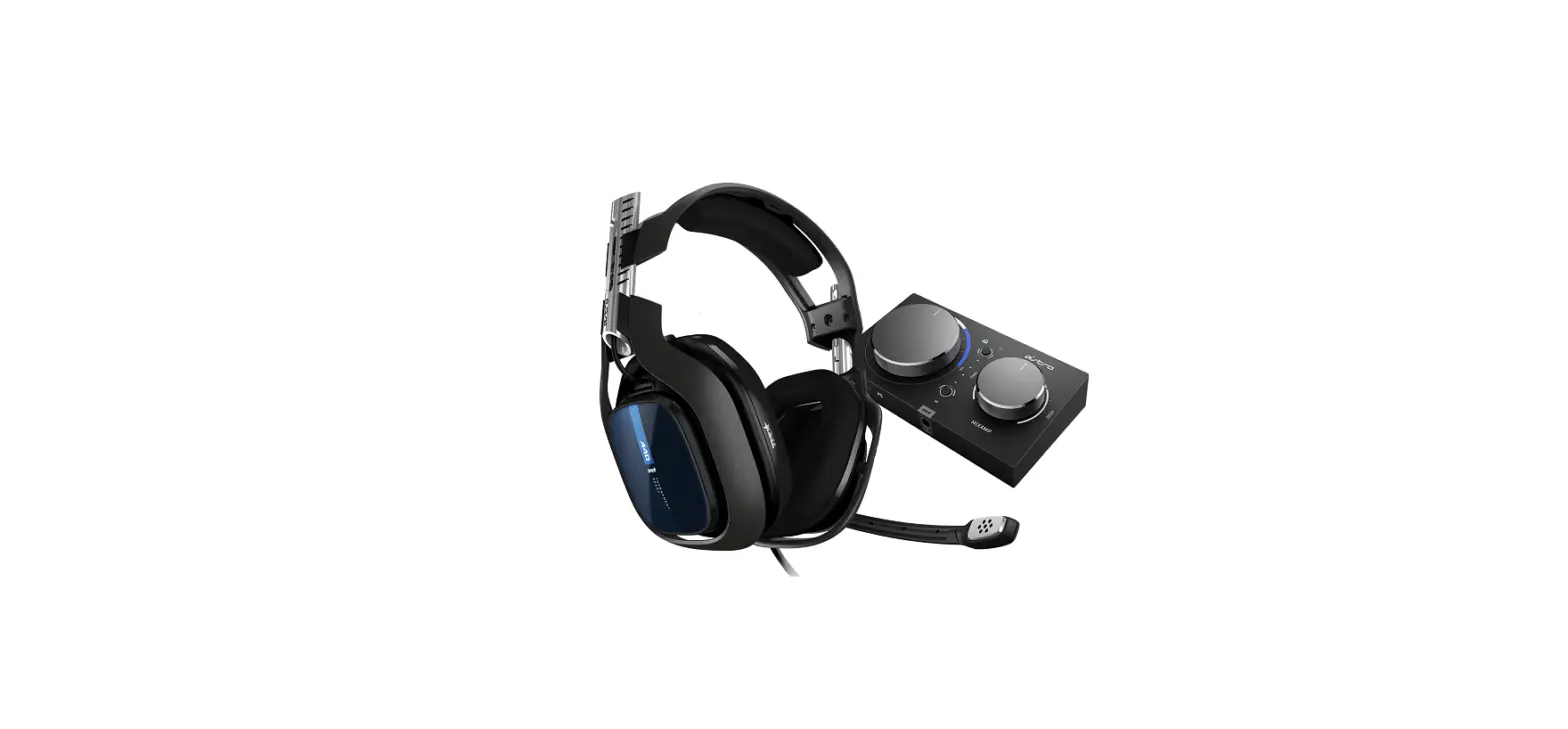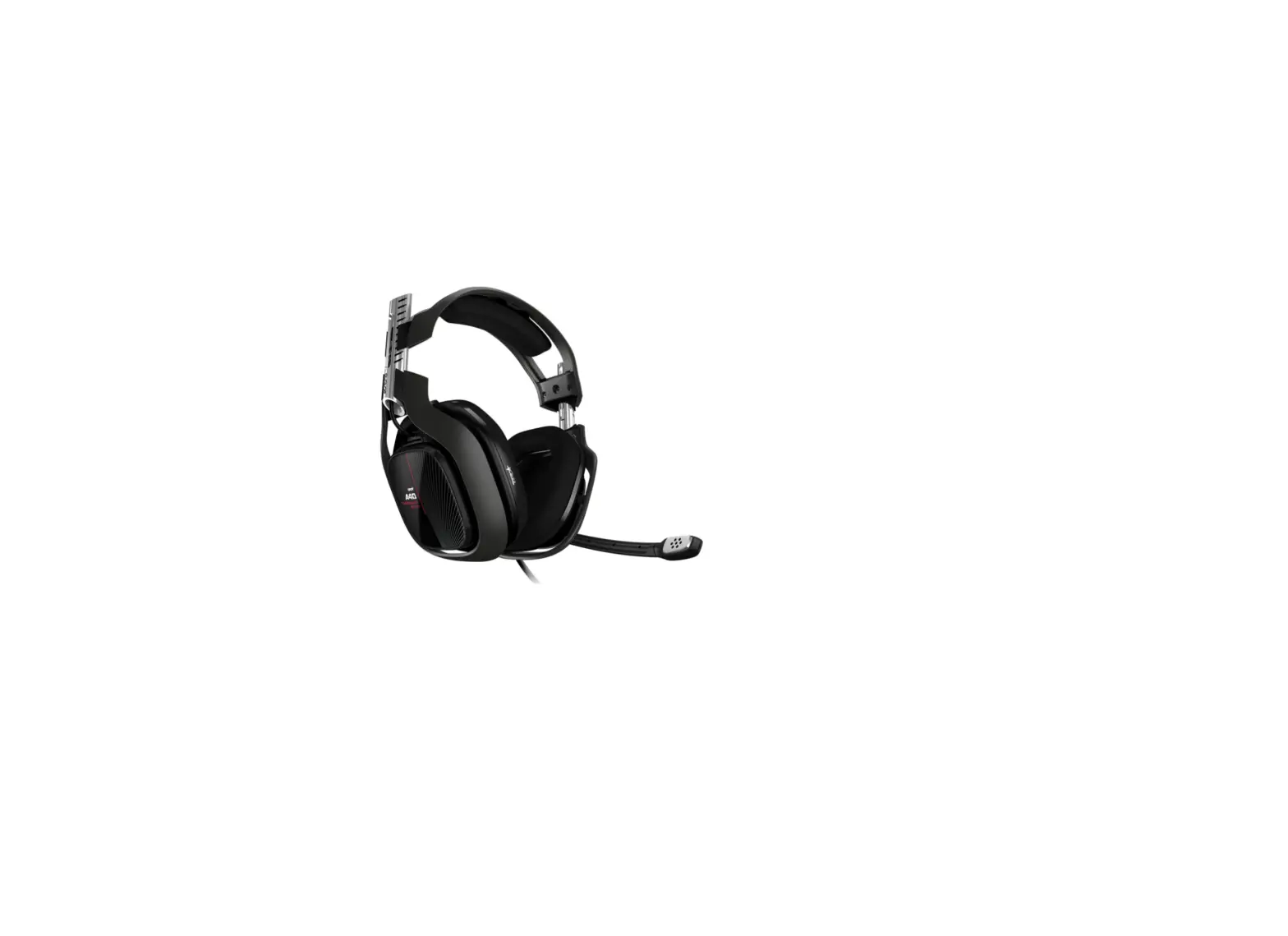
 ASTRO Gaming A40 TR Wired Headset
 ASTRO Gaming A40 TR Wired Headset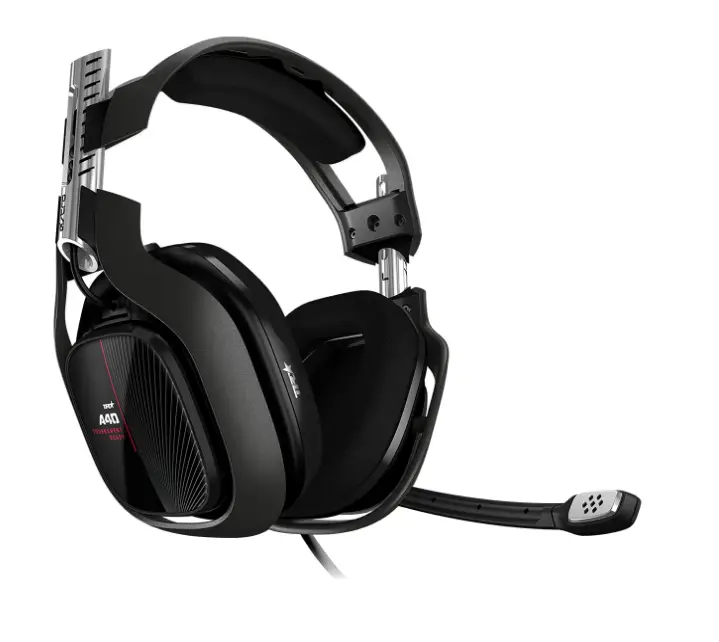
SPECIFICATION
- BRAND: ASTRO Gaming A40
- PRODUCT DIMENSIONS:75 x 7.75 x 3.75 inches; 12.8 Ounces
- BINDING: Video Game
- ITEM MODEL NUMBER: 939-001828
- ITEM WEIGHT:8 ounces
INTRODUCTION
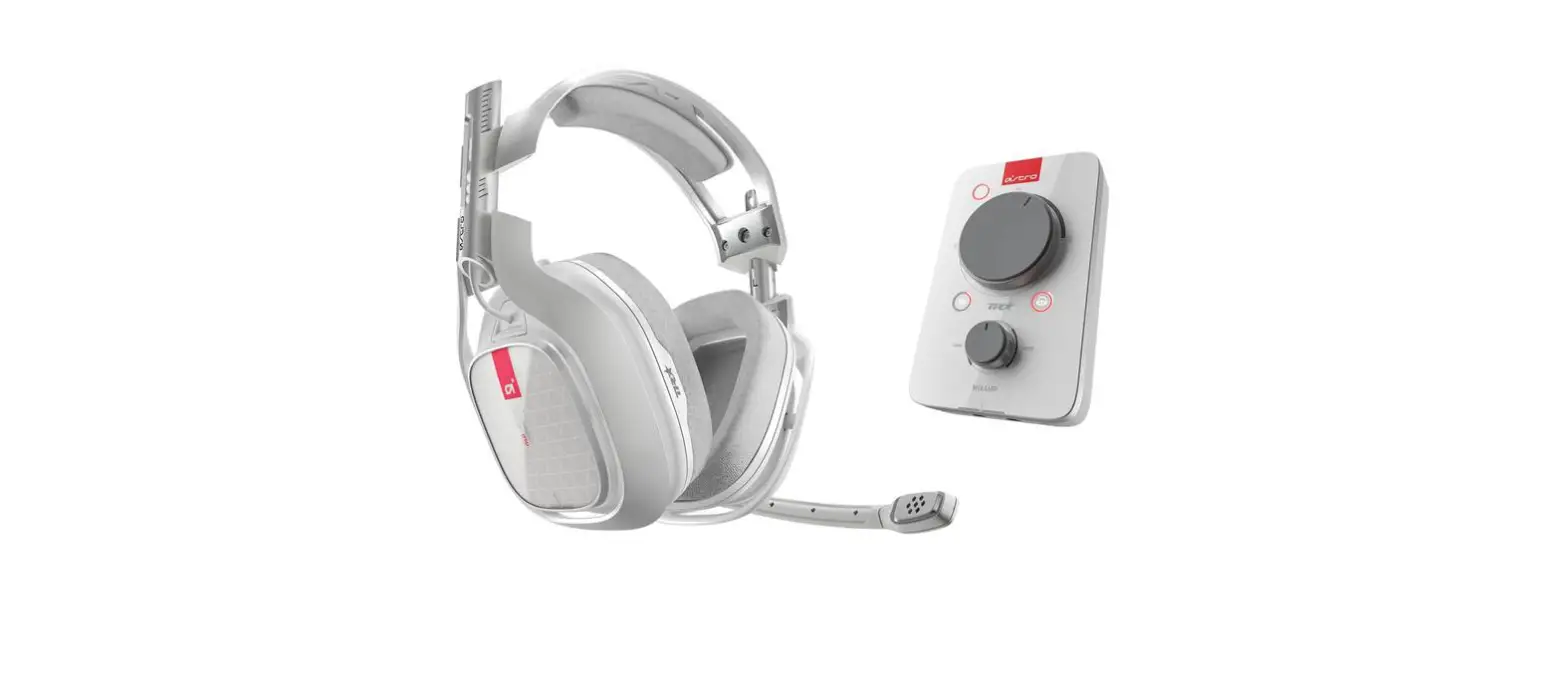
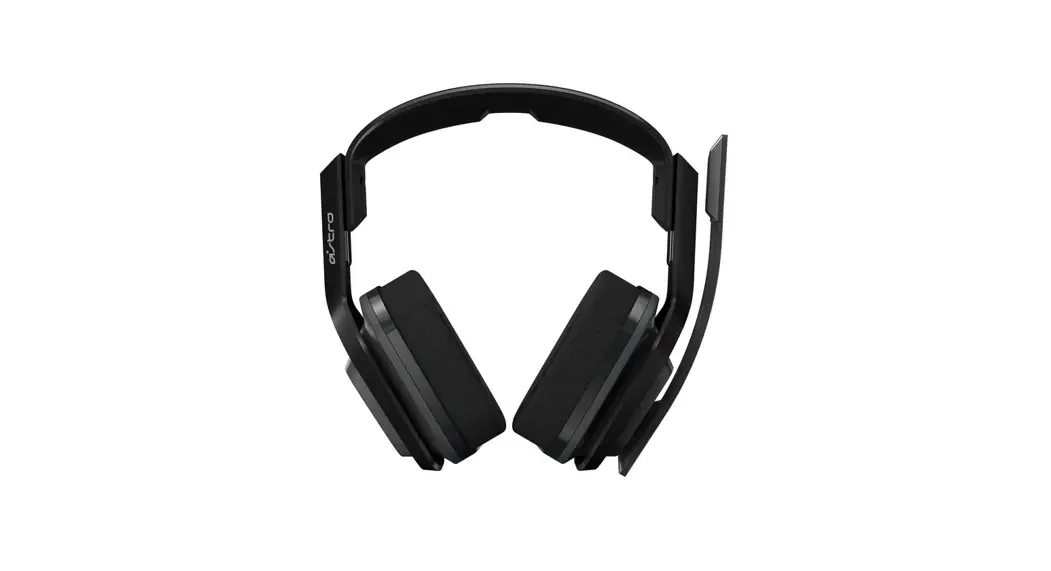
Play like an expert! The best gaming headset for professionals, including esports athletes, content makers, and live streamers, is the ASTRO A40 TR Headset. It was created in collaboration with esports athletes to suit their high requirements for comfort, durability, and audio fidelity. The A40 TR adjusts to any gaming setting and is Mod Kit Ready. An open-back headset with a replaceable precision mic and editable Speaker Tags, the A40 TR is available. The A40 TR may be converted into a closed-back noise-isolating headset for noisy tournament settings by adding a Mod Kit (available separately) that includes sealed Speaker Tags, synthetic leather ear cushions, and a voice-isolating microphone.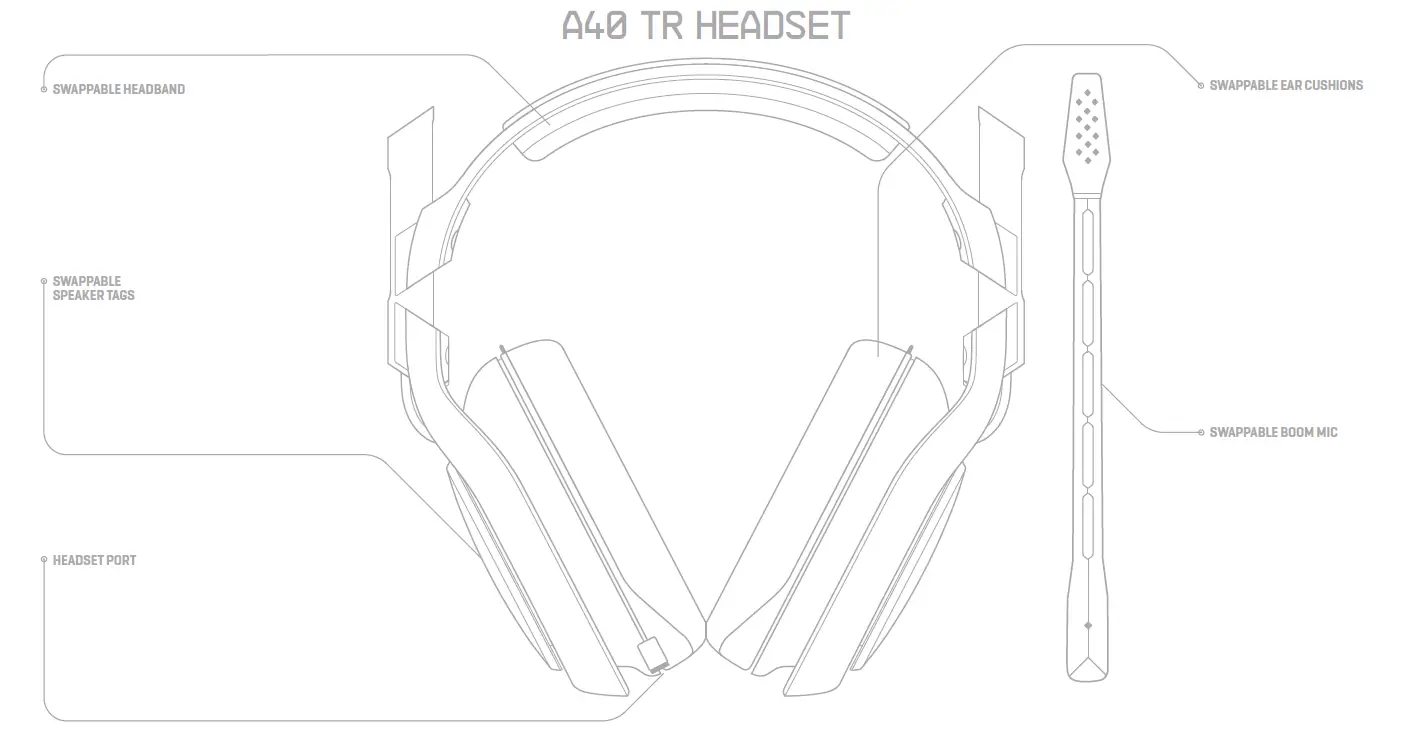
QUICKSTART GUIDE PAGE 2
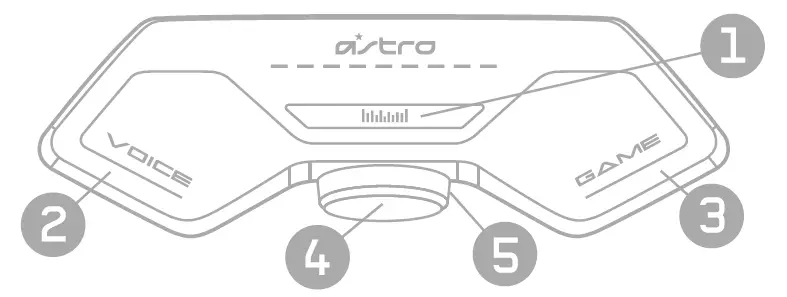
- Press to toggle between EQ Modes.
- Press for more voice audio.
- Press for more game audio.
- Press to mute microphone (RED = MUTED)
- Turn wheel to the right to increase volume, turn to the left to decrease volume


LED BEHAVIOR: master volume led array will fill up according to volume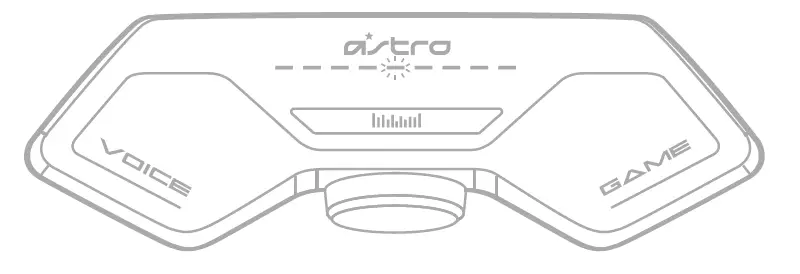
LED BEHAVIOR: game & voice balance led array will move according to balance
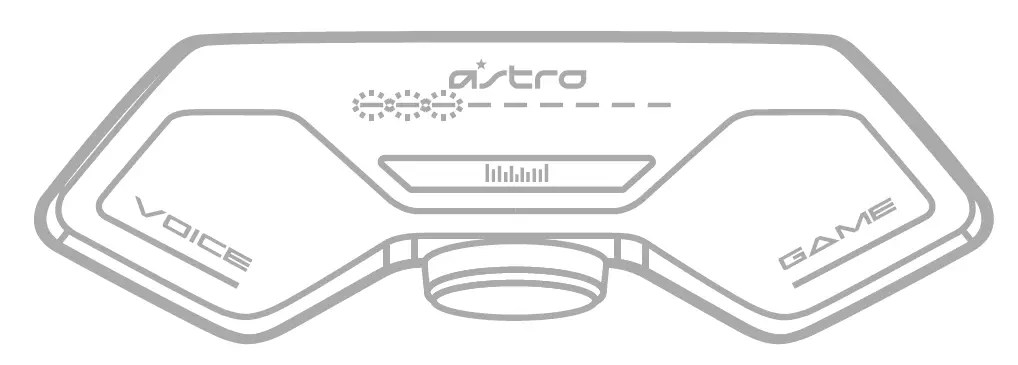
LED Behavior: EQ Modes
PRO MODE
CORE MODE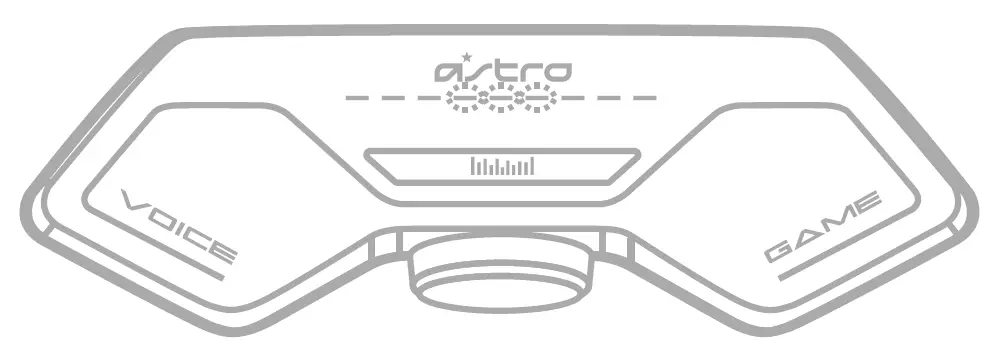
ASTRO MODE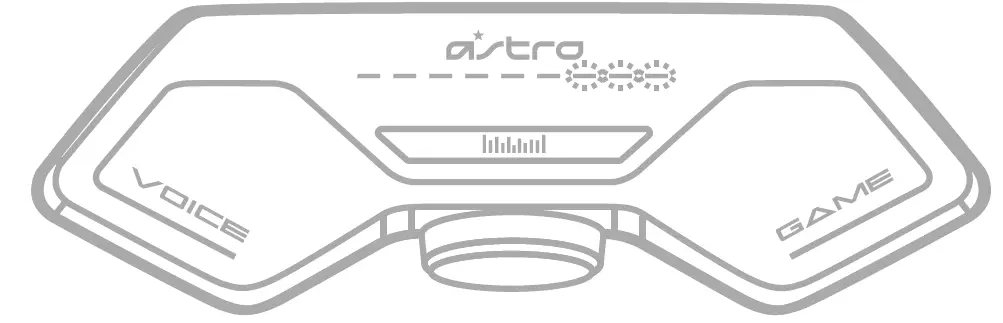
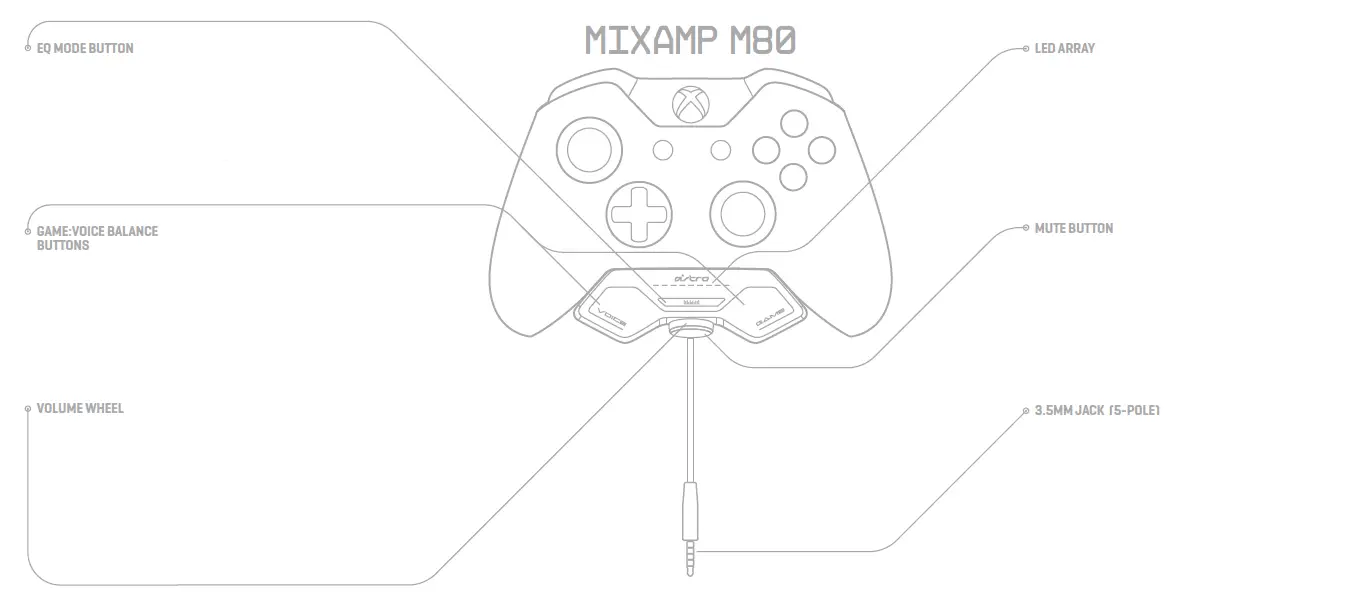
A40 TR + MIXAMP M80 SETUP

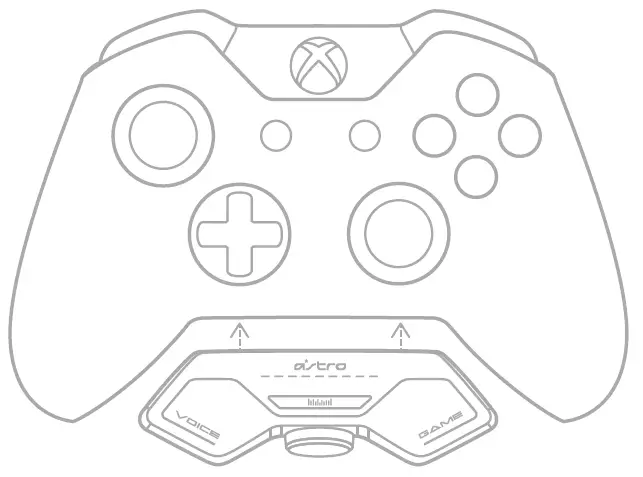
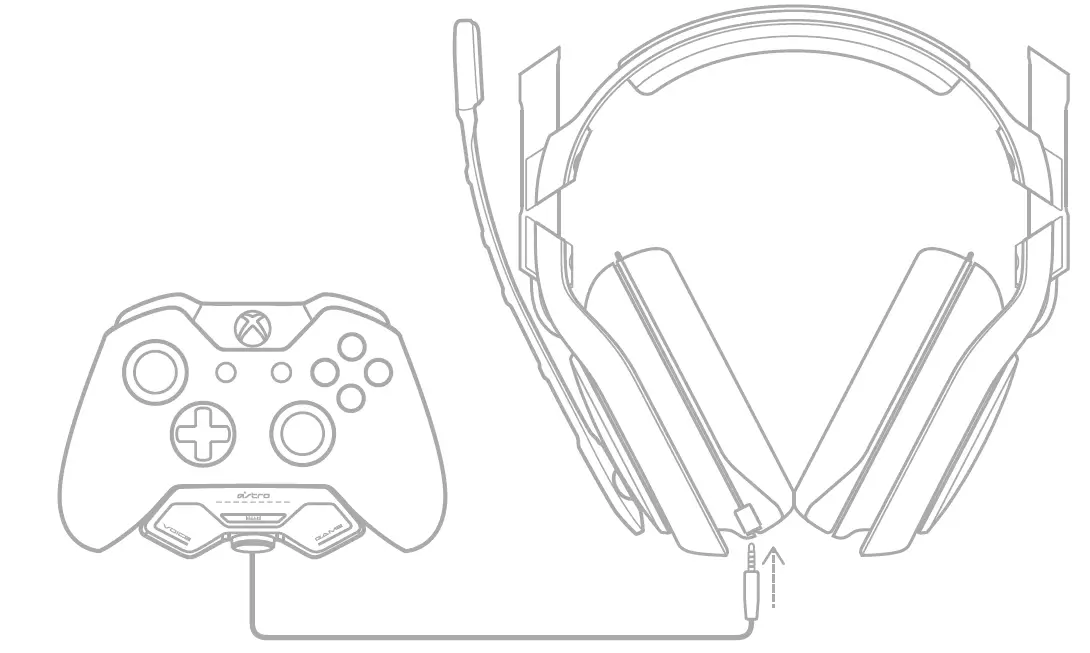
- Plug the MixAmp M80 into the bottom of the Xbox One controller.
- Plug the cable extending from the MixAmp M80 cable into the Headset Port on the A40 Headset.
- That’s it! Your A40 + MixAmp M80 and Xbox One are set up and ready to game!
FAQs
Do need a controller with an aux output already build in the controller
It doesn’t matter. I had one with the aux already built in. My friend is claiming you need the amp, which is an additional 200 dollars, to work properly. I told him there is no point on keeping the headset then if it is not going to work properly without the amp.
Do you need to update the headset before using it, and if so could you just plug it in and play ?
No update needed. You can definitely plug and play. Just know that the volume of your T.V. Will be as high as it can go. If you’re using on PC, you can use Dolby to maximize your experience.
Can you use an external mic and just the headphones?.
You can mute the headset mic from the 2.0m A40 Inline Mute Cable included with the headset.
Why should I get this and not the A50s?
The A40s will always have better sound quality over the A50s because they are wired. Frequency range is always limited by wireless technology. Wired will always have better sound fidelity than wireless. If you’re looking for sound quality, go with A40s. If you’re looking for convenience, go with the A50.
I have an Xbox series x…I know the headset work with this console but how about the sound…u can hear crystal clear? and hoe to increase volume?
ASTRO headsets are specifically tuned for gaming. We work closely with developers, pro gamers and streamers to deliver dialogue, music and in-game sounds as they were intended to be heard. ASTRO Audio V2 provides a neutral, smooth and extended frequency spectrum for detailed, true-to-life imaging. This means non-fatiguing highs, clear mids and tight distortion-free bass for balanced resolution. You can also control the volume via the in console sound settings.
Do these headsets have 3d audio?
The ASTRO A40 TR is not 3D audio compatible.
What if I need to return?
you have 30 days.
We bought this in May and the microphone has stopped working so while my son can still hear, no one can hear him. Is there a replacement policy?
Unfortunately not beyond the 30 day replacement policy Amazon has. You might try going to that company’s website and send them an email, but just so you know, they take forever to get back to you and their customer service is absolutely terrible. So don’t expect anything, but maybe give that a try – astrogaming.com.
Does this connect via 3.5mm jack? I hope not because always cause static
Yes. There’s a 3.5mm jack on the headphones themselves and they also plug into your console/device/PC via 3.5mm jack.
How deep are the ear cushions?
The cushions are about an inch thick.
I have the white mix amp pro from the older version. Will it still work for this one?
Not entirely sure. I’d recommend reading more about it online.
When will the A40 and mixamp pro Xbox/pc bundle be in stock for prime?
Keep checking back.
I bought the ps5 version and when I plug into the Xbox s controller it has a little static. friends in a party say sometimes I talk in static. help?
Please reach out to the support team on our website https://www.astrogaming.com/ and create a ticket for the issue. The support team will help you.
This work with ps5 ??
The Astro A40 is compatible with PS5, PC/MAC, XBOX SERIES X|S.
Does it still have a flip to mute mic
The a40 doesn’t have flip to mute because you can remove the mic and switch sides.