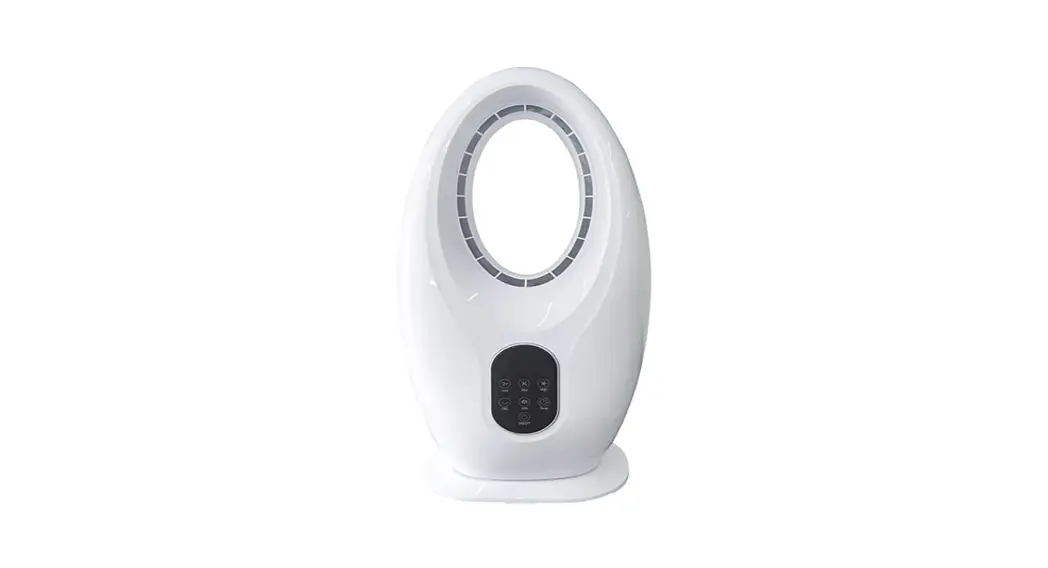

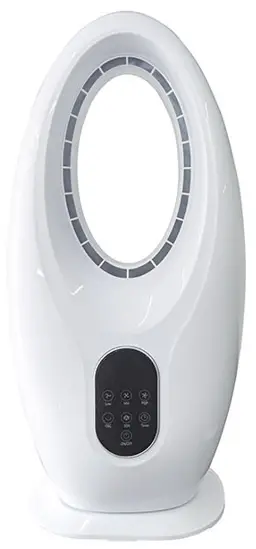
USER’S INSTRUCTION FOR BLADELESS FAN
Standard : GB4343.1-2018 GB4706.1-2005 GB4706.27-2008 GB17625.1-2012
Product Introduction
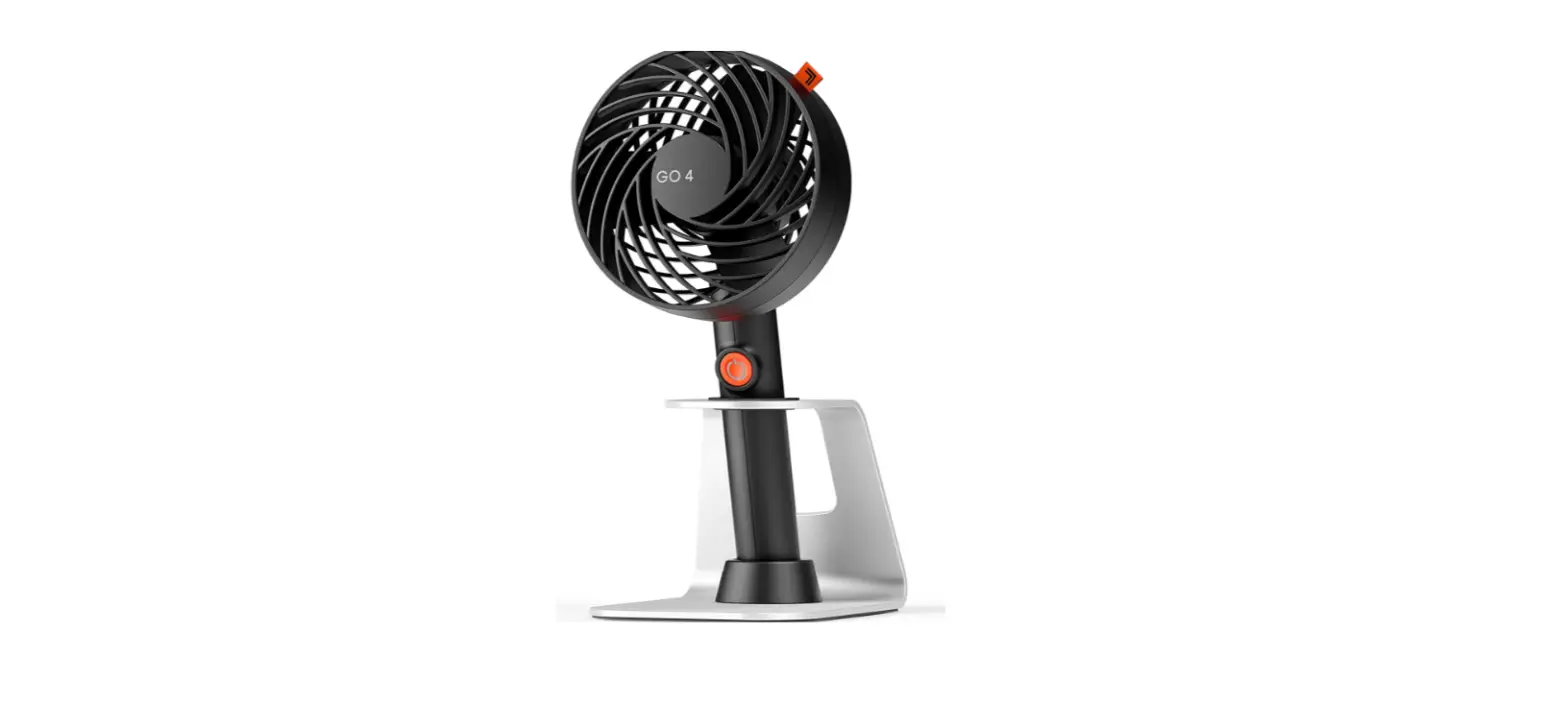
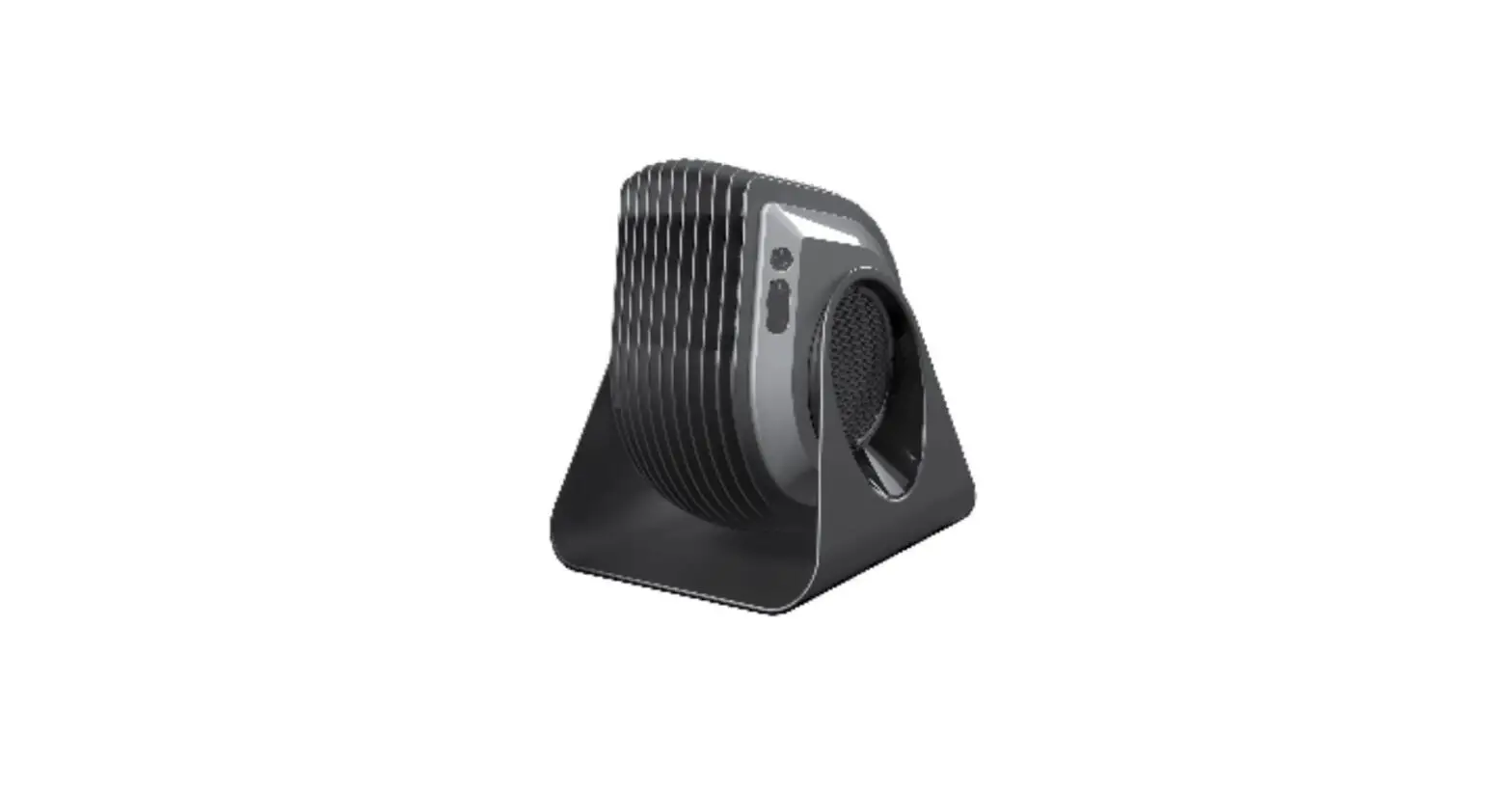
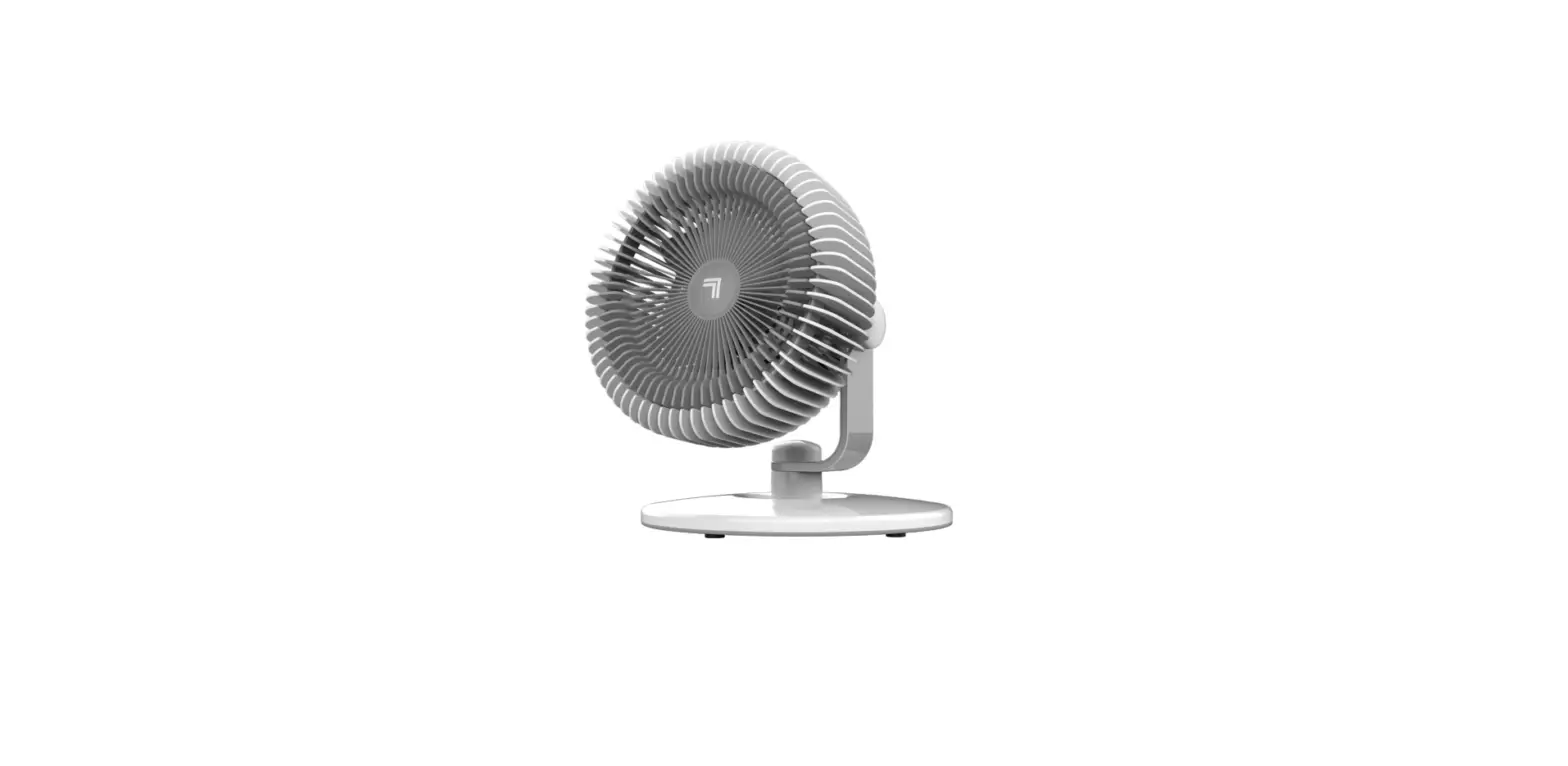
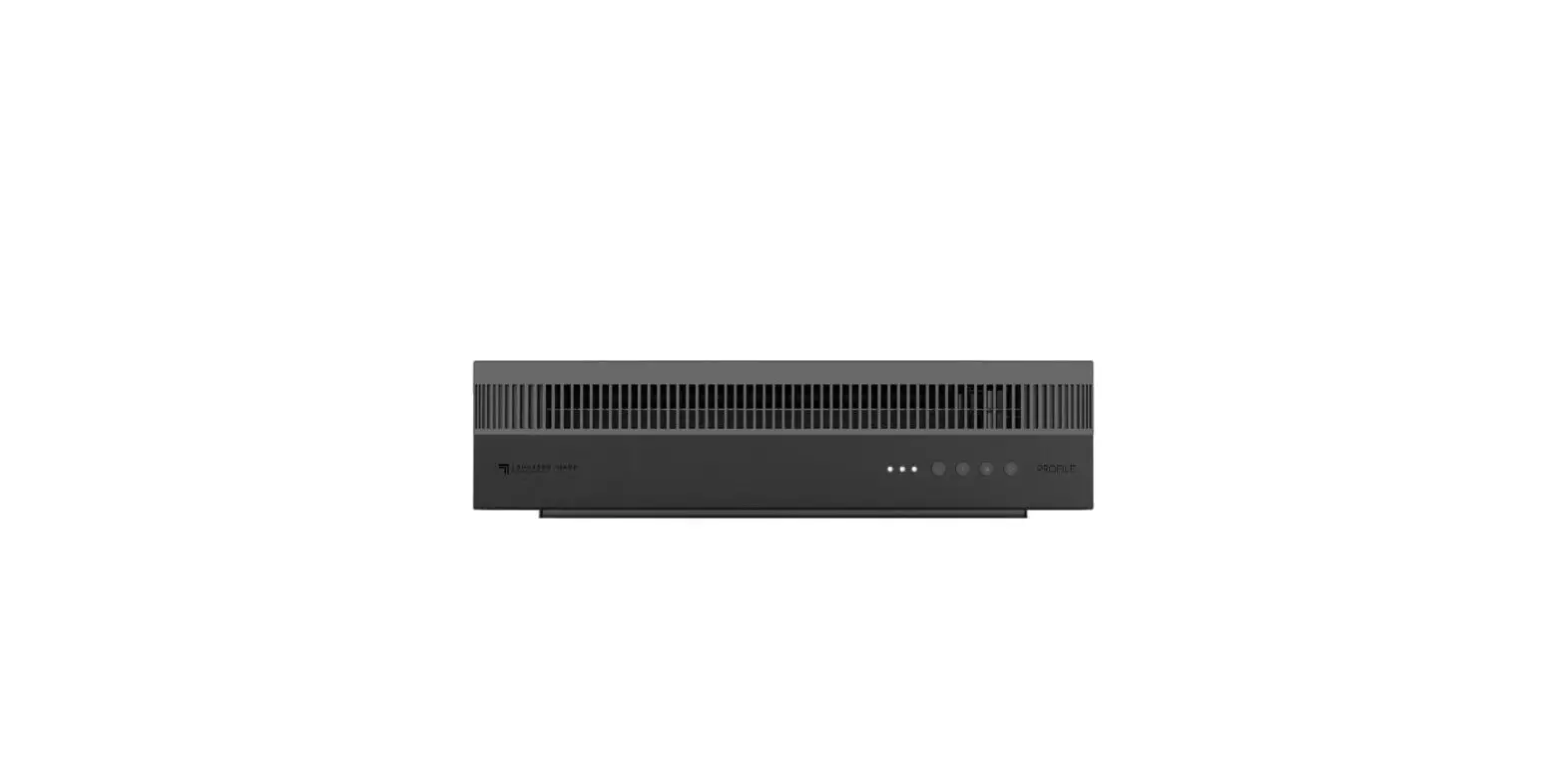
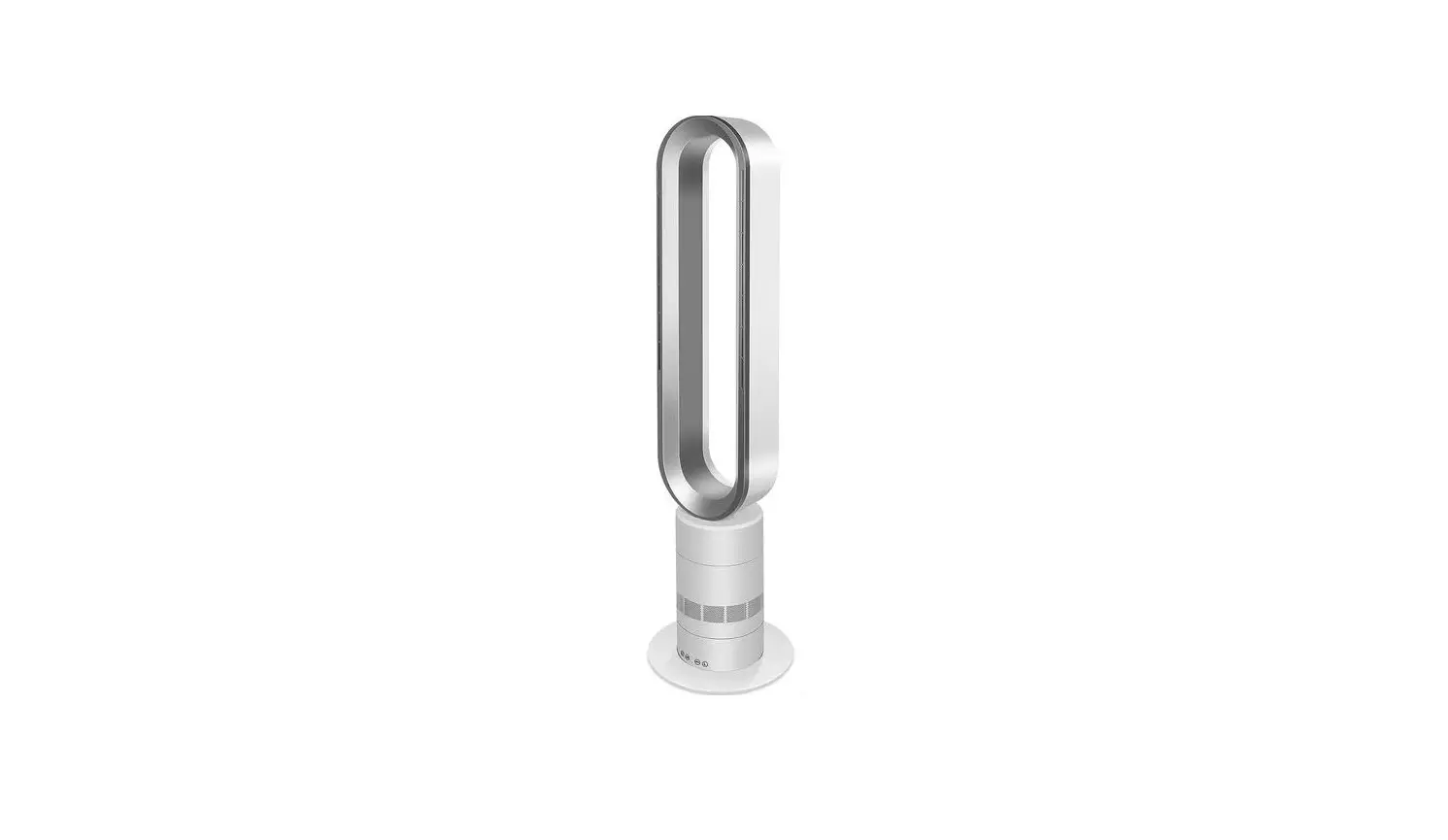
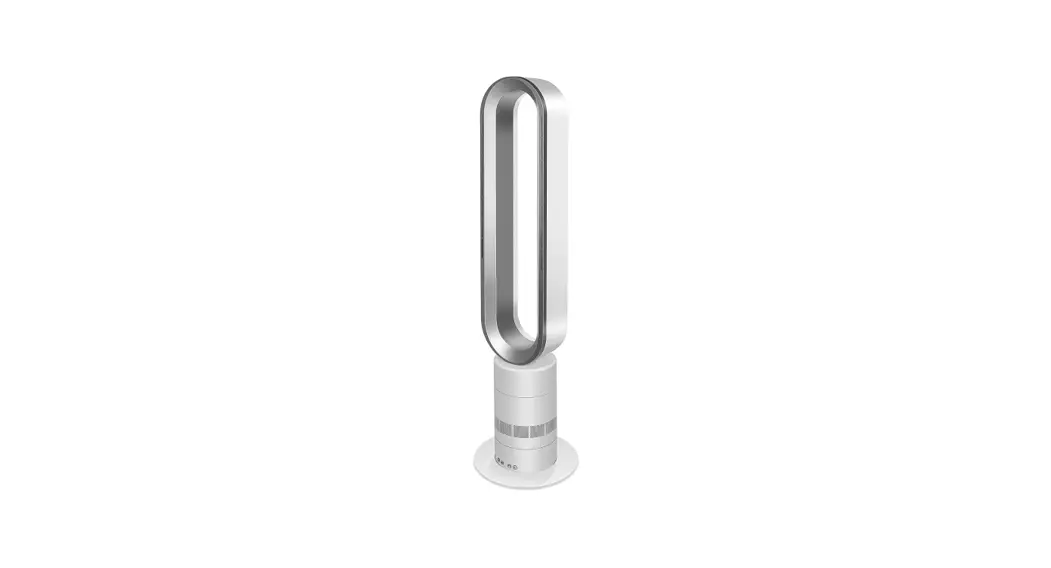
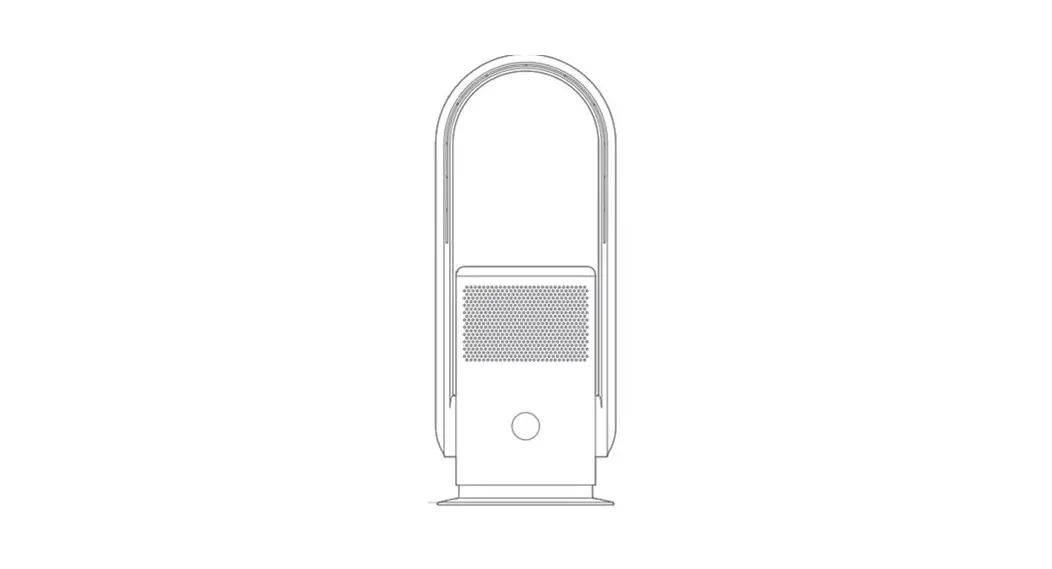
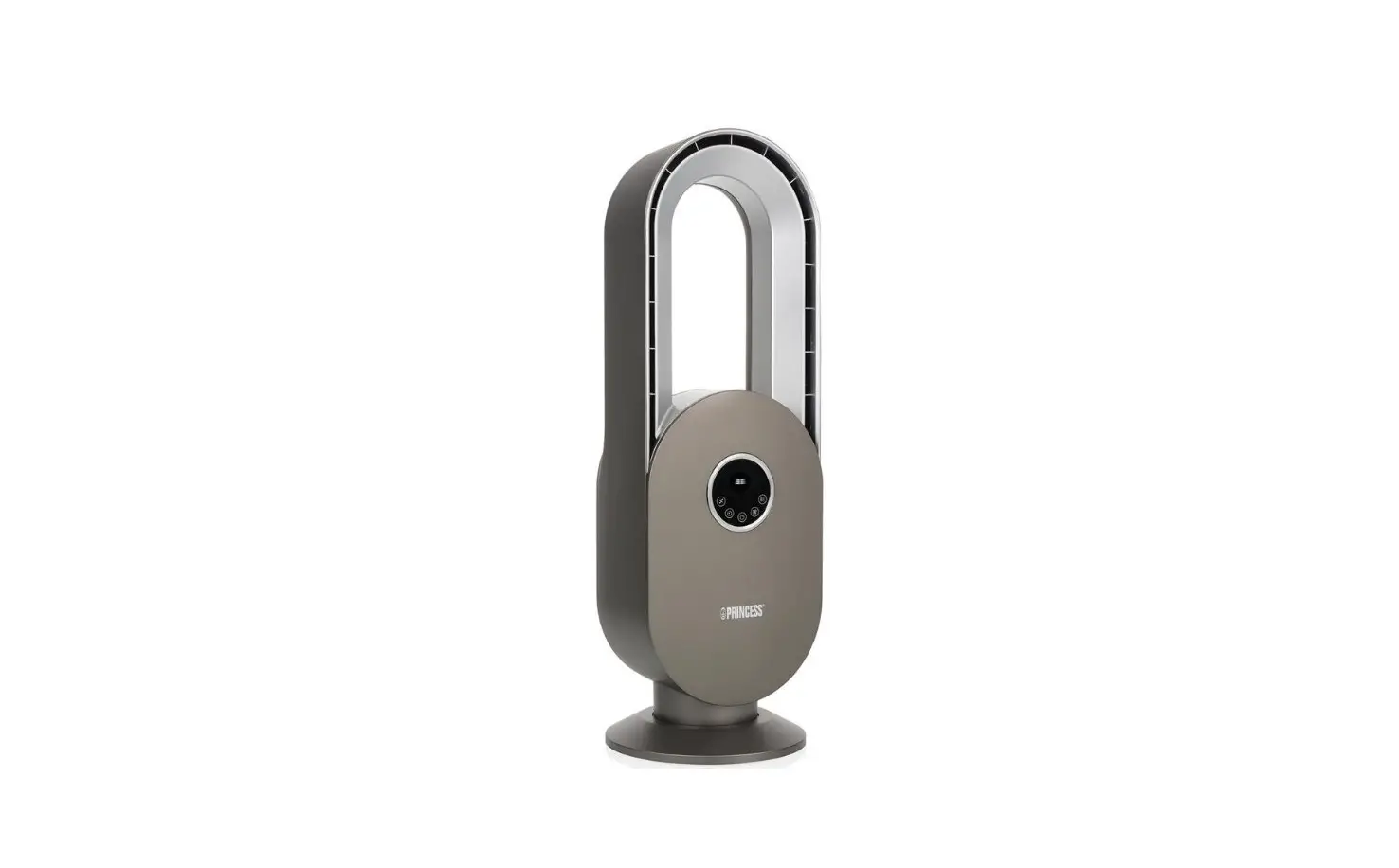
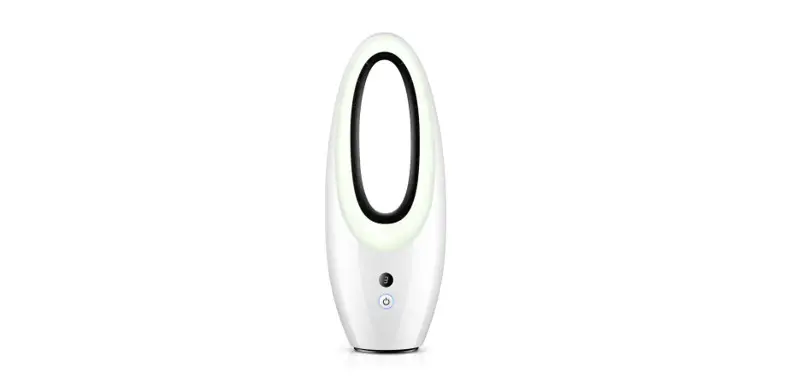
Bladeless fan adopts a high precision motor, with low noise, high speed, and multiple gears, which can quickly circulate indoor air and assist air conditioning or heater to achieve rapid cooling and heating effect. And the product is overall light, easy to move, and suitable for four seasons. In addition, the products use intelligent touch control, infrared remote control, fashion, and a sense of technology.
How to use
A. Knob version function
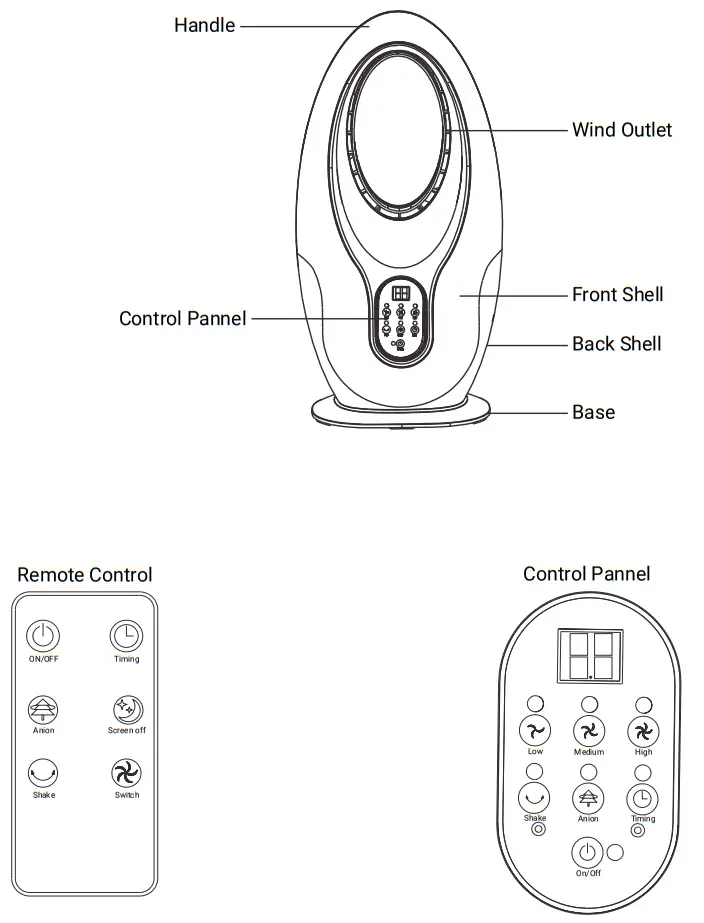
- Plug in the power, and turn the knob switch to the mark “low” low wind speed starts. Plug in the power, and turn the knob switch to the mark “medium” and medium wind speed starts. Plug in the power, and turn the knob switch to the mark “high” high wind speed starts.
- Head shaking when the knob switch signs are rotated to “low” “medium” and “high” with “shake head”, the gear shake head function is turned on, and the machine function is turned off when it reaches “off”
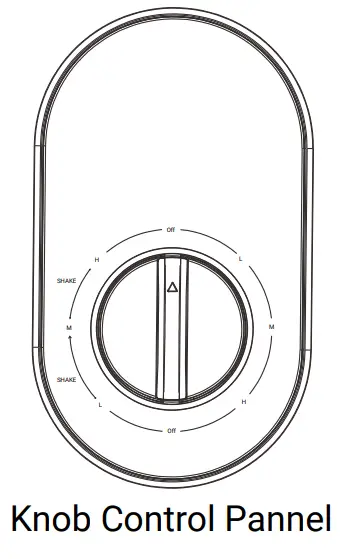
B.Remote version operation
- Plug in the power, the computer board rattled and the machine was on standby mode.
- Press “off”, and the machine starts at low wind speed, and the current temperature is displayed on the digital screen, press “off” again, and turn off the machine.
- High Speed: Press the “high”, and the machine starts at high wind speed, the indicator light is on, press again, and turn off the high speed.
- Medium Speed: Press the “medium”, the machine starts at medium wind speed, indicator light on, press again, and turn off the medium speed.
- Low Speed: Press the “low”, the machine starts at low wind speed, an indicator light on, press again, and turn off the low speed.
- Timing: Press the “timing”, digital screen shows”00”, increments one hour per press.
- Head shaking: Press the “head shaking”, shaking function on. Press again, shaking the function off.
- Anion: Press the “anion”, anion function on. Press again, anion function off.
- Screen light off: When the control panel is energized, it will enter the screen resting state after no operation for 90 seconds. Touch any button or remote control operation, the screen will light up immediately.
• Note for Remote Control
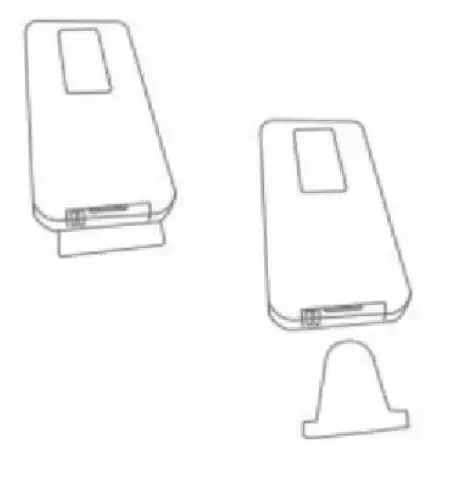
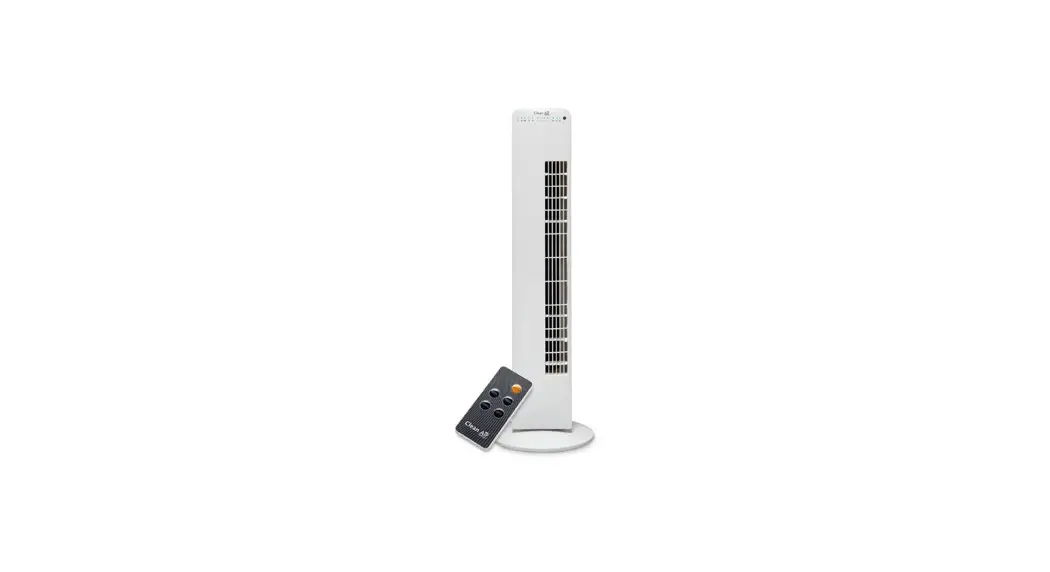
Please remove the PVC clip before using the emote
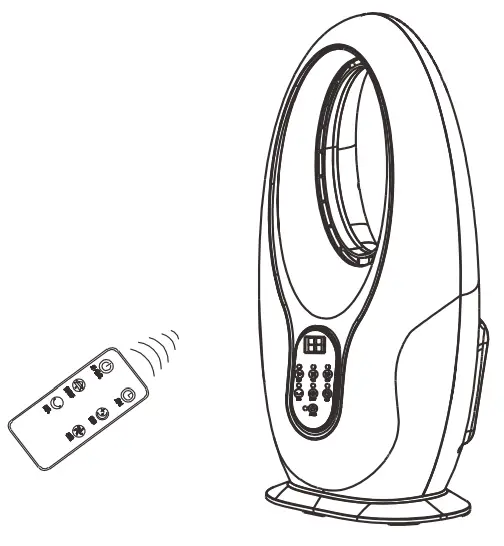
- Note for Remote Control
- The remote must be directly facing the receiver
- The application range of the remote control should be within 5m from the front of the receiver. If the remote control does not face the receiver, the application range will be reduced
- If the fan is used in a room with a high-power machine running, the remote control will fail
- Don’t put anything between the receiver and the remote control
- Please take good care of the remote control to avoid collision and falling
- Remove the battery when you are not using the remote control
Safety Precautions
 Before use, please check whether all voltages are in accordance with the product voltage label. Before use, please check whether all voltages are in accordance with the product voltage label. |  Check whether the power cord and plug are damaged before use. Please do not twist and pull the power cord to avoid bad contact. Check whether the power cord and plug are damaged before use. Please do not twist and pull the power cord to avoid bad contact. |
 Please turn off the power before pulling out the plug. Please turn off the power before pulling out the plug. |  Non-professional personnel or author- rized repair personnel shall not repair or transform the machine by themselves. Non-professional personnel or author- rized repair personnel shall not repair or transform the machine by themselves. |
 When using, do not insert the fan net with your hands or sharp objects to prevent accidents. Children must pay special attention. When using, do not insert the fan net with your hands or sharp objects to prevent accidents. Children must pay special attention. |  Do not use in areas where curtains are being sucked in. This may damage the motor. Do not use in areas where curtains are being sucked in. This may damage the motor. |
| Infants, sick people, and old people can not use the fan for a long time. | Do not spray volatile agents or insecticides on the machine. There is a risk of deterioration, damage, and discoloration of the machine shell. |
| Before use, please check whether all voltages are in accordance with the product voltage label. | Before use, please check whether all voltages are in accordance with the product voltage label. |
 When not used for a long time, please unplug the power plug. When not used for a long time, please unplug the power plug. | Do not use in high temperatures (≥40℃), high humidity, and dust places or places with acid, alkali, and oil. |
Maintenance and storage
 Please turn off the power and unplug the power plug before cleaning and maintenance. Please turn off the power and unplug the power plug before cleaning and maintenance. |  The machine only needs to do general external cleaning and maintenance. Wipe with kitchen detergent first, and then wipe with a clean, soft cloth. The machine only needs to do general external cleaning and maintenance. Wipe with kitchen detergent first, and then wipe with a clean, soft cloth. |
| The dirt on the body must be removed to avoid discoloration and damage. | Please do not flush the fan directly with water. |
Do not use diluent, toluene, acid lotion, lamp oil, alcohol, or chemical cloth to wipe, so as to avoid discoloration or damage.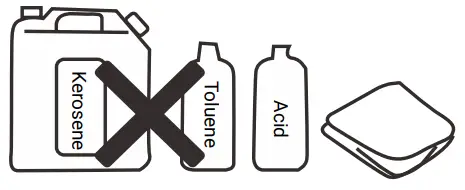 | After maintenance and cleaning, it must be fully dry before the electricity can be used or stored. Please pack each part into the packing box in accordance with the original packing order, and place it in a dry place for safekeeping. |
Simple Troubleshooting
| SYMPTOM | HOW TO SOLVE |
| The blade does not operate when the fan is started | • Check if plug on • Check if the blade net has a shape change and touched the blade. |
| There is noise when the fan starts | • Check that the fan blades are indeed fitted into the motor axis. • Check if there are small burrs around the fan blade. • Check if the blade net has a shape change and touched the blade |
Notice: If the power cord is damaged, it must be replaced by a professional from the manufacturer, maintenance department, or similar department in order to avoid danger.
Environment influence
Name and content of harmful substances in the product
| Name | Harmful Materials | |||||
| Pb | Hg | Cd | Cr(VI) | PBB | PBDE | |
| PCB | X | 0 | X | 0 | 0 | 0 |
| Hardware | X | 0 | 0 | 0 | 0 | 0 |
| Plastic Part | 0 | 0 | 0 | 0 | 0 | 0 |
| Presswork | 0 | 0 | 0 | 0 | 0 | 0 |
| Motor | 0 | 0 | 0 | 0 | 0 | 0 |
| Controller | X | 0 | X | 0 | 0 | 0 |
| Cord | X | 0 | 0 | 0 | 0 | 0 |
| This form is prepared in accordance with SJ/T 11364 0: Denotes that the content of the hazardous substance in all homogeneous materials of the part is below the limit requirements specified in GB/T 26572 X : Denotes that the content of the hazardous substance in at least one homogeneous material of the part exceeds the limit equirements stipulated by GB/T 26572. | ||||||