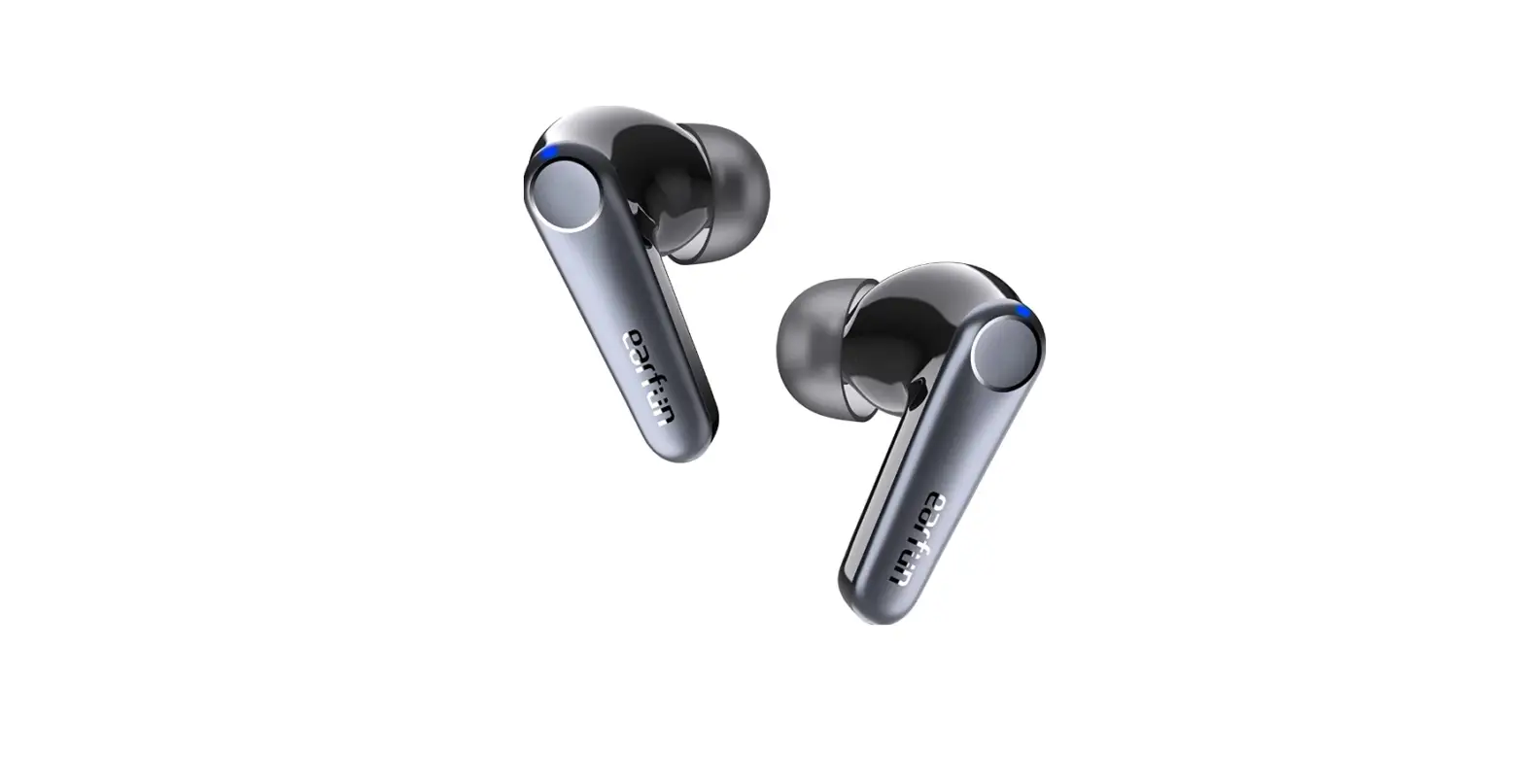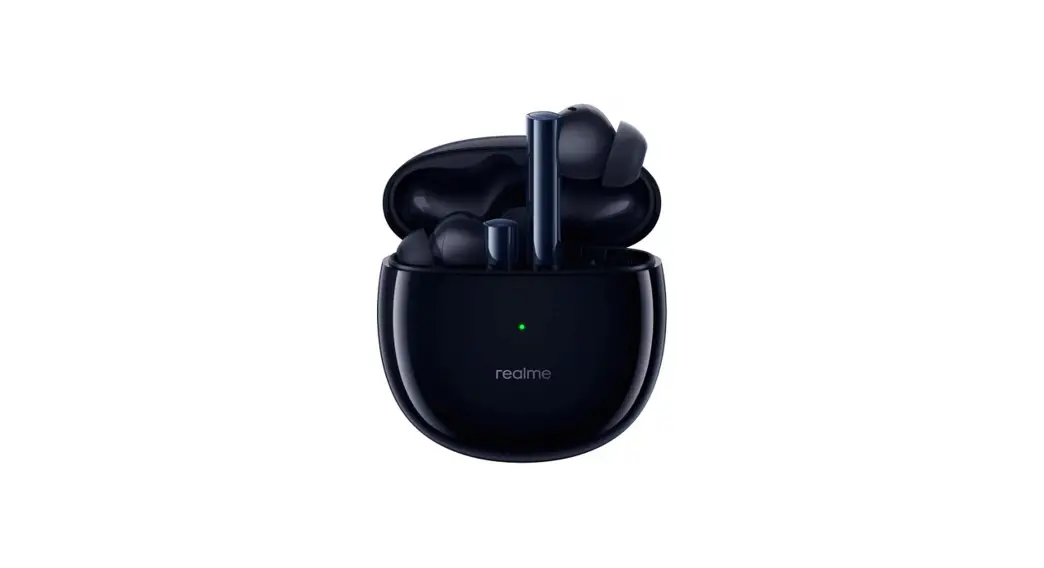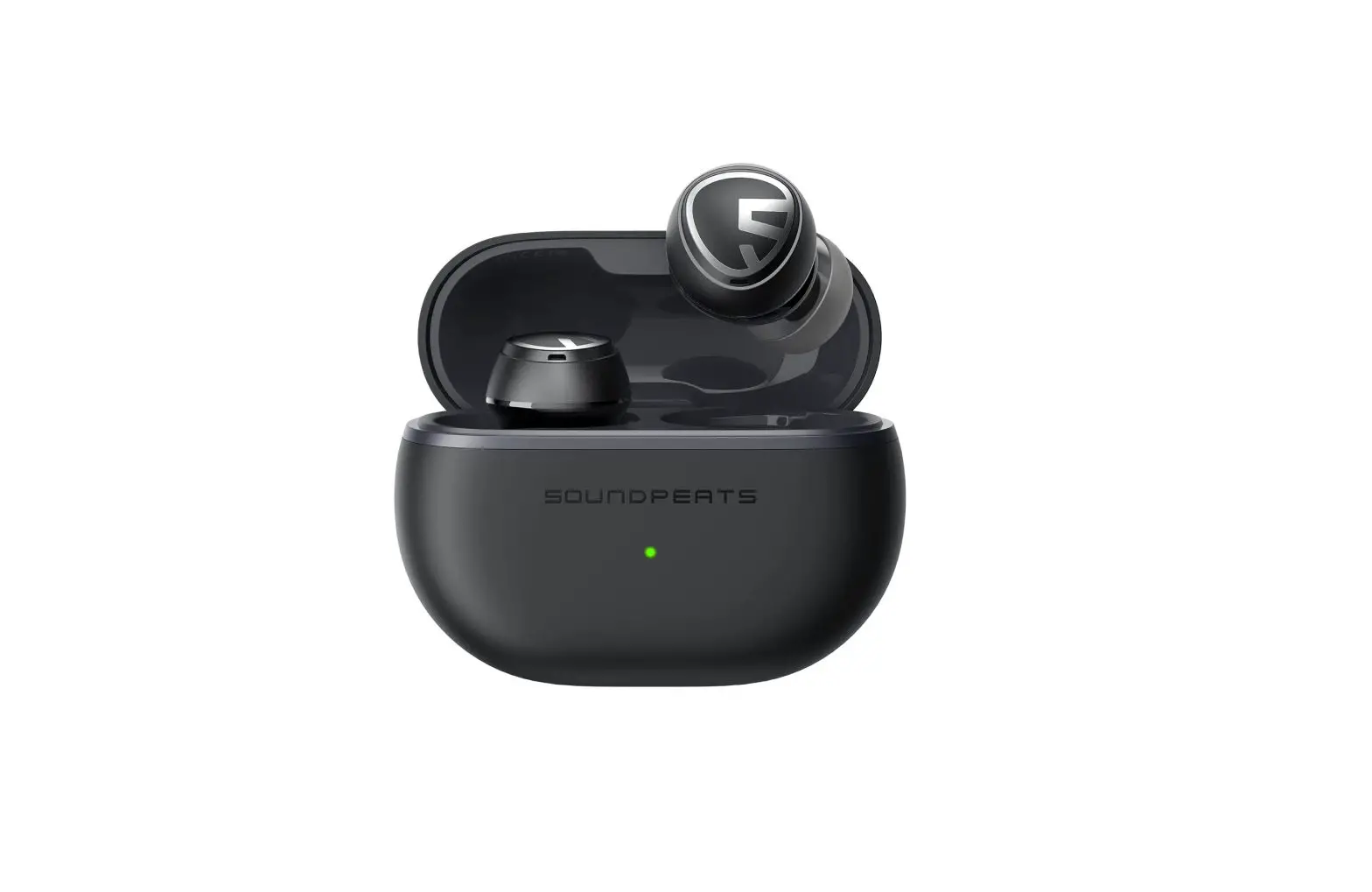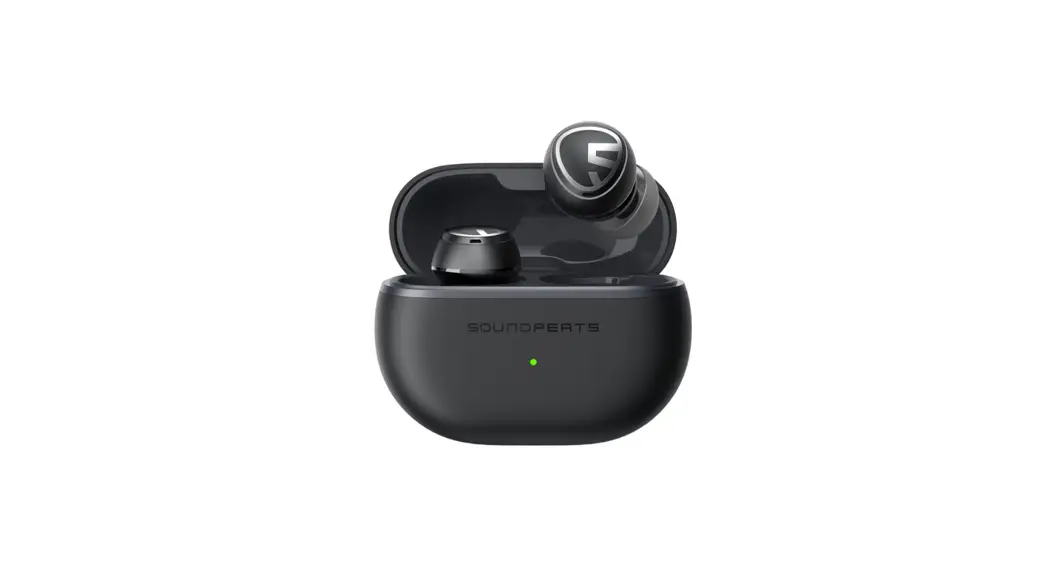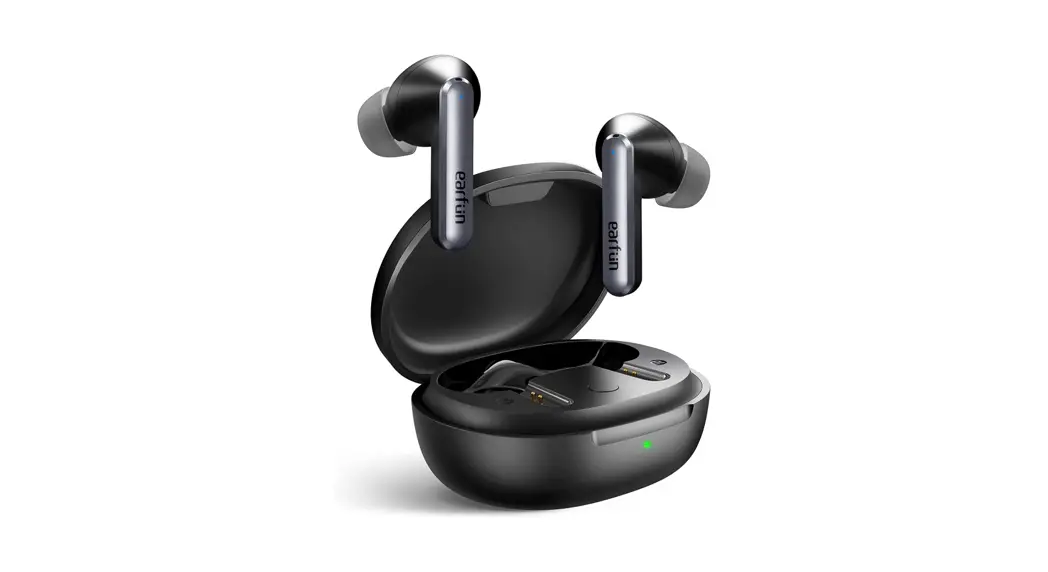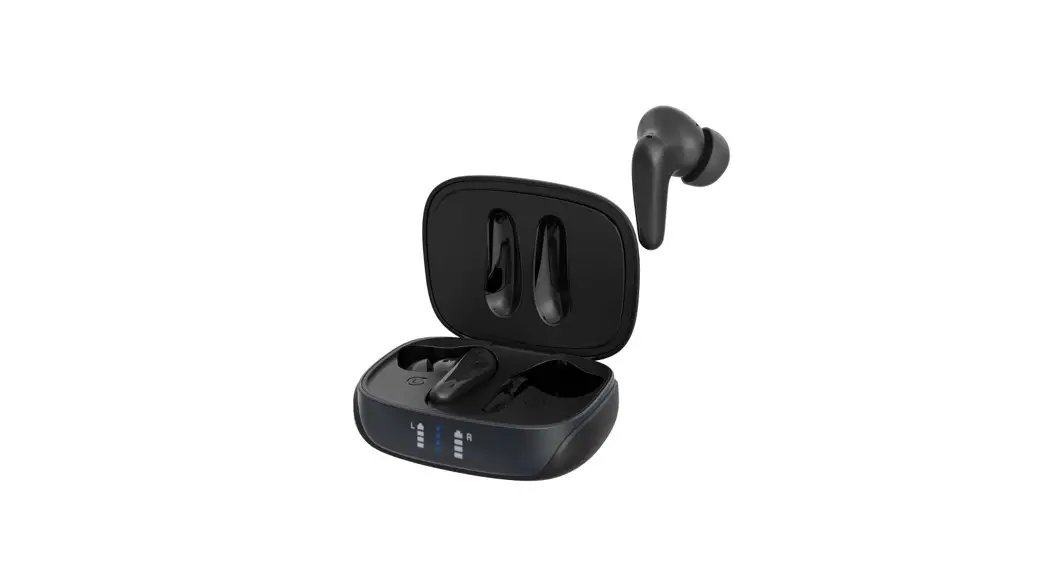
 Air Focus Active Noise Cancelling Wireless In-Ear Headphones
User Manual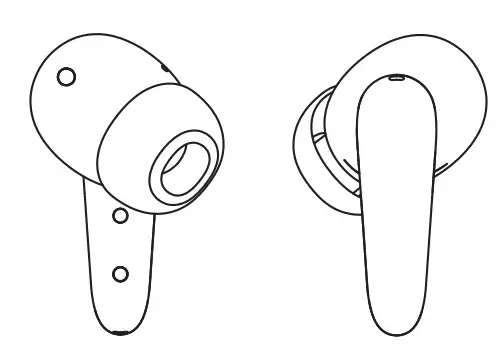
Contents
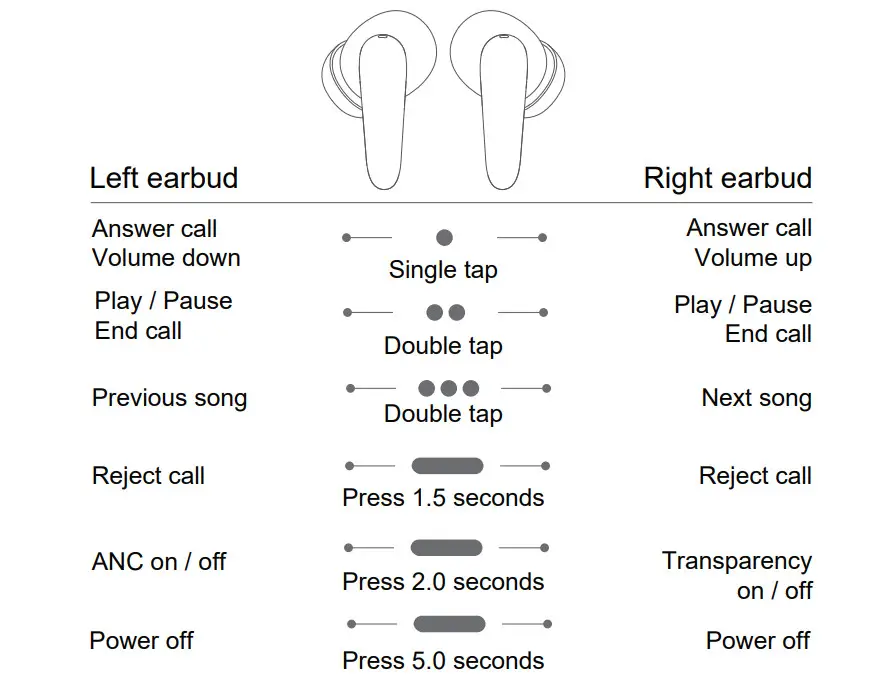
Controls
Pairing
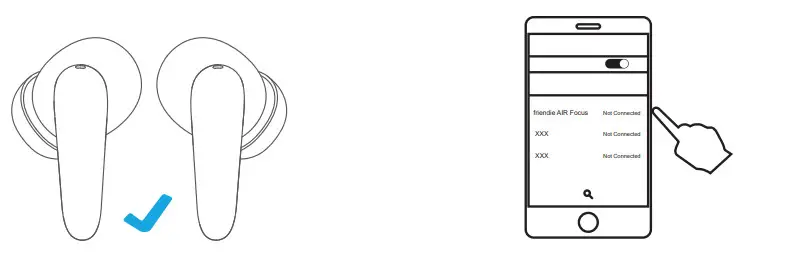
Pair your AIR Focus to your device
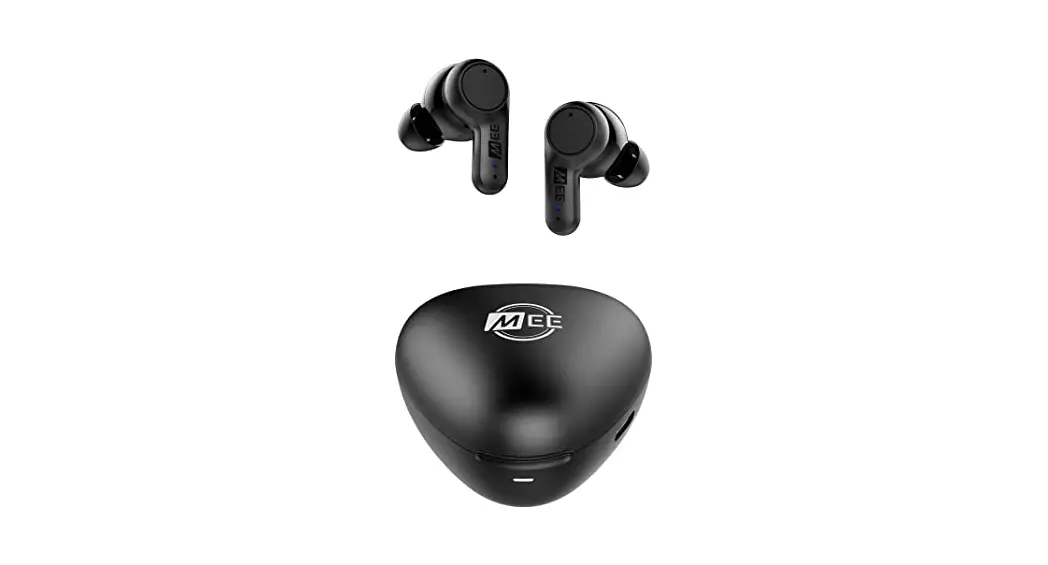
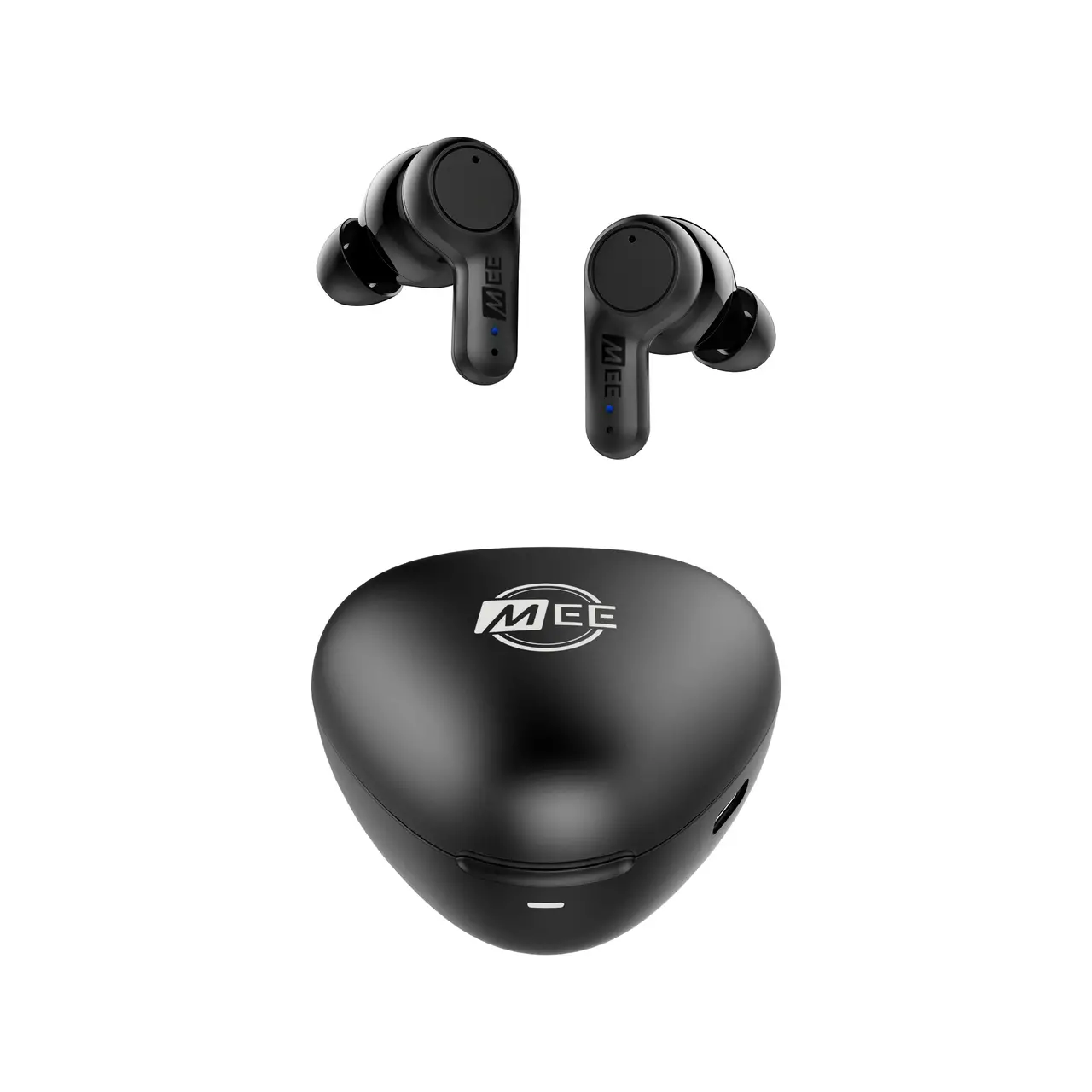
- Remove the earbuds from the charging case.
- Wait one second as the earbuds connect to each other.
- After being connected together, one earbud will blink blue/red.
- On your device, enter settings and select Bluetooth connections.
- Under new connections, select “friends AIR Focus” if prompted, confirm to connect.
- Your device and headphones are now paired. Your device will show friendly AIR Focus as “connected”, and your headphones will blink blue. Next time, the earbuds will automatically pair to the last connected device when turned on.

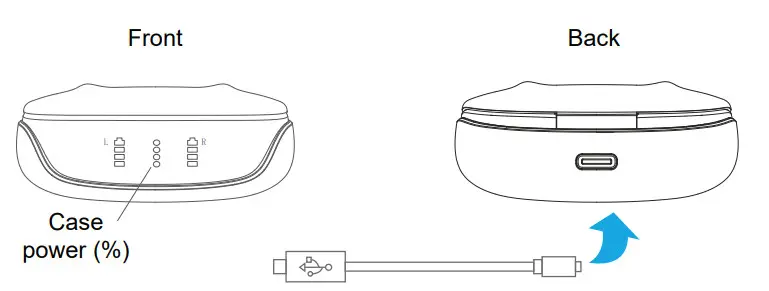
Charging your AIR Focus case
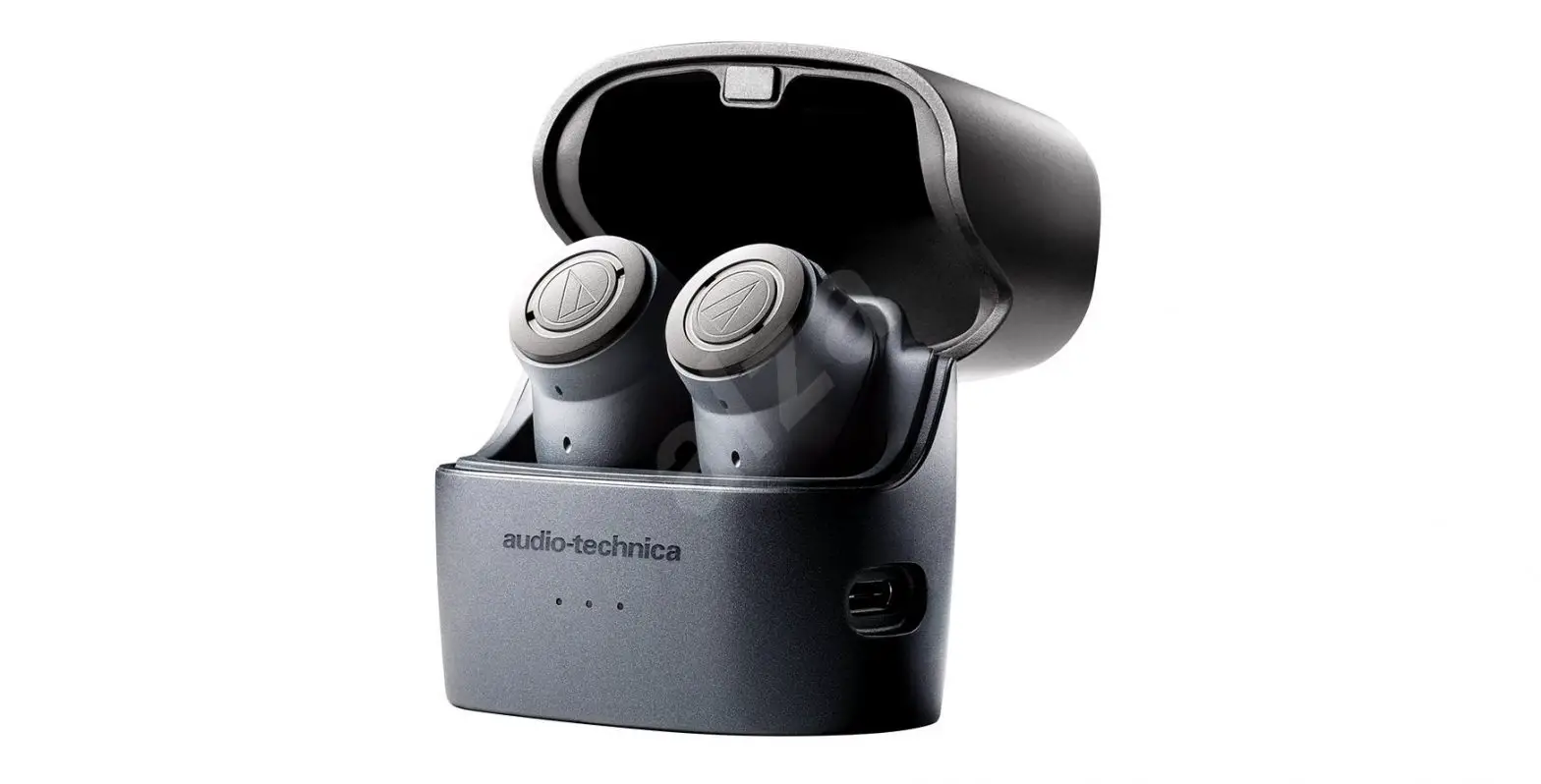
- Plug the USB-C cord into the rear of the charging case.
- Connect the USB cord to a USB port on a computer.
- A blinking light on the charging case shows that charging is underway.
- Each light indicates 25% battery capacity.
- Once the flashing light stops the charging is complete.

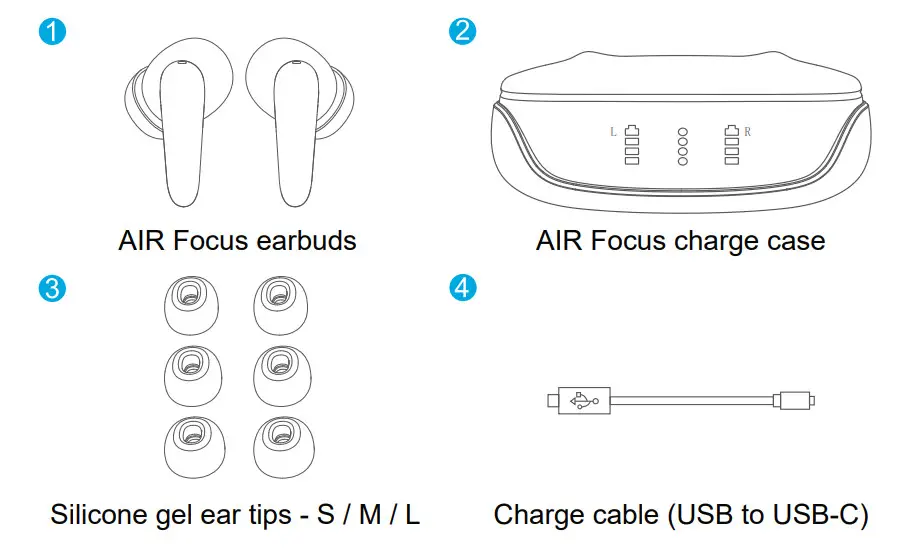
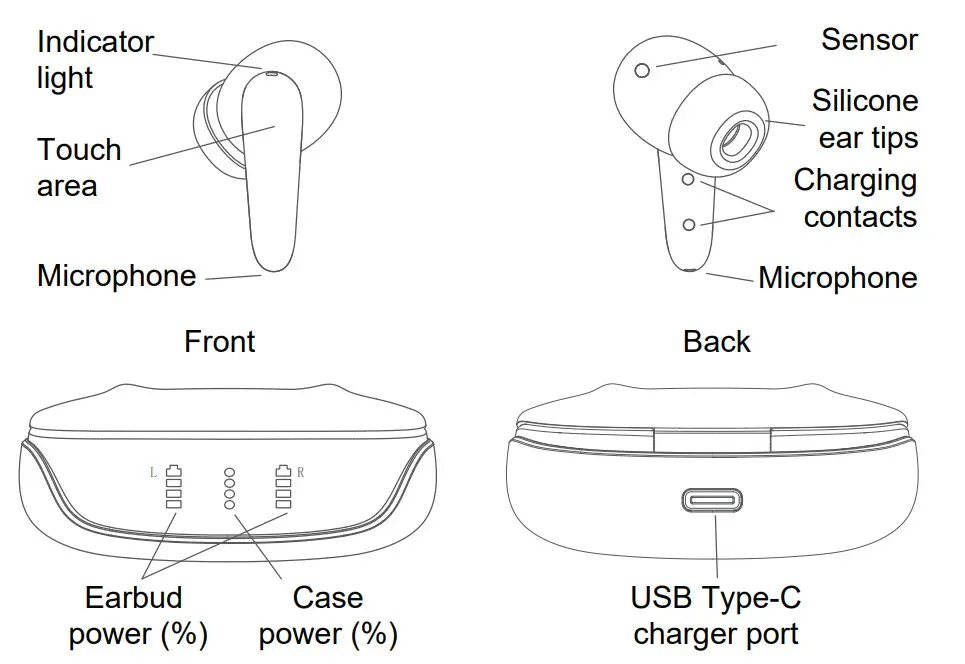
Components
Power on/off
Powering your AIR Focus on/off
Power on by opening the charging case.
Power off by putting the earbuds into the charging case and shutting the lid.
Or, hold down the touch area for 5 seconds to turn it on/off.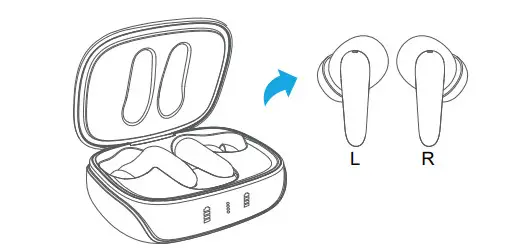
Earbud sensors
Automatic play and pause
Your friendly AIR Focus will automatically play and pause music when the earbuds are removed from your ears.
For this feature to work, your connected device needs to be turned on with a music app playing.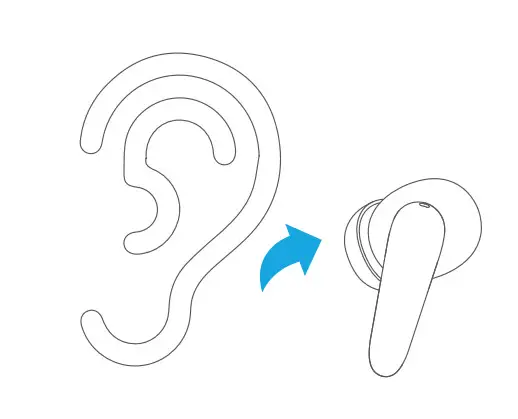
Charging the earbuds
Charging your AIR Focus earbuds
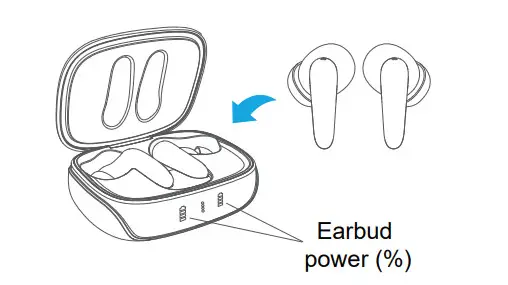
- Place the earbuds in the charging case.
- Unplug the USB-C cable.
- Close the cover.
- The battery icons for each earbud will illuminate.
- Each light is 25% battery capacity.
- Once fully charged the battery icon will turn off.

Troubleshooting
Earbuds are not charging
- Check USB charging cord is not damaged.
- Check USB port from the computer has power.
- Check to charge pins in the charging case are free of dirt, and wipe clean.
- Check USB charging port is not damaged.
- Ensure the charging cable is disconnected from the charging case to charge earbuds.
Unable to hear music from both earbuds
- Check your paired device Bluetooth settings: are your headphones connected to your device? Your headphones will pair to the last device.
- Is the indicator light blinking blue and red? If the headphones are not paired to a device. See pairing.
Volume is too low
- Check that the earbud silicone tips are not dirty.
- Check your phone settings volume has not been adjusted.
Music drop-outs
- Check your device and headphones within a 10-meter visual range
- Ensure you have no barriers disrupting connections
- Ensure you have no interference from other 2.5Ghz devices. e.g cordless phones. WiFi.
- Check that both buds are connected to each other before connecting to the device. Only one bud should be connected in your Bluetooth
Reset the earbuds
- Press and hold the touch area of both earbuds at the same time for 8 seconds. The red and blue lights will flash quickly on both earbuds. The earbuds will then re-sync to each other. once synced only one indicator light will blink.
Listen Responsibly
Headphones are capable of delivering sounds at loud volumes and high-pitched tones. Prolonged exposure to loud sounds can cause irreversible hearing damage. It is dangerous or even illegal in some areas to use your headphones in situations that require your full attention, such as driving a car. Choose the correct ear tip sizing for each ear, so that your ears are not damaged.
Specifications
| Charge Case | |
| Battery size: | 500mAh Li-Po |
| Charge time: | 2 hours (5V/1A) |
| Usage: | 6 charges (24 hours of usage) |
| Charge cable: | USB Type-C or Qi charging pad |
| Standby time: | 220 hours |
| Dimensions: | 6.3cm x 5.0cm x 2.7cm |
| Additional: | Digital battery capacity display |
| Earbuds | |
| Battery size: | 40mAh Li-Po each |
| Charge time: | 1 hour (via charge case) |
| Music playback: | 4 hours |
| Talk time: | 4 hours |
| Water resistance: | Sweatproof protection |
| Power on/off: | Auto on/off from the case |
| Earbud size: | 1.5cm x 3.4cm |
| Audio | |
| Sensitivity: | 102dB +-3dB |
| Impedance: | 16 Ω |
| Frequency: | 20-20KHz |
| Speaker: | 10mm |
| Noise Cancelling: | Active Noise Cancelling |
| ANC Depth: | -25~-30db |
| Transparency: | Supported |
| Wireless Connections | |
| Standard: | BT 5.0 |
| Frequency range: | 2.4Ghz – 2.8Ghz |
| Distance range: | 10 meters |
| Protocol: | HSP/HFP/A2DP/AVRCP |
| Multi-function controller | |
| Media playback: | Play/pause, next/previous track, ANC on/off Volume up/down, transparency on/off |
| Proximity sensor: | Auto play/pause when removed from ears |
| Phone connection: | Answer call/reject/end call |
| Phone noise canceling: | CVC |
| Weight | |
| Charger: | 41.4 grams |
| Earbud: | 4.8 grams |

Let’s be friends.
Visit https://www.friendie.com.au
Write a review on the AIR Focus product page for
your chance to win prizes and receive your own discount code!
 Friendie headphones, audio sunglasses and speakers – Friendie Pty Ltd