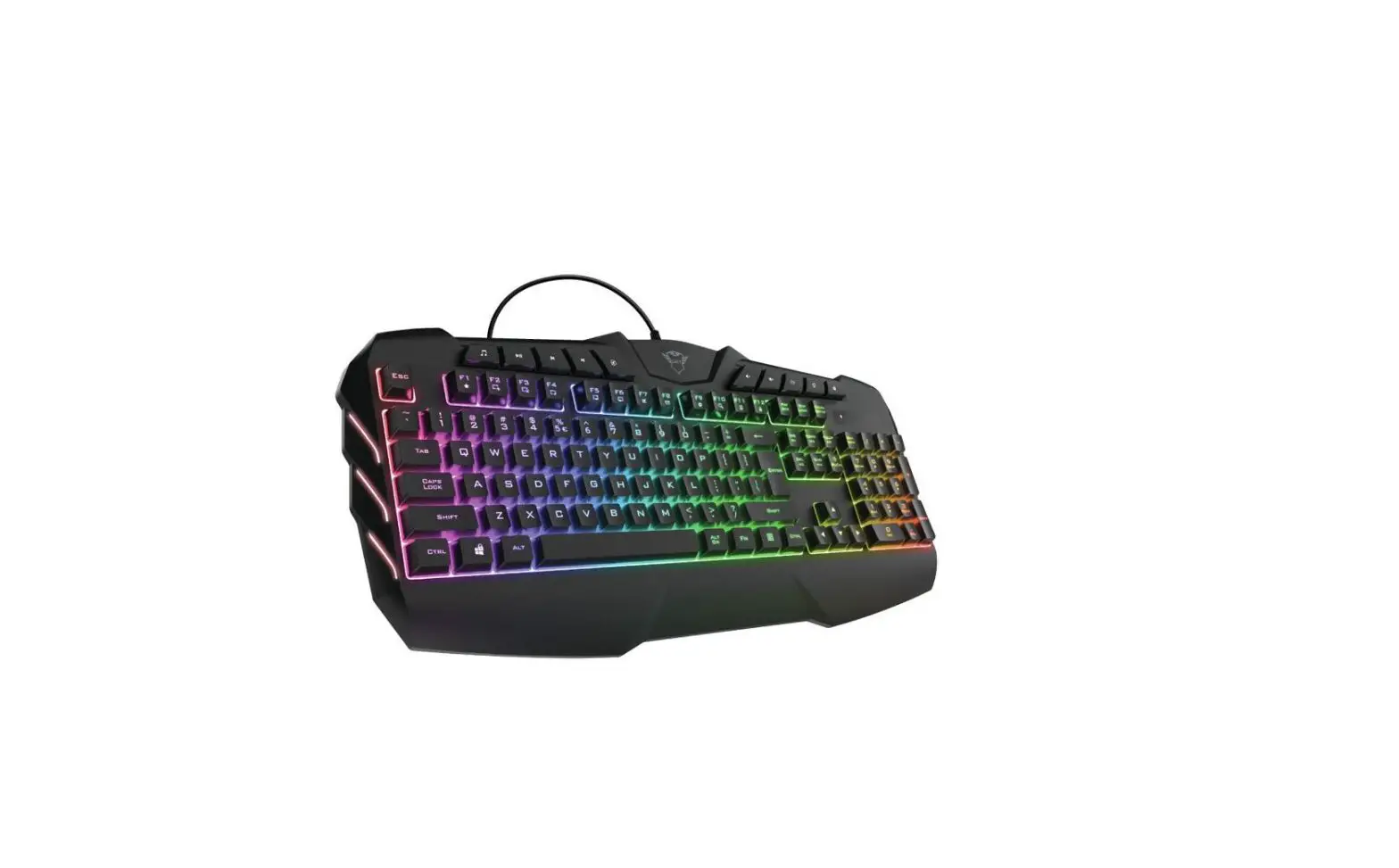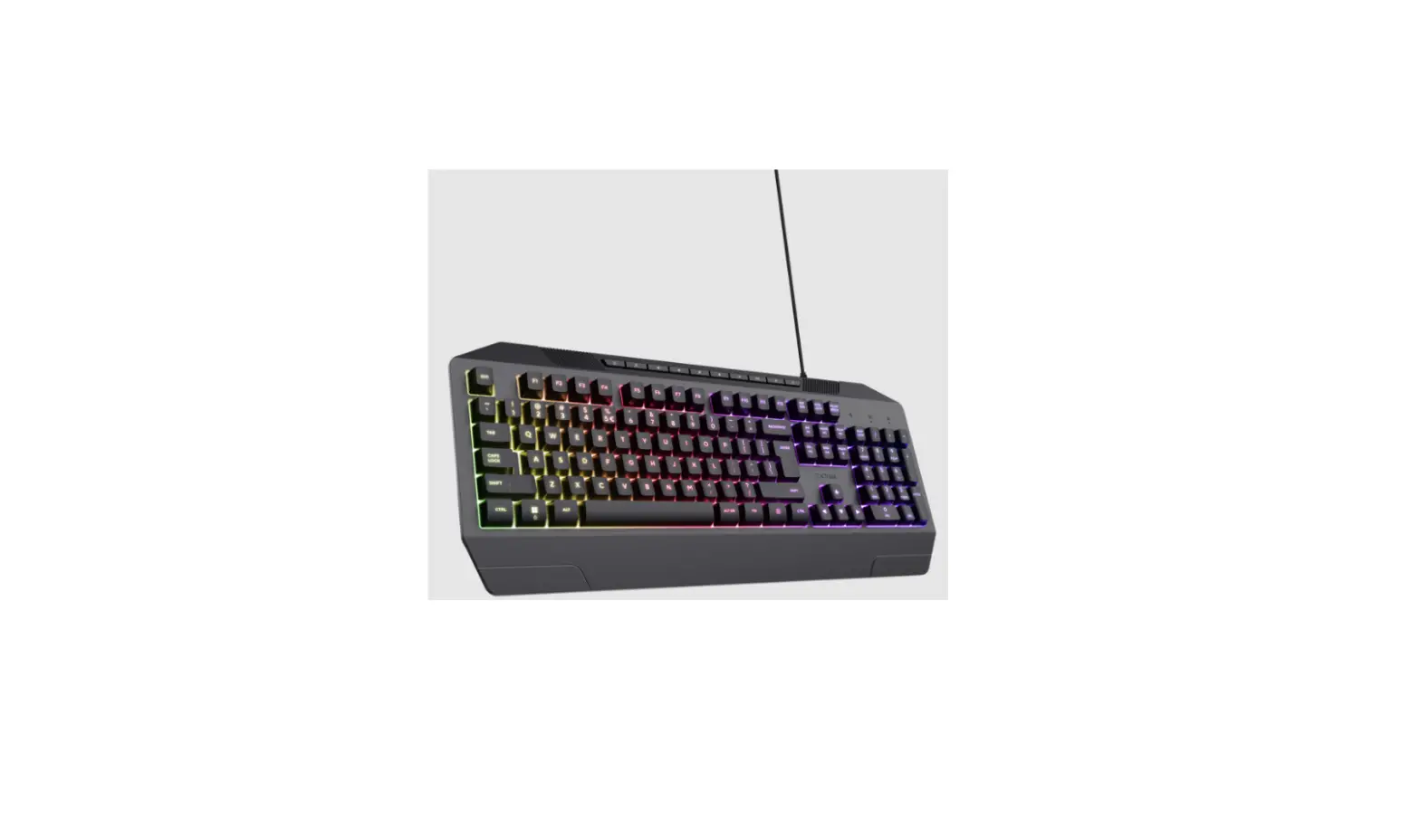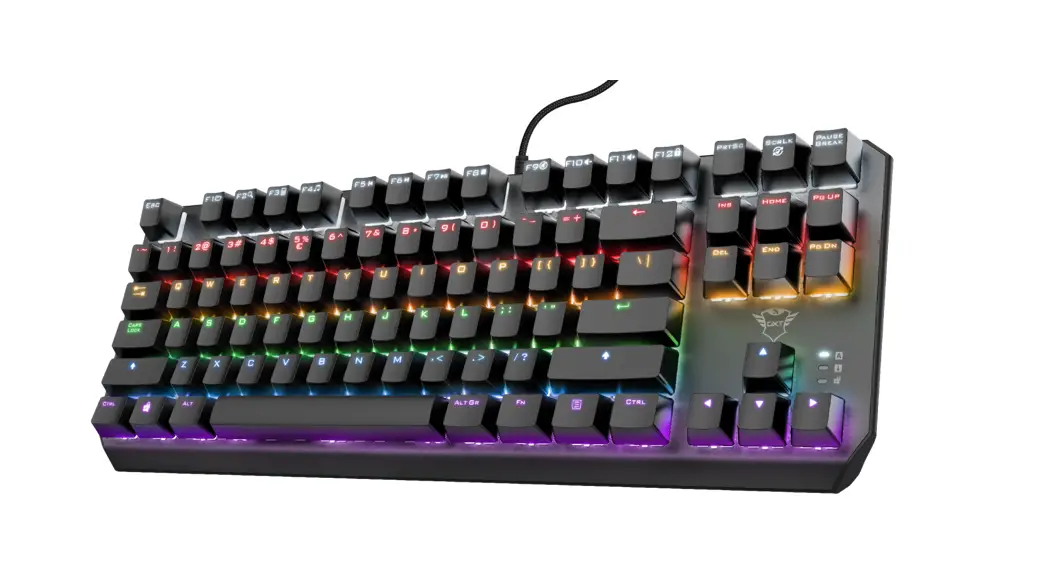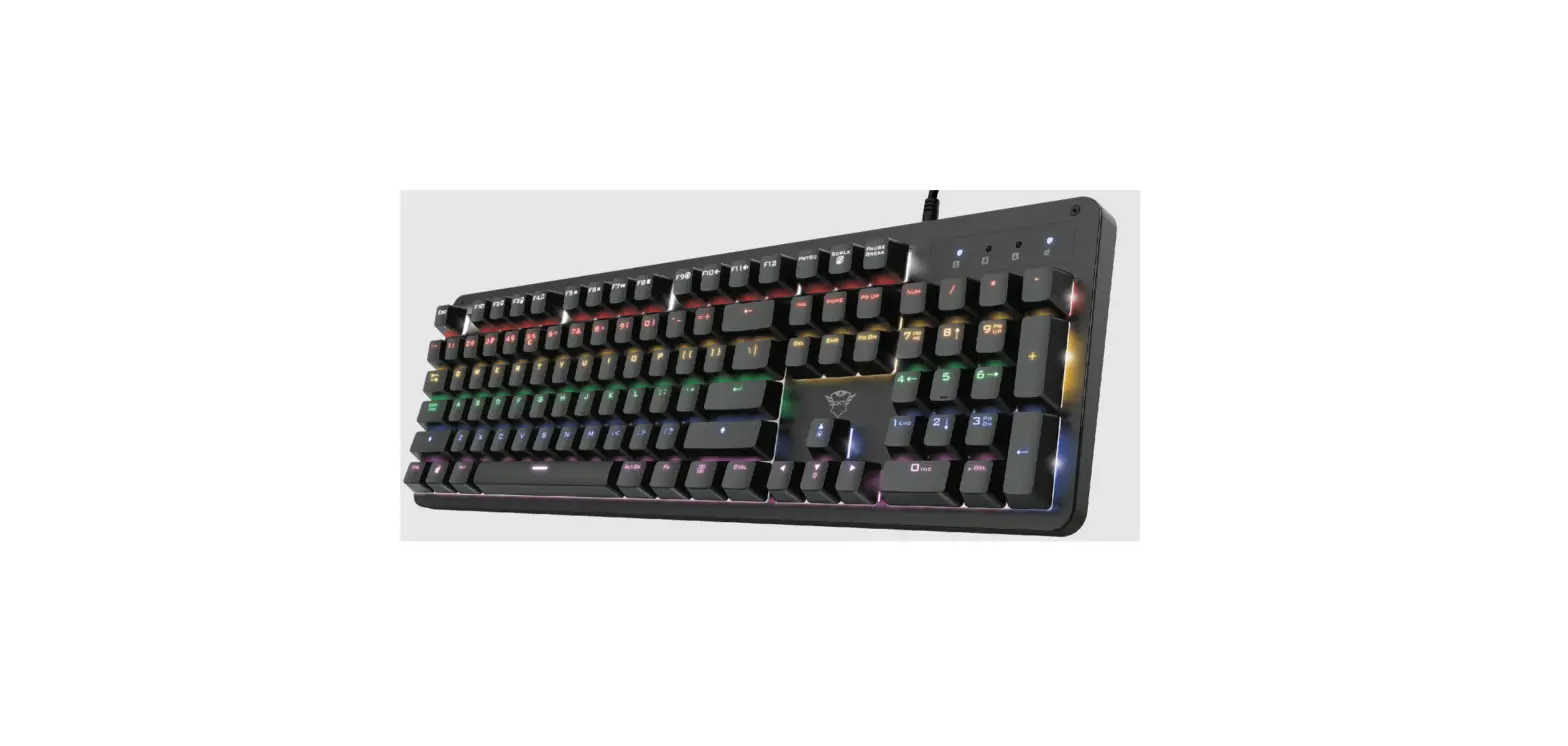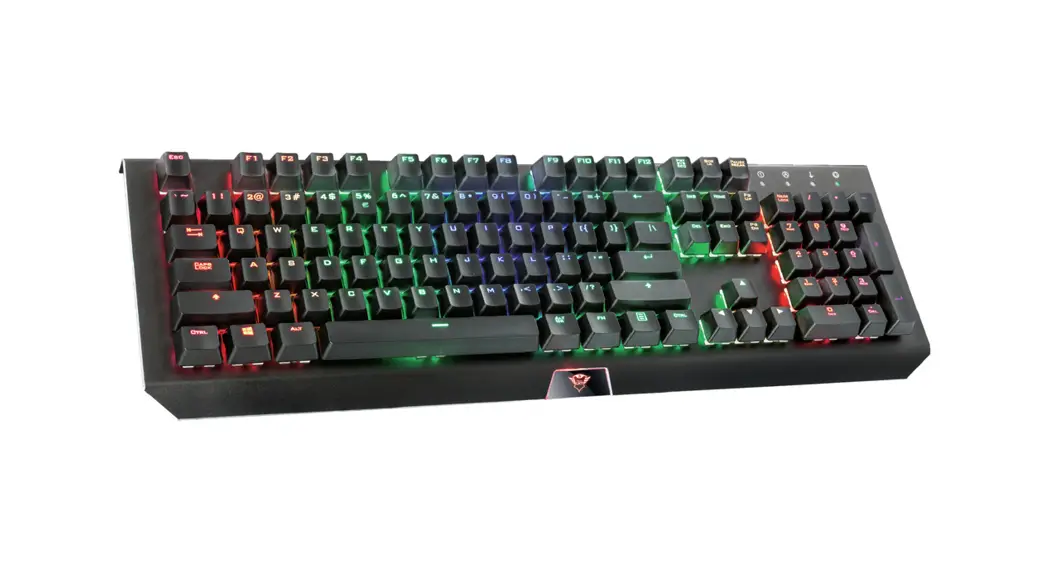

Trust GXT 840 Myra Gaming Keyboard
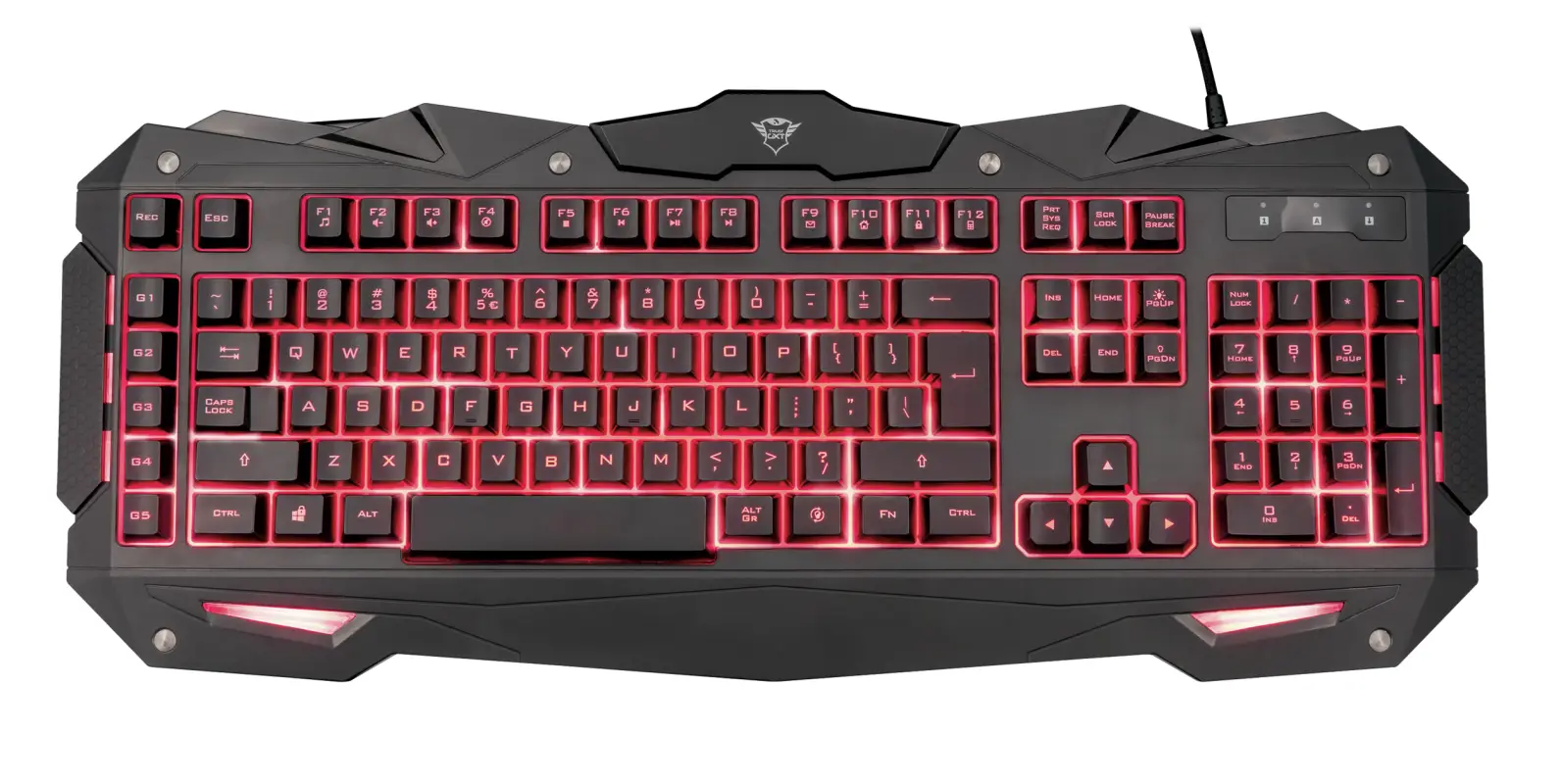
Functions
Backlight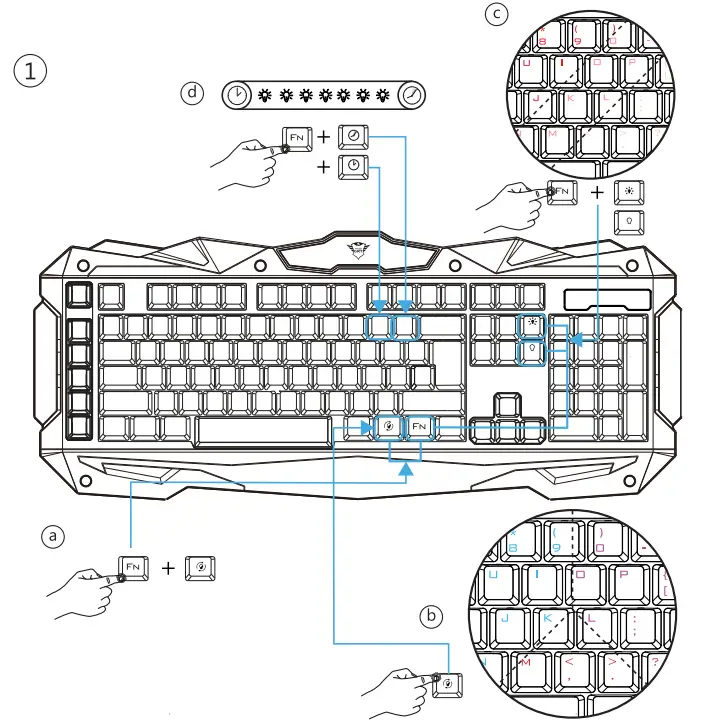
- Change backlight mode (Normal/Breathing) : Press “FN” + “INSERT”
- Change color to Blue/Red/Purple (in Normal mode) : Press “.”
- Change intensity higher/lower (in normal mode) : Press “FN” + “ ”/ “-”
- Change speed (in Breathing mode) : Press “FN” + (1d) slow/fast
Multimedia
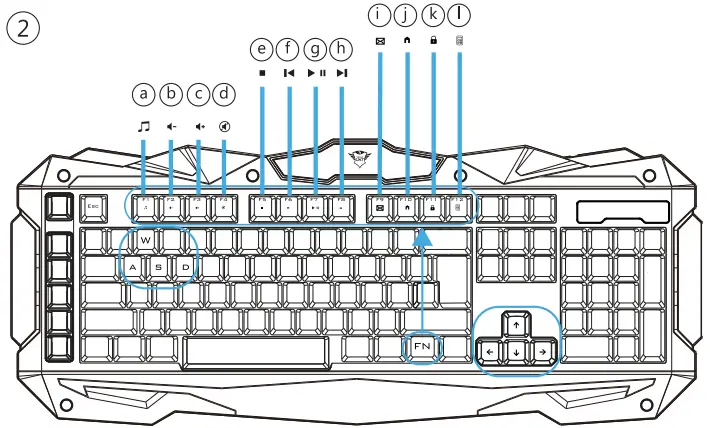
- a Open music player:
 Press “FN” + “F1”
 - b Volume – : Press “FN” + “F2”
- c Volume + : Press “FN” + “F3”
- d Mute: Press “FN” + “F4”
- e Stop: Press “FN” + “F5”
- f Previous: Press “FN” + “F6”
- g Play: Press “FN” + “F7”
- h Next : Press “FN” + “F8”
- i Mail: Press “FN” + “F9”
- j Home: Press “FN”+ “F10”
- k Lock/unlock keyboard: Press “FN” + “F11”
- l Open Calculator: Press “FN” + “F12
 Press “FN” + “F1”
Gaming
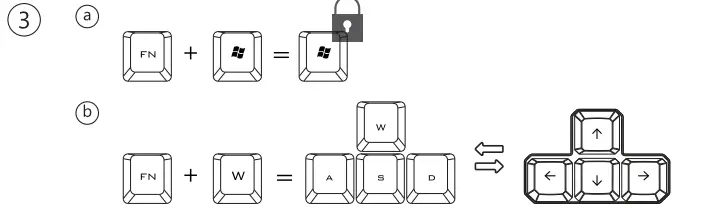
- a Lock/unlock Windows key : Press “FN” + “ ”
- b Swap Arrow keys (← ↓ →) with A, S, D : Press “FN” + “W”
Macros
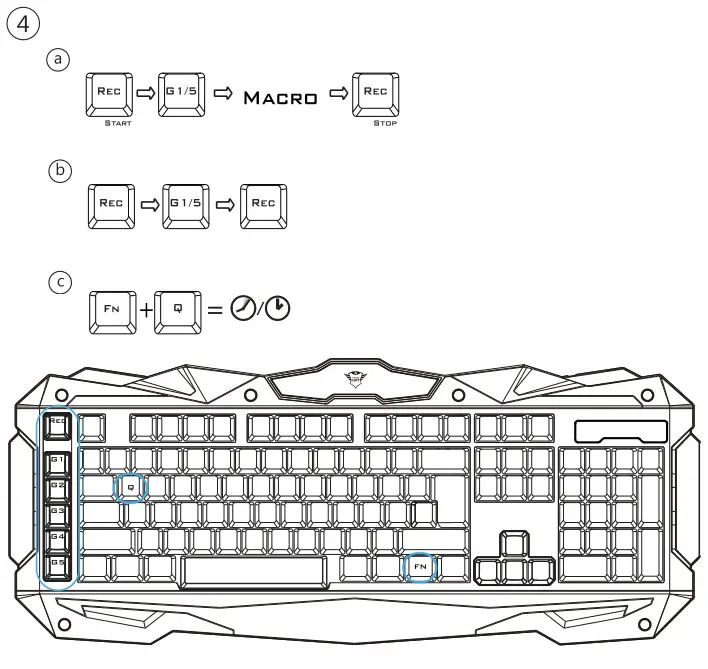
- Record Macro: Press “Rec” (Leds blink slow)
- Press “G1/G5” (Leds blink fast)
- Record macro (Max 65 keys)
- Press “Rec”
- Clear Macro: Press “Rec”, select “G1/G5” and press “Rec” again
- Adjust macro play speed (Fast/Normal) : Press “FN” + “Q”
Troubleshooting
- Windows key is not working. – Press “FN”+ (3.a) to unlock the windows key.
- Keys are not working and indicator lights are blinking: Press “REC” to get out of record mode. The keys will function as normal again.
- Spacebar + mouse drag not working – Press “FN” + “Q” to change key speed function.
If your problem is not solved, please contact the help desk at www.trust.com/21973/faq.
 Trust.com - GXT 840 Myra Gaming Keyboard