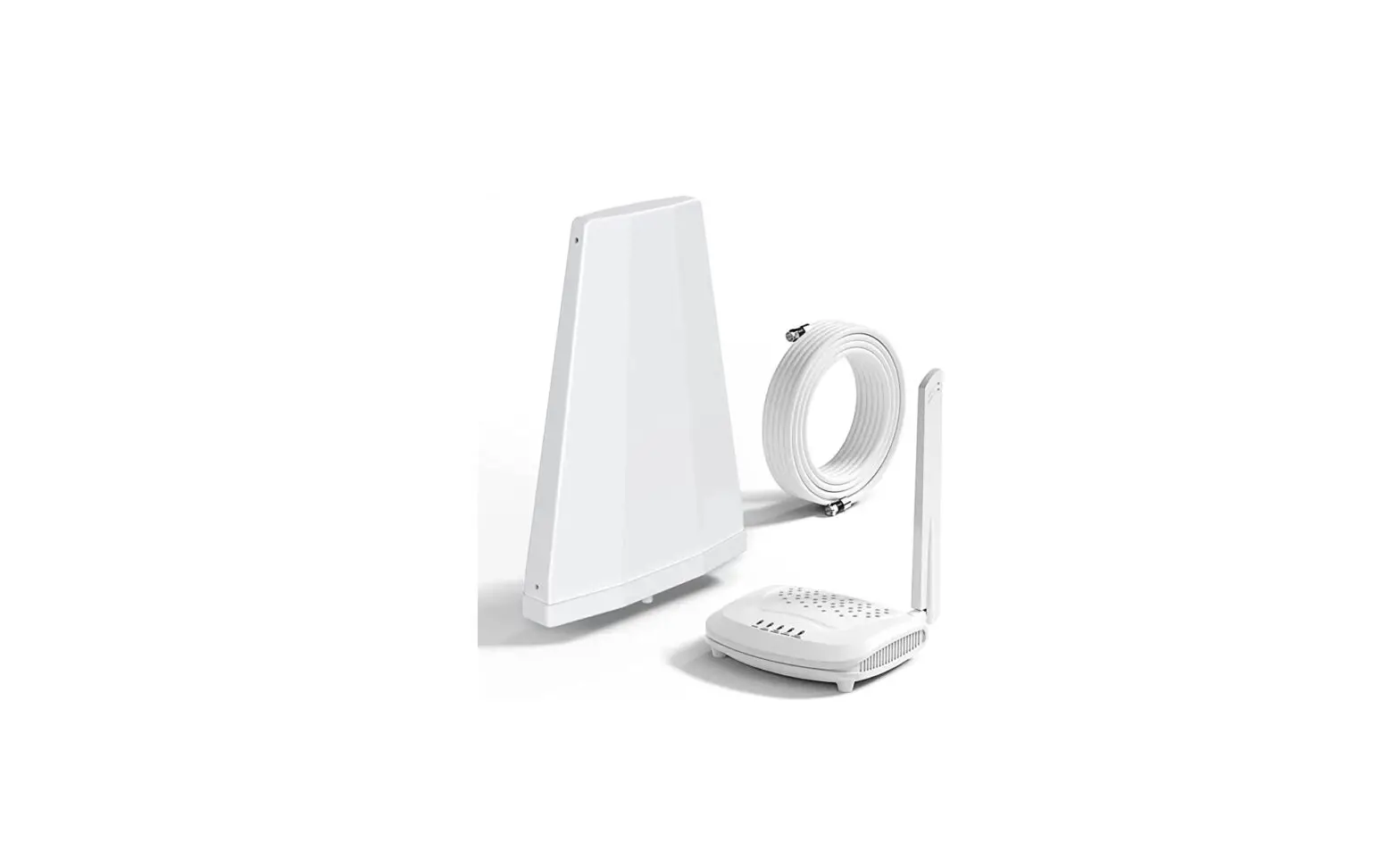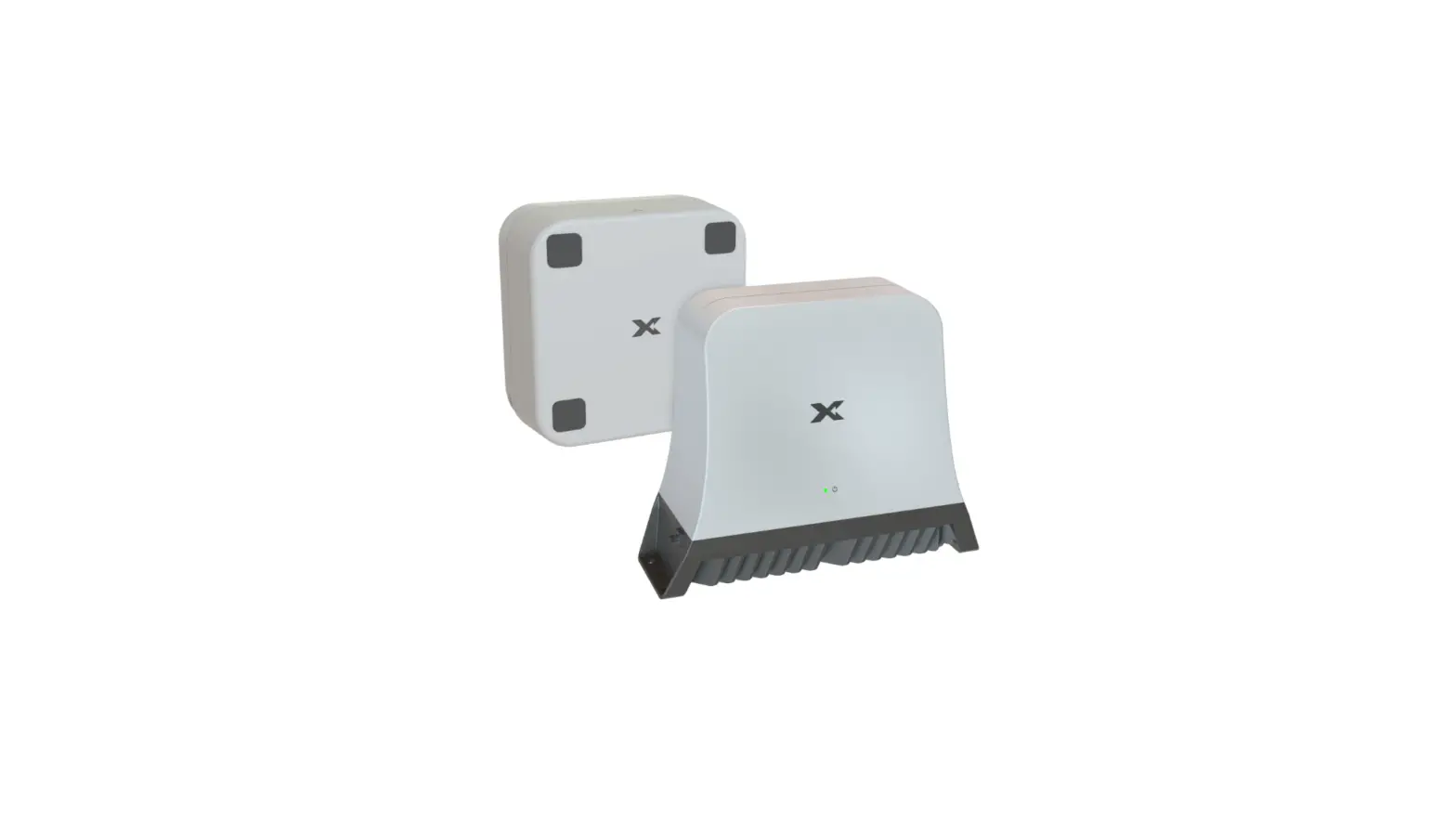

Cel-Fi®
CONNECT C41
Quick Start Guide
KIT#:
C41-9B-00C
C41-JB-00C
C41-KB-00C
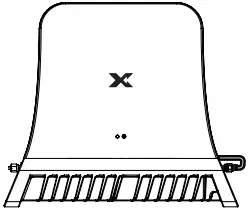
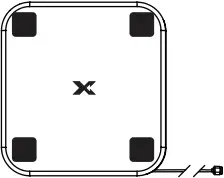
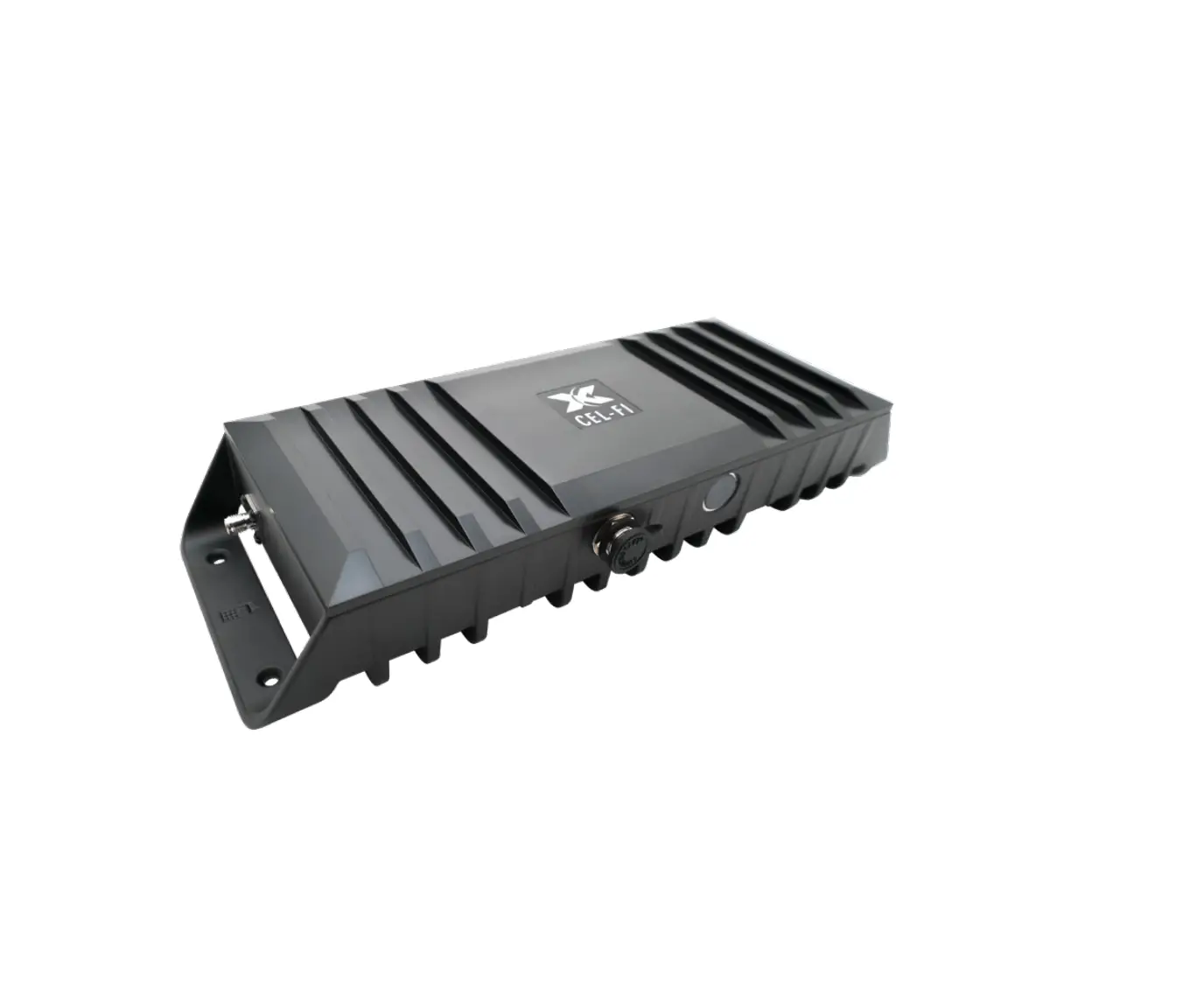
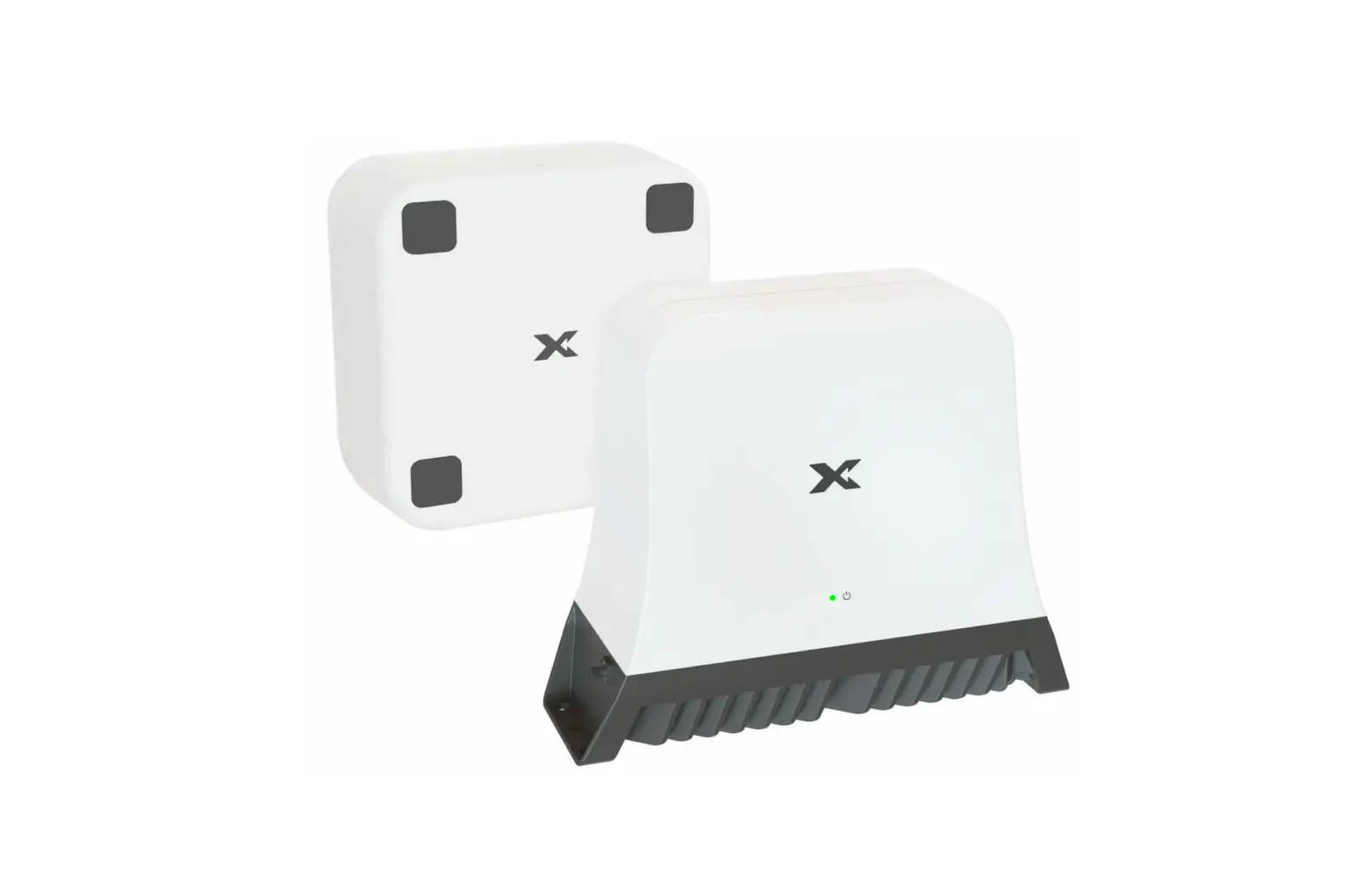
Main Unit Donor Antenna
Included In the Box

Main Unit Donor Antenna AC Adapter
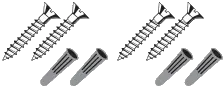 Mounting Screws (4)
Drywall Anchors (4)
Ceiling Mounting Instructions (Optional)
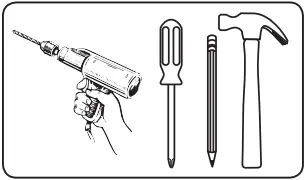
REQUIRED HARDWARE
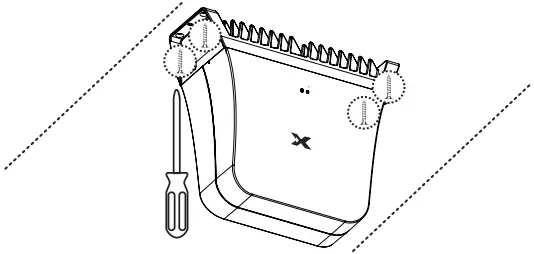
NOTE: This package comes equipped with Mounting Screws and Drywall Anchors for mounting to the ceiling. Before installing, ensure there are no wires, other objects, or metal plates above the drywall that may interfere with the inserts, screws, or mounted units.
1 Make sure the Donor Antenna cable (9.8 ft/3 m) and AC Adapter cable (6 ft/1.85 m) both can reach the respective ports on the Main Unit at the ceiling mounting location selected. (Refer to the Quick Installation section)

- AC Adapter
- Main Unit
- Donor Antenna
2 Mark the 4x mounting hole locations to drill.
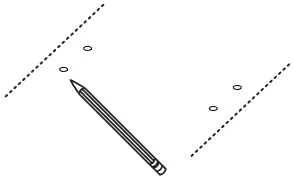
3 In each marked spot, use a 3/16” drill bit to drill guide holes for mounting screws.
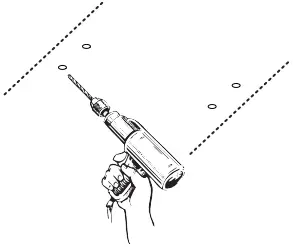
4 Install the Drywall Anchors and Mounting Screws with the Main Unit. Continue with Step 3 of Quick Installation instructions.
Mounting Screws (4)
Ceiling Mount Option

Quick Installation
IMPORTANT: Your Cel-Fi CONNECT C41 is an electronic device.
It must be kept indoors and in a dry, cool, well-ventilated area.
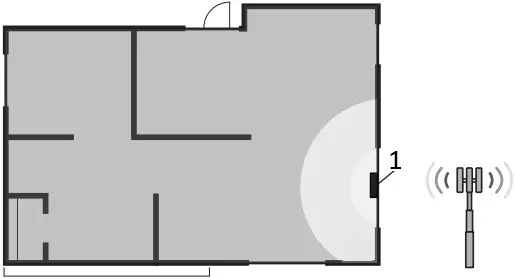
1 Select Donor Antenna Location
- Donor Antenna
Use your phone to find the window with the best cellular signal. Install the Donor Antenna on this window by removing the four adhesive covers and sticking them to the glass.
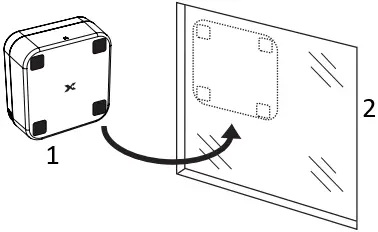
- Donor Antenna
- Velcro Tape (4) for Window
2 Select Main Unit Location
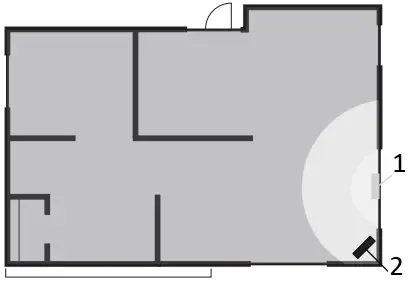
- Donor Antenna
- Main Unit
Selecting the ideal location for the Main Unit is important to ensure your system provides reliable coverage. The Main Unit should be isolated from the Donor Antenna, with greater separation providing best performance. Make sure the Nextivity logo on the Main Unit faces where coverage is needed and away from the Donor Antenna.
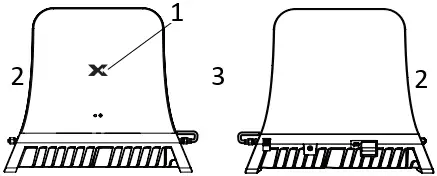 (frontside) (backside)
- Nextivity Logo
- Donor Port
- Server Port
3 Attach Cables
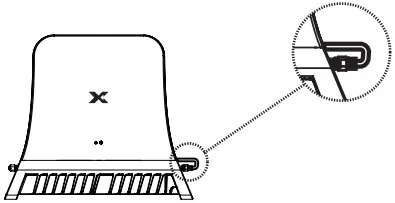
Attach the short cable coming out of the Main Unit to the Server Port on the base of the unit.
Attach the cable from the Donor Antenna to the Donor Port on Main Unit.
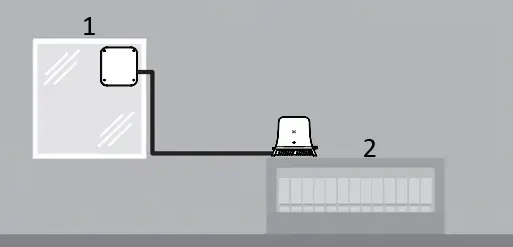
- Donor Antenna
- Main Unit
4 Plug In the Main Unit
Plug in the Main Unit to power with the included AC adapter. The LED on the front will blink during set up and turn green when the device is ready.
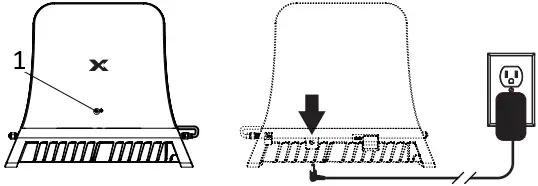
(frontside) (backside)
- LED
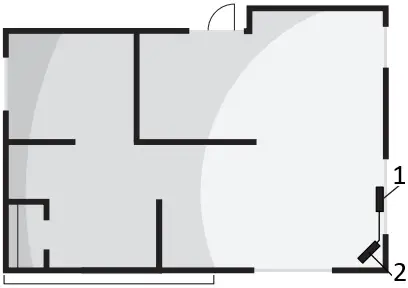
- Donor Antenna
- Main Unit
5 Configure with Cel-Fi WAVE App
The Cel-Fi WAVE App can be used to review your installed system’s performance, including viewing real-time signal strength.

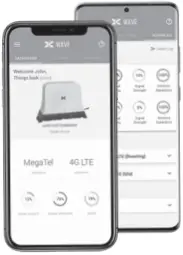
Scan to Download: The Cel-Fi WAVE App is available for smartphones and tablets.




| Band | Link | Output Power (dBm) | ERP* (dBm) |
| 1 | Downlink | 0 | 3.7 |
| Uplink | 22 | 28.5 | |
| 3 | Downlink | 0 | -2.6 |
| Uplink | 22 | 29.2 | |
| 5 | Downlink | 0 | -3.5 |
| Uplink | 20 | 23.5 | |
| 7 | Downlink | 0 | 2.1 |
| Uplink | 22 | 27.6 | |
| 8 | Downlink | 0 | 4.0 |
| Uplink | 20 | 24.0 | |
| 20 | Downlink | 0 | 2.3 |
| Uplink | 20 | 23.5 | |
| 28L | Downlink | 0 | 3.4 |
| Uplink | 20 | 20.3 | |
| 40 | Downlink | 0 | 4.8 |
| Uplink | 22 | 26.9 |
| Model Number | Bands Supported |
| C41-9B | 1,3,7,8,20 |
| C41-JB | 1,3,5,7,8,28L,40 |
| C41-KB | 3,8,20 |
*Tested with Donor Antenna (A52-FV3-300)
Copyright © 2022 by Nextivity, Inc, U.S. Patents pending. All rights reserved. The Nextivity and Cel-Fi logos are registered trademarks of Nextivity Inc. All other trademarks or registered trademarks listed belong to their respective owners. Designed by Nextivity Inc. in California.
qsg-connect-c41_eng_22-0818 420N007-C41-001-10RB