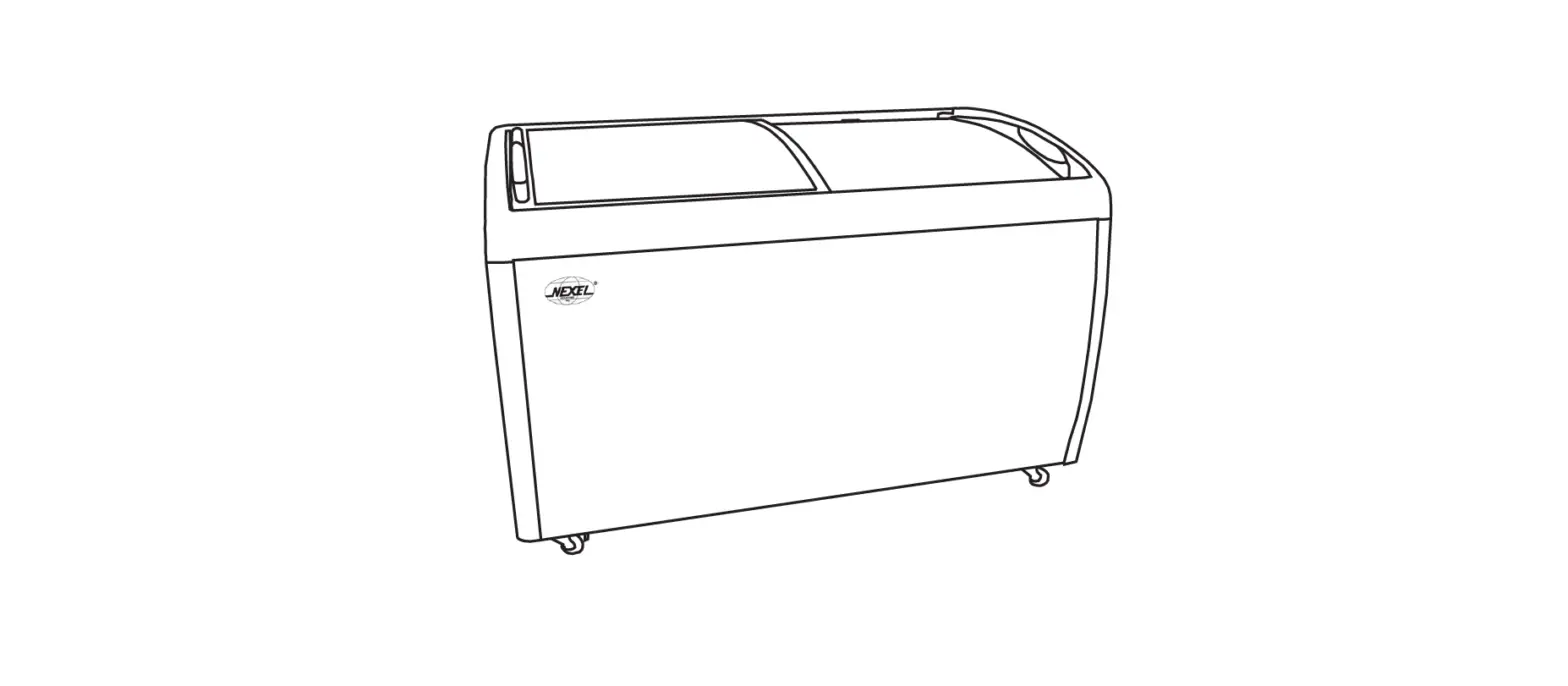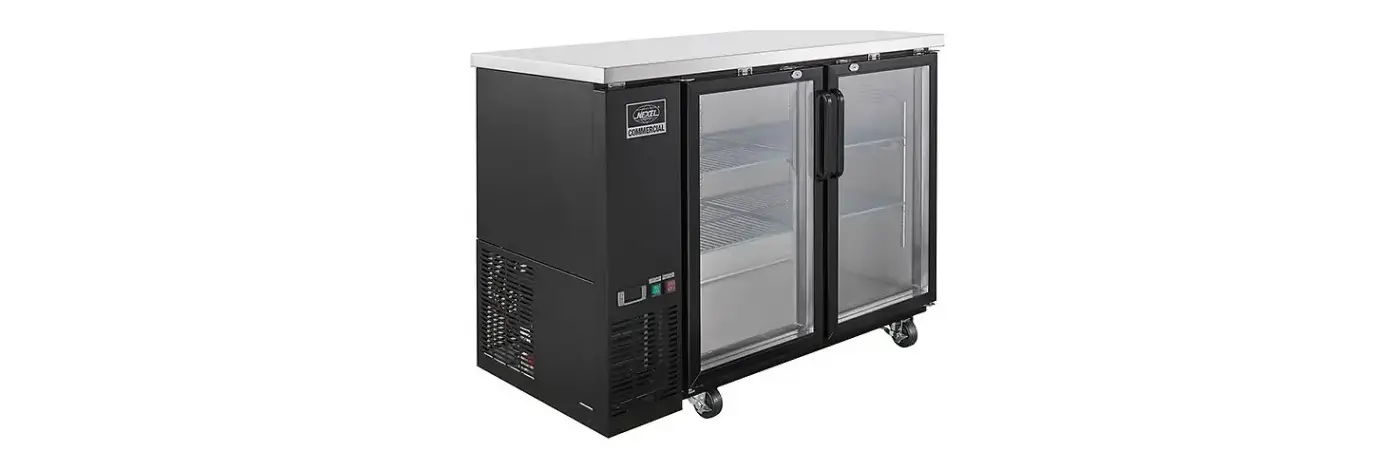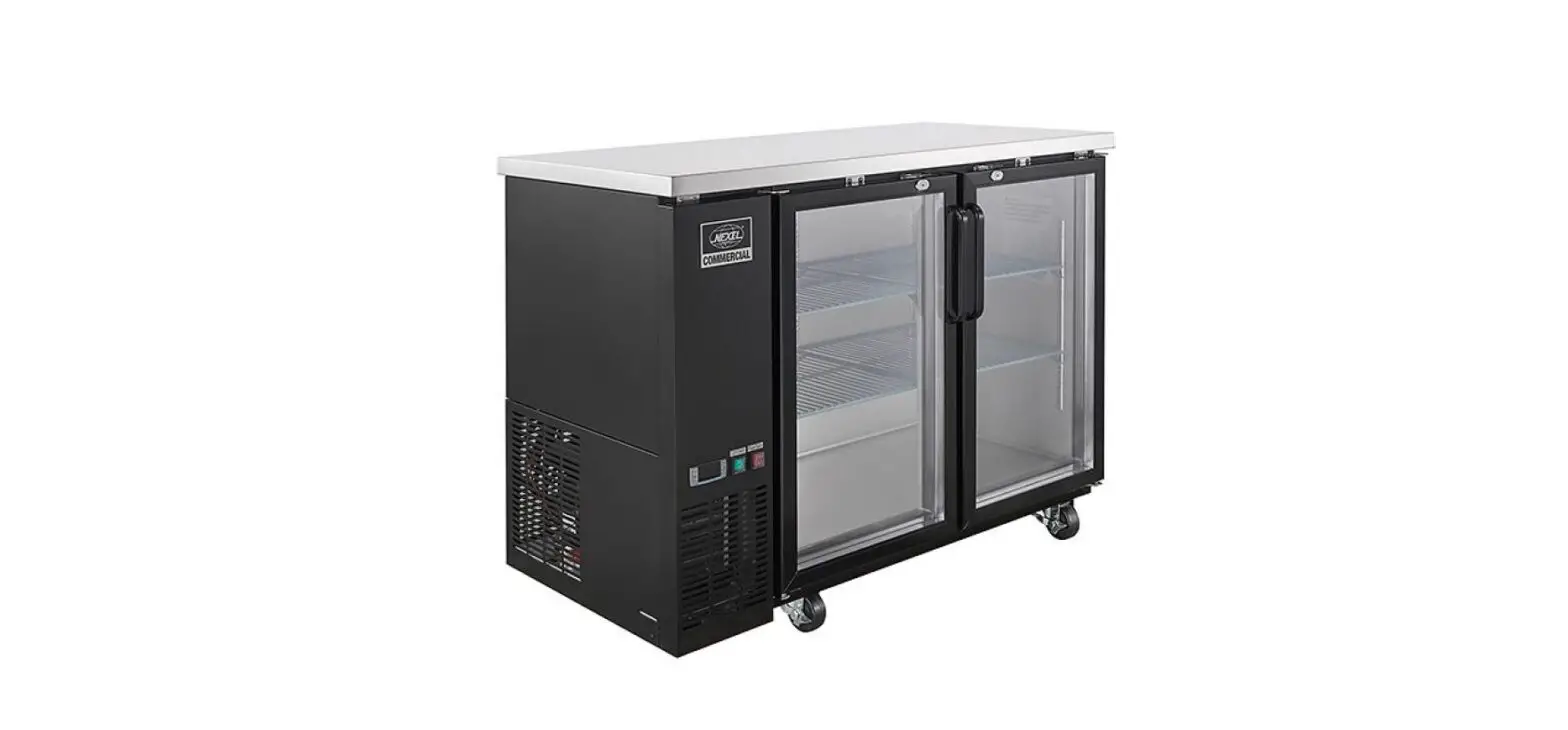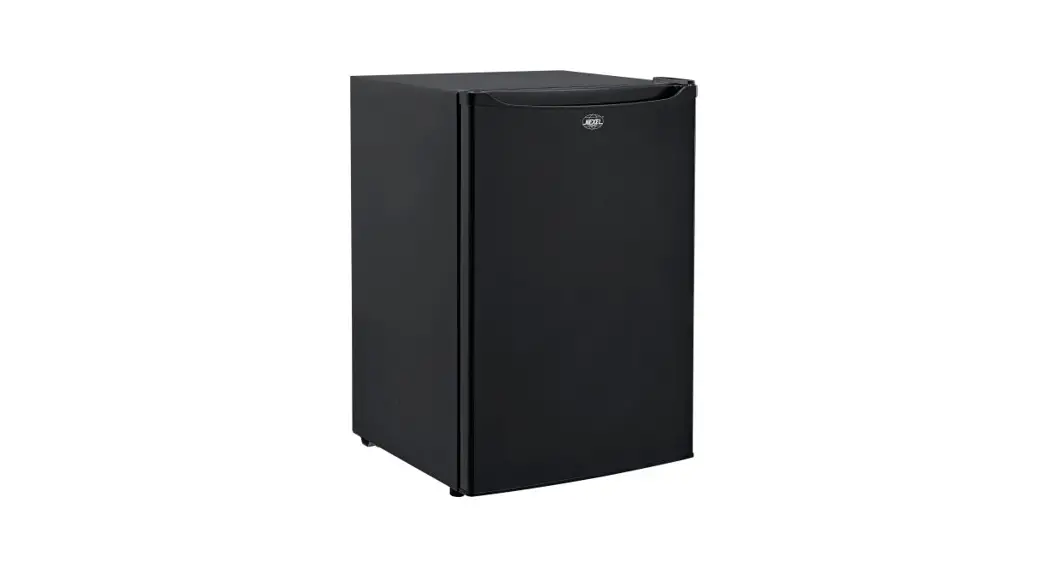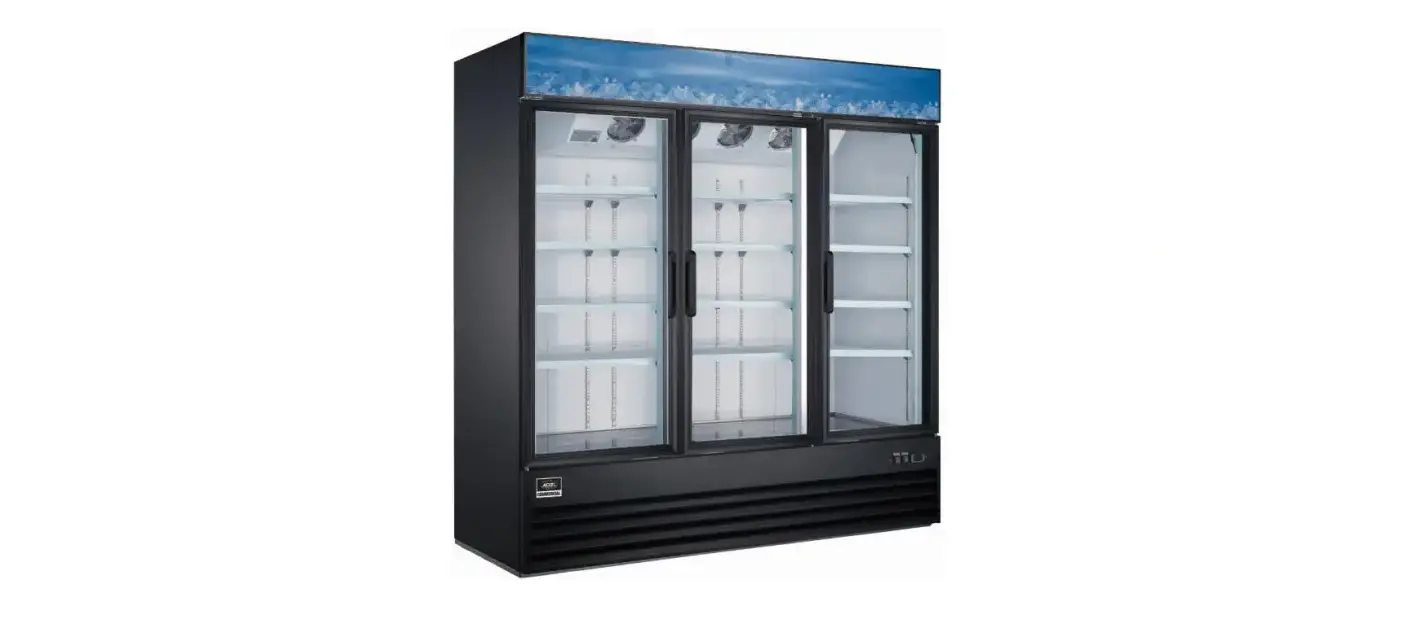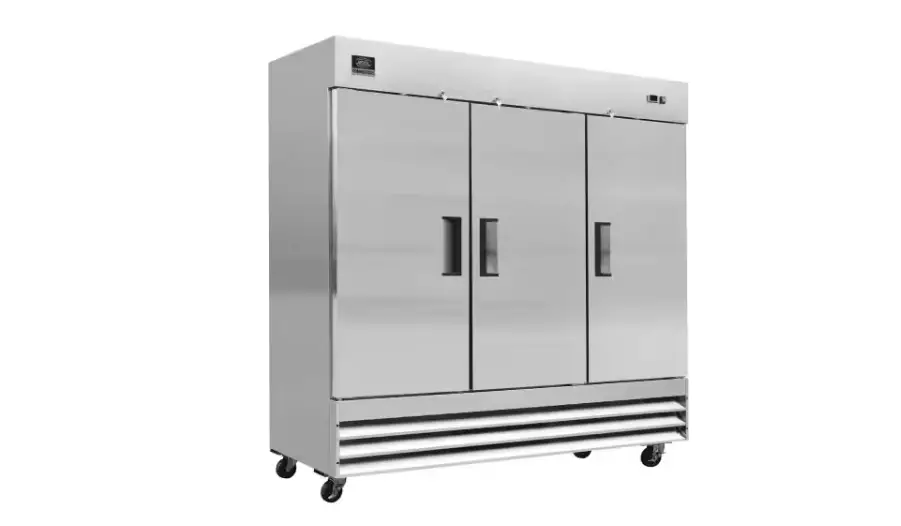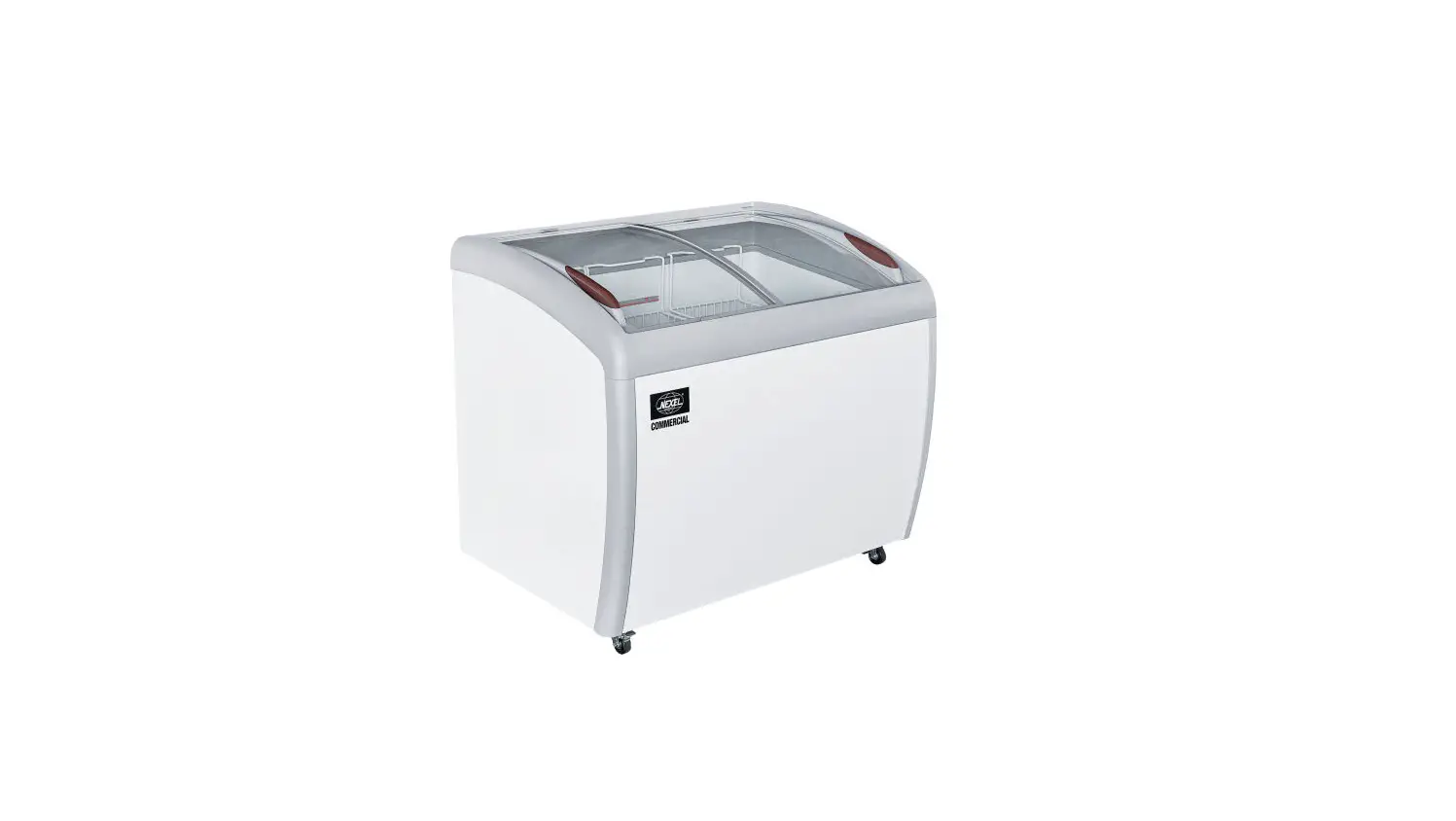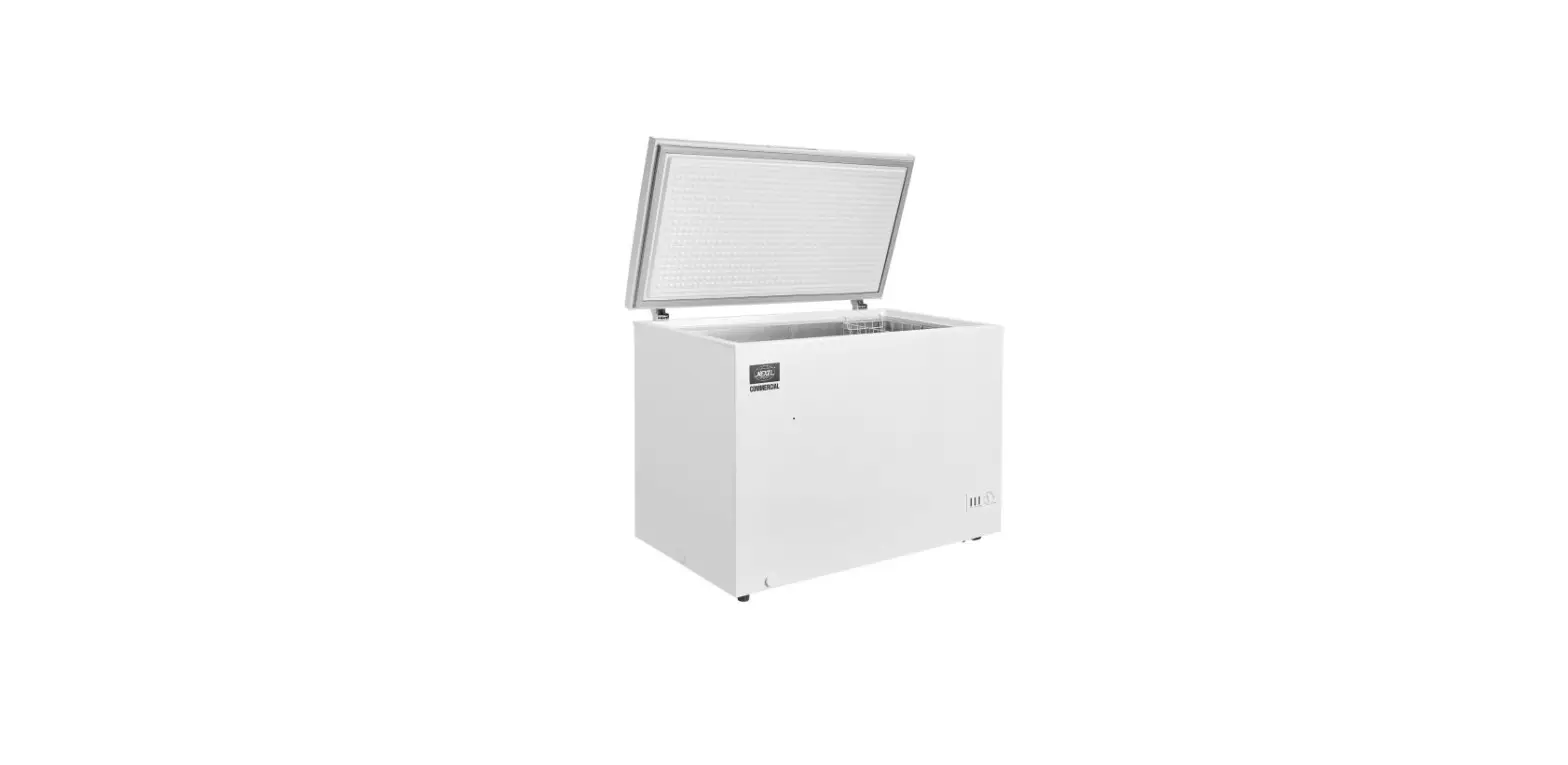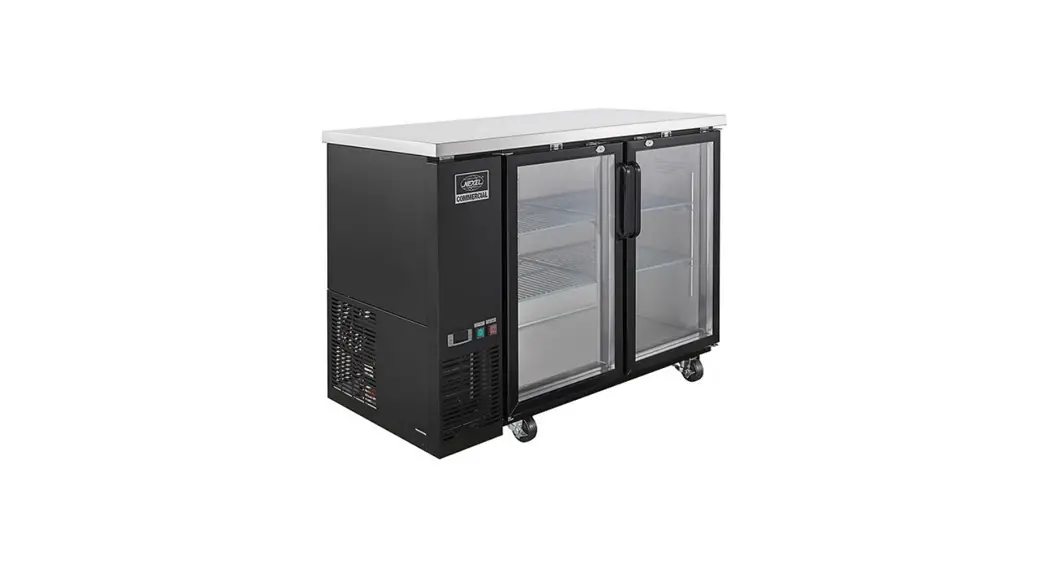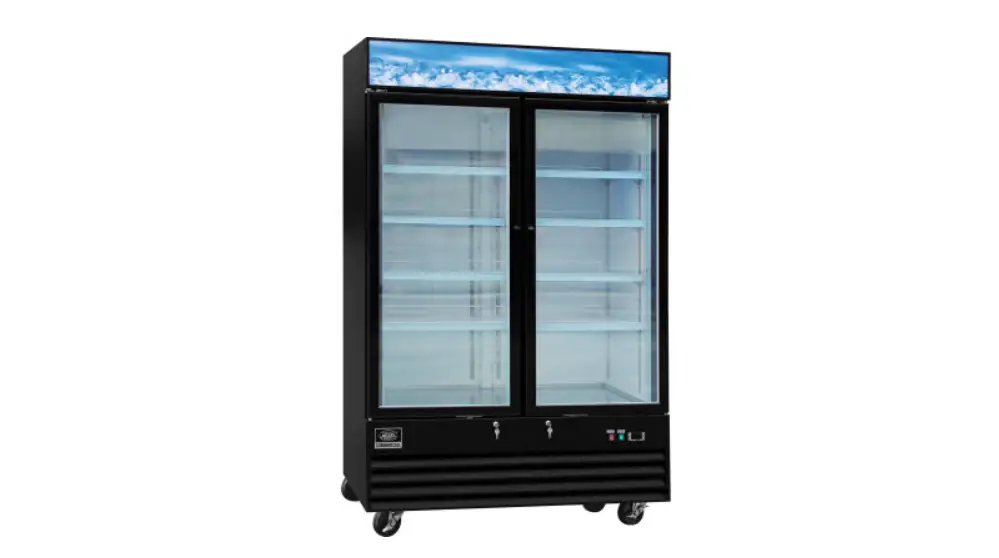

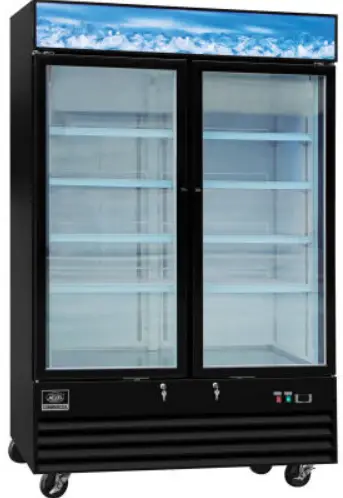
NEXEL 243038 Merchandiser Freezer
For questions, please contact NEXEL® Customer Service at 1-800-245-6682 or visit www.nexelwire.com
WARNING
- DANGER – RISK OF FIRE OR EXPLOSION. FLAMMABLE REFRIGERANT USED. TO BE REPAIRED ONLY BY TRAINED SERVICE PERSONNEL. DO NOT PUNCTURE REFRIGERANT TUBING.
- CAUTION – RISK OF FIRE OR EXPLOSION. FLAMMABLE REFRIGERANT USED. CONSULT REPAIR MANUAL/OWNER’S GUIDE BEFORE ATTEMPTING TO SERVICE THIS PRODUCT. ALL SAFETY PRECAUTIONS MUST BE FOLLOWED.
- CAUTION – RISK OF FIRE OR EXPLOSION DUE TO PUNCTURE OF REFRIGERANT TUBING; FOLLOW HANDLING INSTRUCTIONS CAREFULLY. FLAMMABLE REFRIGERANT USED.
- CAUTION – RISK OF FIRE OR EXPLOSION DUE TO FLAMMABLE REFRIGERANT USED. FOLLOW HANDLING INSTRUCTIONS CAREFULLY IN COMPLIANCE WITH LOCAL GOVERNMENT REGULATIONS.
SPECIFICATIONS
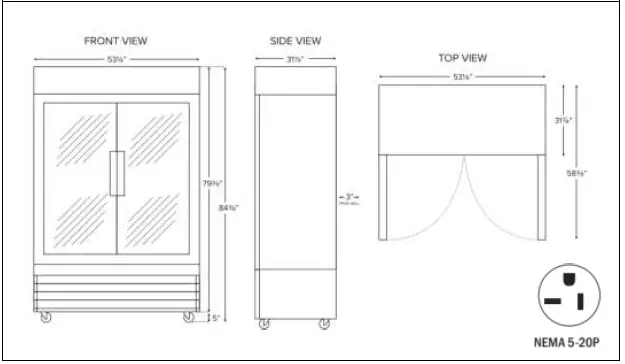
| Dimensions | 53-1/8″W x 31-7/8″D x 84-3/8″H (with casters) |
| Number of Doors | 2 |
| Number of Shelves | 8 |
| Casters | Yes |
| Capacity (Cubic Ft.) | 45 |
| HP | 1 |
| Voltage | 115 |
| Amps | 10.6 |
| Plug Type | NEMA 5-20P |
| Temperature Range | -8°F to 0°F |
| Exterior Construction | Powder Coated Steel |
| Interior Construction | Painted Aluminum |
| Shelf Construction | Epoxy-Coated Steel |
| Refrigerant | R290 |
| Unit Weight | 437 lbs. |
| Hertz | 60 Hz |
| Phase | 1 |
| Cord Length | 7-ft. |
| Lighting | LED |
| Warranty | 1 Year |
INSTALLATION
Read this entire manual thoroughly prior to equipment set-up, operation and/or maintenance.
IMPORTANT:
- If the freezer has recently been transported on its side, allow the unit to stand upright for a minimum of 24 hours before plugging it in.
- Make sure all shelves and accessories are properly installed before plugging in the unit.
- Do not attempt to remove or repair any component of the unit. Consult an authorized service technician for all servicing and repair needs.
- Do not hang on doors or stand inside the unit.
- Make sure the freezer has reached the desired temperature before loading.
Location Guide
- Install unit on a strong and leveled surface. If the surface is uneven, the freezer may be noisy or malfunction.
- Install unit in an indoor, well ventilated area. Outdoor use may cause decreased efficiency and damage to the unit. Avoid direct sunlight.
- For best performance, allow 6” of clearance on sides and the back of the unit during operation.
- Avoid installation in high humidity and/or dusty areas. High humidity can cause the unit to rust and may decrease efficiency. Dust collected on the condenser coil may cause unit to malfunction.
- Select a location away from heat and moisture-generating equipment. High ambient temperatures may cause the compressor to malfunction.
Electrical Warnings
- Ensure that the required voltage is being supplied at all times.
- The freezer should be plugged into a grounded and properly-sized electrical outlet with appropriate overcurrent protection. Each unit should have its own dedicated outlet. Please refer to the electrical requirements on the unit’s nameplate.
- Do not use extension cords.
- Ensure the freezer is not resting on or against the electrical cord.
- If the unit is not in use for a long period of time, unplug it from the outlet.
- To avoid shock and fire hazards, do not plug in or unplug the unit with wet hands.
- After unplugging the unit, wait 10 minutes prior to plugging it back in. Failure to do so could cause damage to the compressor.
TEMPERATURE CONTROLS
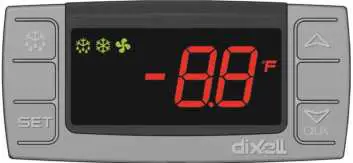
 | To display the set temperature. In programming mode it selects a parameter or confirms an operation. |
 | To start a manual defrost. |
 | In programming mode it browses the parameter codes or increases the displayed value. |
 | In programming mode it browses the parameter codes or decreases the displayed value. |
KEY COMBINATIONS
 To Lock or Unlock the Keyboard To Lock or Unlock the Keyboard |
 To Enter Programming Mode To Enter Programming Mode |
 To Return to Room Temperature Display To Return to Room Temperature Display |
| LED | MODE | INDICATES |
 | On | Compressor Enabled |
| Flashing | Anti-Short Cycle Delay Enabled (AC Parameter) | |
| On | Defrost in Progress |
| Flashing | Dripping in Progress | |
 | On | Fans Output Enabled |
| Flashing | Fans Delay After Defrost | |
 | On | Measurement Unit |
| Flashing | Programming Mode |
NOTE: Your new freezer is already factory-set to run at optimum temperatures for food safety and should require no adjustments. Your freezer is set to cycle between a minimum temperature of -5°F and a maximum temperature of 2°F. Adjusting the temperature changes the minimum temperature your unit will run at. Your freezer will not run constantly at this temperature setting.
HOW TO VIEW THE SET TEMPERATURE
- Push and immediately release the SET key, the set temperature will be displayed.
- To return to standard view, wait about 5 seconds or push and immediately release the SET key again.
HOW TO CHANGE THE SET TEMPERATURE
- Push and hold the SET key for 2 seconds.
- The °F LED will start to blink and the current temperature will be displayed.
- To change the set temperature push the or arrows.
- Push the SET key to store the new temperature or wait 10 seconds and new temperature will automatically be set.
HOW TO START A MANUAL DEFROST
NOTE: Your new freezer is pre-programmed to run automatic defrost cycles at preset intervals and for pre-determined durations.
To run a manual defrost cycle at any time, follow these instructions:
- Push and hold the
 key for 2 seconds.
 - Repeat to stop the defrost cycle.
Freezer coils are defrosted electrically.
Automatic defrost timers automatically initiate at pre-set intervals and for a predetermined duration.
OPERATION/MAINTENANCE
NOTE: It is strongly recommend that any servicing be performed by an authorized service technician.
- During maintenance and cleaning, please unplug the unit.
LOADING PRODUCTS
- Do not block the inside air duct/fan at the top of your freezer. Maintain a minimum clearance of 4” between products and the fan at all times.
- Ensure all shelves are level and properly secured prior to loading products.
- Do not store flammable and/or explosive gas or liquids inside the unit.
CLEANING THE CONDENSER COIL
- For efficient operation, keep the condenser surface free of dust, dirt and lint.
- We recommend cleaning the condenser coil at least once per month.
- Clean the condenser with a commercial condenser coil cleaner, available from any kitchen equipment retailer.
CLEANING THE FAN BLADES AND MOTOR
- If necessary, clean the fan blades and motor with a soft cloth.
- If it is necessary to wash the fan blades, cover the fan motor to prevent moisture damage.
CLEANING THE INTERIOR OF THE UNIT
- When cleaning the cabinet interior, use a solvent of warm water and mild soap.
- Do not use steel wool, caustic soap, abrasive cleaners or bleach that may damage the interior finish of the cabinet.
- Wash door gaskets on a regular basis, preferably weekly. Simply remove the door gasket from the frame of the door, soak it in warm water and soap for 30 minutes. Dry with soft cloth and replace.
- Check door gaskets for proper seal after they are replaced.
- Periodically remove the shelves and shelf brackets from the unit, and clean them with a mild soap and warm water.
TROUBLESHOOTING
PROBLEMS / CAUSES / SOLUTIONS
| Compressor is Not Running | Fuse blown or circuit breaker tripped. | Replace fuse or reset circuit breaker. |
| Power cord unplugged. | Plug in power cord. | |
| Thermostat set too high. | Set thermostat to lower temperature. | |
| Cabinet in defrost cycle. | Wait for defrost cycle to finish. | |
| Cabinet Temperature is too Warm | Thermostat is set too high. | Set thermostat to lower temperature. |
| Airflow is blocked. | Re-arrange products to allow for proper air flow. Make sure there is at least four inches of clearance from the fan. | |
| Low refrigerant levels. | Contact a service technician to check refrigerant levels. | |
| Door is slightly ajar. | Make sure door is completely closed. | |
| Interior Light is Not Working | Poor switch connection. | Turn off light switch and turn it back on. |
| Bulb is not connected. | Make sure the bulb is correctly inserted in the socket. | |
| Bulb has burned out. | Replace the bulb. | |
| Condensation is Collecting on the Cabinet and/or Floor | Gasket is not sealing properly. | Clean, repair, or replace the gasket as necessary. |
 Global Industrial - Industrial & Commercial Supplies