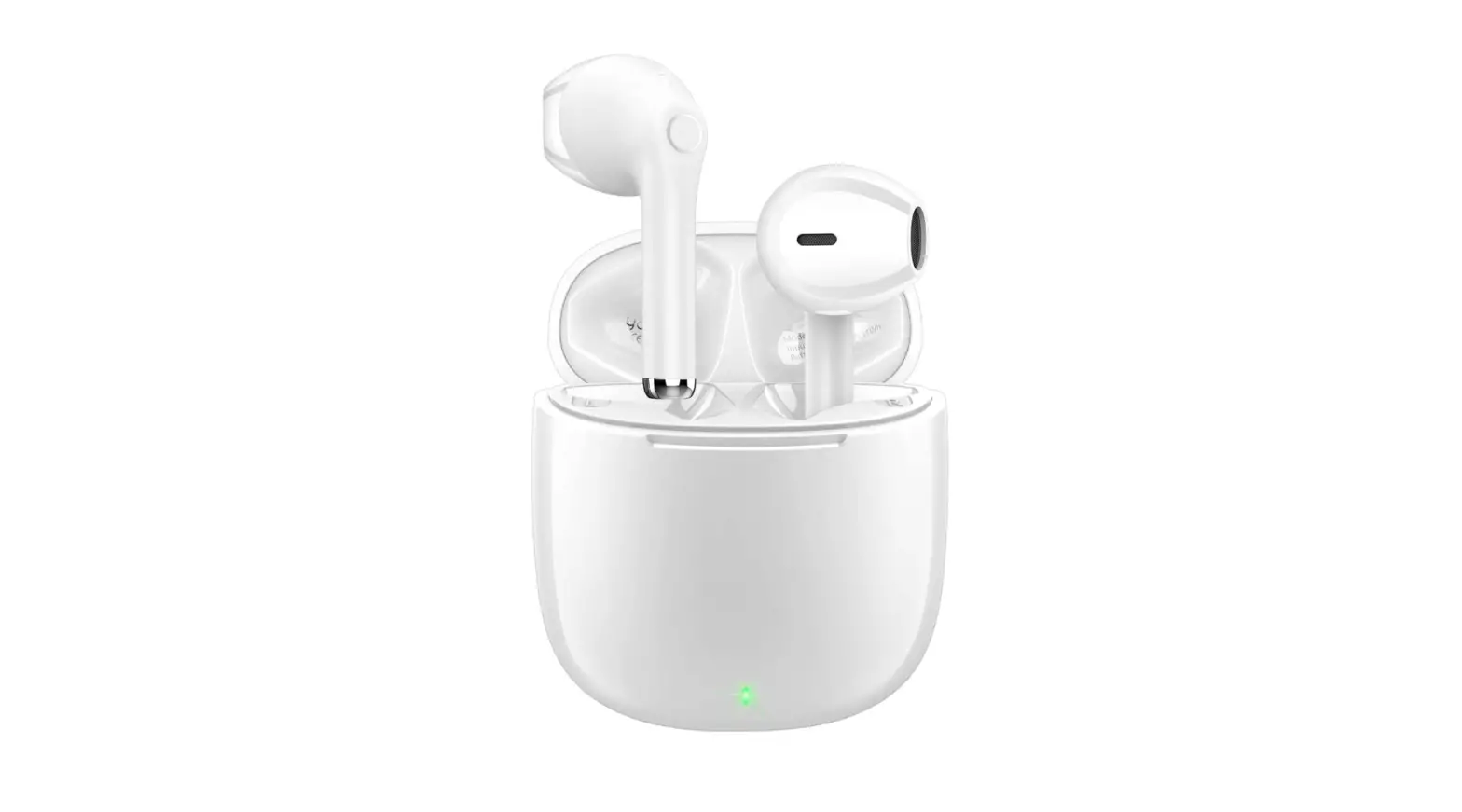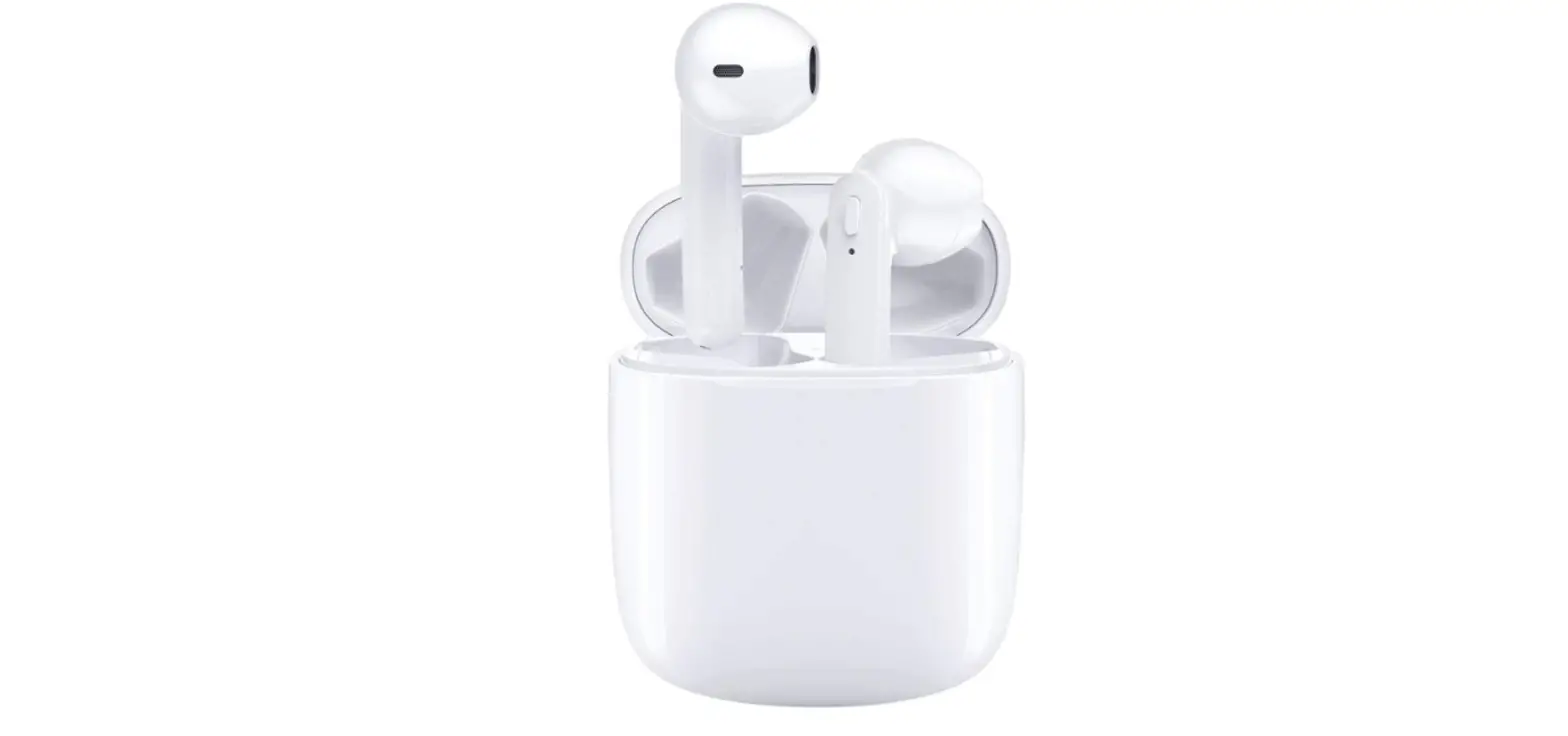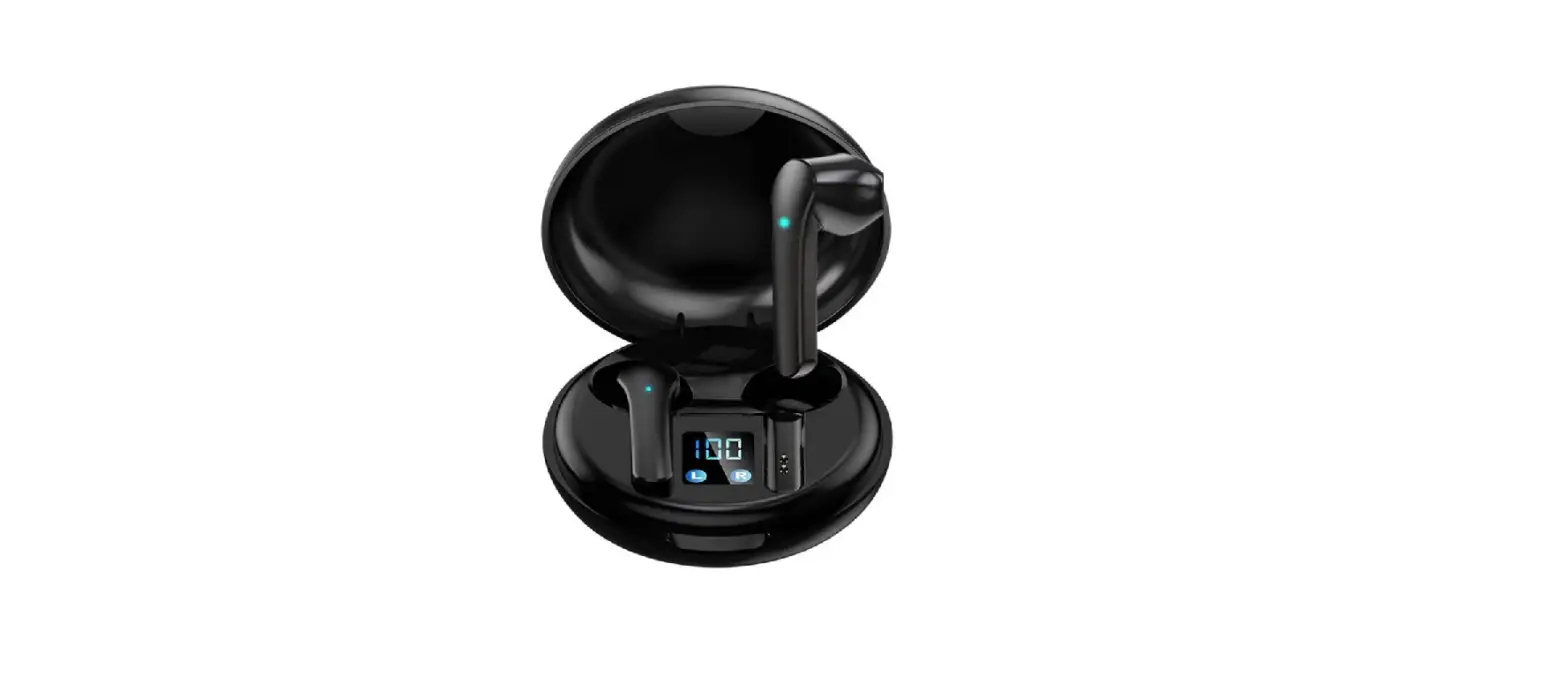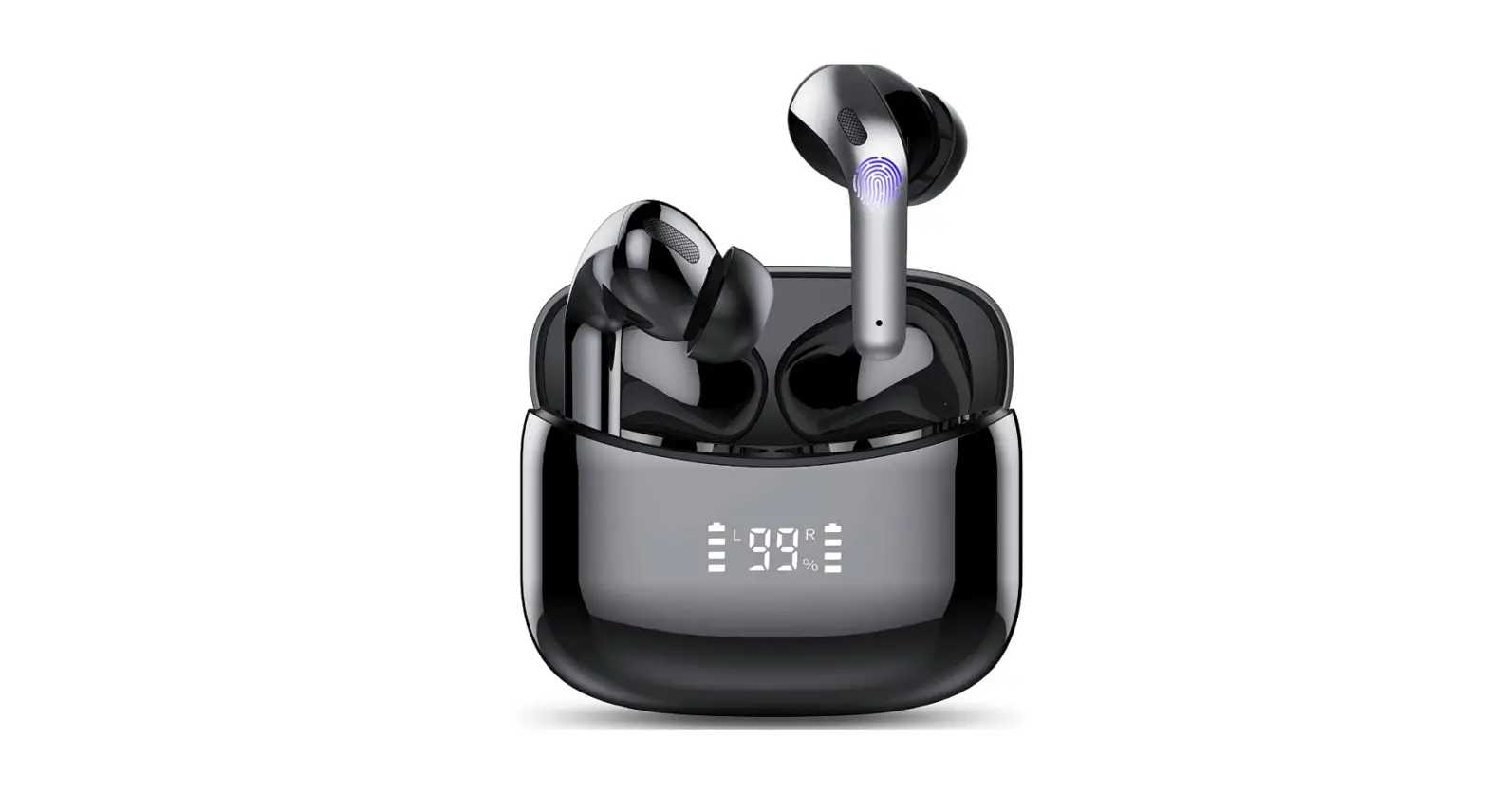
GCBIG
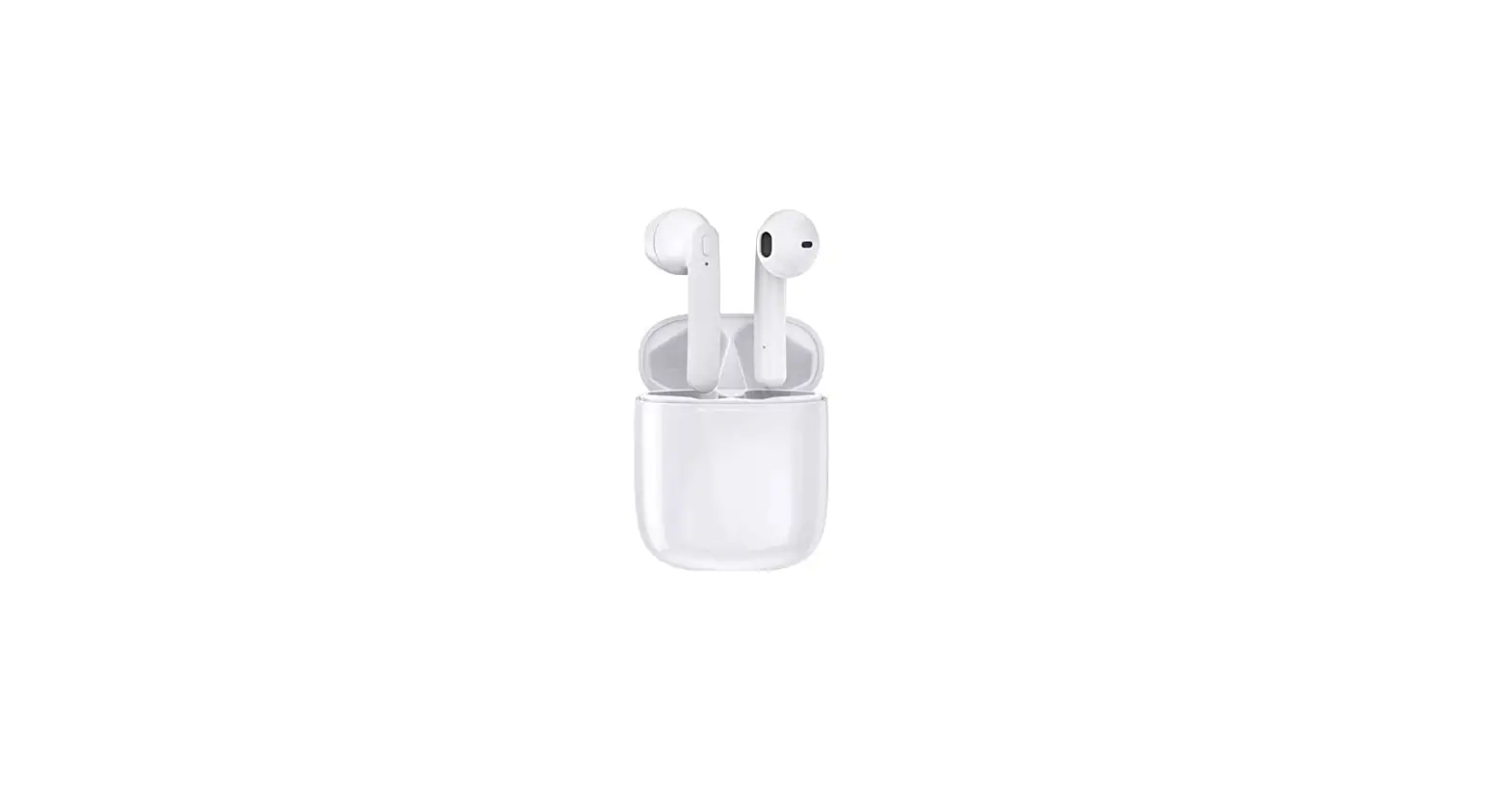
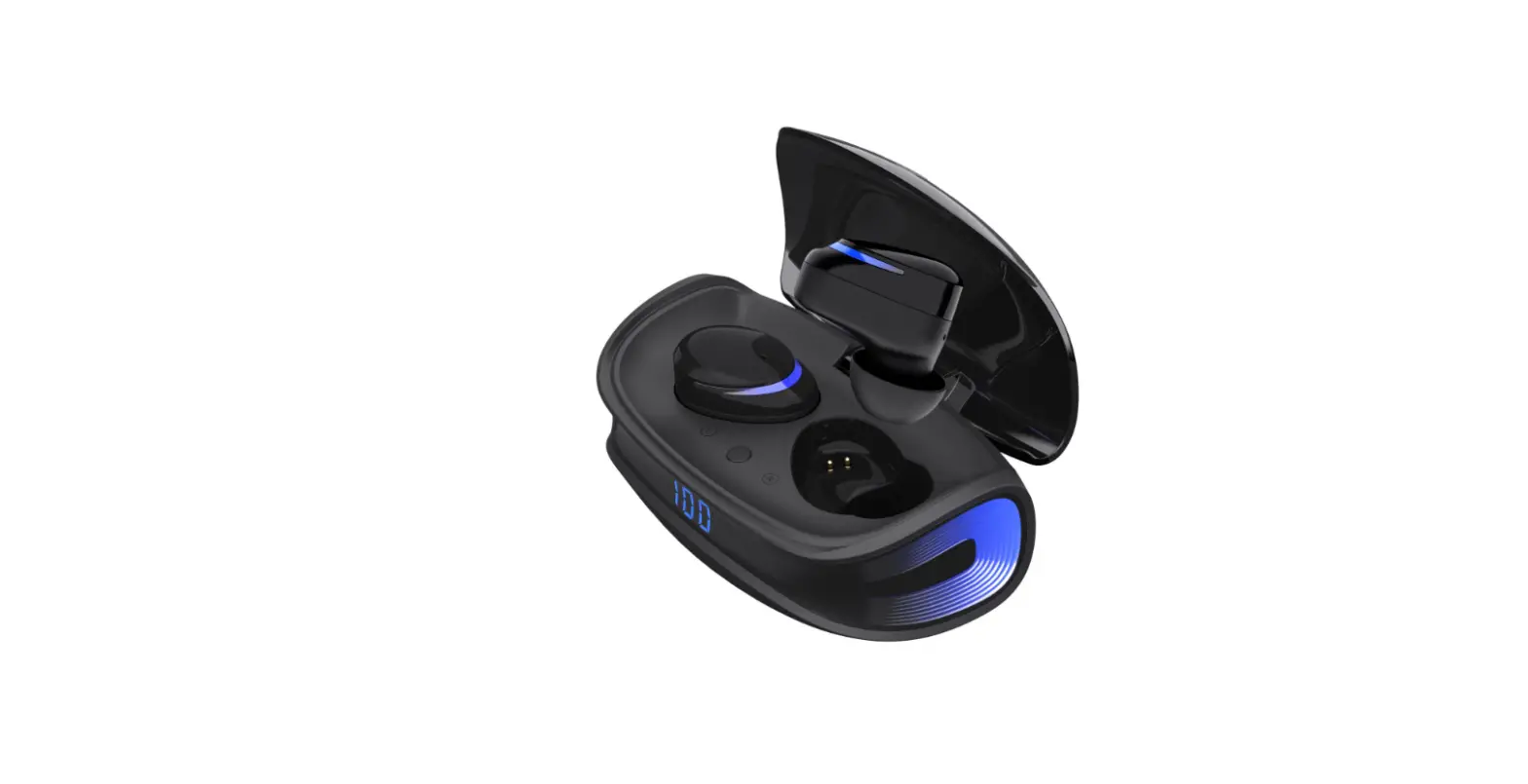
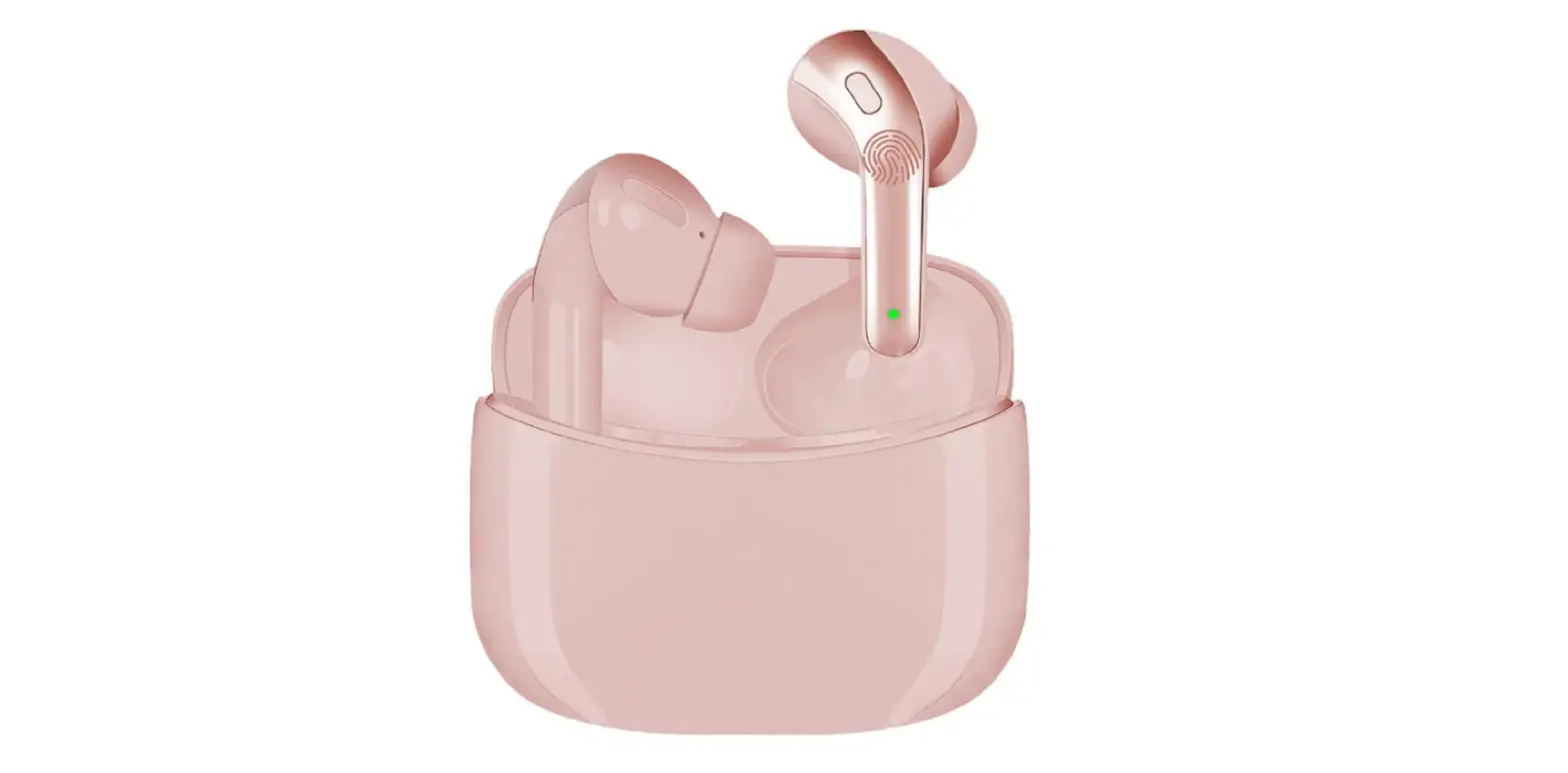
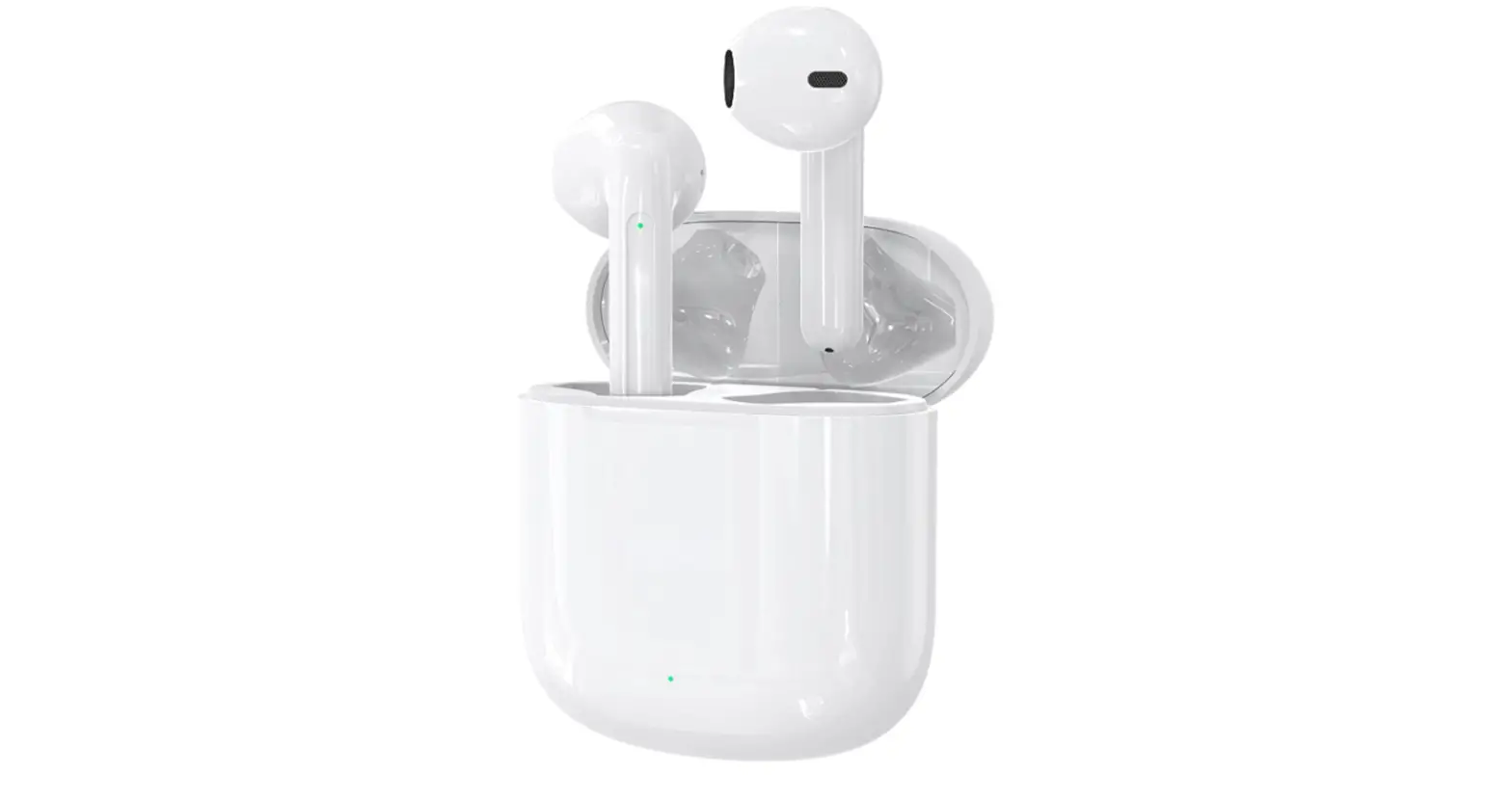
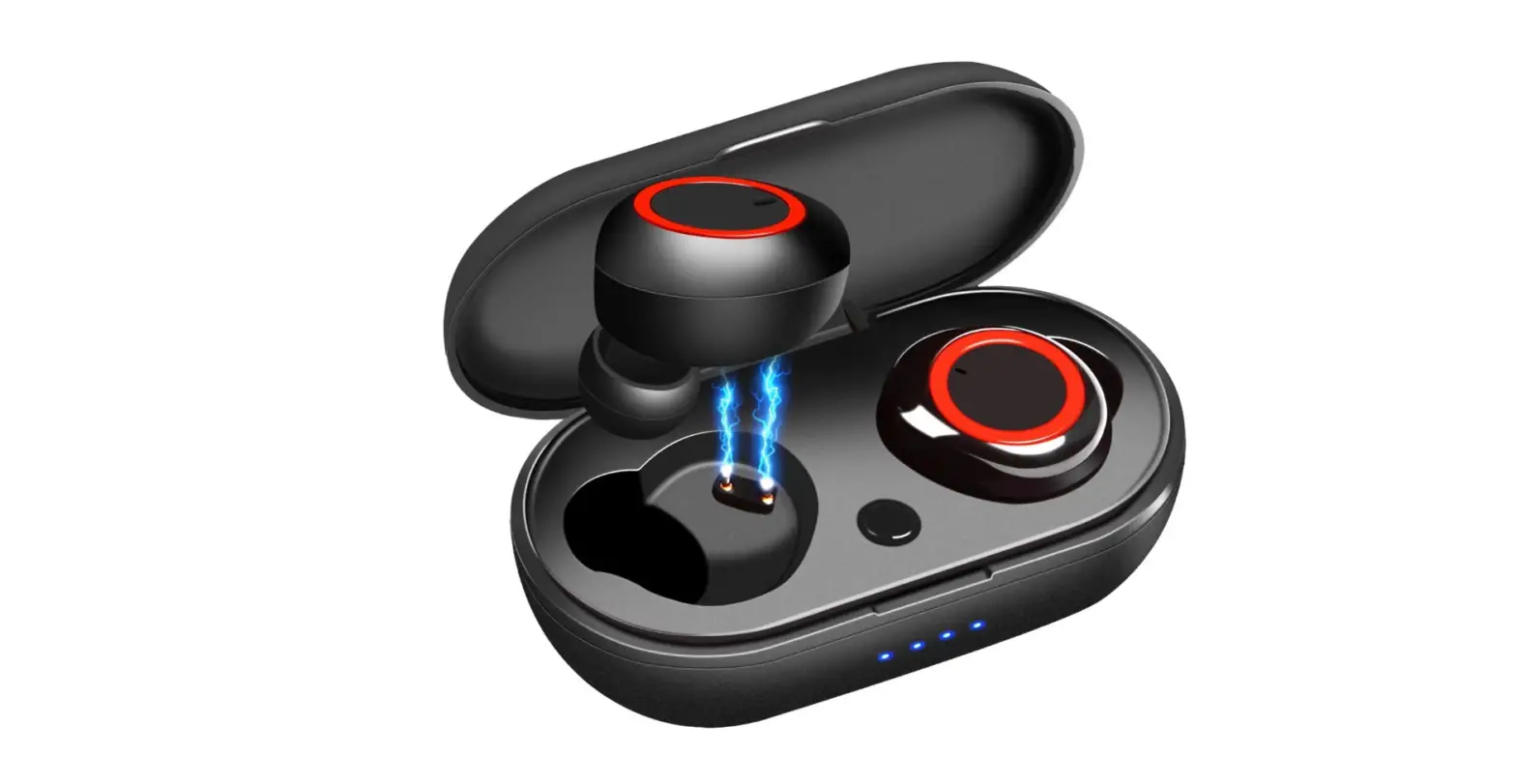
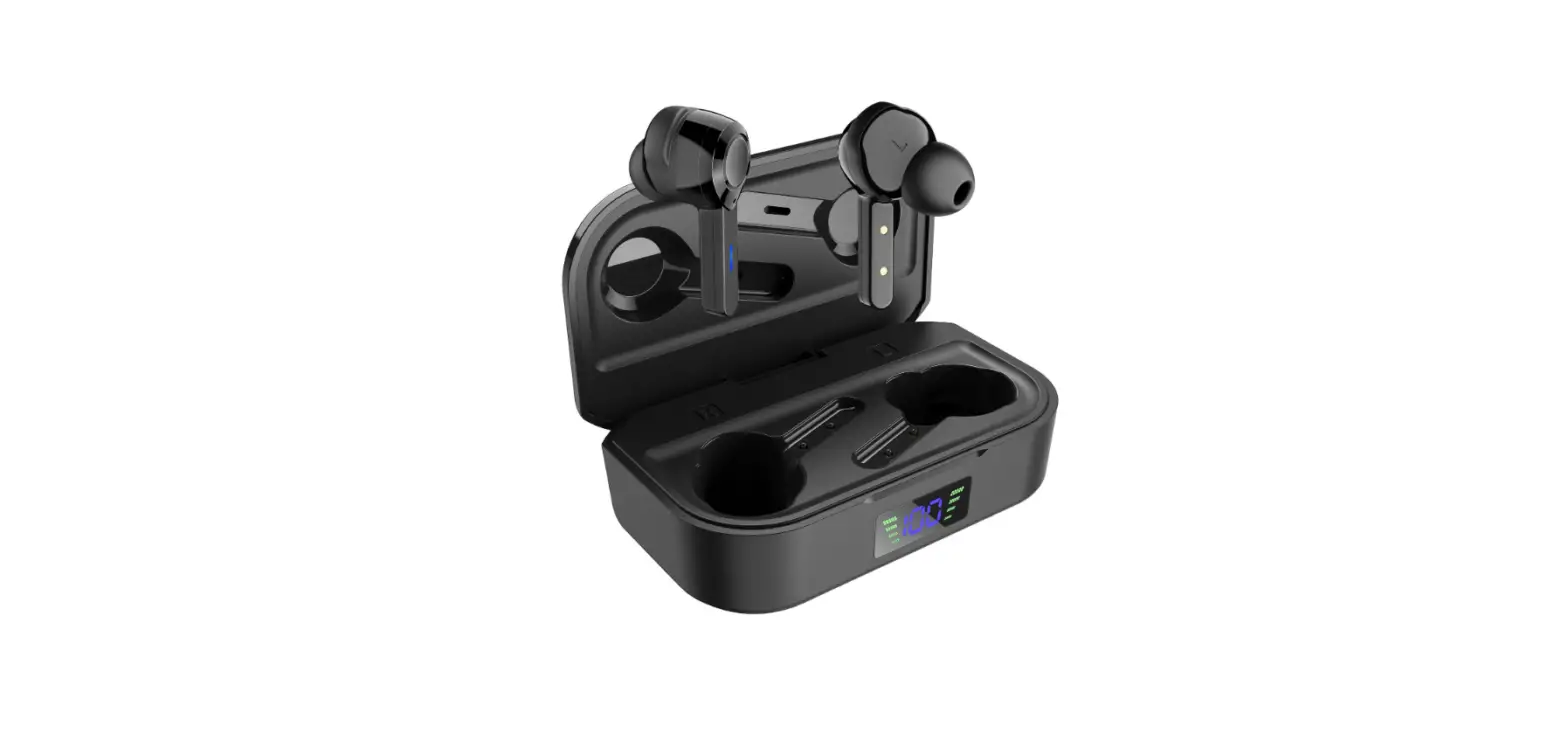
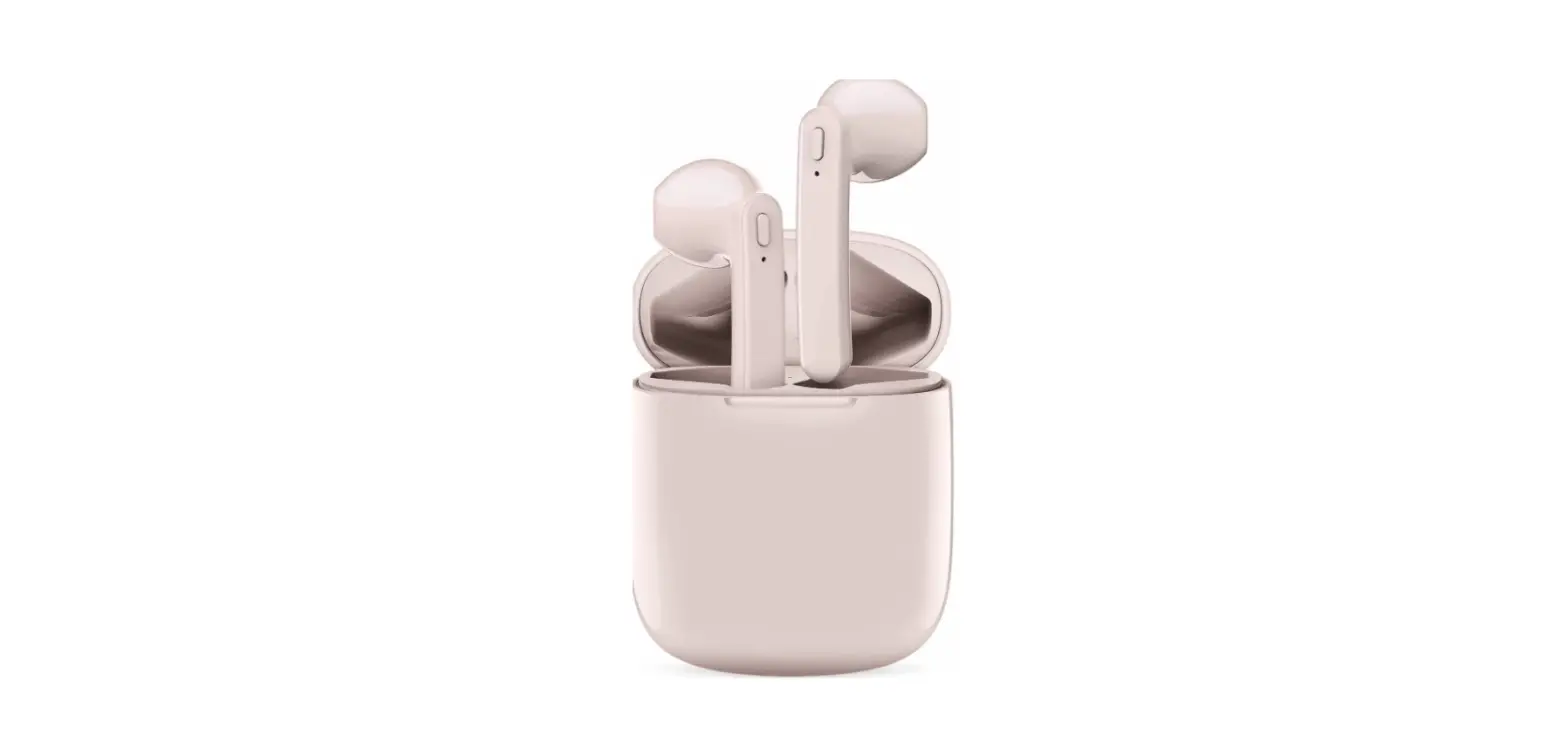
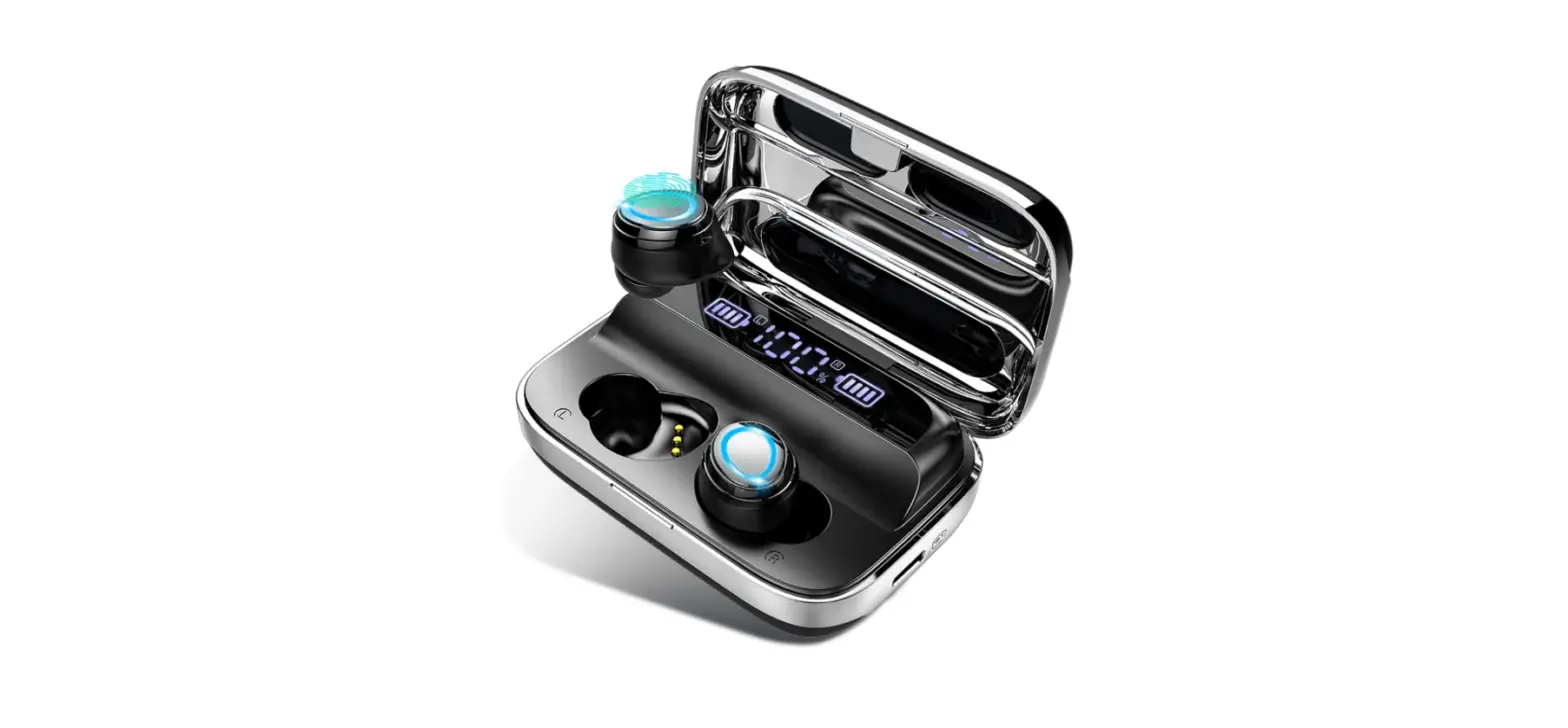
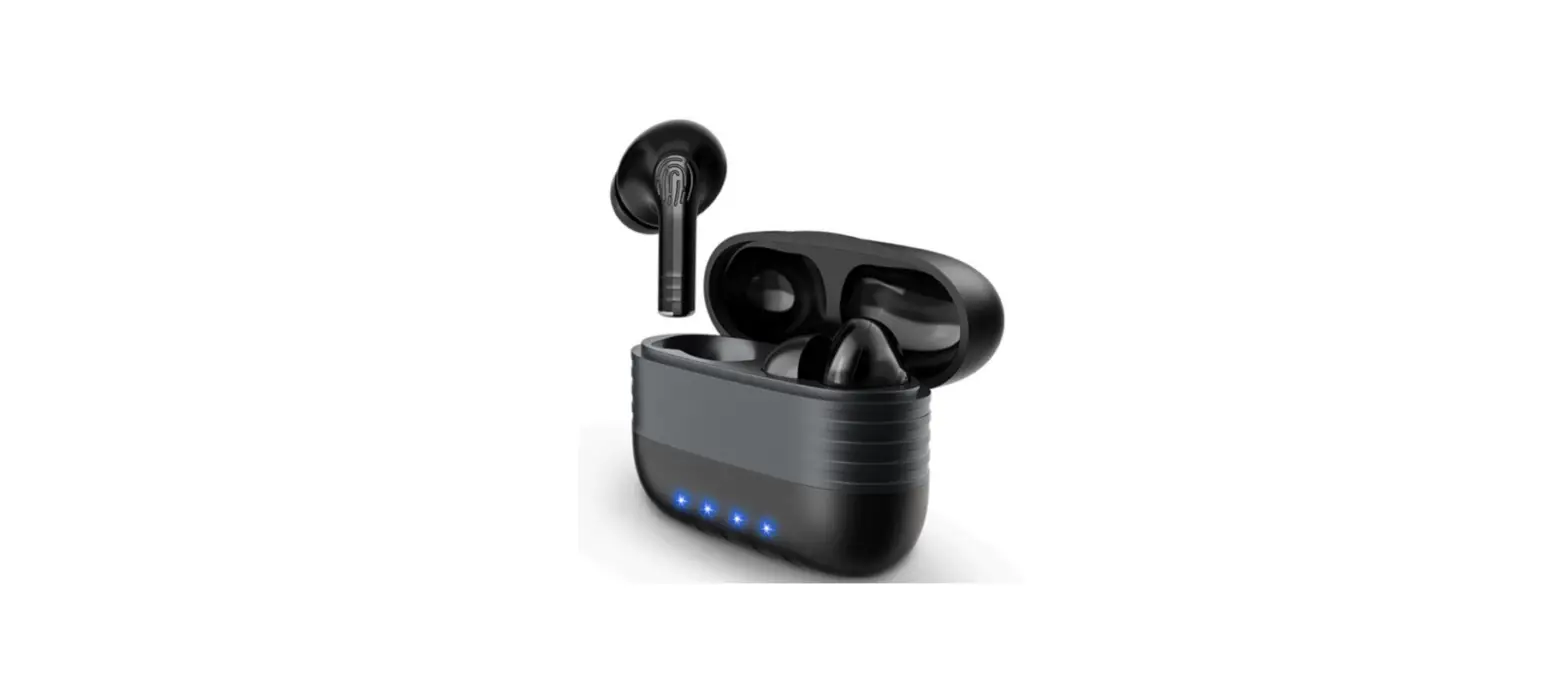
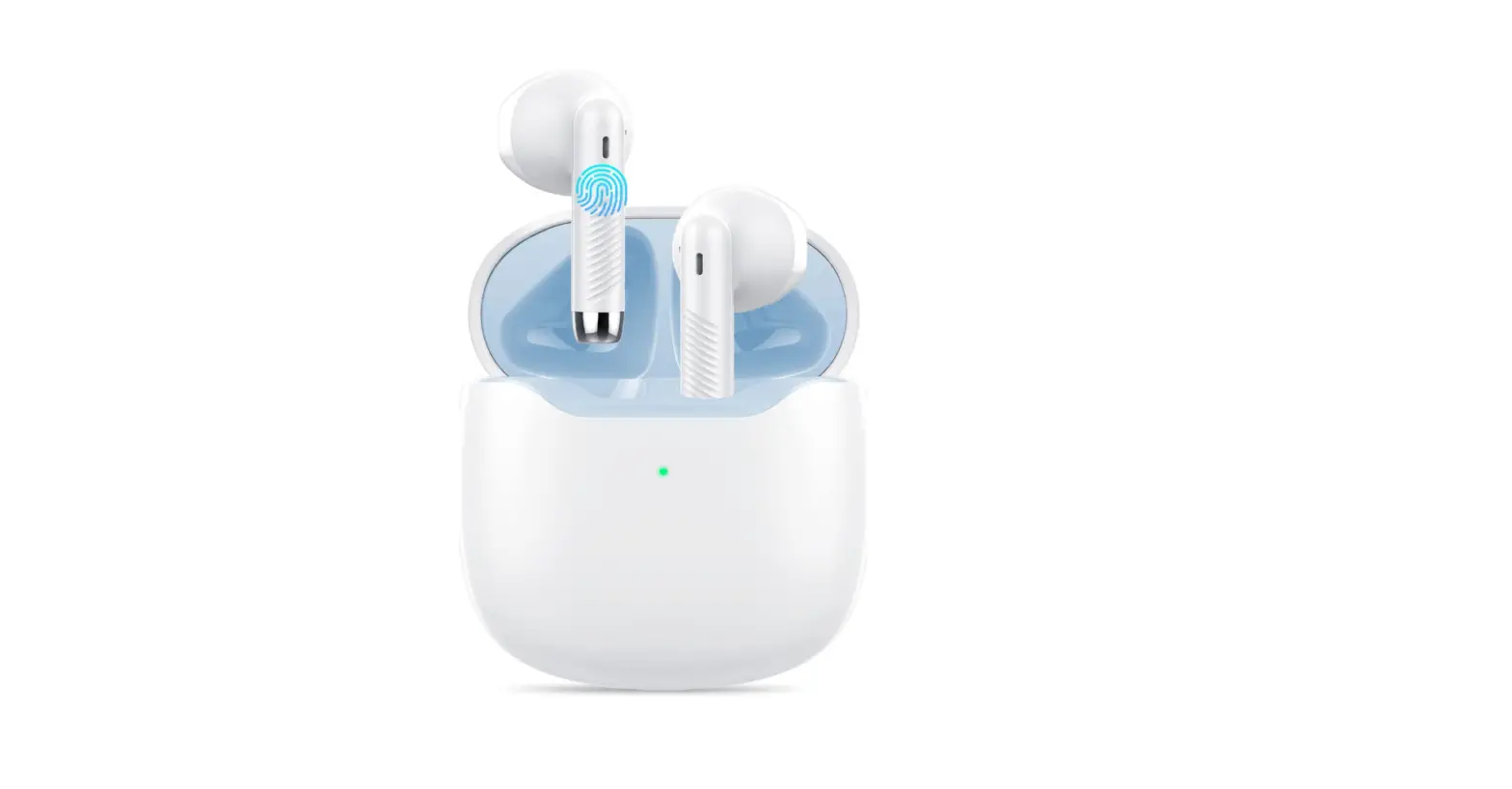
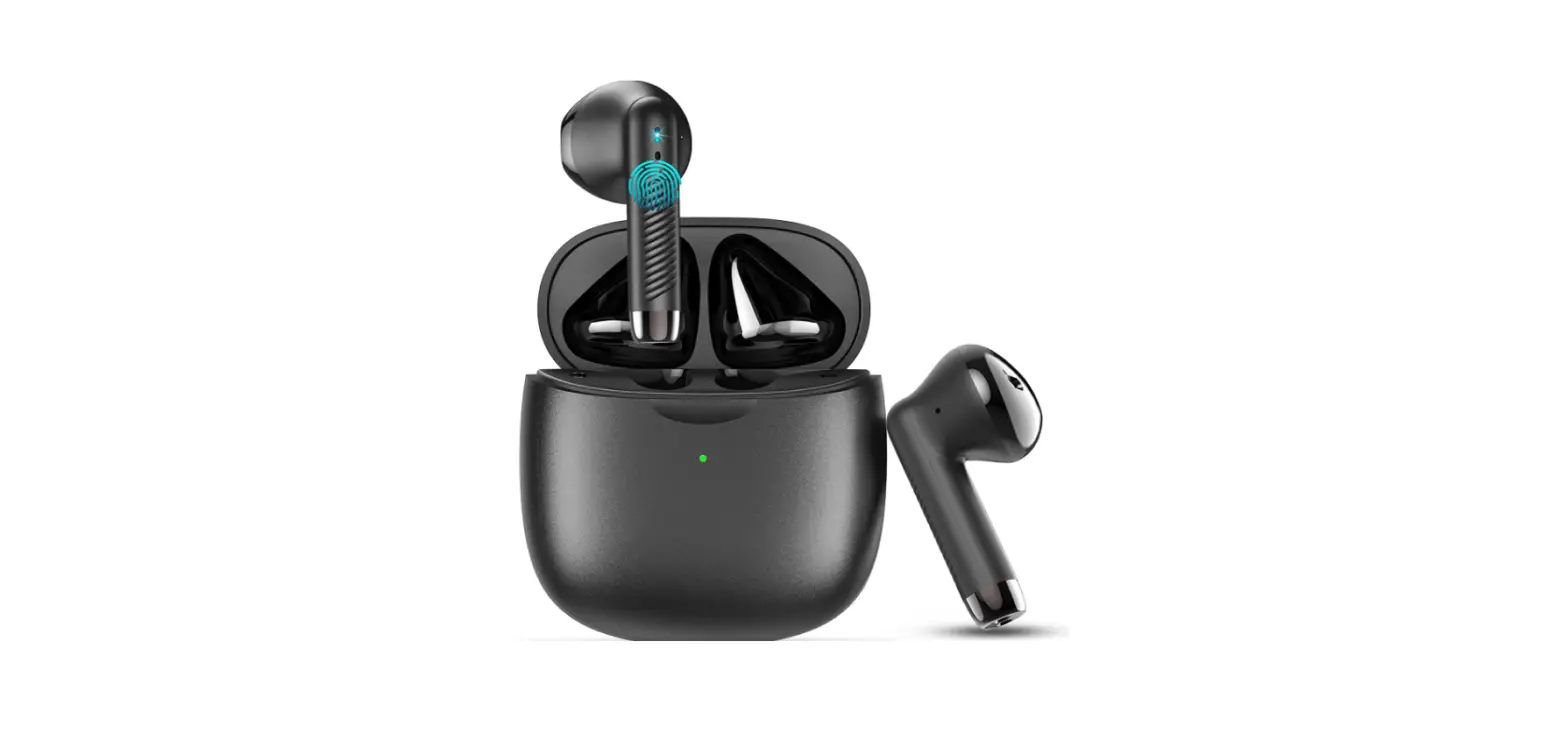
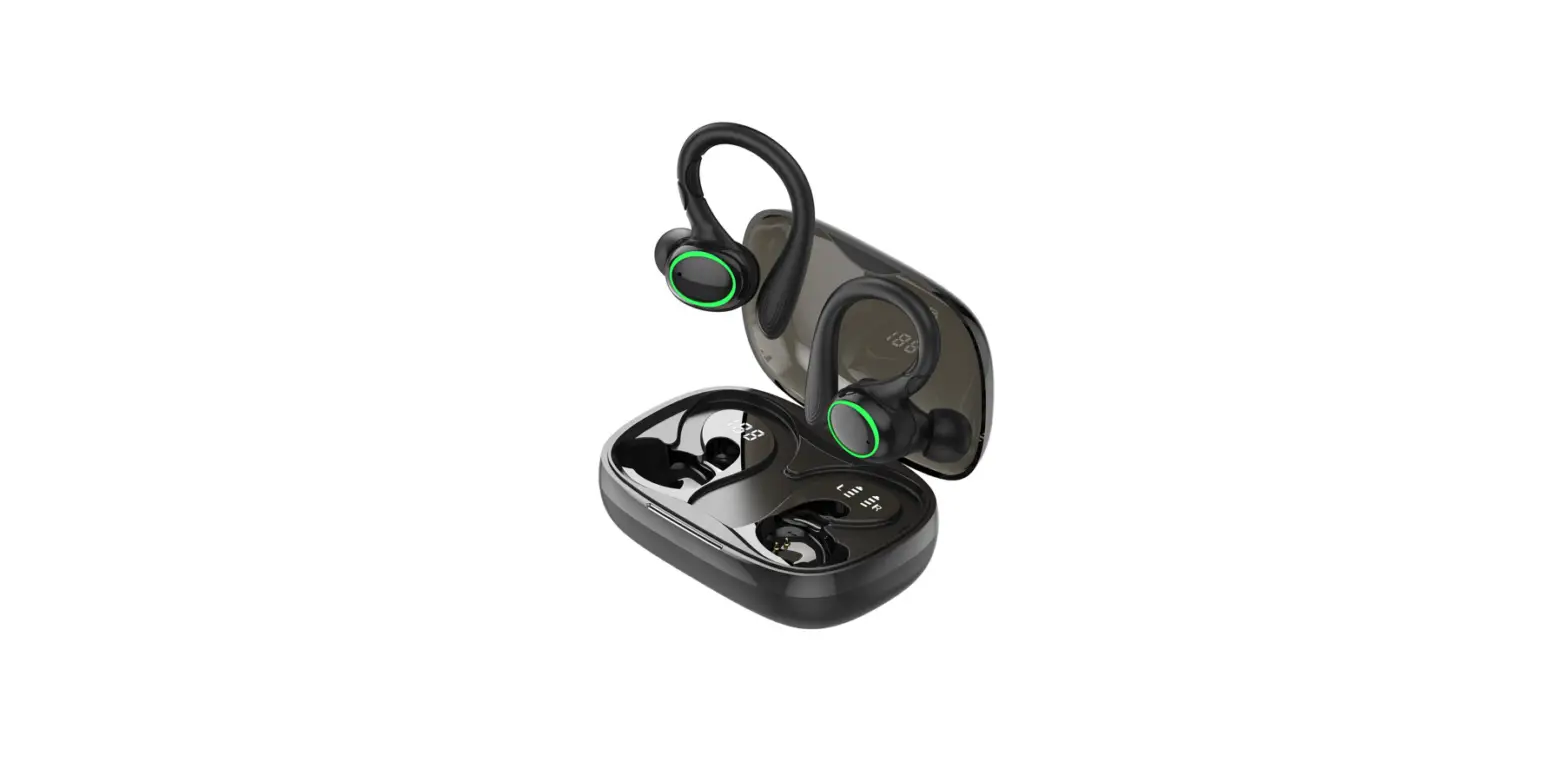
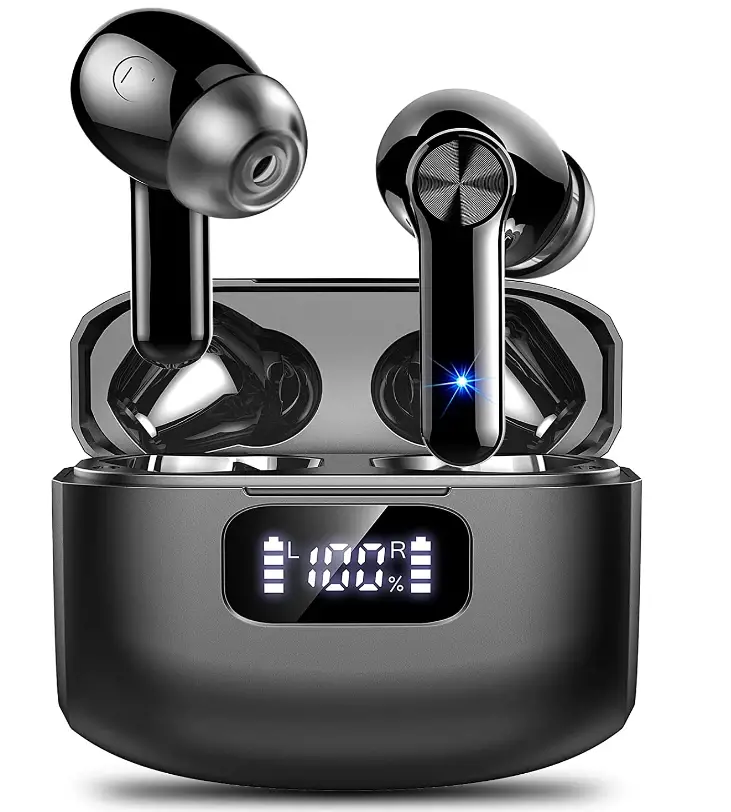
Wireless Earbud, Bluetooth 5.2 Headphones HiFi Sterero 40H Playtime LED Display, IP7 Waterproof Earbud in-Ear

Specifications
- Product Dimensions
2.36 x 0.79 x 1.97 inches - Item Weight
3.53 ounces - Batteries
2 Lithium Polymer batteries - Ear Placement
In Ear - Connectivity Technology
In Ear - Brand
GCBIG
Introduction
Young and stylish, GCBIG is dedicated to the creation of smart products with a particular focus on headphones and ongoing innovation. Use the dependable and cutting-edge Bluetooth 5.2 technology. HSP, HFP, A2DP, and AVRCP are supported by the GCBIG S70, considerably enhancing transmission speed and giving you a low-latency listening experience. Additionally, it improves the consistency with which the earbud wireless Bluetooth connects to electrical devices, giving you uninterrupted calling, music, and noise-canceling experiences.
What’s In the Box?
- 2* True wireless earbuds (Left and Right)
- 1* USB-C Charging Case
- 1* USB-C Charging Cable
- 1* Headphone lanyard
- 3* Earplugs (S, M, L)
- 1* User Manual ( English, DE, FR, IT, ES, JAP. )
Before Use
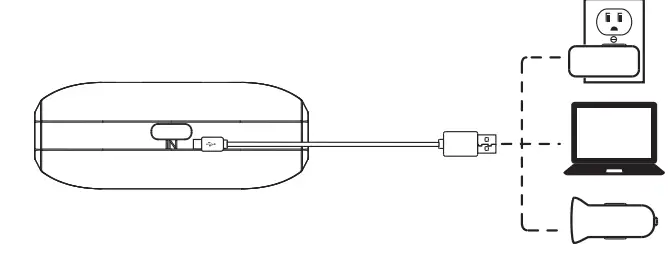
- Fully charge the earbuds and charging case.

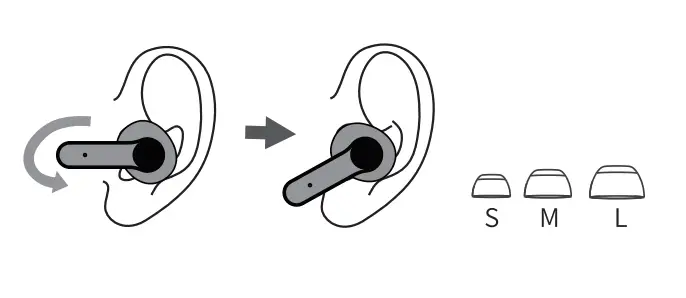
- Choose the right angle and eartips.
 Connect
 Connect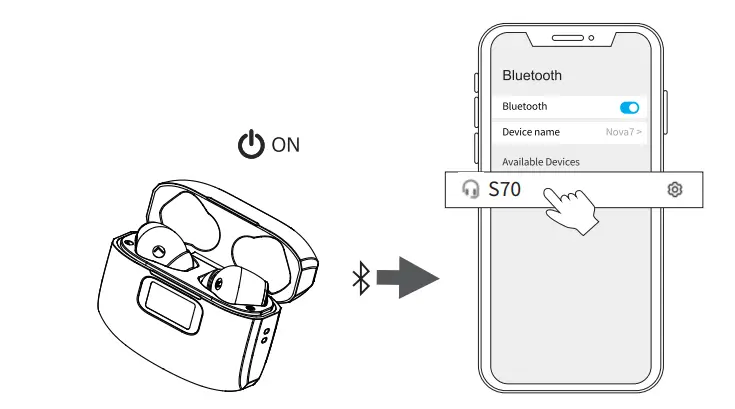
- Take out the earbuds (Earbuds auto power on)
- After opening the phone Bluetooth, click the <S70> to Pairing.
Reset
If the earbuds has any connection or function problems, please reset the earbuds
- Delete the BT pairing information on the phone.
- Take the earbuds into the charging case to charge.
- Take out the earbuds and wait for 20 seconds.
(If the above operation does not work, please try again)
Operation
 X1: Click Once
- X2: Click 2 times
- 2S: Press and hold for 2 seconds
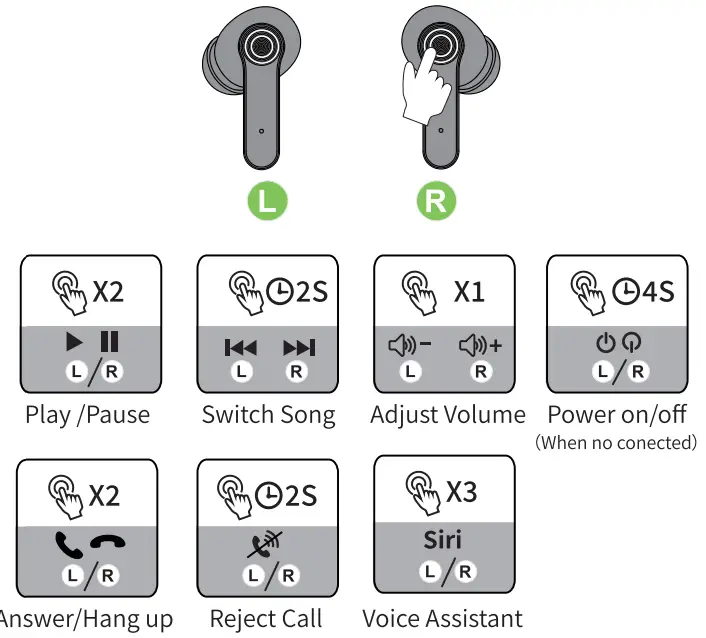 X1: Click Once
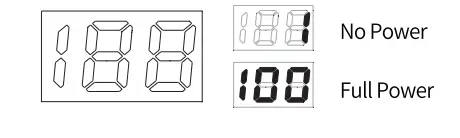
Battery Indicator
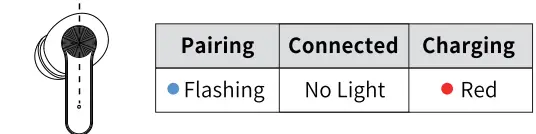
Indicator Light
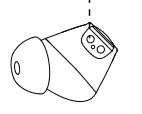
Charging Contacts
How can the earbud be reset?
- Remove everything from your phone’s Bluetooth list before turning off Bluetooth. This step is also necessary if you have more than one mobile device and want to connect the earbud to a new one. The charging case should contain earbuds.
- Pull one earbud out of the charging case. Long press 4 times, and you’ll hear a voice prompt saying “power off,” which clears the prior pairing memory. Remove a second earbud, then repeat the procedure to restart.
- Insert the charging case for both earbuds. Take out both earbuds at once after around 10 seconds. Watch the LED indicators on both earbuds. If the LED indicators start to slowly flash blue and disappear, wait a moment. off, that means both earbuds pair with the other successfully.
- Turn on the Bluetooth of the mobile phone, and search S70 to connect.
Noise Cancellation in the Environment for Clear Call
With its single-mic neural network noise canceling technology, these wireless earbuds with microphones (two built-in mics) can effectively minimize wind noise, filter ambient noise, and transmit voice clearly in any noisy area to assure high-quality clear crisp phone calls. When you are working in a noisy setting, such as when cutting wood, mowing the lawn, riding the bus or subway, etc., you don’t need to shout to be heard. Additionally, the person on the other end clearly hears you.
PLEASE NOTE
- Before using an earbud, make sure it is completely charged.
- If the charging case is not powered, the earbud will not be instantly disconnected and turned off when placed inside.
- To provide a better usage experience in this situation, please charge the earbuds in a timely manner.
- If the two earbuds cannot be associated with your devices or each other, please try to reset your earbud.
Frequently Asked Questions
- Does it work with both android and ios operating systems?
Hello dear buyers, our Bluetooth earphones are available for Android and iOS operating systems, you don’t need to worry. - How do you tell when the battery in your true wireless earbuds is full?
The charging case’s front has an LED indicator that flashes red during charging and stays red when fully charged. NOTE: In order to prevent the problem of losing the earbuds’ “auto power on and off” features, it is crucial to keep the case charged at all times. - How do my wireless earphones function?
Toggle the listed headphones. Pull down the phone’s top shade on an Android device, then long-press the Bluetooth icon. It will immediately take you to the Bluetooth menu, where you may enable it and then start looking for devices. To link a pair of headphones, tap their name. - How can I check the charge of my earbuds?
When your AirPods Pro or AirPods (3rd generation) are charging (showing an amber light) or fully charged, you may check by tapping the case while it’s on the charging pad (green light). - Should I always have earbuds on hand?
When not in use, the case will charge both earbuds and keep them together. The majority of cases have a lithium-ion battery that keeps the earphones charging until they are recharged. The earbuds should always be kept on hand just in case. - How are earphones recharged?
Close the charging case’s cover after putting the earbuds inside. The battery LED within the charging case is red, yellow, or green when the lid is open to show the earbuds’ current battery state. The earphones need about two hours to fully recharge. - Why do people use earbuds?
Earbuds let in more background noise since they lie on the outside of your ear canal. Depending on your lifestyle, this can be a plus. Earbuds make it possible for you to be more aware of your surroundings when you commute downtown and move around the streets. - Can I charge the case and my earbuds at the same time?
Close the charging case’s cover after putting the earbuds inside. The battery LED within the charging case is red, yellow, or green when the lid is open to show the earbuds’ current battery state. The earphones need about two hours to fully recharge.