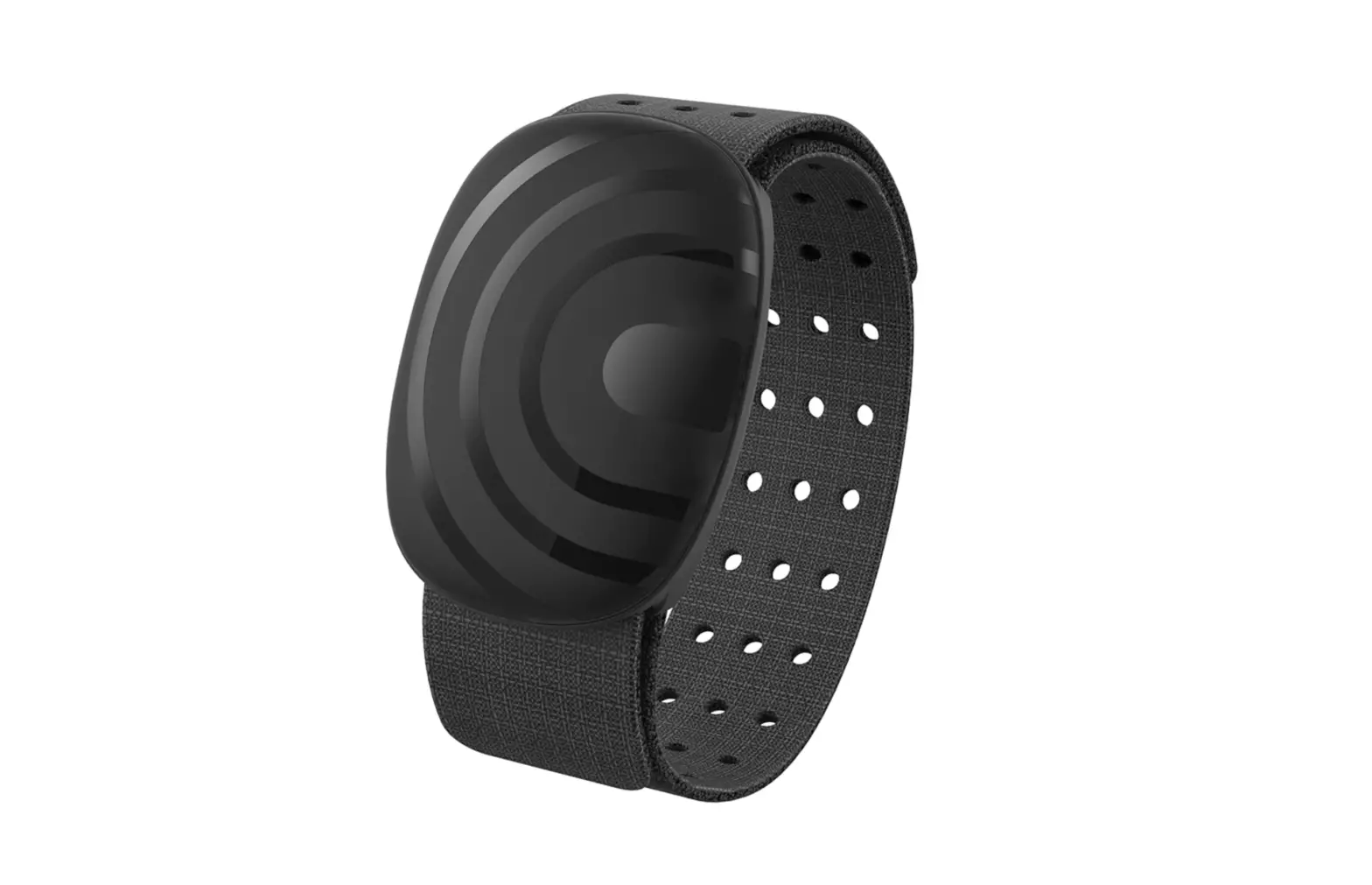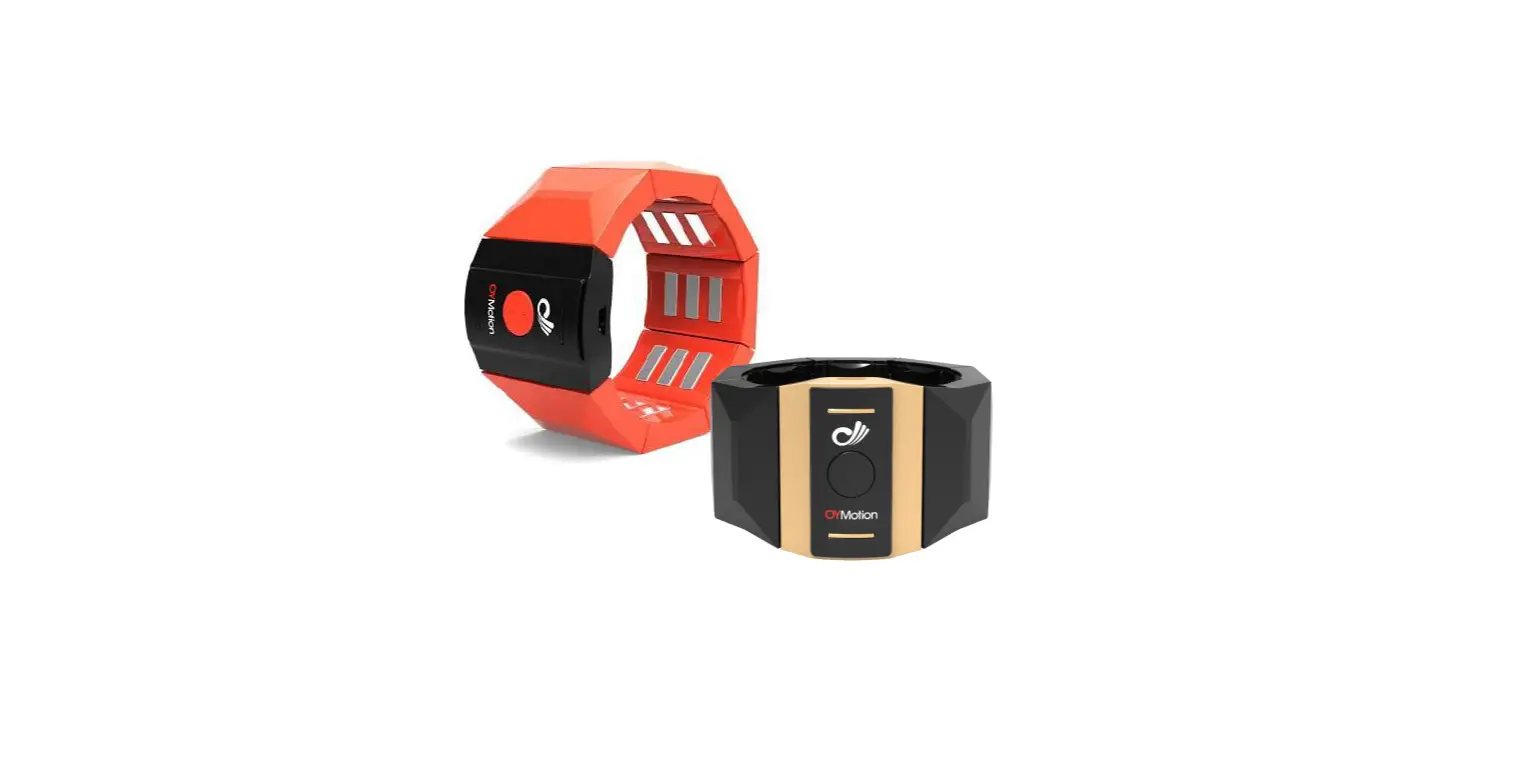
 Oymotion GF-R001 gForce Rehab Training Armband
 Oymotion GF-R001 gForce Rehab Training Armband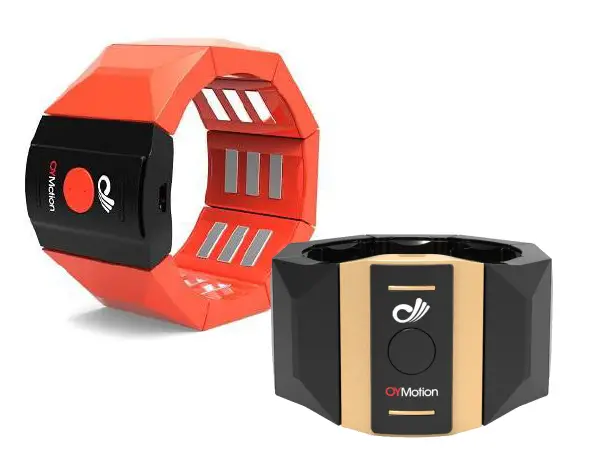
Trademarks & Patents
gForceTM is a registered trademark of OYmotion Technology Co., Ltd. (hereinafter referred to as OYmotion). gForceTM EMG Armband is registered and produced by OYmotion Technology Co., Ltd. with the patent owned by the company. Without the written permission of OYmotion Technology Co., Ltd., no other group or individual,may reproduce and disseminate any part of this document in any form or by any means (including electronic, physical, etc.) for any purpose.
About gForceTM EMG Armband
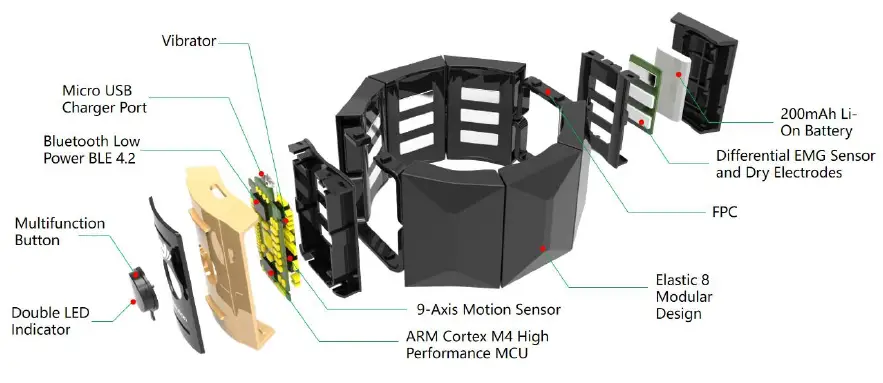
gForceTM EMG Armband has built-in 8-Channel high sensitive EMG sensors, 9-axis motion sensor, Buetooth BLE4.2 and other modules. It allows users to directly access the original data of EMG and motion sensors, and supports otrain gesture training platform, and can add 8 kinds of user-defined gesture movement analysis.
Applicable product model
OYM-GF-P001 , OYM-GF-B001 , OYM-GF-R001 ; OYM-GFD-001
Product model description
| Model | Name | Description |
| OYM-GF-P001 | gForce Rehab Training Armband | Green shell, professional version, can transmit original EMG data |
| OYM-GF-B001 | gForce Rehab Training Armband | Black shell, basic version, unable to transmit original EMG data |
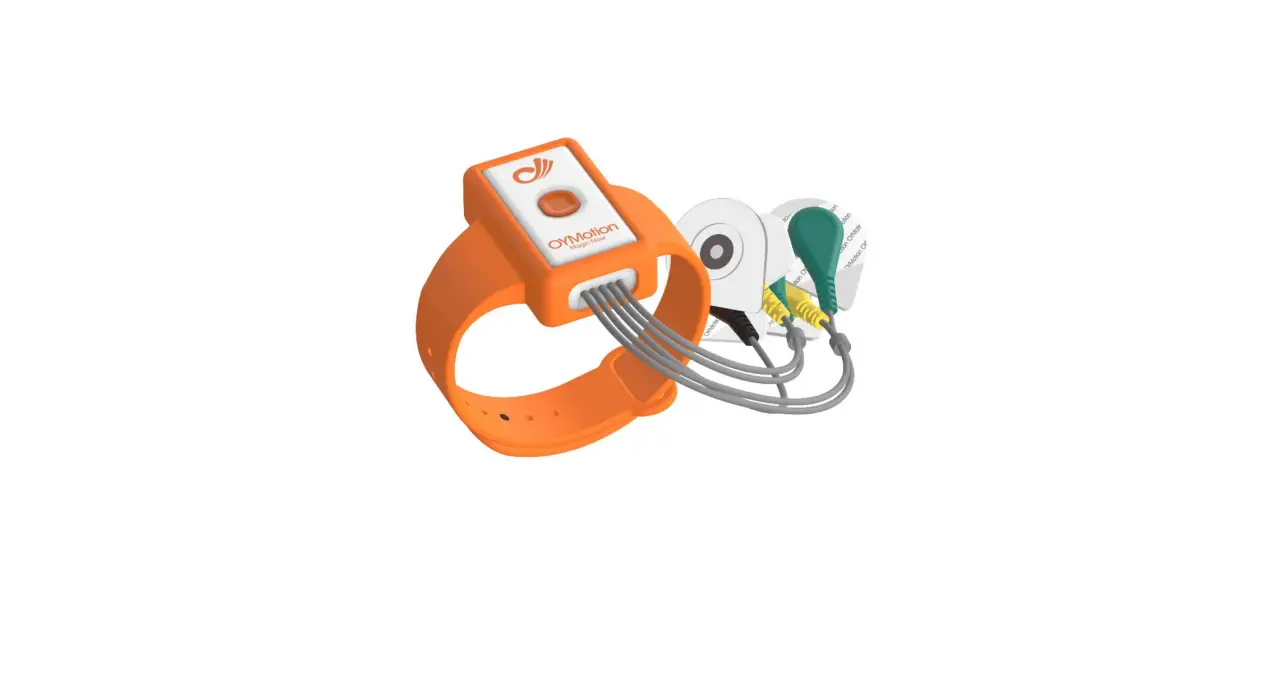
| OYM-GF-R001 | gForce Rehab Training Armband | Orange shell, encrypted version, can transmit encrypted EMG data |
| OYM-GFD-001 | gForce Dongle | Bluetooth data transceiver, used with gforce EMG Armband |
Product structure and dimensions
gForce EMG Armband’s hardware composition
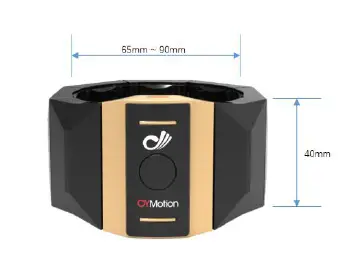
gForce EMG Armband’s size and weight
| Measurement Index | Measurement Value |
| Internal diameter | 65-90 mm |
| Height | 40 mm |
| Thickness | 10 mm |
| Weight | about 80 g |
gForce Dongle
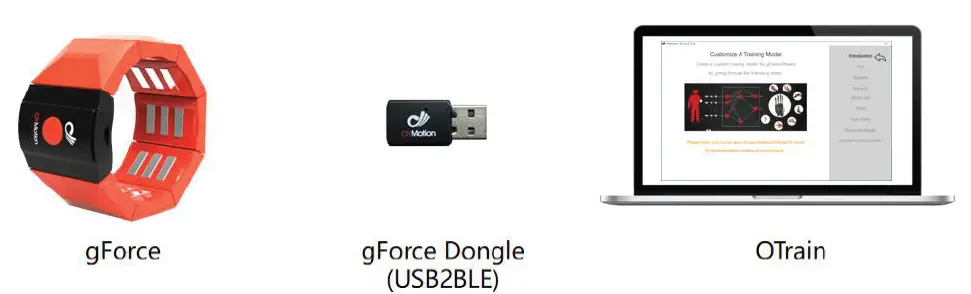
Gforce Dongle is a USB Bluetooth data transceiver used with gforce EMG Armband.
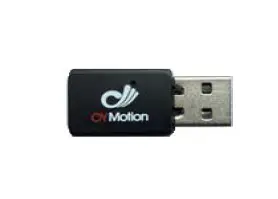
| Measurement Index | Measurement Value |
| Length | 35 mm |
| Width | 20 mm |
| Thickness | 8 mm |
| Weight | About 3.5 g |
System description and instructions
gForce support platform
| Support Platform | Notes | ||
 |
l SDK for Windows l Unity3D SDK l Need to be used with USB2BLE gForce Dongle | ||
 |
l With original Bluetooth BLE 4.0 and above l Android Unity3D SDK | ||
 | l SDK for Arduino/STM32 l Arduino、STM32 l Need to be used with UART2BLE gForce-Joint (Contact the manufacturer for purchase additionally) |
6.2. gForce OTrain gesture training platform
- Otrain gesture training platform is based on hybrid development concept and adopts C / S architecture. The internal tools of the platform include web server, data collection service, machine learning engine and interface display service.
- The personal gesture training, modeling and uploading of gforce EMG Armband can be completed through the guidance of OTrain platform to achieve personalized gesture customization. gForce can work offline after gesture training.
gForce and Arduino development board (additional purchase required)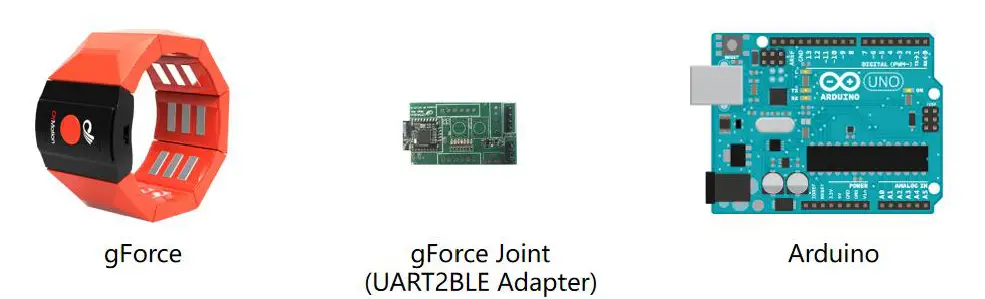
gForce Joint acts as a Bluetooth Center and can automatically establish a connection with gForce Pro Armband through Bluetooth BLE for data transmission. gForce Pro sends the recognized gesture index and quaternion values to gForce Joint. gForce Joint forwards the received gesture index and quaternion values to the next level through its COM port (TX). Arduino receives gesture index and quaternion values from gForce Joint through its COM port (Rx) .
Key points of using gForce Pro Armband
- When using gForce Armband, it should be close to the skin and worn in the middle of forearm.
- In the power OFF state, press the switch button gently, the armband starts, the green indicator light is on, and it flashes slowly; in the power ON state, press the switch button lightly, and set the gyroscope as the current direction.
- In the power ON state, long press the switch button for five seconds to release, themarmband is closed, and the green indicator light is off.
- When charging the armband, the red charging indicator light is on; when charging is completed, the indicator light is off.
- When connecting the armband to OTrain, try to be as close to Dongle as possible. When the green indicator light flashes, it indicates that the connection is successful.
- In the process of training gestures in OTrain platform, when switching from one gesture to another, the green light is always on, indicating that the new gesture training mode has been entered, and the training can be started.
- When making gestures, gestures need to be performed when the user’s arm muscles are relaxed.
gForce technical parameters
| Main indicators | Specific parameters |
| Communication mode | Low power Bluetooth BLE4.2 standard |
| Communication distance | 10m |
| Power waste | 0.1W | ||
| Battery | 200mAh | ||
| Power input | USB 5V | ||
| Gesture classification | 8 kinds | ||
| Gesture definition | Support customization | ||
|
Original EMG data | l Support real-time output of original EMG data l Sampling rate: 1000Hz(max) l ADC:8bit l Channel: 8 channels l Gain: 1000 times l Filtering: 20 ~ 500Hz hardware band-pass filtering circuit | ||
| Quaternion / Euler angle / Rotation matrix | l Support quaternion / Euler angle / rotation matrix output l Sampling rate: 50Hz | ||
|
Software support | l SDK For Windows l SDK For Android l SDK For Arduinio/STM32 l Unity3D /C# SDK for Windows l OTrain EMG gesture training App l Open source oym8chwave EMG waveform display and data acquisition app + source l gForce App for Android |
8. Packing list
- gForce Pro EMG armband:1pcs
- gForce Dongle:1pcs
- User manual:1pcs
9. Contact information
Company name: OYMotion Technologies, Co. Ltd
Address: Floor 3, Building 1, 400 Fang Chun Road, Shanghai, China
Website: www.oymotion.com
Phone: + 86-21-63210200
Email: [email protected]
Post code: 200433
FCC Statement
Any Changes or modifications not expressly approved by the party responsible for compliance could void the user’s authority to operate the equipment.
This device complies with part 15 of the FCC Rules. Operation is subject to the following two conditions:
- This device may not cause harmful interference, and
- This device must accept any interference received, including interference that may cause undesired operation.
RF warning for Portable device:
The device has been evaluated to meet general RF exposure requirment. The device can be used in portable exposure condition without restriction
 OYMotion傲意科技 感触未来