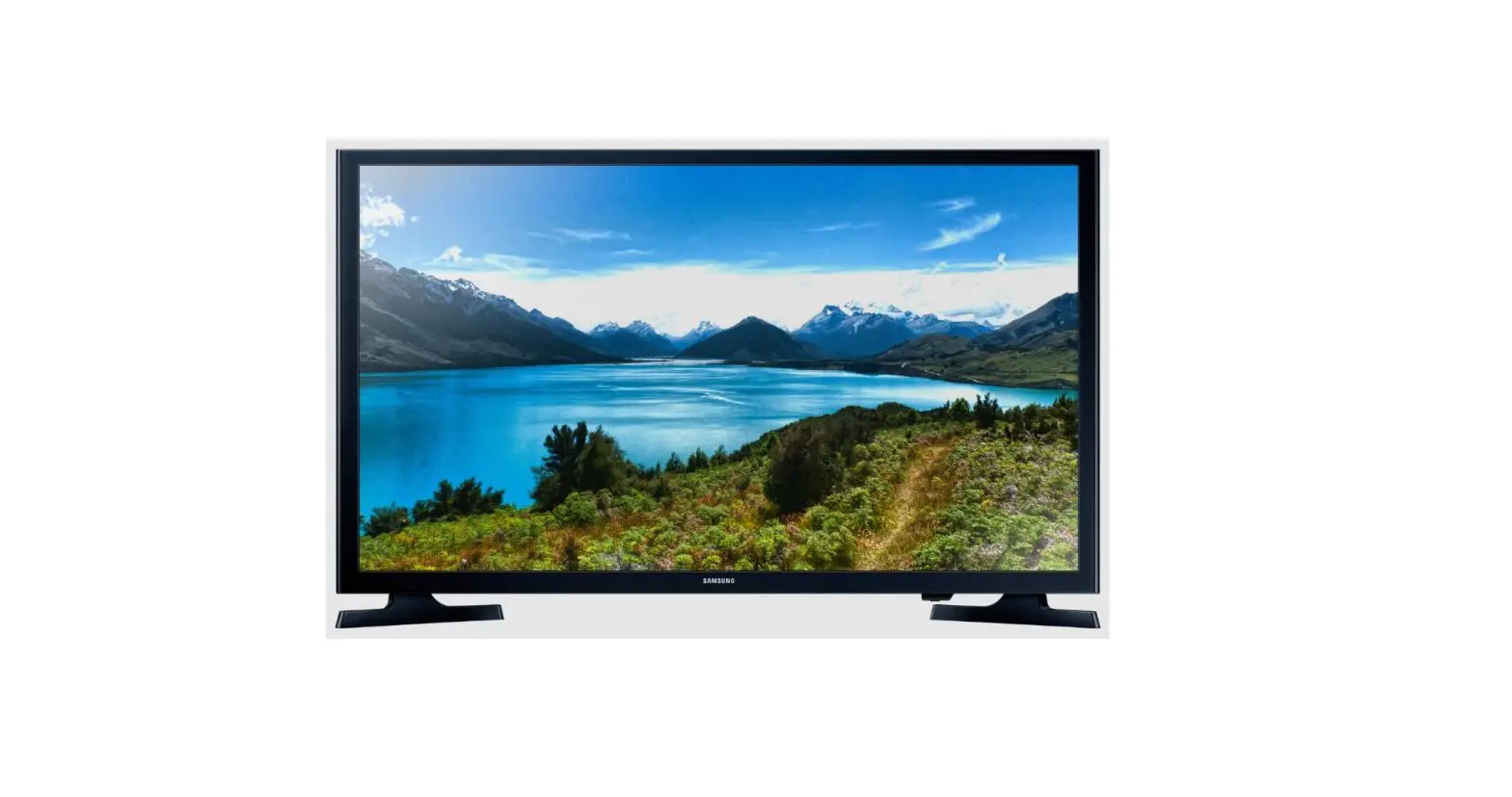
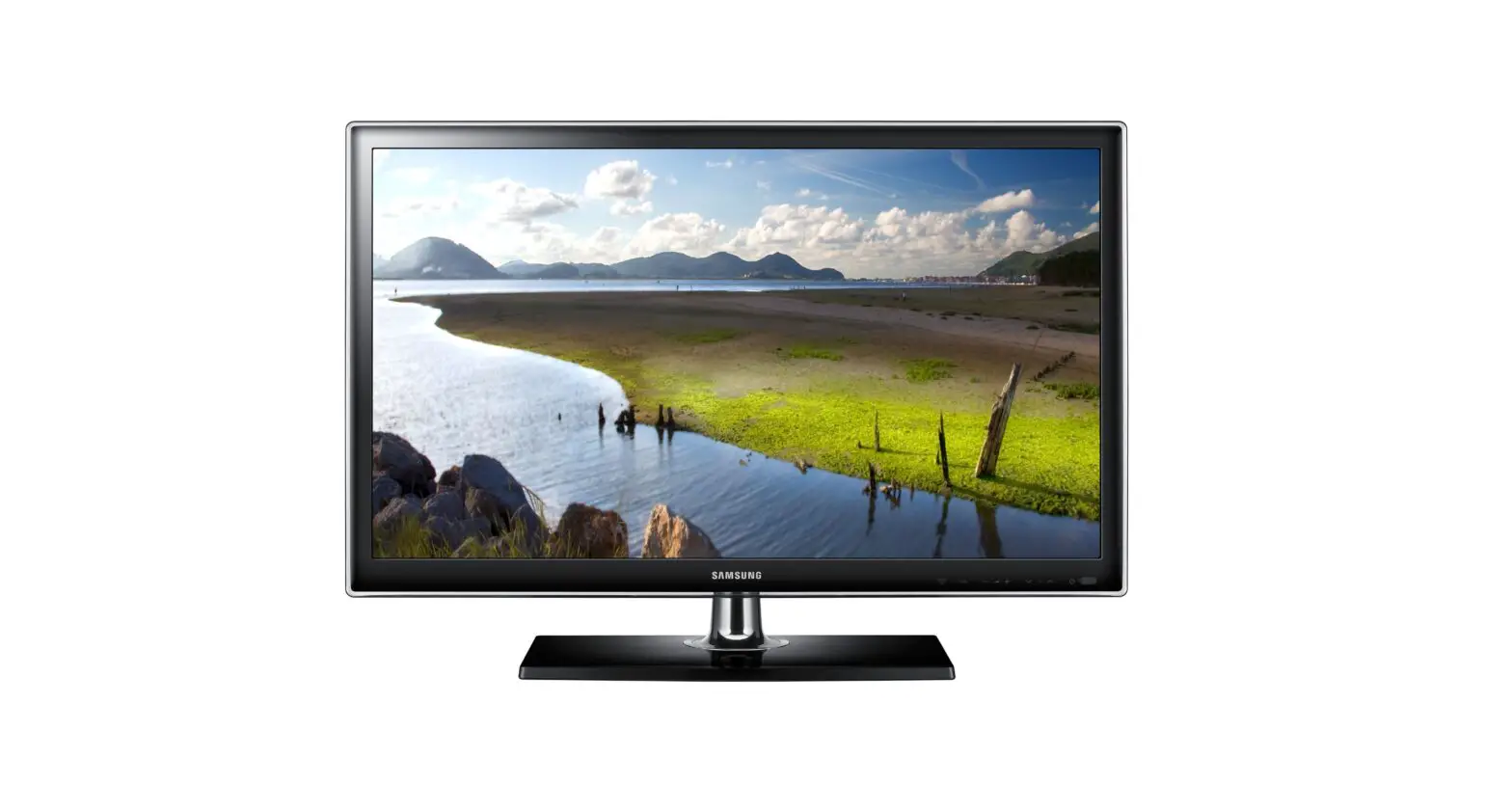
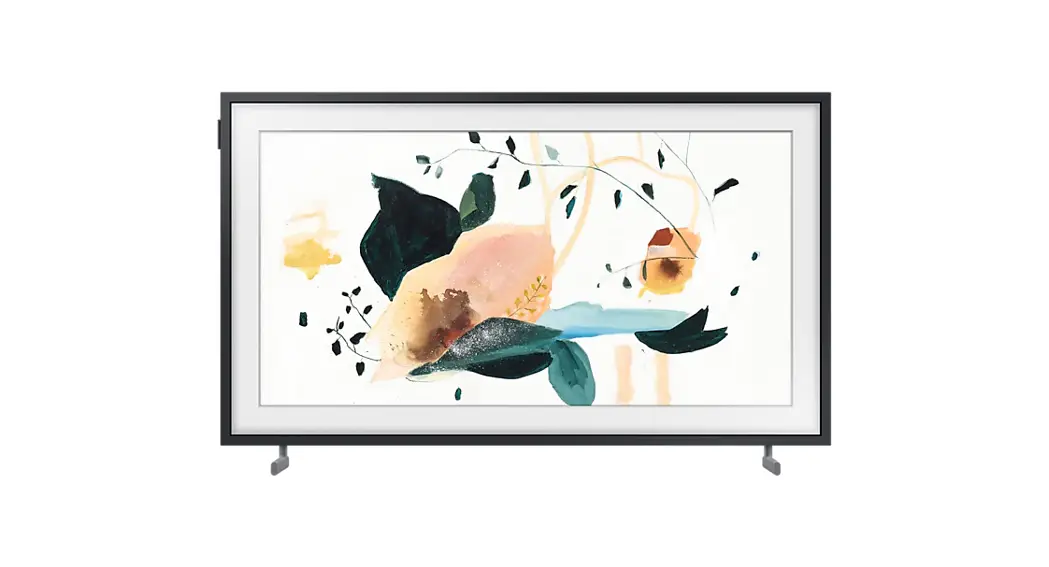
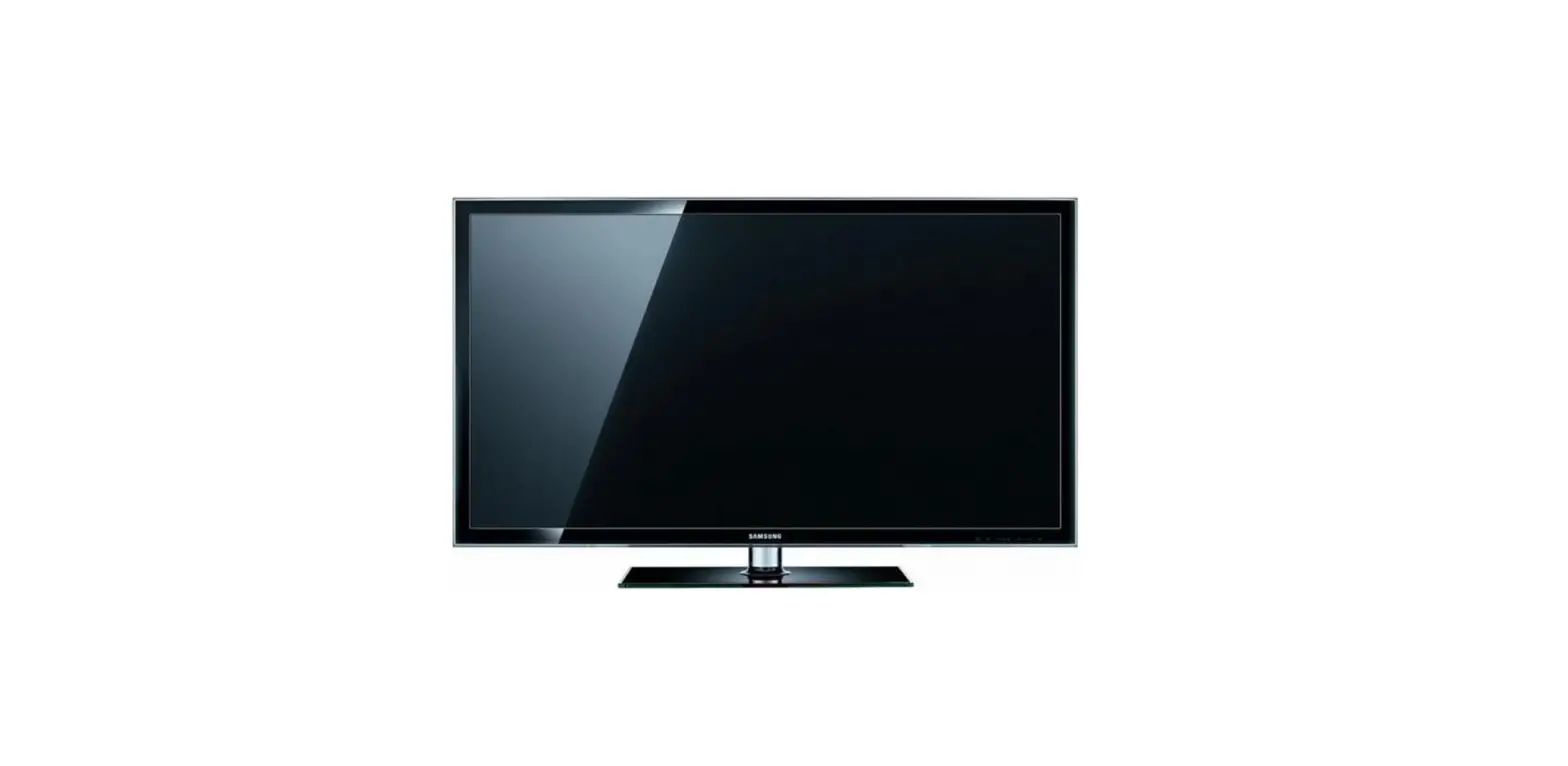
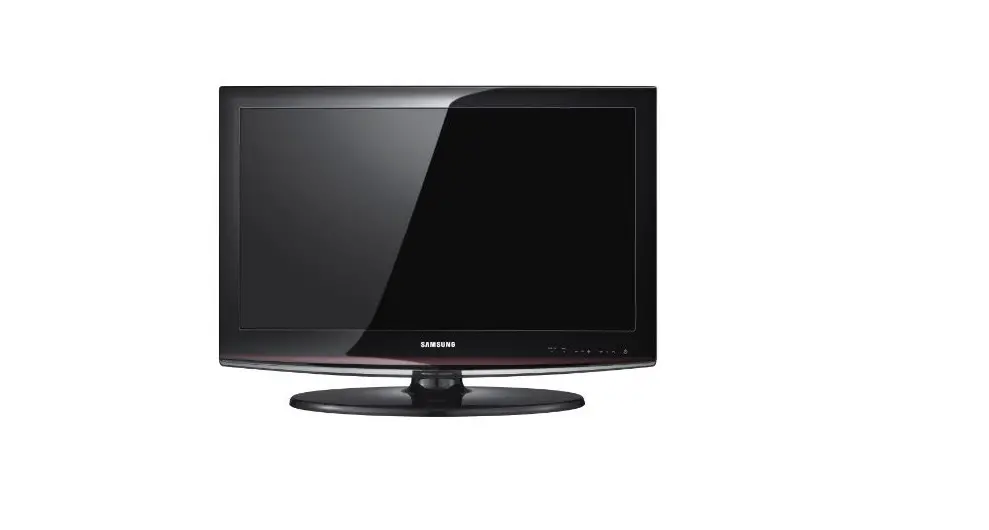
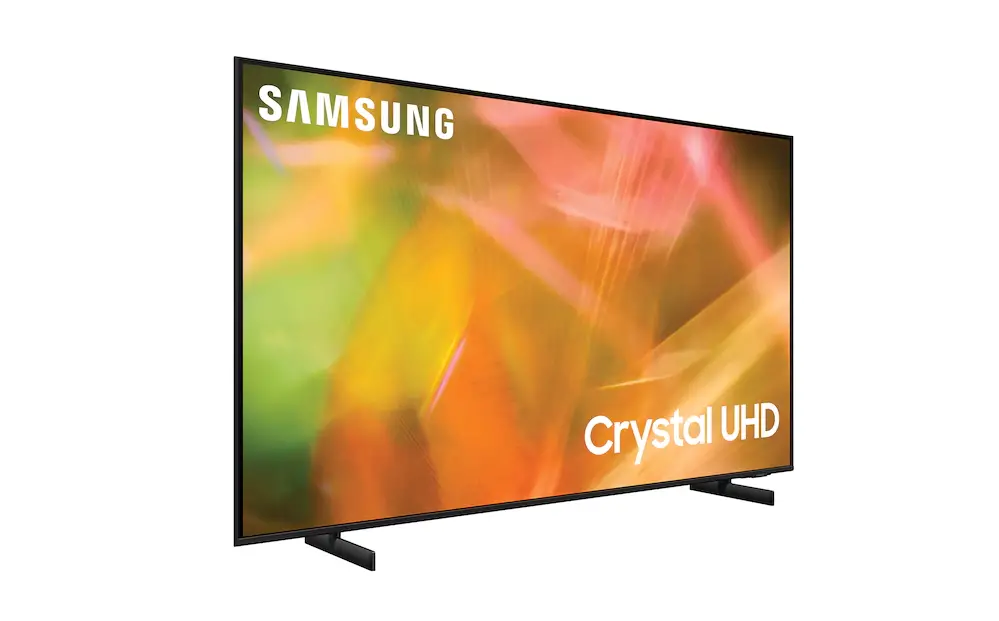
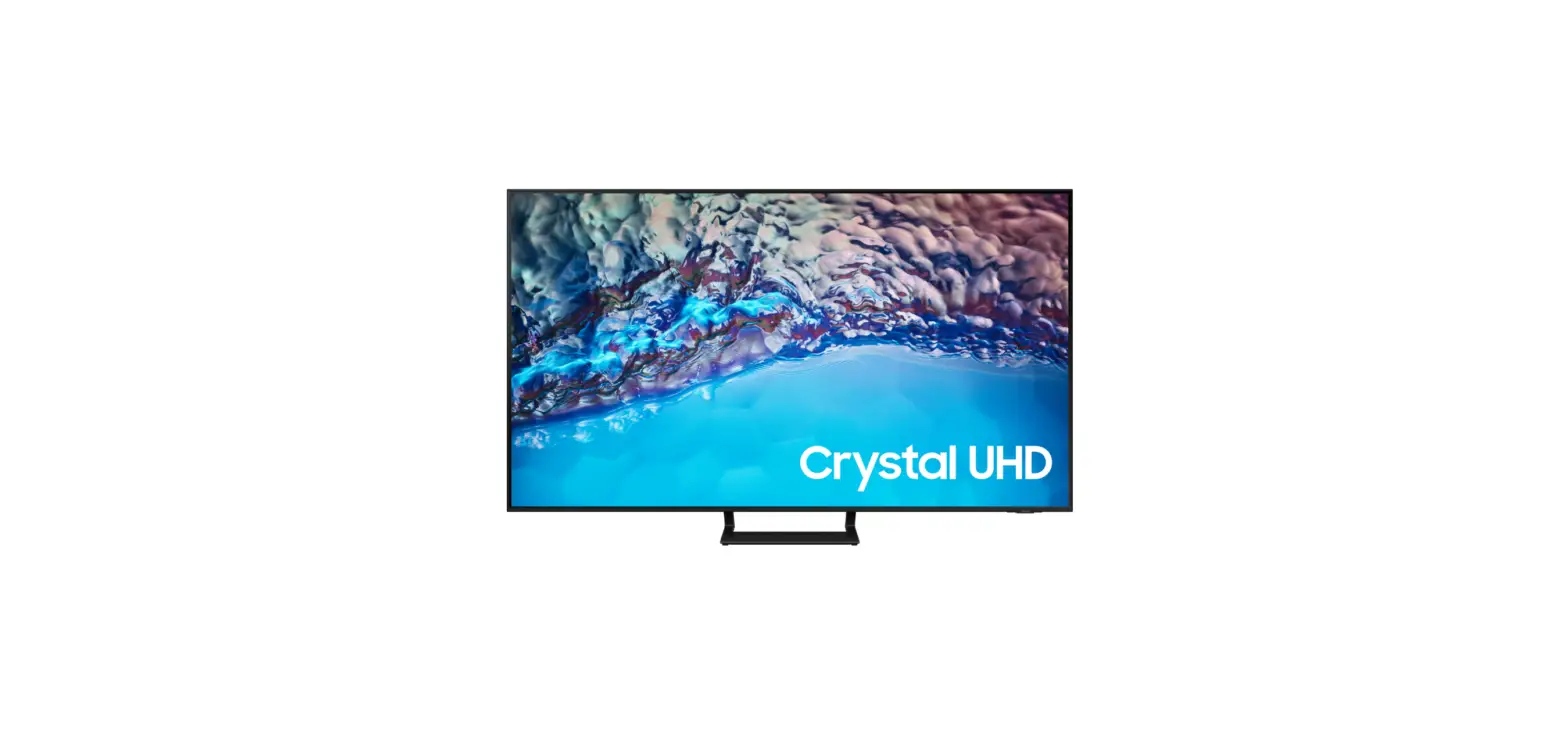
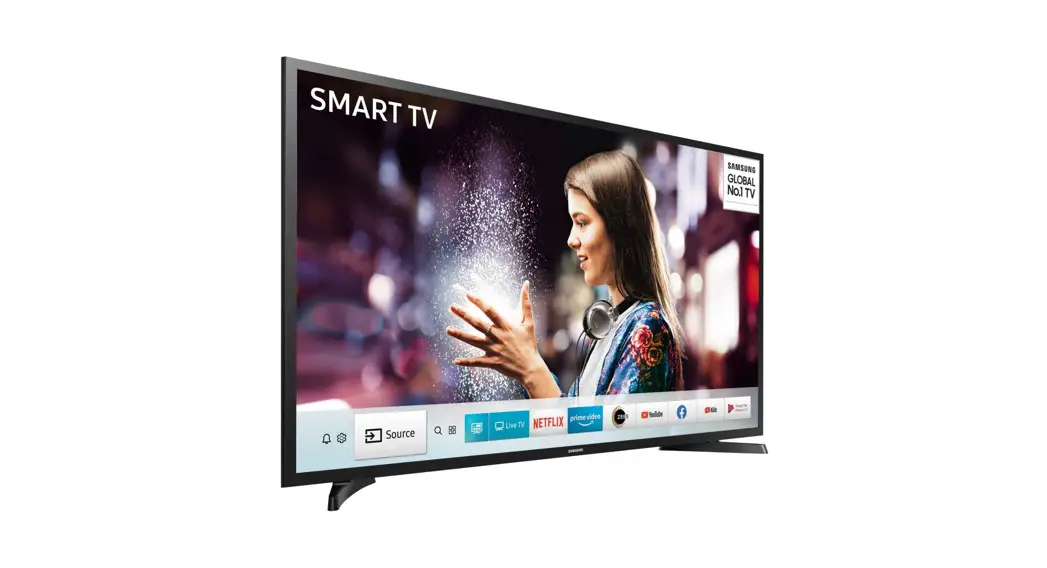
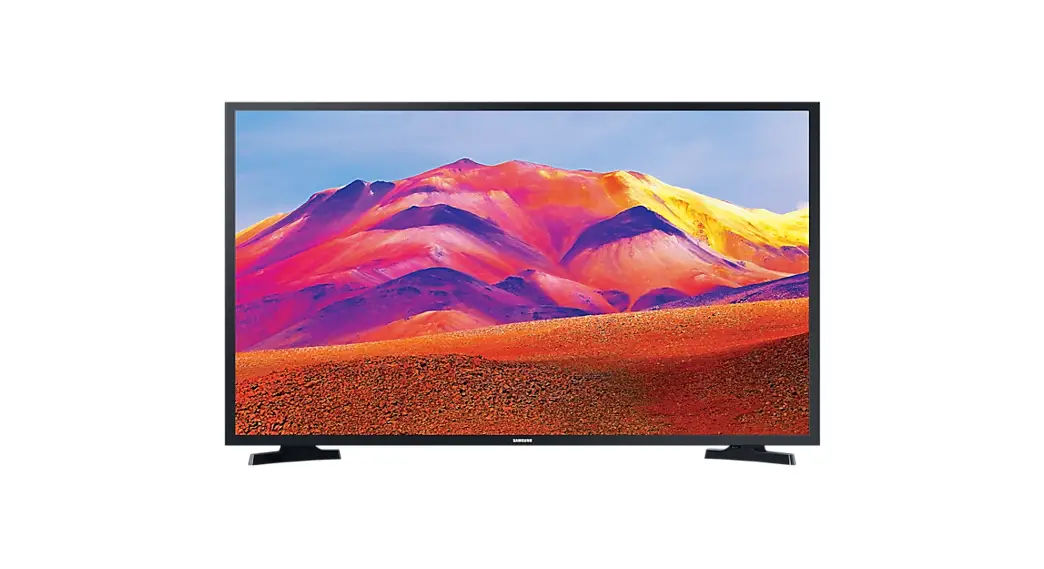
UN32T4202GX 32 Inch HD Smart TV
Product Information:
- Model: 32T42** *
- Keyboard: 0~9, A~Z
- Display Size: 29.0 inches (732.9mm) (73.29 cm)
- Product Dimensions (W x H x D): 17.3 inches (440.3 mm) x 3.1
inches (78.5 mm) x 18.2 inches (462.8 mm) - Weight: 9.3 lbs (4.2 kg)
- VESA Mounting Standard: 100 x 100 mm
Product Usage Instructions:
- Connect the power cable to the AC INPUT port (1) of the
product. - If required, connect an external audio device to the DIGITAL
AUDIO OUT (OPTICAL) port (2). - For antenna connection, use the ANT IN port (3).
- If necessary, connect external devices to the available HDMI
ports (4). - Using the provided M4 screws, mount the product on a
VESA-compatible wall mount using the VESA mounting holes (x 4)
located at the back. - Ensure that the product is securely mounted using the M4 screws
(x 2).
Note: Please refer to the detailed user manual for additional
instructions and troubleshooting information.
7
32T42** * : 0~9, A~Z
29.0 inches (732.9mm) (73.29 cm)
17.3 inches (440.3 mm) (44.03 cm)
3.1 inches (78.5 mm) (7.85cm)
18.2 inches (462.8 mm) (46.28 cm)
6.4 inches (163.7 mm) (16.37 cm)
31.5 inches (80 cm)
9.3 lbs (4.2 kg)
9.51 lbs (4.3 kg)
32T42** * : 0~9, A~Z
VESA x (mm)
(mm)
x 4
100 x 100
6.2-8.2
M4
QUICK SETUP GUIDE
GUIDE D’INSTALLATION RAPIDE GUÍA RÁPIDA DE CONFIGURACIÓN GUIA RÁPIDO DE INSTALAÇÃO KURZANLEITUNG ZUR KONFIGURATION GUIDA DI INSTALLAZIONE RAPIDA
192513021460
(5V 0.5A) 2
1 (ARC) AC INPUT
1
2
OPTICAL
ANT IN DIGITAL AUDIO OUT (OPTICAL)
x 4
(M4 x L14)
3
4
5
x 2
(M4 x L14)
6
x 2
(M4 x L14)