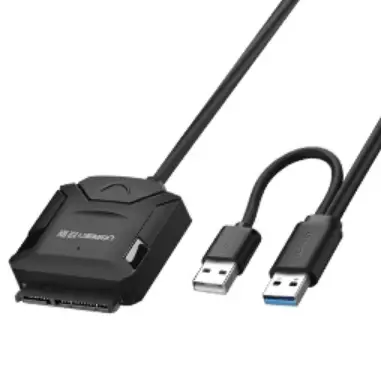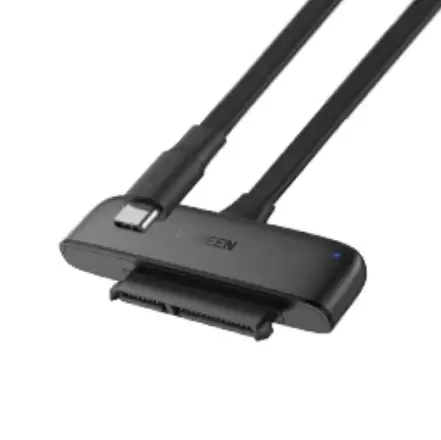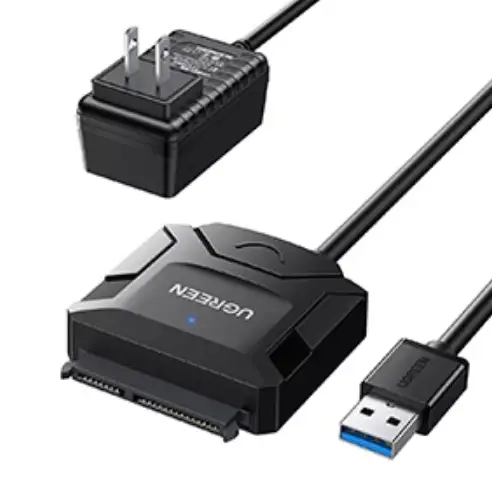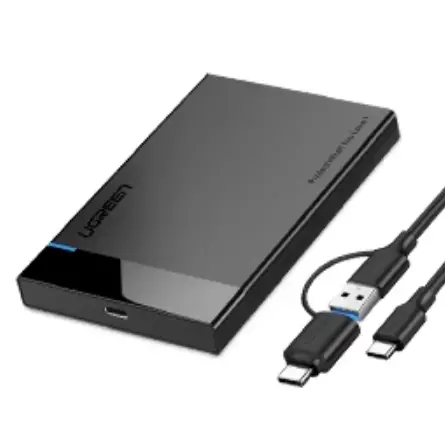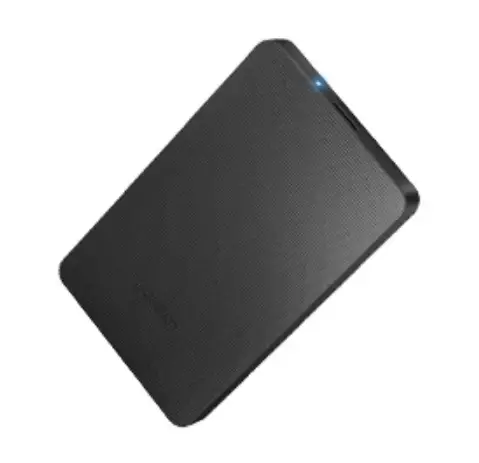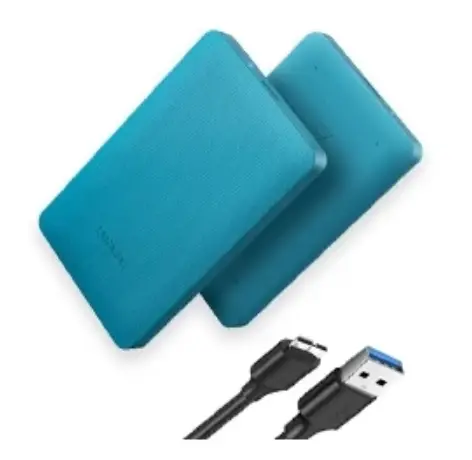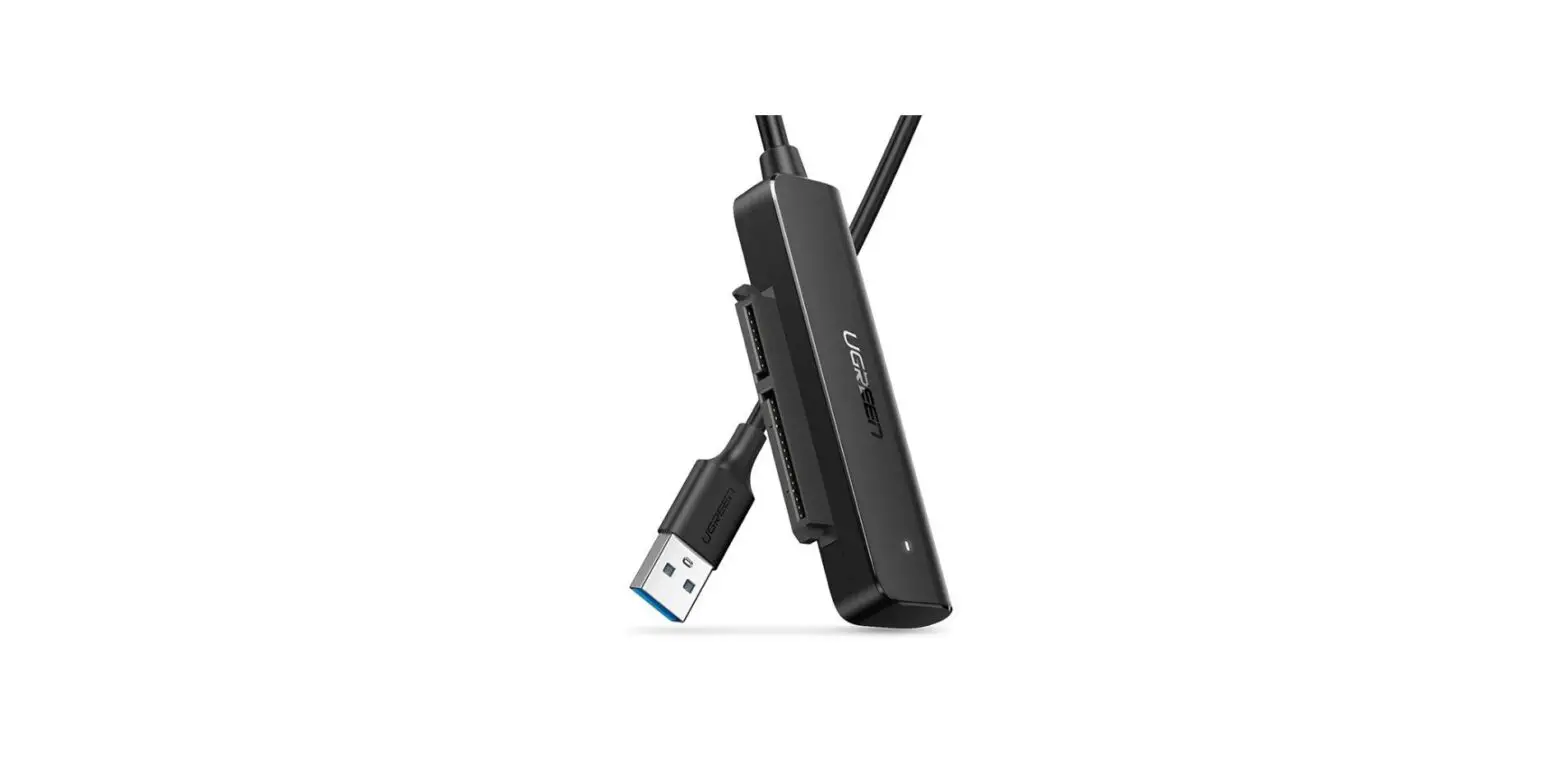
 UGREEN CM321 USB-A to Sata Converter
 UGREEN CM321 USB-A to Sata Converter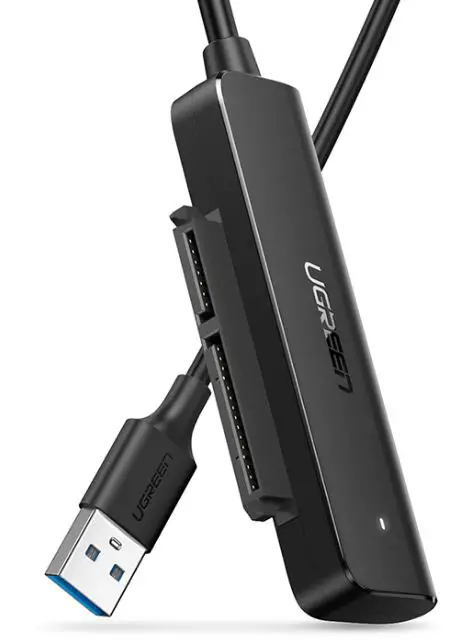
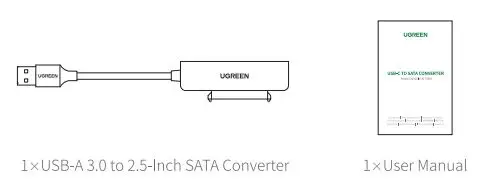
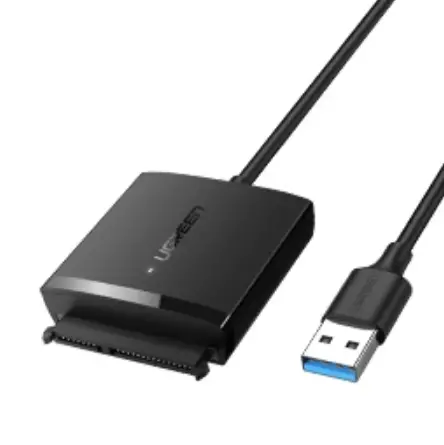
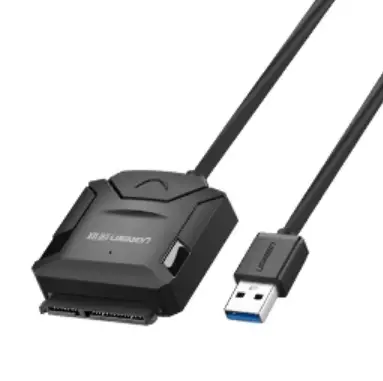
PRODUCT DETAILS 
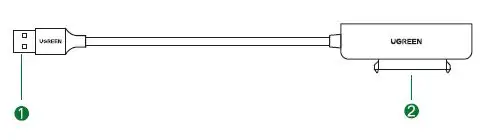
- USB-AM
- (7+15) SATA
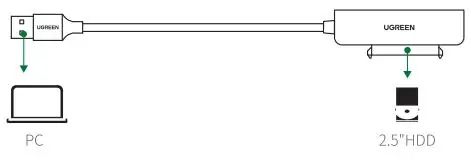
HOW IT WORKS 
SPECIFICATIONS
| Input | USB-AM |
| Output | (7+15) SATA |
| Transport Protocol | UASP |
| SATASpecification | Supports SATA3.0, back’Nards compatibles with SATA2.0/SATA 1.0 |
| Supports SATA Disk | 2.Sinch SATAhard disk |
| USB Specification | USB3.0 standard, transmitting data at speeds of up to 5Gbps, and backward oompatibles with USB 2.0/1.1 |
| Support Systems | Windows / Linux / macOS |
| Dimensions | L70XW19XH9(mm) |
| Cable Length | 50cm |
NOTES
- Please do the safety removal operation on the computer before removing the converter, then disconnect the computer, and finally remove the hard disk. .
- Please connect the converter to the USB 3.0 port, which is compatible with USB 2.0.
- Please backup hard drive data in advance before partition or formatting.
- DO NOT drop, crush, bump. or throw this unit.