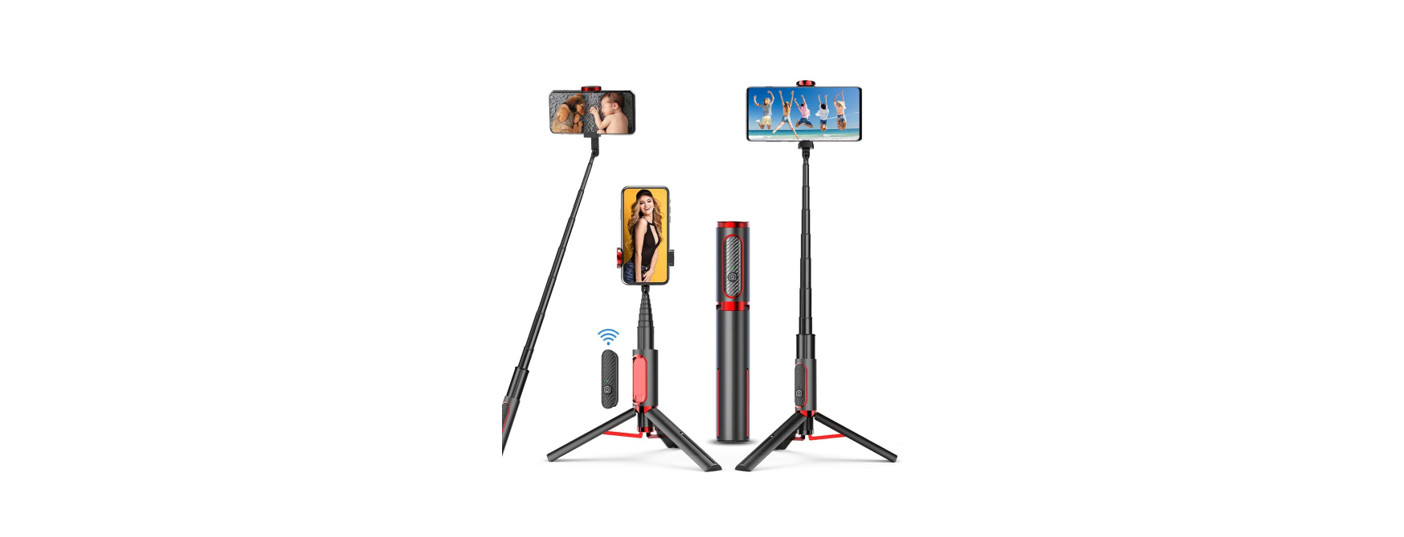
 WS-21006 Explore The
Shadow Selfie Stick
User Guide
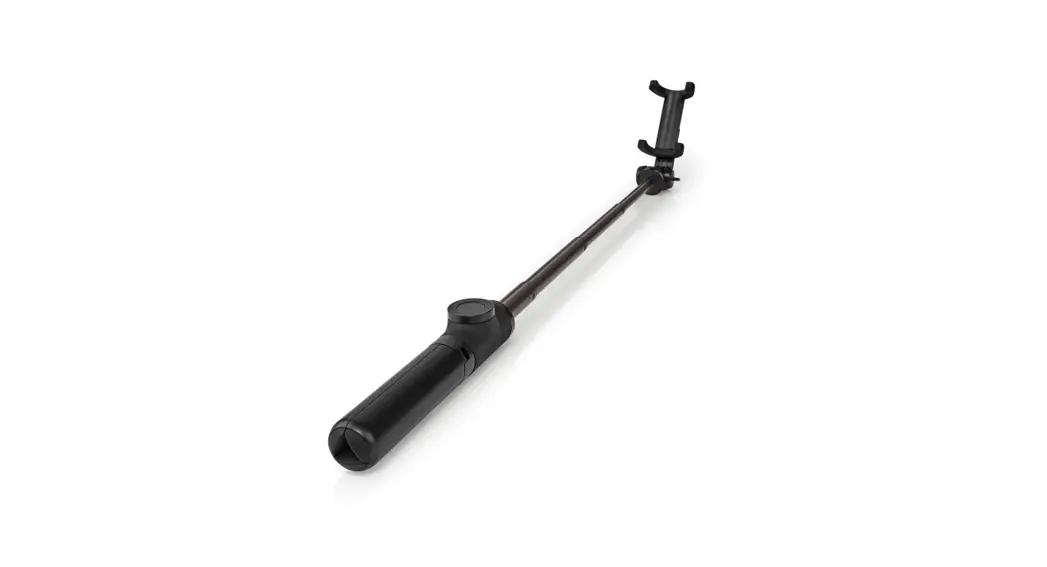
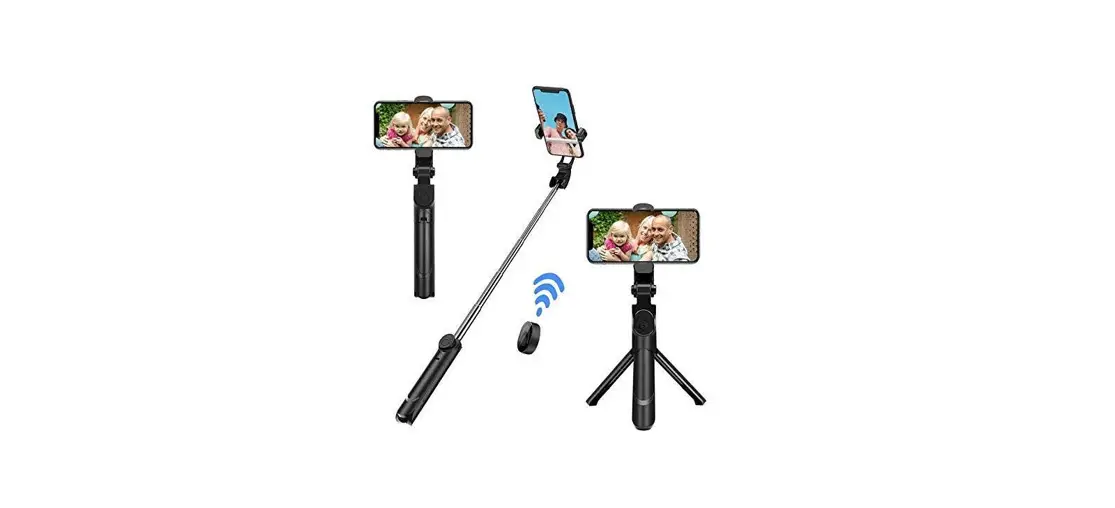
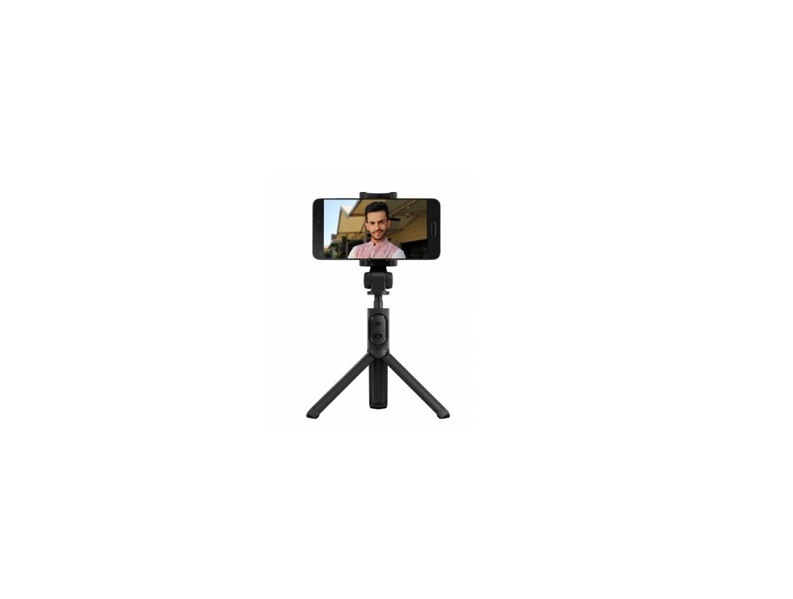
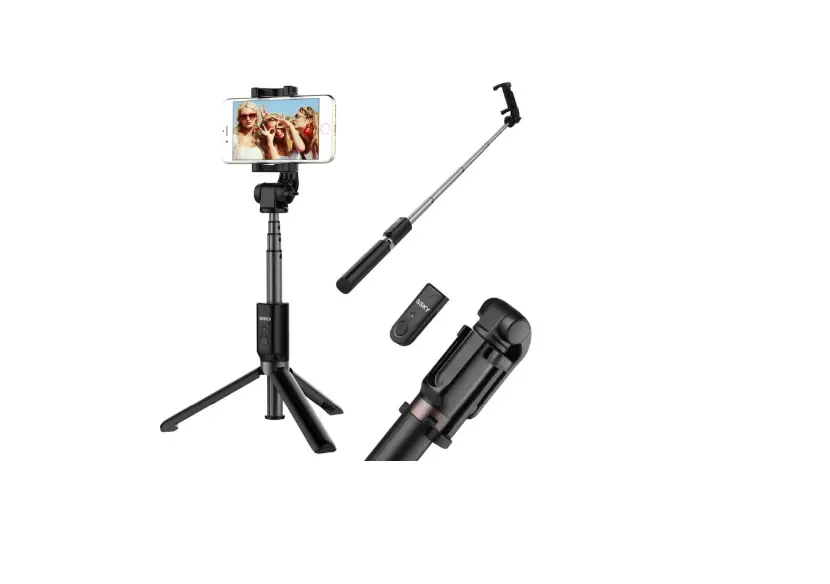
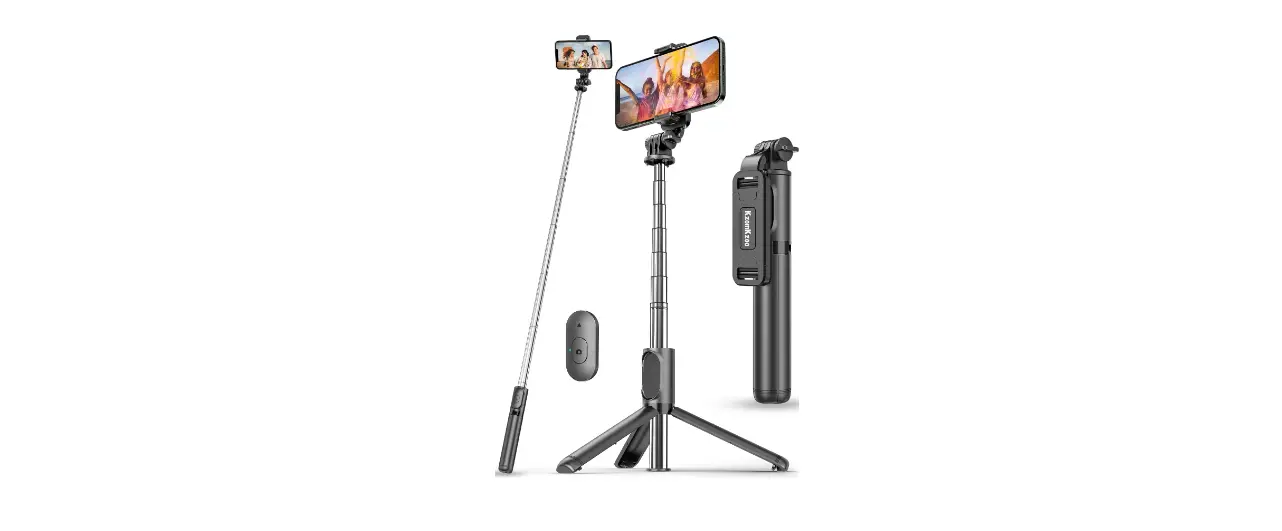
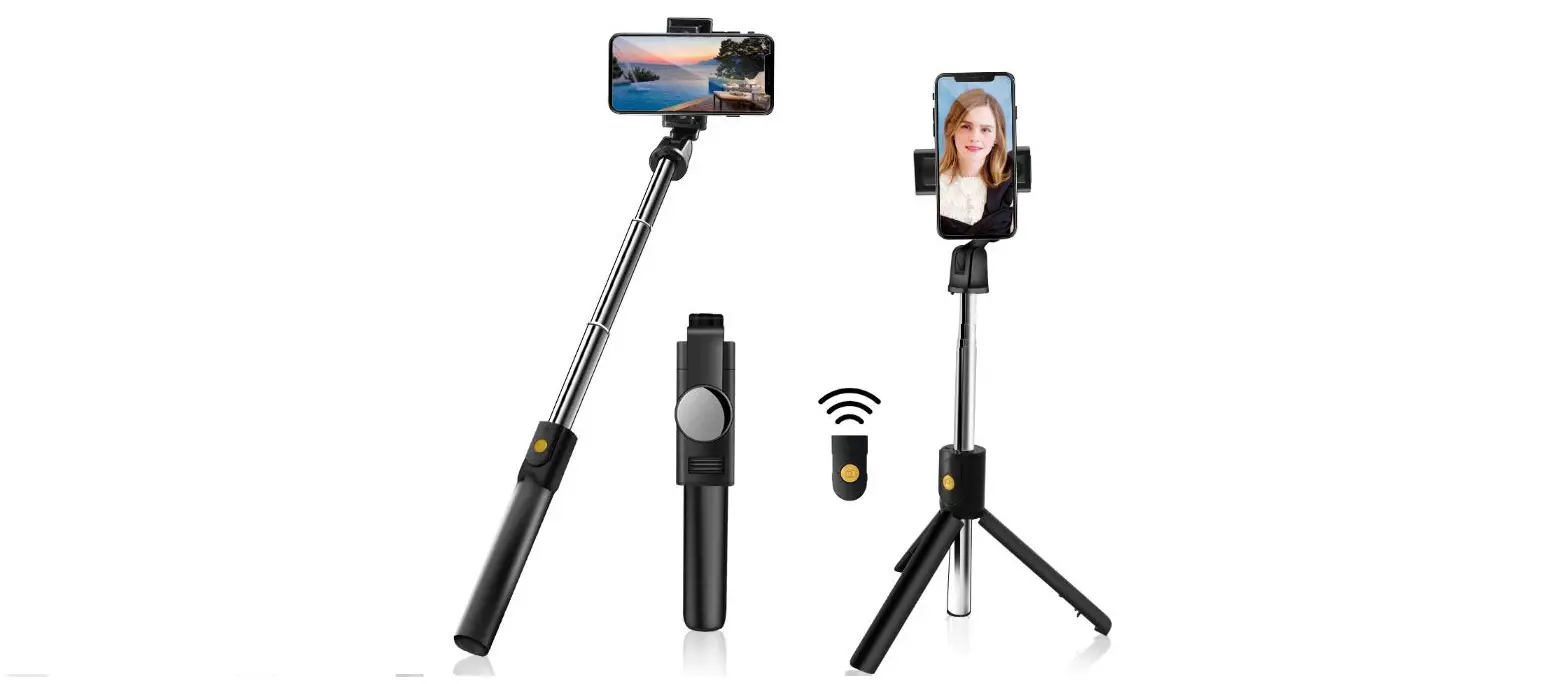
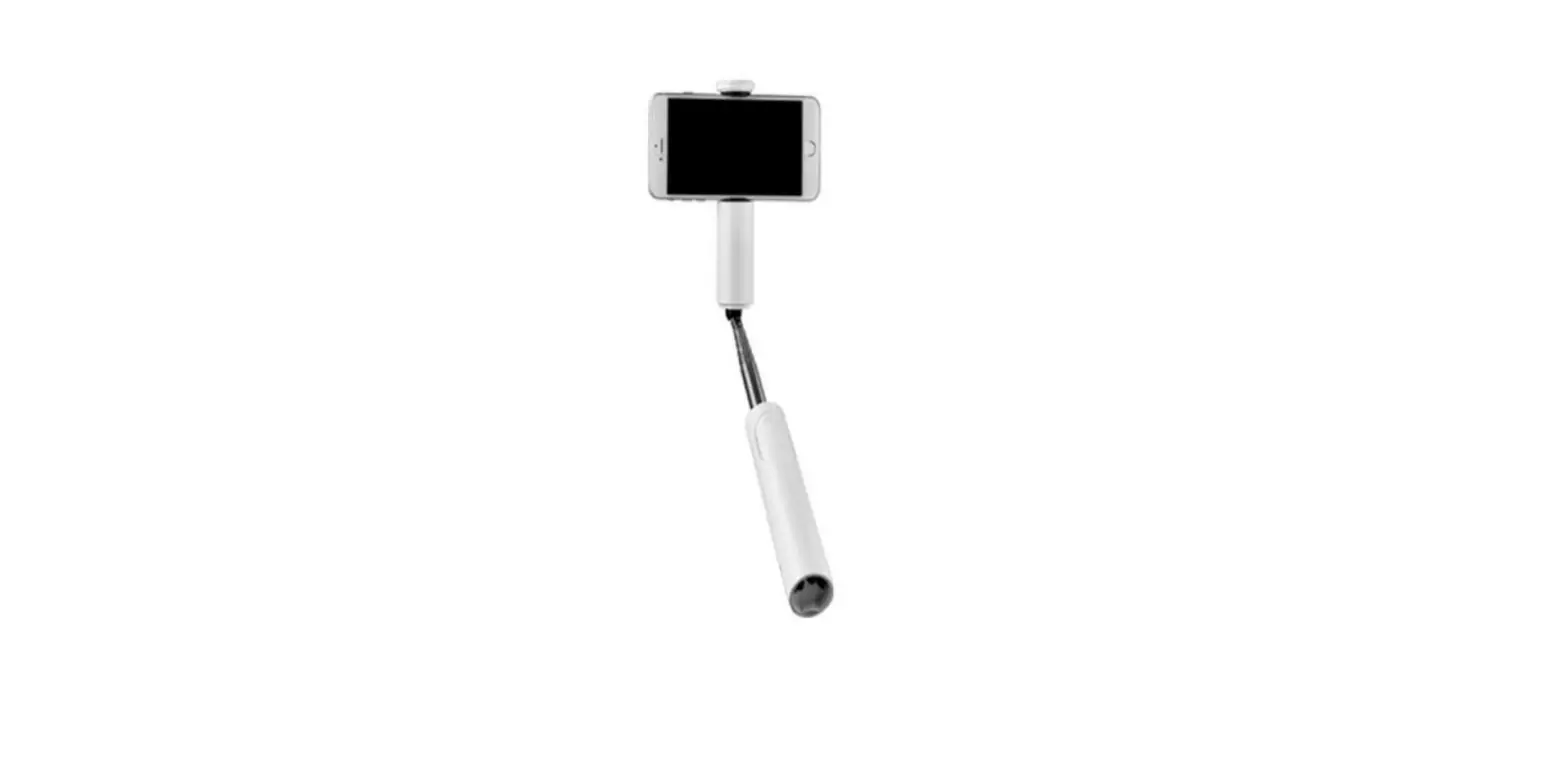
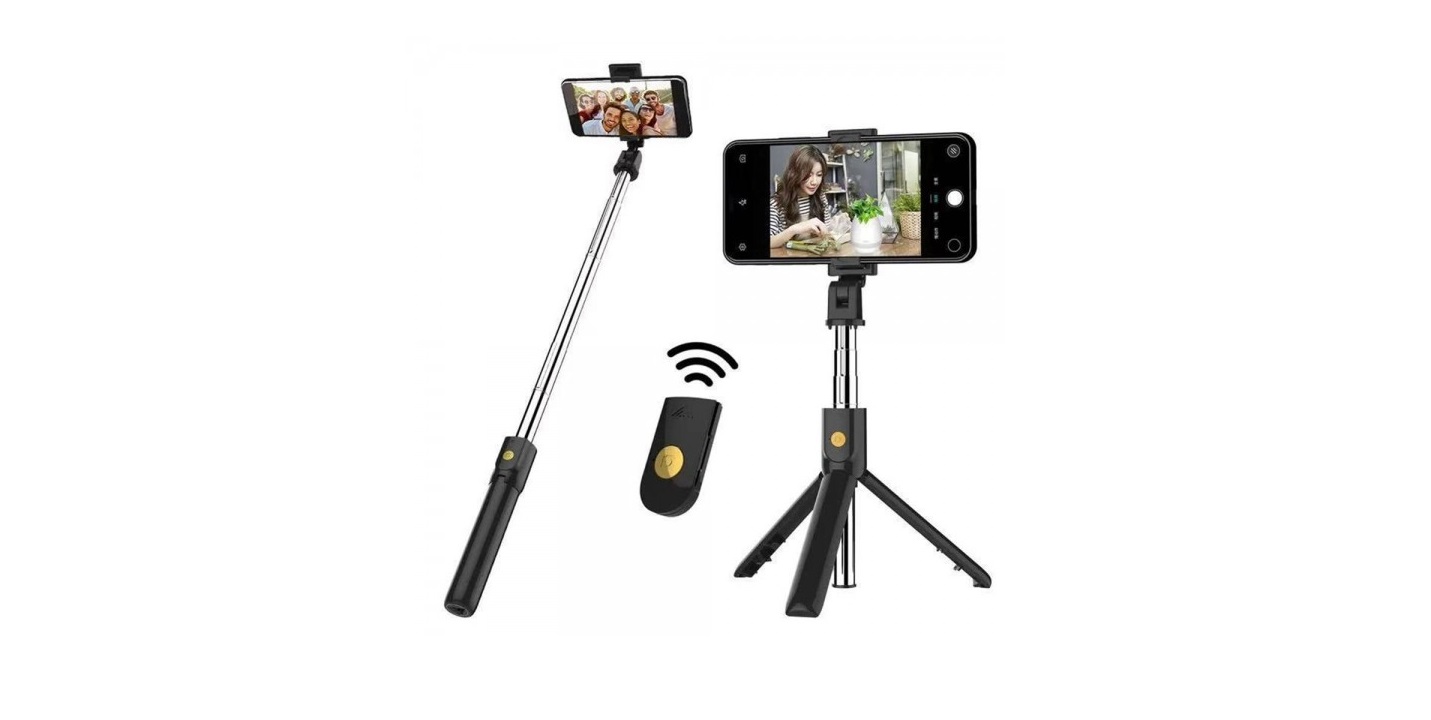
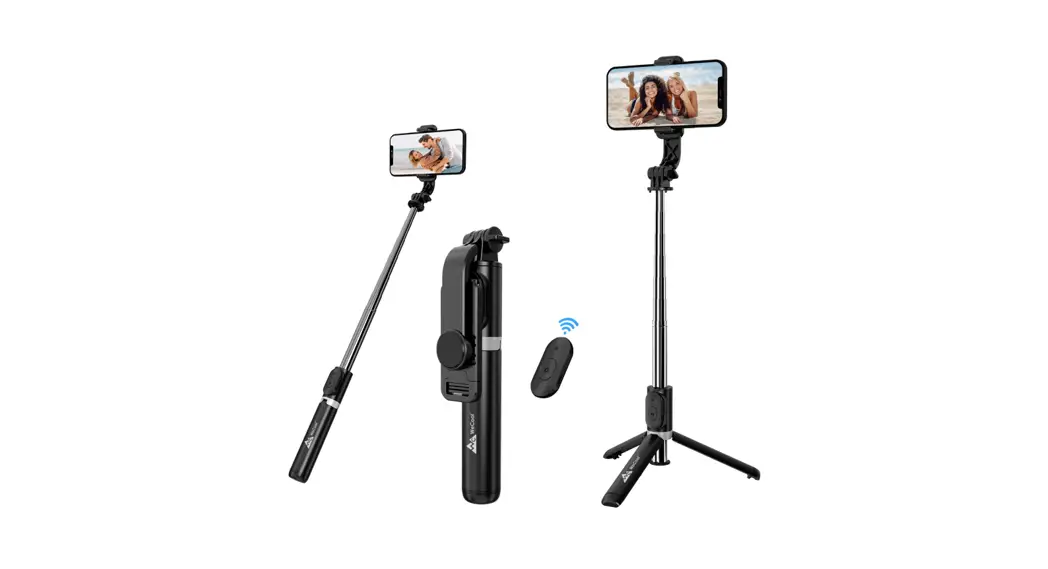
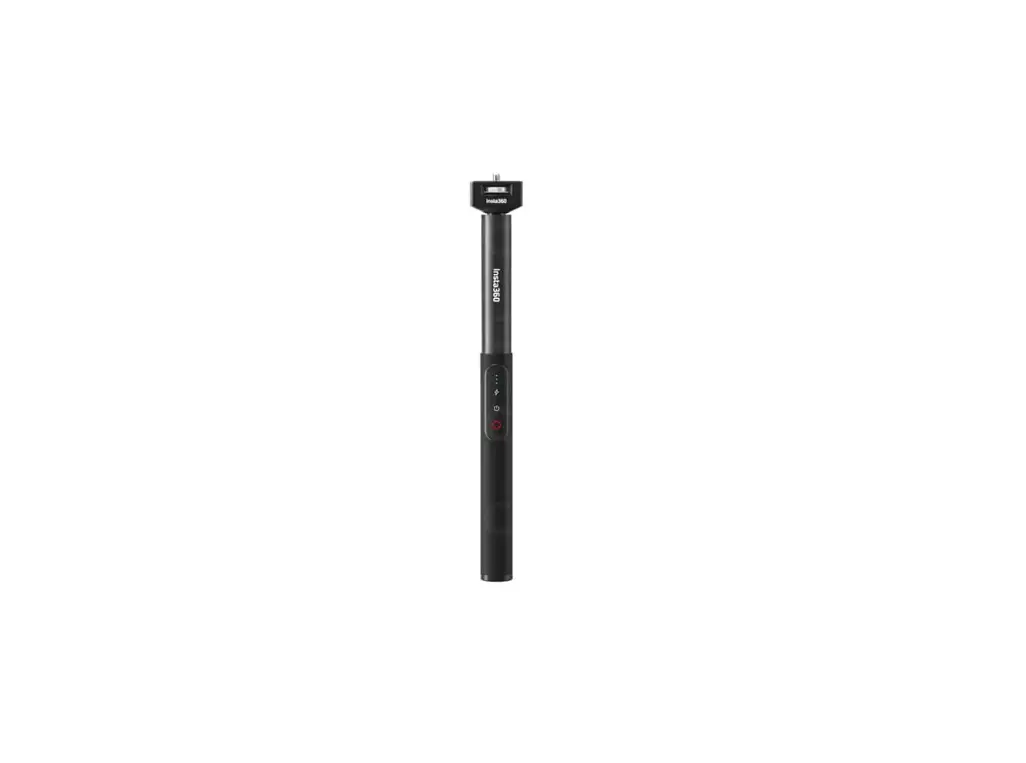
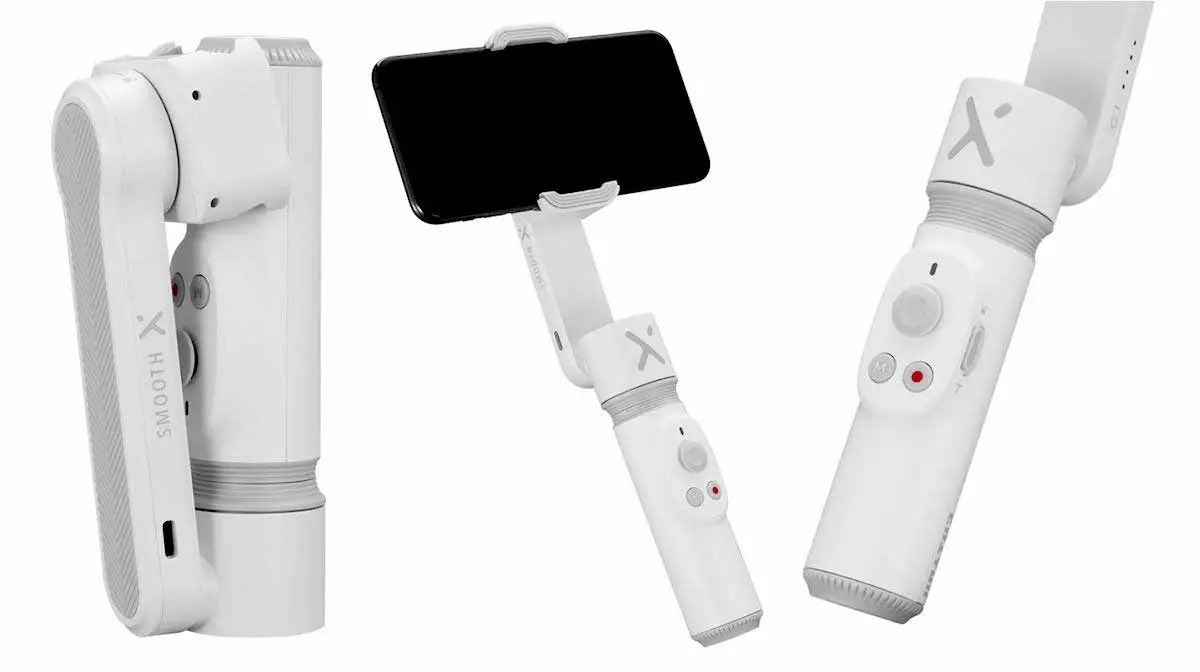
Product appearance
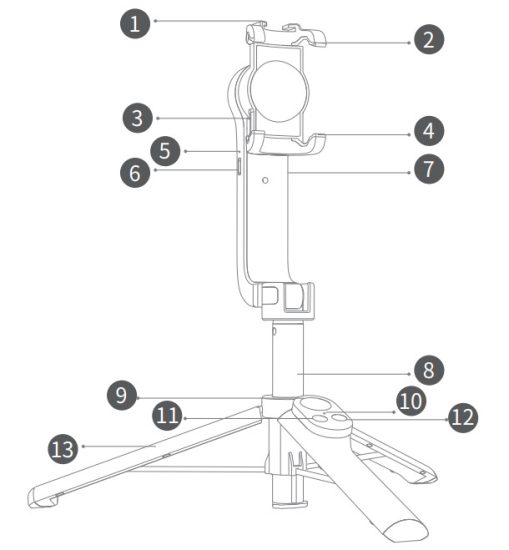
| Cold shoe port | Upper handle of stand |
| Position limit | Lower handle of stand |
| Balcony indicator | Type-C interface |
| CO Power key | Aluminum rod |
| Photo key | Remote controller Indicator |
| Switch Key of Stabilizer | Power key of remote control |
| Tripod |
Remote Control function
 Power key Power key | Long press for 3s to turn on/off |
 Switch key of stabilizer Switch key of stabilizer | Click once, the stabilizer rotates 90 clockwise. Click again, the stabilizer 90 degrees counterclockwise, Repeat degrees rotates the cycle. |
 Photo key Photo key | Click to start (end) taking photo/recording. Long press to take continuous shooting. |
 Combination button Combination button | In the first use, the remote control needs to be paired before use. Turn on the stabilizer first, then press the “remote control M button”, and then long-press the “power button” to turn it on to complete the stabilizer pairing. (No need to pair again for future use) |
Bluetooth connection
Power on after long pressing the power button for 3 seconds, then turn on the phone Bluetooth to enter search conditions, and click “Dispho” in the searched equipment. The blue light will be on after the success of the connection. 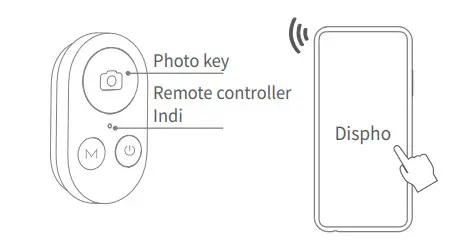
Usage method
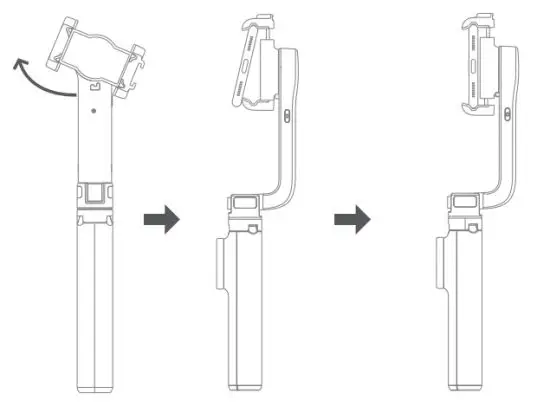
- Open the stand, and the gimbal rotates clockwise to disengage. The phone is tilted into the upper handle of the stand, which is pulled up. At the same time, the lower handle of the stand is pulled down, and the phone is placed back into the stand. The installation is completed.

- Usage mode of pan tilt holder
 The power button is pressed for 4 seconds to boot.
After starting up, it will enter the stable mode, move the holder, and the mobile phone will always maintain a constant direction.
 Click once the switch key of the remote control stabilizer to rotate 90 degrees clockwise. Click again to rotate the stabilizer 90 degrees counterclockwise. Repeat cycle.
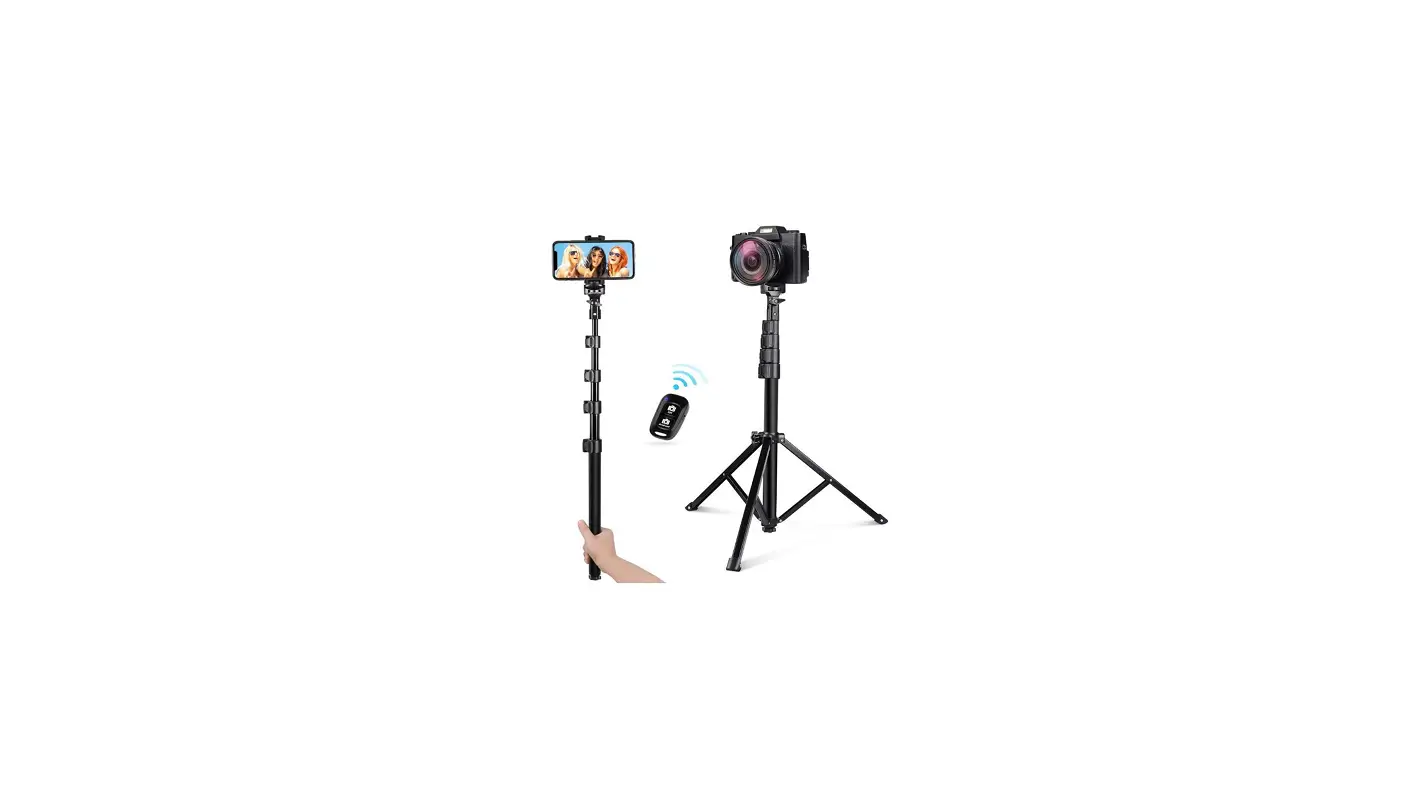
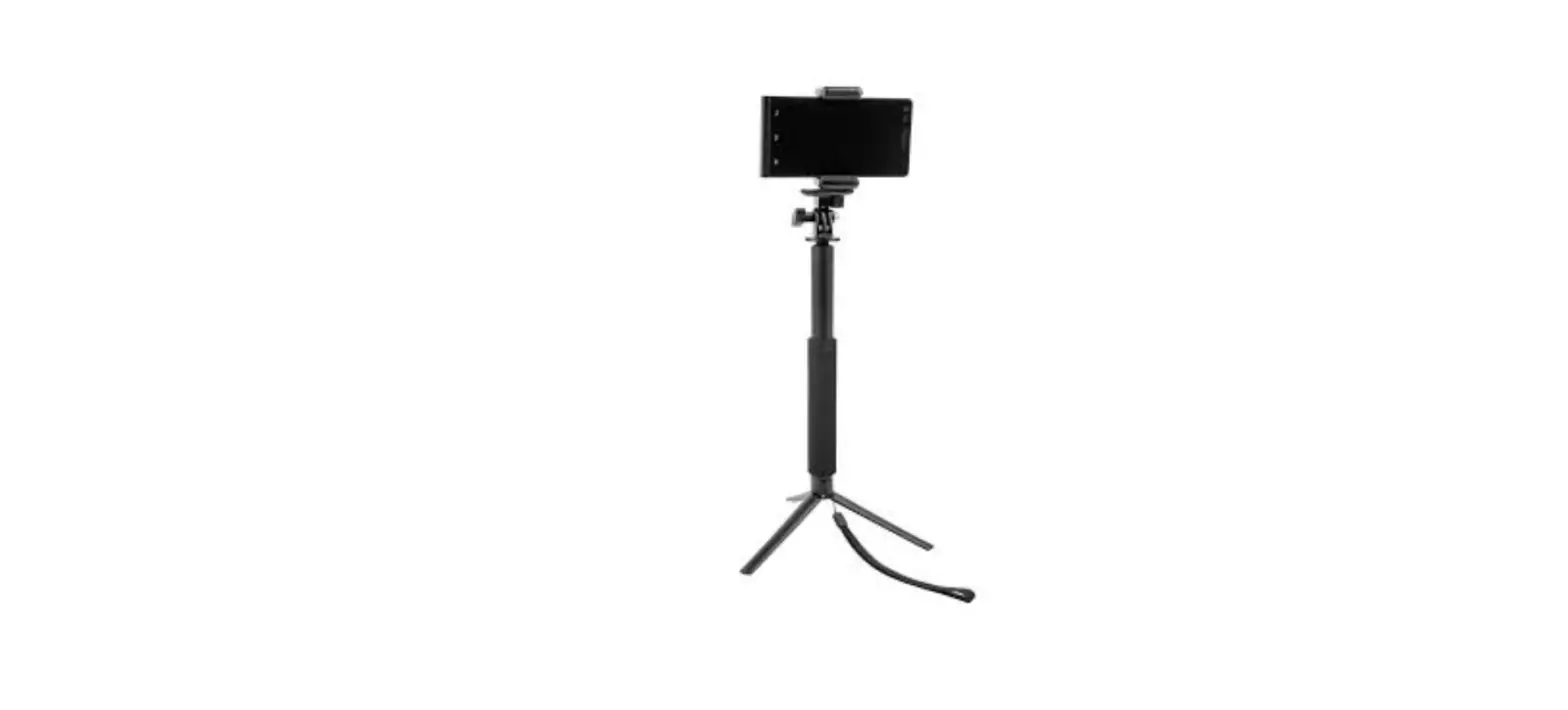
 - Use the tripod
Open the bottom tripod, uplift the pull rod, and put the tripod on a horizontal plane.
- Non-pan-tilt mode
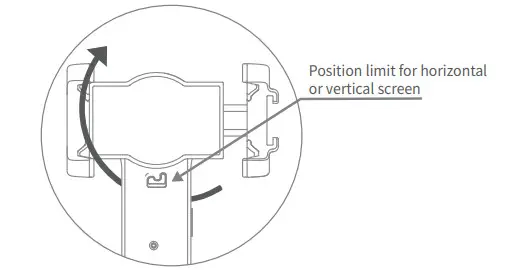
When the stabilizer is turned off or out of power, the limit of the stabilizer is rotated to the left to align with the bottom latch and locked. The stabilizer rotation function disappears to become a normal tripod selfie stick. (Rotate the limit to the right to reset to the end of the bracket to restore the stabilizer mode.)
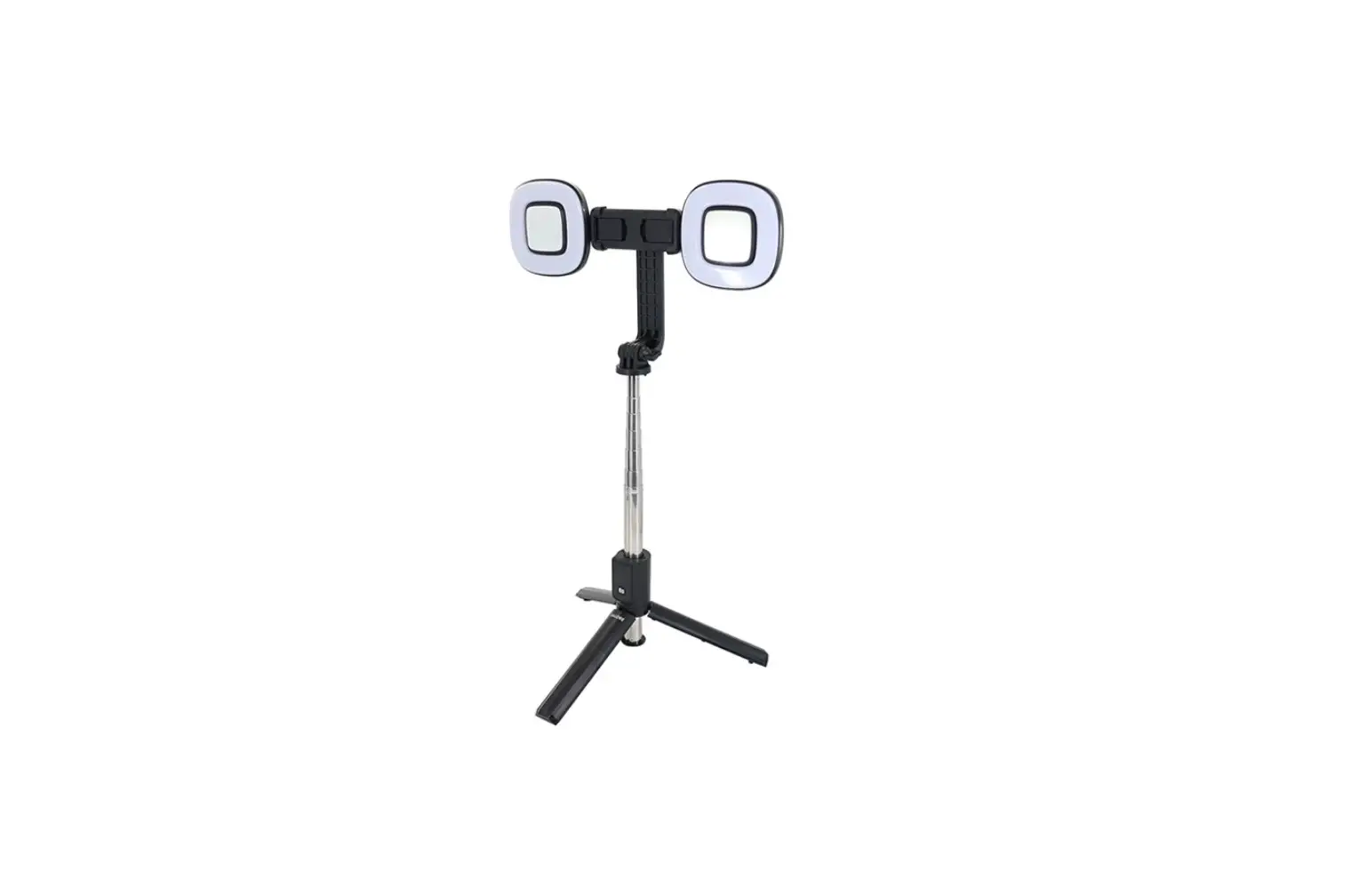
- Universal cold shoe port
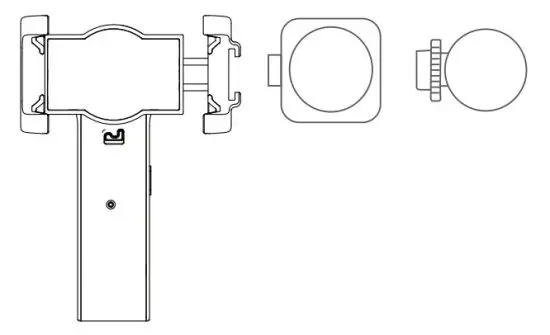
The cold shoe port can be connected to the adaptable live broadcast accessories to expand the multi-functional usage scenarios.
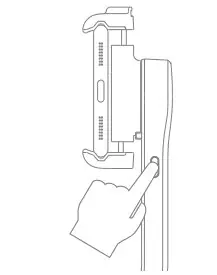 The power button is pressed for 4 seconds to boot.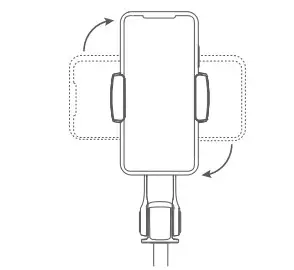
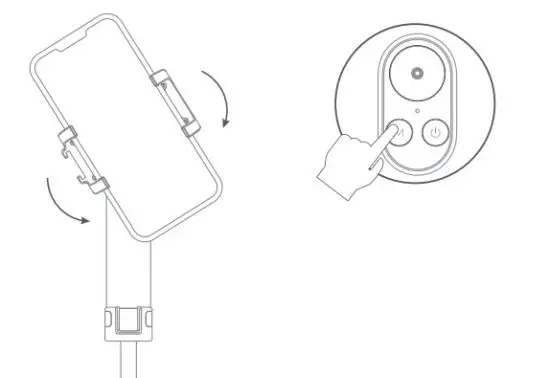 Click once the switch key of the remote control stabilizer to rotate 90 degrees clockwise. Click again to rotate the stabilizer 90 degrees counterclockwise. Repeat cycle.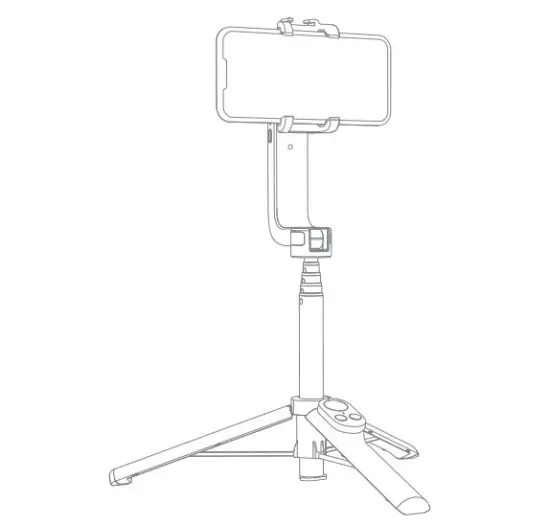
Charging
- Holder charging mode
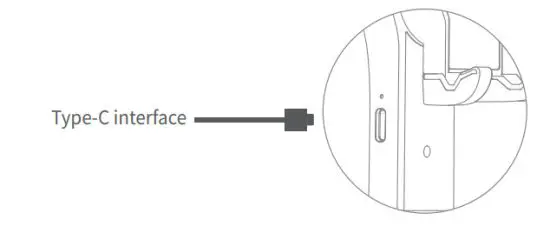
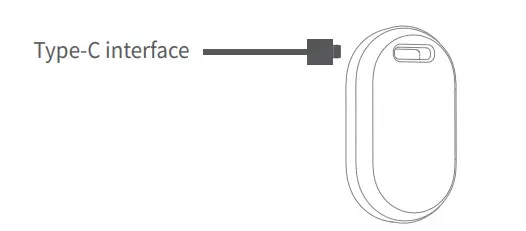
Connect the Type-C interface of the pan-tilt holder for charging, and the red light will be on for a long time during the process of charging; the red lamp will be off automatically after charging is finished.
- Charging Mode of Remote Controller
Connect the Type-C interface charging, and the red light will be on for a long time during the process of charging; the red lamp will be off automatically after charging is finished.
Power off
Remote control: long-press the camera button for 3s to shut down, the light goes out under the starting and dormant state.
Gimbal stands: The on/off button is pressed for 3 seconds. If the red lamp ashes out, it indicates power off.
When the mobile phone is used, the product cannot work normally due to the touch of the mobile phone buttons. This product is suitable for all mobile phones.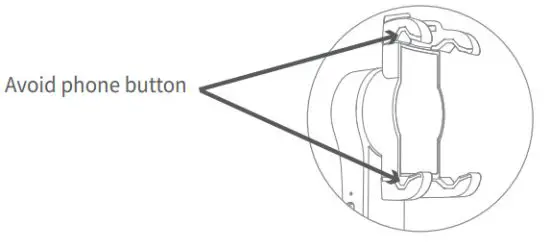 Tips
Tips
- Be sure to hold the phone first, and then press the power button of the stabilizer to turn it on.
- When the equipment is holding the stabilizer bracket, try to keep the device in the center. If not, it is recommended to use portrait mode.
- If there is no operation within 10 minutes of Bluetooth connection, the selfie stick will automatically enter the sleep state. And it will automatically shut down if it is not used for 30 minutes after sleep.
- If the battery is running low, the indicator on the selfie stick will flash red. Charge the selfie stick promptly.
- Use the stabilizer bracket, when the battery power is low, there will be a red light flashing reminder. Please charge in time at this time. The charger is recommended to use 5V1A or more with A port charger.
- The machine has its own protection function. If the stabilizer is not released, the buckle cannot be turned on at this time.
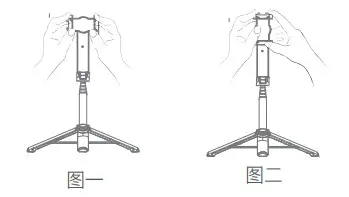
- Notice: For any imbalance at a horizontal or vertical distance in the running process, please handle it as shown in the diagram below:
Open the tripod, fix the tripod head with both hands, and keep the balanced direction (follow Fig. 1 or 2 in case of horizontal or vertical imbalance, or follow both of Fig. 1 and 2 in case of horizontal and vertical imbalance); short press” Power” key for 4 times and tripod will vibrate continuously and recover its functions to finish the calibration.
Warnings
- Watch your hands during use.
- The product is not designed for children under 14 years Do not swallow it.
- Do not dismantle or modify the product.
- Do not store the product in a humid environment.
- Keep the product away from heat sources.
- Do not expose the product to water or other liquids in case of damage.
Winners’ Sun Plastic & Electronics (Shenzhen)Co., Ltd.
Production Address: 1/F-4/F of Factory 6 & 3/F of Factory 2, Detail Industrial Park, 496 Huarong Road, Langkou Community, Dalang Sub-district, Longhua District, Shenzhen.
FCC statements:
This device complies with part 15 of the FCC rules. Operation is subject to the following two conditions:
(1) this device may not cause harmful interference, and (2) this device must accept any interference received, including interference that may cause undesired operation.
NOTE: The manufacturer is not responsible for any radio or TV interference caused by unauthorized modifications or changes to this equipment. Such modifications or changes could void the user’s authority to operate the equipment.
The device has been evaluated to meet general RF exposure requirements, The device can be used in portable exposure conditions without restriction Federal Communication Commission (FCC) Radiation Exposure Statement Power is so low that no RF exposure calculation is needed.
Bluetooth 4.2 LE: 2402MHz-2480MHz
FCC ID:UR9WS-21006