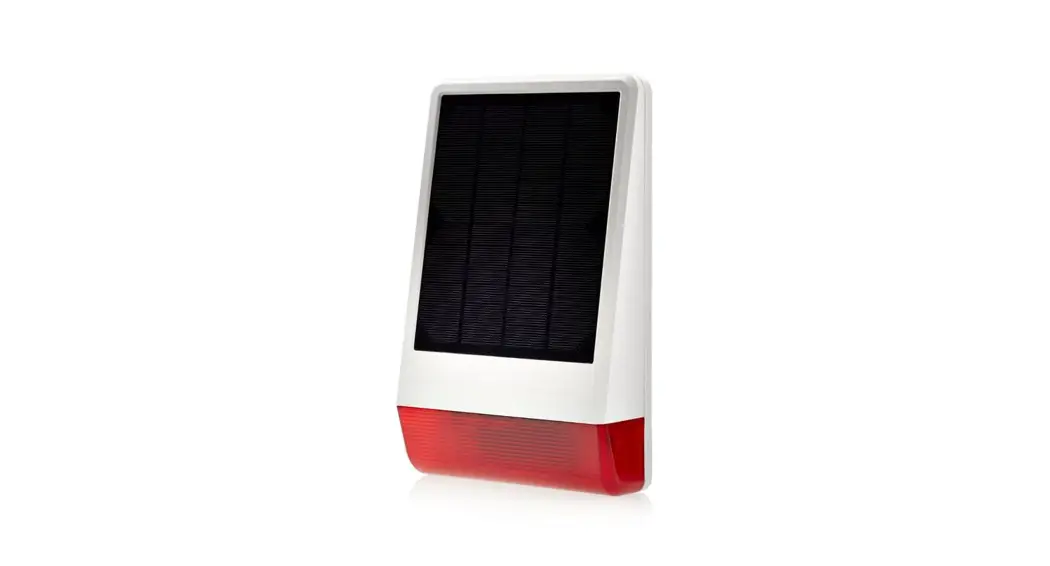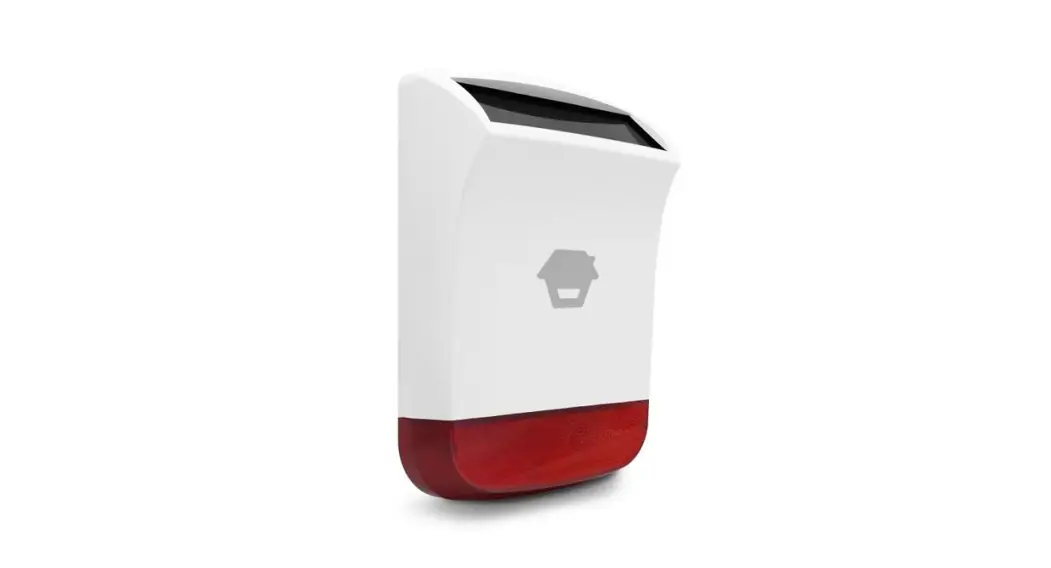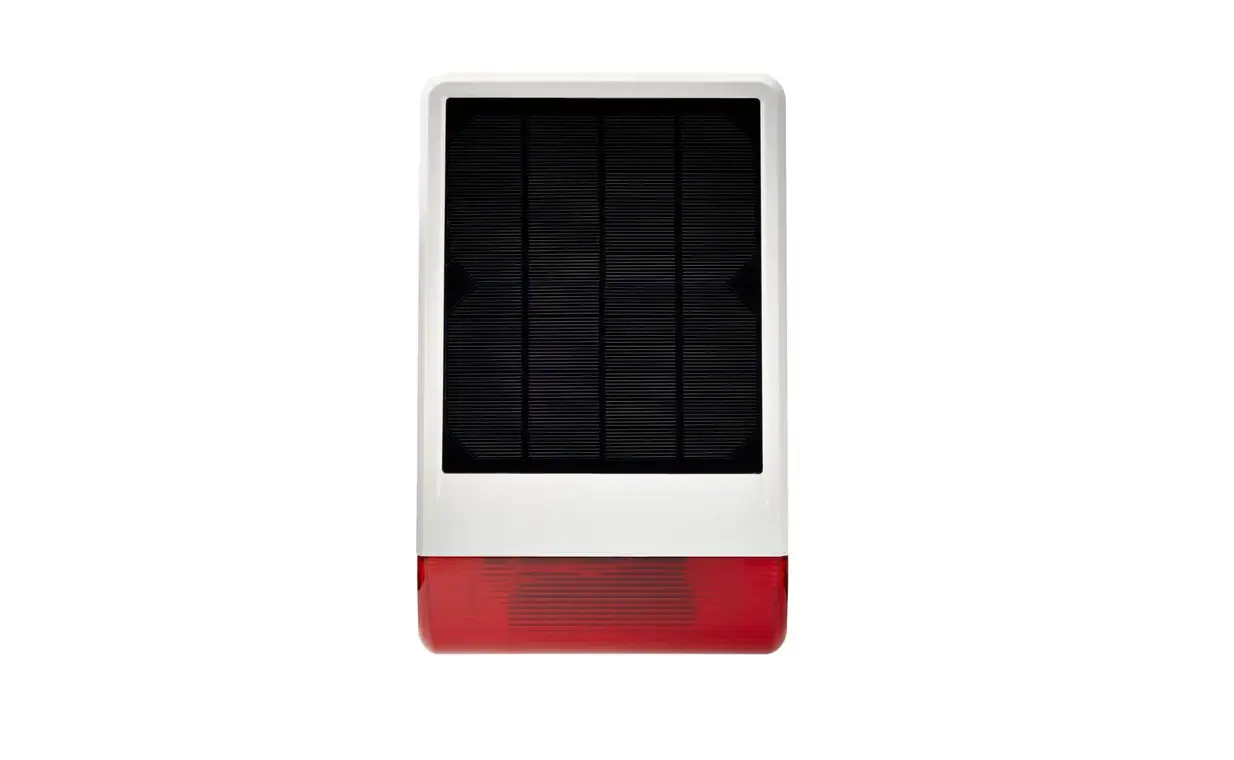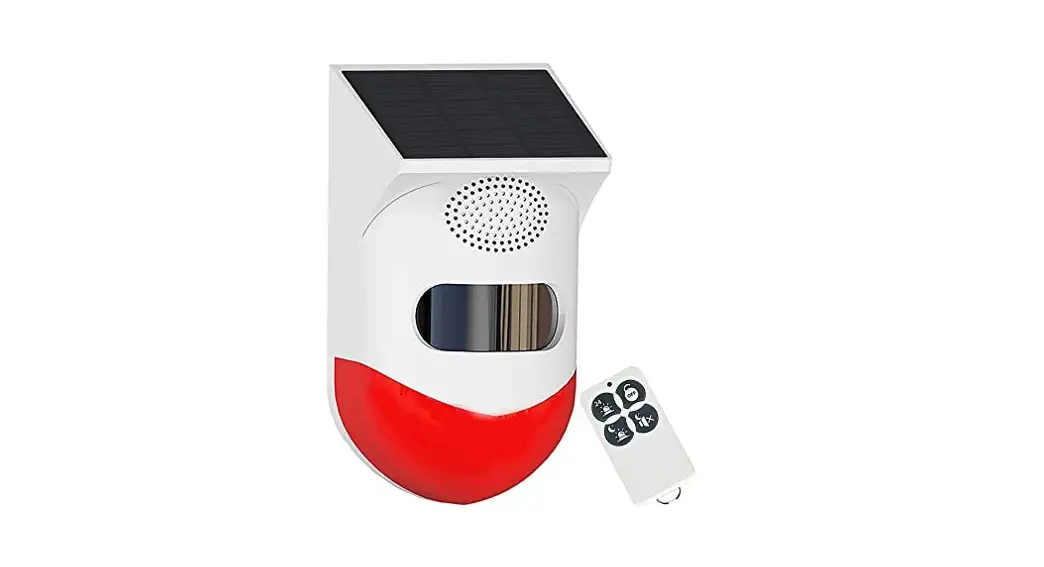
 Solar sound and Light Alarm
User Manual
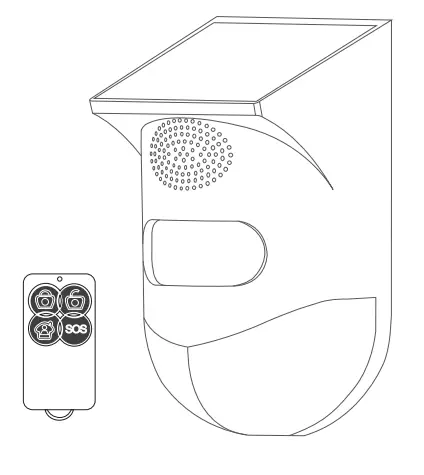
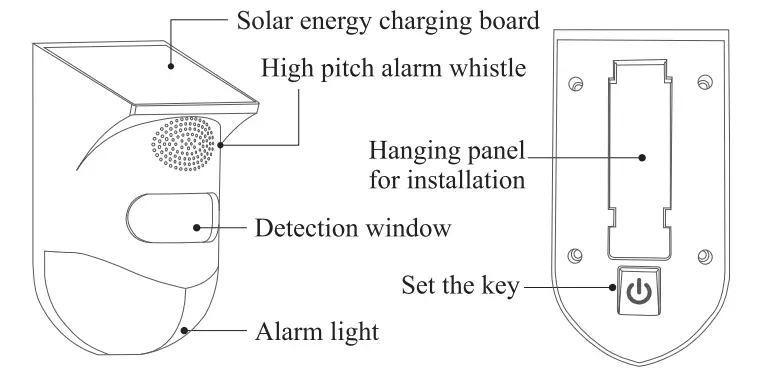
Product diagram
Remote control operation
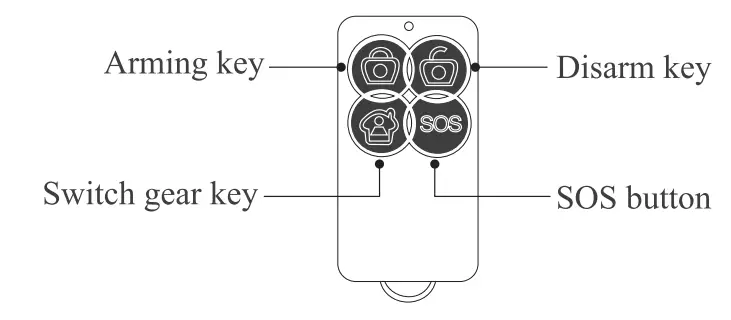
 Enter the alert mode and trigger the alarm.
 Cancel the alert, no alarm when triggered.
 Gear 3-6 cycle switch.
 Call the police immediately.
First use
Boot up ( Enter the full day flash/alarm mode.
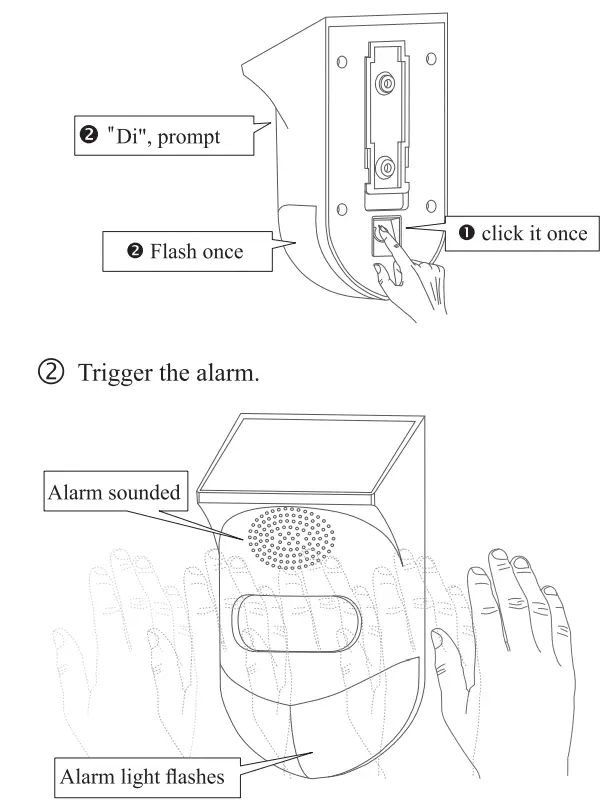
Switch/mode description
The gear can be manually selected through the buttons on the back of the alarm
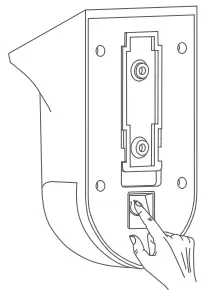
| Gear | Prompt sound | Alarm lamp | Working status |
| 1 | Di | Flash once | Full day flash/alarm |
| 2 | Didi | Blink twice | Full day flash only |
| 3 | Dididi | Flashes three times | Night flash/alarm |
| 4 | Didididi | Blink four times | Night flash only |
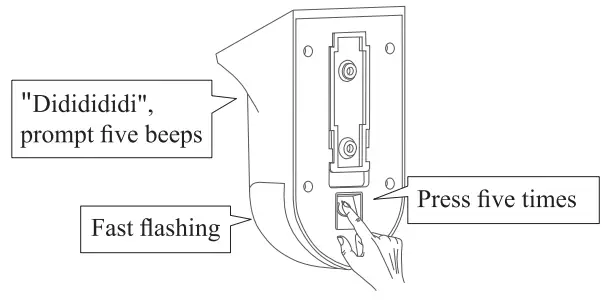
| 5 | Dididididi | Flashes quickly | Pair the remote control. adjust to this position, and press any key on the remote control at the same time to pair, and exit after 20 seconds. If you need to operate, please refer to (pairing remote control operation steps) |
| 6 | Didididididt | Flashing slowly | Delete the remote control, adjust to this position, and press any ke on the remote control at the same time to delete the remote control, and exit after 20 seconds. |
| 7 | No sound | Keep on for 3 seconds | Power off |
Pair the remote control
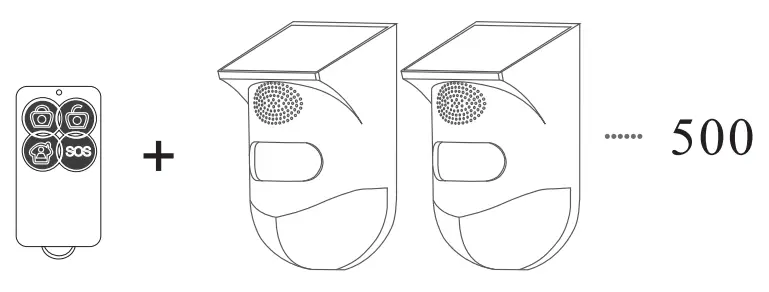
***The remote control has been paired before leaving the factory, please use it directly. If you purchase multiple products, you need to use this function when you need one remote control to control multiple alarms.
- Press the switch on the back of the alarm, select the fifth gear, and pair the remote control (diddidididi” will be heard five times during the period, and the indicator light will flash rapidly and enter the pairing state.)

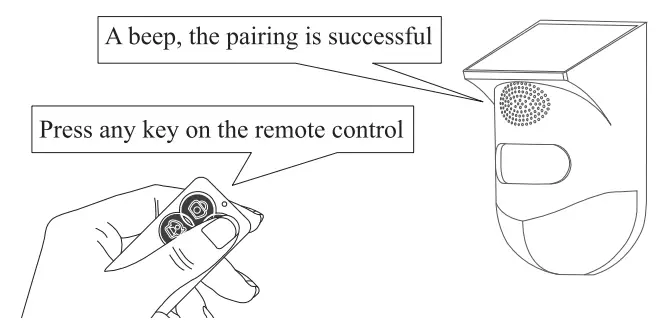
- Press any key on the remote control and you will hear a beep, indicating that the pairing is successful. (Need to pair within 20 seconds after step 1).

- After the pairing is complete, restart the alarm (press the switch on the back of the alarm, select the first gear, and you can use the remote control to operate).
One remote control can be paired with 500 alarms.
Mobile app
- Download app


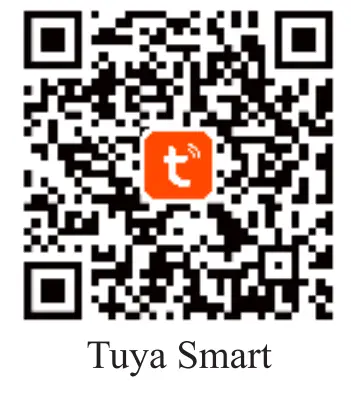
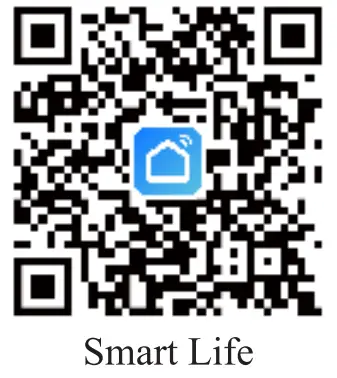
https://smartapp.tuya.com/tuyasmart https://smartapp.tuya.com/smartlife > Scan the QR code to download the APP.
> 10S: Download the “Tuya Smart” or “Smart Life” at APP Store.
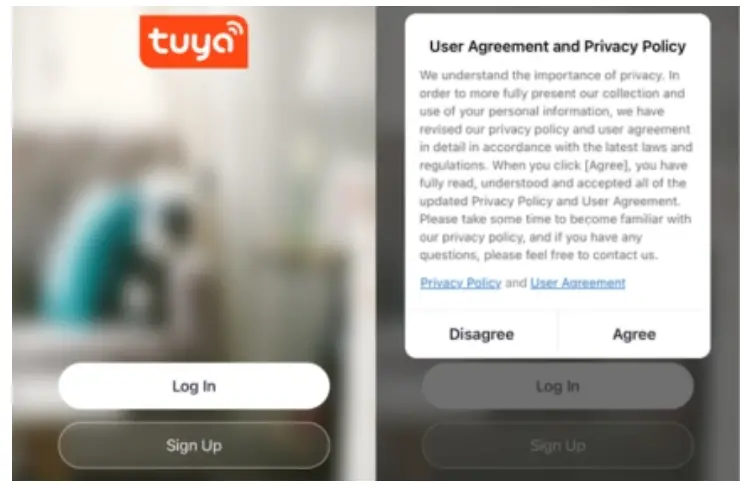
> Android: Download the “Tuya Smart” or “Smart Life” at Google Play. - Register/login Tuya Smart.

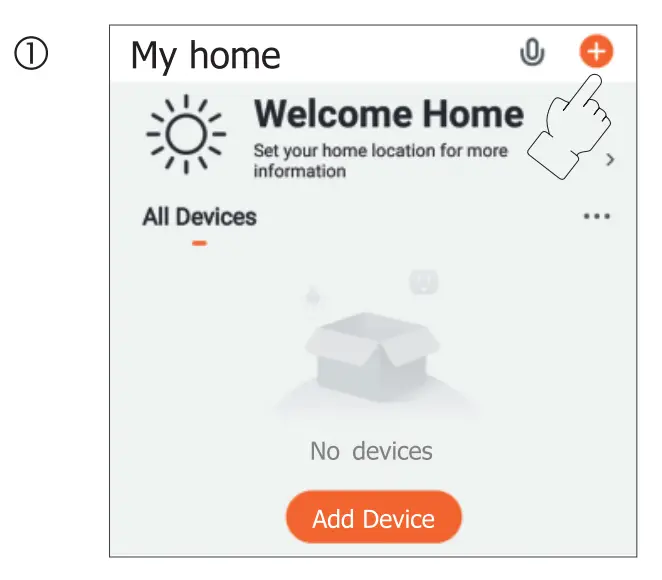
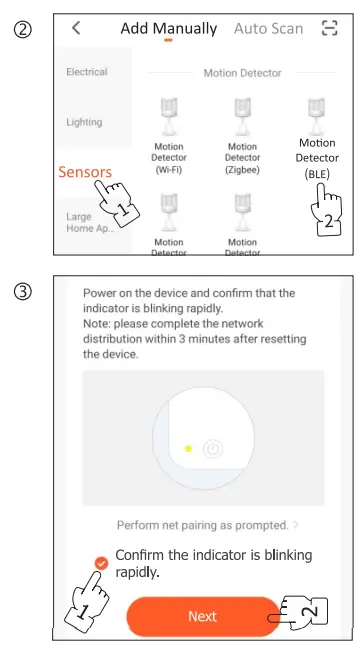
- Network with mobile phone.


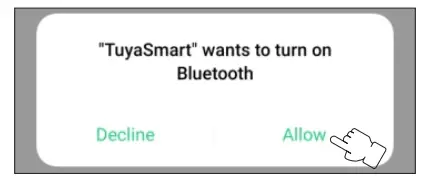
- Allow Bluetooth to be turned on.

- The device enters the state of network distribution.
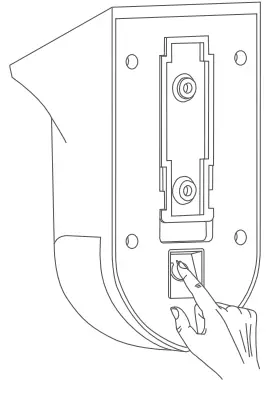
 >Long press the setting button for about 4 seconds.
>”Didi”, beeps twice.
>The LED light Rashes continuously.
If the device Is not scanned, please press and hold again. - Scan for devices and add them.

- Connect to the current WiFi, and click Next.

- Bing added.

- After adding, click Next.

 >Long press the setting button for about 4 seconds.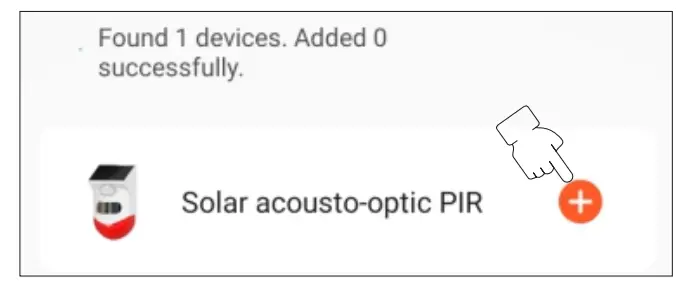
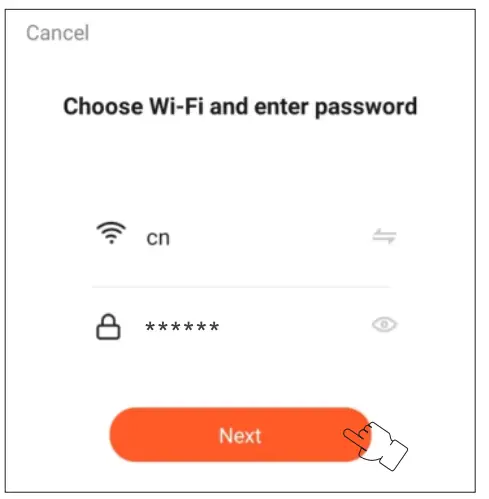
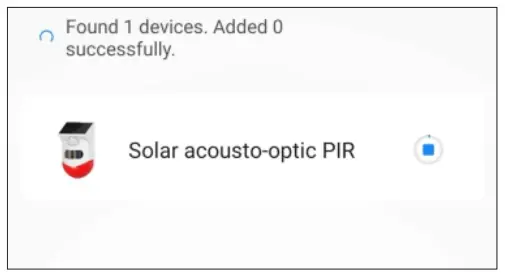
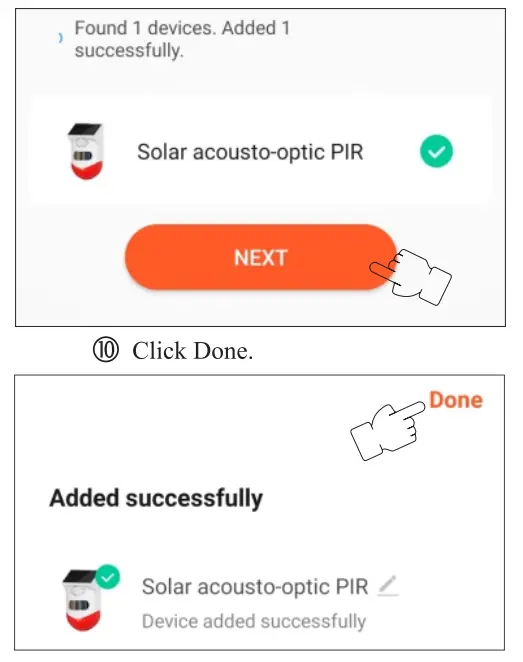
APP Operation
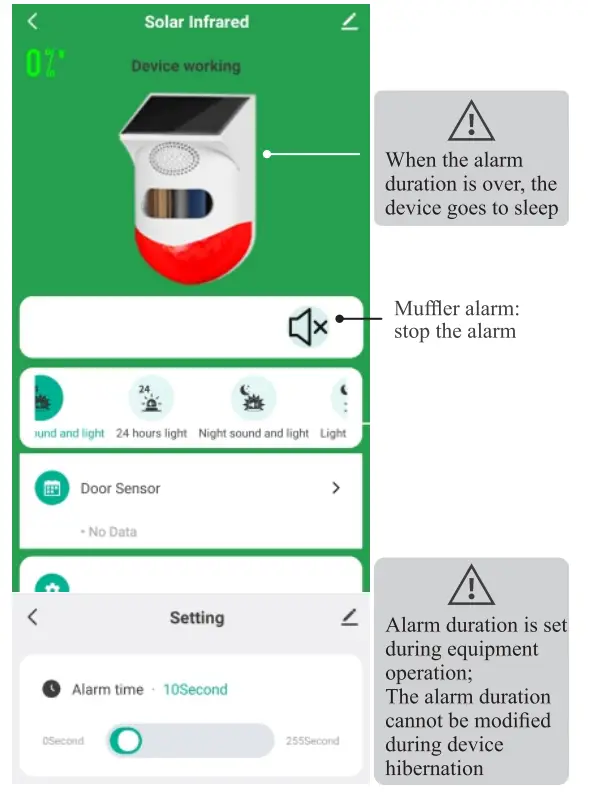
 When the solar infrared power is less than 20%. the 4a APP will push the low-voltage alarm
Installation
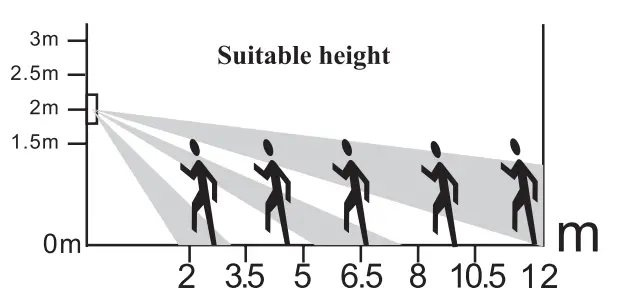
- About installation height

- Installation steps.
1.Use screws to fix the base at the installation position. 2.Fix the alarm on the base.
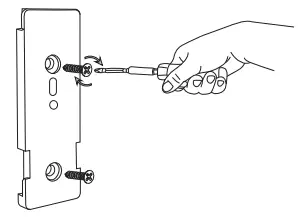 2.Fix the alarm on the base.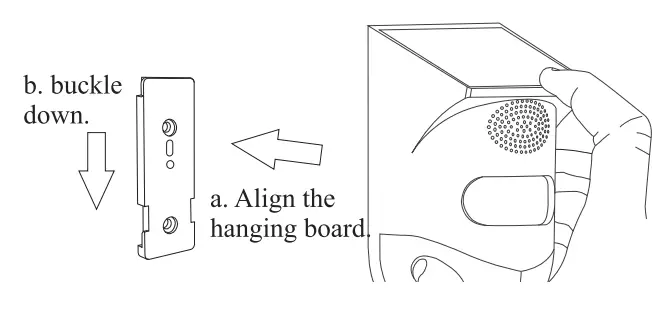
Technical parameters
Solar panel: 5V x 0.6W polysilicon
LED lights: 4 flashing red LEDs
Waterproof rating: ip65
Charging method: solar charging
Alarm sound: >110dB
Charging time: Solar charging>l0 hours
Detection angle: 90°
Battery parameters: 3.7V x 600mAH full capacity polymer lithium battery
Detection distance: 6-9m (affected by ambient temperature and installation height)
Receiving frequency: 433.92MHz (1527 protocol)
WiFi system: IEEE 802.11 b/n/g 2.4GHz
Remote control distance: up to 200 meters (distance is affected by obstacles and interference signals)