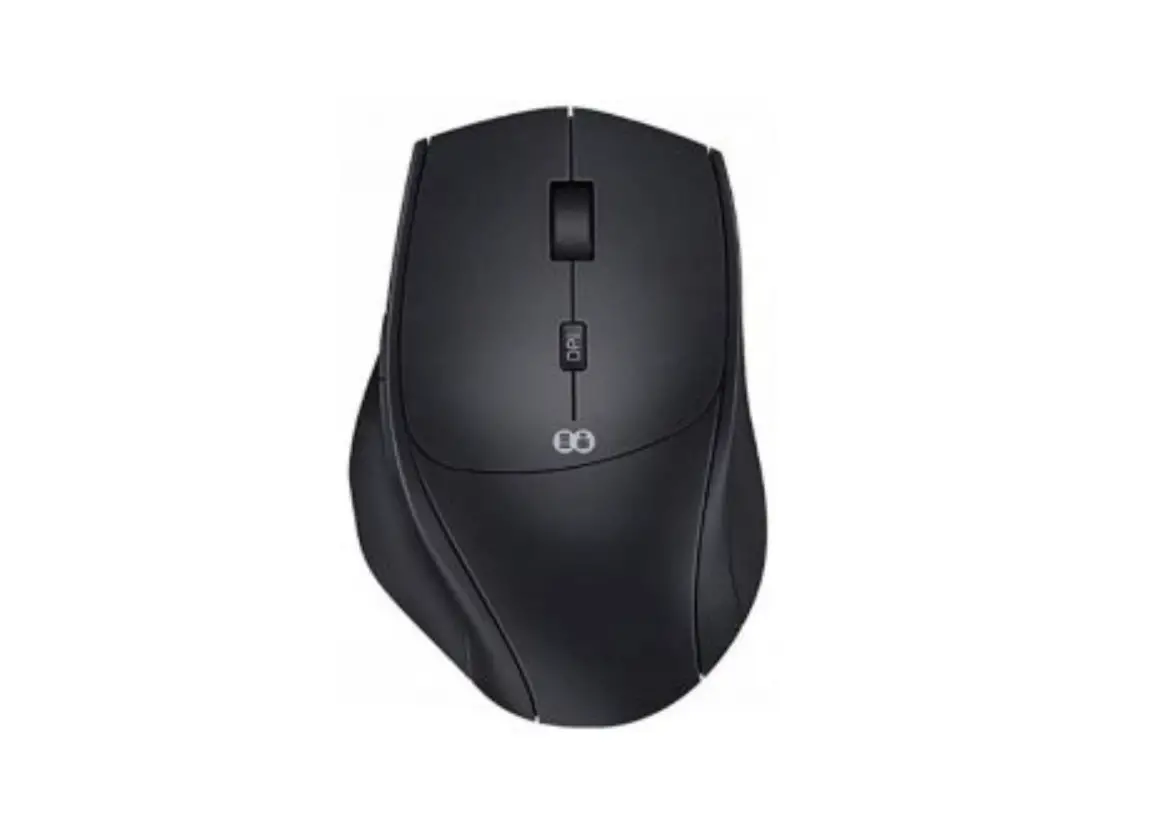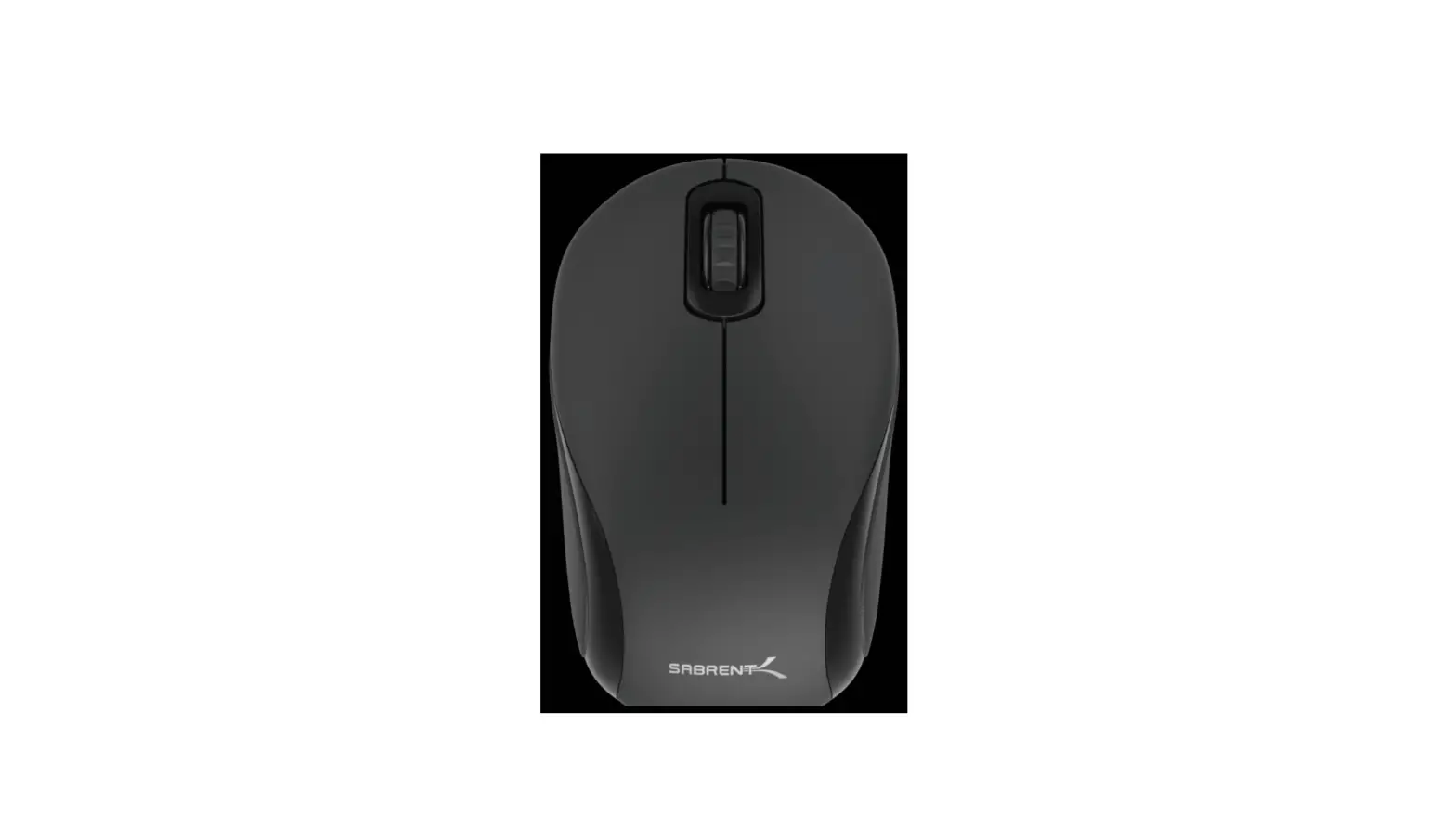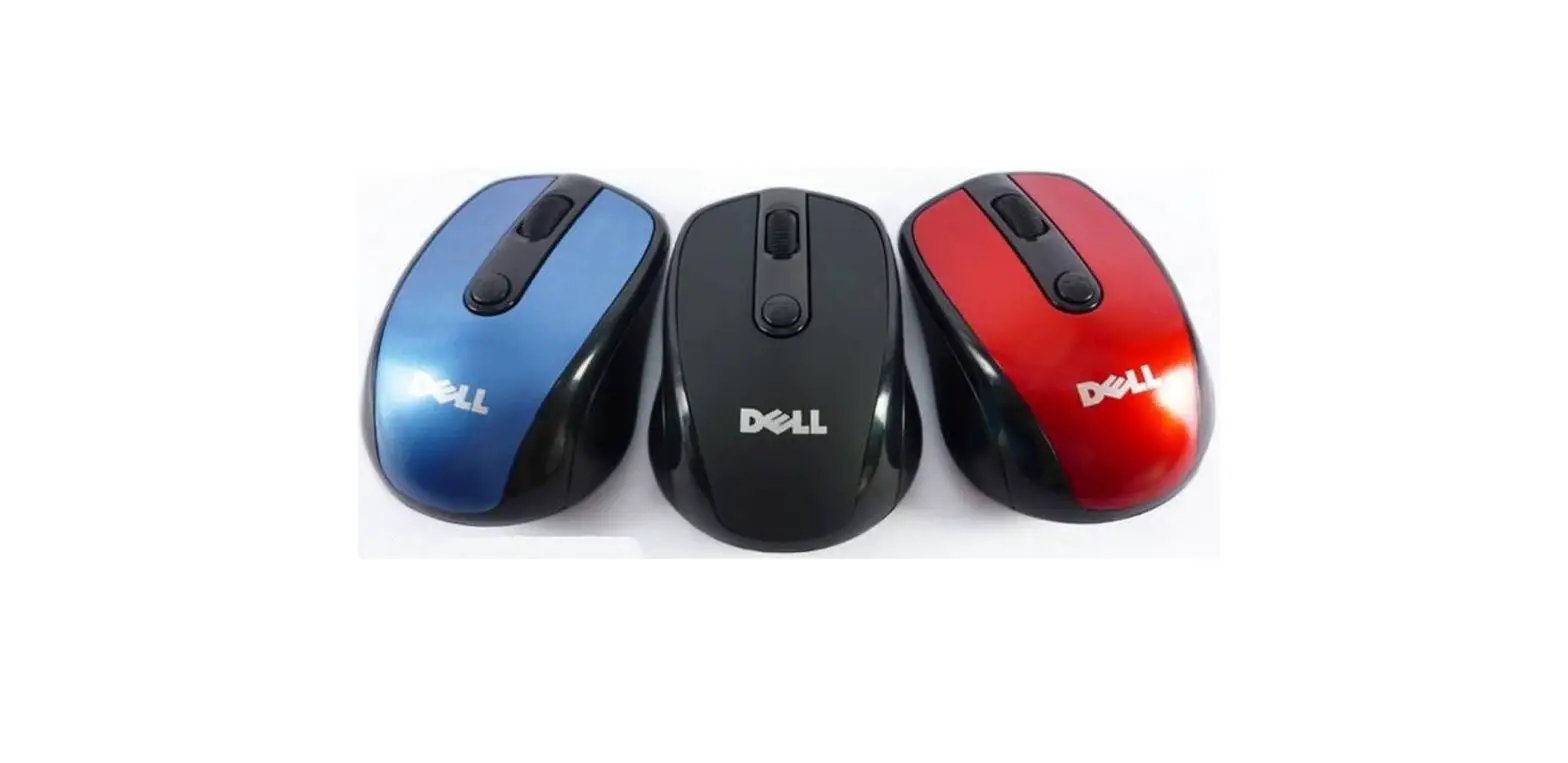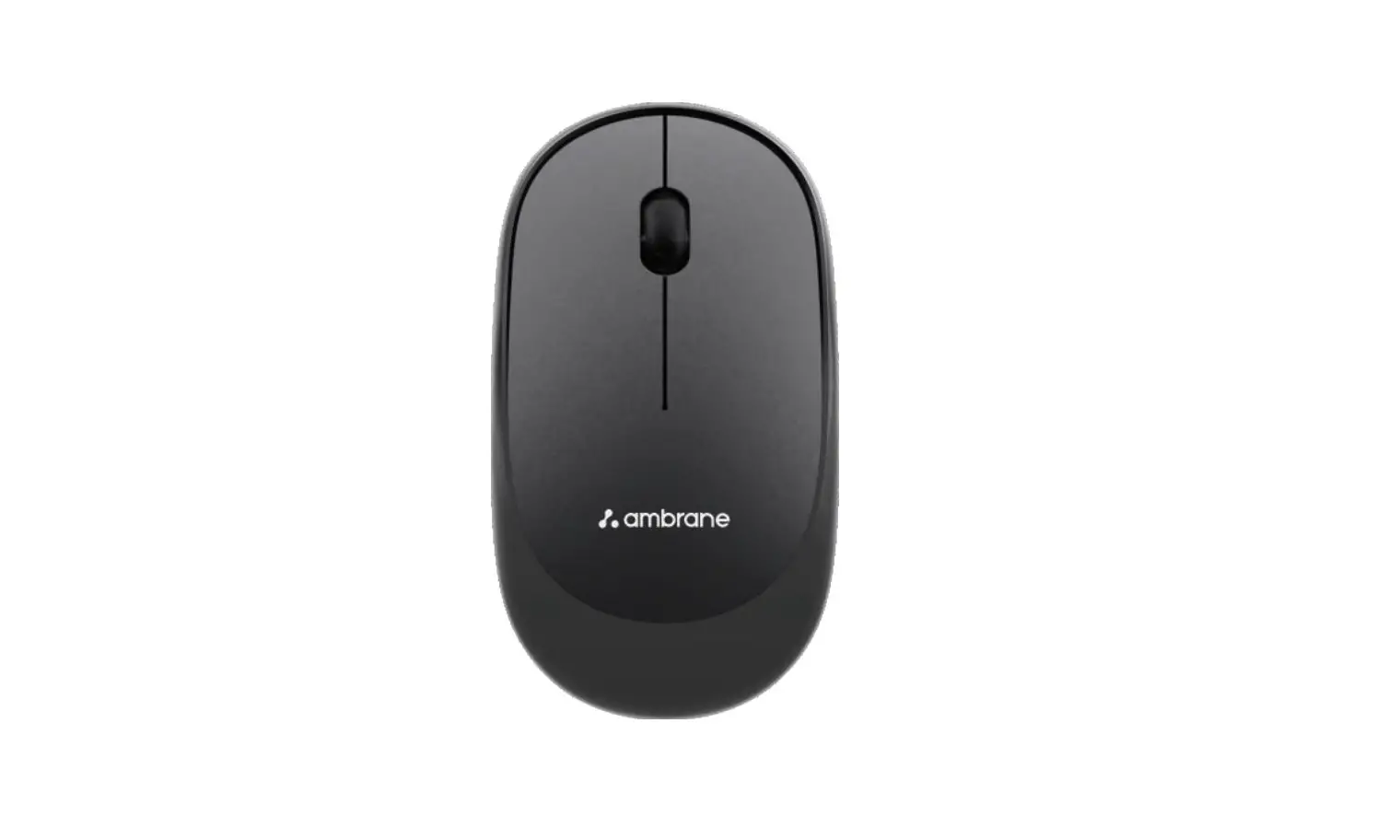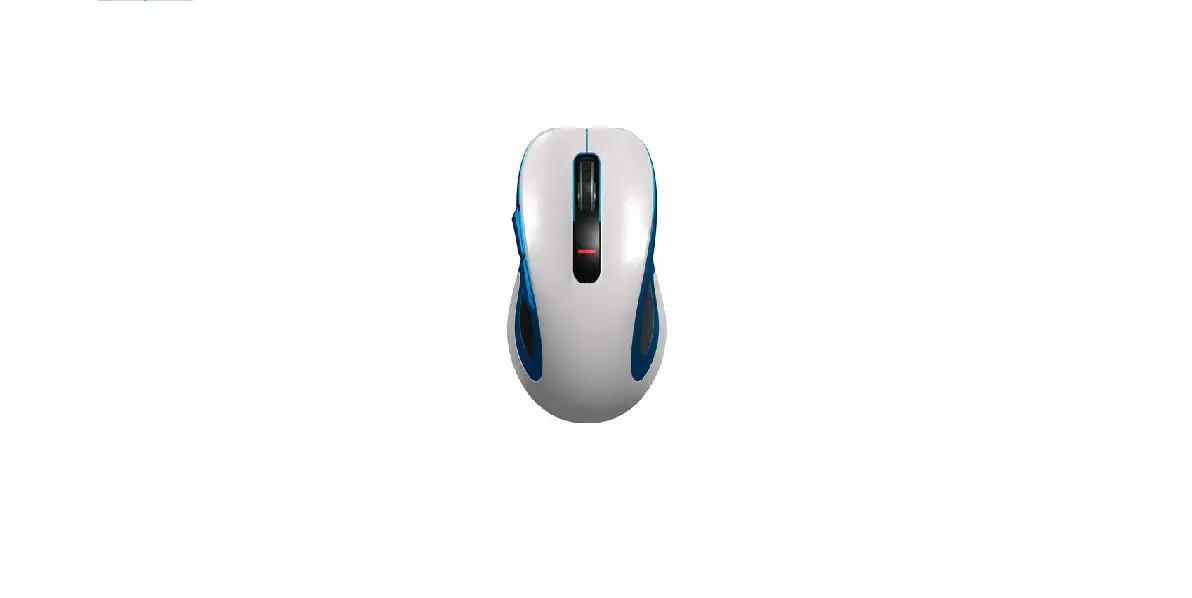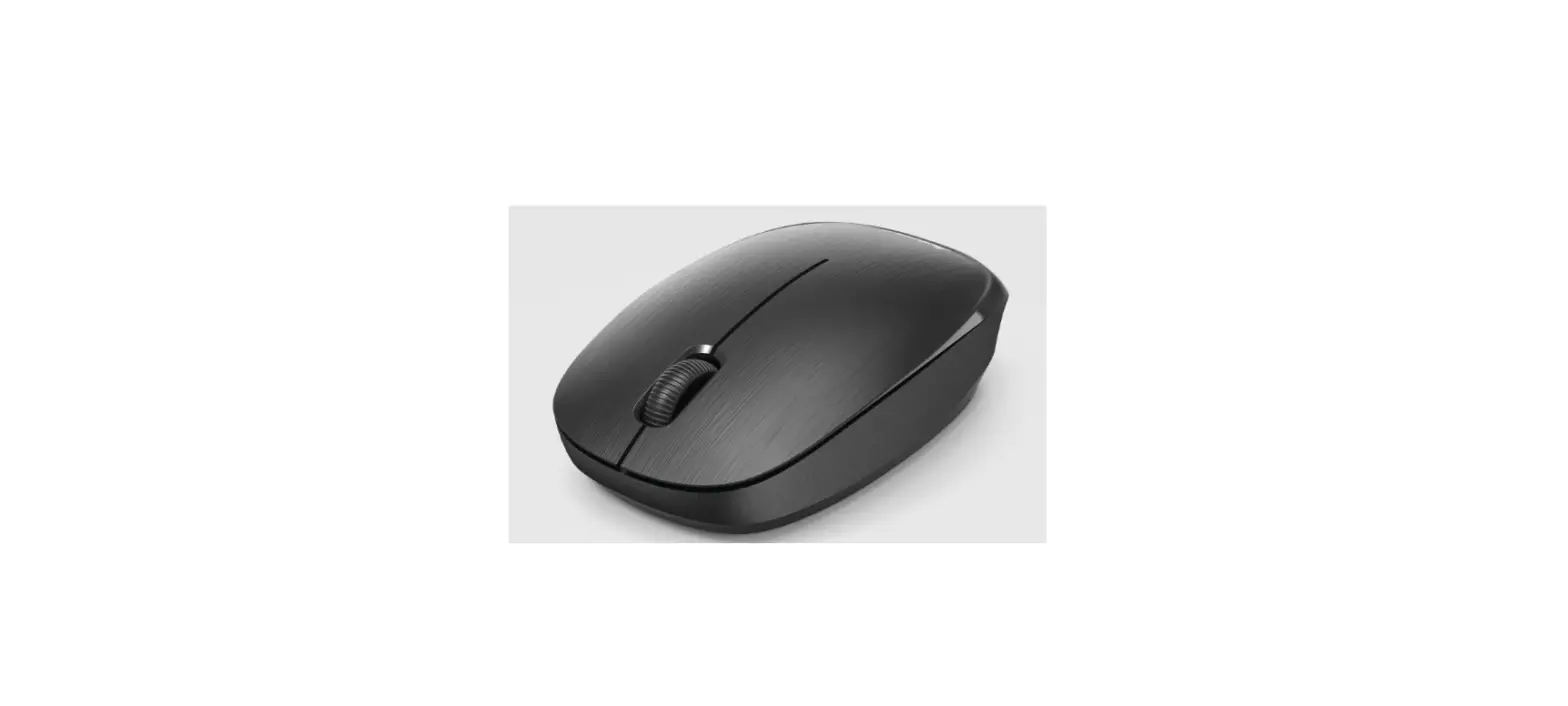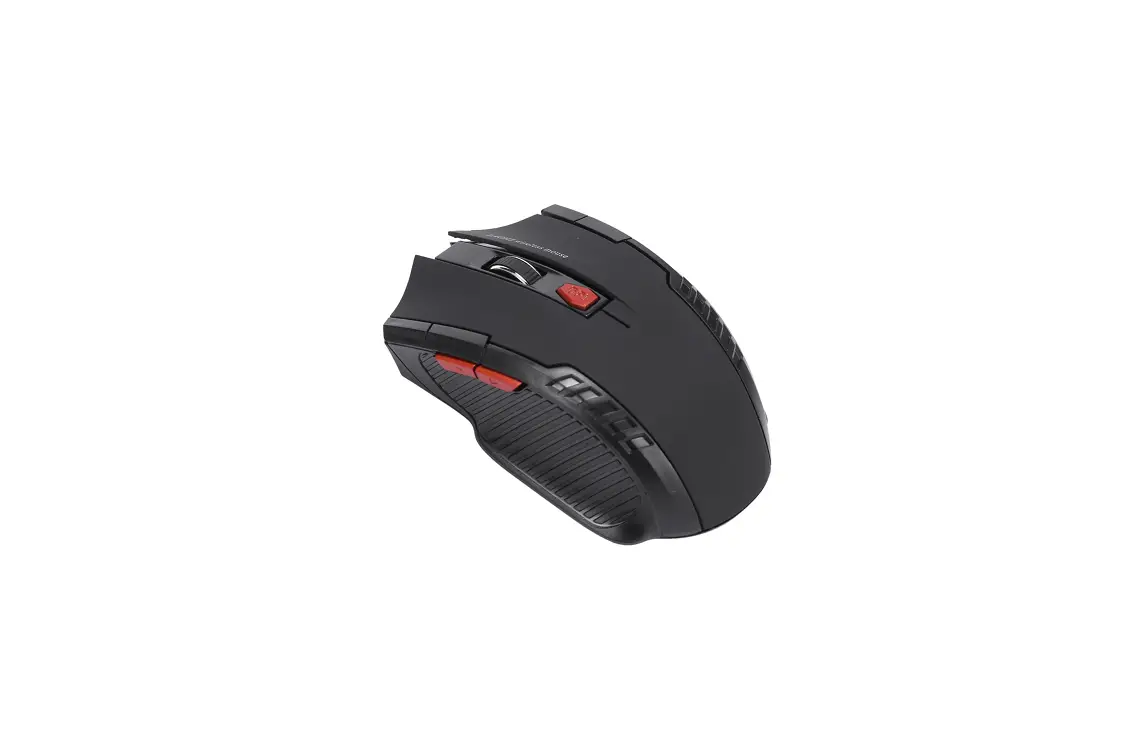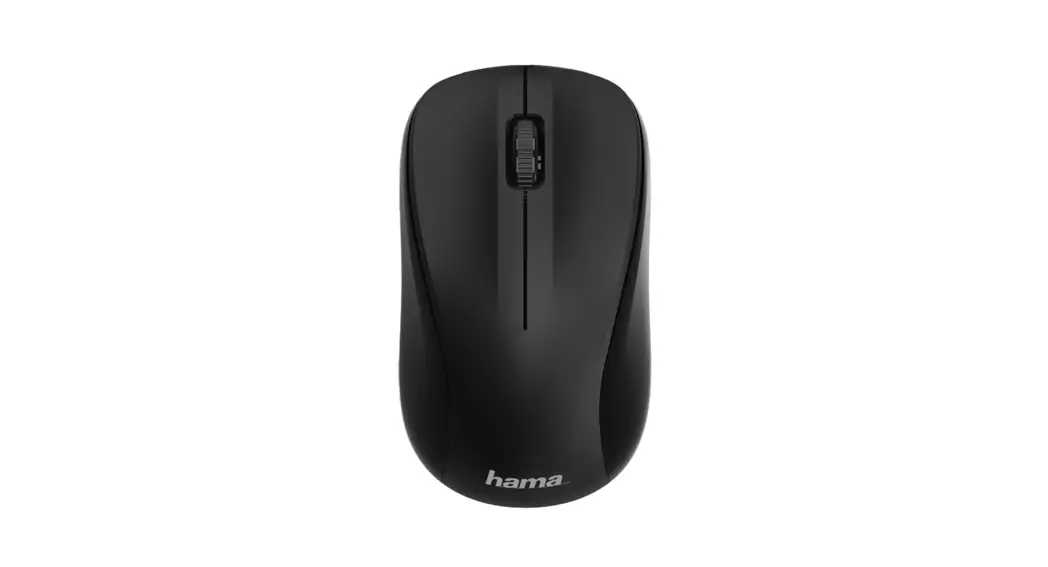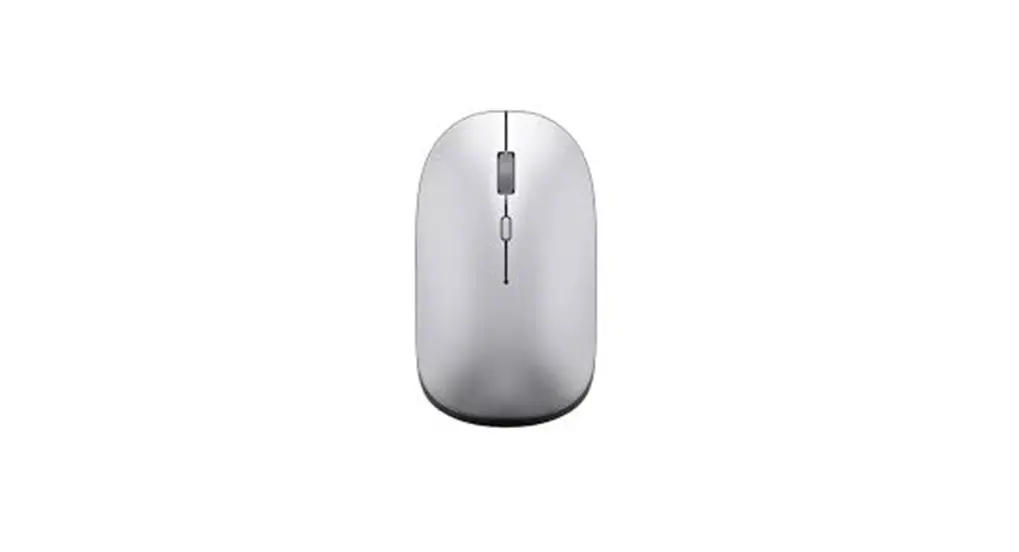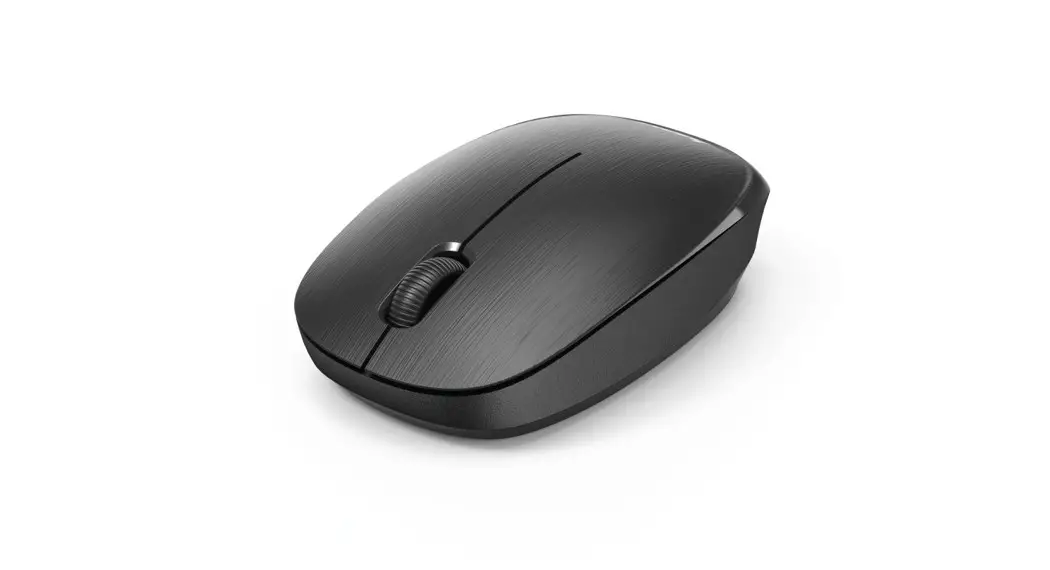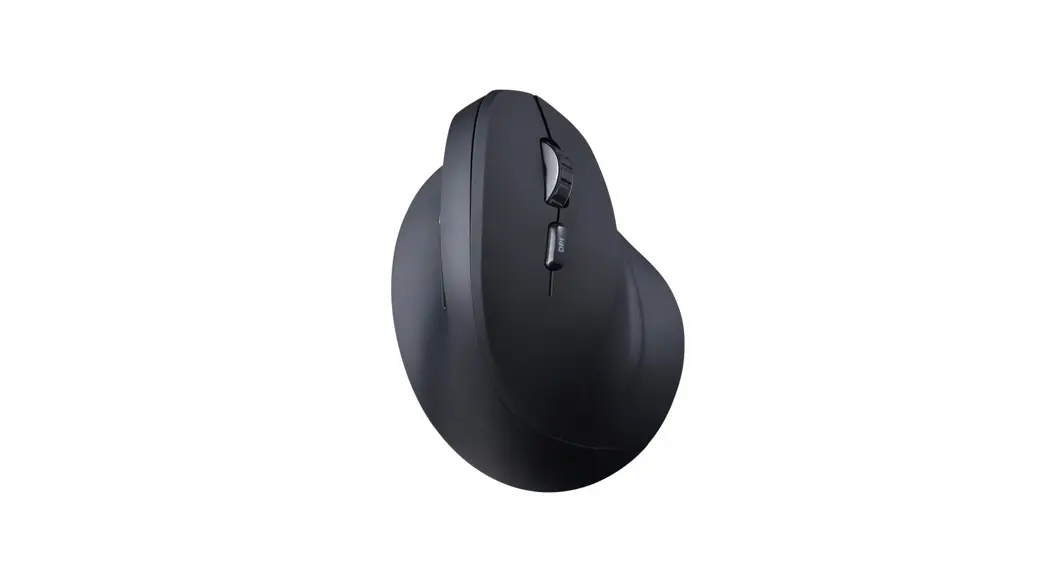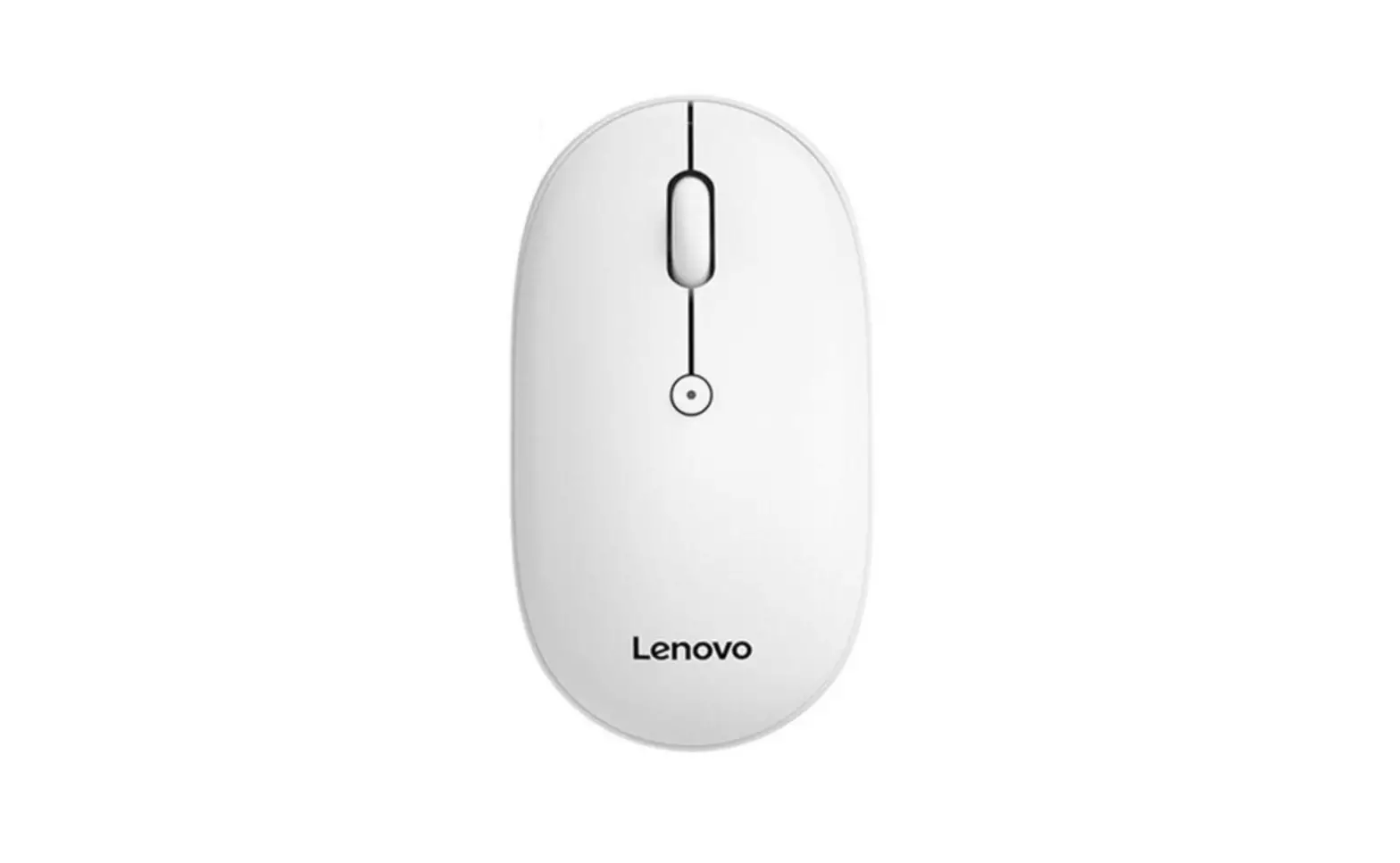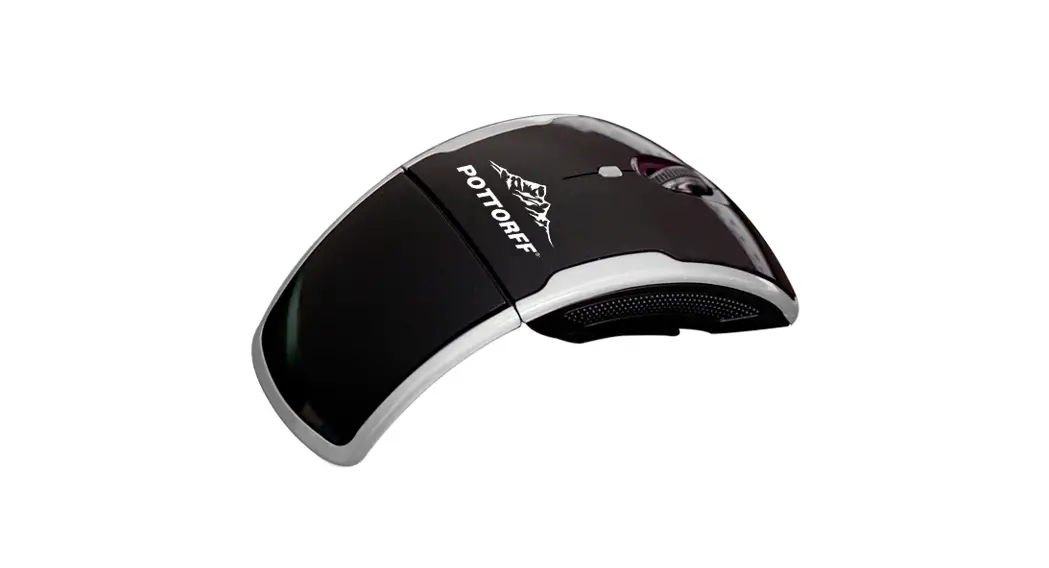
2.4GHz Wireless Optical Mouse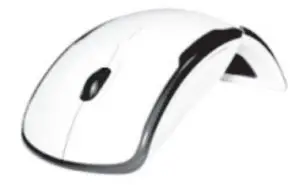
Features:
- 2.4GHz frequency keeps wireless mouse connected up to 5 meters
- High-end chip; high precision; high stabilization
- 800/1200/1600 DPI adjustable cursor speed
- Low battery reminder function
Remark
- This mouse uses laser lights as a transfer checking, it complies with the correlative safe prescript, please do not look into the bottom of the mouse directly.

- The 2.4GHz frequency is capable of up to 5 meters of wireless data transfer in an open, blockage-free environment.

Operation
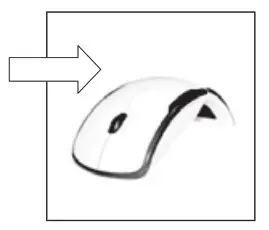
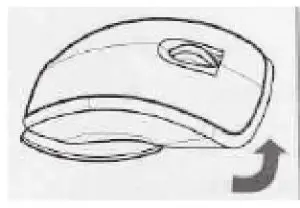
- Turn the mouse over and unfold it revealing the mini wireless (Nano) receiver.
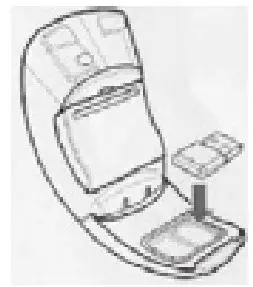
- Turn on the computer and insert the mini wireless (Nano) receiver into an available USB port. Allow time for the mouse driver to self-install.

- Open the battery cover and insert two new AAA batteries making sure they are facing the correct polarity.

- The CPI key indicator will flicker while connecting with the mini wireless (Nano) receiver.
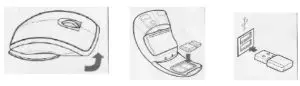
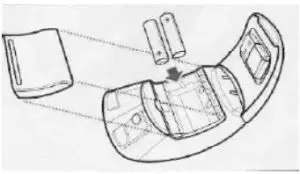
Installation Complete!
* If the mouse should lose its connection after being idle for a long time, simultaneously press the center wheel and the right button to reconnect.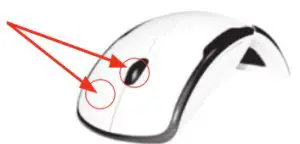
Exclusive Functions:
- Low battery reminder function
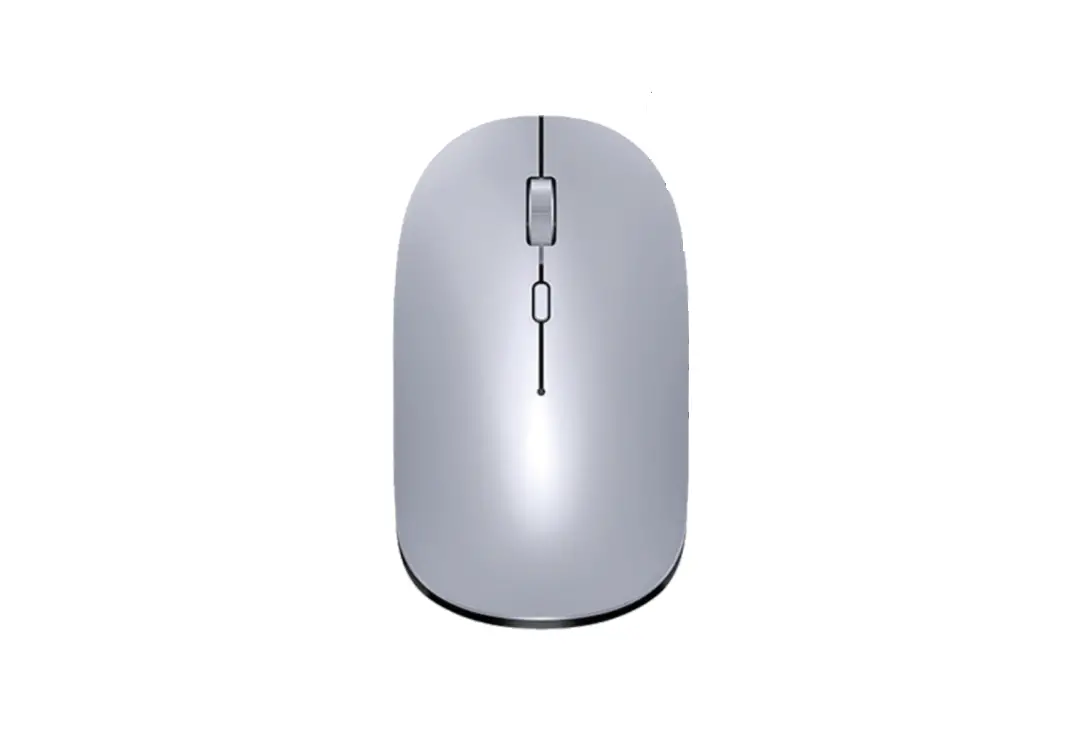
When the battery power is low, the low power indicator light located beneath the scroll wheel will blink, indicating it is time to replace the batteries.
- Sleeping function
To conserve battery life, the mouse will automatically go into sleep mode when idle for more than eight minutes. To wake the mouse up, simply click a button or scroll the wheel. Folding the mouse will turn it off to conserve battery life. Useful when not planning to use for an extended period of time.
- Built-in receiver
Included is a mini wireless (Nano) receiver that can be connected to the USB port of any PC or Notebook. It can also be stored underneath the mouse fold when not in use.
Product Specification
| Wireless Frequency: | 2408-2474MHz |
| Work Frequency: | 34. Hopping |
| Rated work voltage: | 3.0V |
| Rated work electric current: | 3.5mA |
| Battery | AAA x 2PCS |
| Locomotive perceptive system: | Optical |
| Resolution: | 800/1200/1600DPI adjusted |
| USB Port version | USB1.1 |
These specifications are subject to change without notice.
Warning:
Any changes or modifications not expressly approved by the manufacturer will void all warranties and could render the mouse inoperable.
Note:
This equipment has been tested and found to comply with the limits for a Class B digital device pursuant to article 15 of the FFC rules. These limits are designed to provide reasonable protection against harmful interference in a residential installation. This equipment generates radio frequencies, if not installed and used according to the instructions it may cause harmful interference to its radio communications. However, there is no guarantee that interference will not occur in a particular installation. If this equipment does cause harmful interference to radio or television reception which can be determined by turning the equipment off and on. The user is encouraged to try to correct the interference by one or more of the following measures:
- Remove and reinstall the batteries in the mouse
- Reorient or relocate the receiving antenna
- Increase the separation between the equipment and receiver