 Quick Start Guide
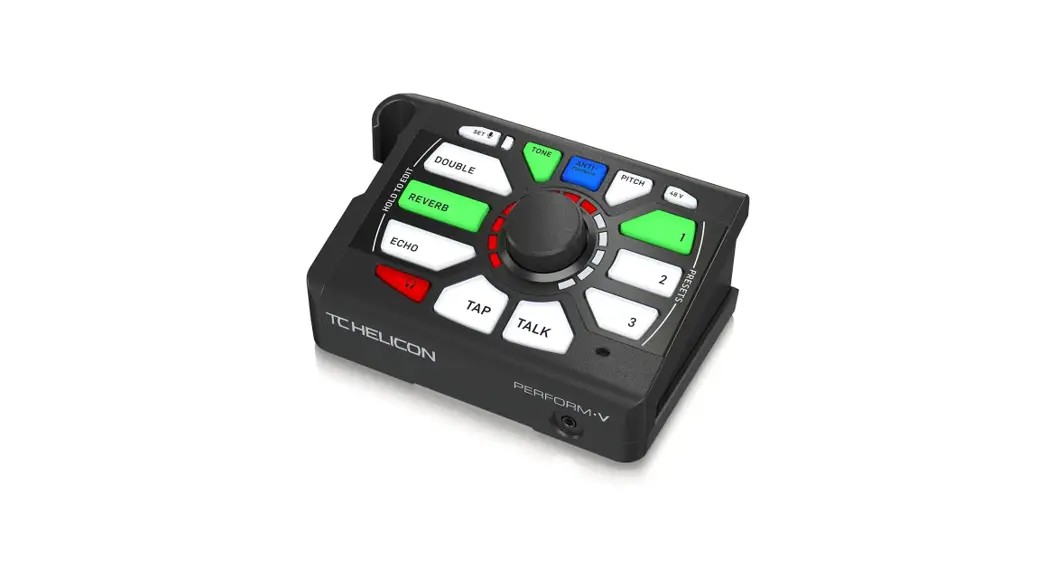
PERFORM-V
Ultimate Mic Stand-Mount Vocal Processor for
Quick and Easy Studio-Quality Sound with Expandable Effects
PERFORM-V Ultimate Mic Stand-Mount Vocal Processor
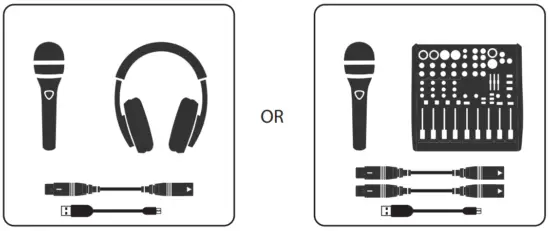
You will need
| 1 | 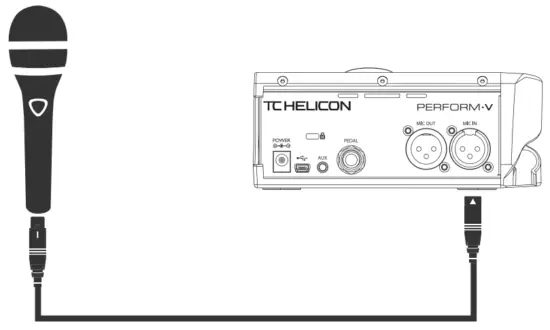 | 2 | 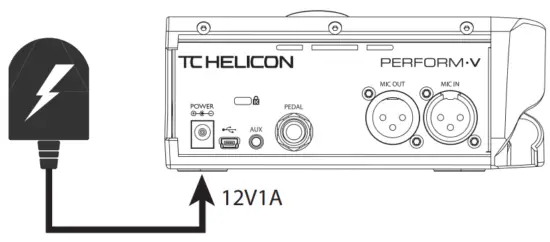 |
| 3. A | 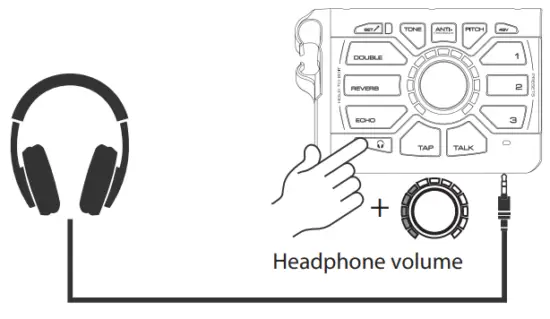 | 3. A | 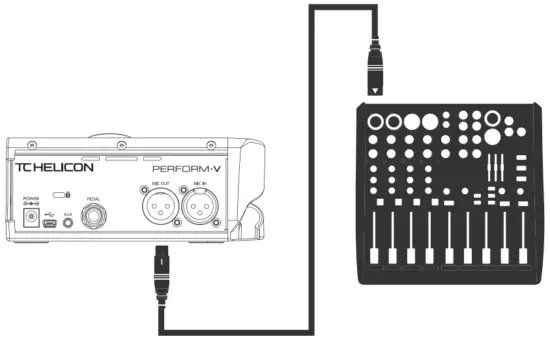 |
| 4 | 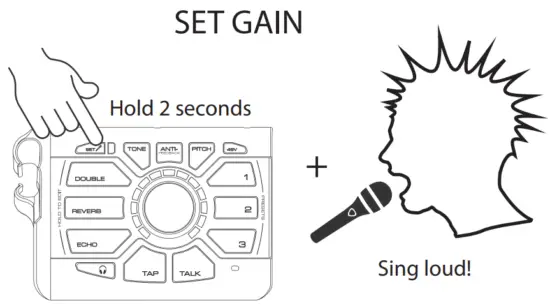 | 5 | 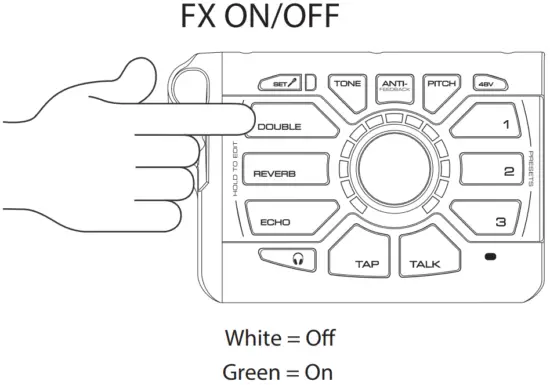 |
| 6 |
| 7 |
|
| 8 |
| 9 |
|
| 10 |
| 11 |
|
| 12 |
| 13. A |
|
| 13. B |
| 14 | 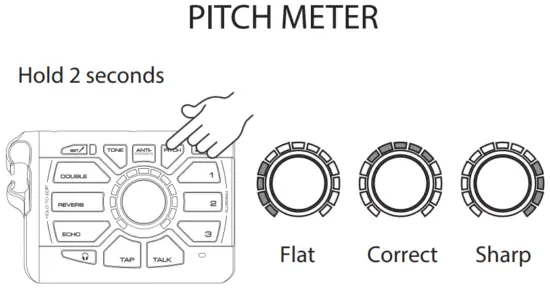 |
| 15 |  | 16 | 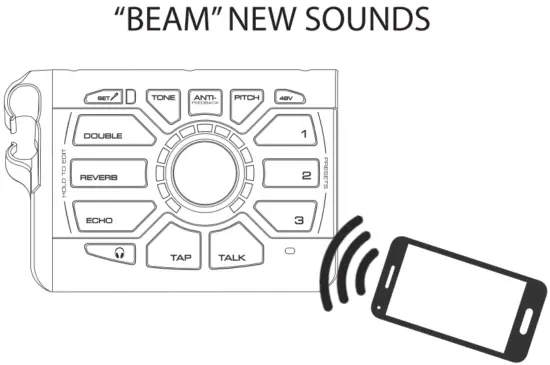 |
| 17 | 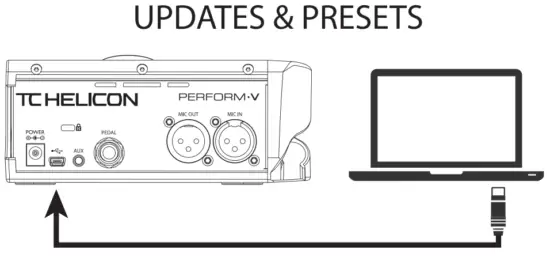 | 18 |
|
| 19 | 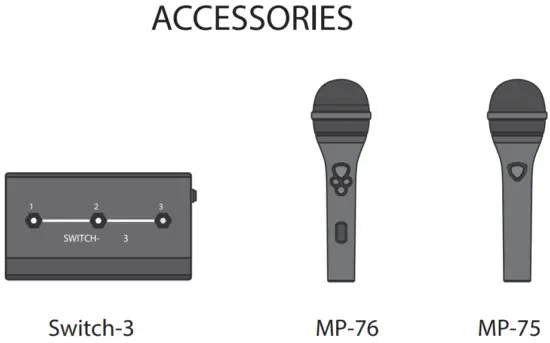 | 20 | Visit tc-helicon.com to download the full manual. |
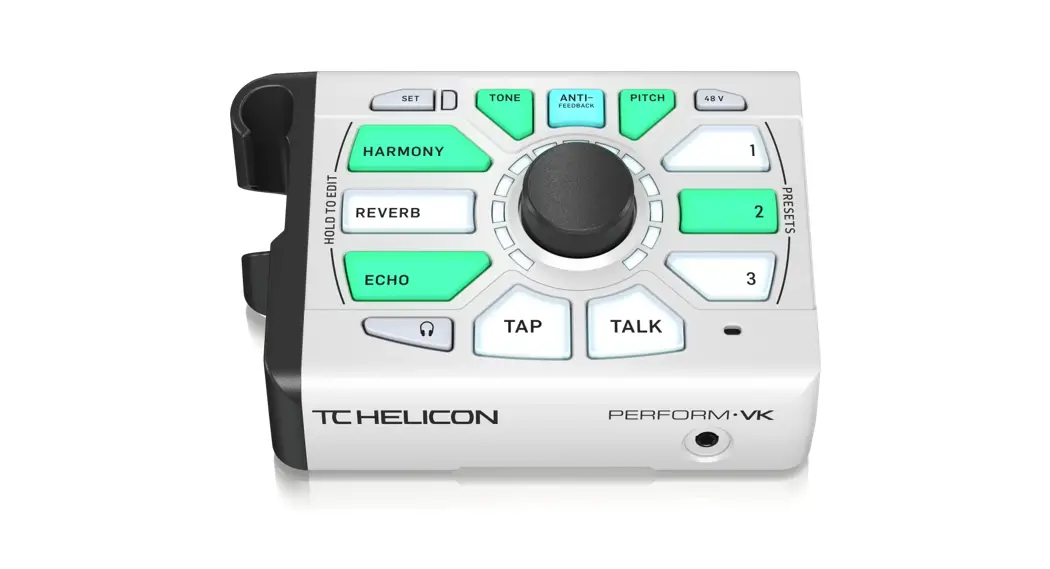
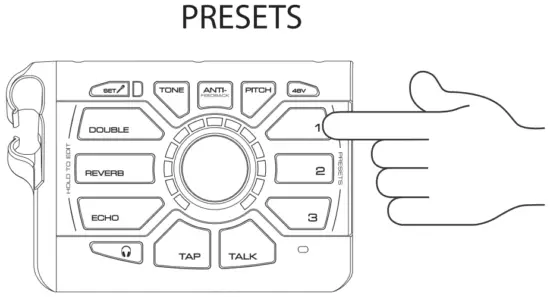 A Preset is a group of effects
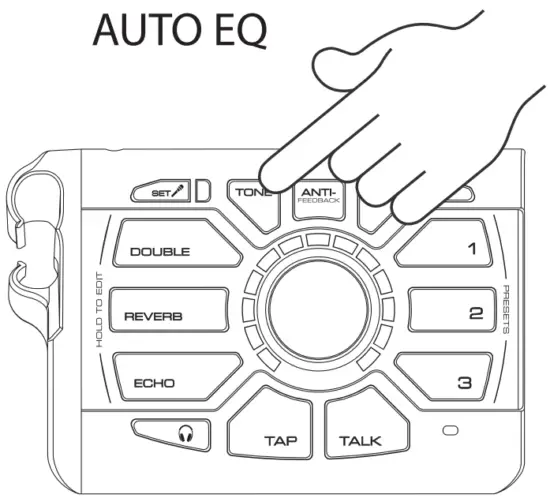 Tone automatically and dynamically adds
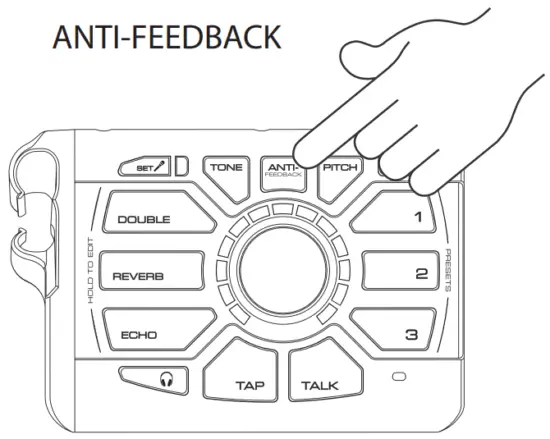 Anti-Feedback helps to eliminate
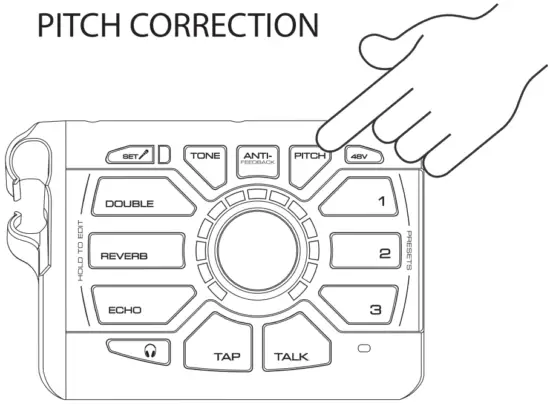 Pitch correction “nudges” you to the
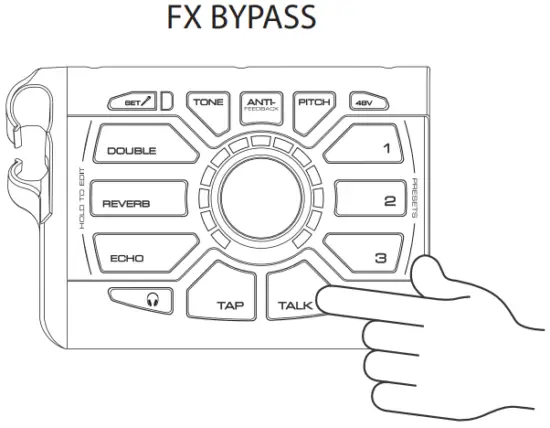 Talk mode bypasses all of the
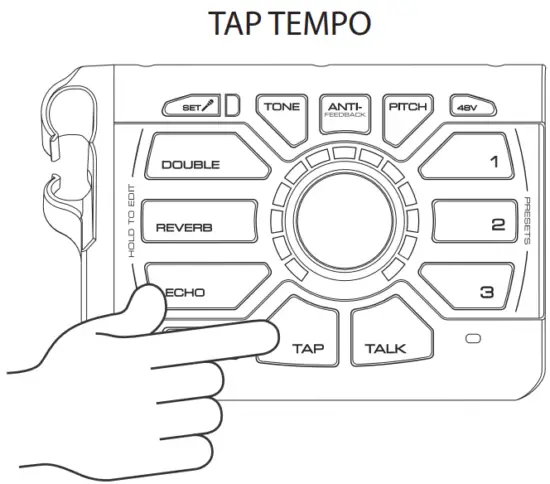 Tap in time with your music to set the
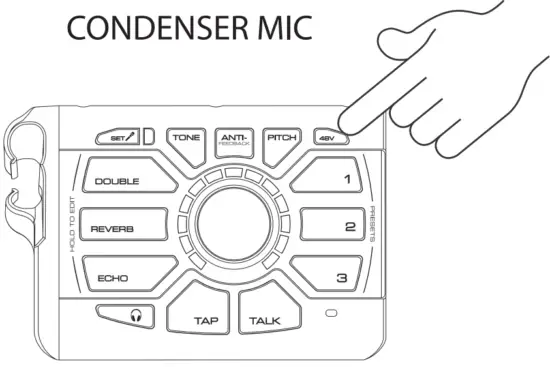 If you have a condenser mic, you’ll need to
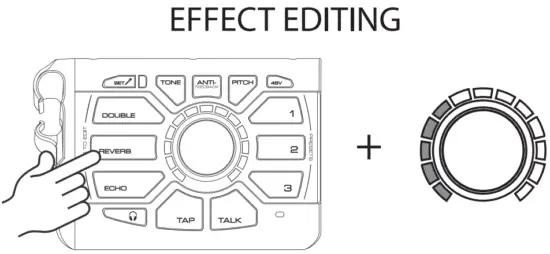 Hold an effect button to enter edit mode.
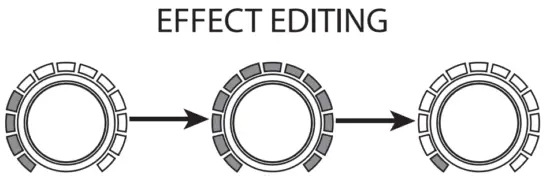 After the effect level reaches
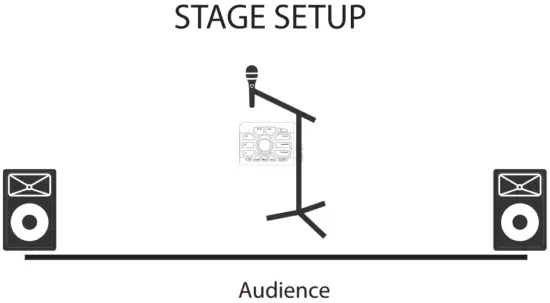 To prevent feedback, place the mic
LEGAL DISCLAIMER
Music Tribe accepts no liability for any loss which may be suffered by any person who relies either wholly or in part upon any description, photograph, or statement contained herein. Technical specifications, appearances and other information are subject to change without notice. All trademarks are the property of their respective owners. Midas, Klark Teknik, Lab Gruppen, Lake, Tannoy, Turbosound, TC Electronic, TC Helicon, Behringer, Bugera, Oberheim, Auratone and Coolaudio are trademarks or registered trademarks of Music Tribe Global Brands Ltd. © Music Tribe Global Brands Ltd. 2021 All rights reserved.
LIMITED WARRANTY
For the applicable warranty terms and conditions and additional information regarding Music Tribe’s Limited Warranty, please see complete details online at musictribe.com/warranty.
FEDERAL COMMUNICATIONS COMMISSION COMPLIANCE INFORMATION
TC Helicon
PERFORM-V
| Responsible Party Name: | Music Tribe Commercial NV Inc. |
| Address: | 5270 Procyon Street, Las Vegas NV 89118, United States |
| Address: | +1 702 800 8290 |
PERFORM-V
- Reorient or relocate the receiving antenna.
- Increase the separation between the equipment and receiver.
- Connect the equipment into an outlet on a circuit different from that to which the receiver is connected.
- Consult the dealer or an experienced radio/TV technician for help.
This device complies with Part 15 of the FCC rules. Operation is subject to the following two conditions:
- this device may not cause harmful interference, and
- this device must accept any interference received, including interference that may cause undesired operation.
Important information:
Changes or modifications to the equipment not expressly approved by Music Tribe can void the user’s authority to use the equipment.
Operation Ambient Temperature up to 45°

Hereby, Music Tribe declares that this product is in compliance with Directive 2014/35/EU,Directive 2014/30/EU, Directive 2011/65/EU and Amendment 2015/863/EU, Directive 2012/19/EU, Regulation 519/2012 REACH SVHC and Directive 1907/2006/EC.
Full text of EU DoC is available at https://community.musictribe.com/
EU Representative: Music Tribe Brands DK A/S
Address: Ib Spang Olsens Gade 17, DK – 8200 Aarhus N, Denmark
 Support - Music Tribe Community
 TC Helicon | Home
 Music Tribe