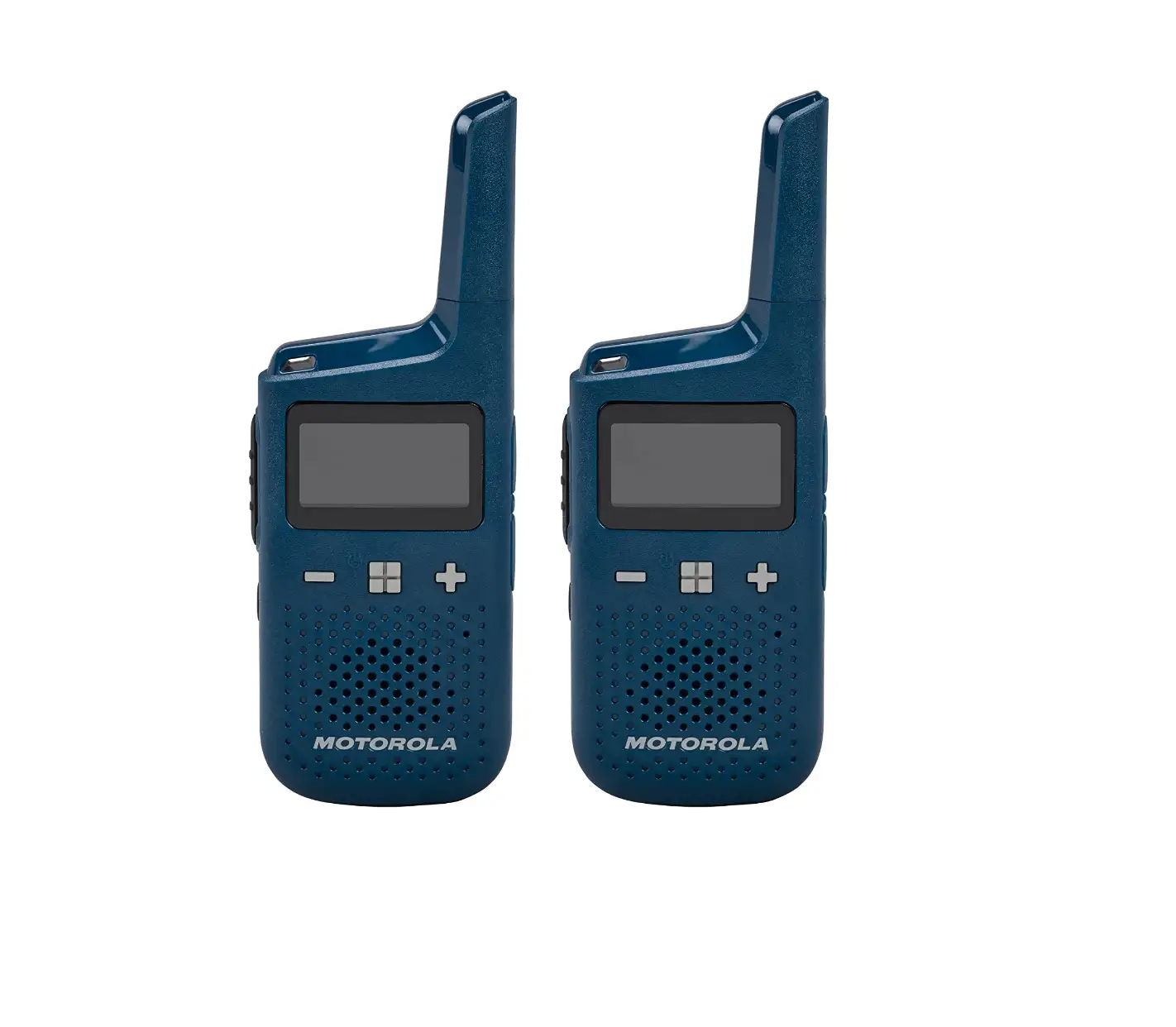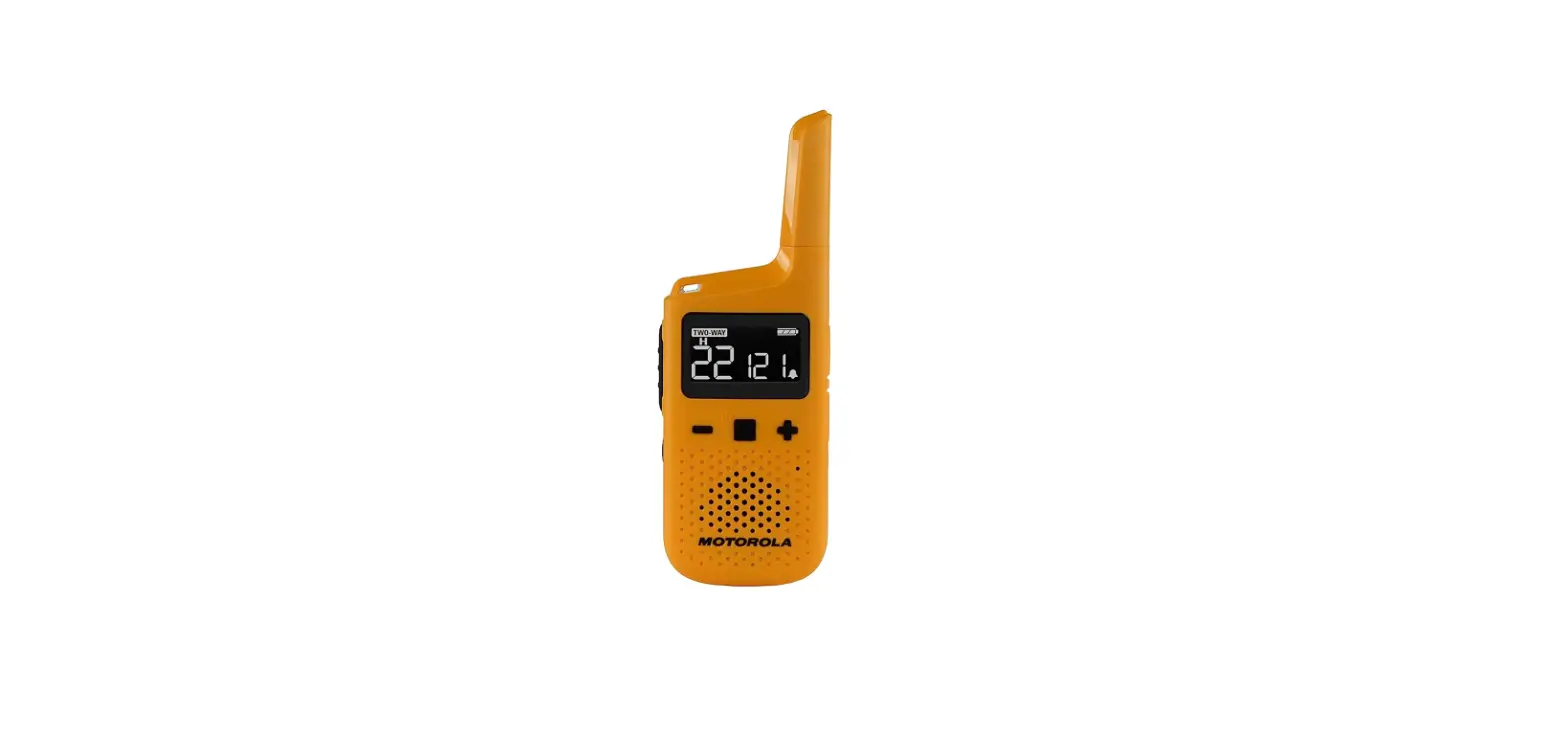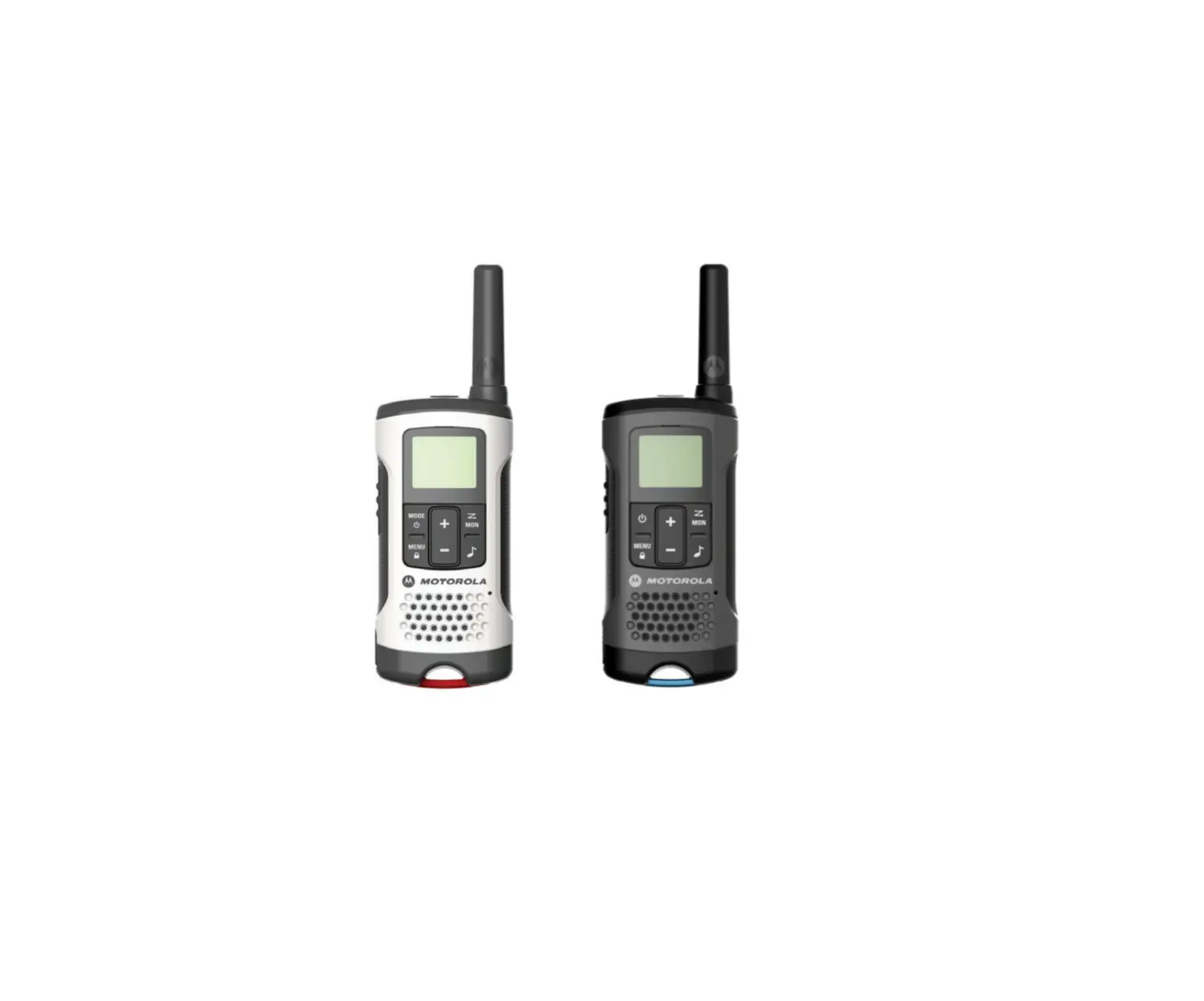
 JC 3518 Thinner 2 Way Radio
User Manual A Small Radio, An Useful Talking
Functions
| • Power: 2W | • Low Battery Alert |
| • VOX/CTCSS/DCS | • SOL |
| •TOT | • Frequency Hopping |
| • Battery Save |
Technical Parameter
| Frequency Range | 462.55-467.7250MHz | ||
| Rated Voltage | DC 3.6V | ||
| Memory Channel | 22 channels | ||
| Antenna Impedance | 500 | ||
| Working Mode | Simplex or Semi-duplex | ||
| Size | 50x15x130mm( antenna including) | ||
Key Introduce
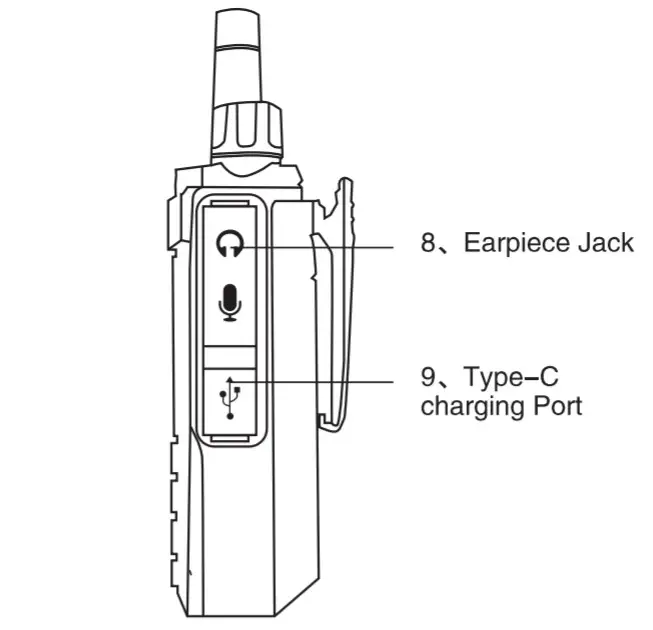 | 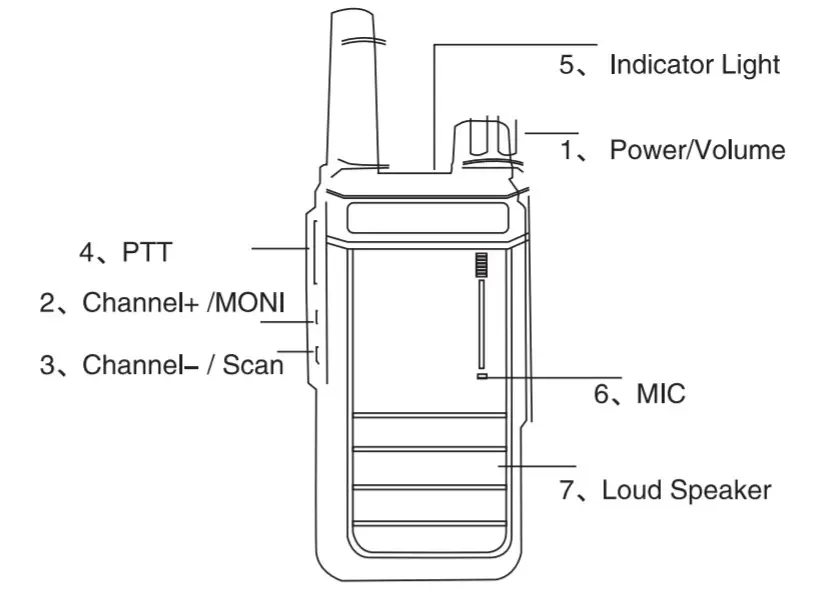 |
Power on/off
- Power on: Turn clockwise to turn on the radio. Rotate the knob to the max. for maximum volume
- Power off: Turn counterclockwise to turn off the radio.
Key function
- PTT Key: Press PTT to transmit (Red light)
- Channel + / MONI: Short press: Channel UP Long Press: MONI
- Channel – / Scan: Short press: Channel DOWN Long Press: SCAN
Indicator Light
- Standby status: green light flashes every 7-8 seconds
- Transmitting status: RED
- Receiving status: GREEN
Low Battery Alert
There is a voice prompt
‘Change battery’ every 15 seconds to alert to charge or replace the battery.
English/Chinese Language Switch
Select to be Channel 1, power off then long-press KEY 3[Channel -/Scan] + Power on to turn on the radio, till voice prompt to finish language switching.
Time out Timer(TOTJ
Prevent a user from using a channel for too long.
Set via PC programming software. 15s/the 30s…600s, 15s difference each level.
If you continuously transmit over the TOT time you set, the radio will stop transmitting. Release PTT and press PTT again to recover transmit.
Frequency Hopping
Voice encryption for each channel. This function can be set via PC programming software.
Notes:
- Options: ON/OFF. (Set via PC programming software.)
- Tum on this function, other radio couldn’t receive your signal.
- No matter which option CTCSS/DCS/OFF for CTCSS/DCS encode, CTCSS/DCS decode setting, as long as tum on
Frequency Hopping will start to active this function to achieve voice encryption.
Scan
Long Press key 3[channel -/Scan] till green light continuously flash to active Scan function.
Long press key 3 or PTT key to exit.
CTCSS/DCS Set via PC programming software.
CTCSS
| 1 | 67.0 | 11 | 95. | 21 | 132. | 31 | 186. |
| 2 | 69. | 12 | 97. | 22 | 137. | 32 | 193. |
| 3 | 72. | 13 | 100.0 | 23 | 141. | 33 | 204. |
| 4 | 74. | 14 | 104. | 24 | 146. | 34 | 211. |
| 5 | 77.0 | 15 | 1072 | 25 | 151. | 35 | 218. |
| 6 | 80. | 16 | 111. | 26 | 157. | 36 | 226. |
| 7 | 83. | 17 | 115. | 27 | 162. | 37 | 234. |
| 8 | 85. | 18 | 119. | 28 | 168. | 38 | 242. |
| 9 | 89. | 19 | 123.0 | 29 | 174. | 39 | 250. |
| 10 | 92. | 20 | 127. | 30 | 180. | 40 | 254. |
DCS
| 1 | 023N | 23 | 152N | 45 | 343N | 67 | 606N |
| 2 | 025N | 24 | 155N | 46 | 346N | 68 | 612N |
| 3 | 026N | 25 | 156N | 47 | 351N | 69 | 624N |
| 4 | 031N | 26 | 162N | 48 | 364N | 70 | 627N |
| 5 | 032N | 27 | 165N | 49 | 365N | 71 | 631N |
| 6 | 043N | 28 | 172N | 50 | 371N | 72 | 632N |
| 7 | 047N | 29 | 174N | 51 | 411N | 73 | 654N |
| 8 | 051N | 30 | 205N | 52 | 412N | 74 | 662N |
| 9 | 054N | 31 | 223N | 53 | 413N | 75 | 664N |
| 10 | 065N | 32 | 226N | 54 | 423N | 76 | 703N |
| 11 | 071N | 33 | 243N | 55 | 431N | 77 | 712N |
| 12 | 072N | 34 | 244N | 56 | 432N | 78 | 723N |
| 13 | 073N | 35 | 245N | 57 | 445N | 79 | 731N |
| 14 | 074N | 36 | 251N | 58 | 464N | 80 | 732N |
| 15 | 114N | 37 | 261N | 59 | 465N | 81 | 734N |
| 16 | 115N | 38 | 263N | 60 | 466N | 82 | 743N |
| 17 | 116N | 39 | 265N | 61 | 503N | 83 | 754N |
| 18 | 125N | 40 | 271N | 62 | 506N | 84 | |
| 19 | 131N | 41 | 306N | 63 | 516N | 85 | |
| 20 | 132N | 42 | 311N | 64 | 532N | 86 | |
| 21 | 134N | 43 | 315N | 65 | 546N | 87 | |
| 22 | 143N | 44 | 331NI | 66 | 565N |
FCC Compliance Statements:
This device complies with part 15 of the FCC Rules.
Operation is subject to the following two conditions:
- This device may not cause harmful interference, and
- this device must accept any interference received, including interference that may cause undesired operation.
Changes or modifications not expressly approved by the party responsible for compliance could void the user’s authority to operate the equipment.
Note: This equipment has been tested and found to comply with the limits for a Class B digital device, pursuant to part 15 of the FCC Rules. These limits are designed to provide reasonable protection against harmful interference in a residential installation. This equipment generates, uses and can radiate radio frequency energy and, if not installed and used in accordance with the instructions, may cause harmful interference to radio communications. However, there is no guarantee that interference will not occur in a particular installation. If this equipment does cause harmful interference to radio or television reception, which can be determined by turning the equipment off and on, the user is encouraged to try to correct the interference by one or more of the following measures:
- Reorient or relocate the receiving antenna.
- Increase the separation between the equipment and receiver.
- Connect the equipment into an outlet on a circuit different from that to which the receiver is connected.
- Consult the dealer or an experienced radio/TV technician for help.
Frequency List:
| No. | Frequency List | No. | Frequency List | No. | Frequency List |
| 1 | 463. | 8 | 468. | 15 | 462.5500 |
| 2 | 463. | 9 | 468. | 16 | 462.5750 |
| 3 | 463. | 10 | 468. | 17 | 462.6000 |
| 4 | 463. | 11 | 468. | 18 | 462.6250 |
| 5 | 463. | 12 | 468. | 19 | 462.6500 |
| 6 | 463. | 13 | 468. | 20 | 462.6750 |
| 7 | 463. | 14 | 468. | 21 | 462.7000 |
| – | 22 | 462.7250 | |||
| Note: 467 MHz interstitial channels must not exceed 0.5 Watt. | |||||
This device complies with FCC radiation exposure limits set forth for an uncontrolled environment. Do not use this device when the antenna shows obvious damages.
Hold this transmitter approximately 25mm away from your face and speak normally with the antenna pointed up and away. Use the supplied belt clip for body-worn configuration as other accessories may not comply to the limits.
WARNING: MODIFICATION OF THIS DEVICE TO RECEIVE CELLULAR RADIOTELEPHONE SERVICE SIGNALS IS PROHIBITED UNDER FCC RULES AND FEDERAL LAW.
Licensing Information:
Use our radio in the USA is subject to the rules & regulations of the FCC. Changes or modifications not expressly approved by our may void the user authority granted by the FCC to operate this radio and should not be made. To comply with FCC requirements, transmitter adjustments should be made only by or under the supervision of a person certified as technically qualified to perform transmitter maintenance and repairs in the private land mobile and fixed services as certified by an organization representative of the user of those services. Replacement of any transmitter component (crystal, semiconductor, etc) not authorized by the FCC equipment authorization for this radio could violate FCC rules.
Note: The use of this radio outside the country where it was intended to be distributed is subject to government regulations and may be prohibited.
Important: Any changes or modifications not expressly approved by the party responsible for compliance could void the user’s authority to operate this device. Your radio is set up to transmit a regulated signal on an assigned frequency. It is against the law to alter or adjust the settings inside the radio to exceed those limitations. Any adjustments to your radio must be made by qualified technicians.