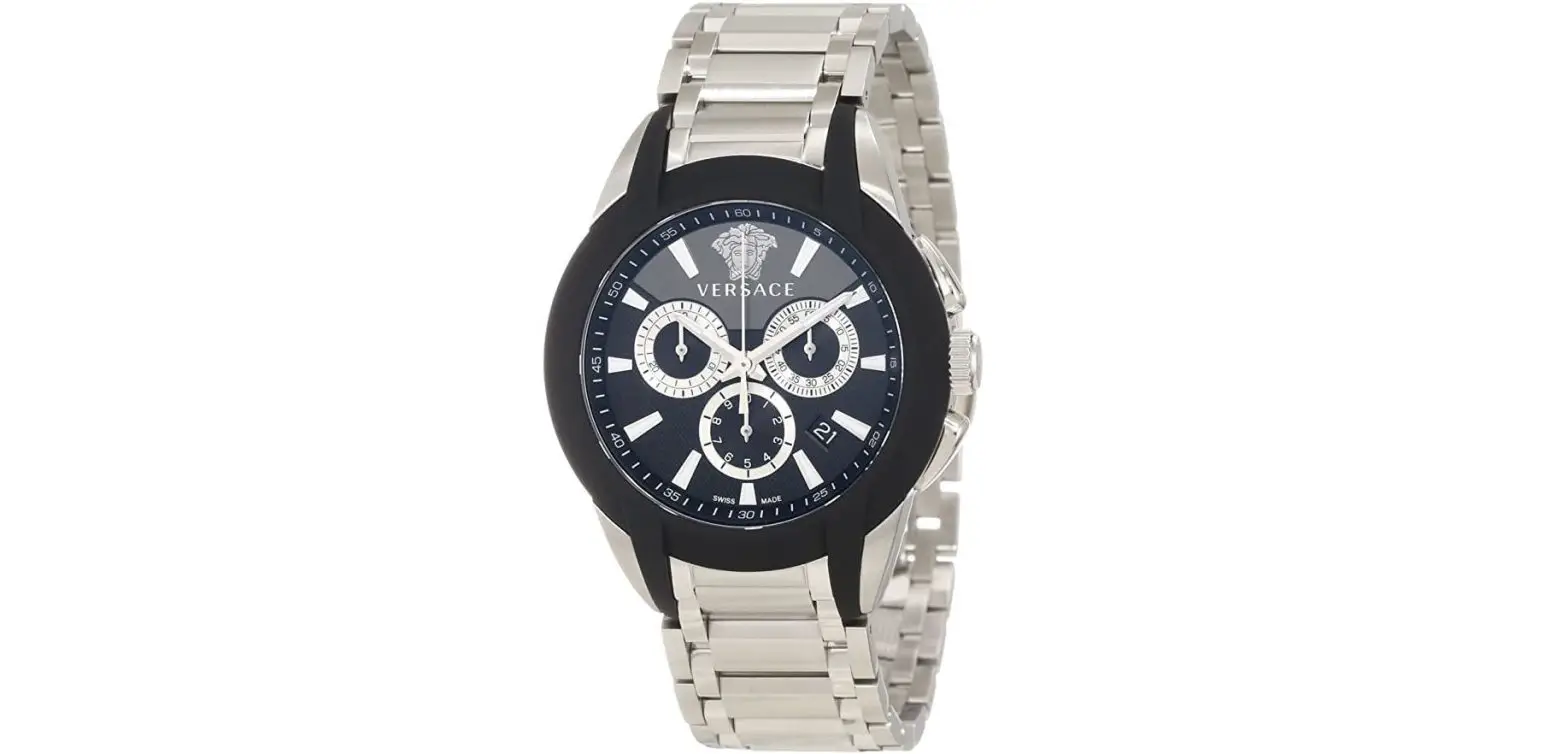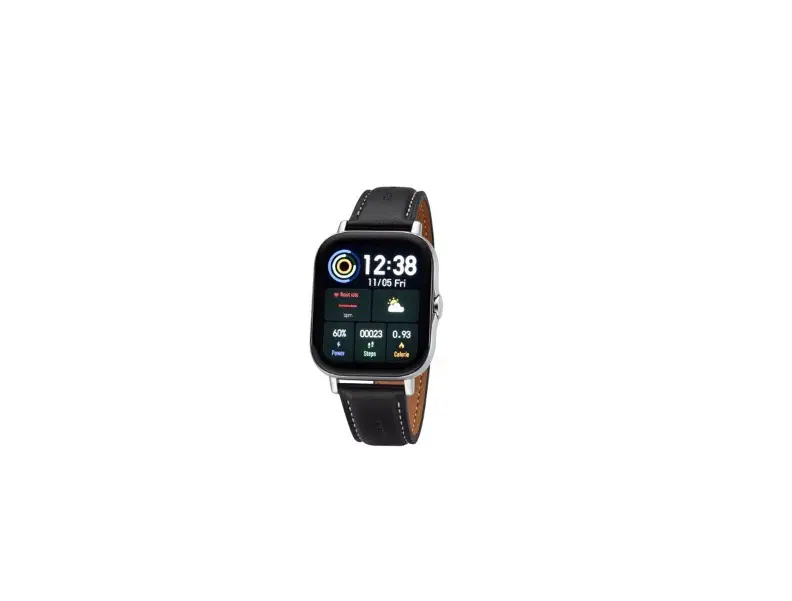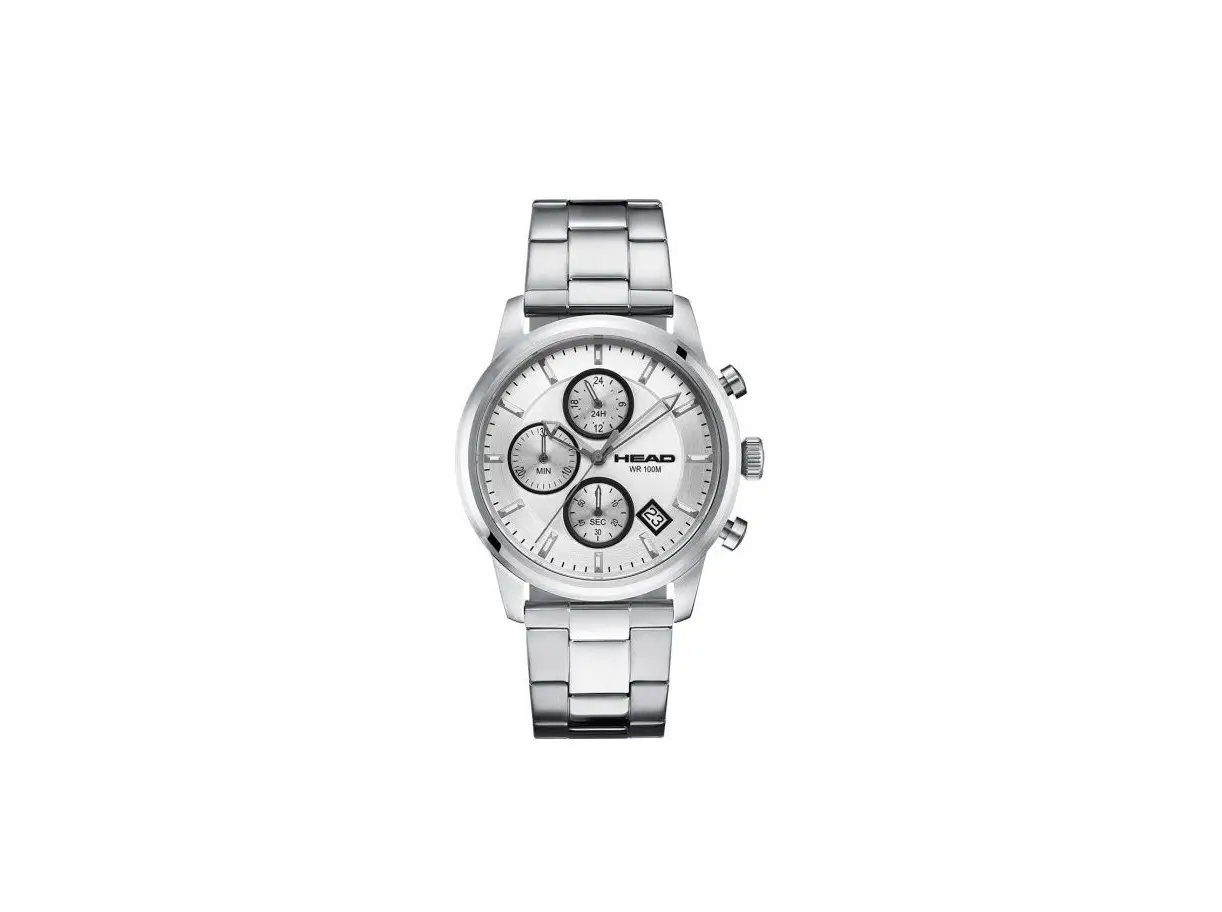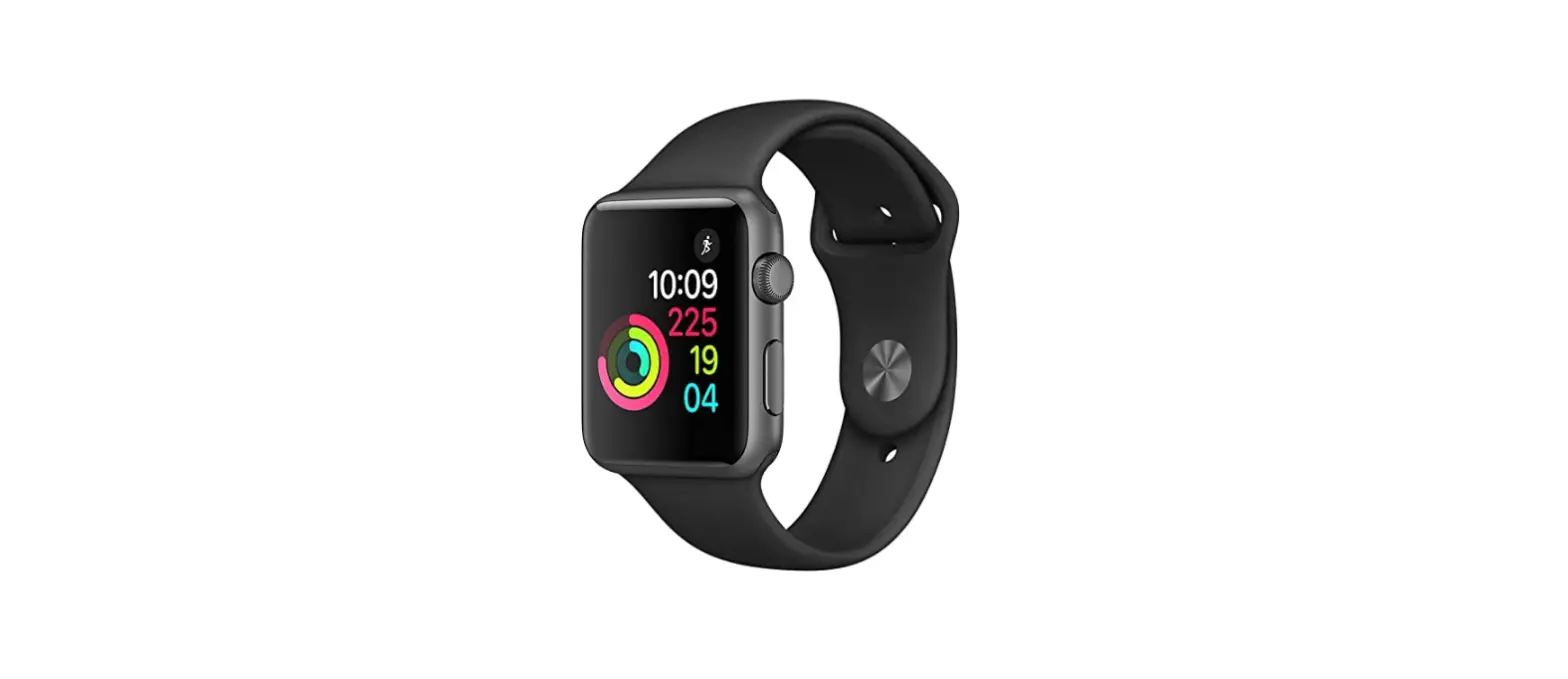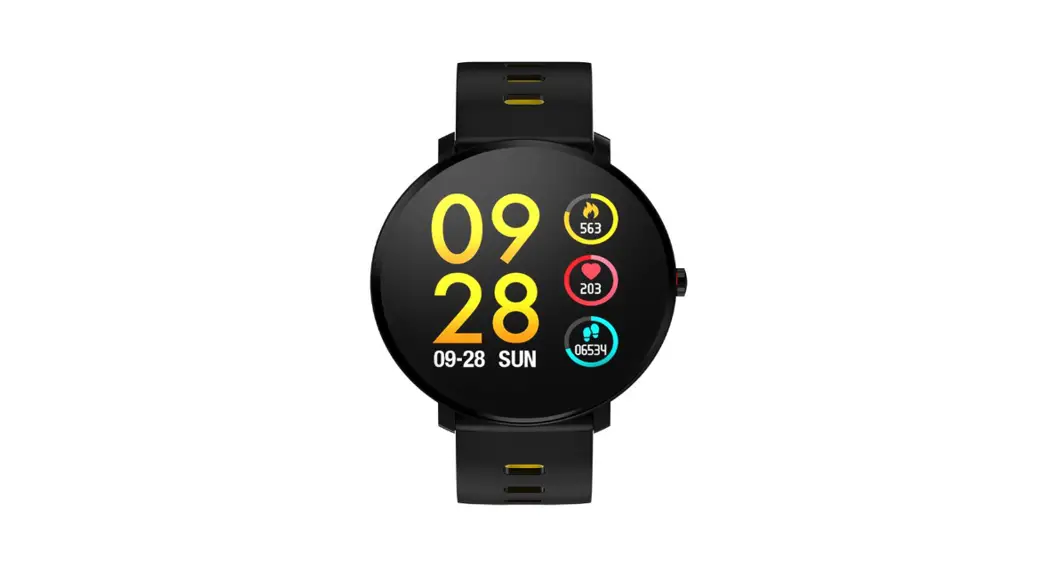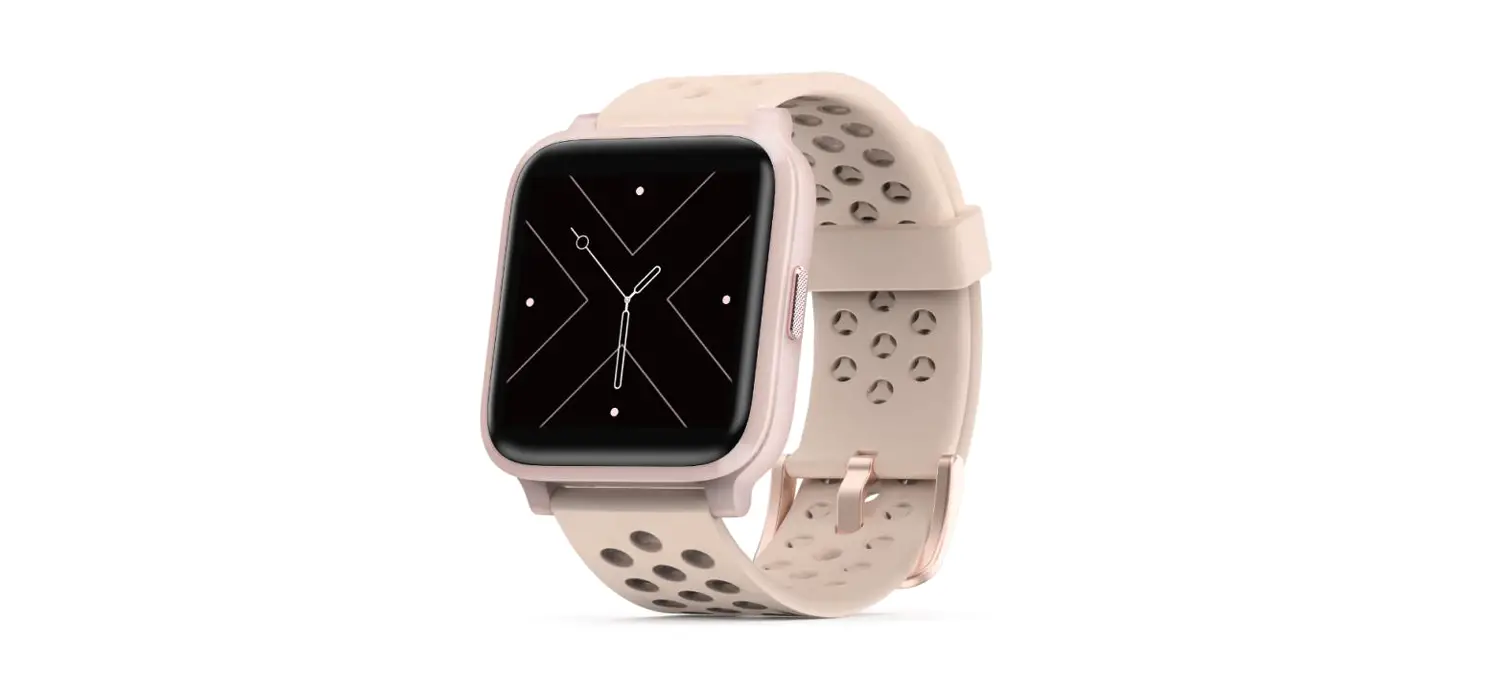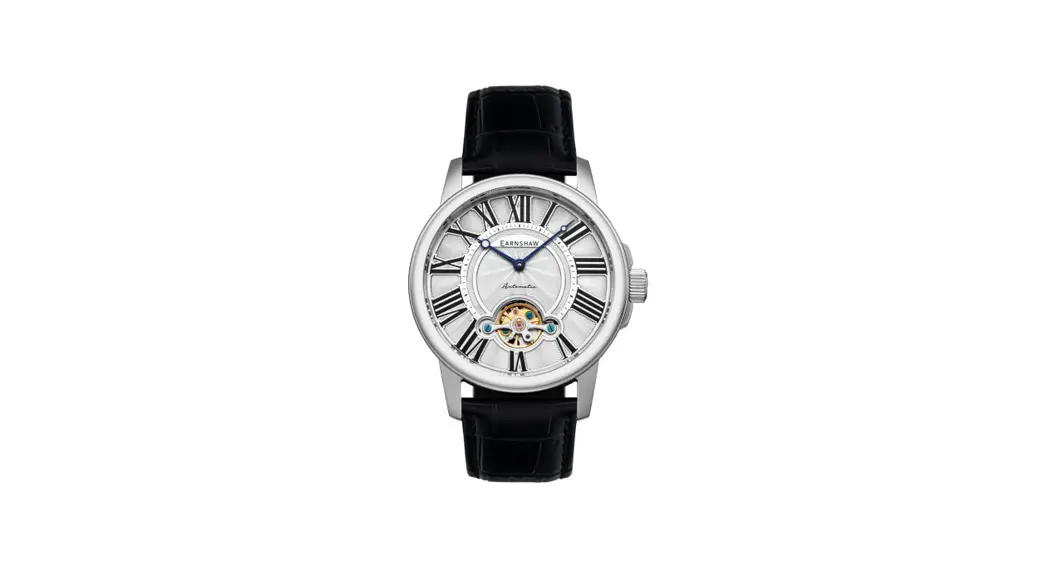

HEAD 3 Press Hand Watch
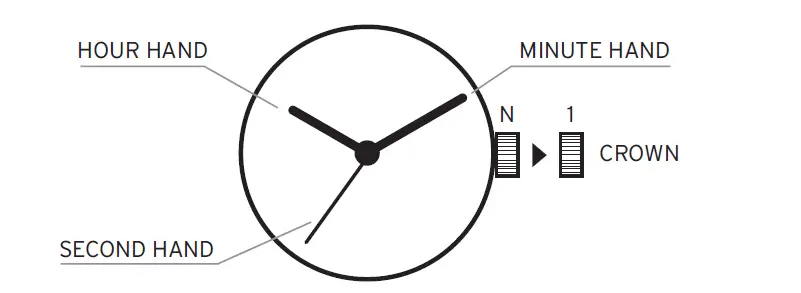
Overview
How to set time
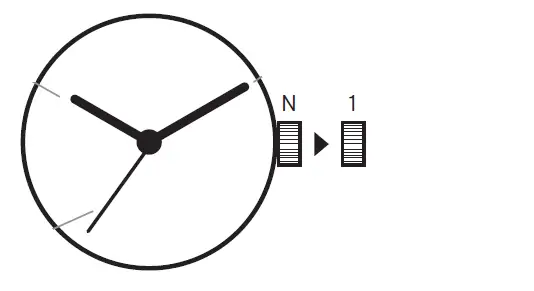
- Pull the crown out to the first click position when the second hand is at the 12 o‘clock position.
- Turn the crown to set the hour and minute hands.
- When the crown is pushed back to the normal position, the second hand starts moving.
Power depletion warning function
When the battery is nearing the end, the second hand will move at two-second intervals instead of the normal one-second intervals. In this case, have the battery replaced with a new one as soon as possible. The watch will remain accurate while the secondhand moves at two-second intervals.
Note: The availability of this function varies depending on the caliber.