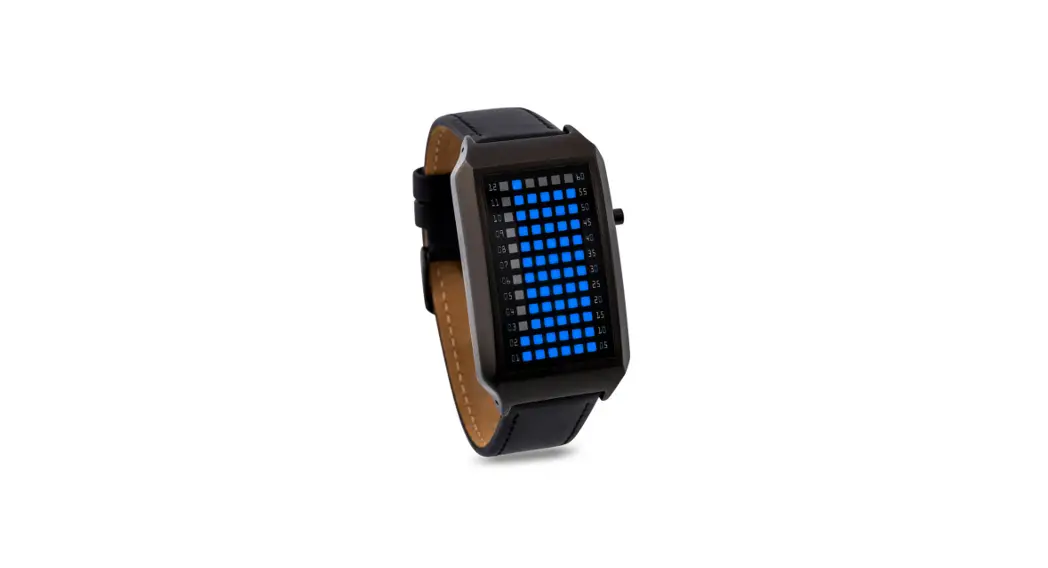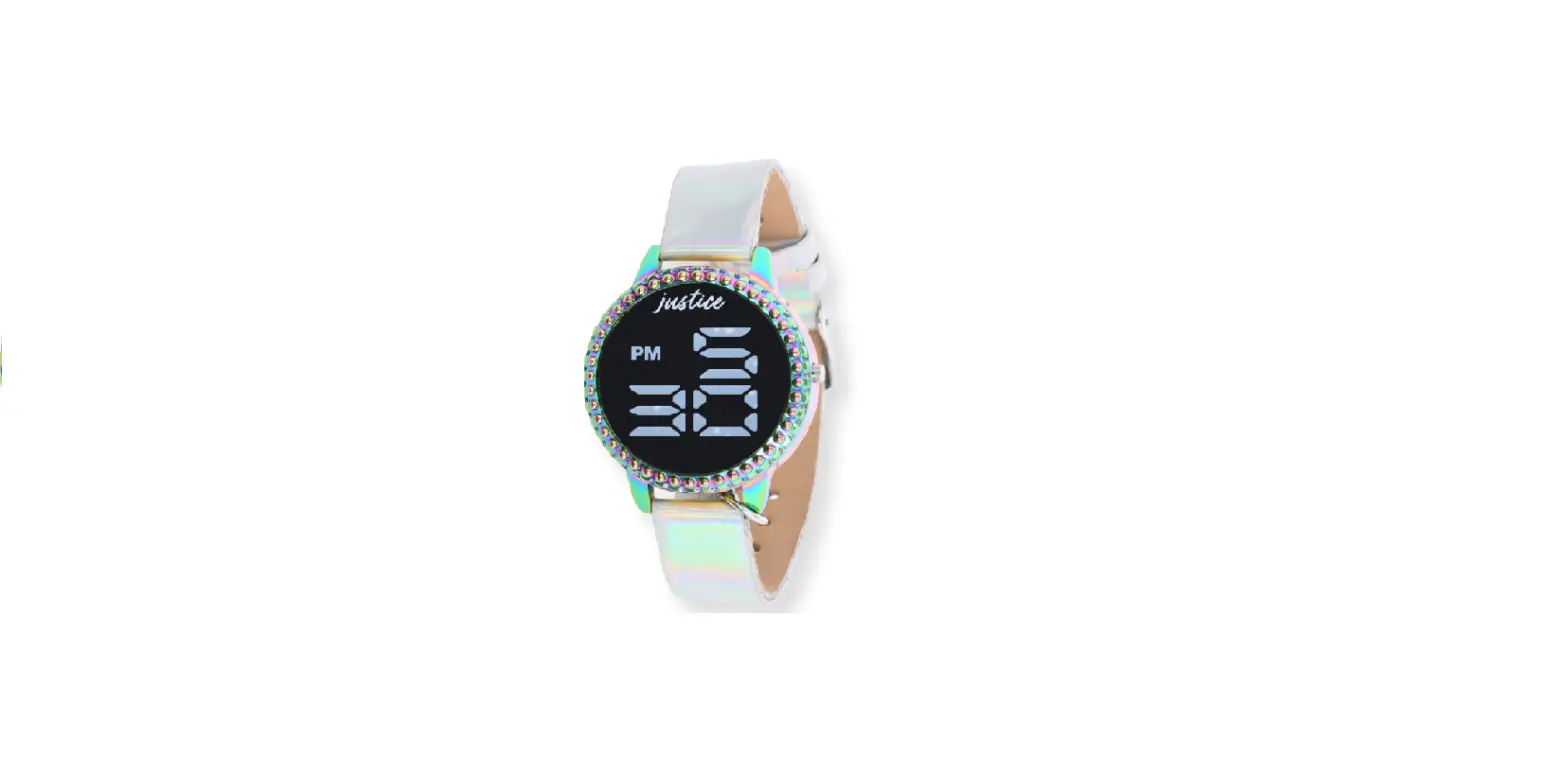

Justice JSE40062WM LED Watch
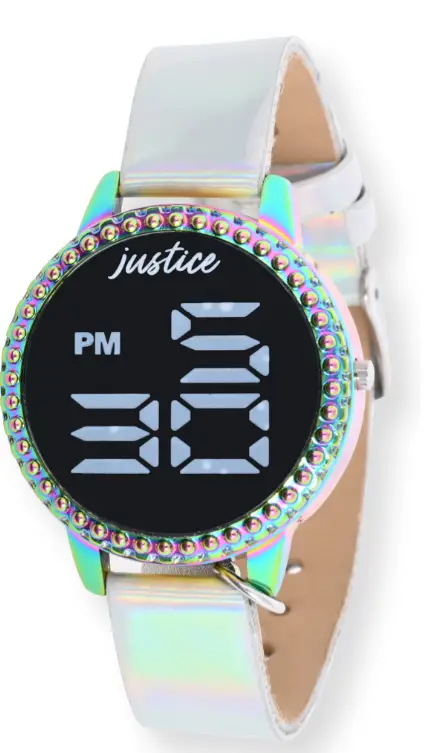
LED Watch Instructions
Function
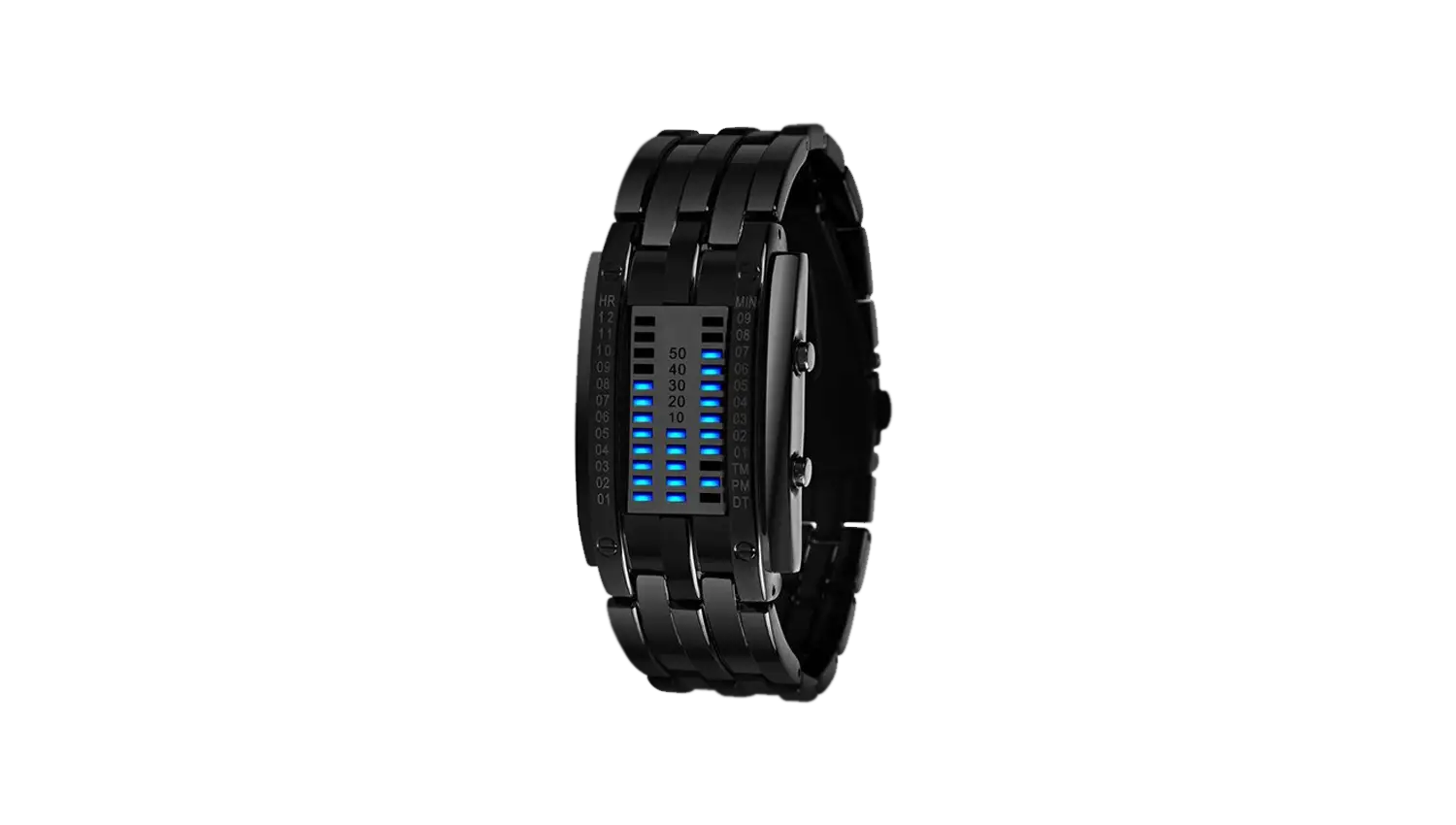
- Under normal time display mode,
- LED watch show: Hours, Minutes
- Can set: Years, Months, Dates.
- perate push button
Setting the Time and Date
- Push button one time, will show hour, minute.
- Push button for 2 seconds, the watch will enter setting mode.
- Push the button for 2 second, setting Hours, morning means “A”, afternoon means “P”
- Push button for 2 second,setting Minute
- Push button for 2 second, setting Year
- Push button for 2 second, setting Month
- Push button for 2 second, setting Date
When finish the setting mode, no push button for 2 seconds, will become the time display mode will become standby mode after 2 seconds
Battery:1 X Maxell CR2016(3V)
- DO NOT MIX OLD AND NEW BATTERIES
- DO NOT MIX ALKAUNE,STANDARD(CARBON-ZINC)
- OR RECHARGEABLE(NICKEL-CADMIUM)BATTERIES.
- DO NOT IMMERSE IN WATER
- DO NOT WEAR IF CASEBACK IS MISSING OR
DISASSEMBLED
Removing the Band from Your Watch:
Lay your watch with the face down (preferably on a cloth to prevent scratching your watch)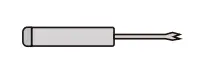
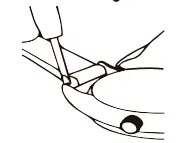
You will need a sharp point or “spring bar tool” to perform the following steps.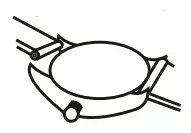
Changing Your Strap on your Watch:
- Insert the sharp point between the strap and watch lug to release the strap from case.

- Once the spring bar is detached you can remove your strap. To reattach, depress the spring bar and insert into hole on the inside of the watch case lug.