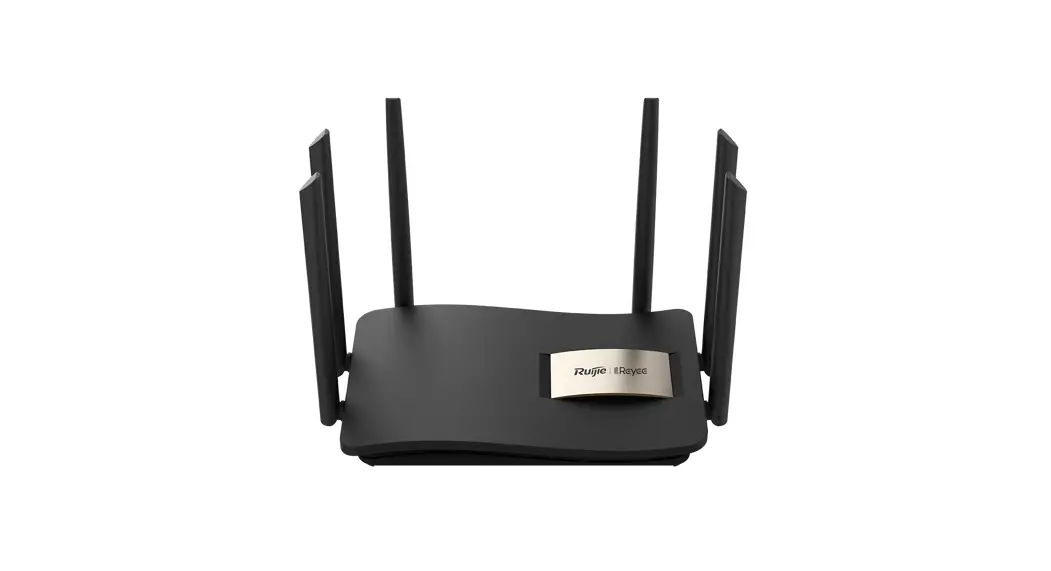
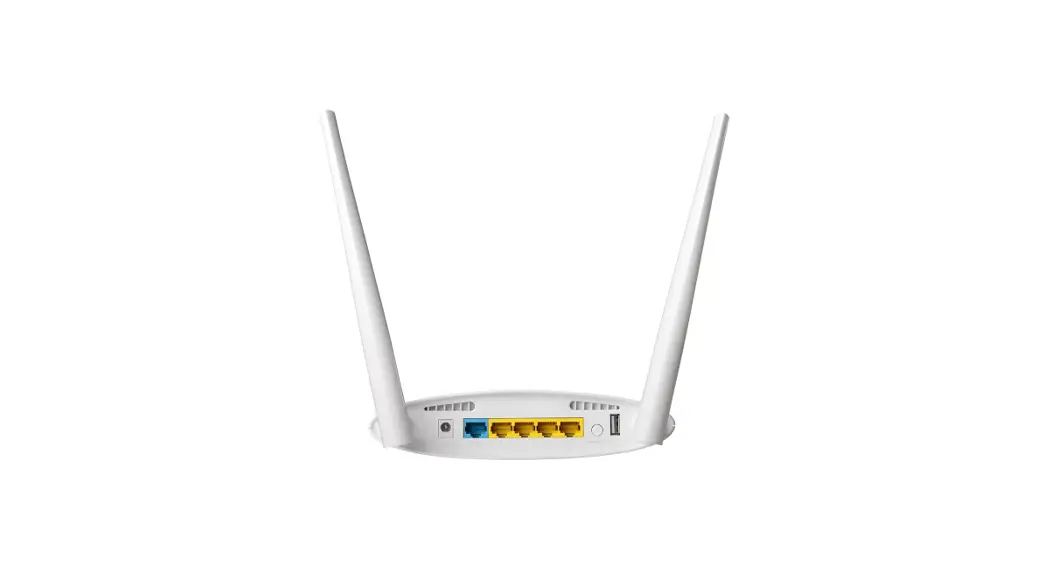
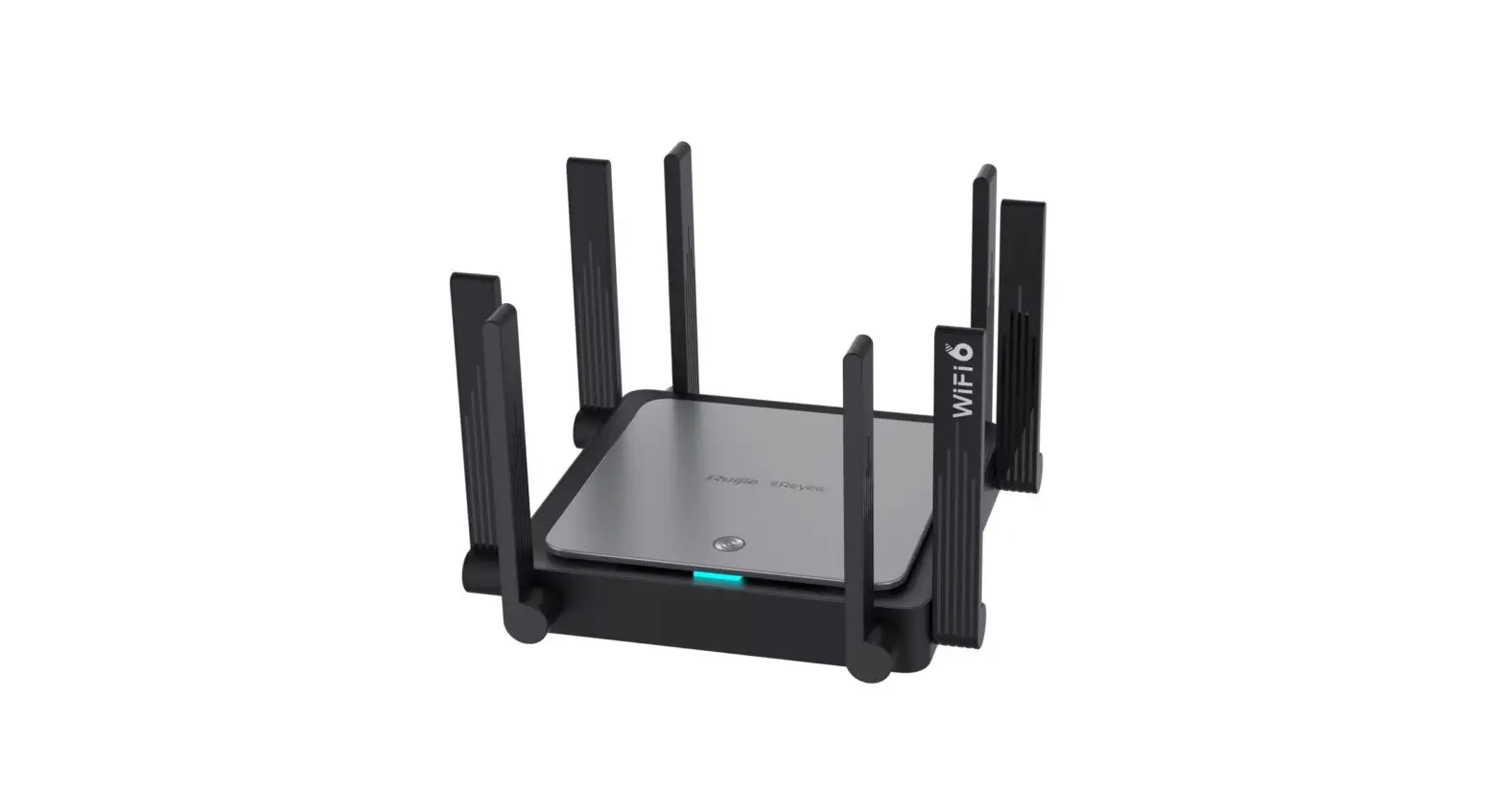
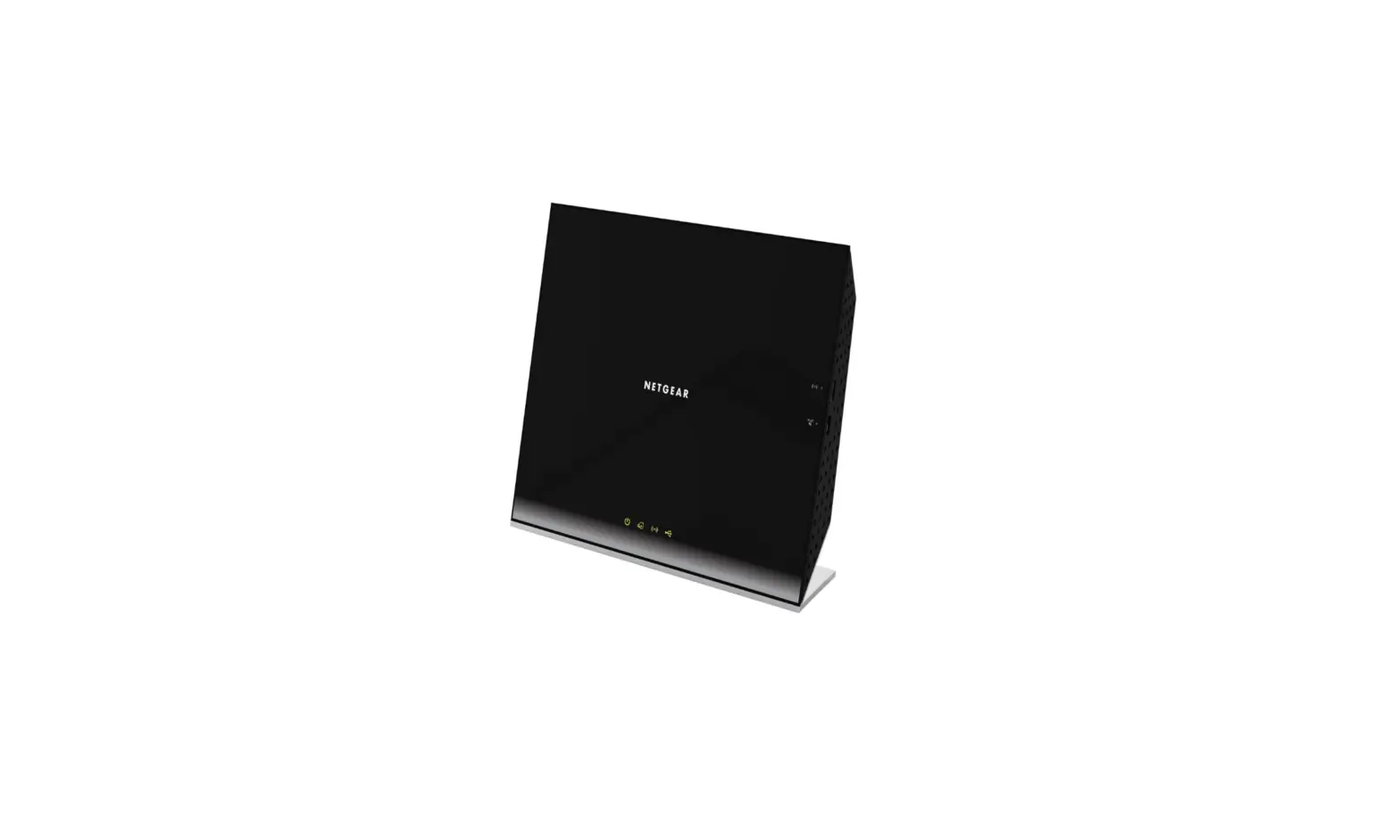
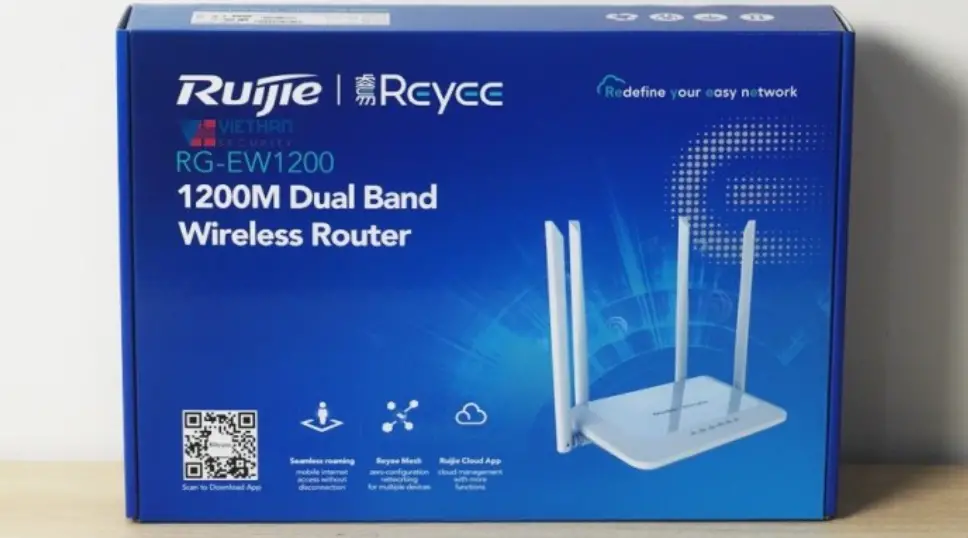
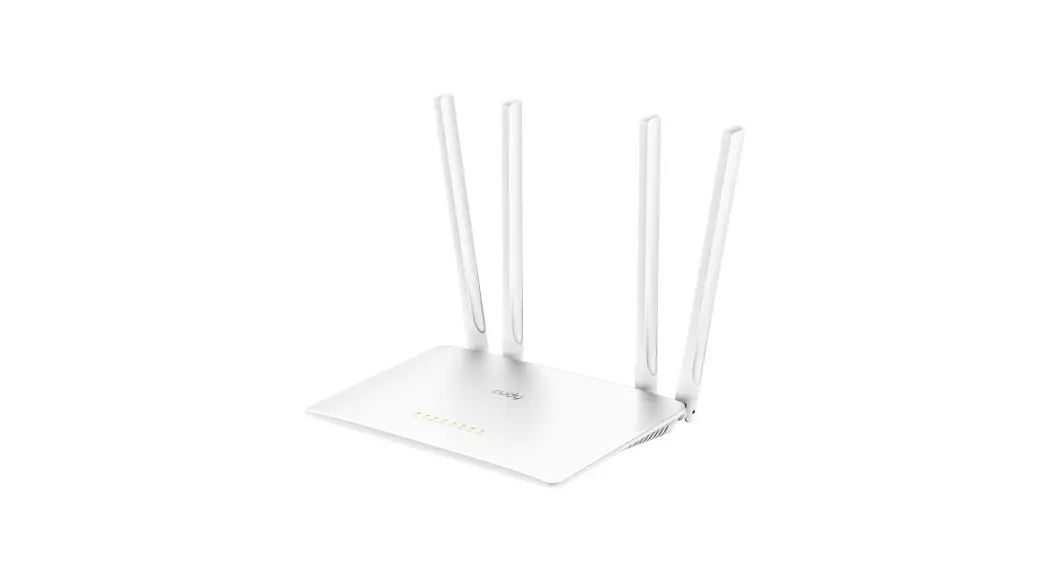
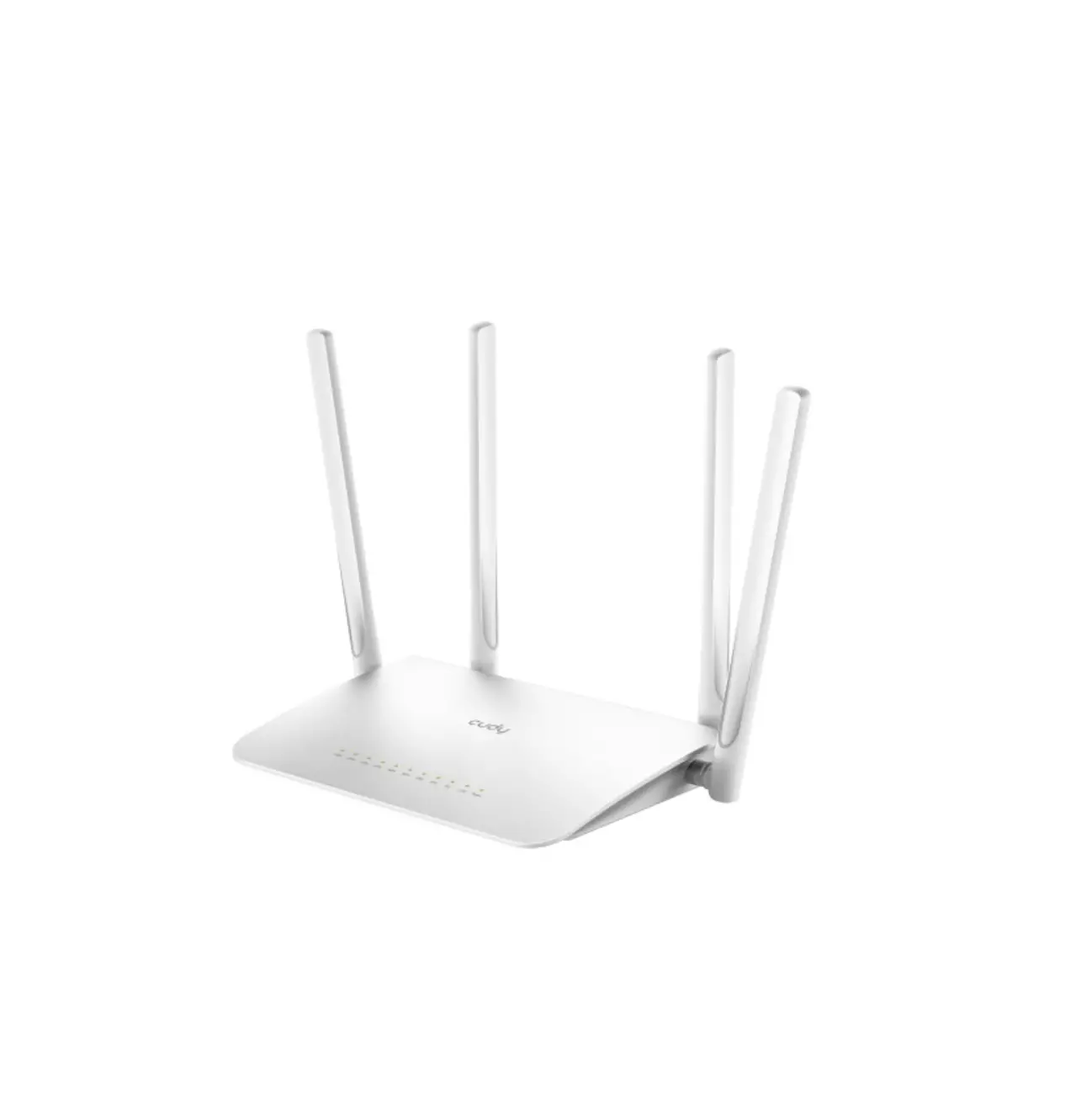
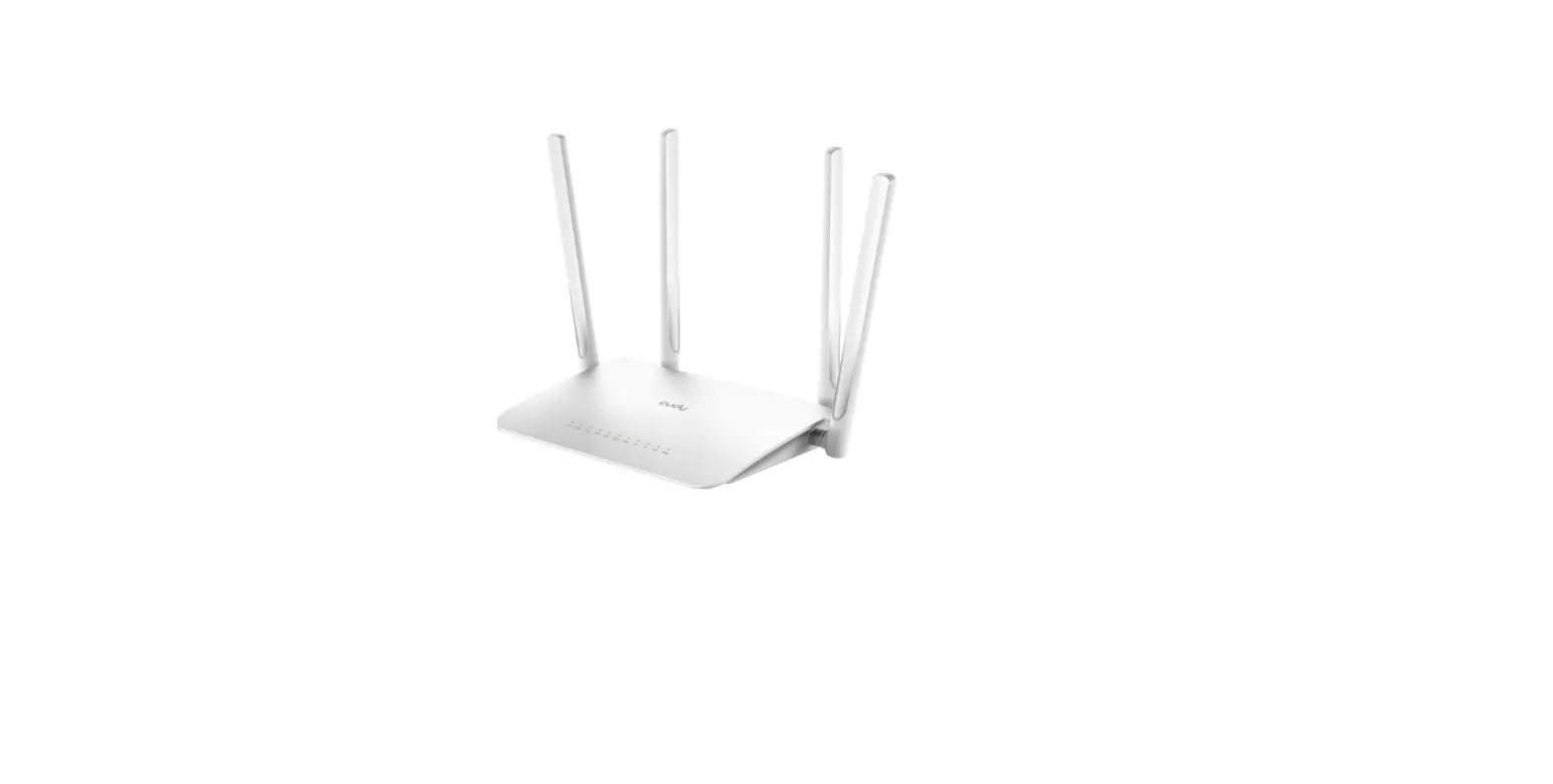
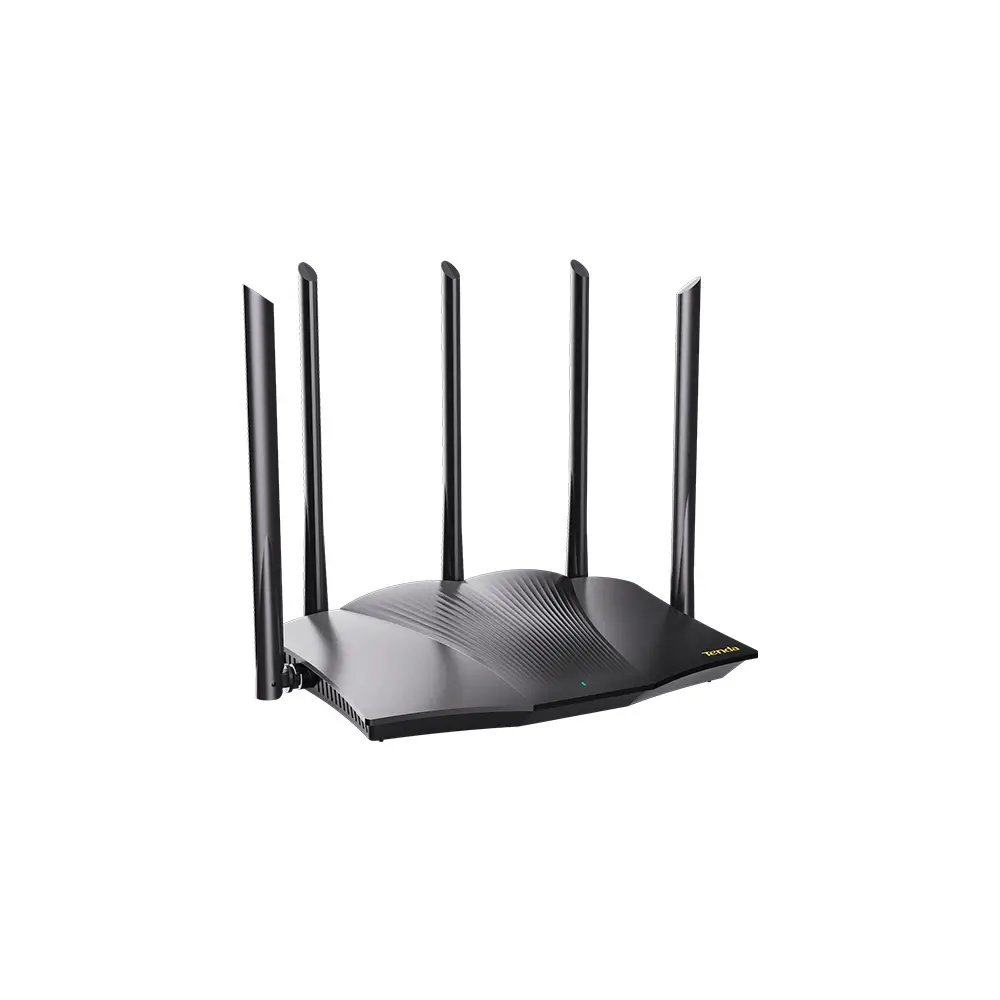
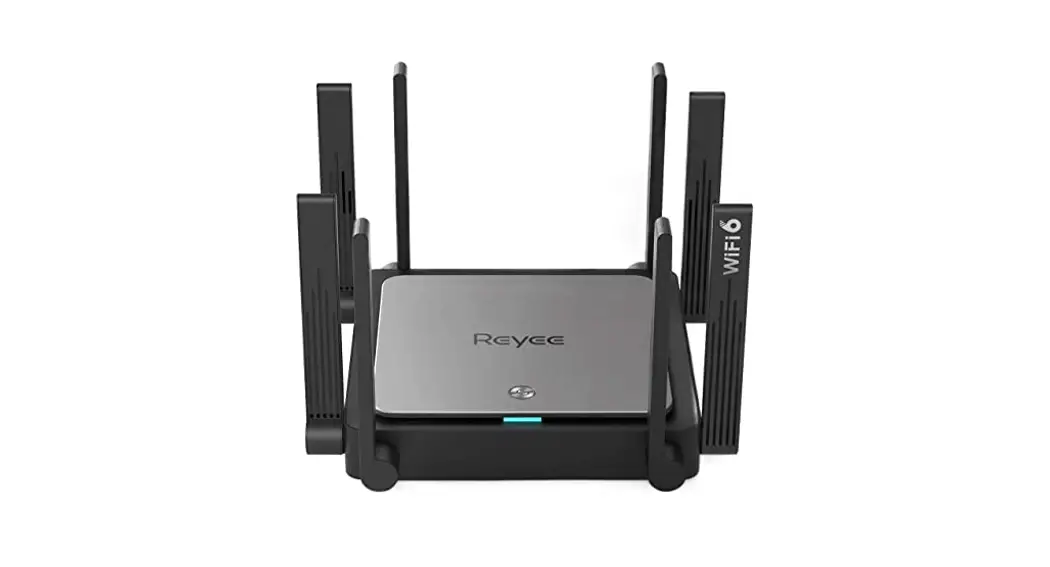
RG-EW1200 Dual-Band Wireless Router
Product Information
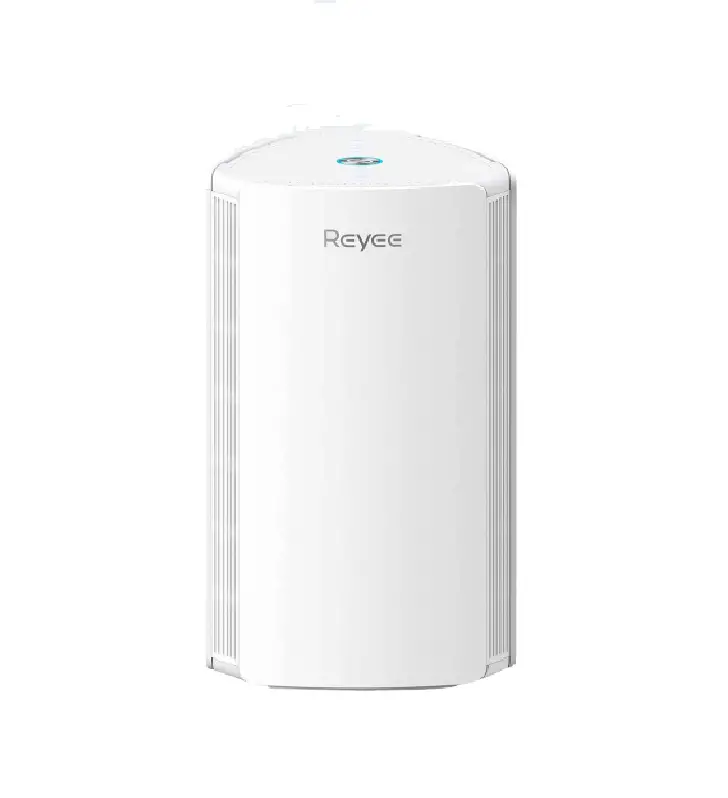
The product consists of a main router and a secondary router. It
has a total of 43 steps for configuration and setup.
Product Usage Instructions
- Start by connecting the main router to your internet source
using an Ethernet cable. - Connect the secondary router to the main router using another
Ethernet cable. - Make sure both routers are powered on and have a stable
internet connection. - Follow steps 6 to 43 in sequential order to configure the
routers. - If step 13 is mentioned, please ensure you follow the
instructions provided. - Once the configuration is complete, check if the message
“Konfiguration erfolgreich” (Configuration successful) is displayed
on the screen.
Note: The above instructions are a summary. Please refer to the
complete user manual for detailed step-by-step instructions.
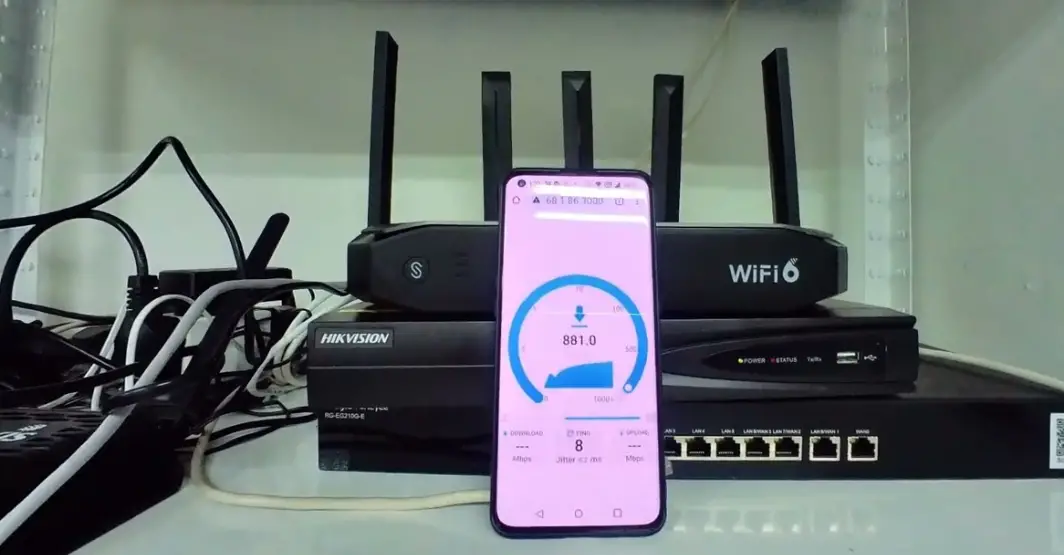
MAIN ROUTER
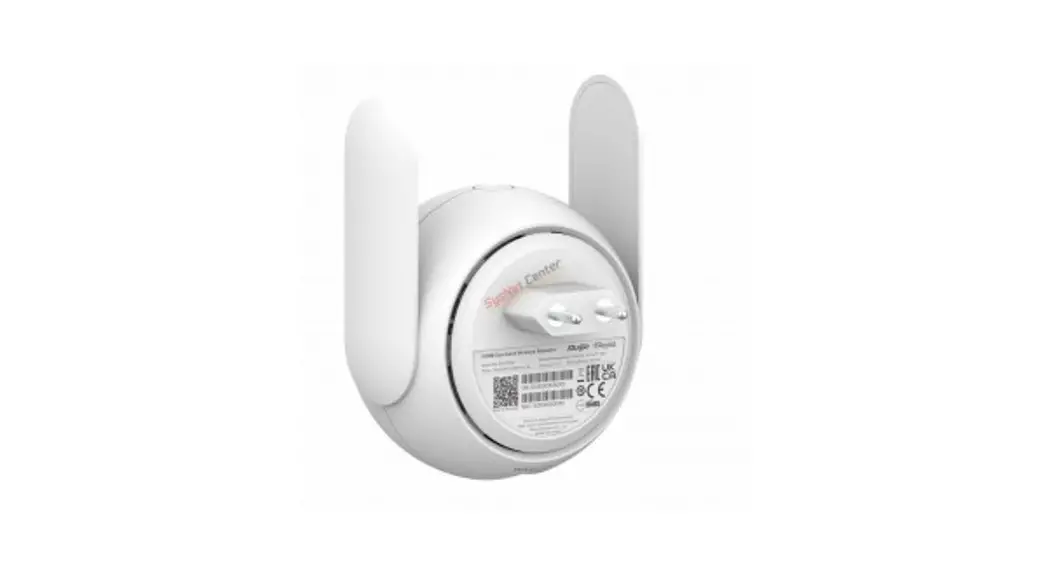
Secondary Router
6
7
8
9
10
11
12
harap 13
14
15
16
17
18
19
20
21
22
23
24
25
26
Schnelle Konfiguration Konfiguration erfolgreich
27
28
29
30
31
32
33
34
35
36
37
38
39
40
41
42
43