MS500 Digital Otoscope
ANYKIT MS500 A11V1 3.06.02.000304
Product Manual
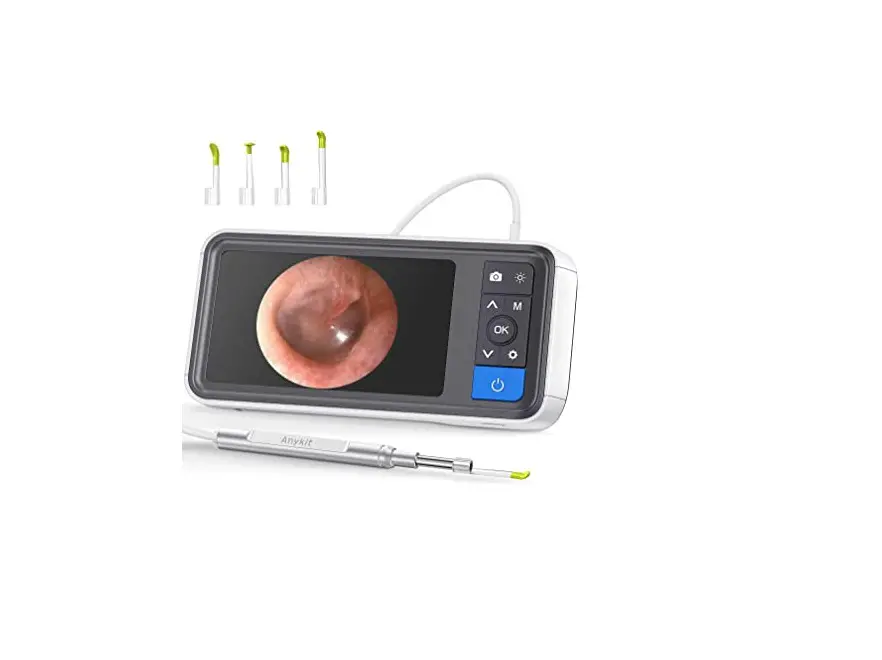
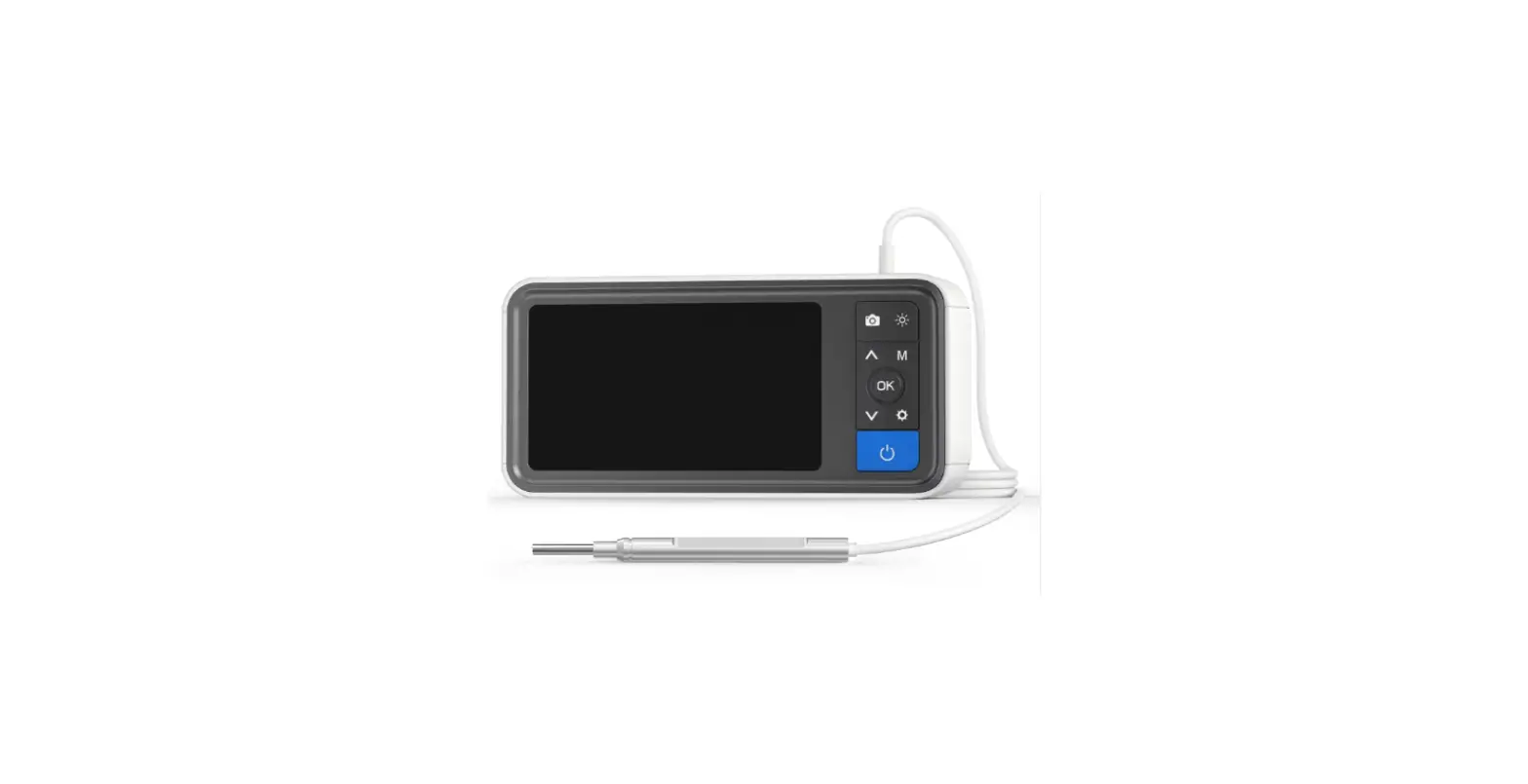
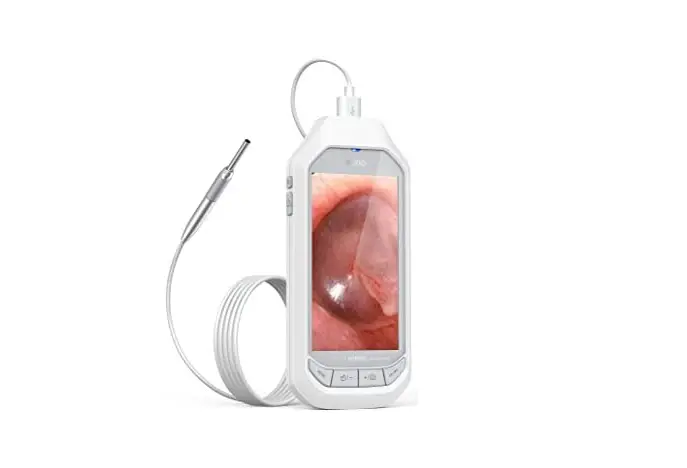
The ANYKIT MS500 A11V1 is a high-performance otoscope that
features a 5.0-inch high definition color IPS screen. It is
ergonomically designed so that users can control the main buttons
with just one hand. The snapshot and recording functions are
supported, and photos and videos can be saved on a TF memory card
(Micro-SD card).
WARNING:
This device is not intended for medical treatment. Contact your
doctor immediately if you experience any discomfort.
Safety and Maintenance
Make sure you disinfect the adapter. Clean the surface of the
device with 75% medical alcohol before contacting with the skin.
Disinfect the adapters with saturated steam for 10 minutes at 134
or 273.
This appliance is not suitable for people with limited physical,
sensory, or mental capabilities. Keep bystanders and children away
while operating the tool.
Battery Description
Please use a 5V household charger that meets the safety
regulations to charge this device. This device does not support PD
charger. This device can work while charging. If you do not use the
device for a long time, please ensure that it is charged at least
once every 3 months to prevent irreparable damage caused by
excessive battery discharge.
Functions
The ANYKIT MS500 A11V1 features the following functions:
- Camera probe connector
- Snap button: Photo taking/Start video recording/End video
recording - Light control button: To adjust the LED’s brightness of the
camera - Up and down selection button/Left and right mirror image
- Mode switch button: switch between three function modes: Photo
taking, video recording, and playback - Enter button: Confirm selection/freeze screen
- Settings button: enter/exit settings menu
- Power button: Press and hold the Power button to turn
ON/OFF - TF card slot
- Charging port
- Speaker
- Installation hole of Screen bracket
- Reset button
- Microphone
Instructions
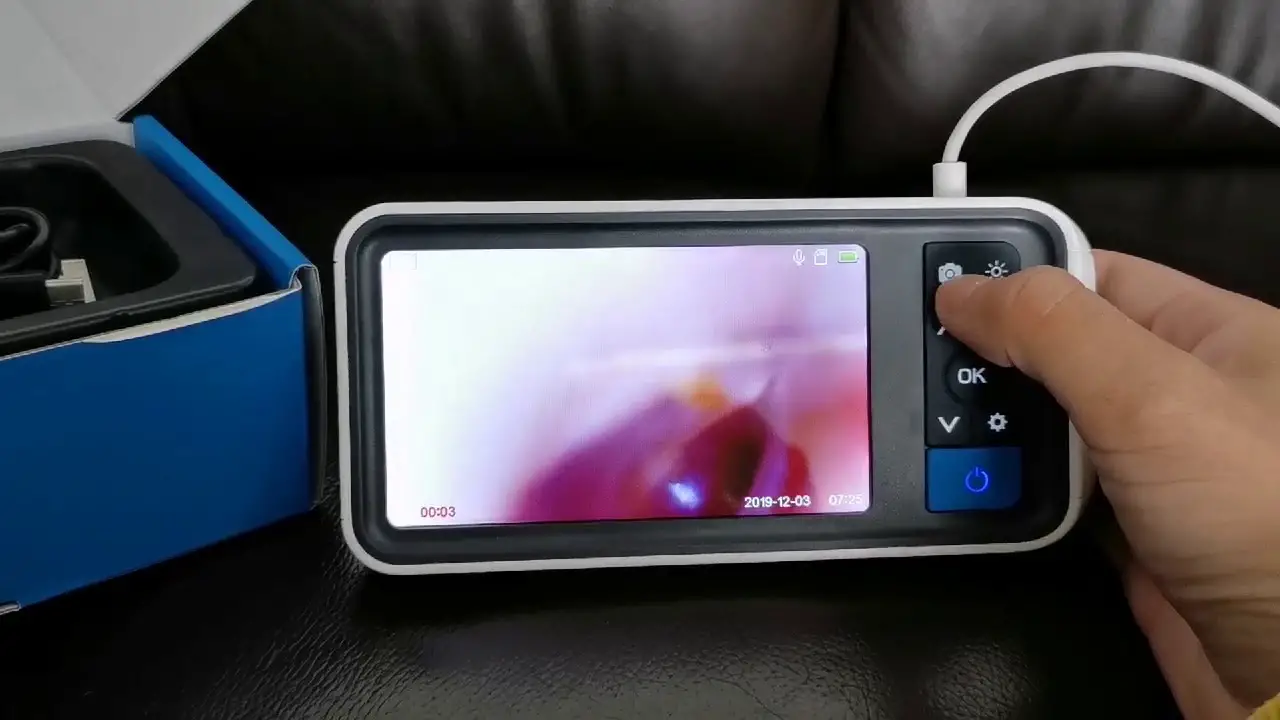
To turn on/off the device, long-press the power button. The
device is equipped with a TF memory card (inserted), which can be
ejected by gently pressing it.
Notices:
- The ear canal is not perfectly straight, so gently adjust the
position of the otoscope to view your ear drum clearly. - Please adjust the brightness of the LED lights when using this
otoscope to prevent glare. - The focal length of the camera is fixed at 1.5-3cm or 1.0-inch.
Please adjust the distance between the camera lens and your ear to
get focused if you can not see the image clearly. - Plug in the Type-C charging cable to charge.
- Note: Connect the camera probe before turning on the device.
Restart the device after replacing the camera probe.
Insert TF card
Power off the device before inserting the TF card. Make sure the
direction and the front and back sides are correct when inserting
the TF card. Do not use excessive force when inserting or removing
the TF card to prevent damages of card slot structure.
Mode: Press M to switch the three modes: photo taking/video
recording/playback
TF card status: TF card inserted/no card
Date and time: modify the date and time in Settings menu
Language Settings
The default language is English, and the system supports
English, Chinese, German, French, Spanish, Italian, Russian, and
Japanese.
Manufacturer Service
Email: [email protected]
Phone: 1-877-888-7979 (US) (Mon-Fri 8:00 AM-5:00 PM PST)
MS500 USER MANUAL
Manufacturer Service [email protected] 1-877-888-7979 (US) (Mon-Fri 8:00 AM-5:00 PM PST)
ANYKIT MS500 A11V1 3.06.02.000304
Product Manual
MS500 is a high performance otoscope with a 5.0-inches high definition color IPS screen. It is ergonomically designed so that users can control the main buttons with just 1 hand. The snapshot and recording functions are supported, photos and videos can be saved on TF memory card (Micro-SD card).
WARNING:
· You must read the instruction manual carefully before using. · You must put the protective cover onto the otoscope before using, then
sanitize all the areas that contact the skin. · Keep out of reach of children. Children are not allowed to use this product. · Please take great care when using ear picks to clean earwax. DO NOT
insert them too far into the ear canal. · Stop using the otoscope if it overheats. · When using this product be aware of people around you. Be careful that
nobody bumps into your hand while holding the device in your ear. · Stop using this product immediately if you experience any discomfort. · This product can not replace a doctor or medical provider’s diagnosis or
treatment. Contact your doctor immediately if you experience any discomfort.
Safety and Maintenance
Make sure you disinfect the adapter. Clean the surface of the device with 75% medical alcohol before contacting with the skin. Disinfect the adapters with saturated steam for 10minutes at 134 or 273 .
-01-
This appliance is not suitable for people with limited physical , sensory or mental capabilities. Keep bystanders and children away while operating the tool.
Battery Description
Please use 5V household charger that meets the safety requlations to charge this device. This device Do not support PD charger. This device can work while charging. If you do not use the device for a long time, please ensure that it is charged at least once every 3 months to prevent irreparable damage caused by excessive battery discharge.
Functions 1 2 3 4 7 6 4 5 8
1 Camera probe connector. 2 Snap button: Photo taking/Start video recording/End video recording.
-02-
3 Light control button: To adjust the the LED’s brightness of the camera. 4 Up and down selection button/Left and right mirror image. 5 Mode switch button: switch between three function modes: Photo
taking,video recording and playback. 6 Enter button: Confirm selection/freeze screen 7 Settings button: enter/exit settings menu. 8 Power button: Press and hold the Power button to turn ON/OFF.
14
12
11
13
9 TF card slot 10 Charging port 11 Speaker
9 10
12 Installation hole of Screen bracket 13 Reset button 14 Microphone -03-
Instructions
Long press the power button to turn on/off device.
The device is equipped with a TF memory card(inserted). Gently press to eject the card.
Noties:
The ear canal is not perfectly straight, gently adjust the position of the otoscope to view your ear drum clearly.
Please adjust the brightness of the LED lights when using this otoscope to prevent glare.
The focal length of the camera is fixed at 1.5-3cm or 1.0-inch please adjust the distance between the camera lens and your ear to get focused if you can not see the image clearly.
Plug in the Type-C charging cable to charge
Note:Connect the camera probe before turning on device.Restart device after replacing the camera probe.
-04-
Insert TF card
Power off device before insert TF card. Make sure the direction and the front and back sides is correct when insert the TF card. Do not use excessive force when inserting or removing the TF card to prevent damages of card slot structure.
Mode: Press “M” to switch the three modes: photo taking/video recording/playback
TF card status: TF card inserted/no card
2021-04-12 02:32
Date and time: modify the date and time in Settings menu
-05-
Language Settings
The default language is English, and the system supports English, Chinese, German,French, Spanish, Italian, Russian, and Japanese.
Setting path: Press the button twice to enter setting page. Select second item(Language)on settings page. Press up an d down keys to select the language you need. Press to save your choice.
Photo taking/Video recording/Playback
Press to switch to the photo taking or video recording mode, and press to take a photo or start recording.
Press to switch to playback mode,
press
to select photo or video to
view,and press to delete photo or video.
Copy photo and video files to computer
Card reader or
Type-c date cable
You can use a TF card reader to copy data directly or use a type-C cable to connect to a computer for copying.
Please pull out probe camera first before using Type-C cable.
-06-
-07-
Specification Parameters
Screen Screen Screen resolution(Pixels) Snapshot resolution(Pixel) Video Recording resolution(Pixel) Port
5.0-inches IPS HD Display 854×480 1920×1080 1280×720 Type-C charging port,TF memory card slot
Camera Diameter Viewing angle Depth of Field Light Source
3.9mm or optional 70° 15mm-30mm 6 adjustable high-intensity LEDs
Others Operating Temperature Power Source Max battery life
Charging time
32°F to 113°F (0°C to 45°C) 2500mAh Lithium Battery about 3.5~4 hours about 3 hours
Packaging Monitor user manual
Otoscope Screen Bracket
Type-C charging cable Accessories-Specula, Ear-pick
-08-