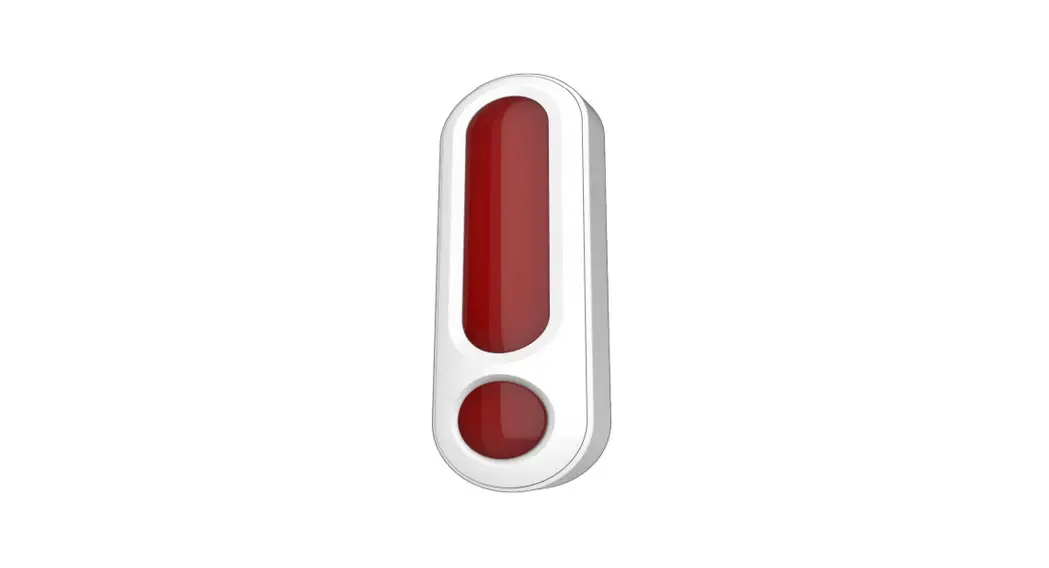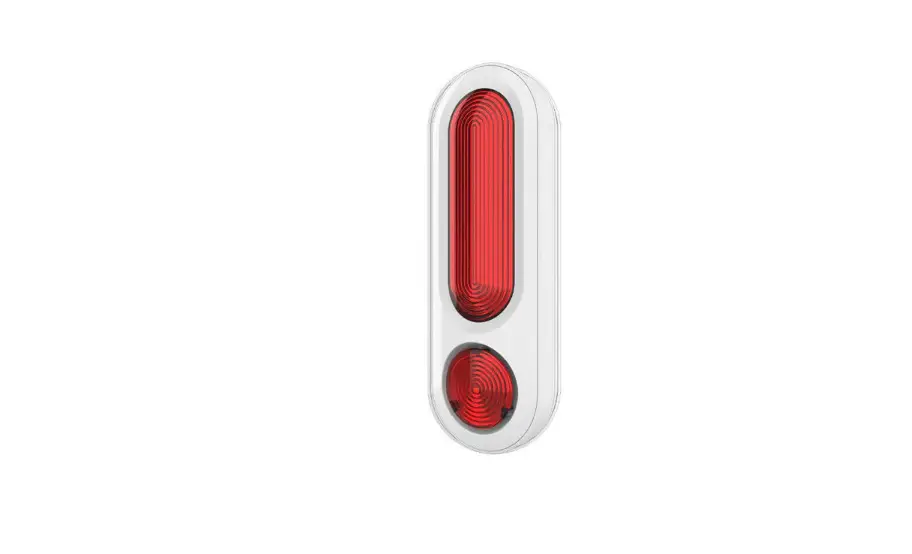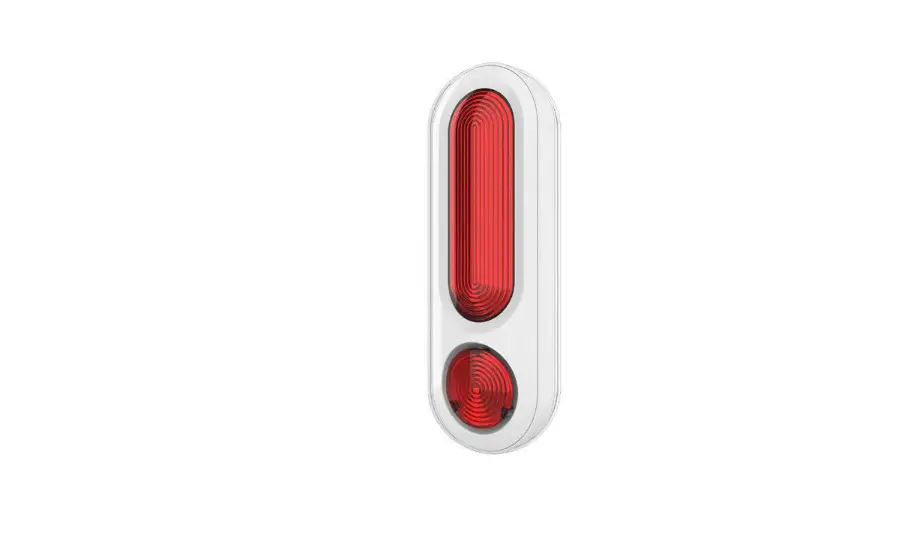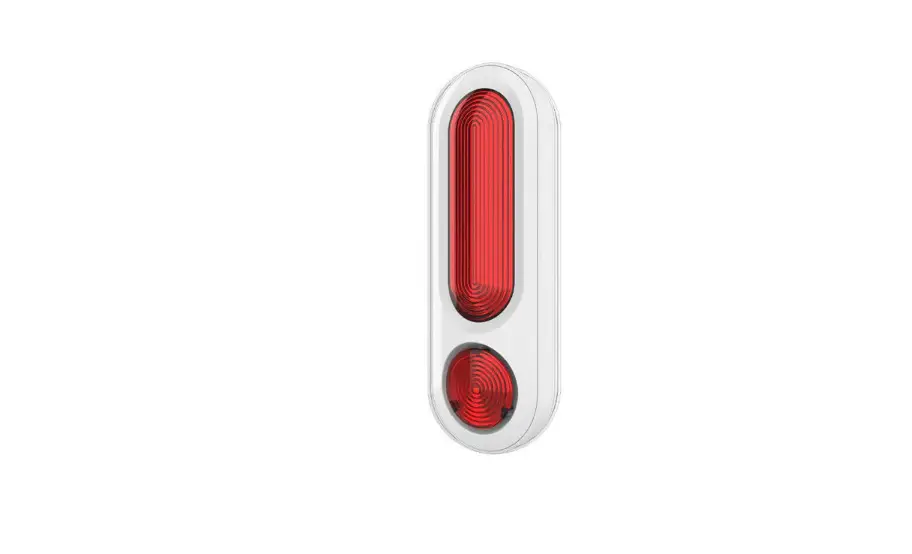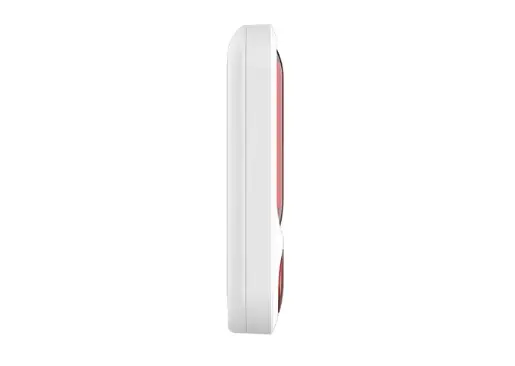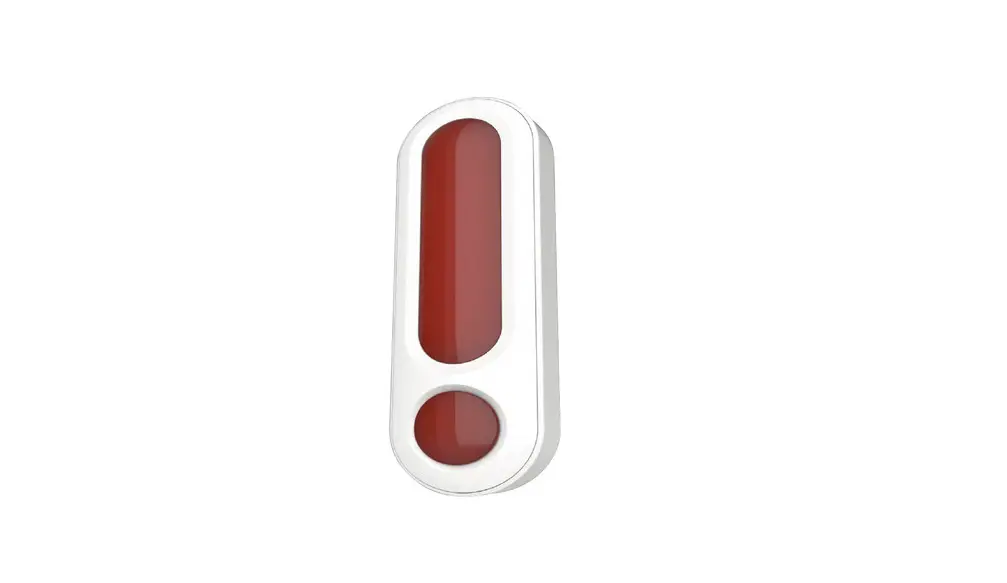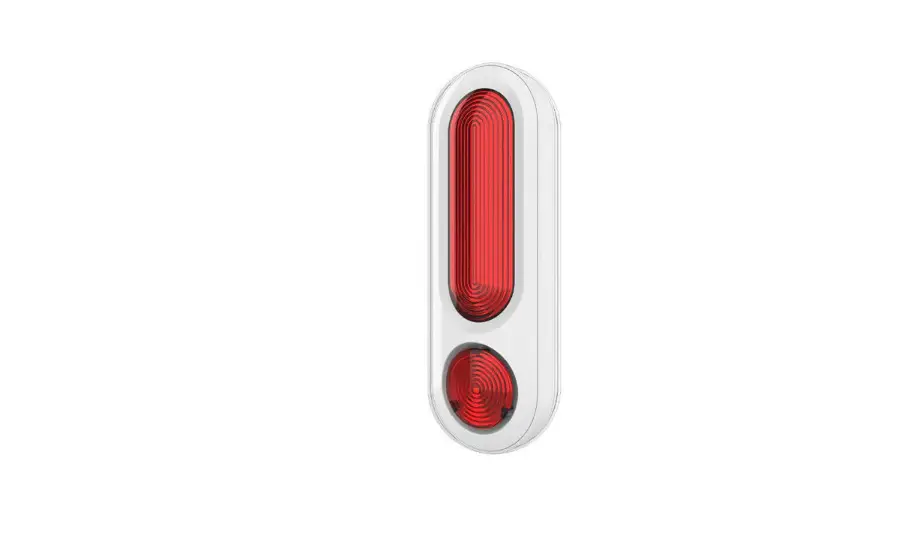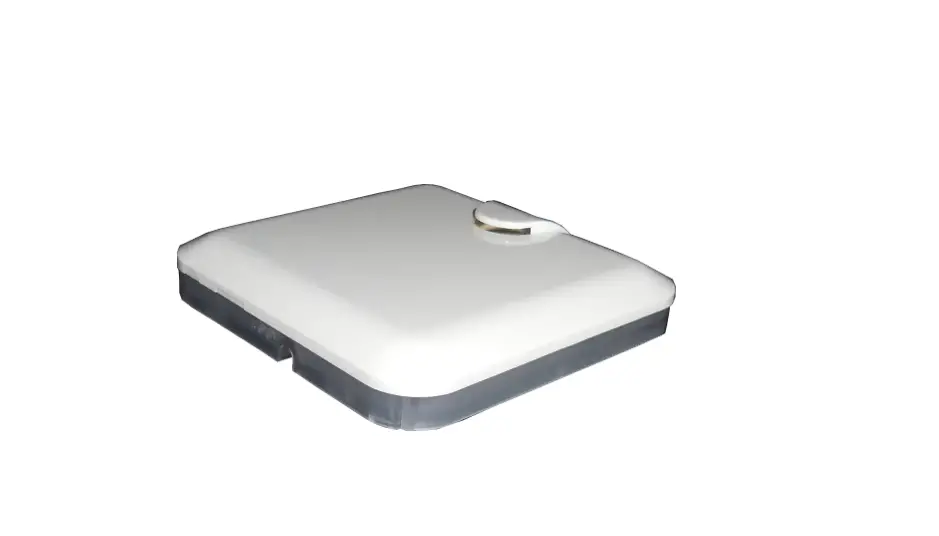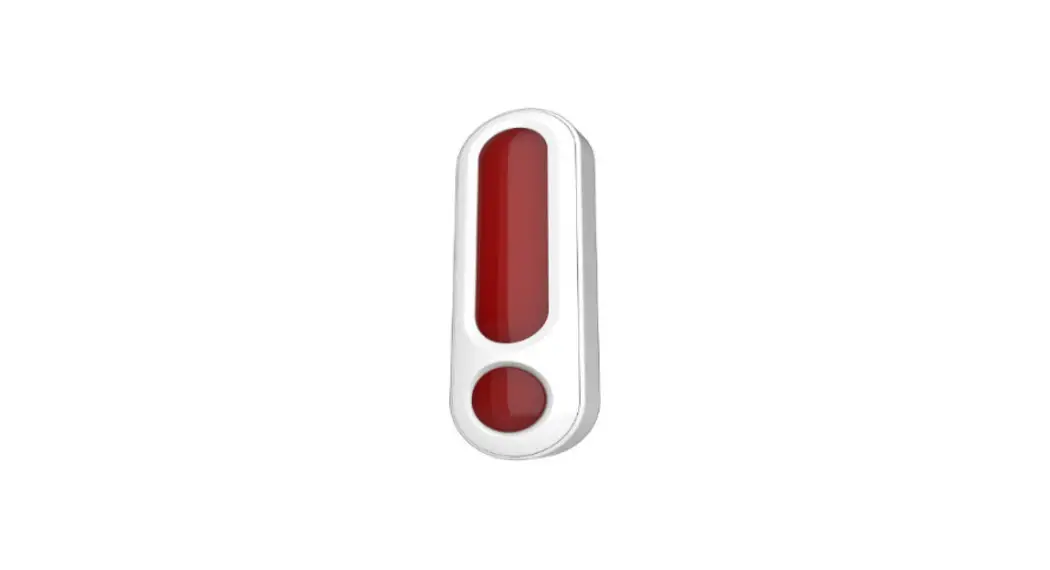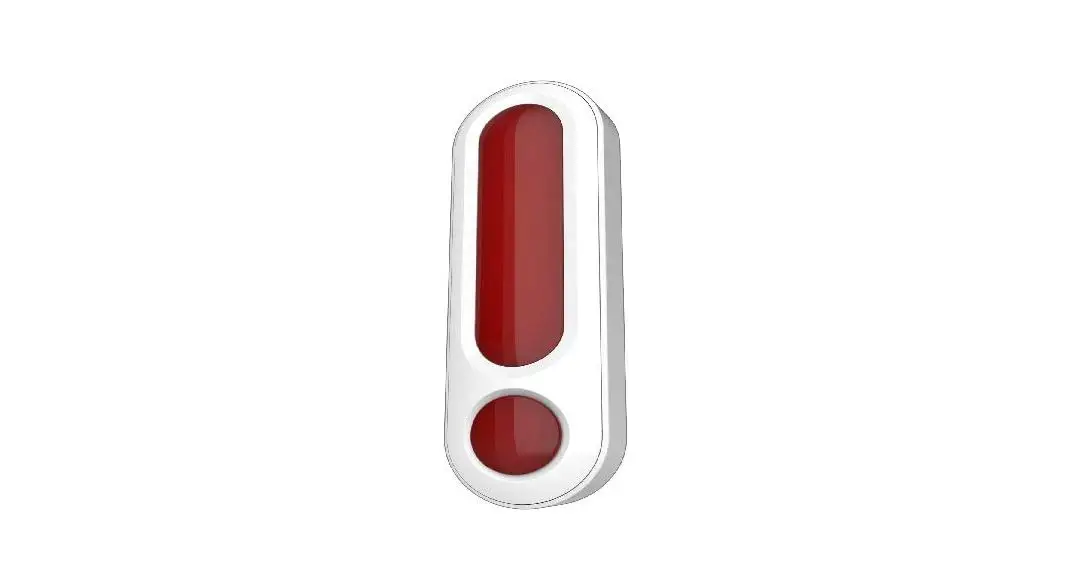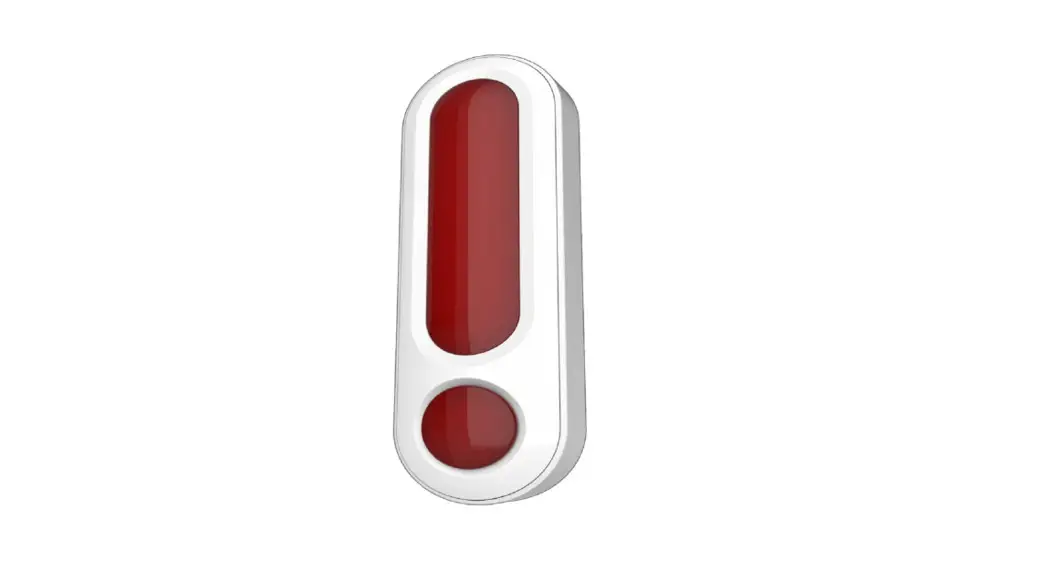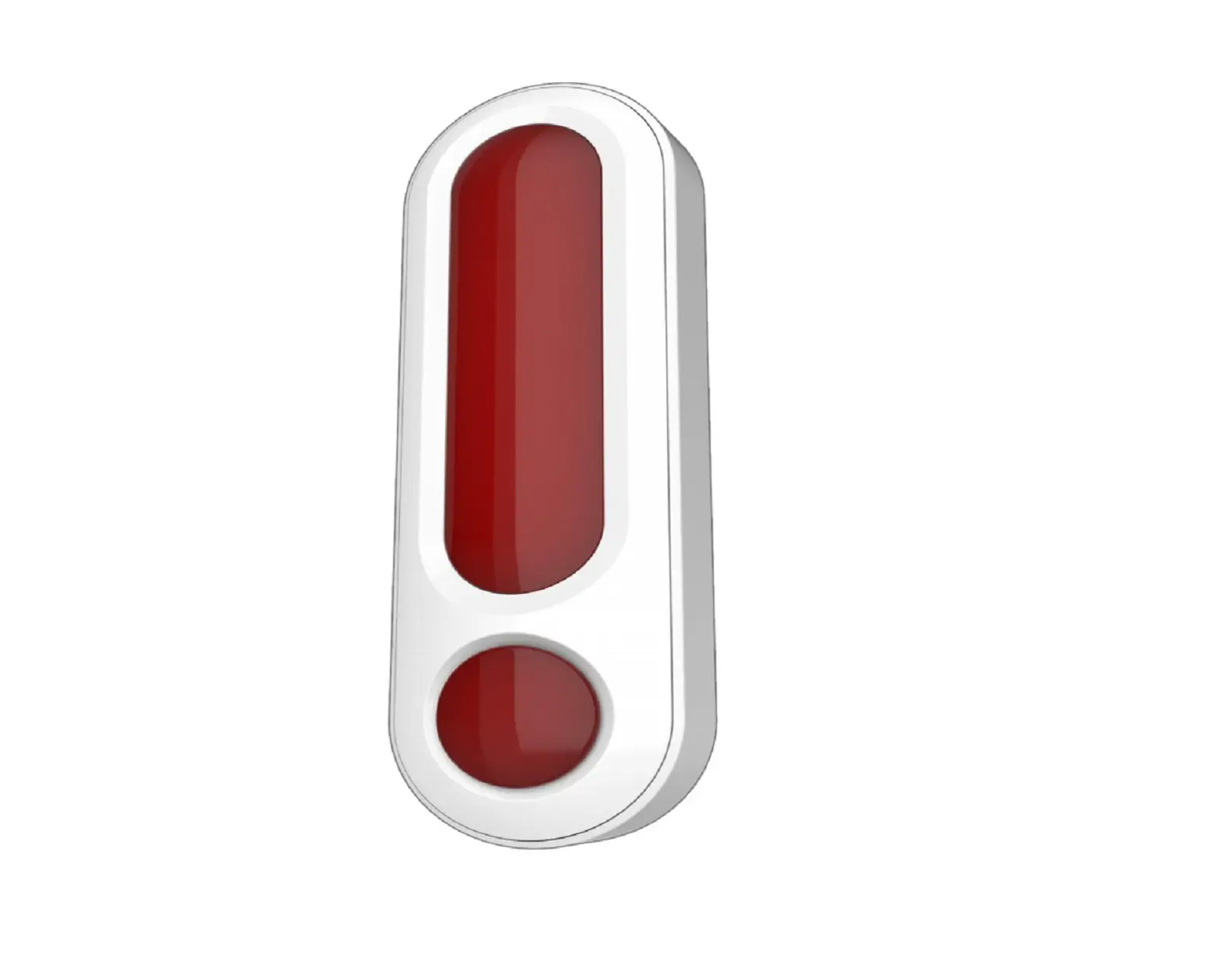
 philio PSE04 Multiple Sound Siren
 philio PSE04 Multiple Sound Siren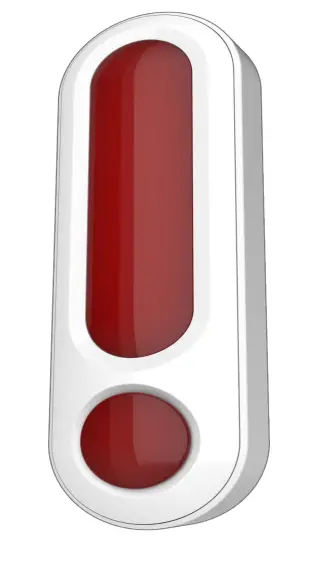
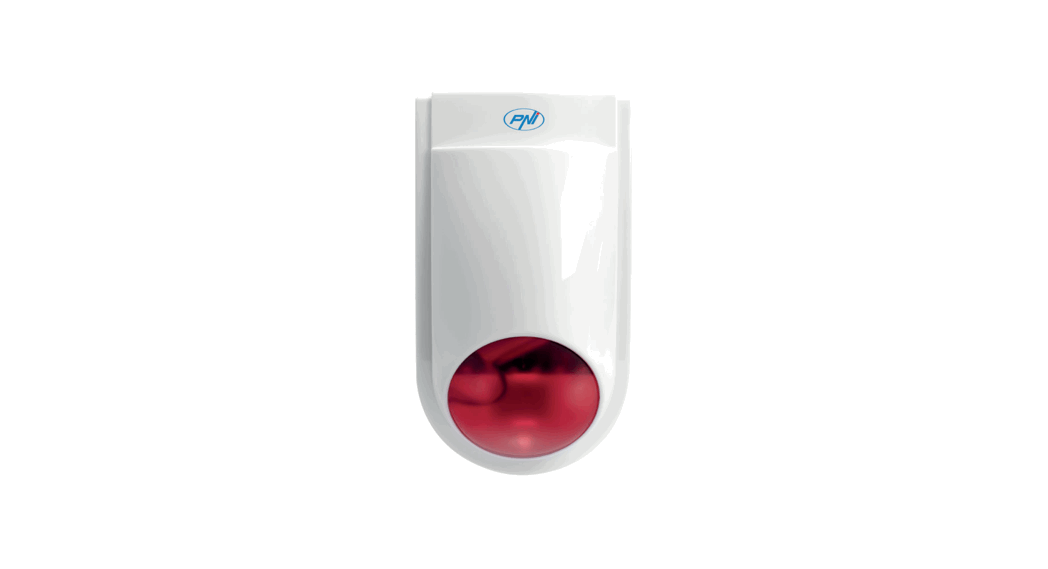
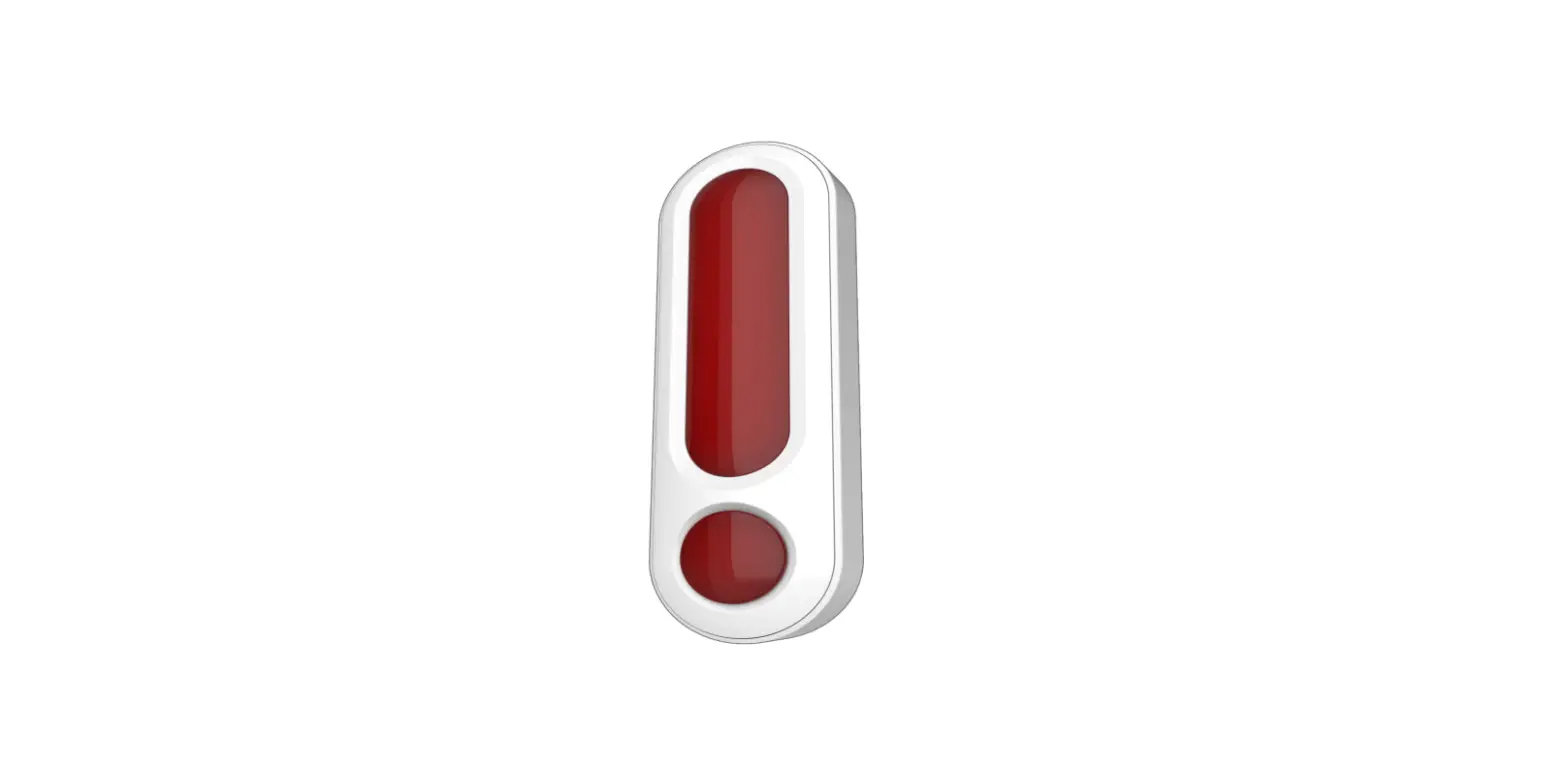
The PSE04 is a wireless siren, based on Z-WaveTM technology. It is the Z-WaveTM plus product, it support the security, OTA… Those newest features of the Z-WaveTM technology. Z-WaveTM is a wireless communication protocol designed for home automation, specifically to remotely control applications in residential and light commercial environments. The technology uses a low-power RF radio embedded or retrofitted into home electronics devices and systems, such as lighting, home access control, entertainment systems and household appliances.
This product can be included and operated in any Z-WaveTM network with other Z-WaveTM certified devices from other manufacturers and/or other applications. All non-battery operated nodes within the network will act as repeaters regardless of vendor to increase reliability of the network.
The device adopt the Z-WaveTM 700 series chip, when your Z-WaveTM network system is all made by Z-WaveTM 700 series devices. The network system will have the advantages as below.
- Concurrent multi-channel support reduces external interference.
- Better RF range, improve about 10 meters in indoor.
- Support 100 Kbps transmit speed, speed up communication.
Specification
| Rating | 6VDC (AA Battery *4) |
| RF distance | Min. 40M indoor, 100M outdoor line of sight, |
|
RF Frequency | 868.40 MHz, 869.85 MHz(EU) 908.40 MHz, 916.00 MHz(US) 920.9MHz, 921.7MHz, 923.1MHz (TW/KR/Thai/SG) 921.40 MHz, 919.80 MHz(ANZ) 869.00 MHz(RU) 865.20 MHz(IN) 916.00 MHz(IL) |
| RF Maximum Power | +10dBm (Peak), -10dBm (Average) |
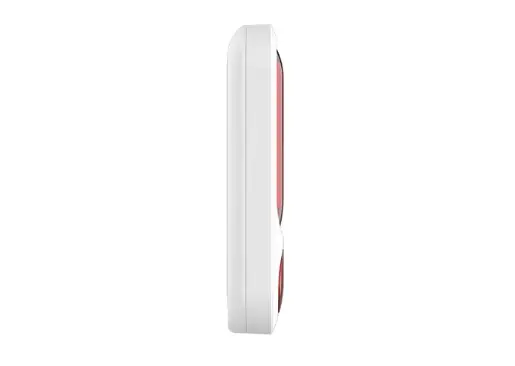
| Dimension | 170mm(L) X 48mm (W) X 30(H) |
| Weight | 205g |
| IP classification | IP44; Outdoor use |
| Operation temperature | -20 to 55° C |
| Humidity | 85%RH max |
| FCC ID | RHHPSE04 |
| Marking | CE/NCC |
Specifications are subject to change and improvement without notice.
Troubleshooting
| Symptom | Cause of Failure | Recommendation |
| The device can not join to Z-Wave™ network | The device may in a Z- Wave™ network. | Exclude the device then include again. |
For Instruction to http:// www.philio-tech.com
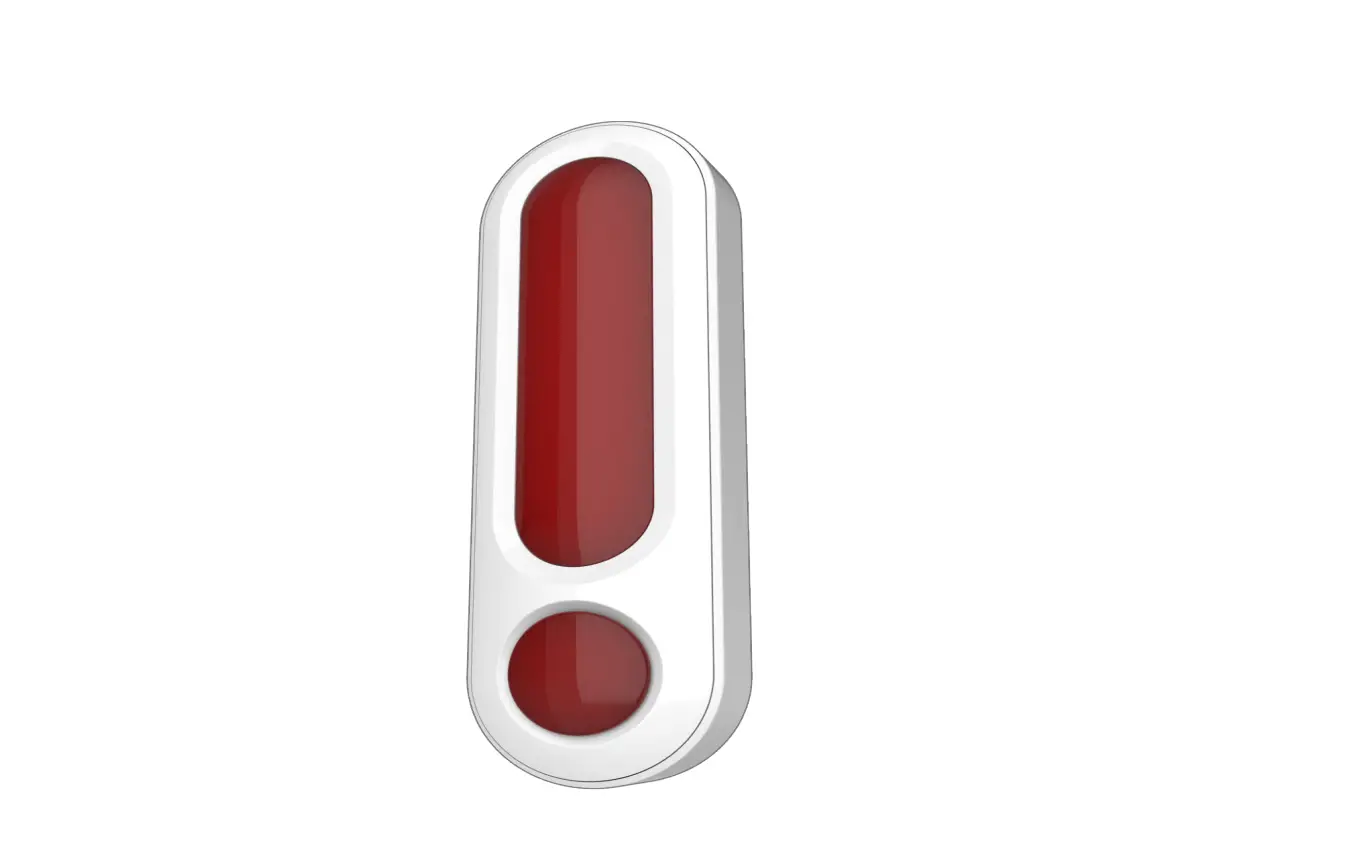
Overview
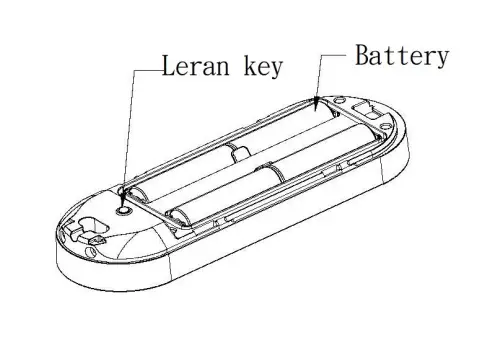
Battery Installation
When the device report the low battery message. The user should replace the battery to new one. The battery type is AA, 1.5V Please loosen the screw on the back cover to release the front cover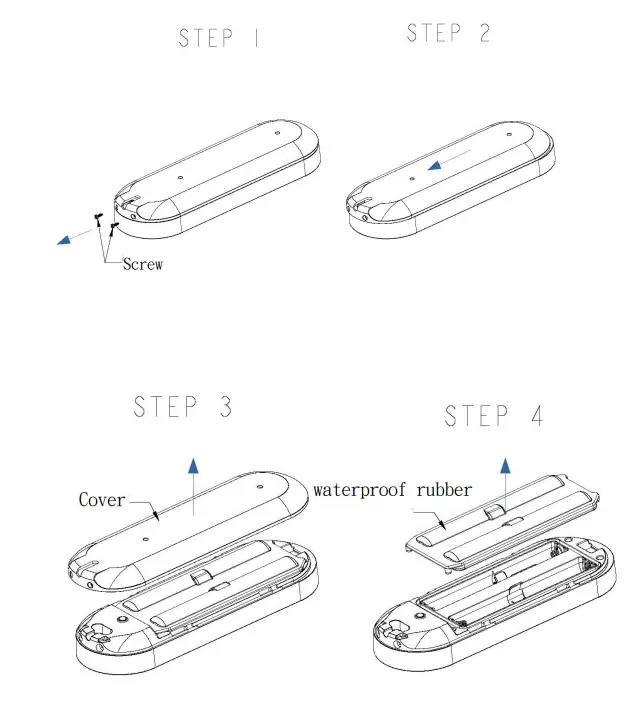
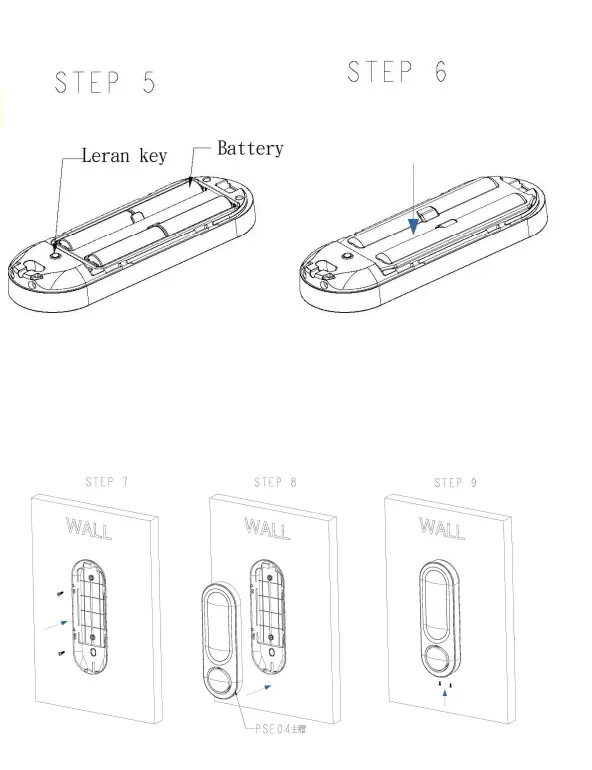
Adding to Z-WaveTM Network
There is one tamper key on the device. The tamper key can add, remove, reset from Z-WaveTM network.
In the first time, add the device into the Z-WaveTM network. First, make sure the primary controller is in the add mode. And then power on the device. The device will auto start the smartstart Inclusion mode.
Notice: Including a node ID allocated by Z-WaveTM Controller means “Add” or “Inclusion”. Excluding a node ID allocated by Z-WaveTM Controller means “Remove” or “Exclusion”.
| Function | Description |
| Add | 1. Have Z-WaveTM Controller entered inclusion mode. 2. Pressing tamper key three times within 1.5 seconds to enter the inclusion mode. 3. After add successful, the LED will light ON 1 second |
| Remove | 1. Have Z-WaveTM Controller entered exclusion mode. 2. Pressing tamper key three times within 1.5 seconds to enter the exclusion mode. Node ID has been excluded. |
|
Reset | Notice: Use this procedure only in the event that the primary controller is lost or otherwise inoperable. 1. Pressing tamper key four times within 1.5 seconds and do not release the tamper key in the 4th pressed, and the LED will light ON. 2. After 3 seconds the LED will turn OFF, after that within 2 seconds, release the tamper key. If successful, the LED will light ON one second. Otherwise, the LED will flash once. 3. IDs are excluded and all settings will reset to factory default. |
|
SmartStart | 1. Product has a DSK string , you can key in first five digit to increment SmartStart process,or you can scan QR code.
Ex:mydsk 10209-46687-52248-13629-04783-07465-15776-56519
2. SmartStart enabled products can be added into a Z-Wave network by scanning the Z-Wave QR Code present on the product providing SmartStart inclusion. No further action is required and the SmartStart product will be added automatically within 10 minutes of minutes On in the network vicinity. *notice1:The QR code can be found on the device PSE04 or on the box. | ||
|
Association | This machine provides one groups of nodes. Each group can set 1 Nodes.
Group 1: Used for returned events. Report type: 1.Notification report 2.Sensor multilevel report 3.Device Reset Locally Notification 4.Battery Report 5.Indicator Report | ||
| • Failed or success in including/excluding the node ID can be viewed from Z-WaveTM Controller. | |||
Notice 1: Always RESET a Z-WaveTM device before trying to add it to a Z-WaveTM network.
Z-WaveTM Message Report
In default the device will using Notification Report to represent the tamper trigger event.
Tamper Report
When the tamper key is pressed over 5 seconds. The device will into the alarm state. In that state, if the tamper key be released, the device will unsolicited to send the report to the nodes in the group 1.
Notification Report (V8)
Notification Type: Home Security (0x07)
Event: Tampering. Product covering removed (0x03)
Siren State Report:
When the siren start playing or stop the alarm sounds, the device will unsolicited to send the “Notification Report” to the nodes in the group 1.
Notification Report (V8)
Notification Type: Siren (0x0E)
Event: Siren active (0x01) , Siren idle (0x00)
Temperature Report:
When the temperature differential over, the device will unsolicited to send the “Sensor Multilevel Report” to the nodes in the lifeline group. Sensor Type: Temperature (0x01)
Temperature differential report
This function default is disable, to enable this function by setting the configuration NO.5 is greater than 0.
In the default, is disable temperature differential report.
If setting the configuration NO.5 to 1, when the temperature is changed to plus or minus one degree Fahrenheit (0.56 degree Celsius), the device will report temperature information to the nodes in the lifeline group.
The device will measure the temperature in every 10 seconds. And if the temperature is over 140 degree Fahrenheit (60 degree Celsius), the device will always report in each measurement.
Notice 1: The PSE04 must stay awake for at least 2 seconds after communicating, so therefore the more communication, the power consumption fast, please pay attention to use configuration NO.5.
Notice 2: This product cannot reflect outdoor temperature immediately because of the temperature sensor equipped inside rather than surface.
Power Up Procedure
Play Sound
Using the SWITCH_BINARY_SET or BASIC_SET to play the siren, Basic Set or Switch Binary Set with Value 0xFF, the Sound ID will be the same as the value which was set in Configuration No.7, 0x00 will stop to play.
Basic Set (V1)
| Value | Sound |
| 0x00 | Stop Play |
| 0x01 | Fire |
| 0x02 | Ambulance |
| 0x03 | Police |
| 0x04 | Alarm |
| 0x05 | Ding Dong |
| 0x06 | Beep |
| 0xFF | Same as configuration NO.7 setting. |
Switch Binary Set (V1)
| Value | Sound |
| 0x00 | Stop Play |
| 0xFF | Same as configuration NO.7 setting. |
Over The Air (OTA) Firmware Update
The device is supported with Z-Wave™ firmware update via OTA.
- Set the Z-WaveTM Controller into the firmware update mode.
- Choose the hex file to update the firmware.
- Wait 10~15 minutes for completing the OTA process.
- The result of OTA will show in the Z-Wave™ Controller log.
During the OTA process, please DO NOT remove the power, otherwise, the firmware will be broken, and the device will be nonfunctional.
Z-Wave Configuration Settings
- Notice 1: All of the configurations, the data size is 1.
- Notice 2: The reserve bit or not supported bit is allowed any value, but no effect.
- Notice 3: The PSE04 must stay awake for at least 2 seconds after communicating, so therefore the more communication, the power consumption fast, please pay attention to use configurations NO.1, NO.4, NO.5, NO.6.
| NO. | Name | Def. | Valid | Description |
| 1 | Auto Report Tick Interval | 0x1E | 0~255 | The interval time for auto report each tick. |
| 2 | Sound | 0x06 | 0~127 | Play sound duration, 1 tick is 30 |
| Duration | seconds. | |||
|
3 |
Customer Function | 0x00 | All | Customer function switch, using bit control. |
| 0 | þ | Bit0: Disable Trigger Alarm. 0:Enable , 1:Disable. | ||
| 0 | þ | Bit1: Disable Sound. Only using optical alarm. 0:Enable , 1:Disable. | ||
| 0 | þ | Bit2: Temperature Unit. 0:Fahrenheit , 1:Celsius. | ||
| 0 | o | Bit3: Reserve. | ||
| 0 | o | Bit4: Reserve. | ||
| 0 | o | Bit5: Reserve. | ||
| 0 | o | Bit6: Reserve. | ||
| 0 | o | Bit7: Reserve. | ||
| 4 | Auto Report Temperature Time | 0x0C | 0~127 | The interval time for auto report the temperature. |
| 5 | Temperature Differential Report | 0x00 | 0~127 | The temperature differential to report. |
| 6 | Auto Report Battery Time | 0x0C | 0~127 | The interval time for auto report the battery level. |
| 7 | Play Sound Control | 0x41 | All | Control play sound’s level and which sound. |
| 1 | þ | Bit0~1: Play sound’s level. Level 1~3. | ||
| 0 | o | Bit2: Reserve. |
| 0 | o | Bit3: Reserve. | ||
| 4 | þ | Bit4~7: Which sound id will play, when control form controller. Sound ID 1~6, 0: Disable. | ||
Z-Wave Supported Command Class
| Command Class | Version | Required Security Class |
| Z-Wave Plus™ Info | 2 | None |
| Security | 1 | None |
| Security 2 | 1 | None |
| Supervision | 1 | None |
| Transport Service | 2 | None |
| Association | 2 | Highest granted Security Class |
| Association Group Information | 3 | Highest granted Security Class |
| Device Reset Locally | 1 | Highest granted Security Class |
| Firmware Update Meta Data | 5 | Highest granted Security Class |
| Indicator | 3 | Highest granted Security Class |
| Manufacturer Specific | 2 | Highest granted Security Class |
| Multi-Channel Association | 3 | Highest granted Security Class |
| Powerlevel | 1 | Highest granted Security Class |
| Version | 3 | Highest granted Security Class |
| Configuration | 4 | Highest granted Security Class |
| Sensor Multilevel | 11 | Highest granted Security Class |
| Basic | 1 | Highest granted Security Class |
| Switch Binary | 1 | Highest granted Security Class |
| Notification | 8 | Highest granted Security Class |
| Battery | 1 | Highest granted Security Class |
CAUTION
Risk of explosion if battery is replaced by an incorrect type. Dispose of used battery according to the instructions.
Choosing a Suitable Location
- The suitable ambient temperature for the module/device is 0°C~40°C.
- Do NOT place the module/device direct under sunlight, in a humid place or in any location where they may contact moisture, dirt, dust.
- Do NOT place the module/device where exists combustible substances or any source of heat, fires, radiators, boiler etc.
Disposal
This marking indicates that this product should not be disposed with other household wastes throughout the EU. To prevent possible harm to the environment or human health from uncontrolled waste disposal, recycle it responsibly to promote the sustainable reuse of material resources. To return your used device, please use the return and collection systems or contact the retailer where the product was purchased. They can take this product for environmentally safe recycling.
Philio Technology Corporation
8F., No.653-2, Zhongzheng Rd., Xinzhuang Dist., New Taipei City 24257, Taiwan(R.O.C)
www.philio-tech.com
FCC Interference Statement
This equipment has been tested and found to comply with the limits for a Class B digital device, pursuant to Part 15 of the FCC Rules.
These limits are designed to provide reasonable protection against harmful interference in a residential installation.
This equipment generates, uses, and can radiate radio frequency en-ergy and, if not installed and used in accordance with the instructions, may cause harmful interference to radio communications.
However, there is no guarantee that interference will not occur in a particular installation.
If this equipment does cause harmful interference to radio or televi-sion reception, which can be determined by turning the equipment off and on, the user is encouraged to try to correct the interference by one of the following measures:
- Reorient or relocate the receiving antenna.
- Increase the separation between the equipment and receiver.
- Connect the equipment into an outlet on a circuit different from that to which the receiver is connected.
- Consult the dealer or an experienced radio/TV technician for help. This device complies with Part 15 of the FCC Rules.
Operation is sub-ject to the following two conditions:
1. This device may not cause harmful interference, and
2. This device must accept any interference received, including inter-ference that may cause undesired operation.
FCC Caution: Any changes or modifications not expressly approved by the party responsible for compliance could void the user’s authority to operate this equipment.
This transmitter must not be co-located or operating in conjunction with any other antenna or transmitter.
 philio-tech.com