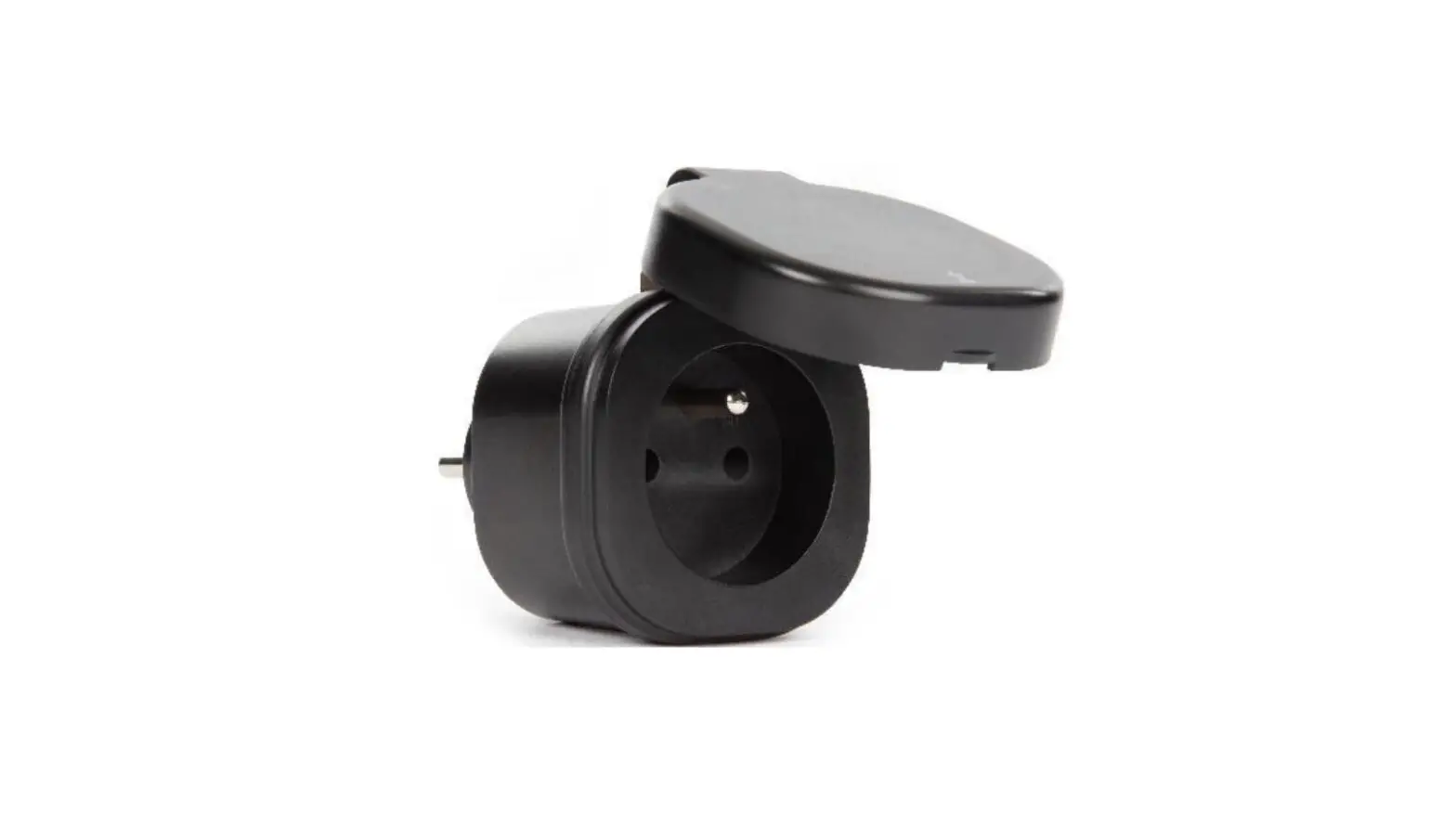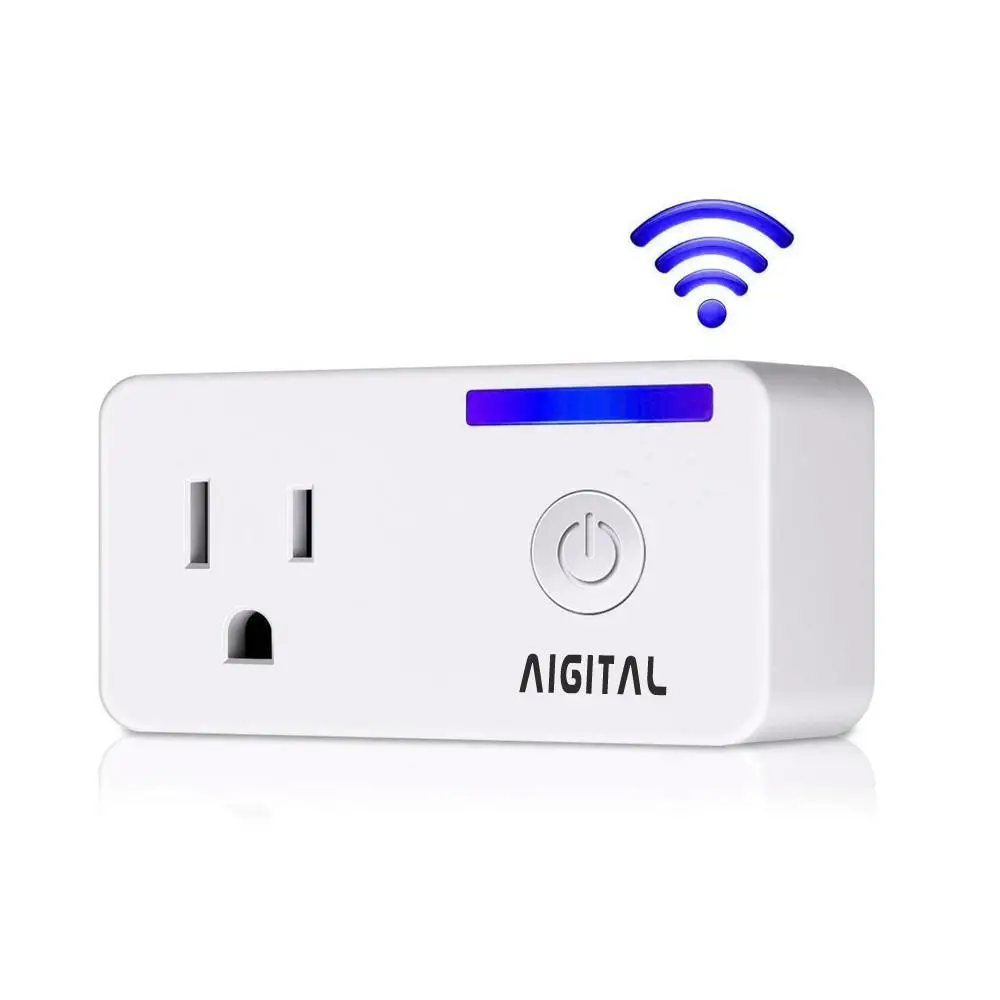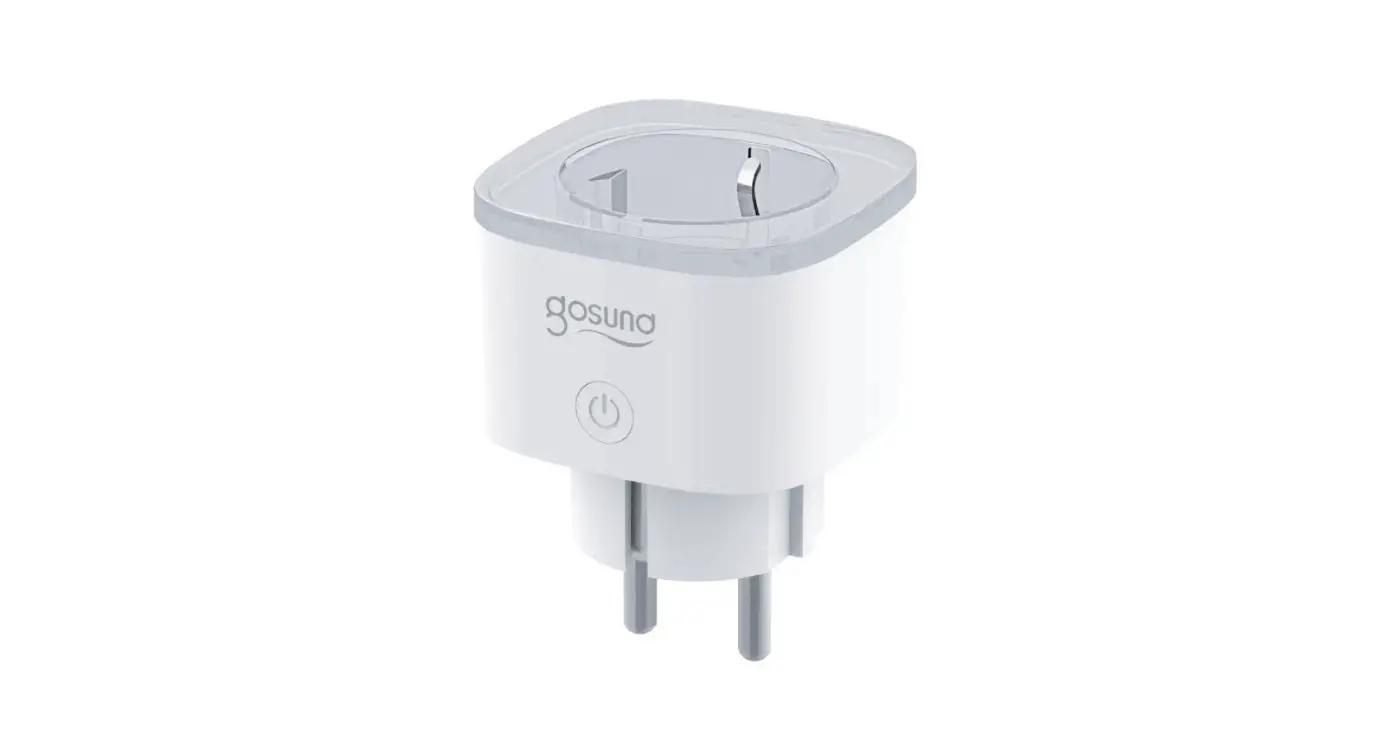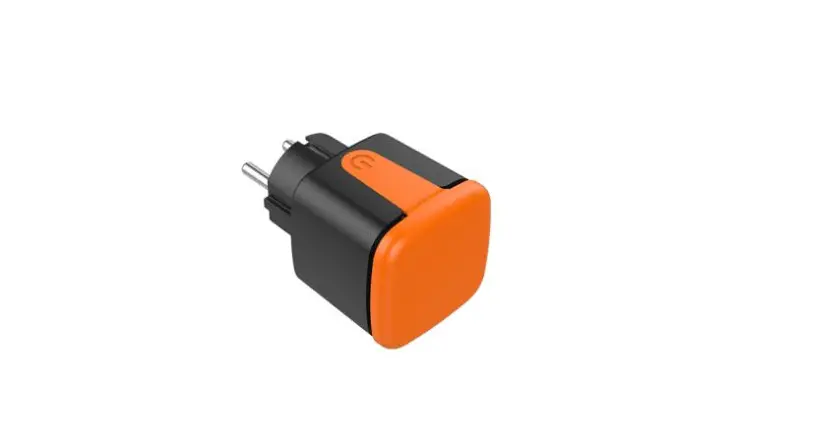
Shen Zhen Dianling Intelligent Technolgy DS-2211M Smart WiFi + BLE Plug User Manual

Attention :
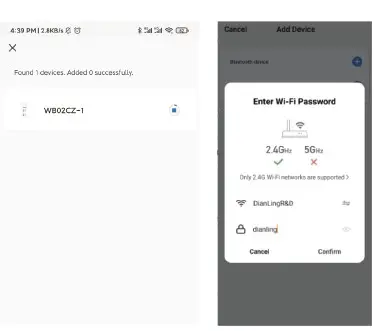
- Products should be paired on 2.4G-Wffi-router instead of 5G-VVifi-router.
- Please set your home WiFi account name and password by using numeric and letters, don’t use special symbols.

1 .Indicator light status.
1 .1 The WIFI indicator light went out.
-The switch is connected succeed with mobile phone APP.
1.2. The WIFI indicator light blinking slowly.
– The switch is not connected to the network.
1.3. The WI Fl indicator light flash continuously and quickly.
– The switch is currently on the status of matching with mobile phone APP.
1.4. The WIFI indicator light flash 1 time every 3 seconds.
-The switch is into AP pairing Mode.
1.5. How to reset the switch ?
-Long press any button for 10-12seconds.
1.6 .How to download App? Scan the QR code below or search for “Smart Life” in the IOS APP store or Google play.
2.Setting Smart Life APP, How to Register and Login?
2.1 Download or Scan the QR Code and install Smart Life App.
2.2 Once download or Scan the QR Code, the App will ask you to register your device.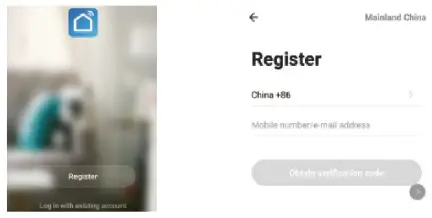
2 .3 Enter your phone number or email which you prefer and select he country you live in .
2.4 Obtain verification code.
2.5 Enter verification code.
2.6 Set Password .
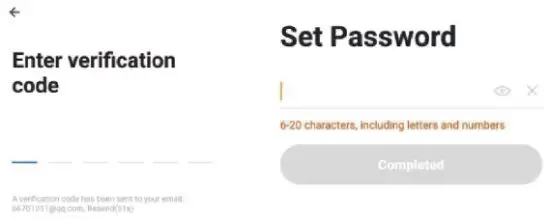
2. 7 Create family.
2.8 Enter the family name and select the room .
2.9 Family create sucessfully.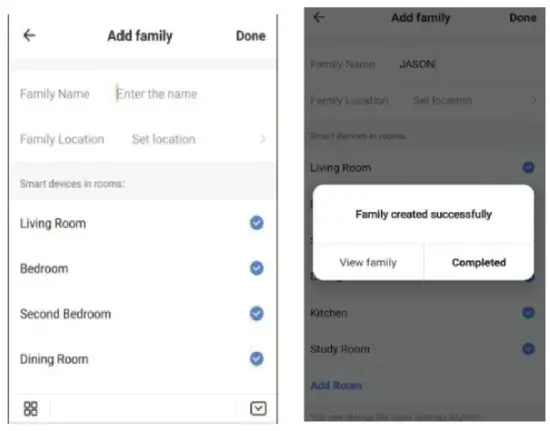
3. Installation
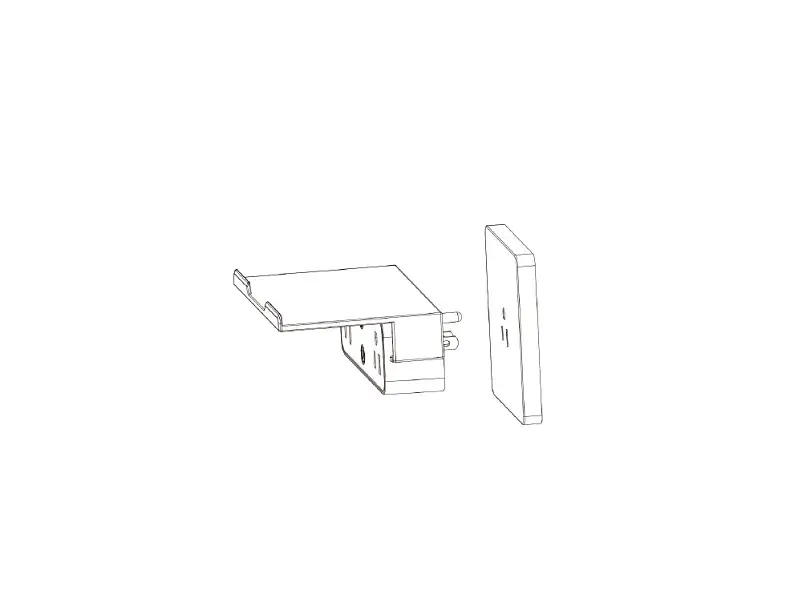
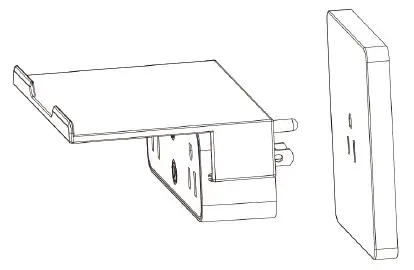
Install the socket in the corresponding hole
See the picture below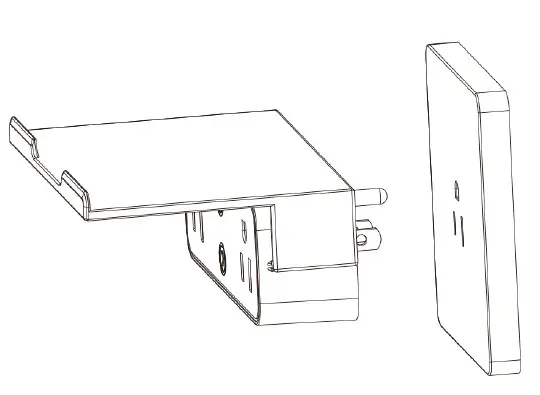
4. Plug pairing.
4.1 First the phone needs to turn on Bluetooth .
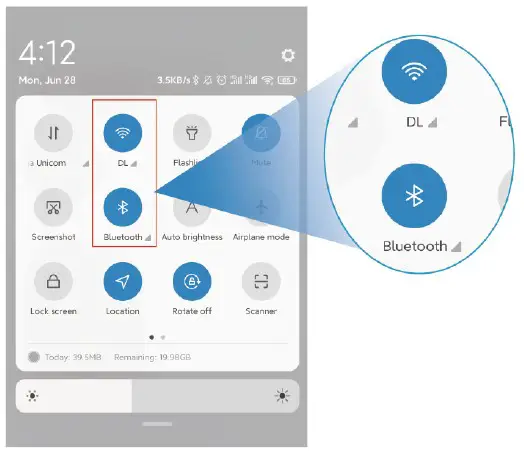
4.2 Insert the plug into the wall socket
4.3 Open App and tap Add Device or upper right corner”+” The APP interface will pop up a window: discover the devices to be added , you can choose to add/do not add , or select “Switch Plug (BLE) ” to add.
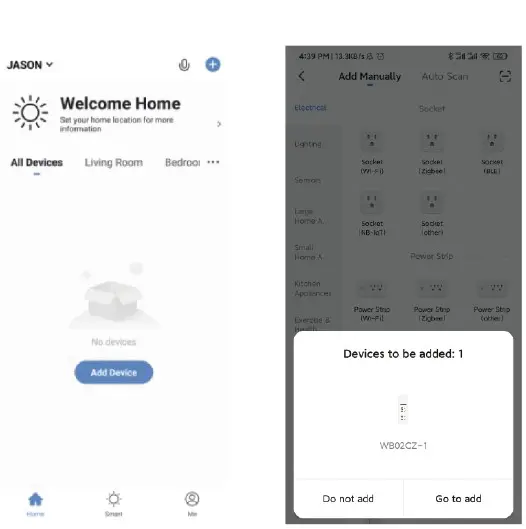
4.4 Select “+” then entering the WIFI passward.
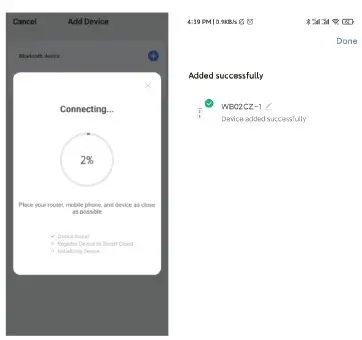
4.5 Warting for the connection and it is finished conection .
THANK YOU
If you have any questions, please feel f ree to contact us f irst. We are\ always here for you.