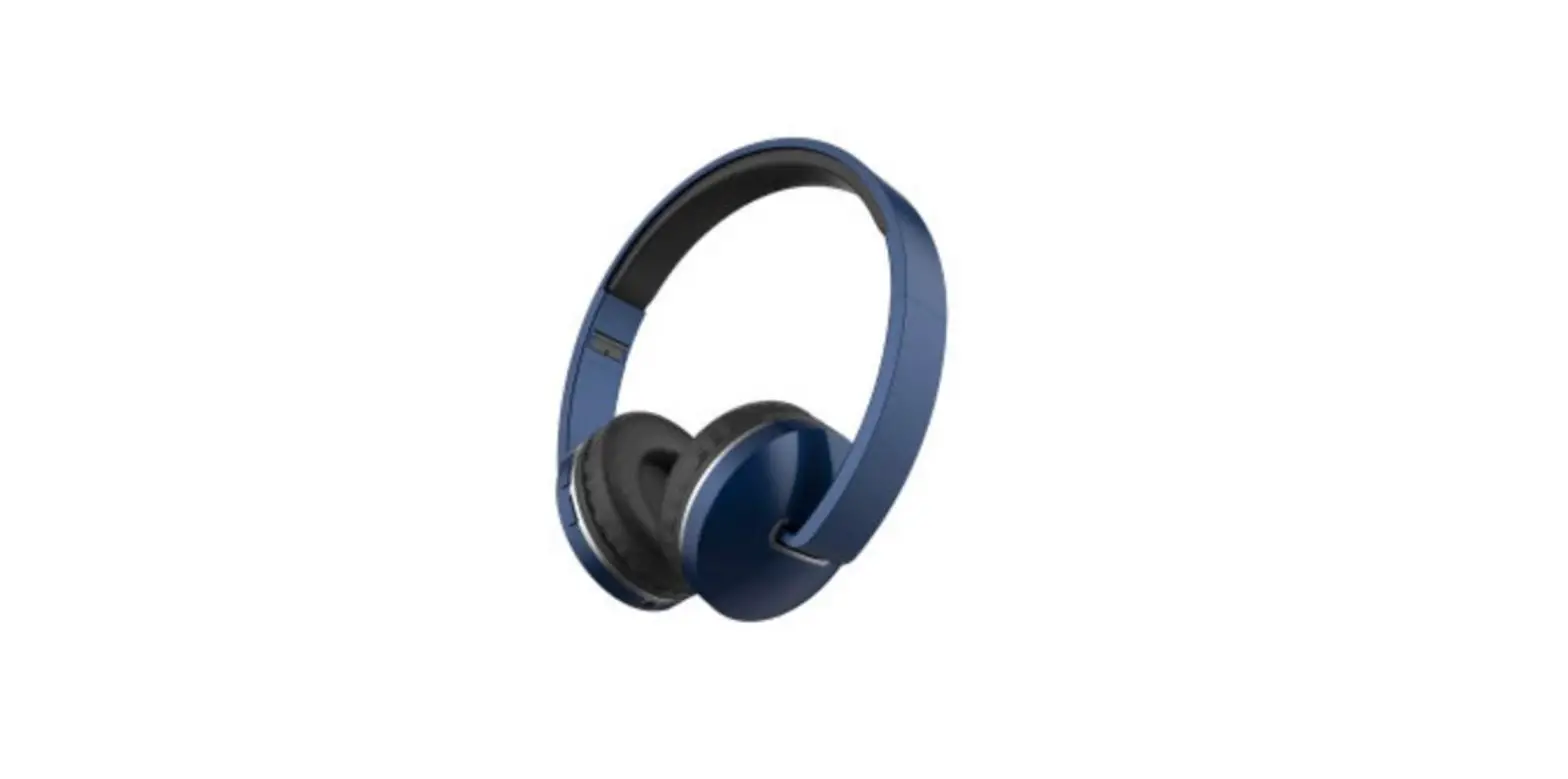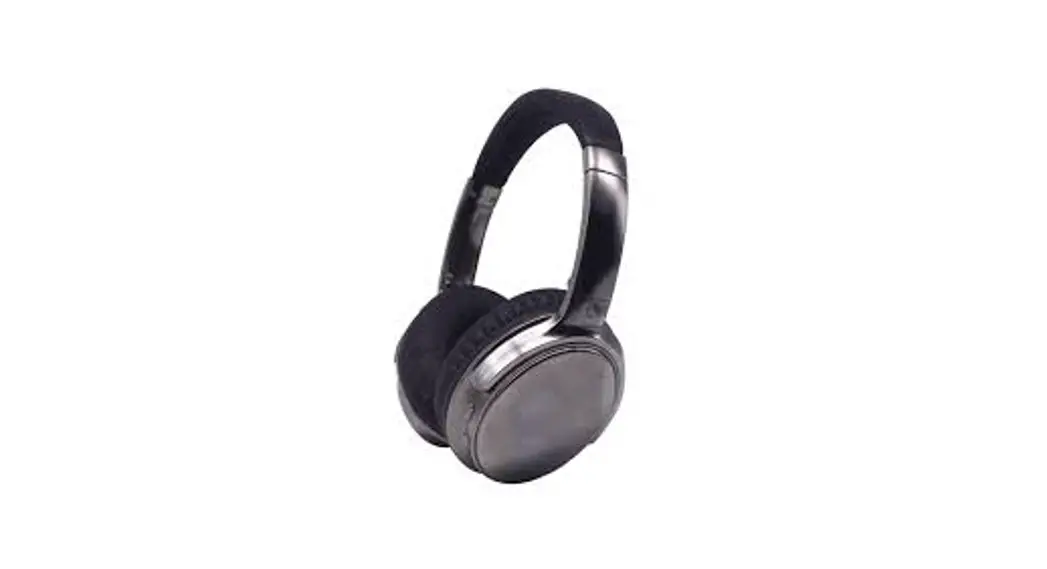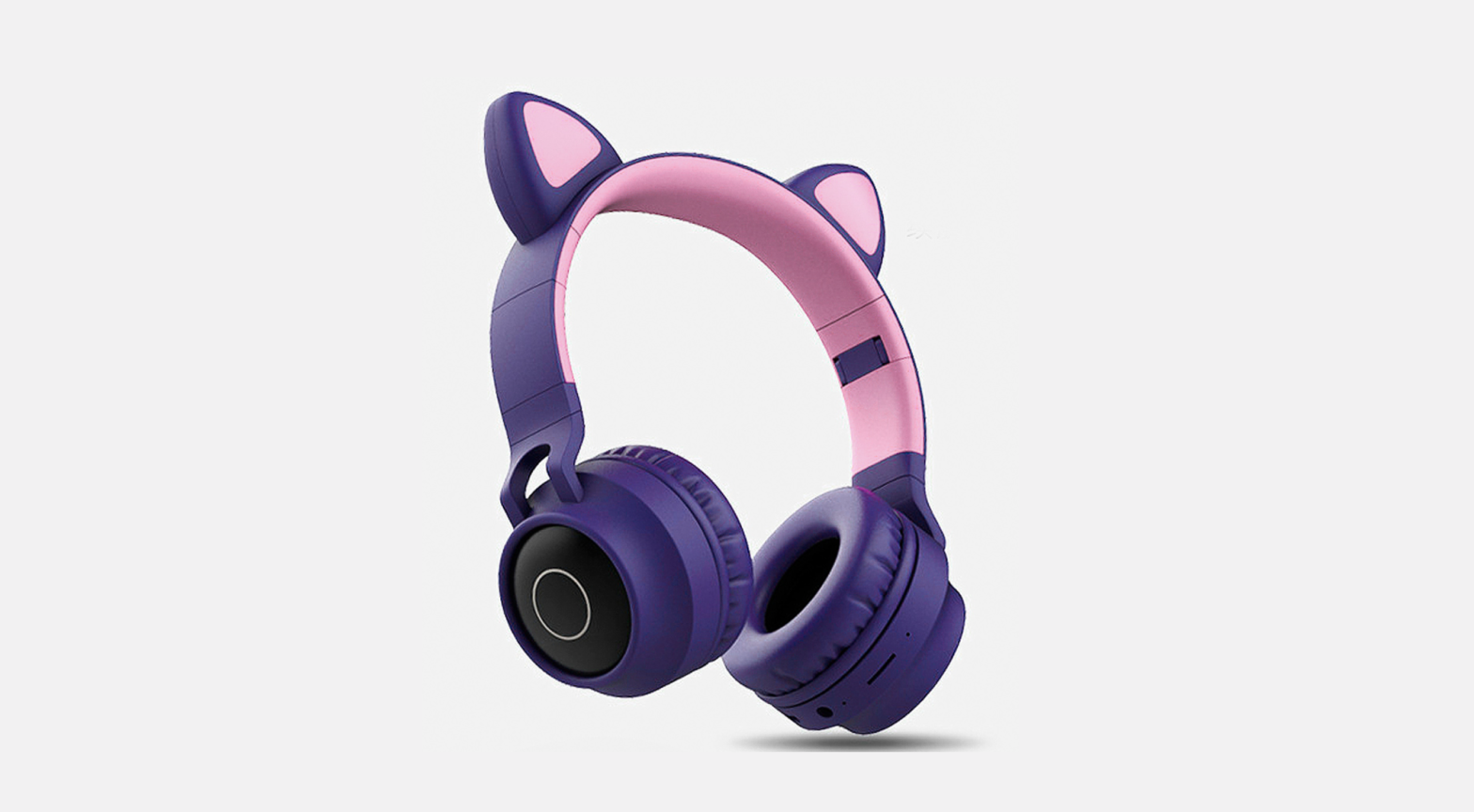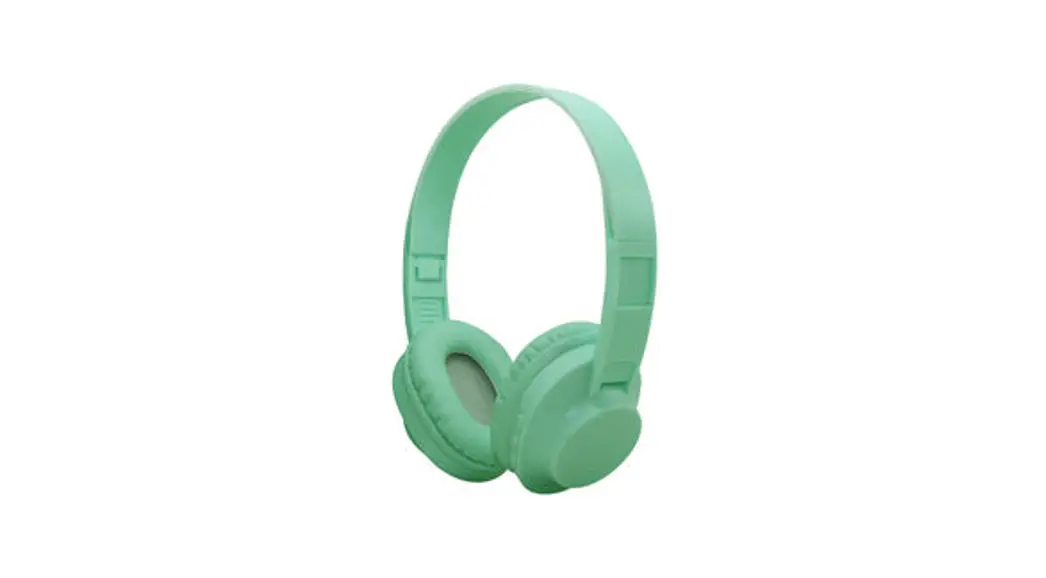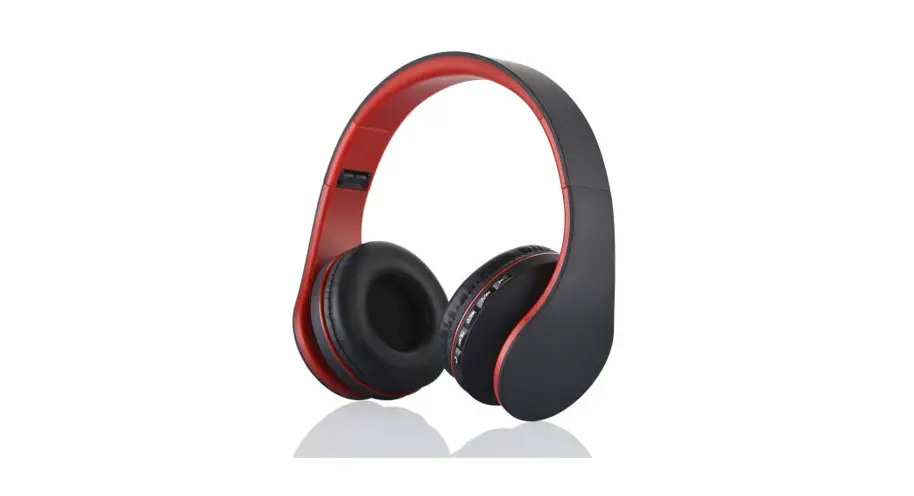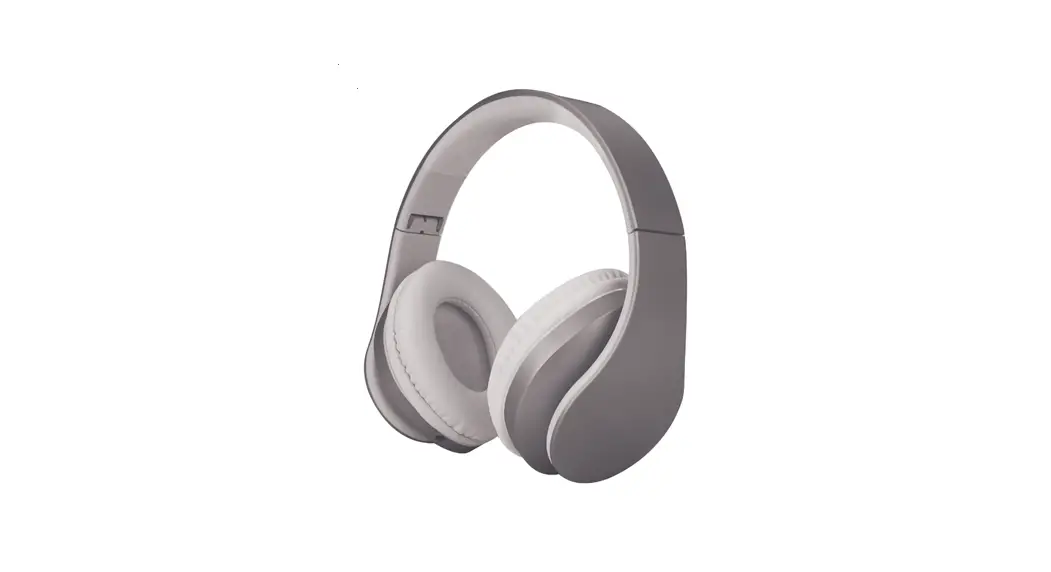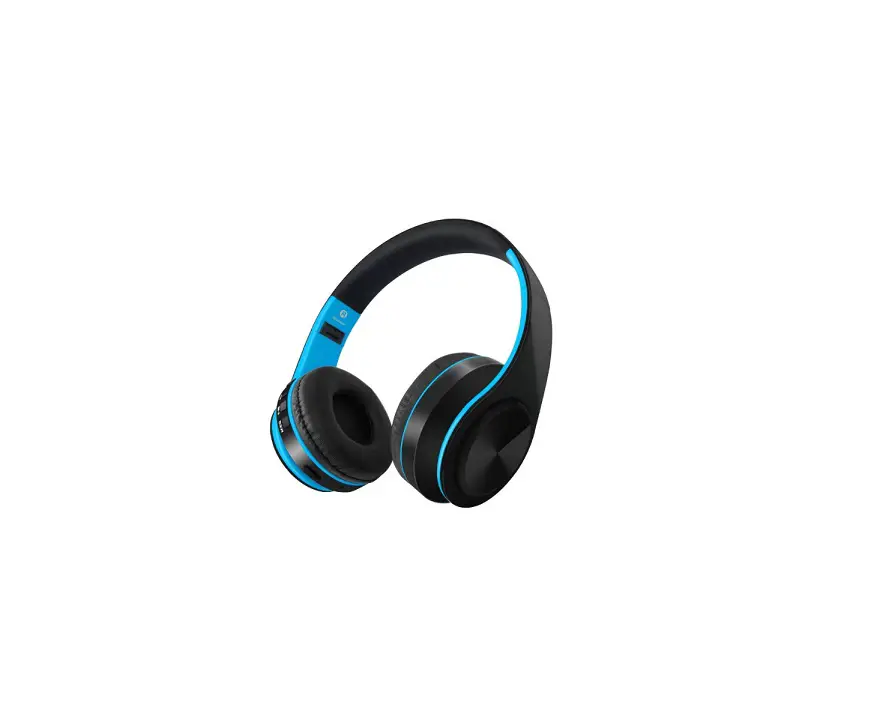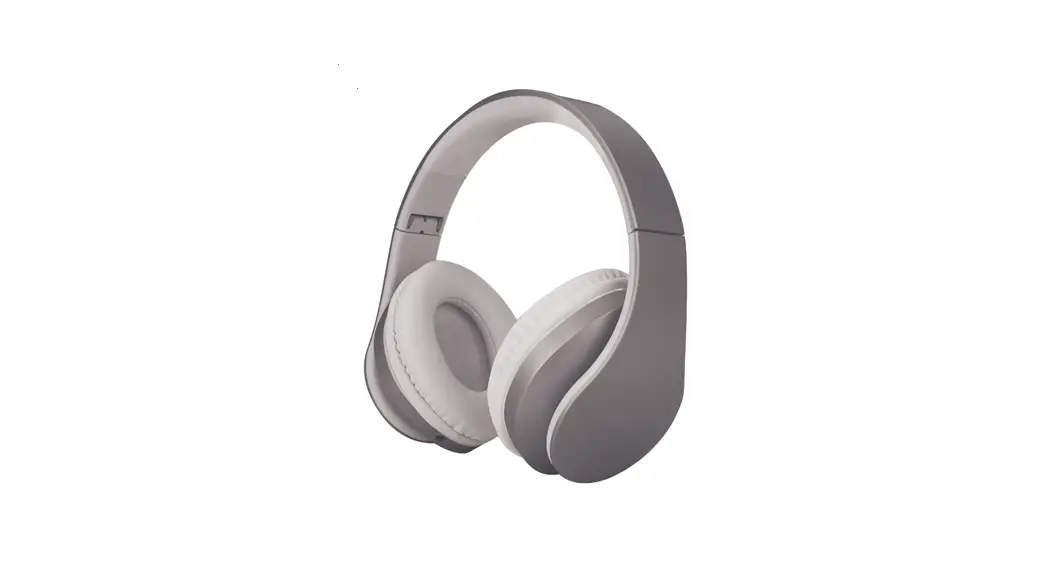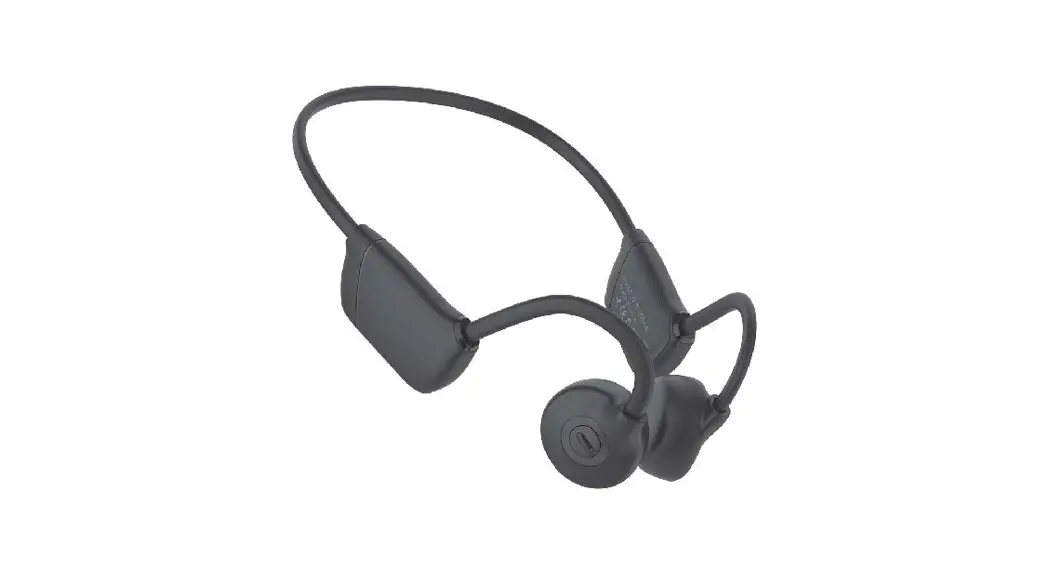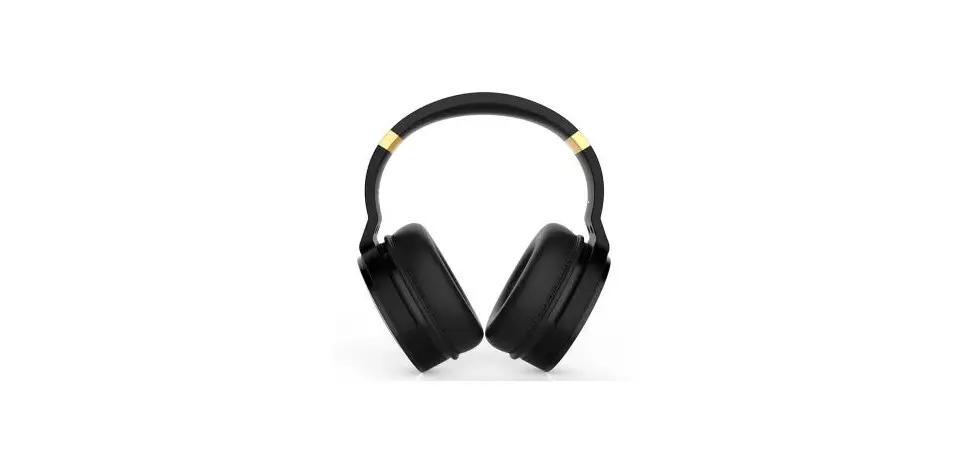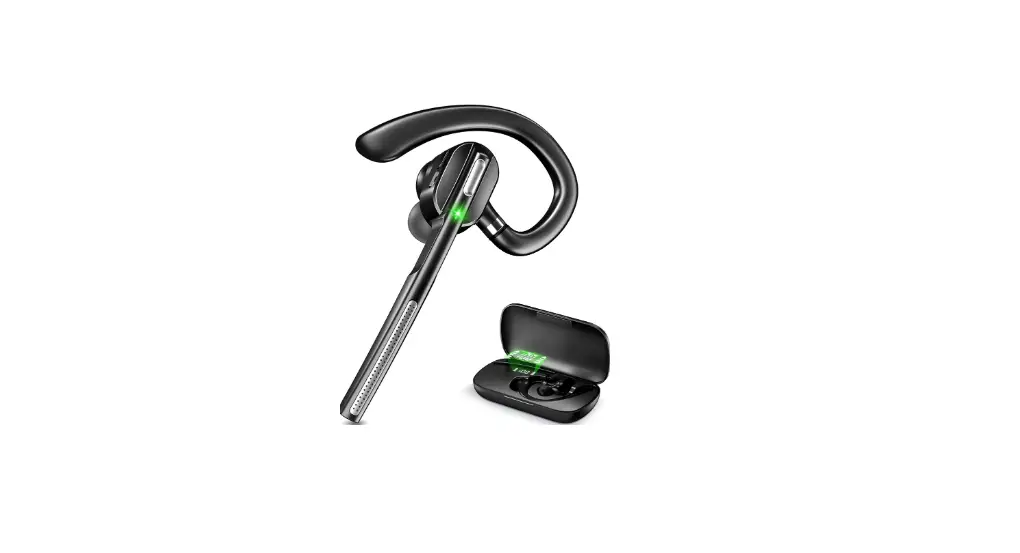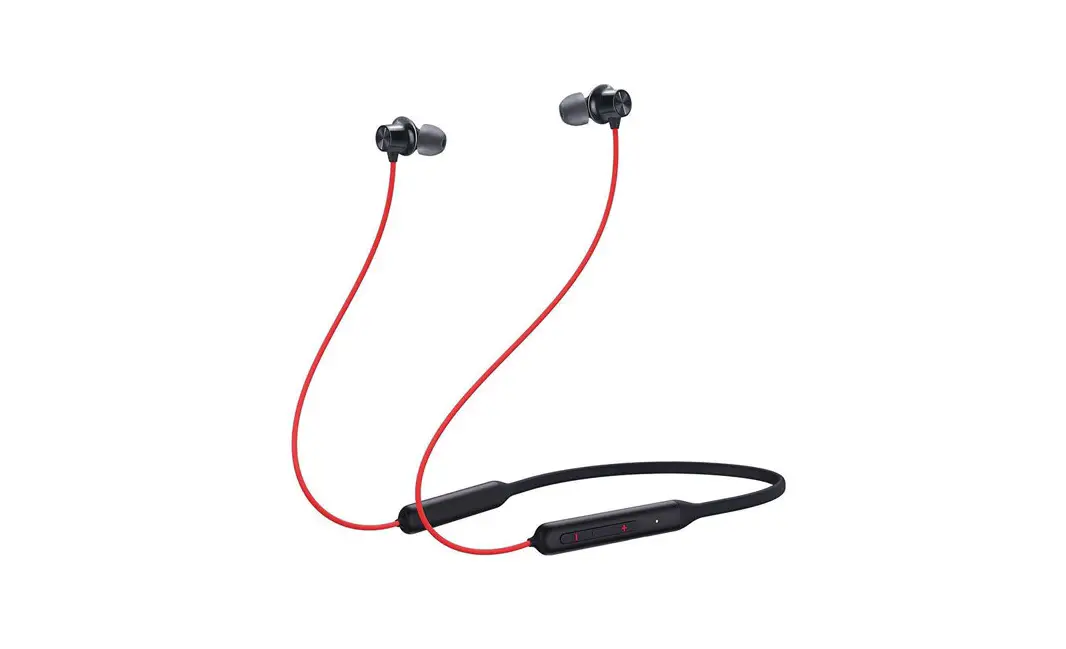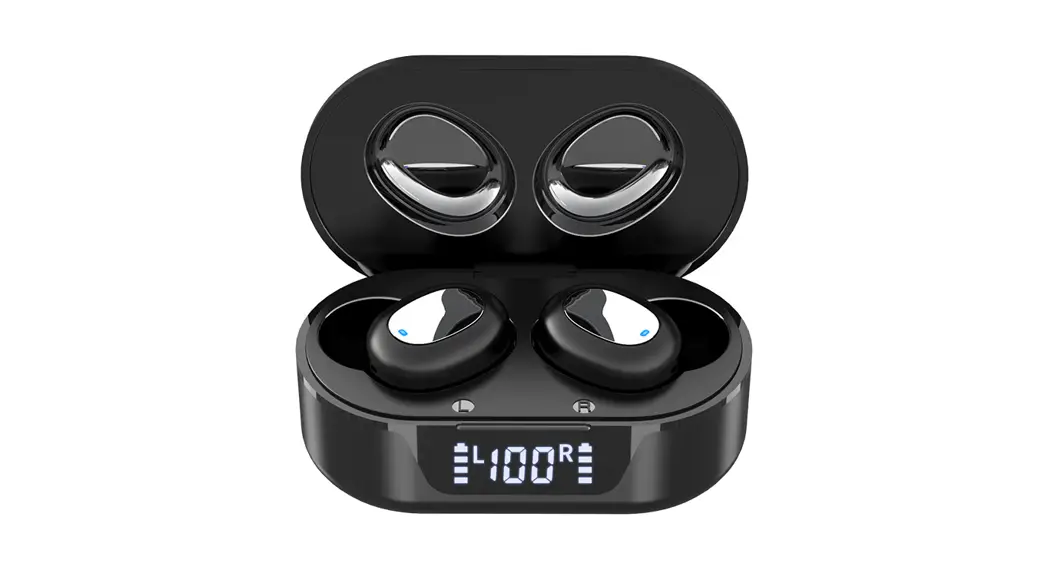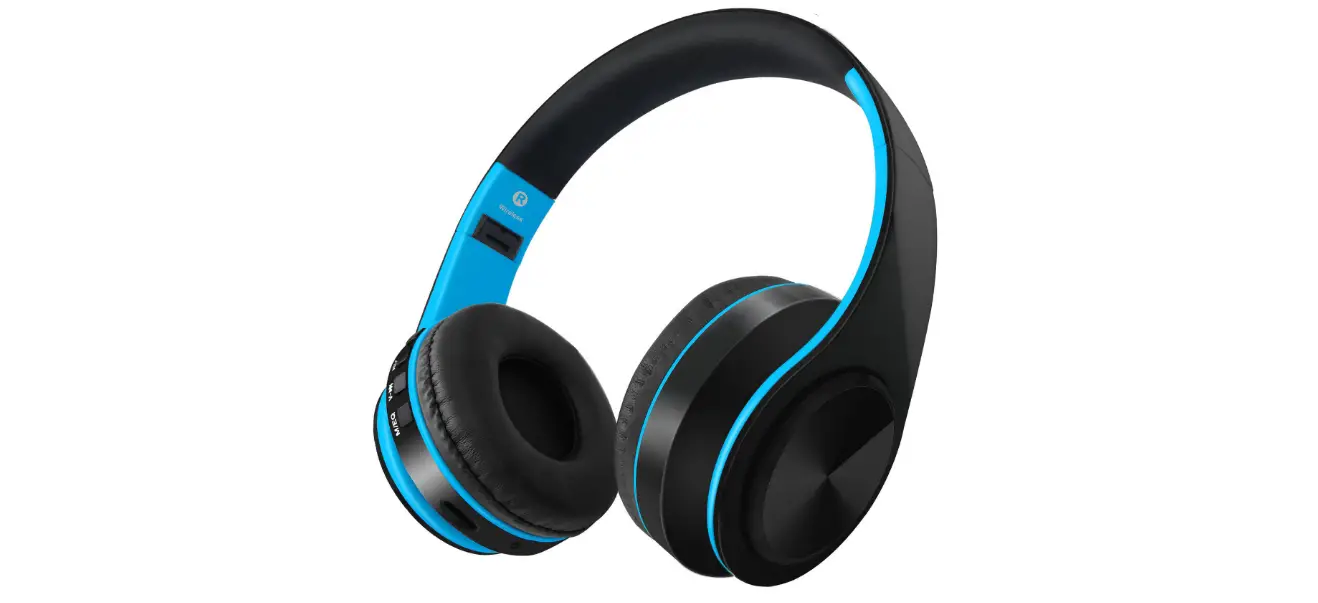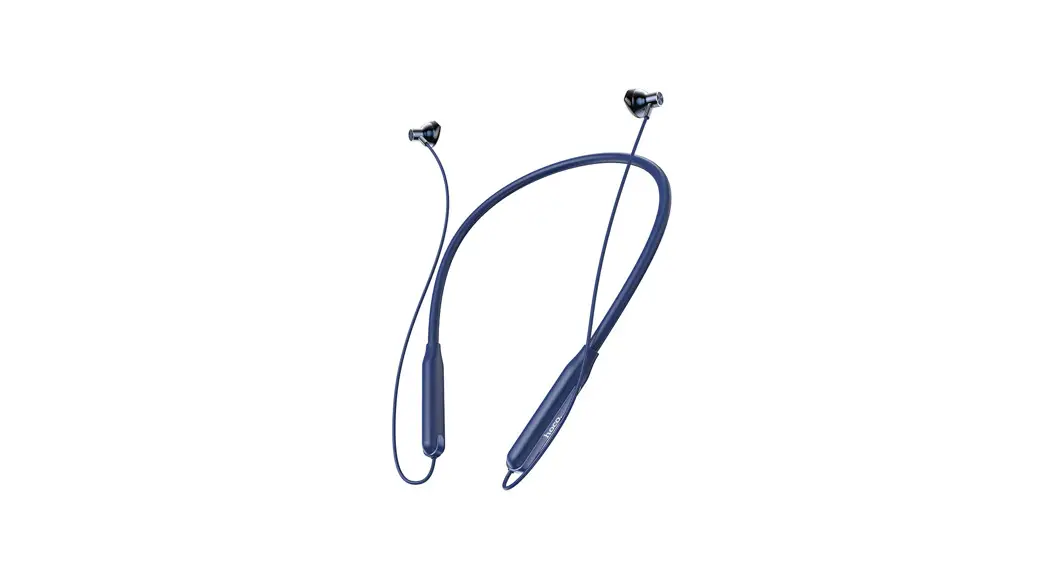
698A
Bluetooth /TF Card 2 In 1
User manual
Thank you for buying our products. To ensure the best performance of this product please read this manual carefully. This manual will guide you use the product
FCC ID:UHBSX-698A
For users’ safety, please read this manual before using the headset.
The following matters should be paid attention to when using a headset:
Please avoid long-time use of high volume mode, because it will lead to hearing loss caused by noise.
If you are in bad condition in potential danger please stop using a headset, in order to ensure safety.
Users should reasonably control the volume and time when listening to the headset.
The volume should not be too high,otherwise, you can’t hear the voice around. If the volume is too high that may appear tinnitus, please lower the volume.
Don’t drive while listening to songs.
Use dry soft cloth to clean the headset! Should avoid the headset into the water, that will cause headset damage.
If you feel obvious discomfort, stimulation, or other adverse reaction when using the headset stop using it immediately.
The headset should not be stored or used in temperature below-20°c(-4°F) or higher than 55°c (131°F), otherwise will reduce the battery life.
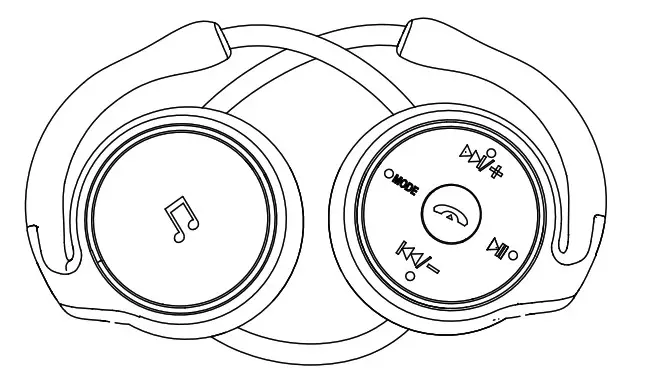
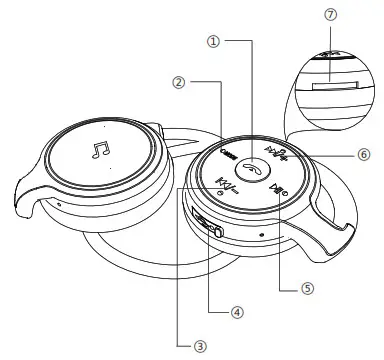
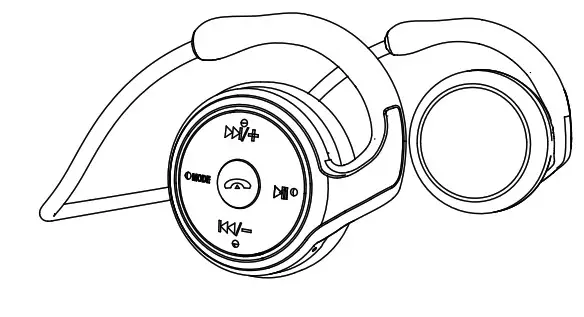
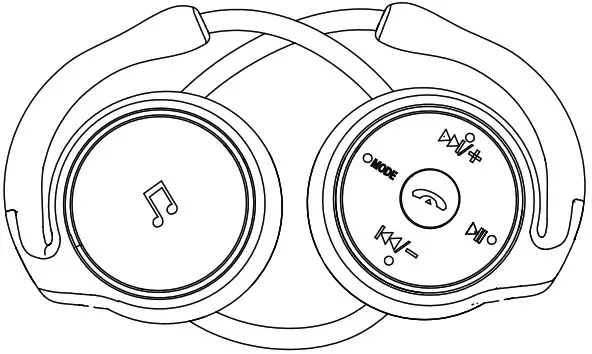
 MFB button/ Multi
- Function Button MODE
- Previous/Volume –
- Charging port
- Playing/ Pause
- Next track /Volume +
- Card Slot
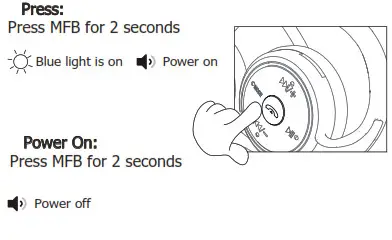
 MFB button/ Multi
On/off
Switch between Bluetooth&TF Card
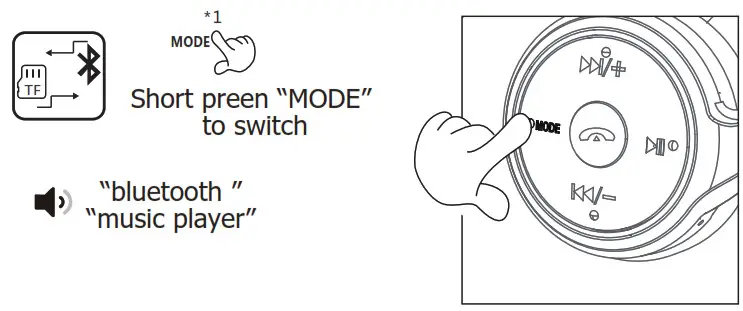
Connect with mobile phone
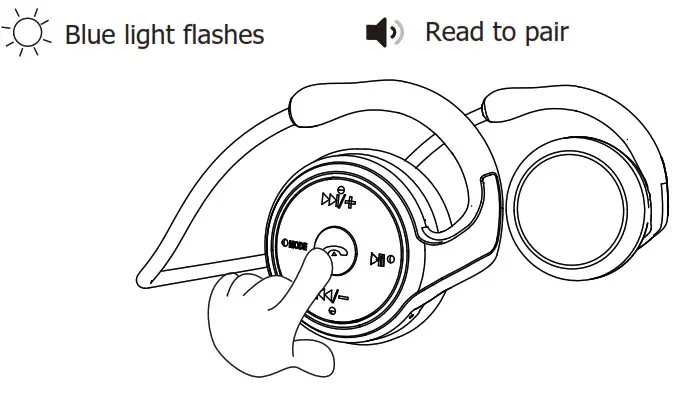
- Long press MFB button for 2 seconds,headset enters pairing state

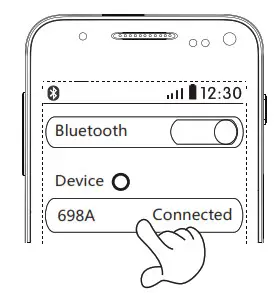
- Turn on your Bluetooth device on your mobile phone.

- Find the headset name of “698A” to get connected in your list, headset prompts “ device connected”
Music Control
 Play/Pause
Short press Play/Pause
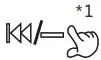 Previous
Short press /- button to select the previous song
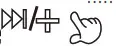 Increase volume
Long press /+ button to increase the volume
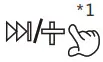 Next track
Short press/+ button to select next song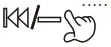 Decrease volume
Long press /-button to decrease volume
Management Calls
 Answer/ Hang-up
Short press answer and end calls Reject call
Long press reject call Last number redial
Double Press Last Number Redial Smart voice
Double press to activate Siri
Abnormal operation
If the key fails during use, please follow the below operation
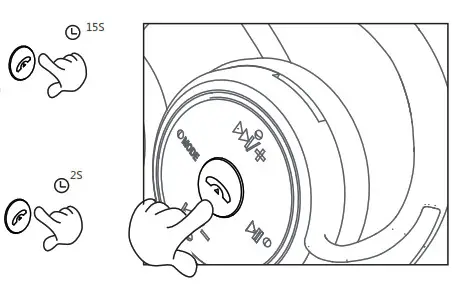
- Press and hold MFB for 15 seconds until the headset turns off
- Restart the earphone to complete the buttons reset
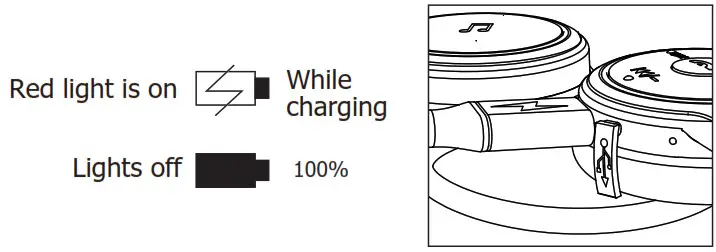
Charging indicator
Technical index
Correspond with: V5.0
Support: HSP 、HFP 、A2DP 、AVRCP
Transmittig Power :Class 2
Working Distance Range:≤ 10m
Frequency Range:2.402GHz-2.480GHz
Charge Time: ≤ 3 hours
Talk Time:≥8 hours
Music Time:≥8 hours
TF card playing time: ≥8 hours
Standby Time :≥300 hours
USB power supply:≤5V/1A
Battery warning
Warning: do not disassemble, collide, squeeze or throw it into the fire.
If there is serious bloating, do not continue to use it.do not place it in high temperature.
Prohibiting to use the battery after soaking in water.
If consumers use the power adapter to charge, please use a standard power adapter with 3C certification.
NOTE: This equipment has been tested and found to comply with the limits for a Class B digital device, pursuant to part 15 of the FCC Rules. These limits are designed to provide reasonable protection against harmful interference in a residential installation. This equipment generates uses and can radiate radio frequency energy and, if not installed and used in accordance with the instructions,may cause harmful interference to radio communications. However, there is no guarantee that interference will not occur in a particular installation. If this equipment does cause harmful interference to radio or television reception, which can be determined by turning the equipment off and on, the user is encouraged to try to correct the interference by one or more of the following measures:
– Reorient or relocate the receiving antenna.
– Increase the separation between the equipment and receiver.
-Connect the equipment into an outlet on a circuit different from that to which the receiver is connected.
-Consult the dealer or an experienced radio/TV technician for help Changes or modifications not expressly approved by the party responsible for compliance could void the user’s authority to operate the equipment.
This device complies with Part 15 of the FCC Rules. Operation is subject to the following two conditions:
(1) this device may not cause harmful interference, and(2) this device must accept any interference received, including interference that may cause undesired operation.