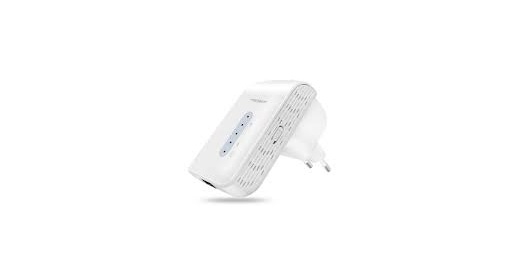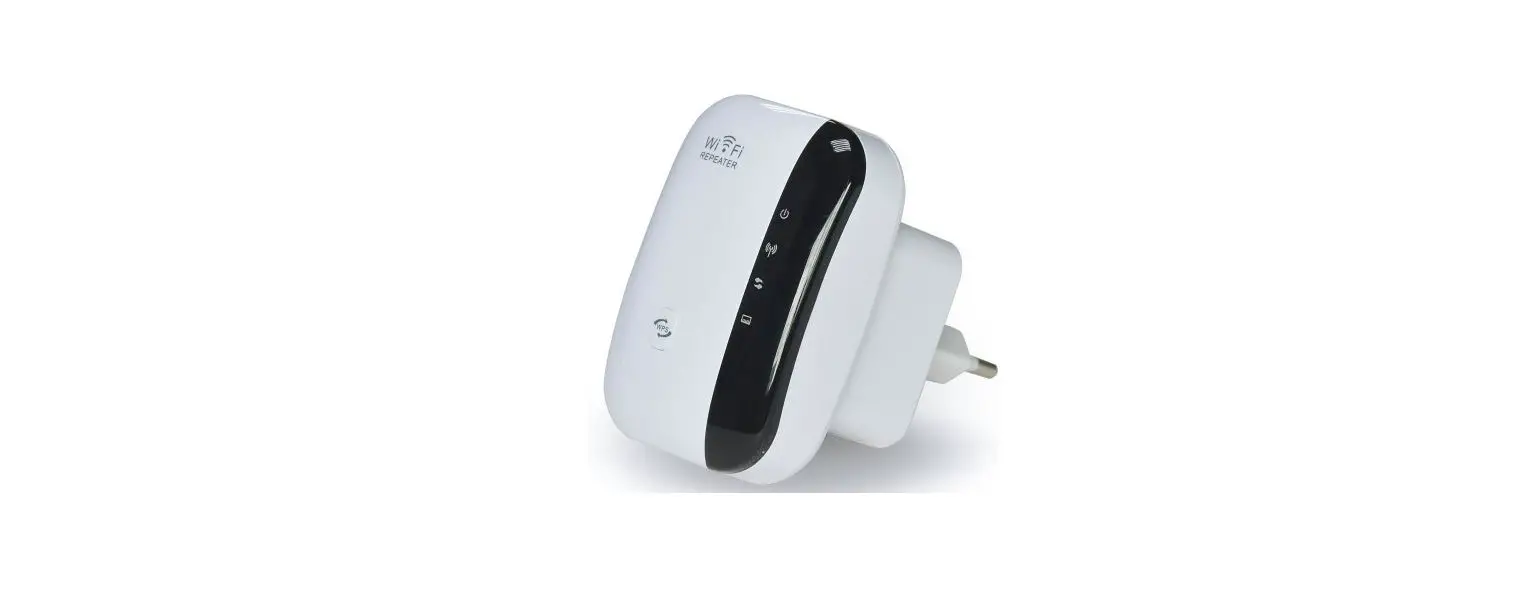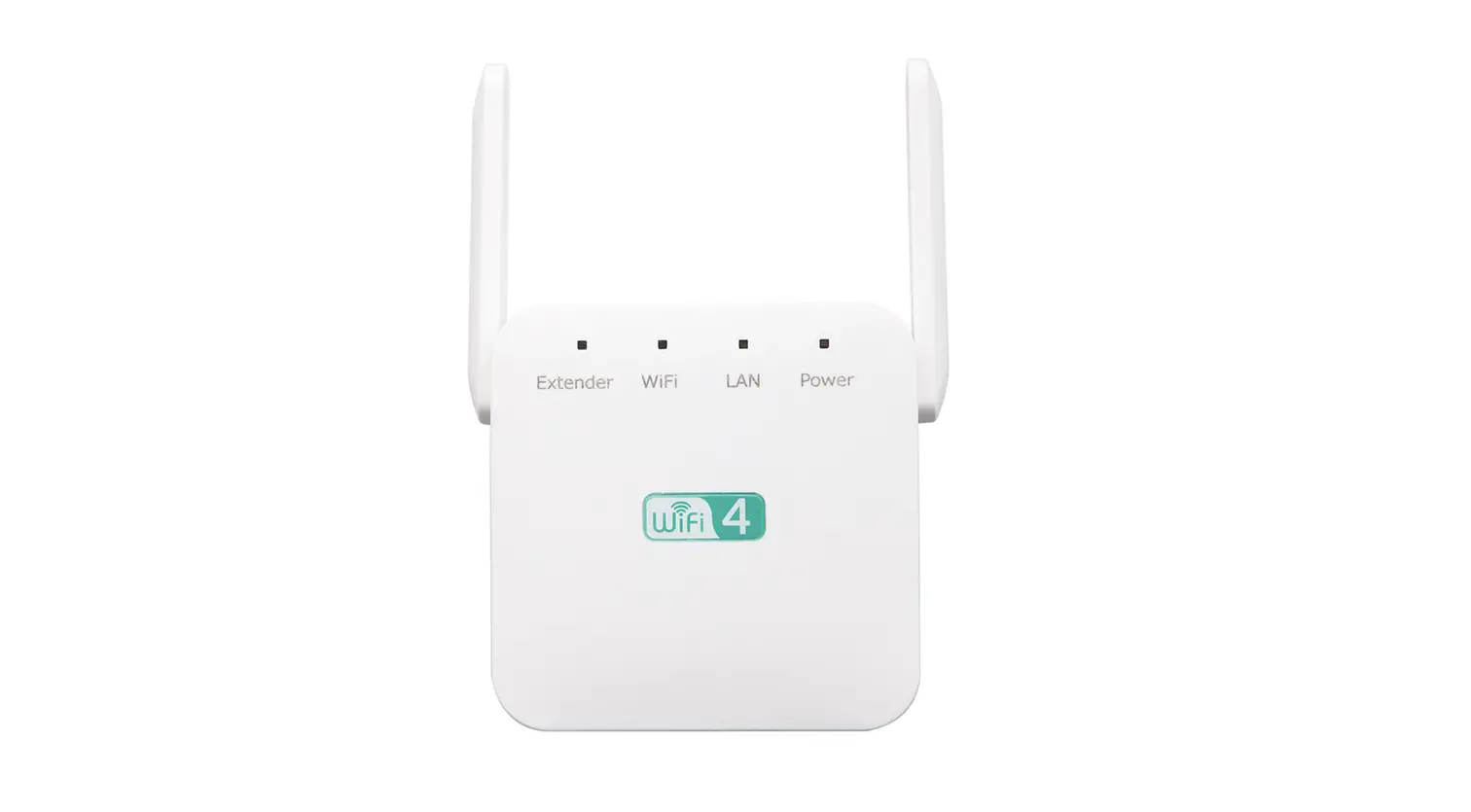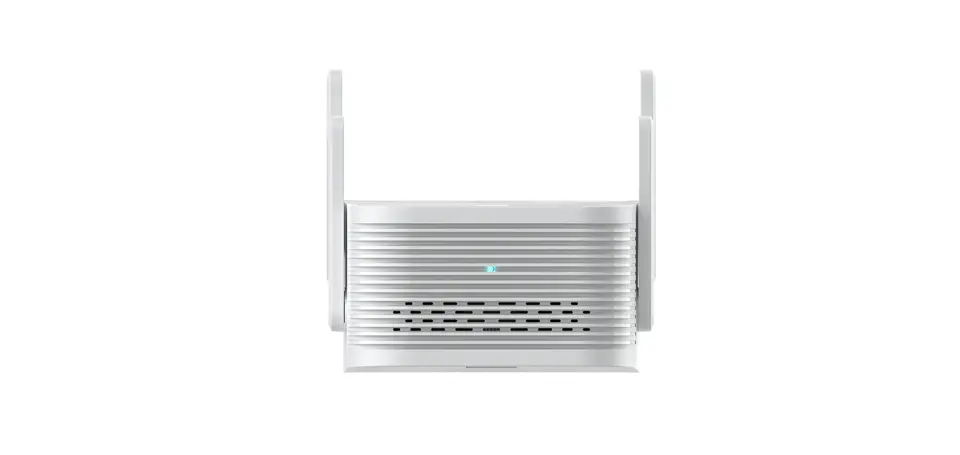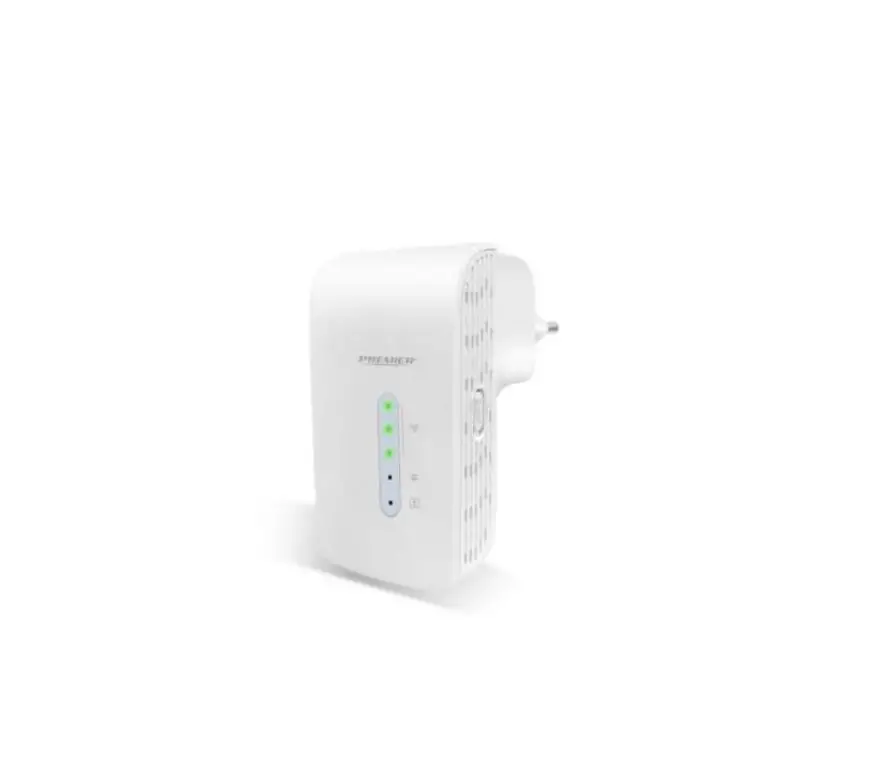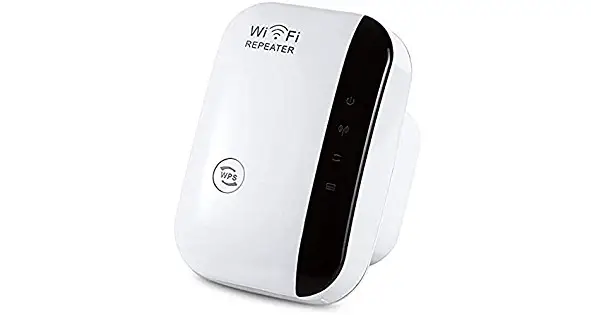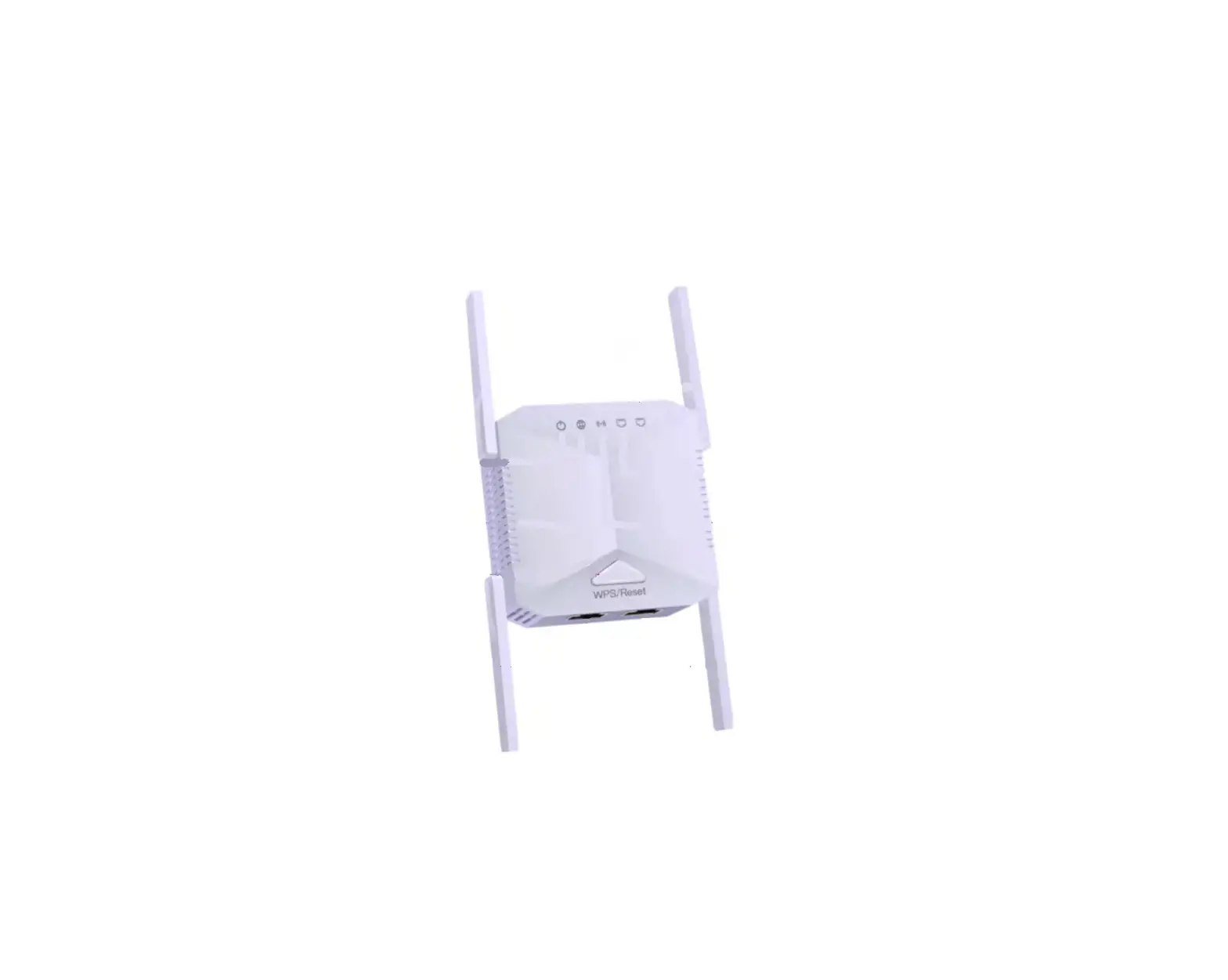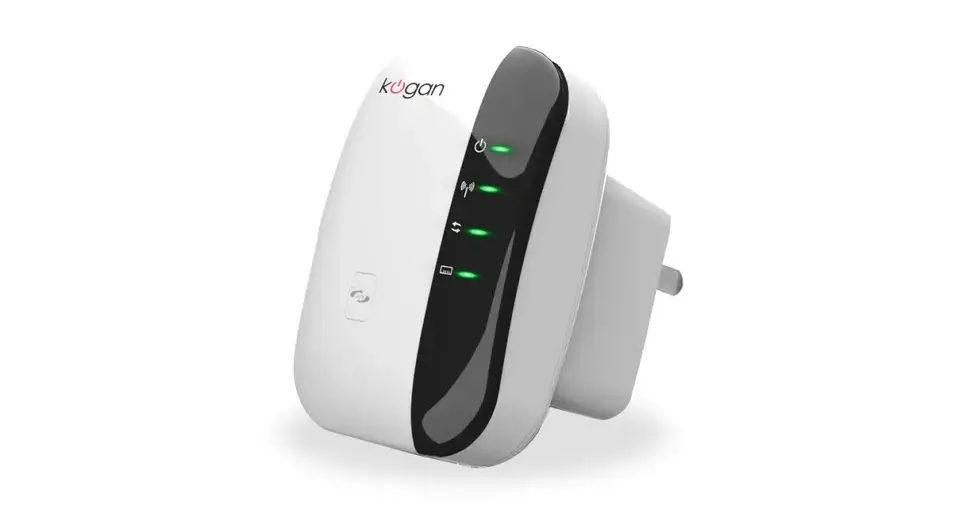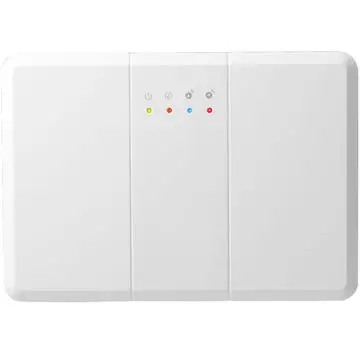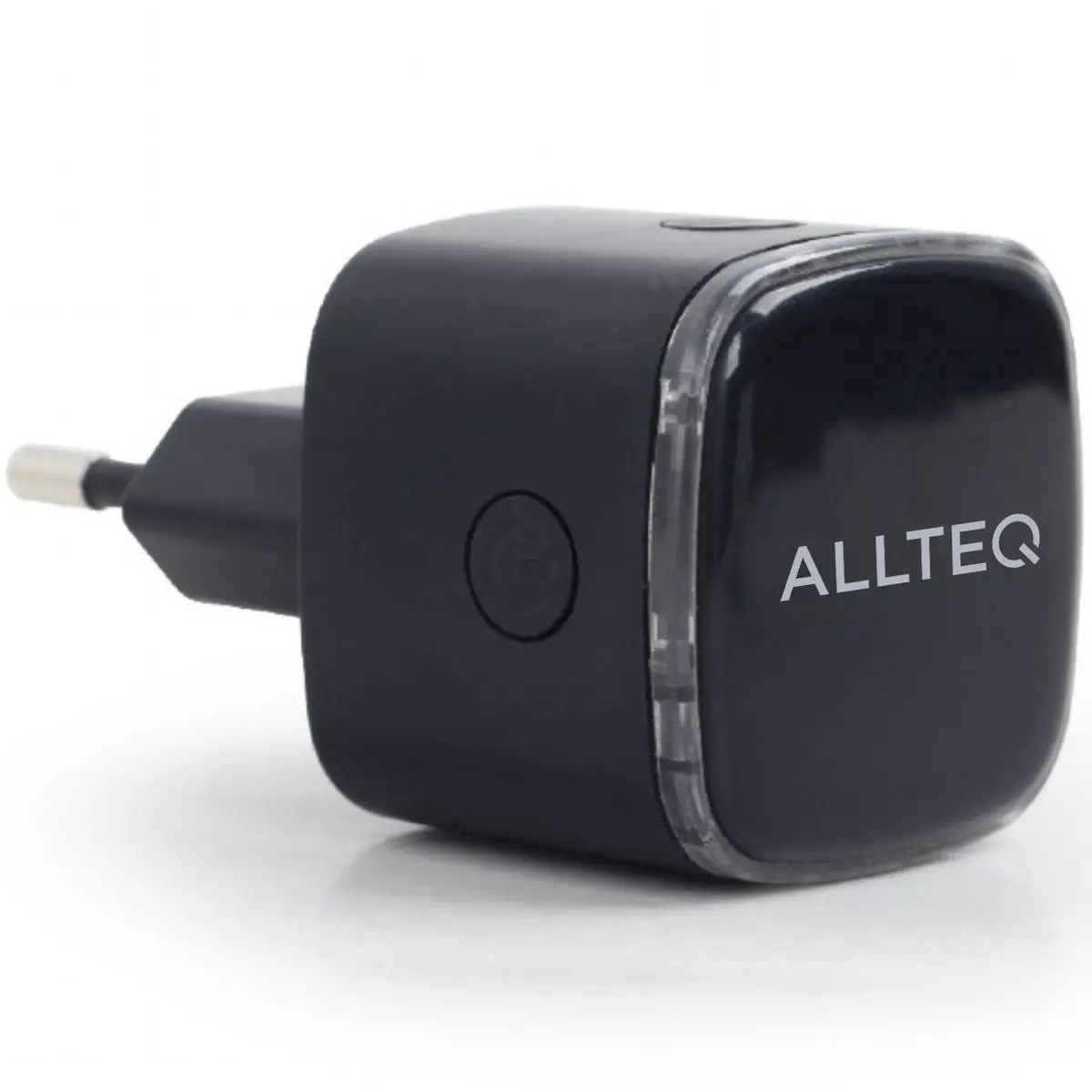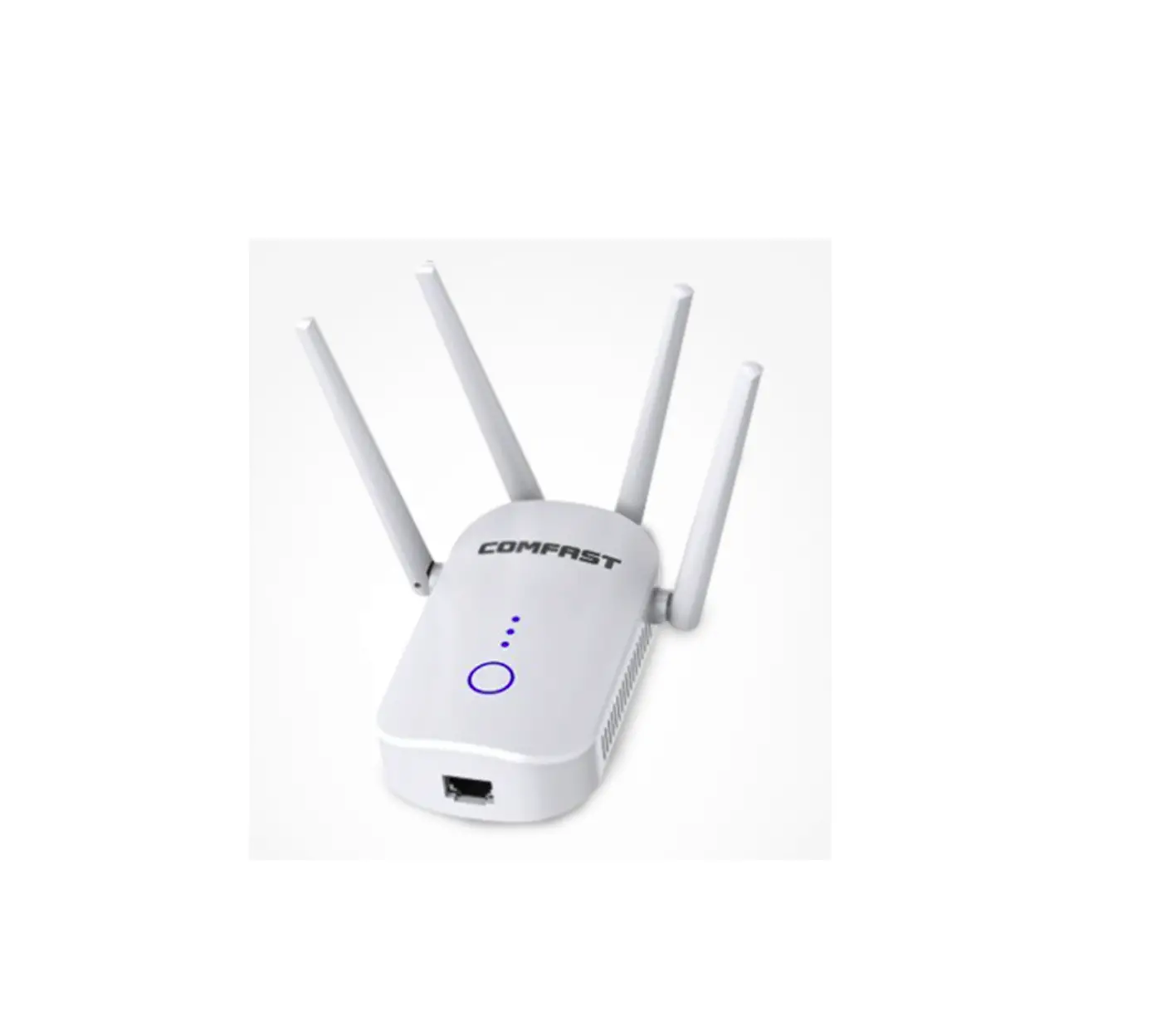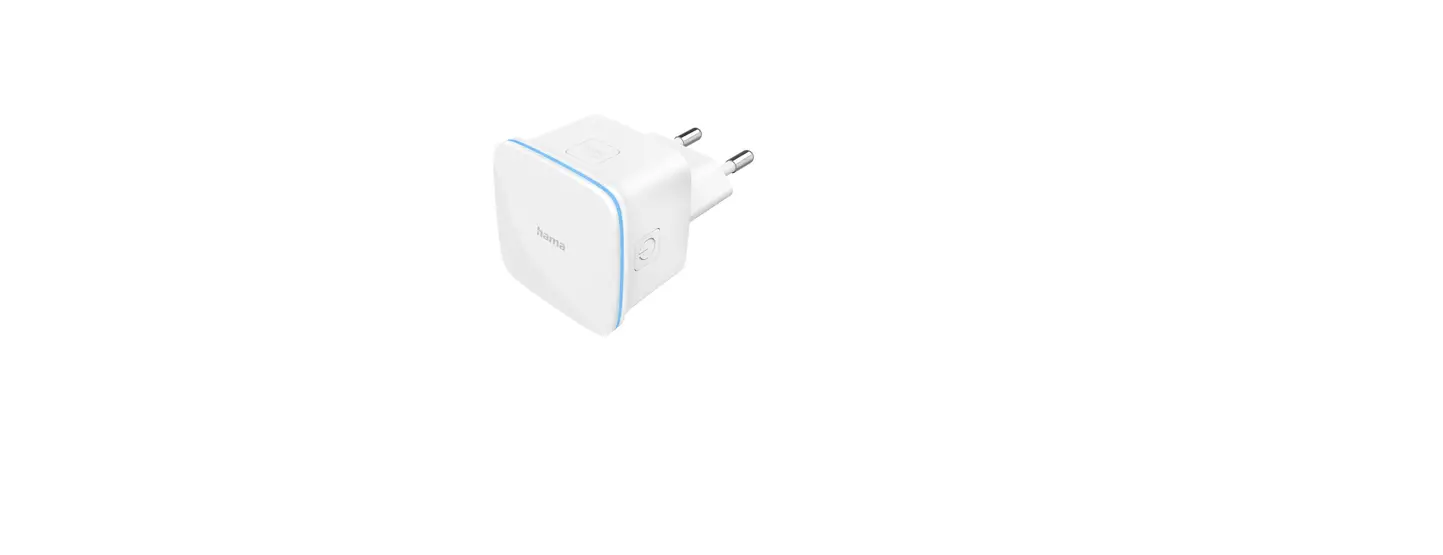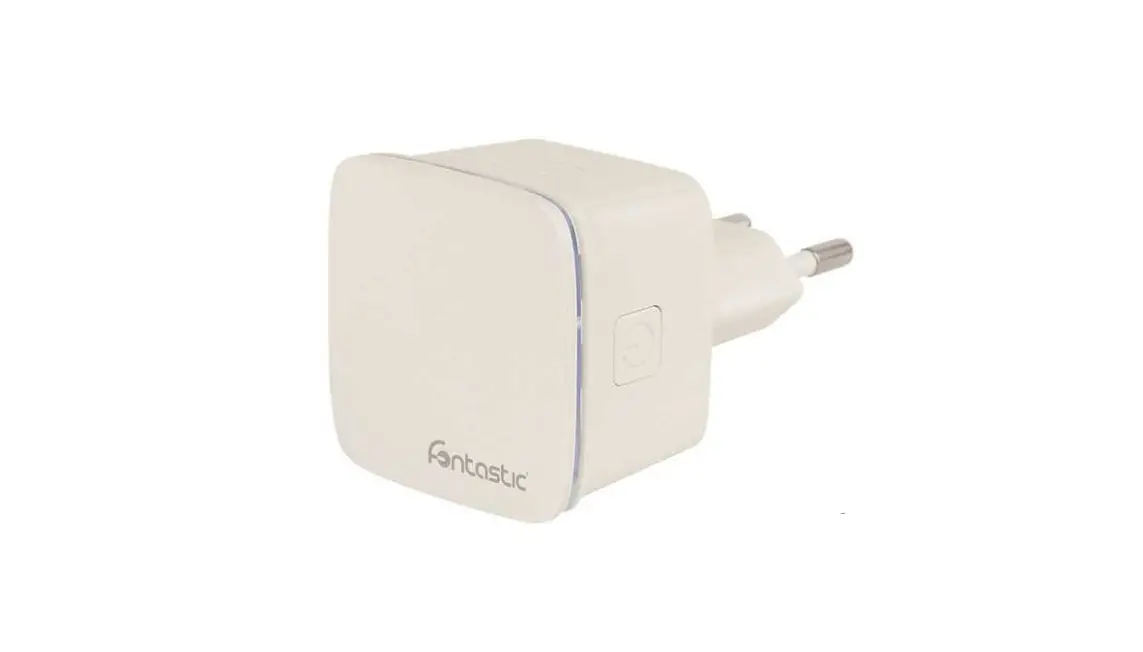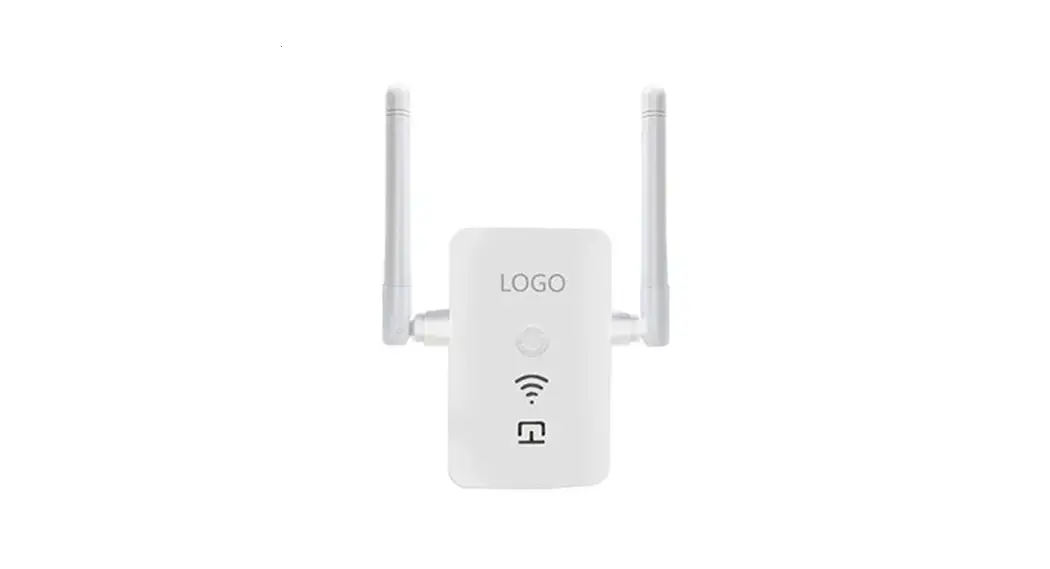

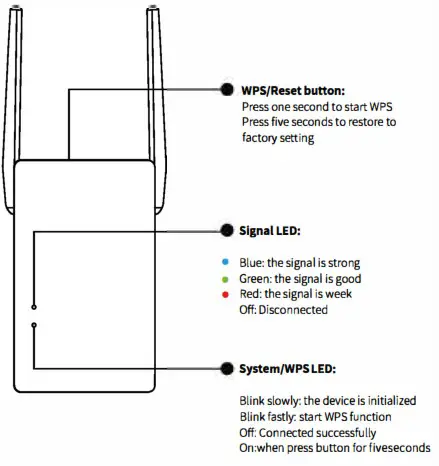
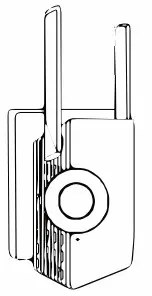
Know about the repeater
I.Power on Plug in next to your router
Option ONE:Quick Setup
using WPS button
If your router doesn’t have a WPS button, or you are not sure, please use Option TWO
Power on
Plug in next to your router
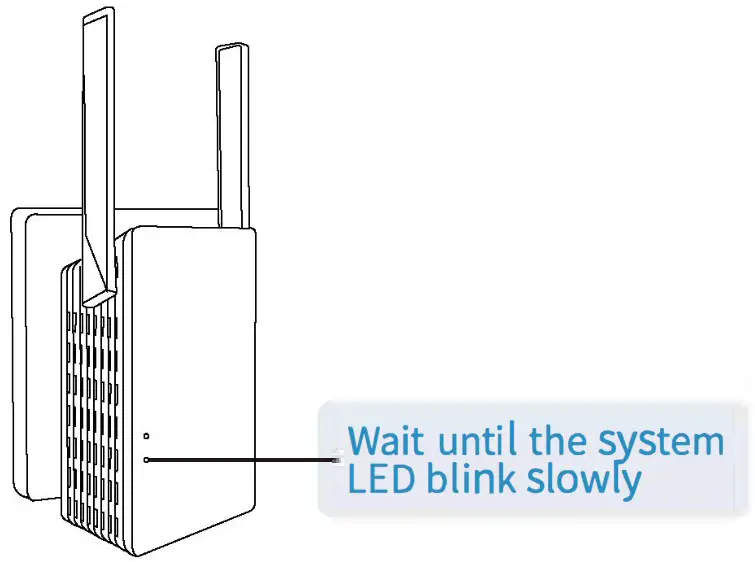
Connect
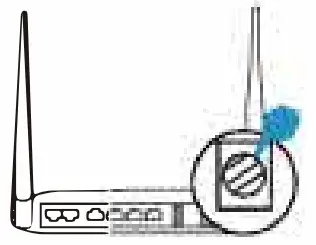
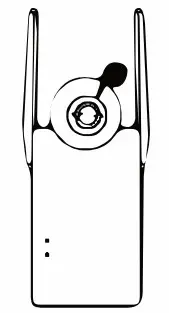
| l Press the WPS button on your router | 2 Press the peater’ s WPS button for one second and the LED starts blink fastly |
 |  |
3) The signal LED should turn on, indicating successful connection. If not, please use Option TWO
Note: Some ISP gateways disable the WPS function by default, if the WPS method fails, please use Option TWO. For more information about using WPS on your route please refer to the router ’ s user guide.
Relocate
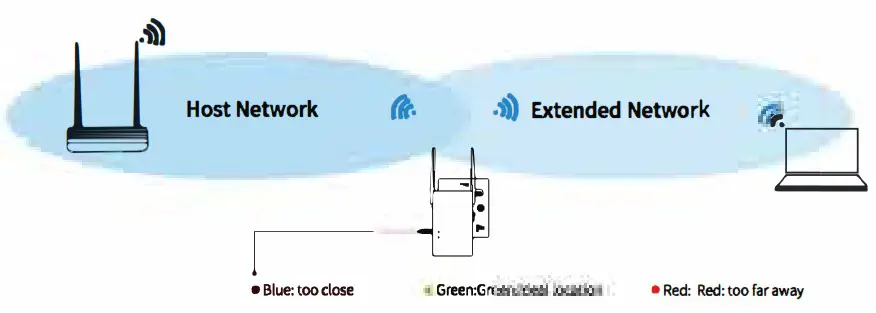
- Plug in the repeater halfway between your router and the Wi-Fi dead zone
- Wait about 1 minute until the signal LED is lit with a solid green, if not, relocate it closer or far away to the router to achieve a good (or better) signal quality.
Enjoy the internet
Re-connect to the extender with xxxx-EXT ssid and password same as router.
Option TWO: Using mobile phone
Power on
Plug in next to your router
Connect to the extender
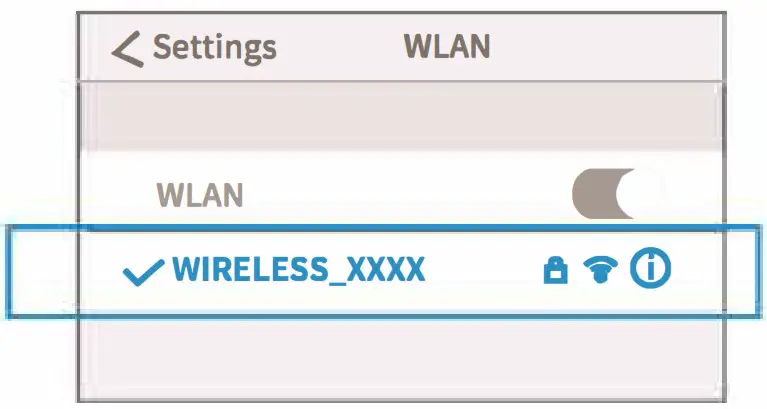
Join the wifi SSID(WIRELESS XXXX) by mobile phone
Configure
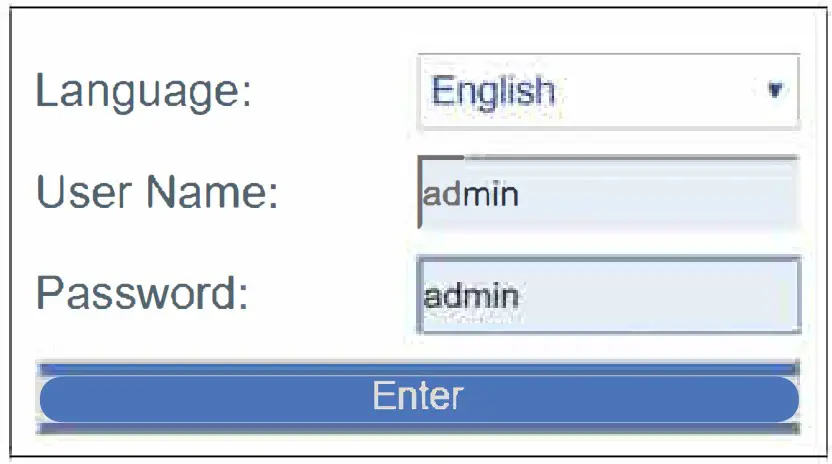
- The setup page will be open automatically when connected successfully to the extender, if not, you can enter http://wireless.net at address bar to log in, you can select the language then input username/password: admin/admin, click “Enter” to into setup page.

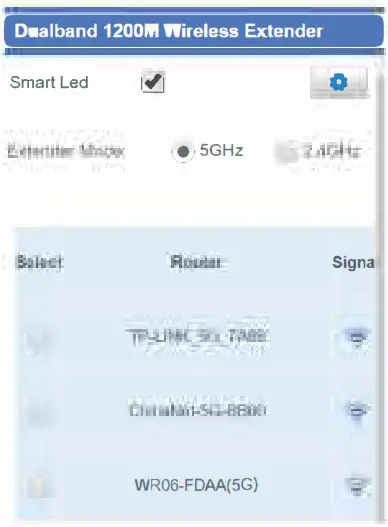
- Select the extender mode(2.4GHz or 5 GHz) you want.

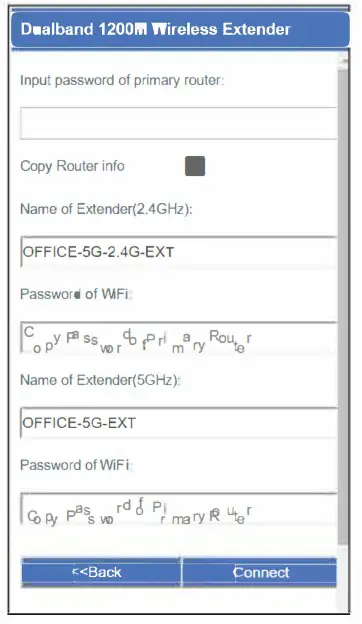
- Select your home wifi router and enter its password then click “Connect

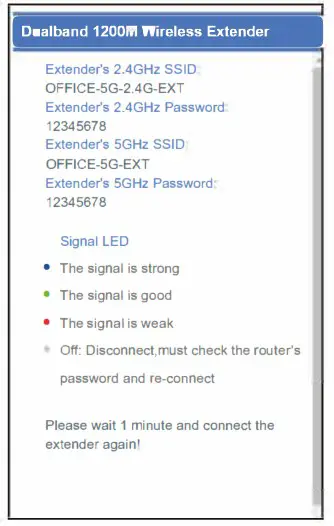
- Check the signal LED and re-connect to the extender as below:

FAQ:
Why can’t I find the wifi SSID: WIRELESS XXXX?
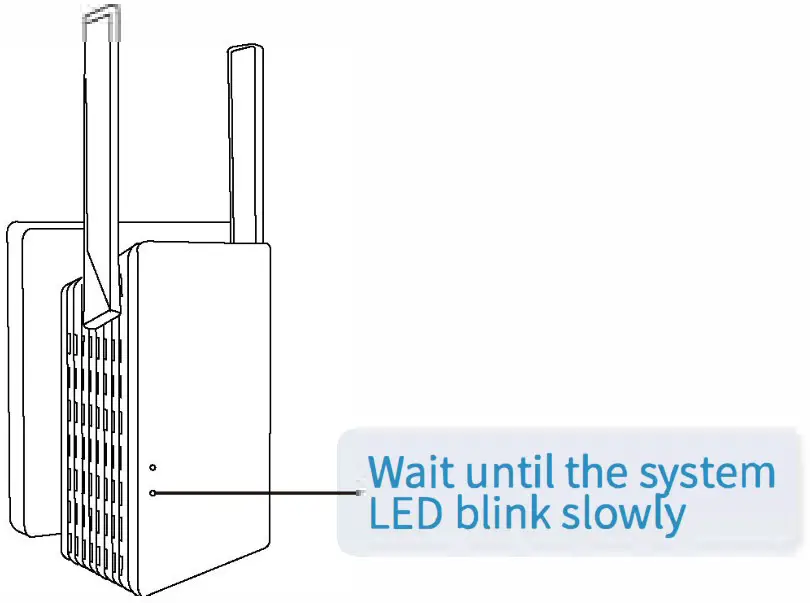
When installing for the first time, please ensure that the system light is blinking slowly after plug-in, then search wifi SSID.
How do I go back to factory setting?
Please hold the Reset Button for 5 seconds to reset the device.
FCC Warning
This device complies with part 15 of the FCC rules. Operation is subject to the following two conditions: (1) this device may not cause harmful interference, and (2) this device must accept any int e reference received, including interference that may cause undesired operation. Changes or modifications not expressly approved by the party responsible for compliance could void the user’s authority to operate the equipment.
NOTE: This equipment has been tested and found to comply with the limits for a Class B digital device, pursuant to part 15 of the FCC Rules. These limits are designed to provide reasonable protect tion against harmful interference in a residential installation. This equipment generates uses and can radiate radio frequency energy and, if not installed and used in accordance with the instruct ones, may cause harmful interference to radio communications. However, there is no guarantee the at interference will not occur in a particular installation. If this equipment does cause harmful int erferenceto radio or television reception, which can be determined by turning the equipment off and on, the user is encouraged to try to correct the interference by one or more of the following measures:
- Reorient or relocate the receiving antenna.
- Increase the separation between the equipment and receiver.
- Connect the equipment into an outlet on a circuit different from that to which the receiver is connected.
- Consult the dealer or an experienced radio/TV technician for help.
Radiation Exposure Statement
To comply with FCC RF exposure compliance requirements, this grant is applicable to only mobile configurations. The antennas used for this transmitter must be installed to provide a separation d istance of at least 20cm from all persons and must not be co-located or operating in conjunction with any other antenna or transmitter.