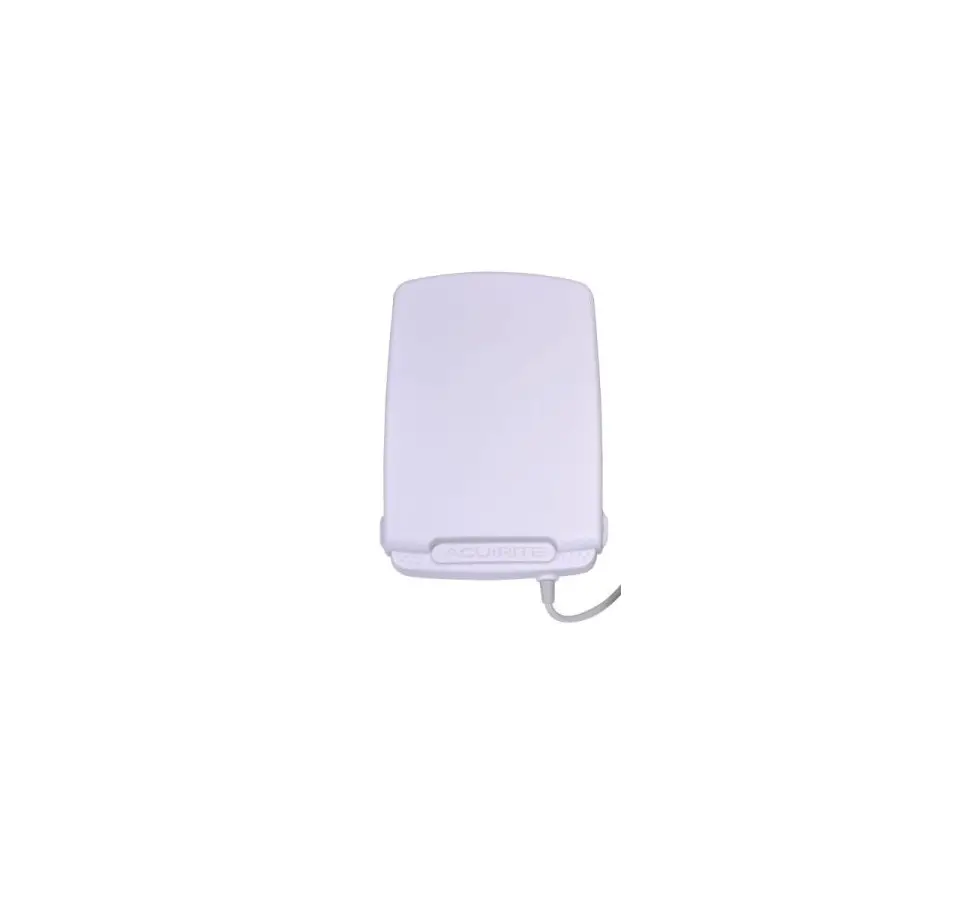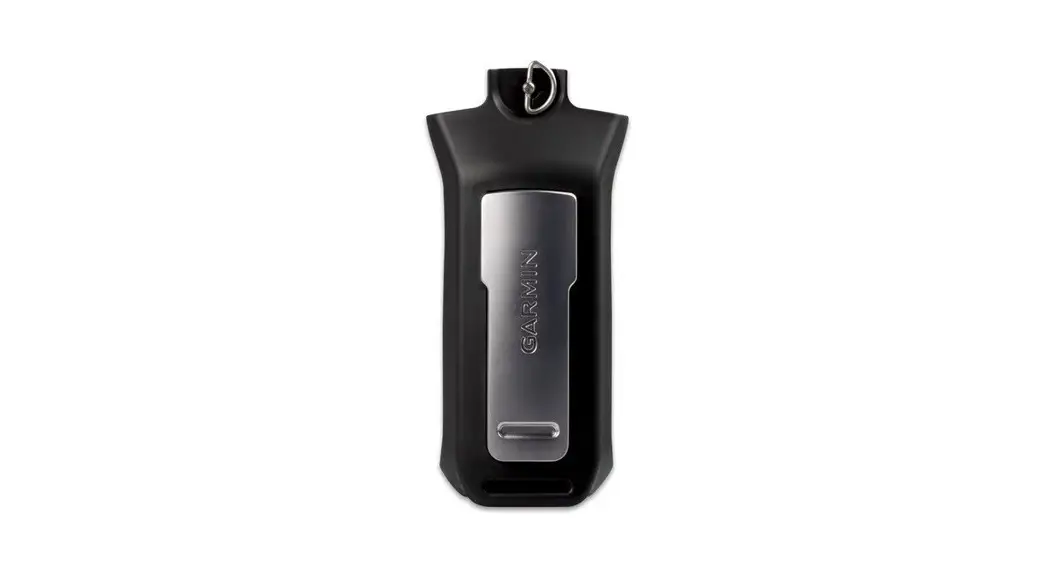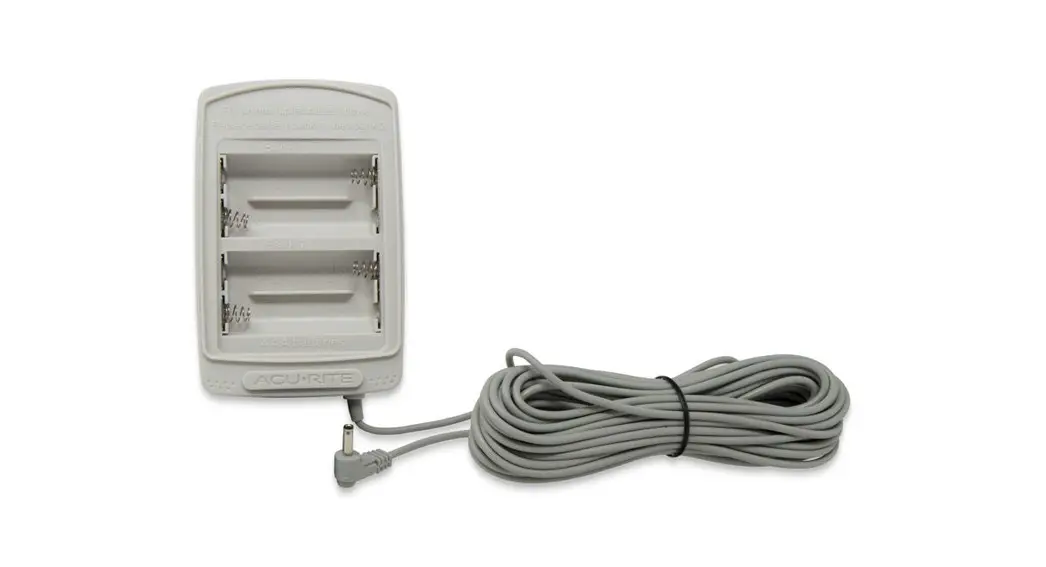
 Battery Pack for AcuRite ® Atlas™Model 06074:
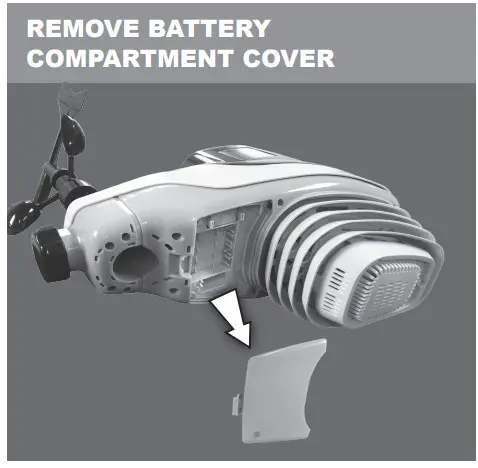
- Remove battery compartment cover from the bottom of the AcuRite ® Atlas TM outdoor device. Remove batteries if currently installed.

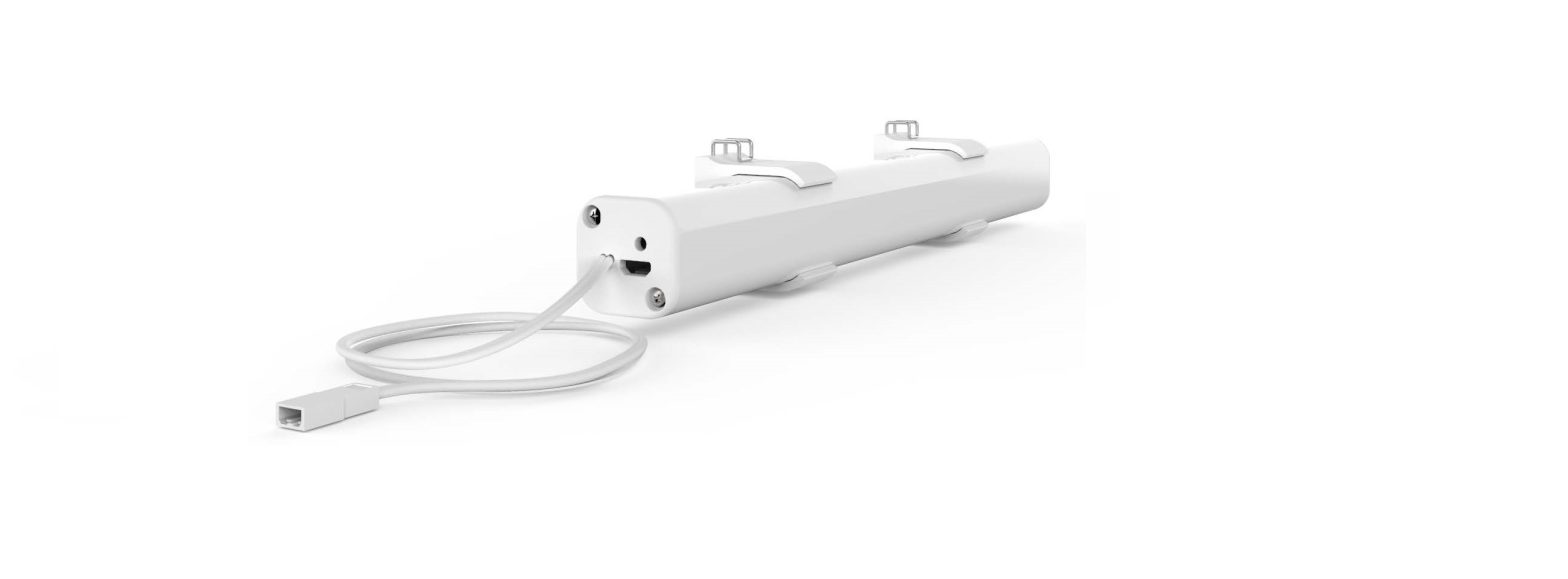
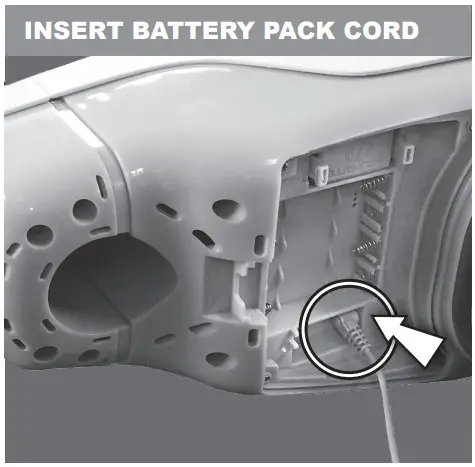
- Plug the battery pack cord into the battery compartment AcuRite® Atlas™.

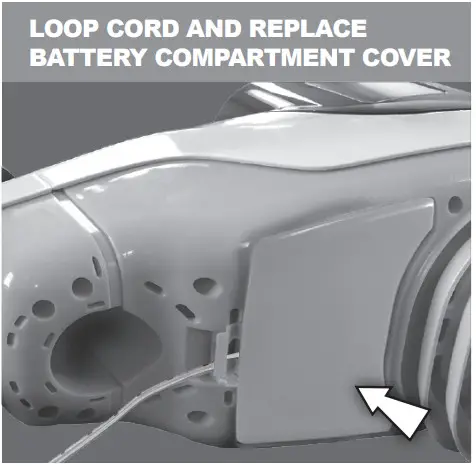
- Loop the cord through the slot, then replace the battery compartment cover.

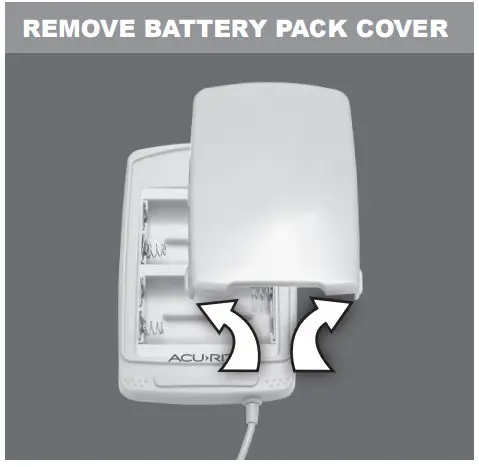
- Remove the battery pack cover by pulling upward on the cover’s tabs (away from the battery pack).

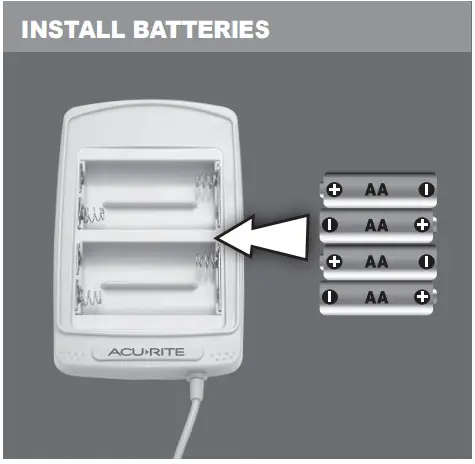
- Insert 4 x AA alkaline or lithium* batteries into the battery compartment. Heavy duty or rechargeable batteries are not recommended.

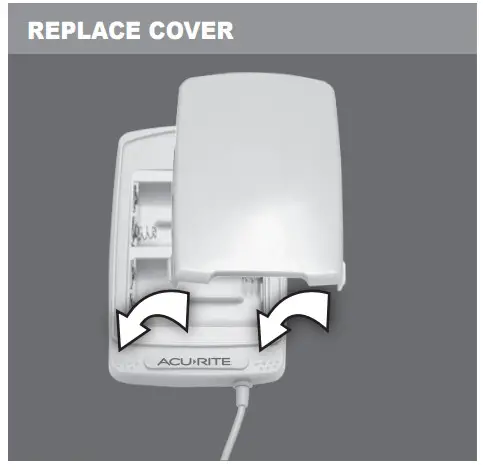
- Replace the battery pack cover.

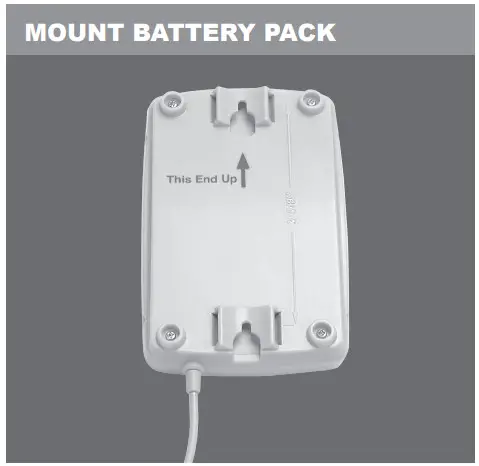
7a.Mount the battery pack using the integrated hang holes. We recommend mounting on a pole or a flat surface such as a wall or post. The battery pack is water-resistant and is designed for general outdoor use.
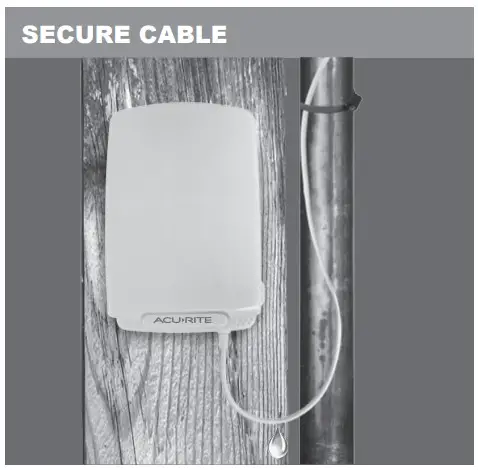
7b.Use the included zip ties and hardware to secure excess cable near the battery pack, leaving enough slack for a “drip-loop,” preventing rainwater from trailing into the battery pack. Installation is complete.
* Cold temperatures can cause alkaline batteries to function improperly. Use lithium batteries for temperatures below -4°F (-20°C).