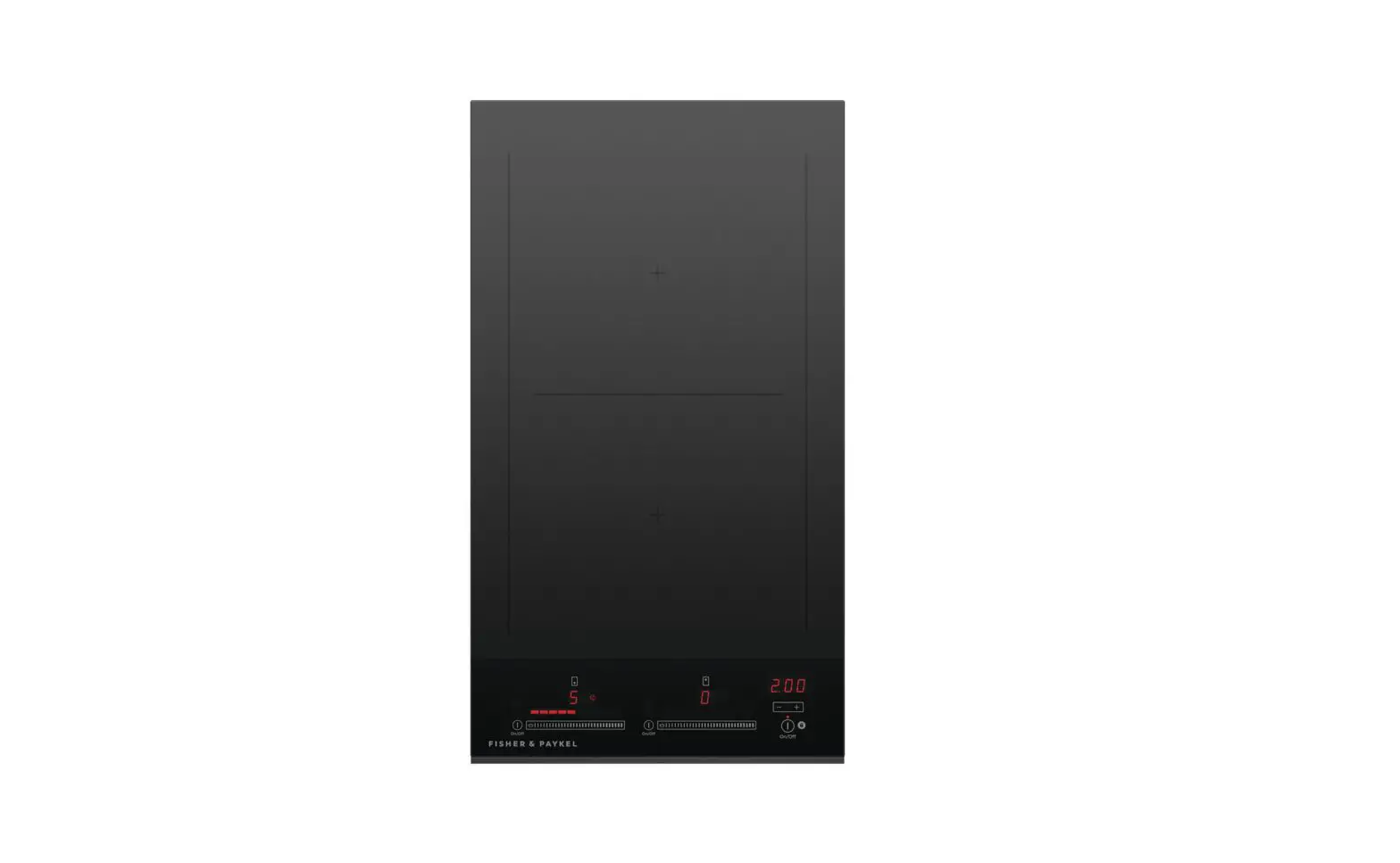
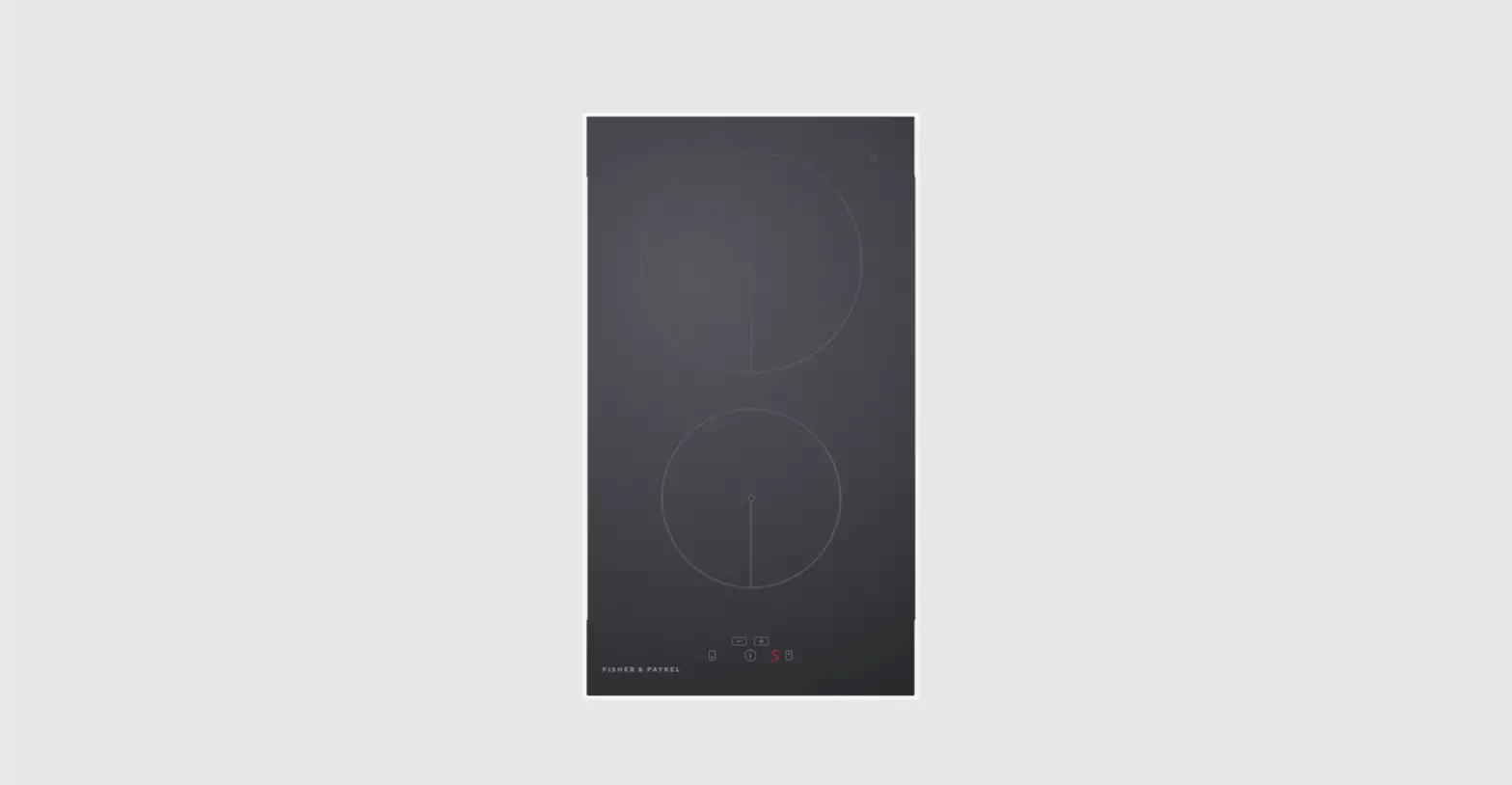
CI122DB1 Auxiliary Modular Induction Cooktop 12 Inch 2 Zones
Product Information:
Product Name: CI122DB1 Auxiliary Modular Induction Cooktop
Series: 11
Color: Minimal Black
Features:
- Fuses precise induction technology with innovative design
- Compact size, designed to seamlessly pair with the Primary
Induction Cooktop - Immediate heat response and accurate temperature control
- SmartZone feature allows pairing of zones to create a larger
cooking area - Sleek black glass finish with minimal style to fit any kitchen
design - Cooktop remains cool to touch until a pot or pan is placed on
the surface - Easy-to-clean single surface finish
Product Dimensions:
Height: 2 5/16 inches
Width: 11 13/16 inches
Depth: 20 7/8 inches
Specifications:
Accessories (sold separately): Wireless temperature sensor
(WTSC1)
Product dimensions:
- Depth: 20 7/8 inches
- Height: 2 5/16 inches
- Width: 11 13/16 inches
Date: 06.07.2023
Other Product Downloads:
Service & Warranty
Preliminary Specification Guide Modular Cooktop System
A PEACE OF MIND SALE
24 Hours 7 Days a Week Customer Support
T: 1.888.936.7872
SKU: 82831
The product dimensions and specifications on this page apply to
the specific product and model. Under our policy of continuous
improvement, these dimensions and specifications may change at any
time. You should, therefore, check with Fisher & Paykel’s
Customer Care Centre to ensure this page correctly describes the
model currently available.
© Fisher & Paykel Appliances Ltd 2020
Product Usage Instructions:
- Ensure the CI122DB1 Auxiliary Modular Induction Cooktop is
placed on a stable and heat-resistant surface. - Connect the cooktop to a power source using the provided power
cord. - Turn on the cooktop by pressing the power button.
- To use a single cooking zone, place a compatible pot or pan on
the desired zone. - To use the SmartZone feature and create a larger cooking area,
place compatible pots or pans on adjacent zones and pair them using
the control panel. - Adjust the temperature using the control panel to achieve the
desired cooking heat. - The cooktop will provide immediate heat response and accurate
temperature control. - After use, turn off the cooktop by pressing the power
button. - Allow the cooktop to cool down before cleaning.
- Clean the cooktop using a soft cloth and mild cleaning
solution. Avoid abrasive cleaners or scrubbers that may damage the
surface finish.
For further assistance or information, please refer to the
product’s user manual or contact Fisher & Paykel’s Customer
Care Centre.
QUICK REFERENCE GUIDE > CI122DB1
Auxiliary Modular Induction Cooktop, 12″, 2 Zones with SmartZone
Series 11 | Minimal Black
Fusing precise induction technology with innovative design, this compact Auxiliary Induction Cooktop is designed to seamlessly pair with our Primary Induction Cooktop.
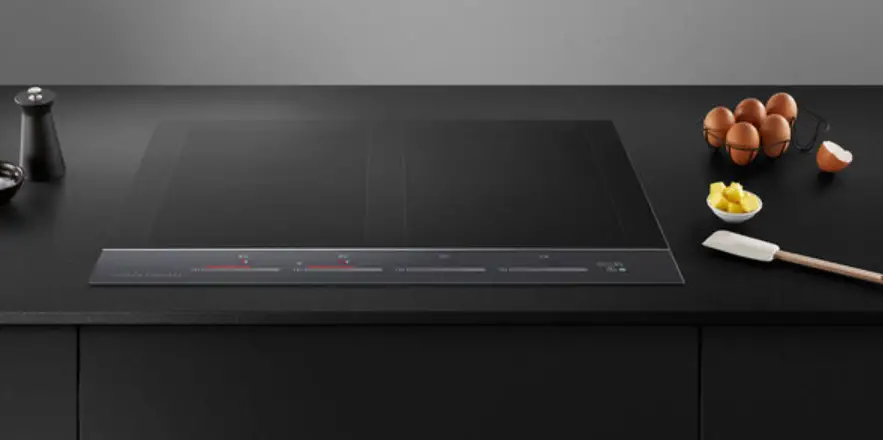
Part of our unique modular cooking solution. Pair with a primary cooktop for the ultimate cooking experience Immediate heat response and accurate temperature control. Pair zones to create a large SmartZone Minimal style to fit any kitchen design, with a sleek black glass finish
Cooktop remains cool to touch until a pot or pan is placed on the surface Easy-to-clean single surface finish
DIMENSIONS
Height Width Depth
SPECIFICATIONS
Accessories (sold separately) Wireless temperature sensor
Product dimensions Depth Height Width
2 5/16″ 11 13/16″ 20 7/8″
WTSC1
20 7/8″ 2 5/16″ 11 13/16″
Date: 06.07.2023 > 1
Other product downloads available at fisherpaykel.com Service & Warranty Preliminary Specification Guide Modular Cooktop System
A PEACE OF MIND SALE 24 Hours 7 Days a Week Customer Support T 1.888.936.7872 Wwww.fisherpaykel.com
SKU
82831
The product dimensions and specifications in this page apply to the specific product and model. Under our policy of continuous improvement, these dimensions and specifications may change at any time. You should therefore check with Fisher & Paykel’s Customer Care Centre to ensure this page correctly describes the model currently available. ? Fisher & Paykel Appliances Ltd 2020
 Home Appliances | Fisher & Paykel USA