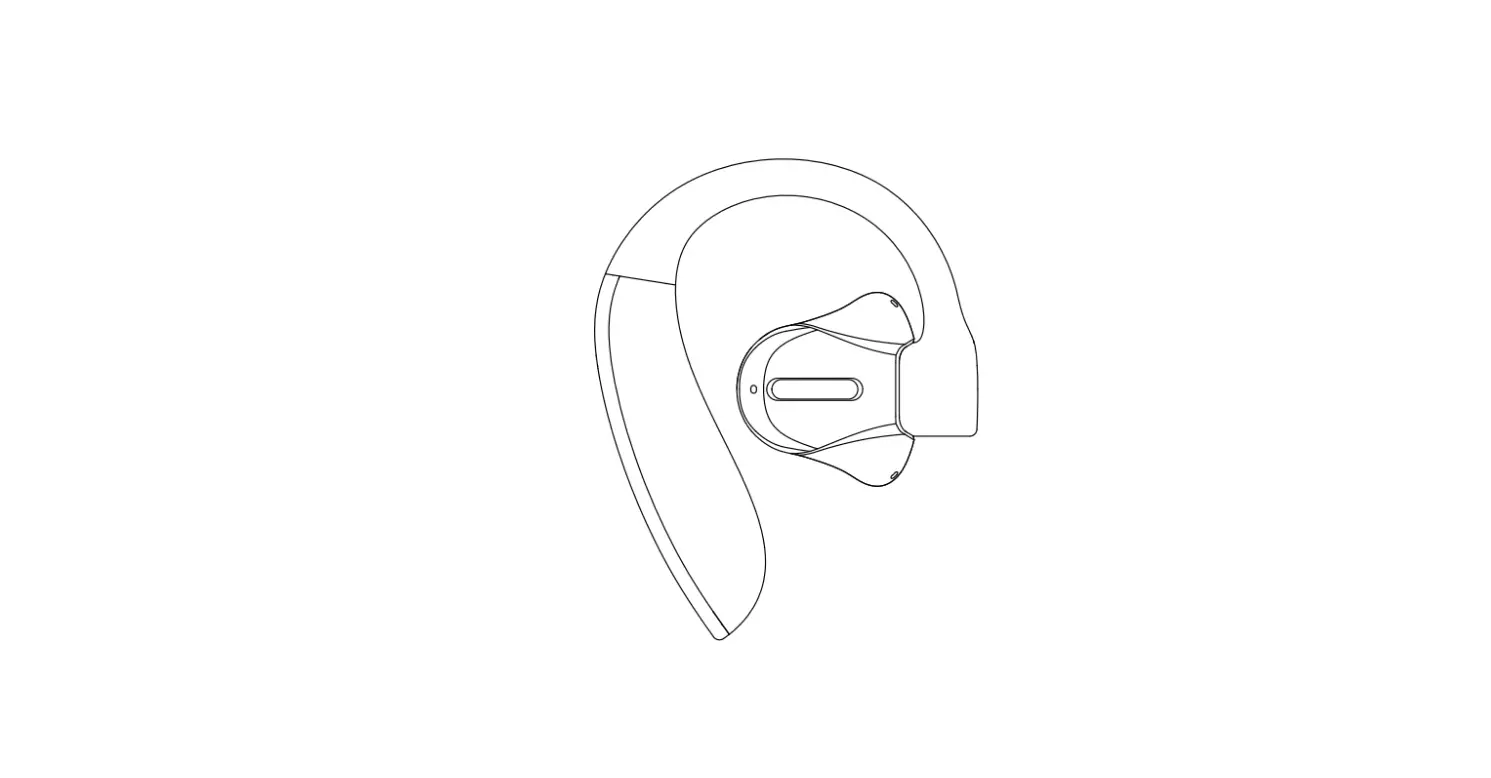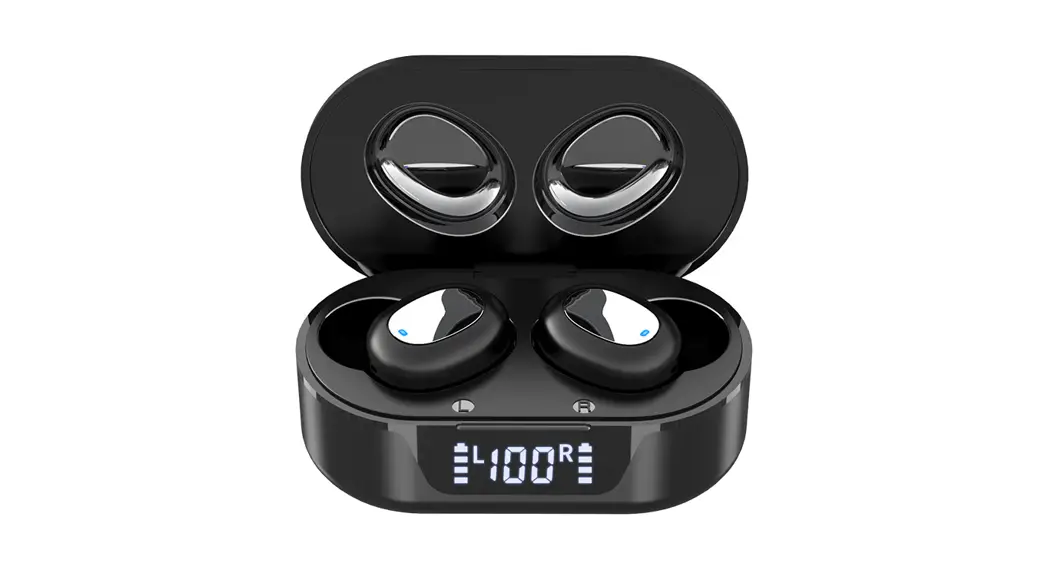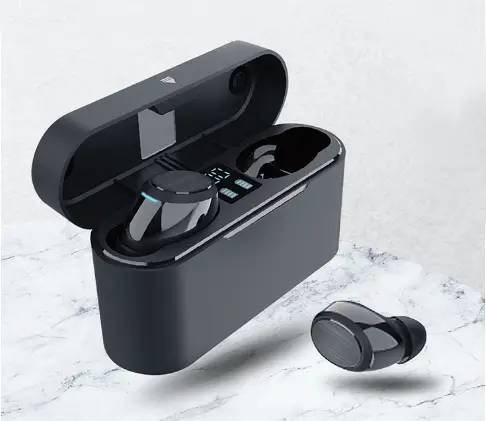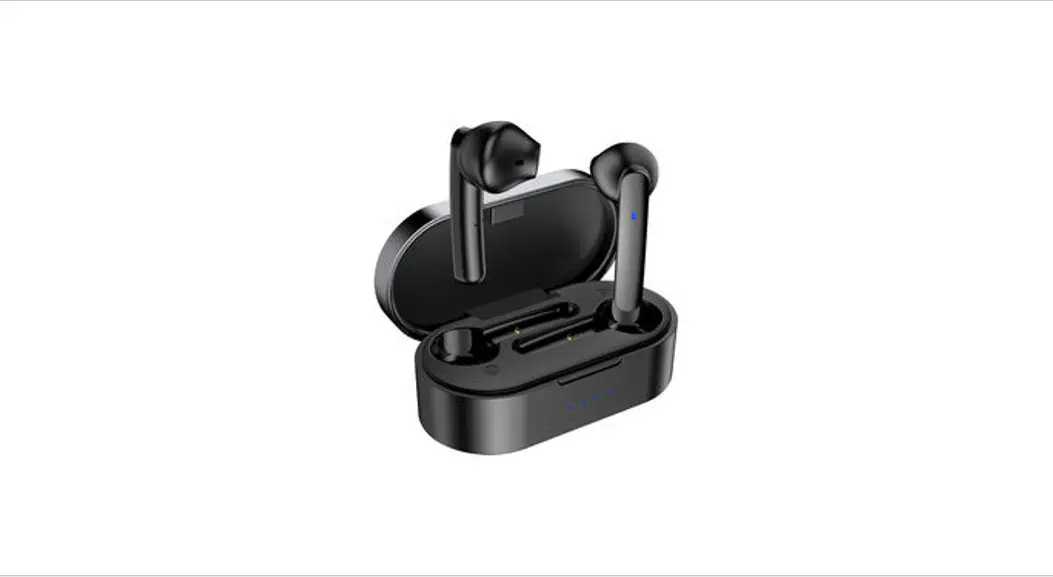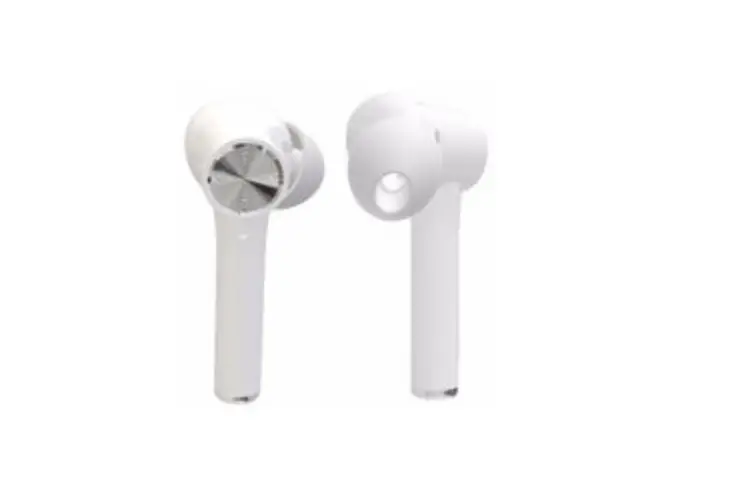
Shenzhen Jingyin Technology TA-02 Wireless Active Noise Reduction Bluetooth Headset User Manual
Thankyou!
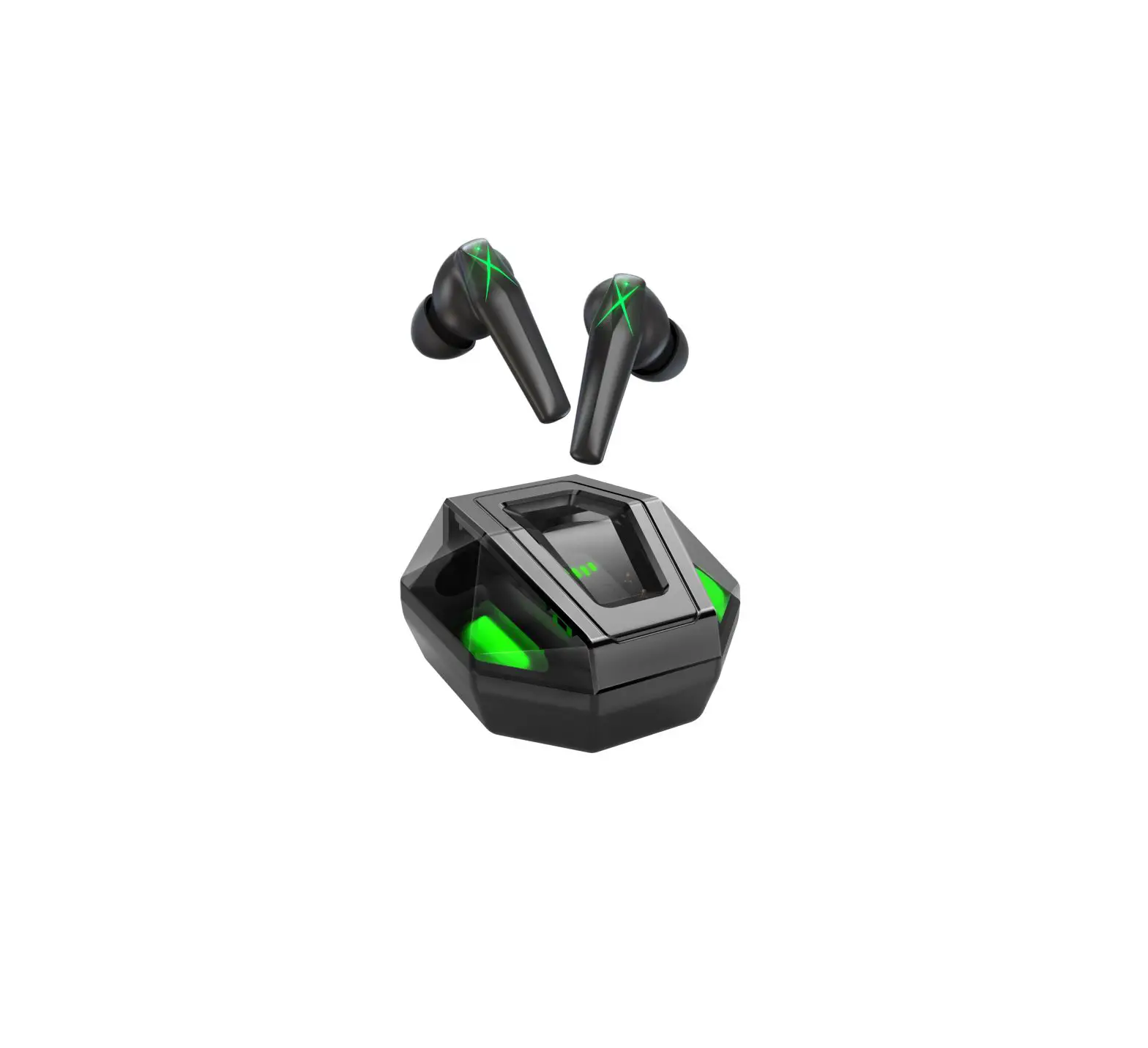
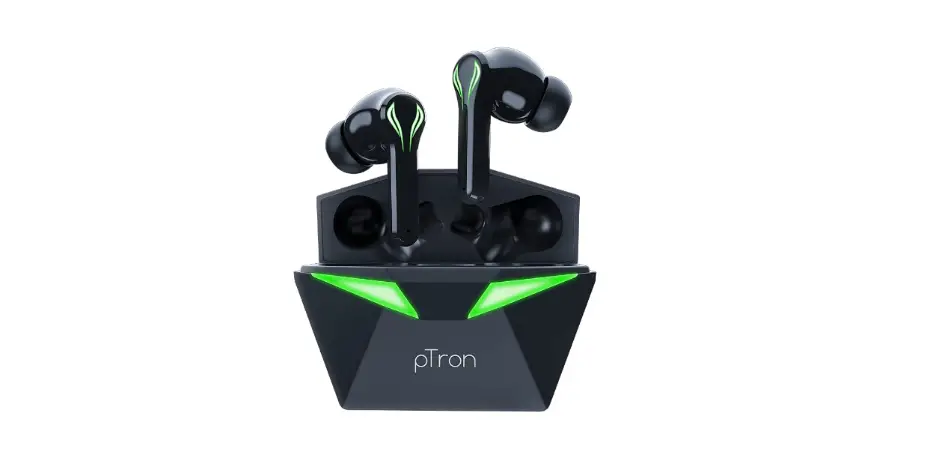
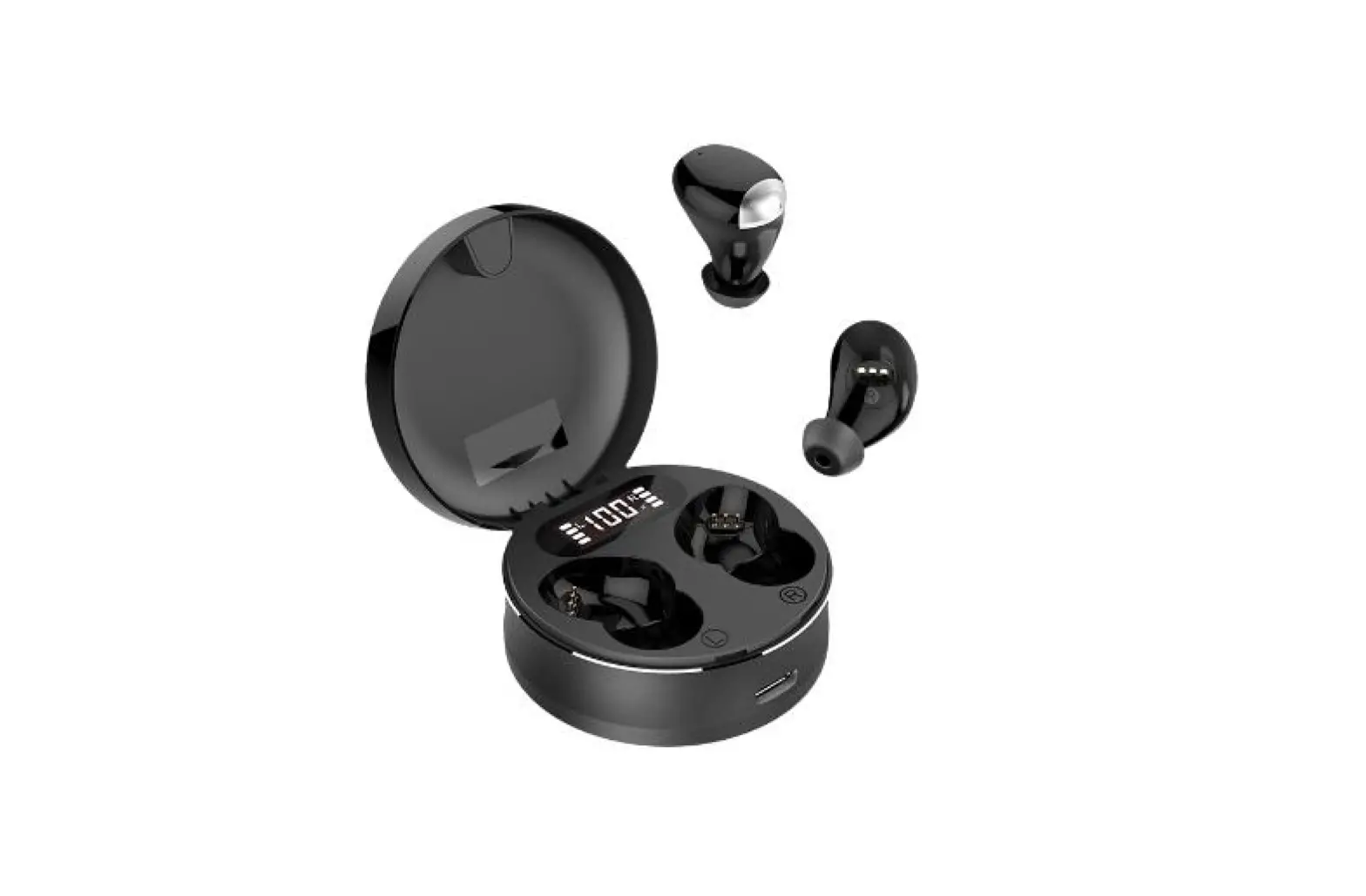
Thank you for choosing the ANC earbuds TA-02! Please read this manual carefully and follow the instructions listed in order to optimize the use of your new earbud and enjoy music & calls
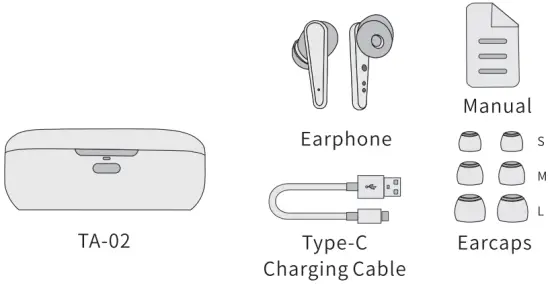
What’ s included
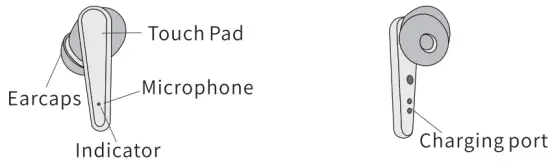
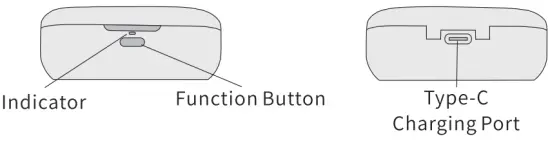
Product Description
Earphone
Start to Use
Charging
- Remove the protective film from the earbuds when using for the first
- Fully charge both the earbuds and the charging case before the first-time using.
- To prevent damage, use the provided Type-C Cable
- Fully dry off the earbuds and the USB port before charging.
Charge the Earbuds
Charging: place the earbuds in the charging case
| LED behaviour (Earbuds ) | ||
| L/R Earphone | Red light is always on | Being Charging |
| L/R Earphone | Red light off | Full Charged |
- CHARGE THE CASE
Please use the attached Type-C Charging cable and with the power
Check the battery(Charging Case)
The indicator would indicate the battery while open the lid
The indicator would indicated the battery while press the function button on the charging case
| Steady Blue for 1 second | Battery>4096 |
| Steady Red for 1 second | 1096<Battery<4096 |
| Red light flashes three times | Battery<1096 |
Wearing
- Choose the ear tips that fit your ears the best.
- insert the earbuds in to the inner canal of your ears.
- Turn and find the most comfortable position.
Powering On/Off
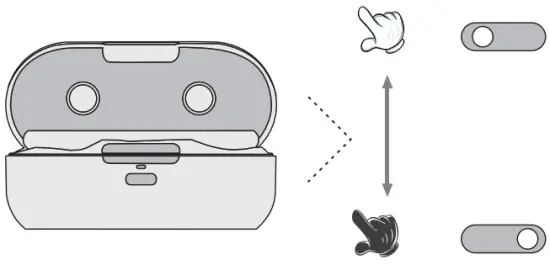
The earphones will auto power on when open the charging case; and will auto power off after putting the earphone back to the charging case.
Auto Power off by below situation:
- Dead battery
- Take out from the charging case without connecting with device and ANC off Over 5 mins
- The distance cause disconnect by over 5 mins
Prompt tone
| Power on | / |
| Power off | Power Off |
| Low battery | Battery low |
| Connect | Pairing |
| Transparency/Noise reduction mode | Ambient sound/ANC ON/ANC OFF |
| Paired successfully | TWS connected |
| Voice assisant | “du” |
| change Next/Previous song | “du” |
| Disconnect | sound disconnected |
| Connection succeeded | sound connected |
| Incoming call | you have incoming call |
| Reject the call | Call Rejected |
TWS pairing connection of left and right earphones
The earphone will be auto pairingand by default binaural mode when take ou from the charging case
LED behaviour (Earbuds)
| L/R Earphone | Blue lights flashing | Pairing |
| Right Earphone | Red and blue lights flickered alternately | Pairing Successed |
| Left Earphone | Extinct | Pairing Successed |
| Right Earphone | Red and blue lights flickered alternately | Pairing with a Bluetooth device |
| L/R Earphone | Slowly flashing blue lights | The bluetooth device has been connected |
Bluetooth Pairing with your Device
The earphone will be auto pairing and by default binaural mode when take out from the charging case
Function operation
| Binaural mode | |
| Power on pairing (Earphone) | When the charging case lid is opened, the earphone will automatically turn on and return to the connected earphone if it has not been connected to other Bluetooth devices. |
| Earphone connection | There will be have sound connected voice after the earphone pairing successfully with the device. |
| Auto connect | The earphone will be connected back to the last connected device When it turn on. |
| Battery display | After the earphone connected your device successfully, it can be supports the display of battery power of IOS system and some Android phones. |
| Turn off | Put the earphone into the charge case and close the lid |
| Turn on | Open the charge case lid and the earphone will turn on automatically |
| Hang up the phone | Call active: Touch the left or right earbuds l second |
| Reject th e call | Incoming call status: Touch the left or right earbuds 1 second |
| Answer the call | Incoming call status: Click the left or right earbuds lti me |
| Cancel the call | Call status: Touch the left or right earbuds 1 second |
| Next song | Touch right earbuds l second |
| Previous song | Touch left earbuds l second |
| Music play/pause | Click right earbuds 2times |
| Normal mode | The earphone is on normal mode by default, during the Binaural mode touch the left or right earbuds 2seconds to change Normal mode/Transparency mode/Noise reduction mode. |
| Transparency mode | Touch left or right earbuds 2seconds on the Binaural model, there will have Am bient sound prompt tone from Normal mode to Transparency mode. |
| ANC on | Touch left or right earbuds 2seconds on the Binaural model, there will have ANC on prompt tone from Transparency mode to Noise reduction m ode. |
| ANC off | Touch left or right earbuds 2seconds on the Binaural model, there will have ANC off prompt tone from ANC mode to Normal mode |
| Voice assistant | Double-click the left earbuds when the earphone is connected the phone. |
Single ear use
| Earphone connect | There will have sound connected prompt tone when the earphone pairing the mobile phone successfully |
| Automatic connect | The earphone will pair with final device connection automatically when if s turn on |
| Hang up the phone | Call active: Touch the earbuds 1 second |
| Reject the call | Incoming call status: Touch the earbuds 1 second |
| Answer the call | Incoming call status: Click the earbuds ltime |
| Cancel the call | Call status: Touch the earbuds 1 second |
| Music play/pause | Double-click left/right earbuds |
| Battery display | After the earphone connected successfully, it can be supports the display of battery power of IOS system and some Android phones. |
| Voice assistant | Double-click the earbuds when the earphone is connected the phone. |
| Transparency mode | There is no transparency mode and ANC mode on monaural mode ANC mode |
| Turn off | Put the earphone into the charge case and close the lid |
| Turn on | Open the charge case lid and the earphone will turn on automatically |
Other
| Binaural mode | The earbuds will be pairing automatically when we open the charging case lid, it’ s Binaural mode by default. |
| Factory data reset | Place the earbuds into the charging case and open the lid, long press the button on the charge case around 6s, till the LED indicator in the charging case flash 5times and extinct, and the earbuds Led indicators will flash red and blue light simultaneously. |
Earphone Reset
If the earbuds are not able to connect each other or to the device, please reset the earphones by below operating:
- Place the earbuds into the charging case, open the lid, long push button on the charging case over Gs, till all the LED indicators are flash 5times, let go after lights off.
- The indicator flash at the same time on the earbuds, till left earbuds indicator light off, right earbuds indicator flashing alternately in blue and red color, the earbuds reset paring successfully.
- All paired data will be deleted after the earphones reset.
Specification
- Product model: TA-02
- Chip model: BES2300ZP
- Bluetooth version: Bluetooth V5.0, support protocol HFP/HSP/A2DP/AVRCP/SPP
- Communication distance: ≥10 meters (accessibility)
- Noise reduction depth: -25dB or above
- Noise reduction bandwidth: 20-3KHZ
- The speaker sensitivity: 97±1.5dB At 1KHz 1mW
- Frequency range: 20Hz-20KHZ
- Charging current: charging warehouse
 400mA (wired) / charging warehouse 200mA (wireless); headphones 25mA Battery specifications: rechargeable polymer lithium battery 28mAh / charging warehouse battery 400mAh
 - Play time: (varying from volume to volume and content) 3 hours (a total of 18 hours with a charging bin)
FCC Caution
This device complies with part 15 of the FCC Rules. Operation is subject to the following two conditions:
- This device may not cause harmful interference, and
- this device must accept any interference received, including interference that may cause undesired operation.
Any Changes or modifications not expressly approved by the party responsible for compliance could void the user’s authority to operate the equipment.
Note: This equipment has been tested and found to comply with the limits for a Class B digital device, pursuant to part 15 of the FCC Rules. These limits are designed to provide reasonable protection against harmful interference in a residential installation. This equipment generates uses and can radiate radio frequency energy and, if not installed and used in accordance with the instructions, may cause harmful interference to radio communications.
However, there is no guarantee that interference will not occur in a particular installation. If this equipment does cause harmful interference to radio or television reception, which can be determined by turning the equipment off and on, the user is encouraged to try to correct the interference by one or more of the following measures:
- Reorient or relocate the receiving antenna.
- Increase the separation between the equipment and receiver.
- Connect the equipment into an outlet on a circuit different from that to which the receiver is connected.
- Consult the dealer or an experienced radio/TV technician for help.
The device has been evaluated to meet general RF exposure requirement. The device can be used in portable exposure condition without restriction.