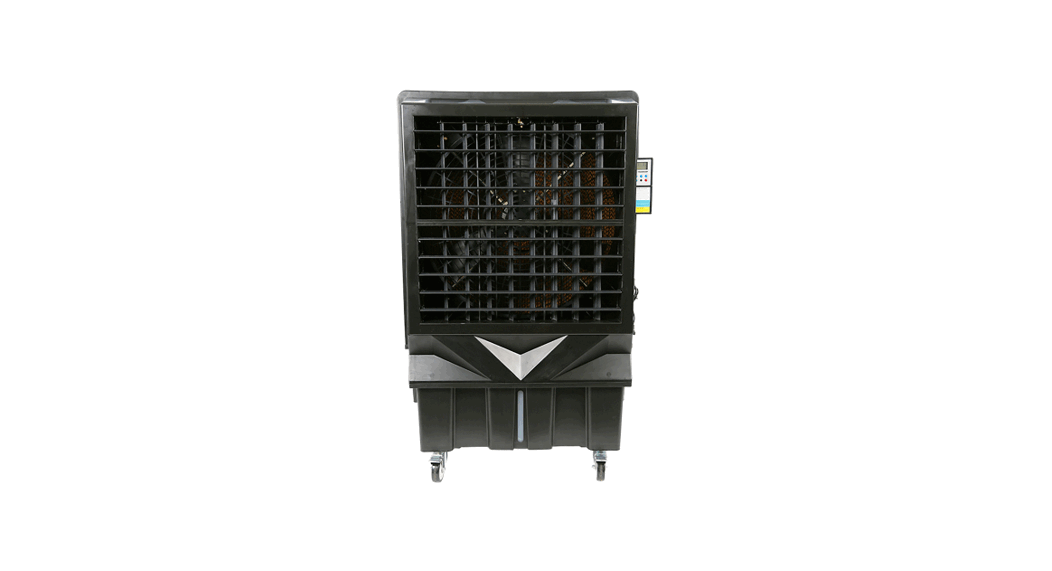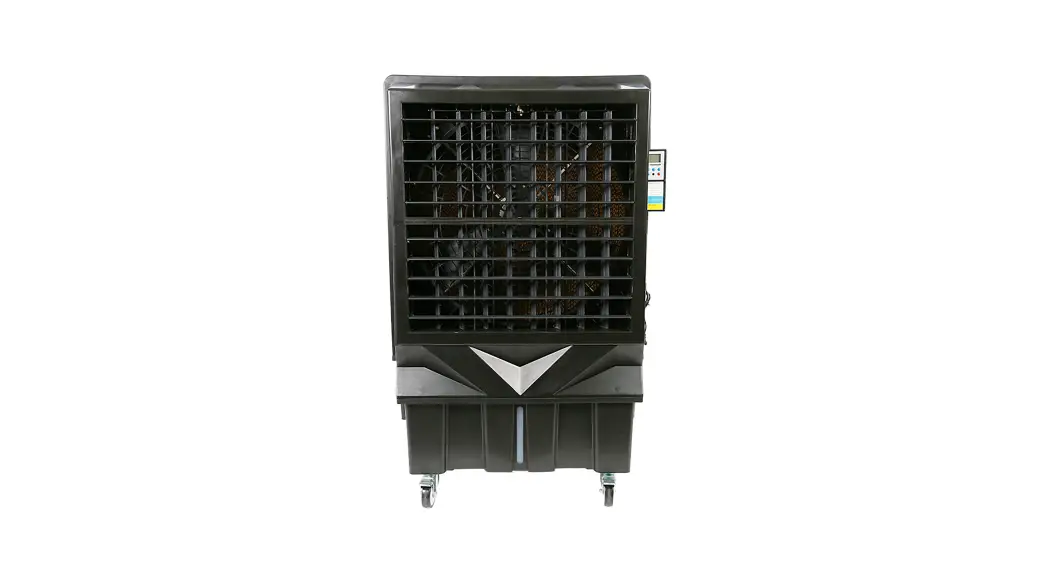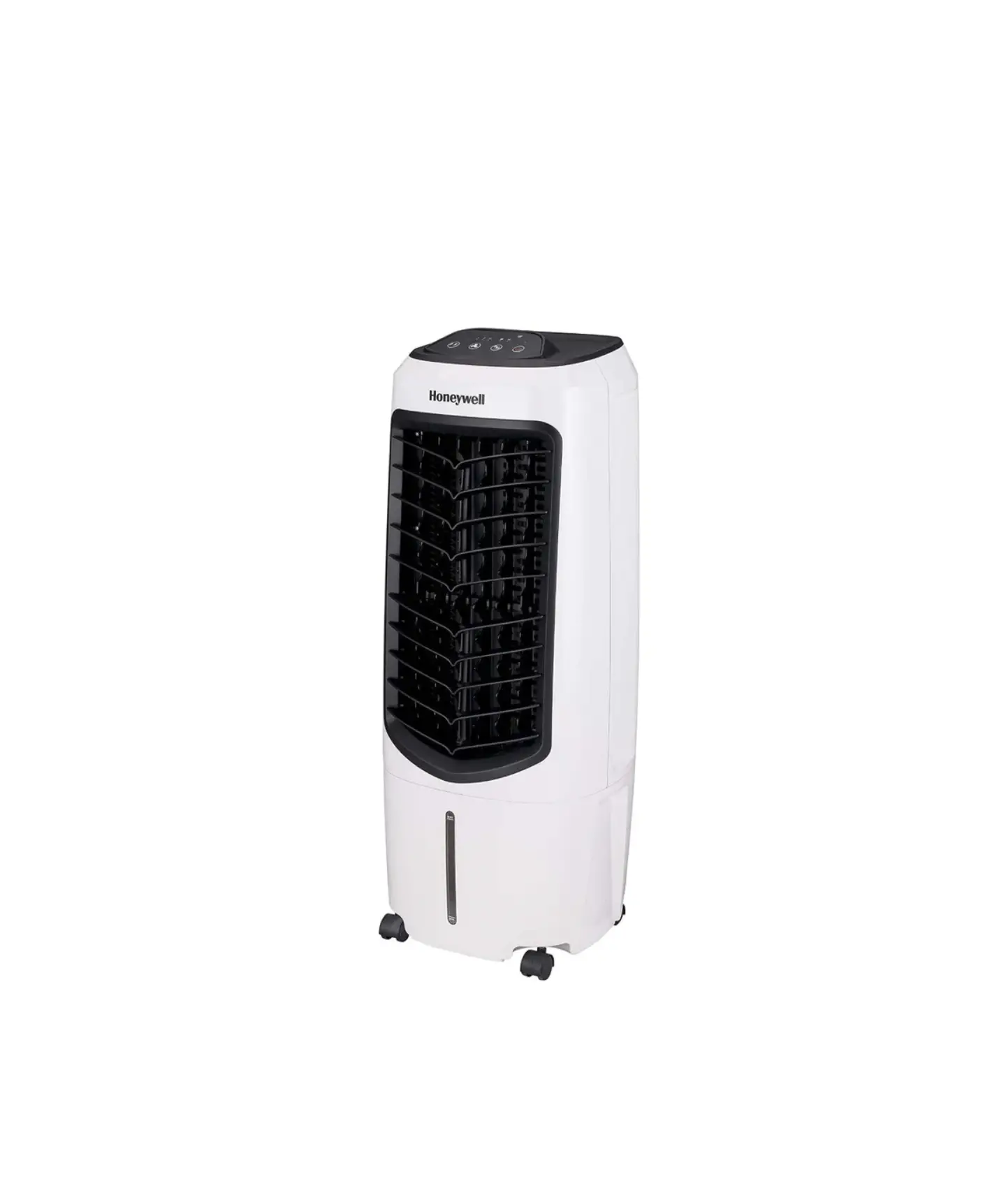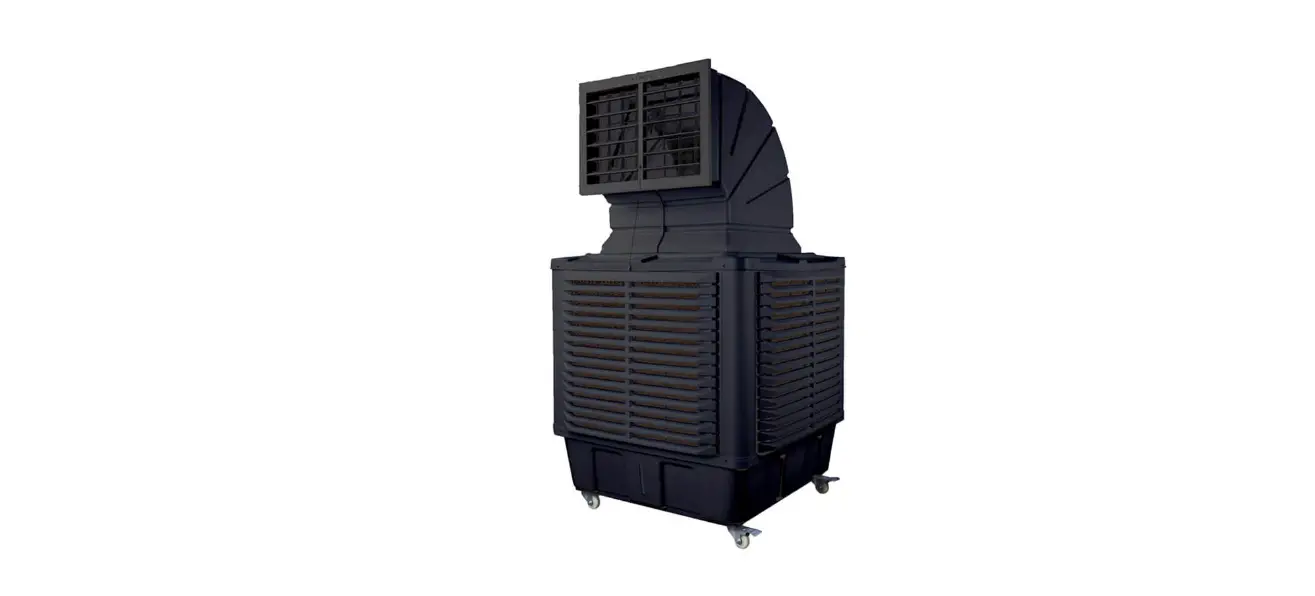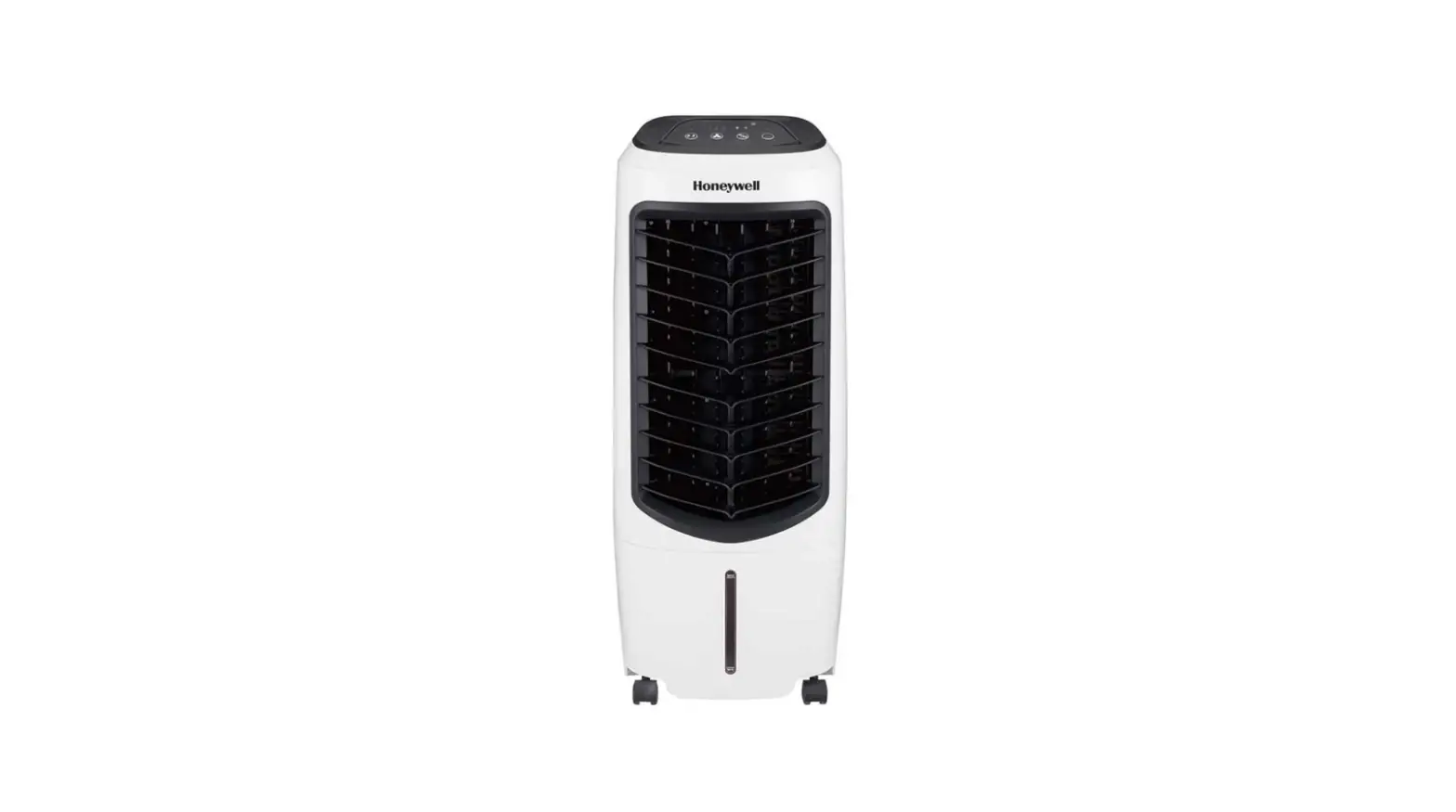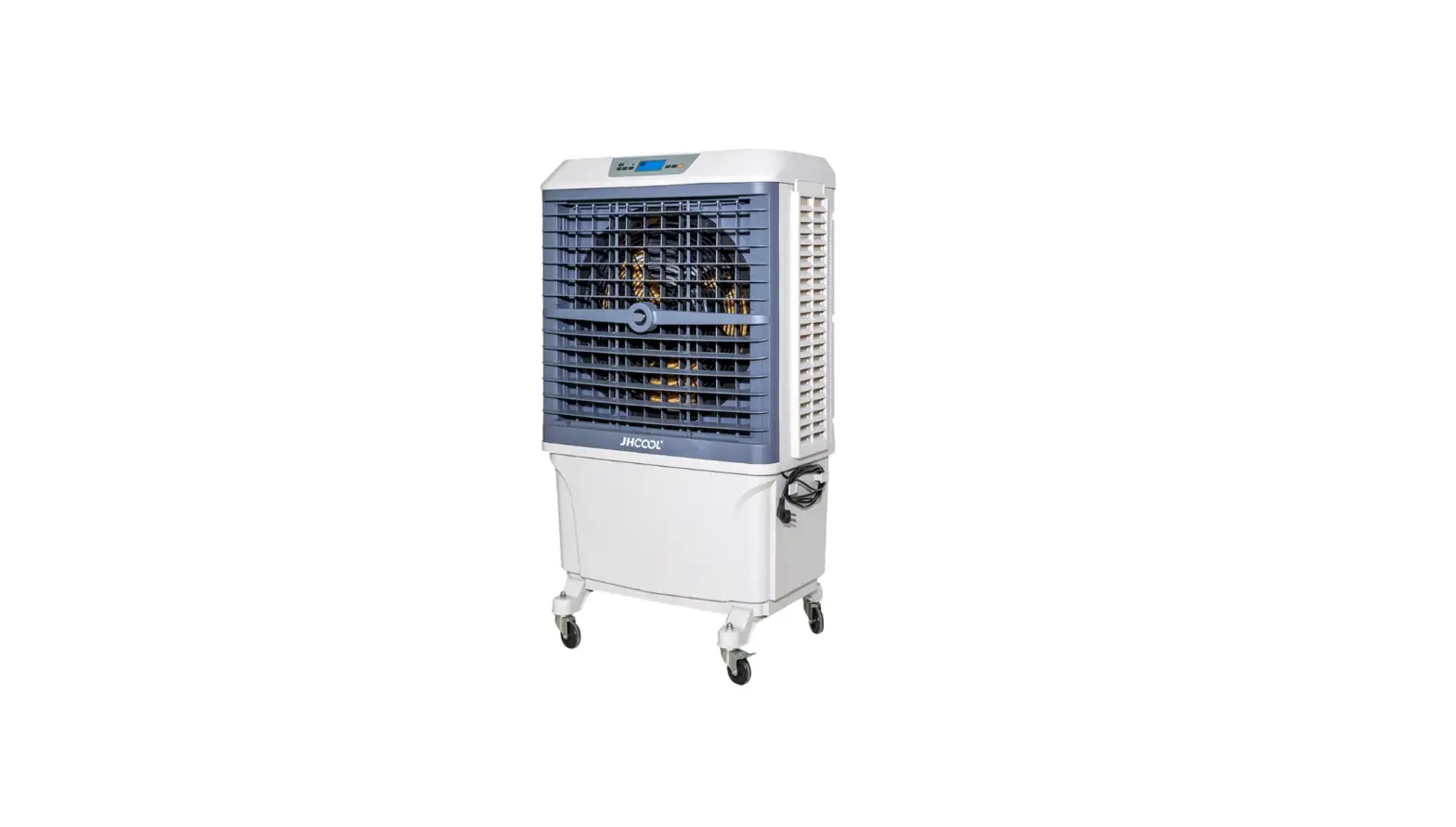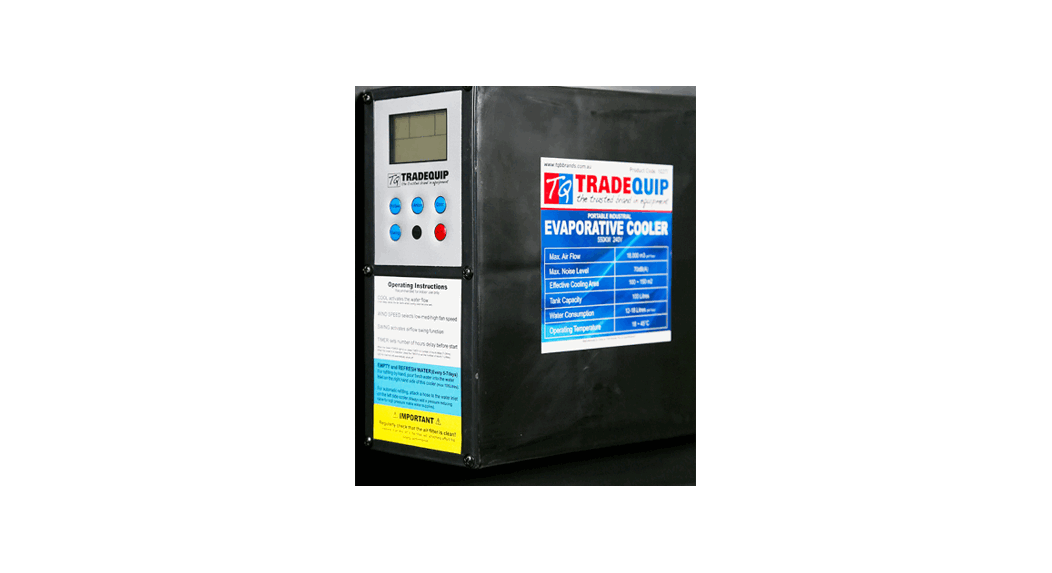
 1027T Evaporative Cooler Pump
User Manual
1027T Evaporative Cooler Pump
The usual fault symptoms related to a damaged or stalling pump impeller are as follows:
– Pump is not pumping water to the cooling pad.
– Pump intermittently pumps water to the cooling pad.
WARNING
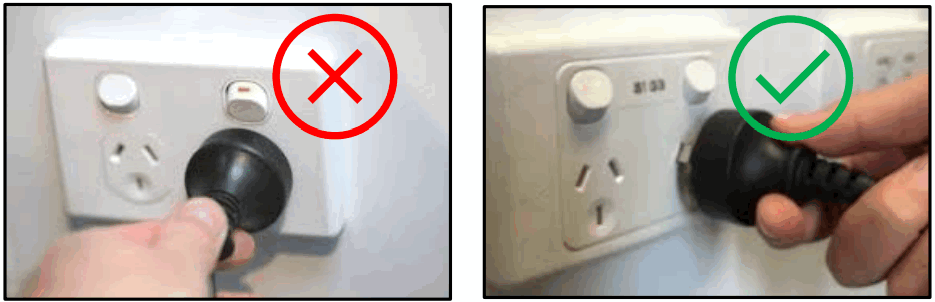
DISCONNECT THE EVAPORATIVE COOLER FROM THE POWER SOURCE PRIOR TO ANY MAINTENANCE PERFORMED
Pump Replacement Maintenance Guide
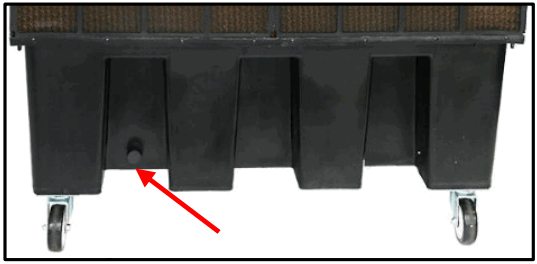
- Disconnect the Evaporative Cooler from the power source and drain the water tank [item 15] by opening the drain valve [item 18].

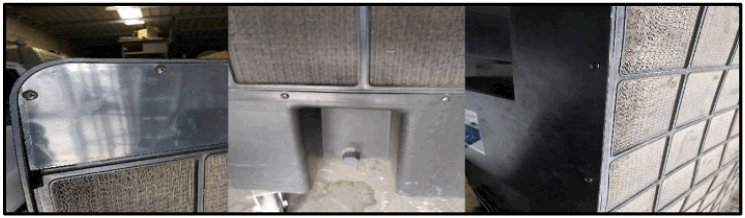
- Remove cooling pad fastening sheet [item 27] then remove dust proof sheet [item 26] and cooling pad [item 25] by removing the Philips head screws.

- Disconnect from the water supply hose [item 20] from the pump.
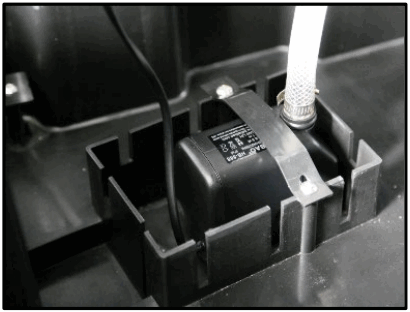
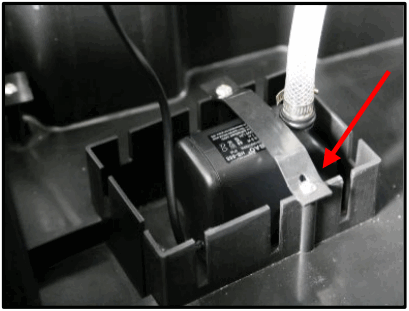
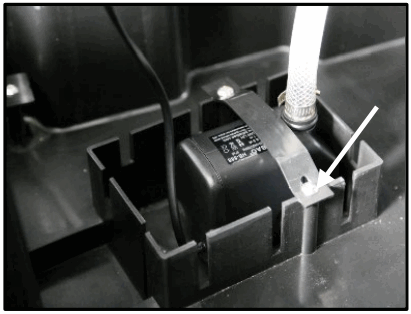
- Remove the pump retainer and lift the pump [item 28] from the base of the water tank.

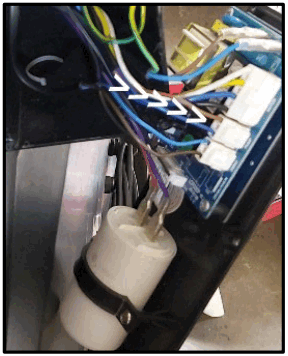
- Remove the 6 Control panel screws and reveal and unplug the Pump Cable from the rear ofthe circuit board.
Note: the circuit board plug sockets are marked with the plug descriptions.
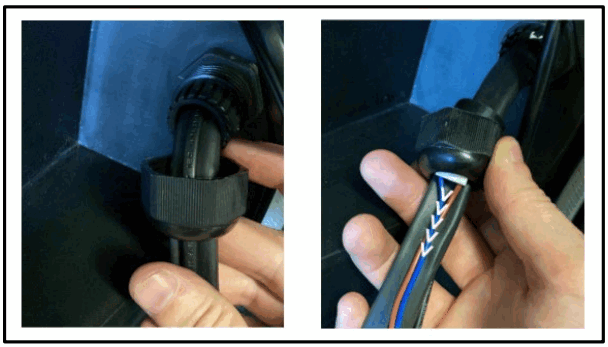
- Cut the Pump Cable, cable ties, and wind the insulation off the lower loom bulkhead fitting. Loosen the lower bulkhead fitting nut and pull the old cable through the lower bulkhead fitting from the control panel side.

- Install the new pump in the reverse of removal instructions including reconnection of the water supply hose.

- Reattach the cable to the loom with new cable ties and rewind the insulation up to the lower bulkhead.

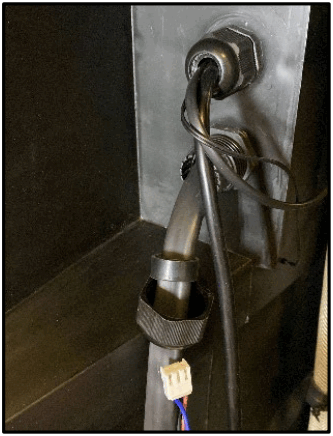
- Feed the pump cable plug through the bulkhead fitting leaving approximately 200mm of cable on the circuit board side. Ensure the thread cable and cable braid back together.

- Connect the pump cable plug to the control panel then loop the extra cable and cable tie it, tucking this behind the control panel. Refit the control panel with the screws. Ensure the thread cable and cable braid back together.

- Reassemble cooling pad, dust proof sheet and cooling pad fastening sheet.
- Fill water tank to recommended level and test unit for operation.
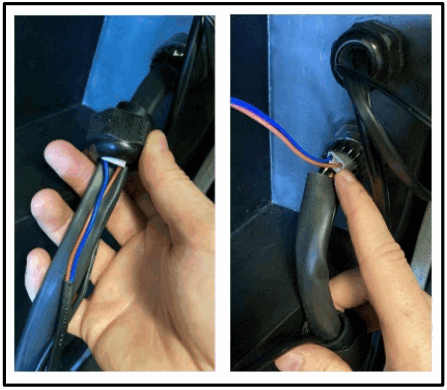
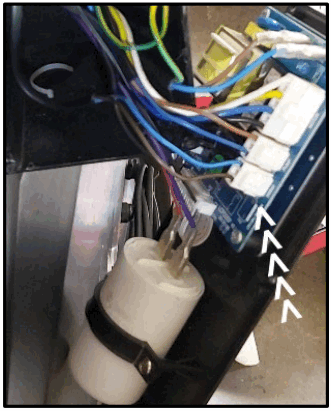
The Evaporative Cooler should now be ready for operation. If the Evaporative Cooler continues to show the symptoms as described above, please refer to a Qualified Service Technician or contact TQB Brands via [email protected] or 03 9357 8440.
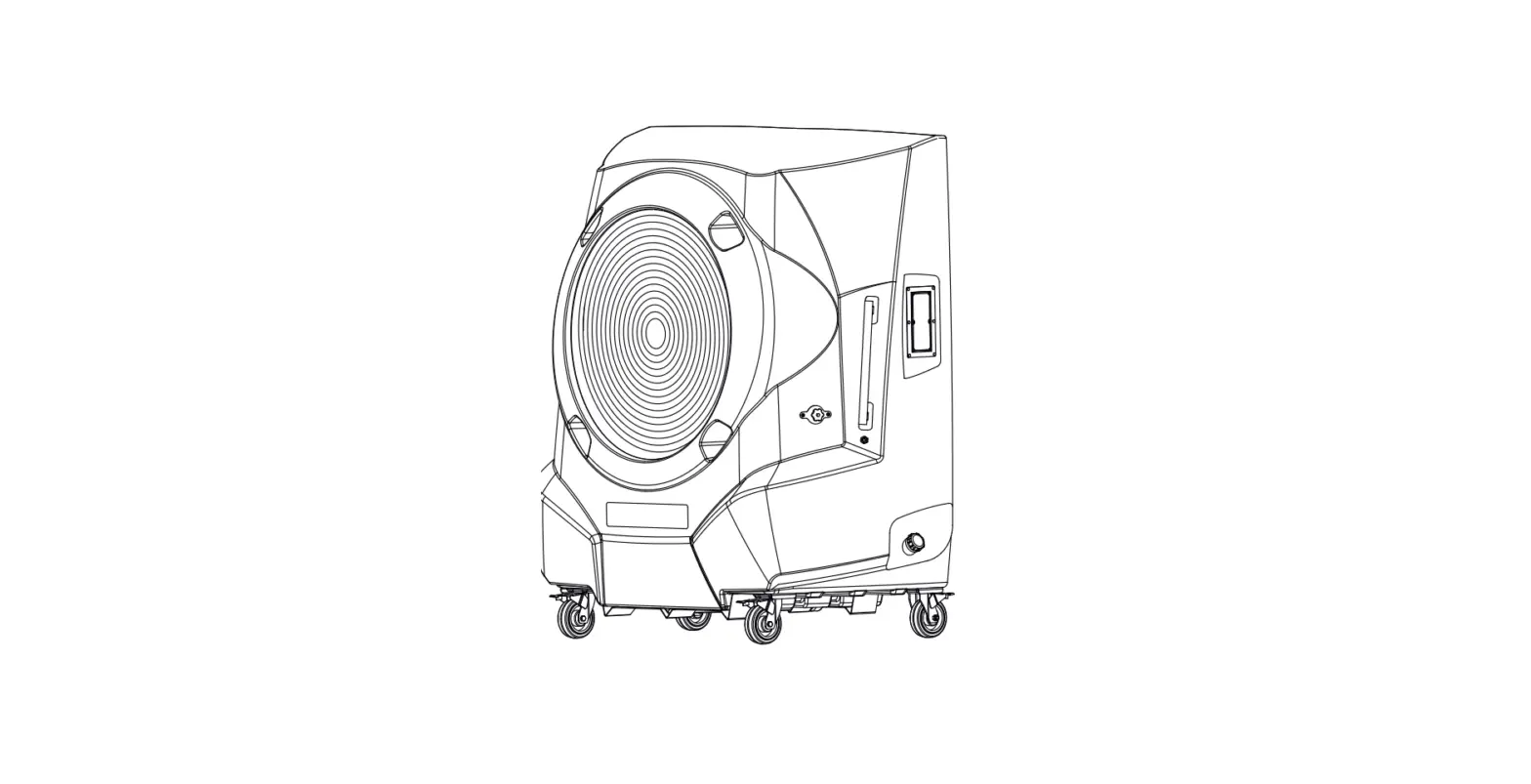
Parts Diagram
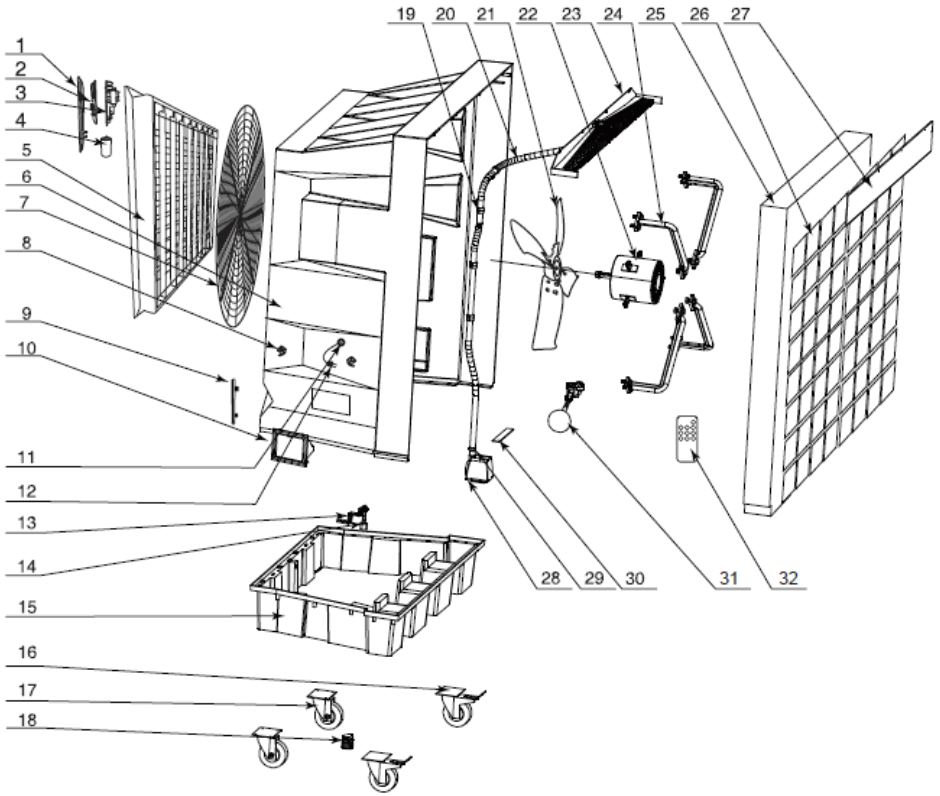
Parts List
| Part # | Description | QTY | Part if | Description | QTY |
| 1 | Control Panel & Label | 1 | 17 | Front Wheel | 2 |
| 2 | Display Board | 1 | 18 | Drain Valve | 1 |
| 3 | PC Board | 1 | 19 | Pipe Clamp | 3 |
| 4 | Capacitor | 1 | 20 | Water Pipe | 1 |
| 5 | Automatic Diffuser | 1 | 21 | Fan | 1 |
| 6 | Cooling Casting | 1 | 22 | Fan Motor | 1 |
| 7 | Front Mesh | 1 | 23 | Water Distributor | 1 |
| 8 | Cable Reel | 2 | 24 | Fan Bracket | 4 |
| 9 | Water Level Displayer | 1 | 2S | Cooling Pad | 1 |
| 10 | Water Inlet Hole | 1 | 26 | Dust-Proof Net | 1 |
| 11 | Wire Ring | 3 | 27 | Cooling Pad Fasten Sheet | 1 |
| 12 | Electric Wire | 1 | 28 | Water Pump | 1 |
| 13 | Water Level Sensor Fixture | 1 | 29 | Stainless Clip | 2 |
| 14 | Water Level Sensor | 1 | 30 | Water Pump Platen | 1 |
| 15 | Water Tank | 1 | 31 | Float | 1 |
| 16 | Back Wheel | 2 | 32 | Remote Control | 1 |
MN March22
www.tqbbrands.com.au
 TQB Brands Pty Ltd