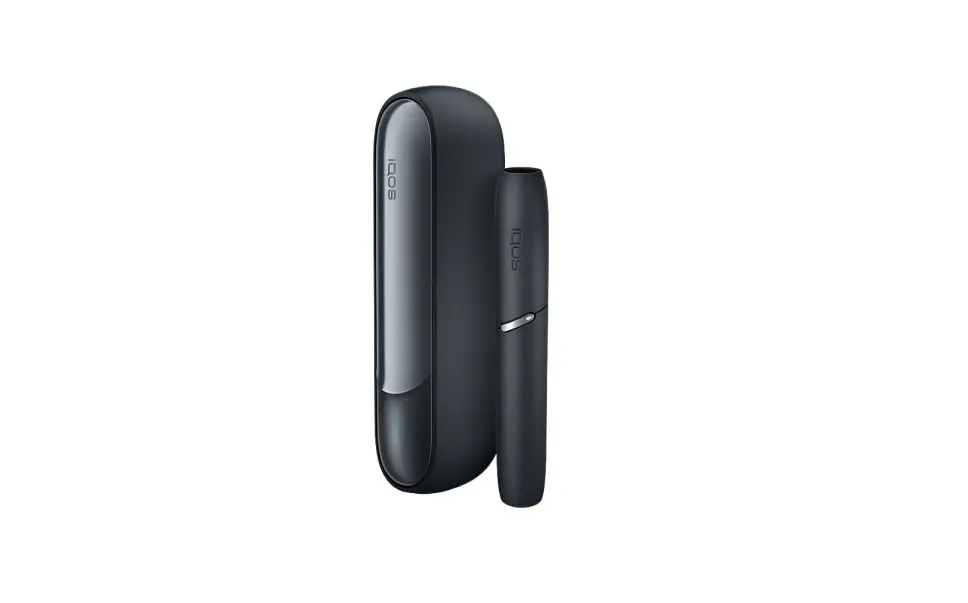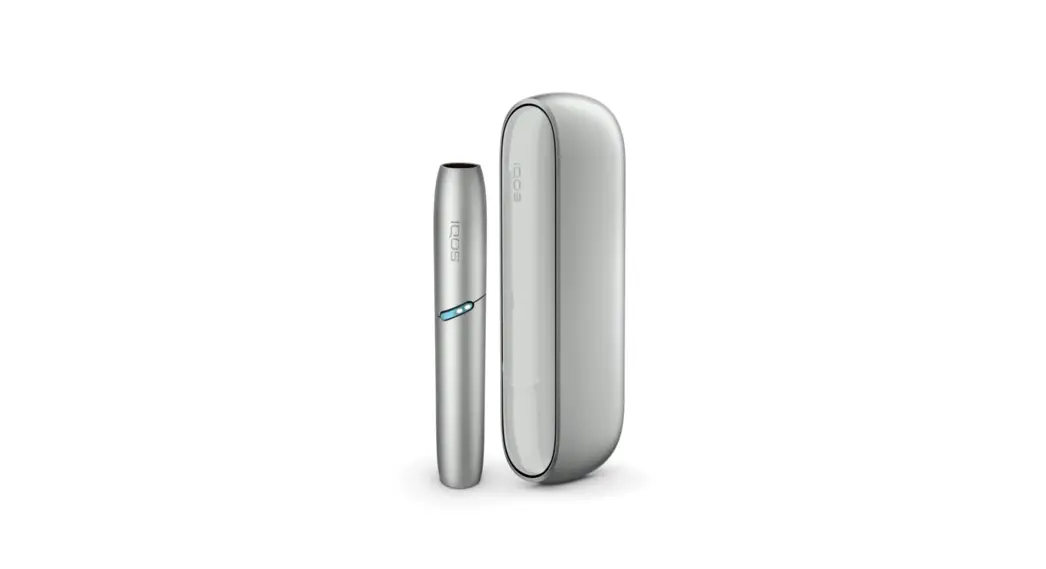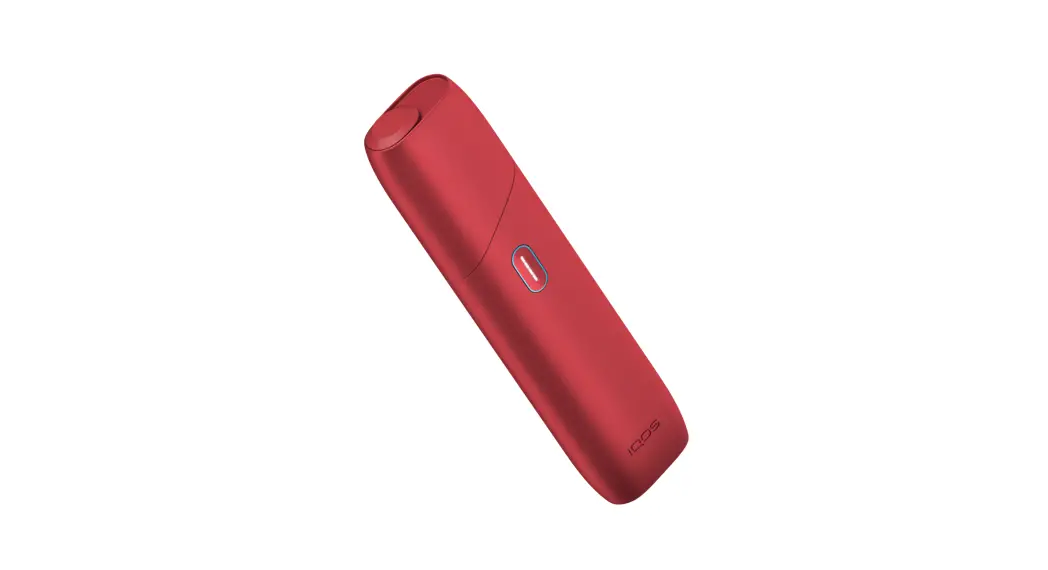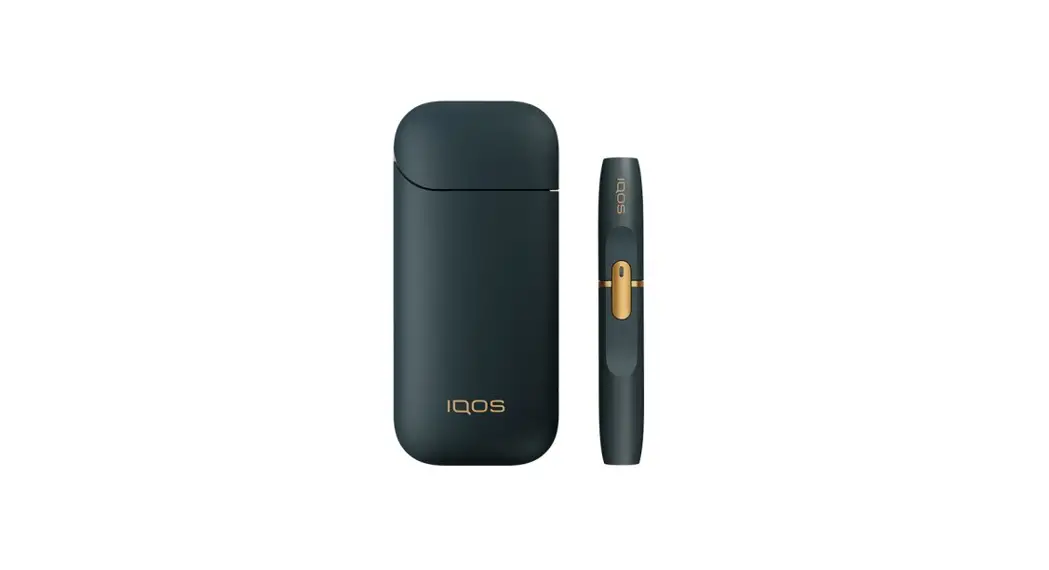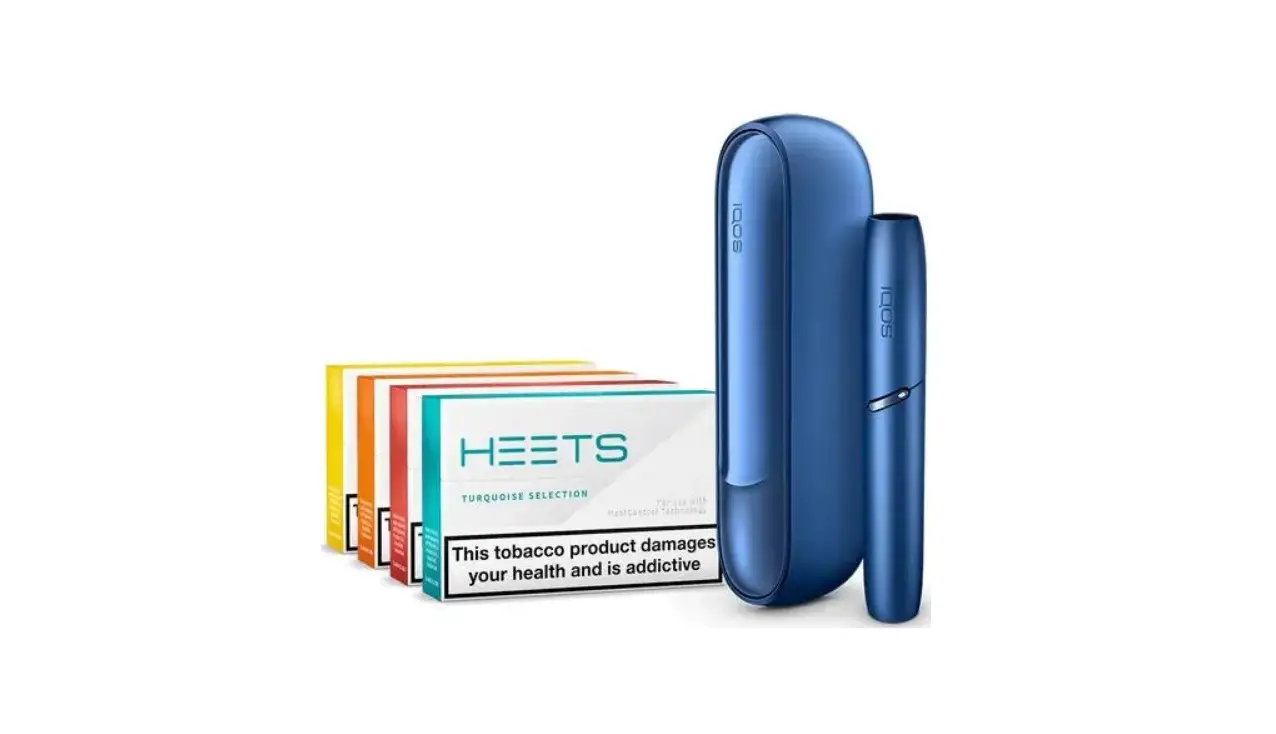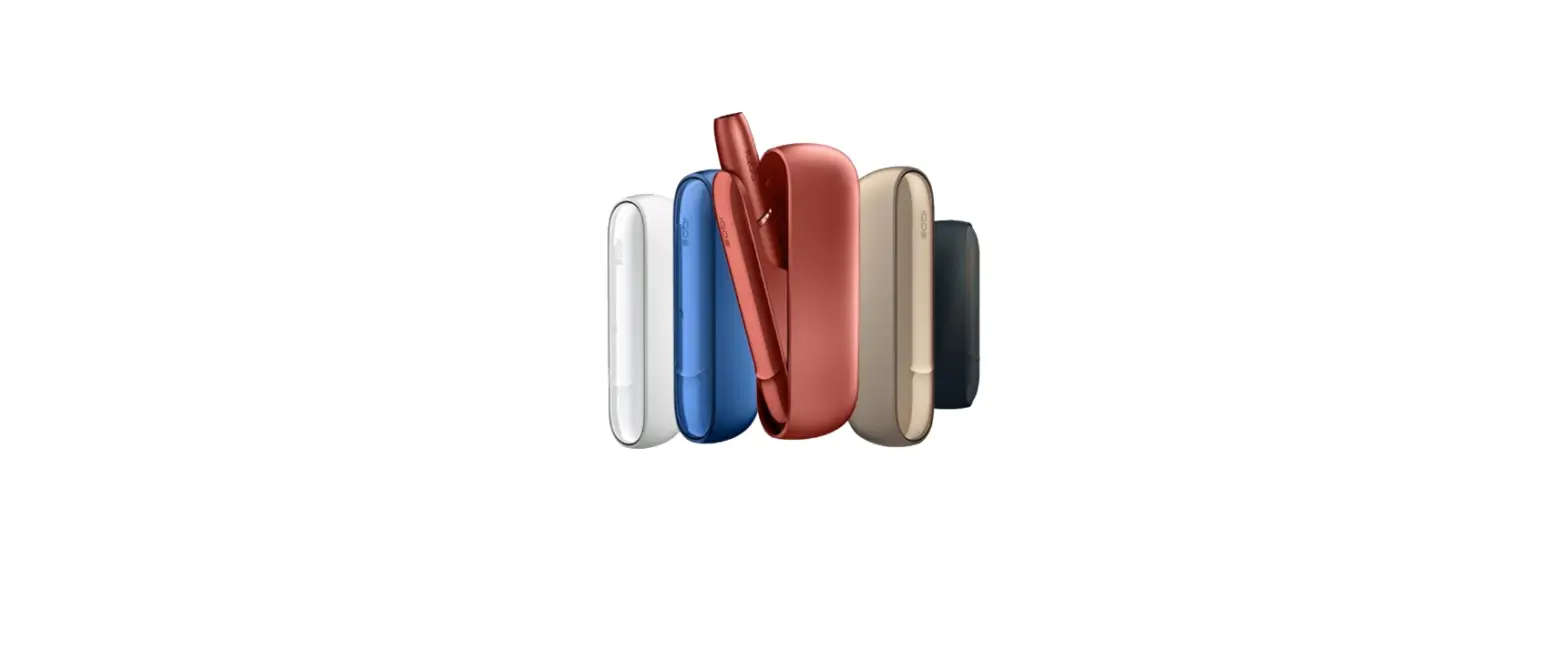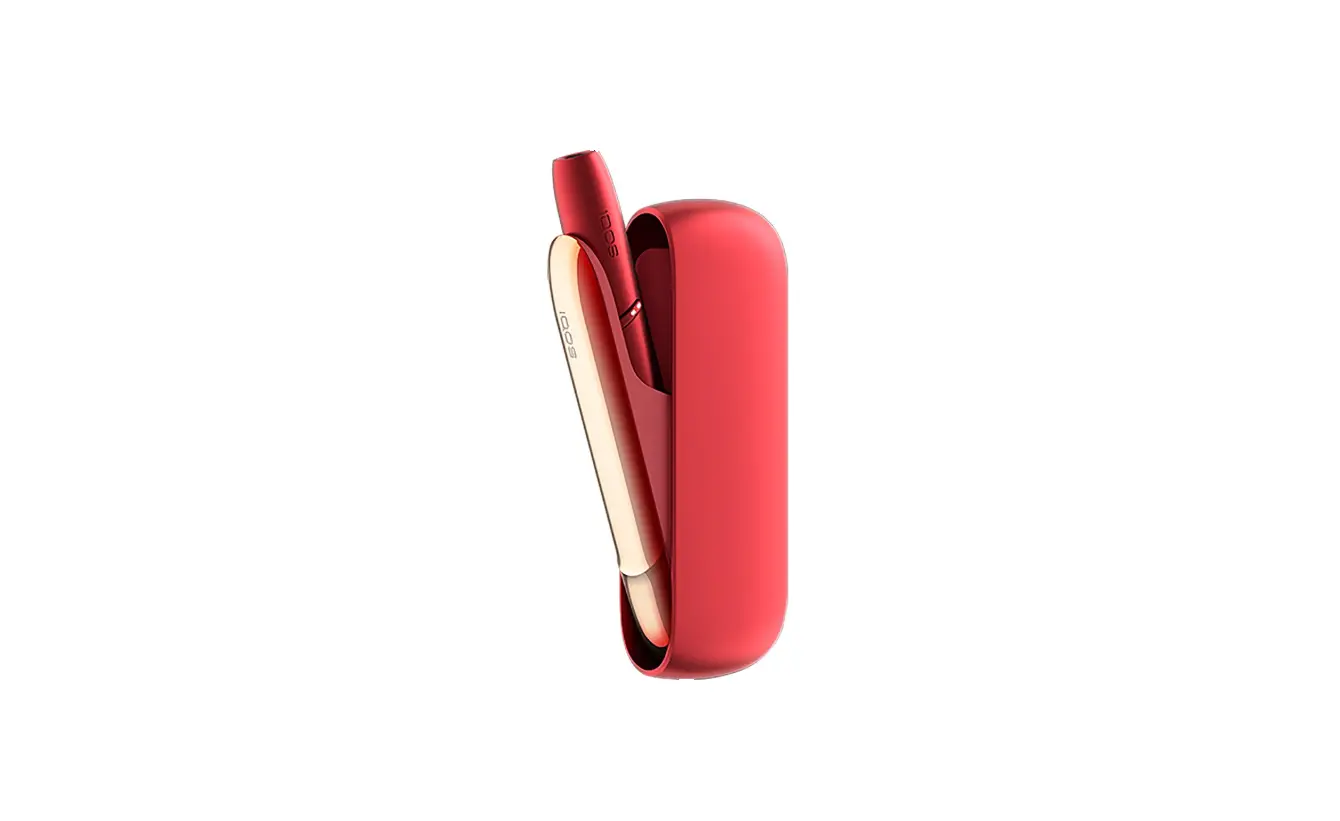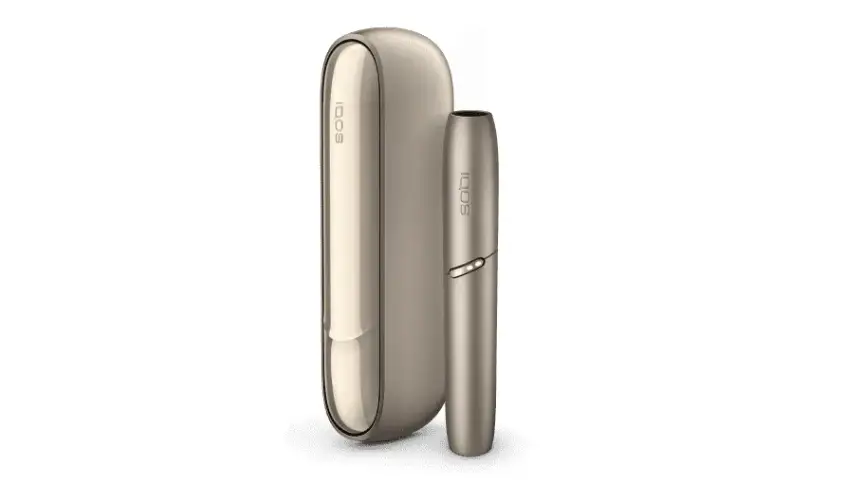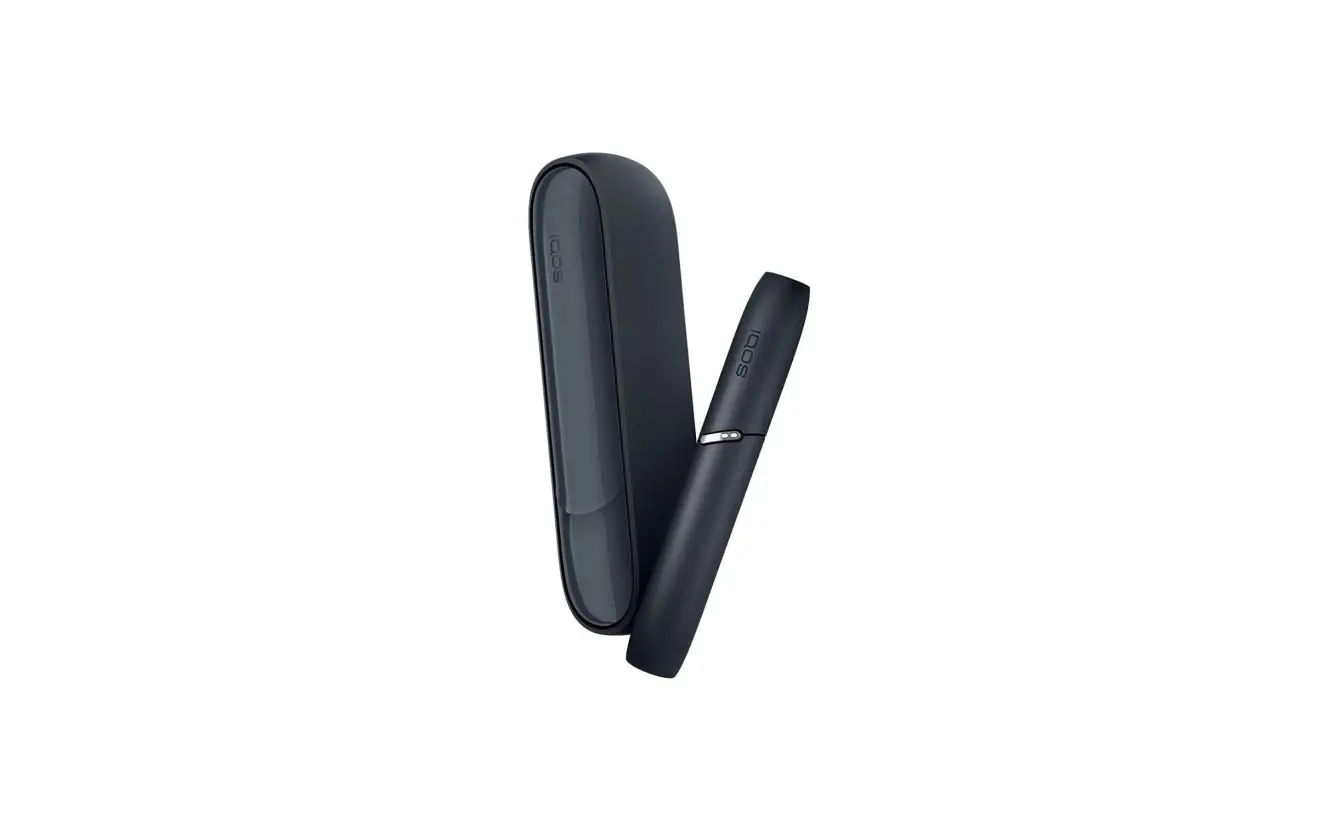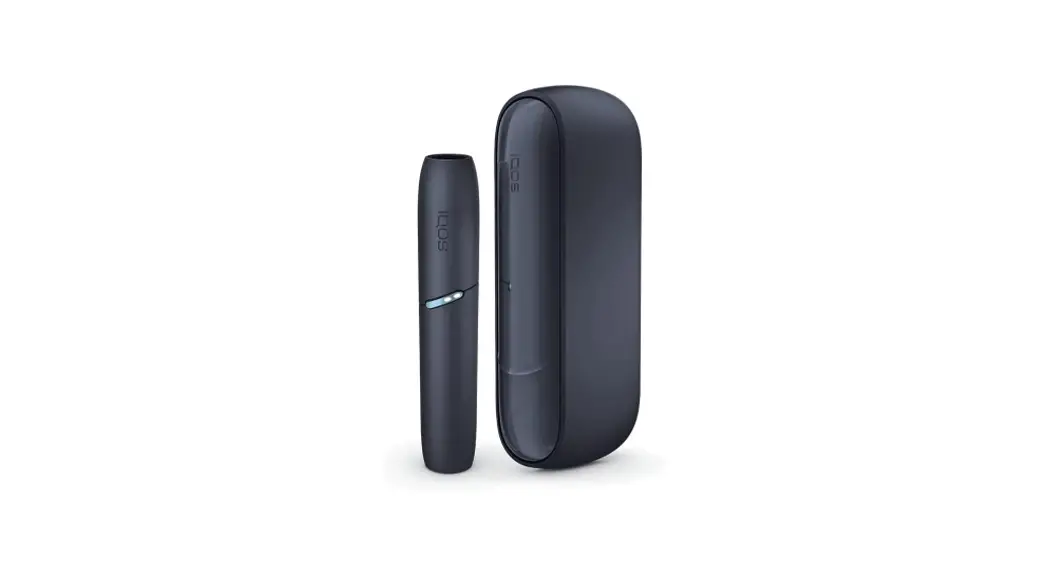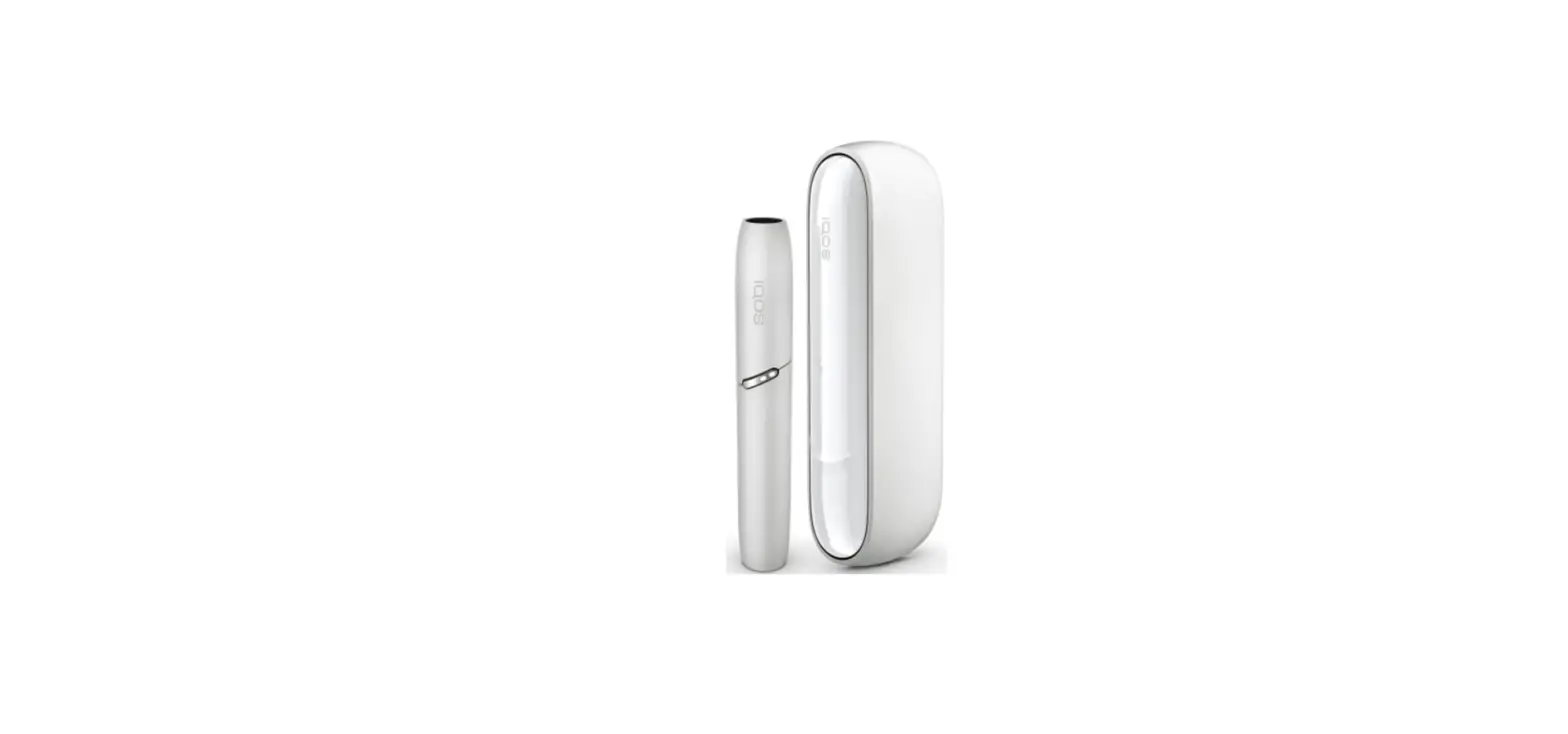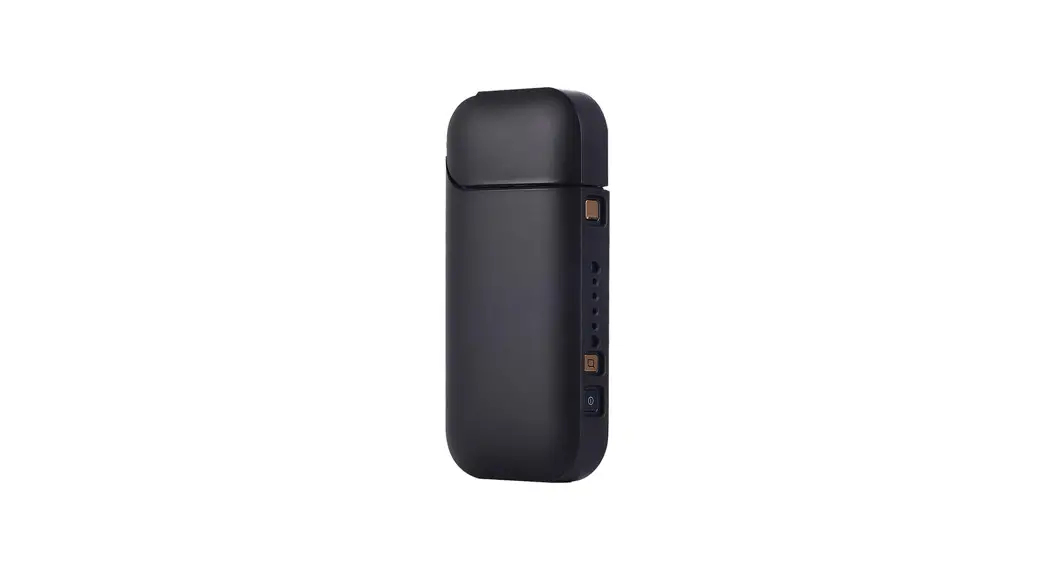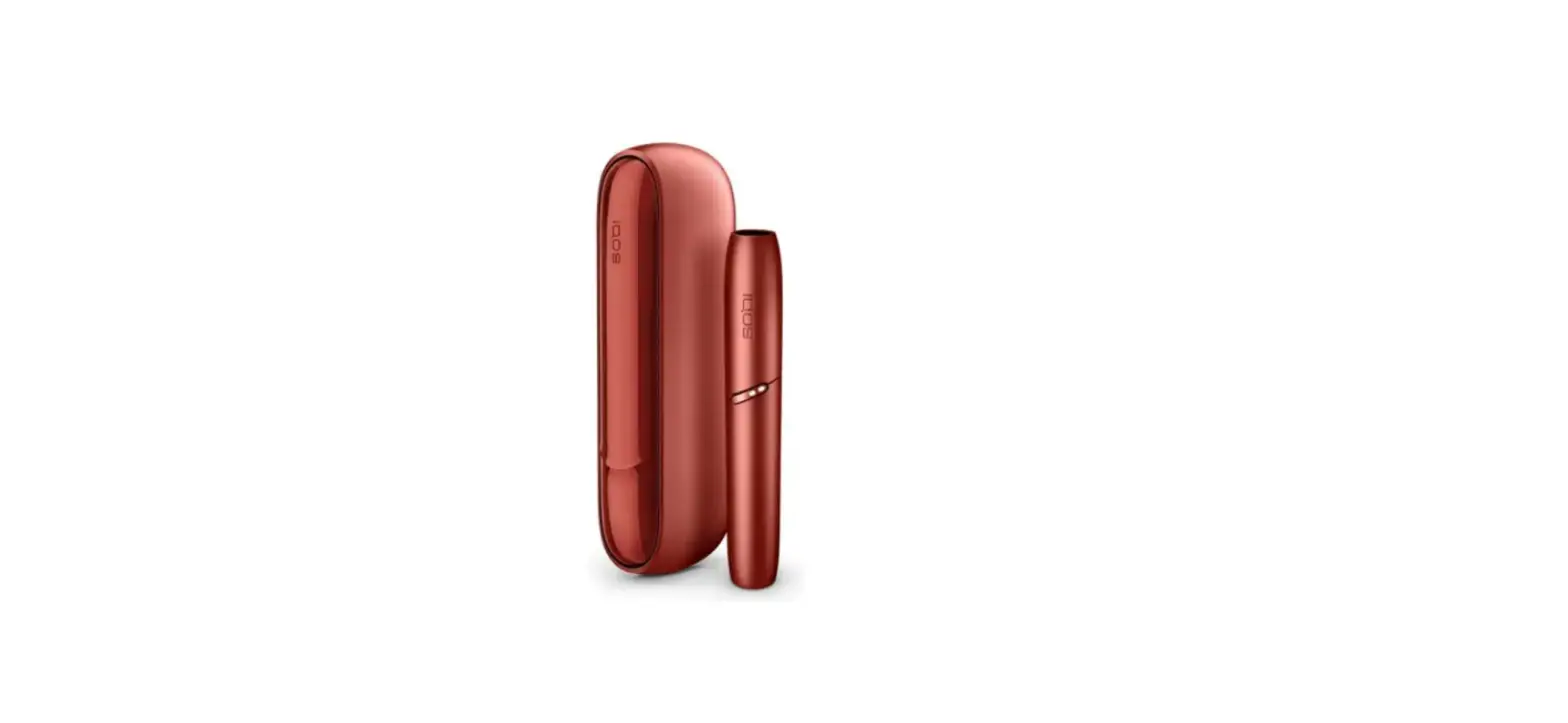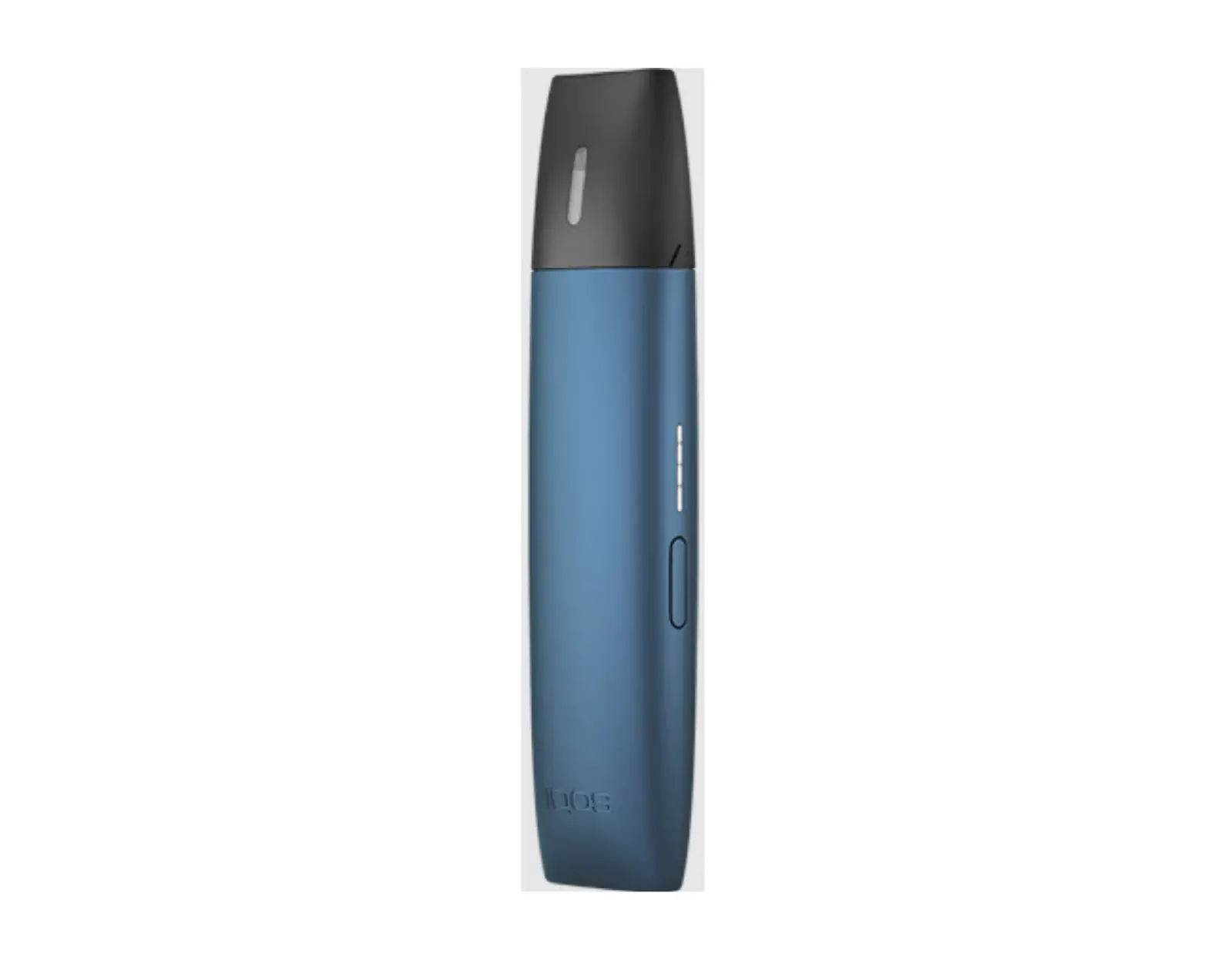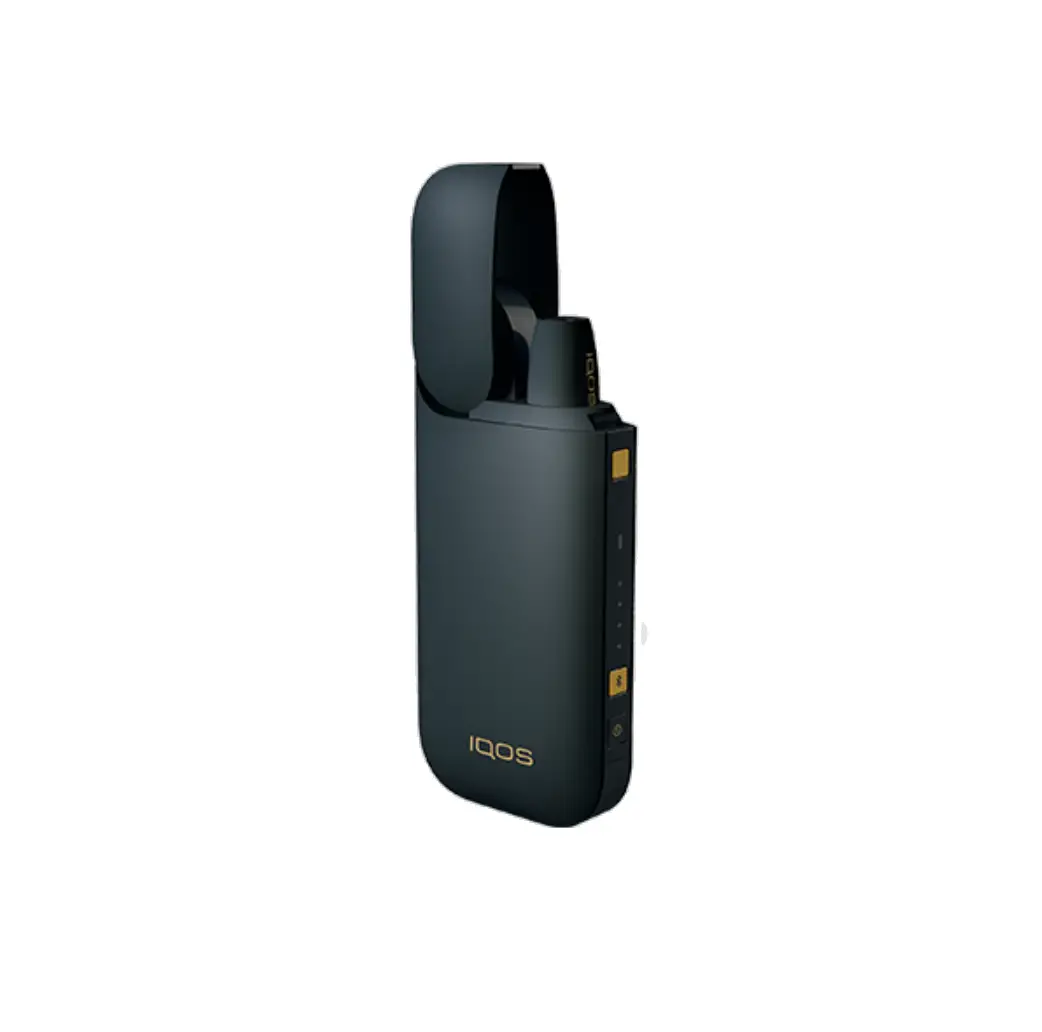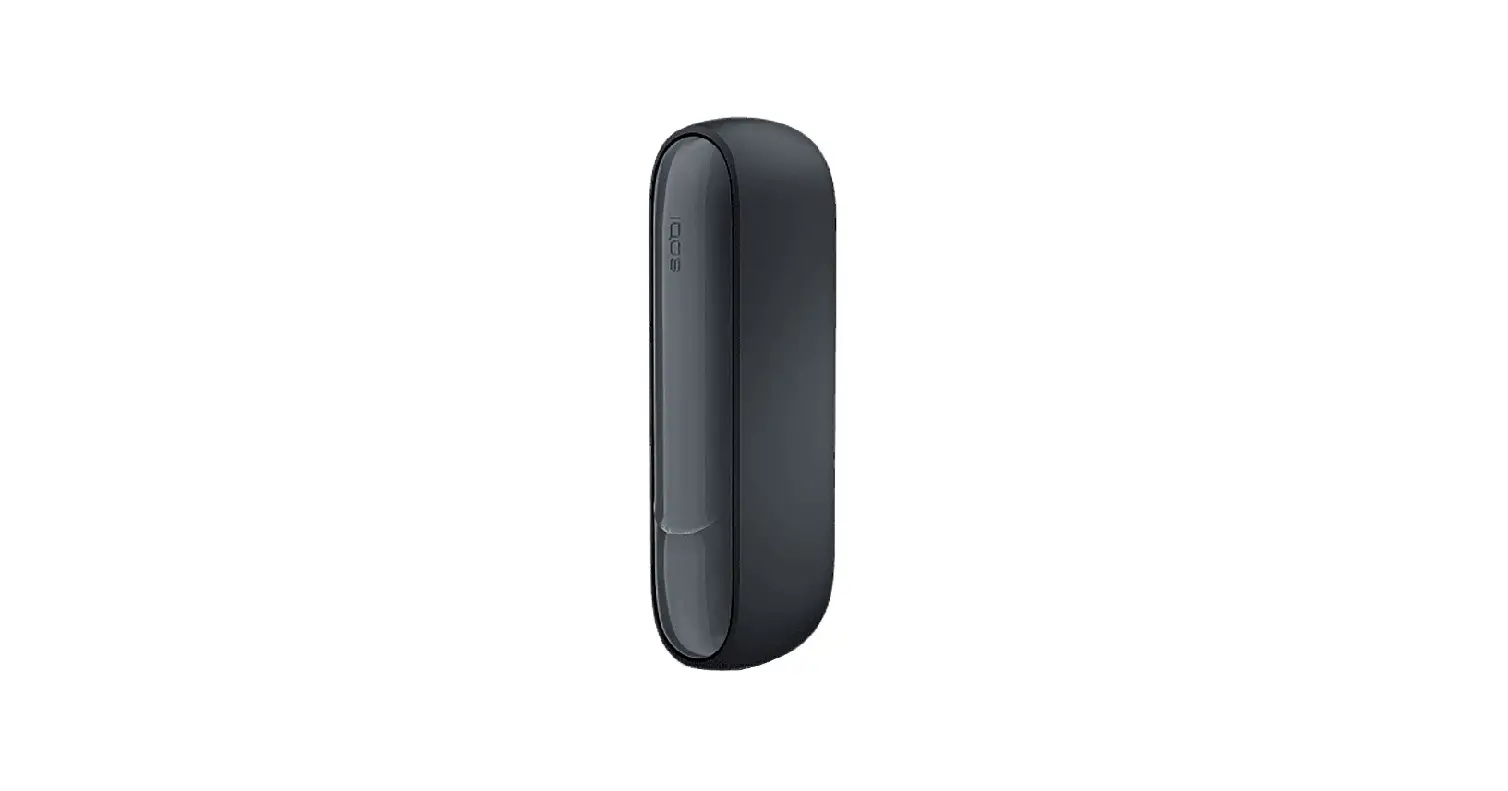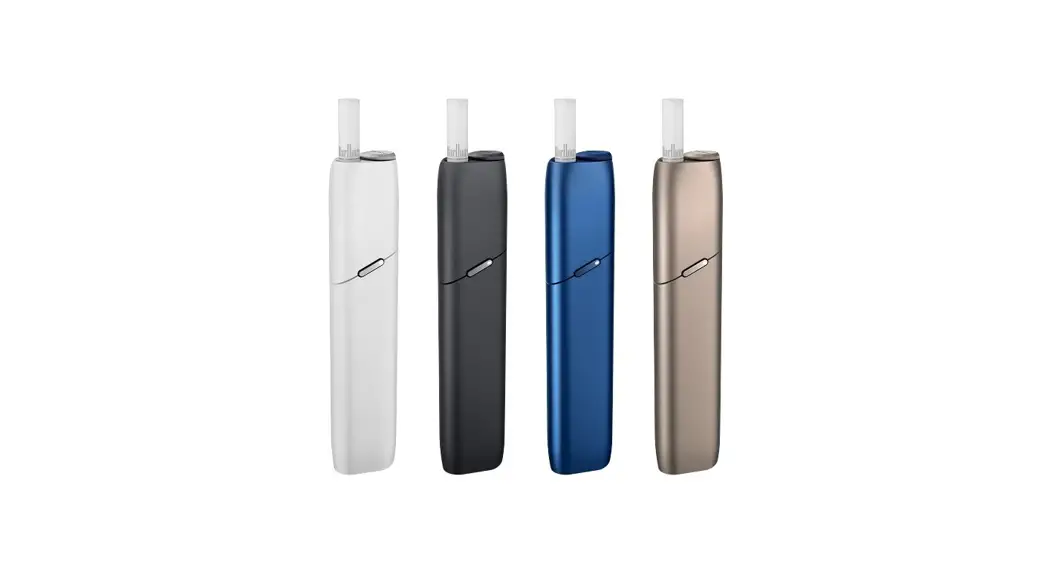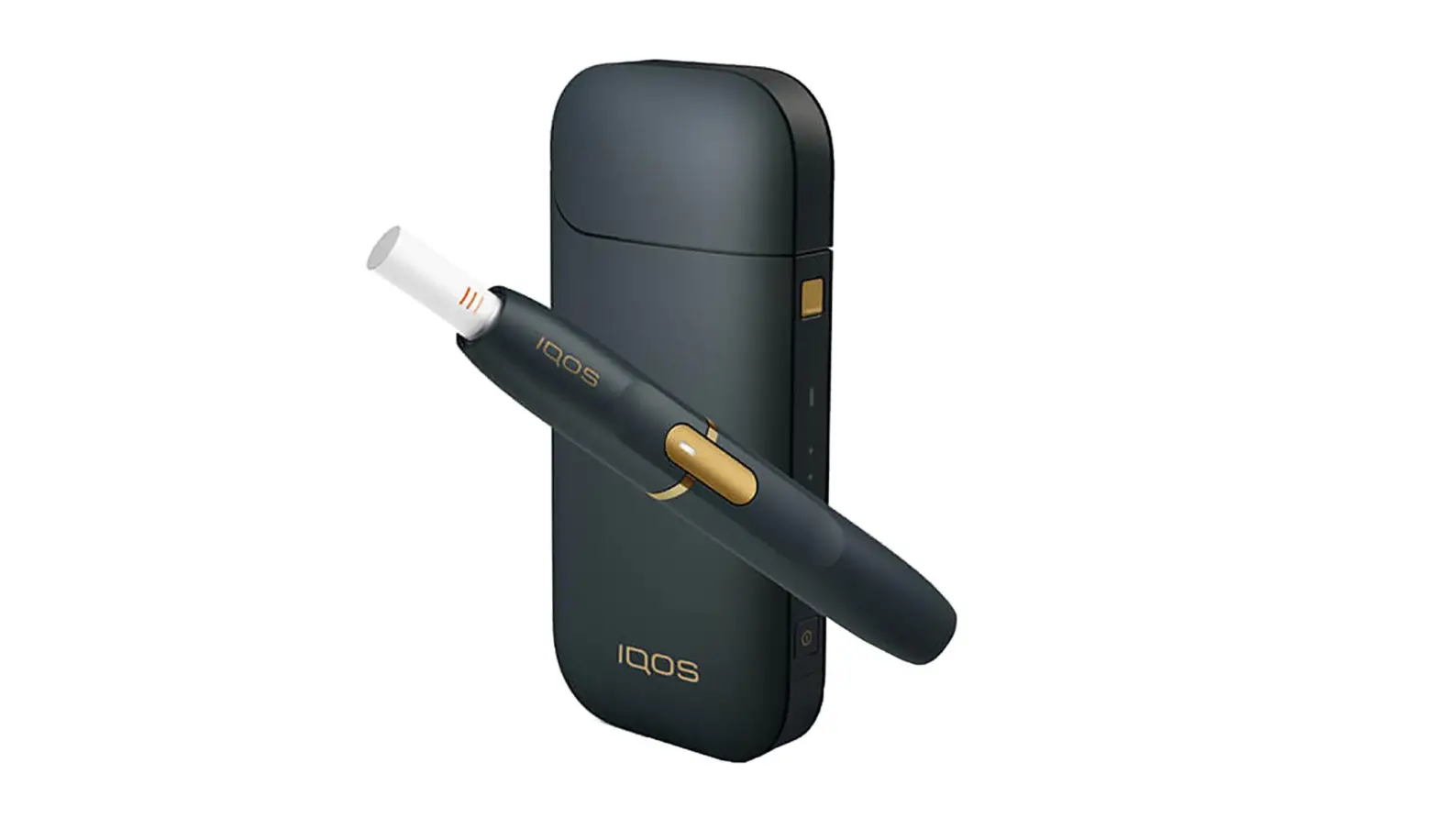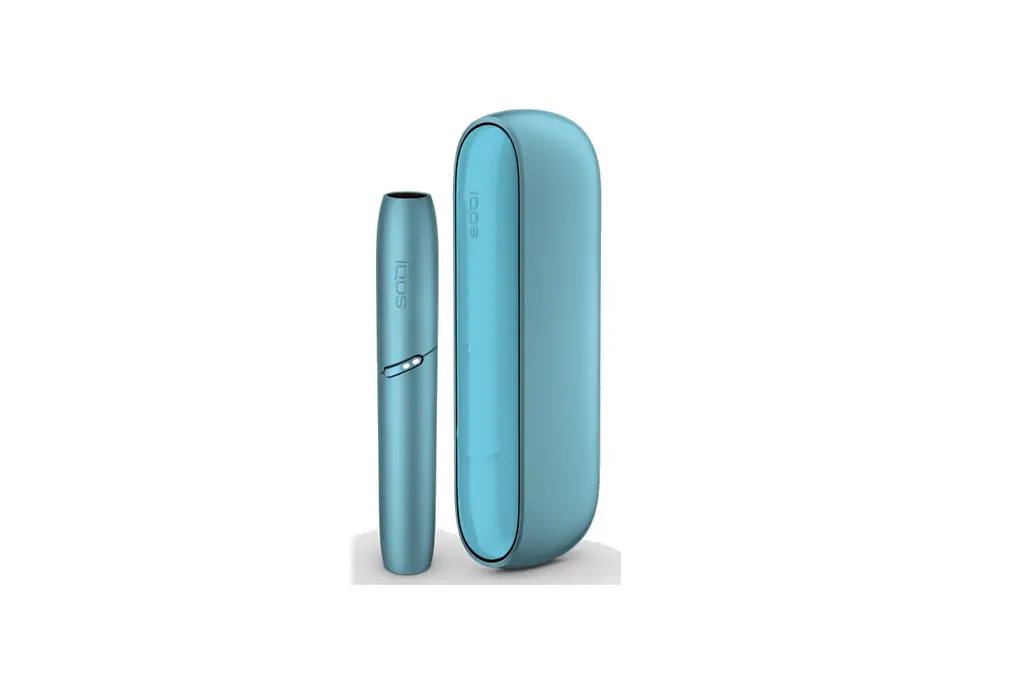

IQOS ORIGINALS DUO Device
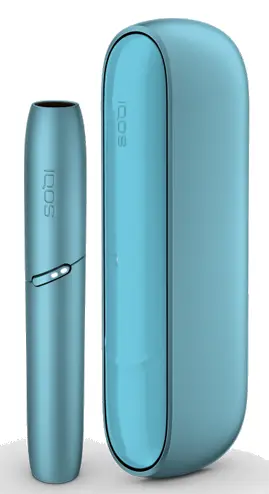
OVERVIEW
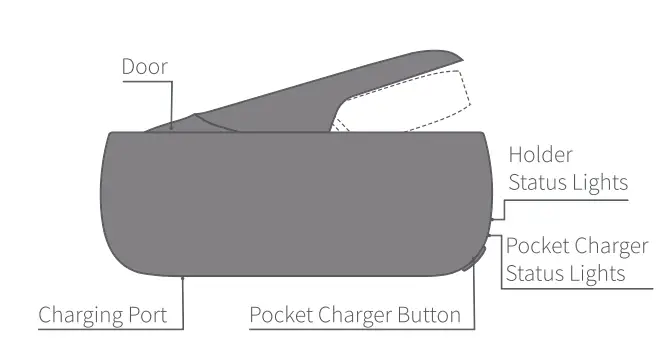
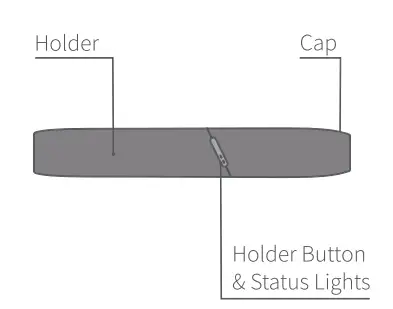
Charging and Cleaning
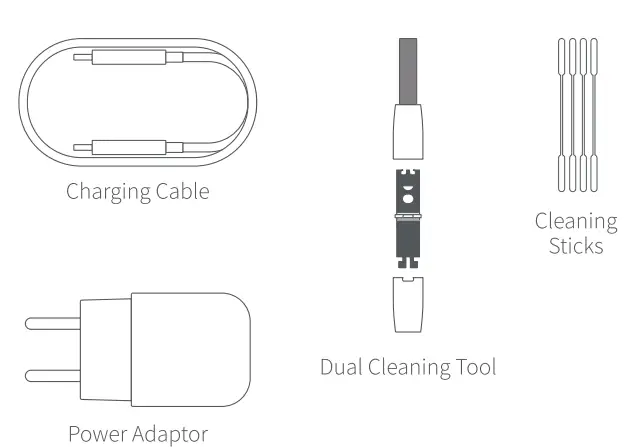
FEATURES AND SETTINGS
Personalize your IQ0S experience with the IQOS app.
Please access by Scanning the QR code or log in on www.iqos.com/originals and follow the instructions.
*1Q0S app may not be available in your country.
Getting Started
- TURN ON

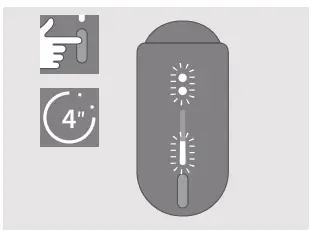
- Press and hold IQOS ORIGINALS DUOTM Pocket Charger Button for 4 seconds, then release; Holder Status Lights and Pocket Charger Status Lights will turn on slowly.
- CHARGE HOLDER

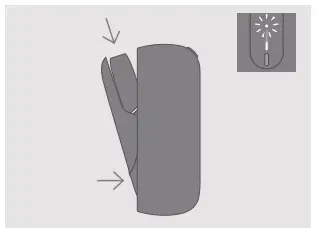
- Insert IQOS ORIGINALS
- DUOTM HOlder into the 1QOS
- ORIGINALS DUOTM POcket
- Charger, then close door to charge.
- Holder Status Light will show
- Holder charge level
Check Holder Status
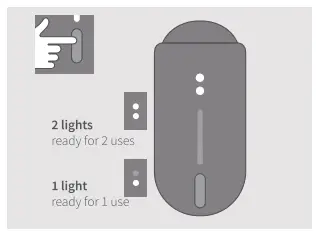
- CHECK HOLDER STATUS

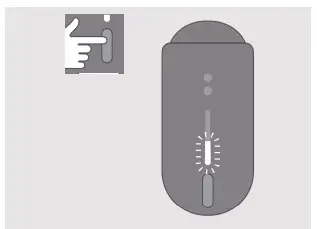
Press & release the Holder Button to check status. Holder Lights indicate IQOSS ORIGINALS DUOTM Holder battery level. - CHECK HOLDER STATUS ON IQOS ORIGINALS DUOT”

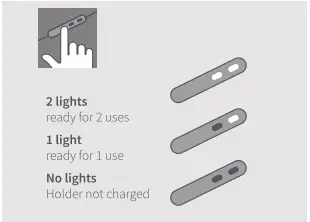
POCKET CHARGER Press&release Pocket Charger Button to check IQOs ORIGINALS DUOTM Holder battery level.
How to use your IQos ORIGINALS DUOT
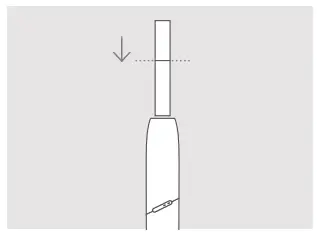
- INSERT HEETSTM TOBACCO STICK

Insert and gently press the HEETSTM tobacco stick to the line on the filter with filter Tacing outside. - START HEATING

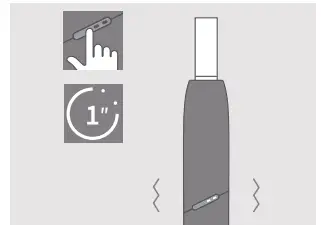
Press Holder Button until IQOs ORIGINALS DUOTM Holder vibrates and Light(s) pulses white. - BEGIN USE

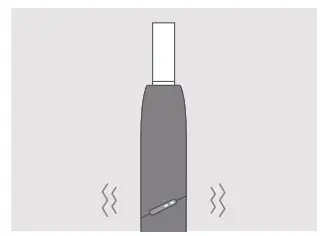
Start using once IQOS ORIGINALS DUO Holder vibrates twice. - NEARLY COMPLETE

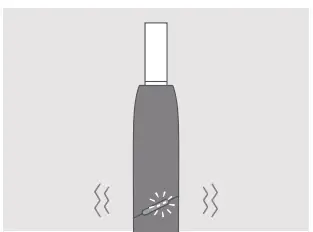
To signal the last 30 seconds or last 2 puffs, 1QOS ORIGINALS DUOH Holder will vibrate twice with Light(s) pulsing white. - REMOVE HEETSTM

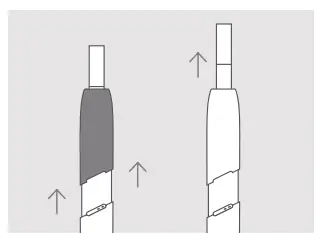
TOBACCO STICK Slide Cap upward and then remove used HEETSTM tobacco stick.
How to Clean
- ROTATING HEAD

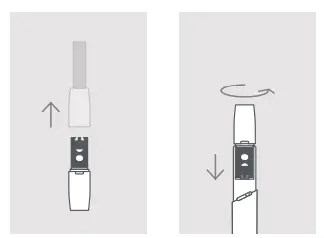
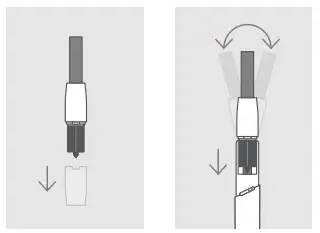
When device is cool, slide ap upwards and remove completely. Insert the Rotating Head of the Dual Cleaning Tool and rotate gently. - SWEEPING HEAD

Insert the Sweeping Head of the Dual Cleaning Tool and gently move it sideways from left to right. Clean daily for optimal experience.
USE CLEANING STICK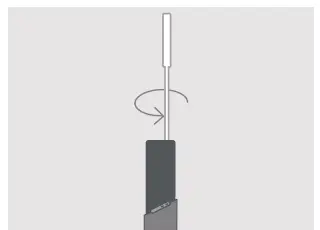
Insert Cleaning Stick to wipe inside of the Holder. Do not touch the blade with the Cleaning Stick.
Quick Tips
- CHECK POCKET CHARGER STATUS

- Press&release Pocket
- Charger Button, to check battery level.
- Lights will turn on to indicate battery status.
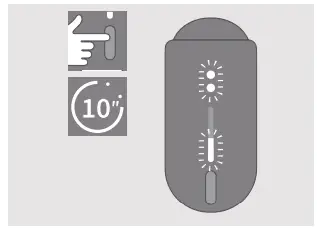
- TO RESET

- Press Pocket Charger Button until lights tade out, then release.
- All Status Lights will turn OFF, blink twice, and progressively fade in, to Confirm a RESET.
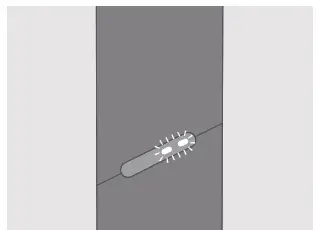
- LIGHTS BLINK WHITE TWICE

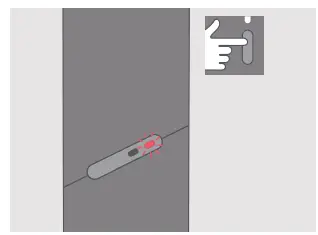
IQOS is outside operating temperature range (0° C-40 °C) or Holder needs to be inserted in Pocket Charger with door closed till it is fully charged. - LIGHT BLINKS RED

Reset 100S ORIGINALS DUOTM If red light blinking persists, contact Customer Care.
For the full user guide, Customer Care and Extended support services for IQOS users, visit www.iqos.com/myiqos