hp Smart App User Guide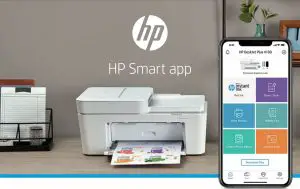
Productivity, creativity, and learning at your fingertips
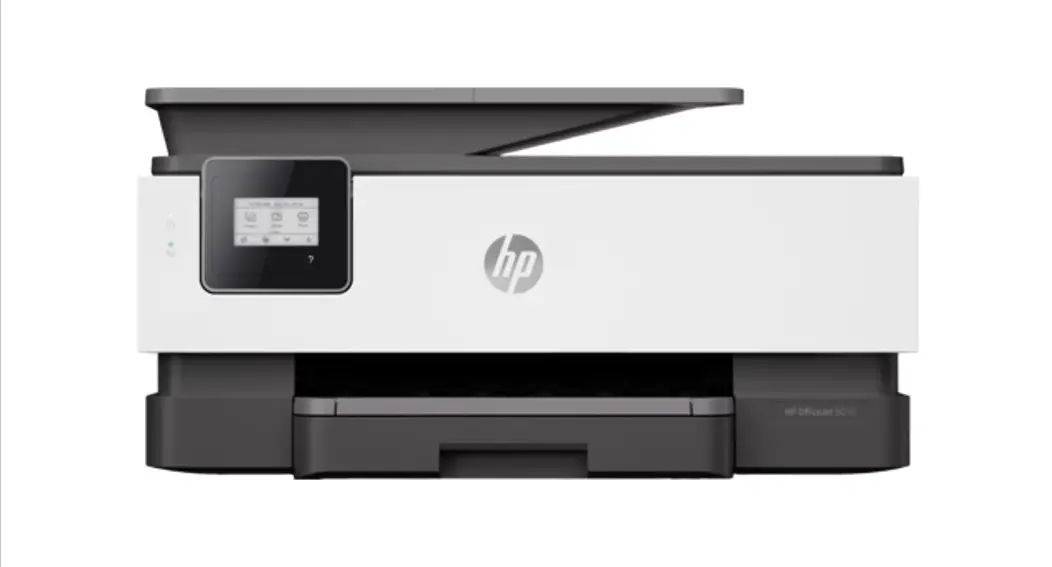
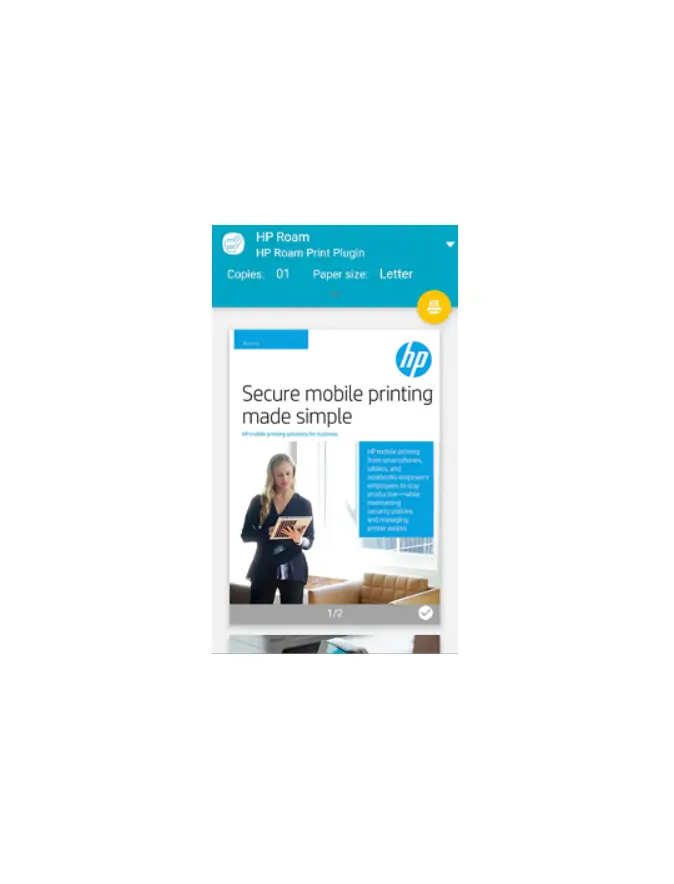
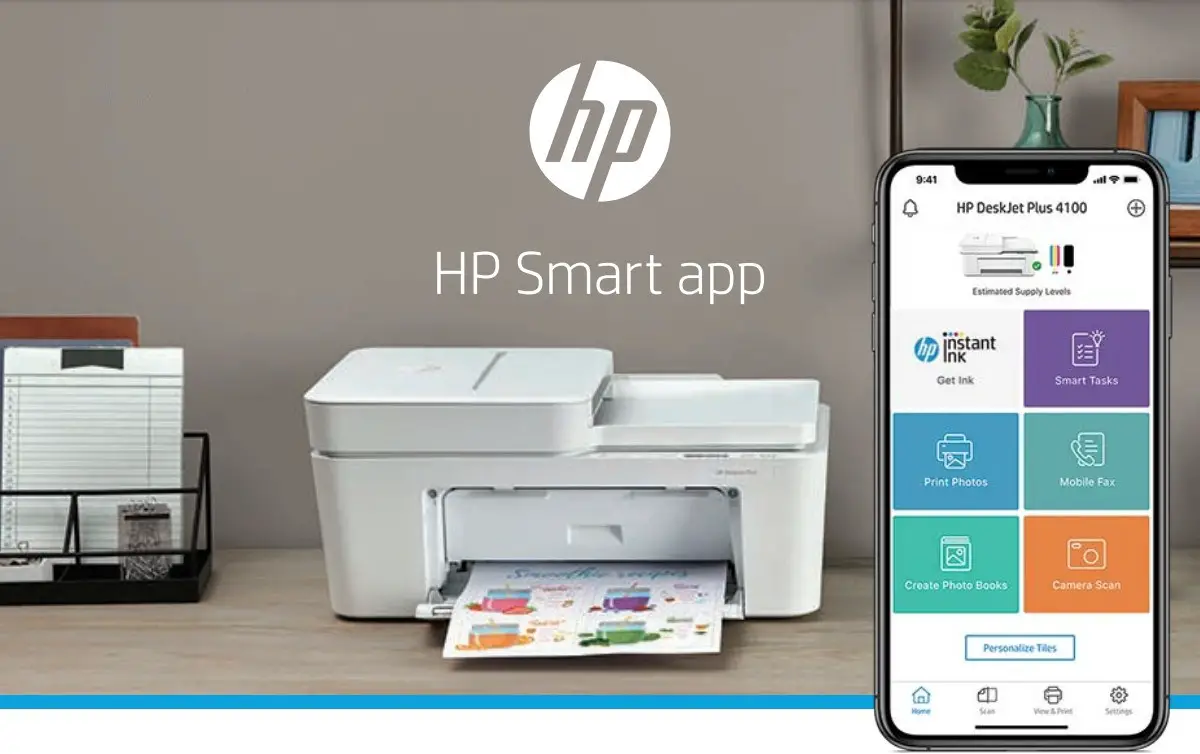
Get the freedom to work anywhere with the HP Smart app—best-in-class mobile print app.1,2 Print, scan, copy, and send a secure mobile fax from your phone, and save time with customisable shortcuts. Plus, with HP Instant Ink, your printer automatically orders ink before you run out.5
- Send documents and photos to your printer from anywhere

- Send a secure mobile fax from your smartphone, tablet, or PC
- Customise photos with easy-to-use editing tools
- Keep learning and playing with printable activities
- High-quality scanning from your smartphone
- Organise documents 50% faster with Smart Tasks— the first mobile print app that automates scanning tasks³
- Save money and never run out of ink with Instant Ink— HP’s ink delivery service
- Fast setup from your mobile or PC— no cables or CD







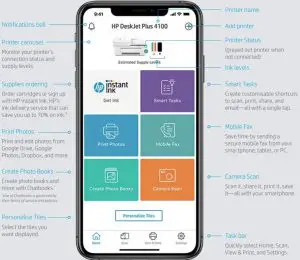
HP Smart app feature highlights

Available for PC in the Microsoft store:


Learn more at hp.com/go/smartapp

Share with colleagues
- Requires the HP Smart app download. For details on local printing requirements, see hp.com/go/mobileprinting. Certain features/software are available in English language only. Internet access required and must be purchased separately.
- Compared to majority of OEM mobile printing apps for inkjet and laser printers and all-in-ones for home and home office, priced less than or equal to €429.99. Market share as reported by IDC CYQ2 2018 Hardcopy Peripherals Tracker. Claim based on lab testing and research of printer manufacturers’ mobile print apps and Keypoint Intelligence – Buyers Lab study commissioned by HP. See September 2018 report at hp-smart-app-2021 [PDF].
- Based on internal HP testing. Average timing estimate based on: (a) downloaded HP Smart app on mobile device, (b) setting up Smart Tasks shortcut, (c) scanning jobs which have more than two to three tasks associated with them (scan to email, save and rename, store to cloud, etc.). Average timing savings comparison based on using printer and desktop scan software to complete similar scanning tasks. Requires the HP Smart app download and supported HP printer. For details on local printing requirements, see hp.com/go/mobileprinting.
- Based on HP Instant Ink service 300 page plan (savings for other plans will be lower). Based on use of all pages in plan without purchase of additional sets of pages compared to cost per page (CPP) to print ISO/IEC 24711 pages on market majority of color inkjet printers less than €200/£200 using original standard capacity cartridges as reported by IDC in Q1 2018. Survey based upon indicative manufacturers’ supplies pricing as reported by SPIRE as of June 2018 and page yield listed on manufacturers’ website as of June 2018. For further details please refer to hp.com/go/ukcompare | hp.com/go/iecompare. All prices include VAT. ISO yield based on continuous printing in default mode. Actual savings may vary depending on number of pages actually printed per month and content of pages printed. For more information on ISO standards: hp.com/go/pageyield.
- Ordered by your printer when needed, subject to customer internet connection. Availability may vary in exceptional circumstances. Express deliveries available via Support Services, if you use more ink than anticipated. See hp.com/go/instantinksupport for troubleshooting assistance and contact support options.
© Copyright 2020 HP Development Company, L.P. The information contained herein is subject to change without notice. Google, Google Drive, and Google Photos are trademarks of Google Inc.
4AA7-5865EEE, March 2020, Rev. 2
 HP Instant Ink | HP® Customer Support
 HP Smart App