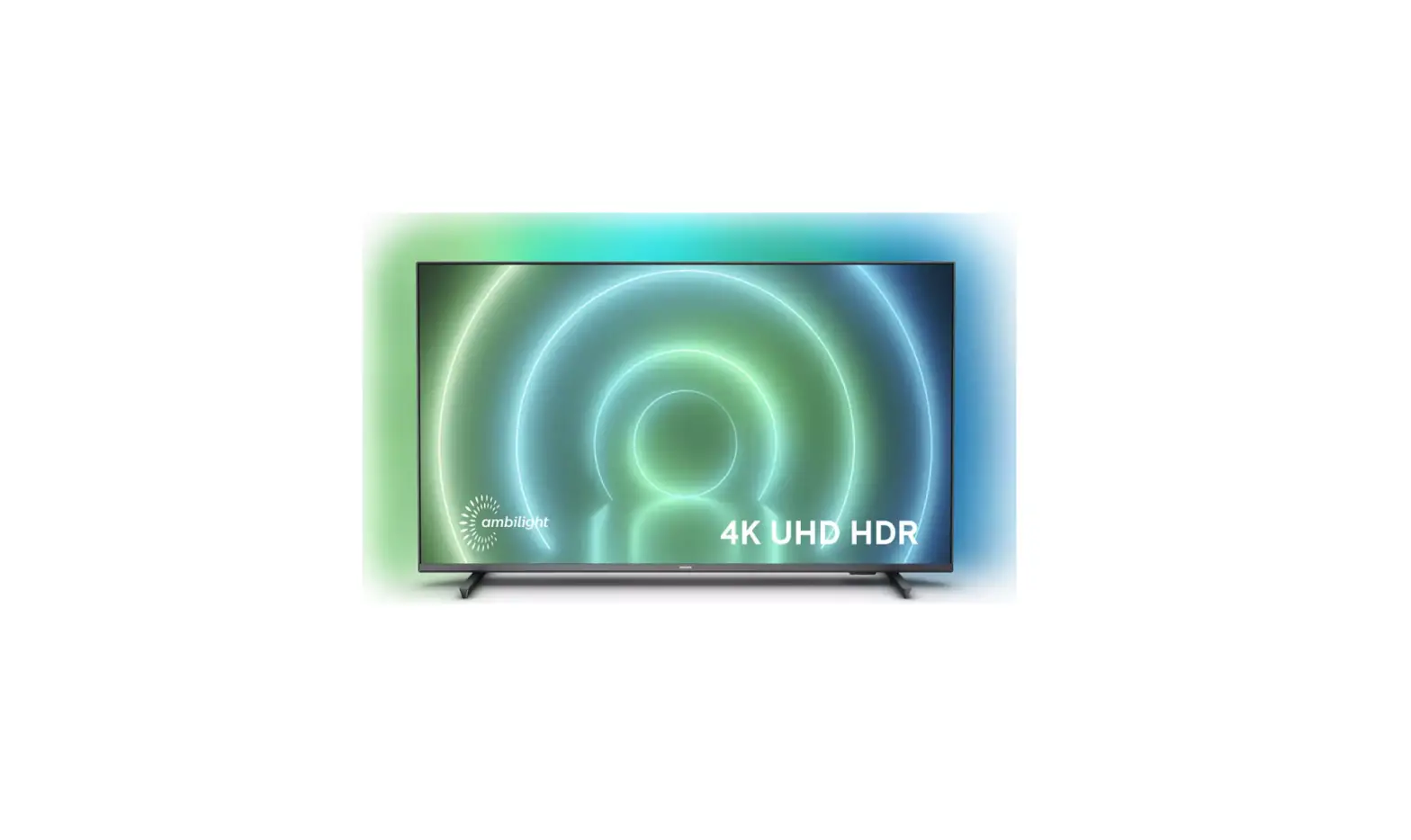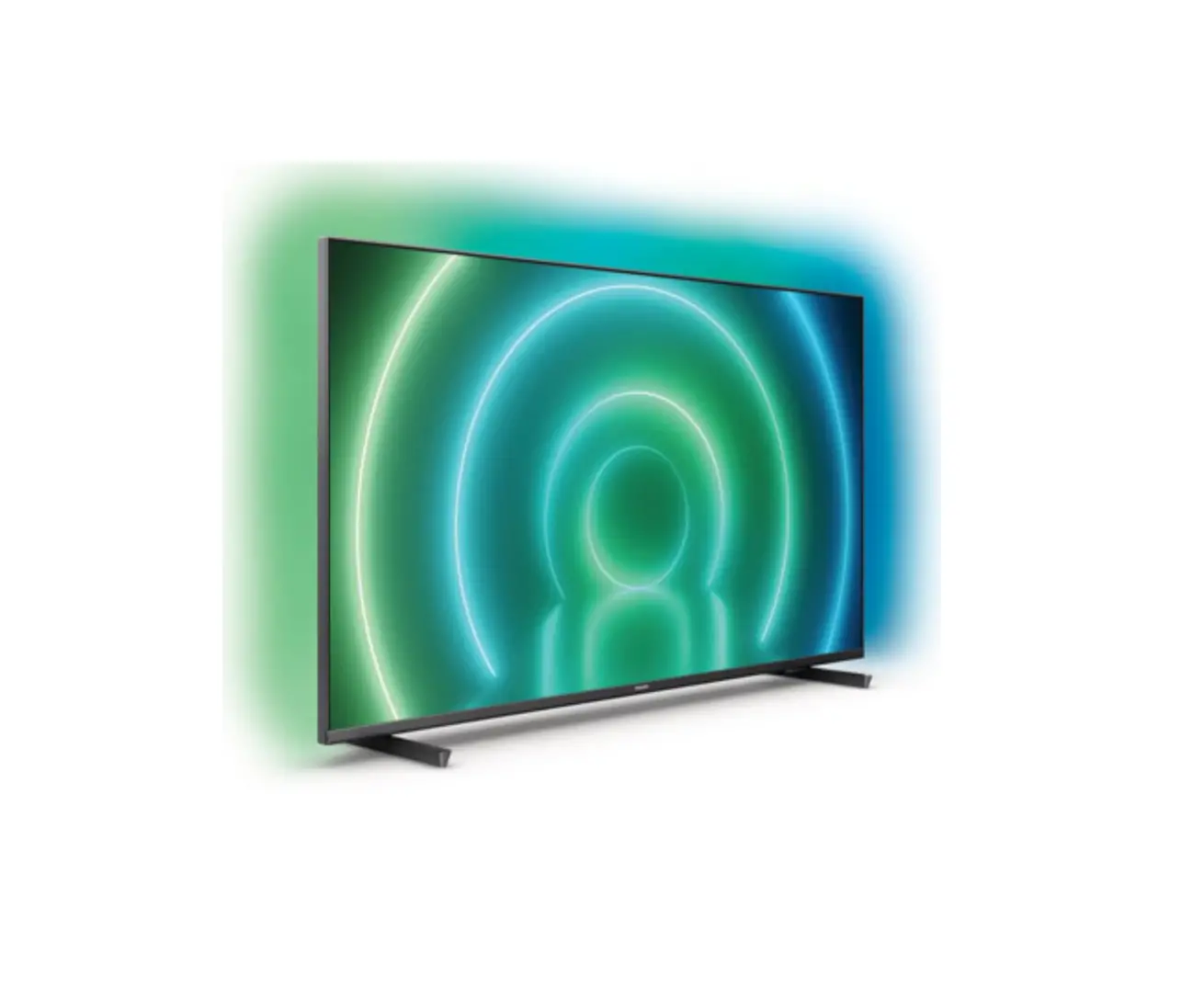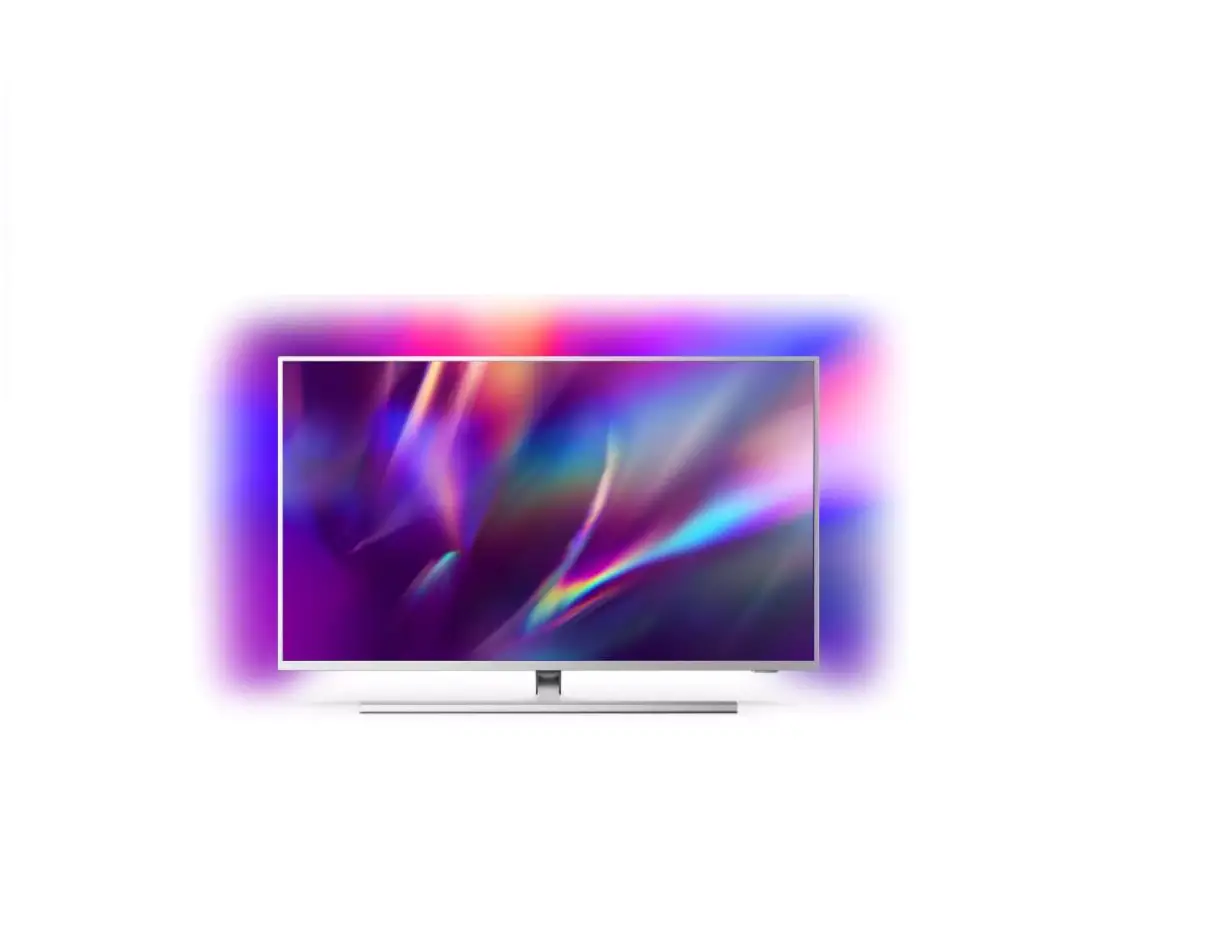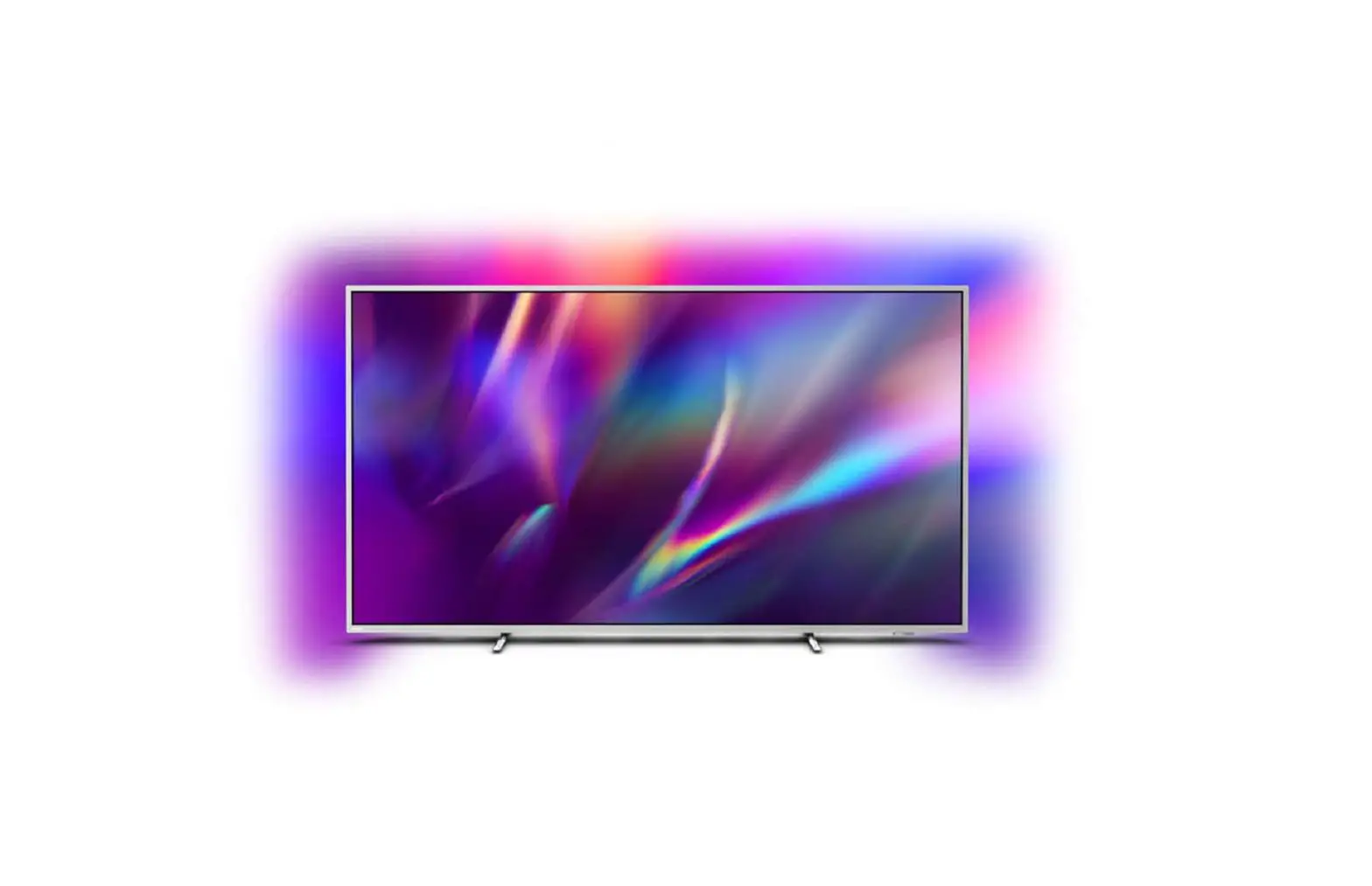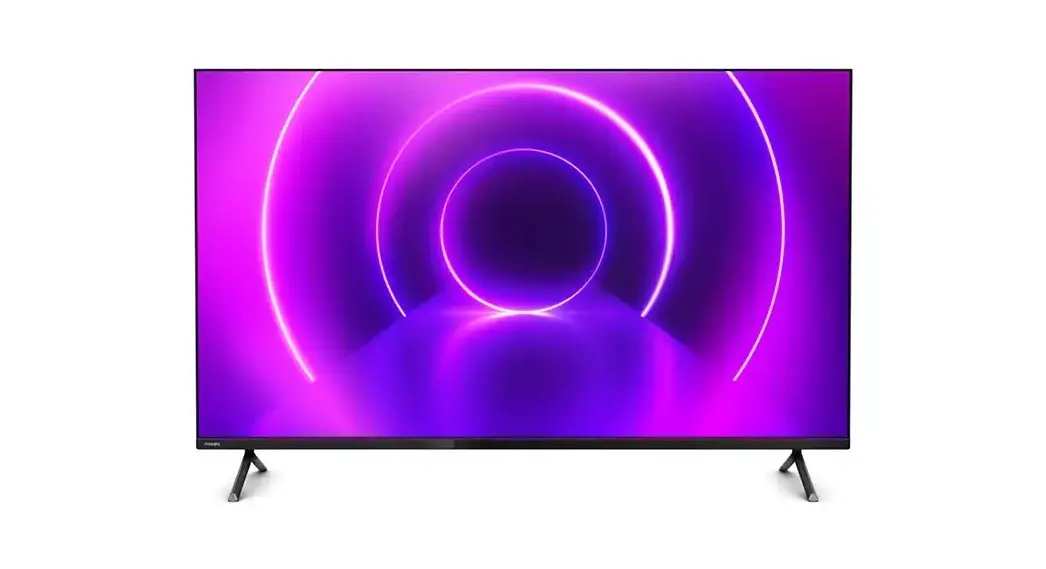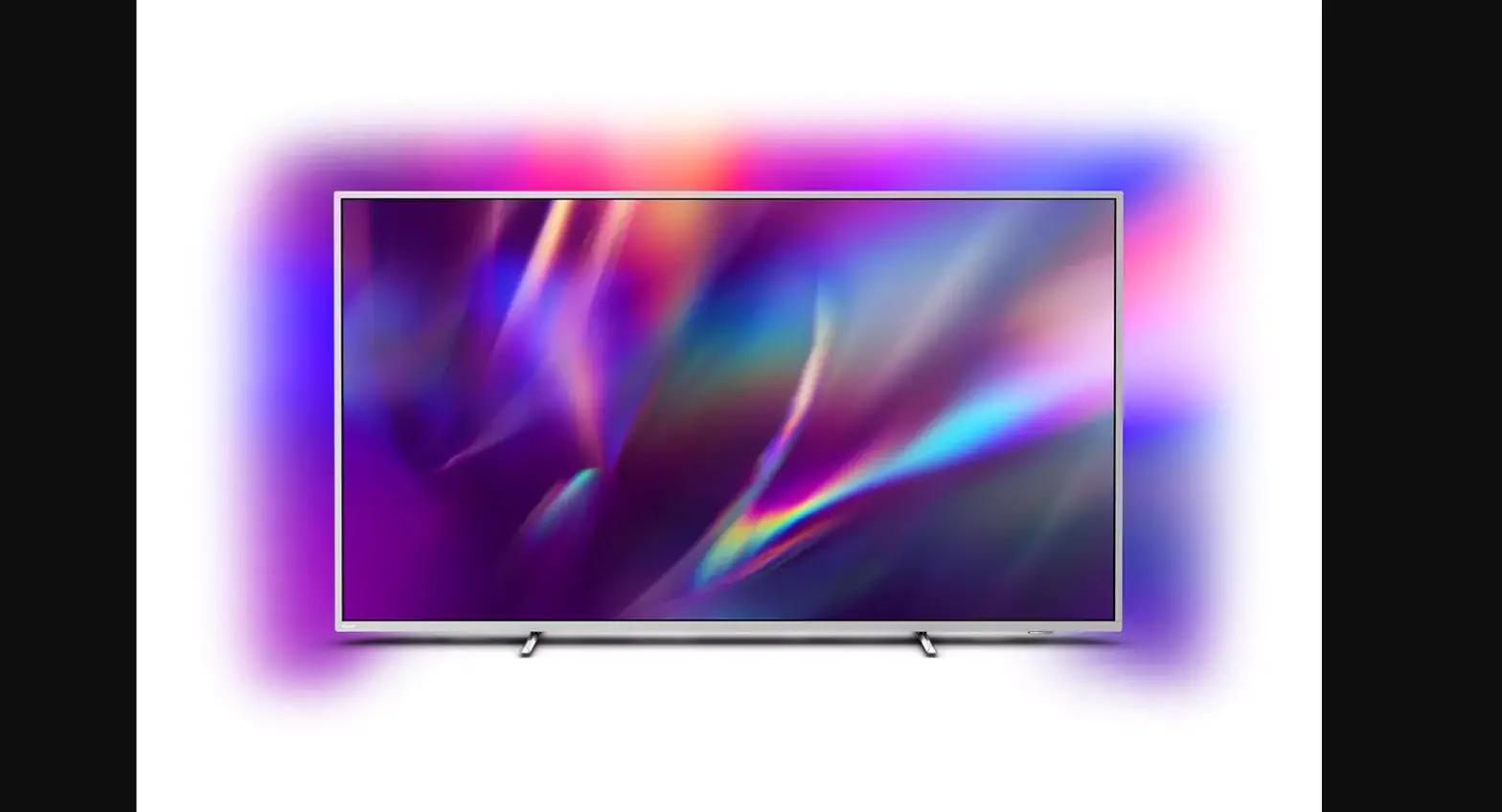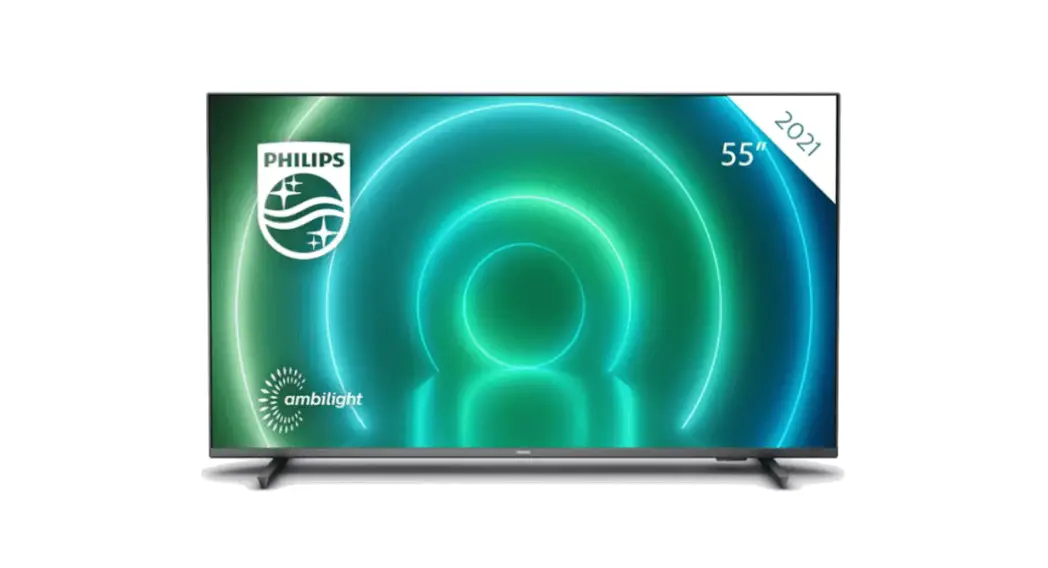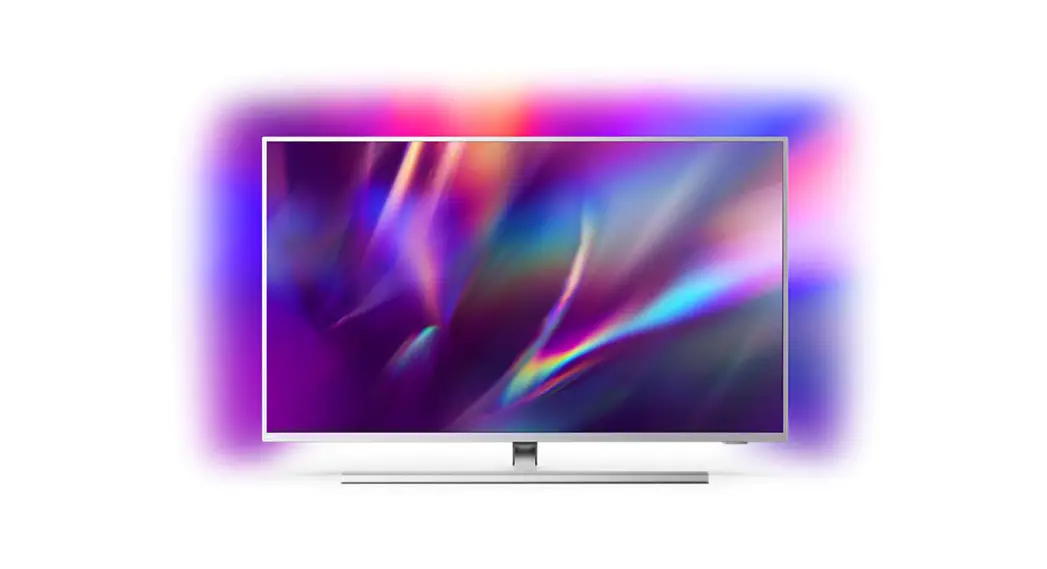
PHILIPS 7906 LED 4K UHD LED Android TV User Guide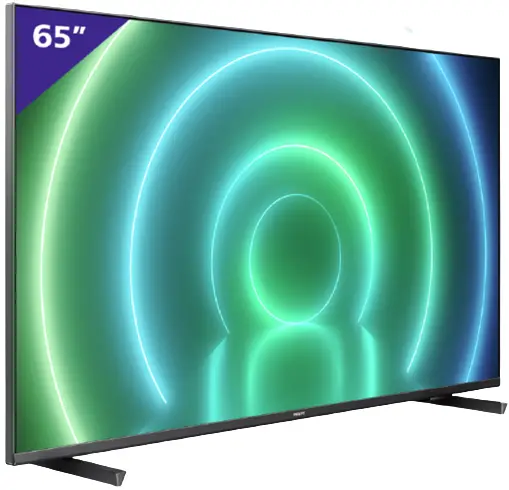
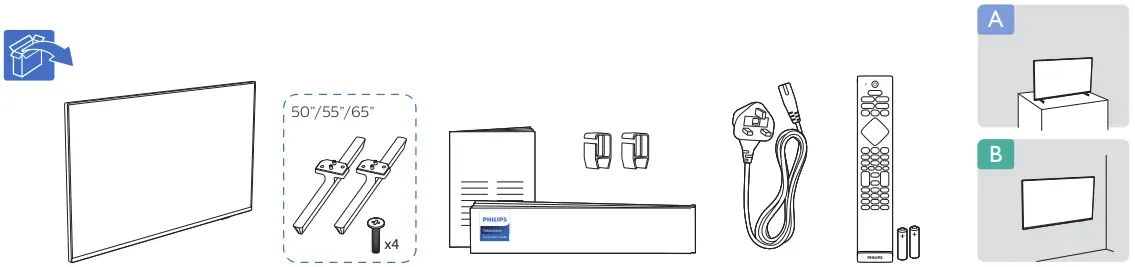
What’s In The Box
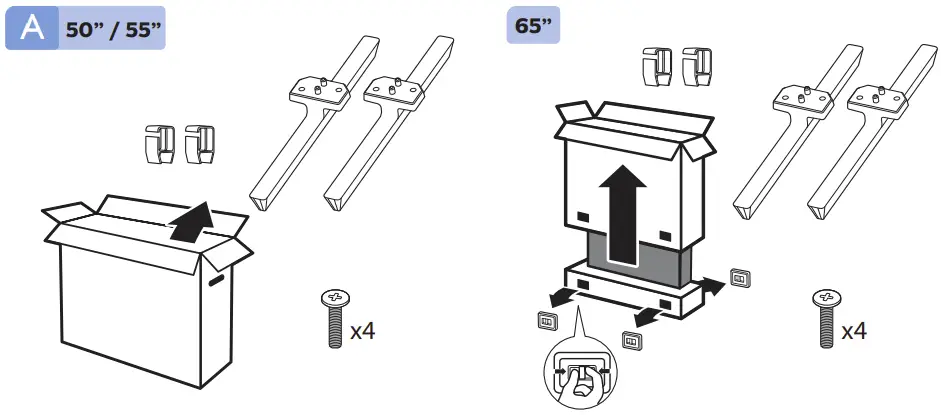
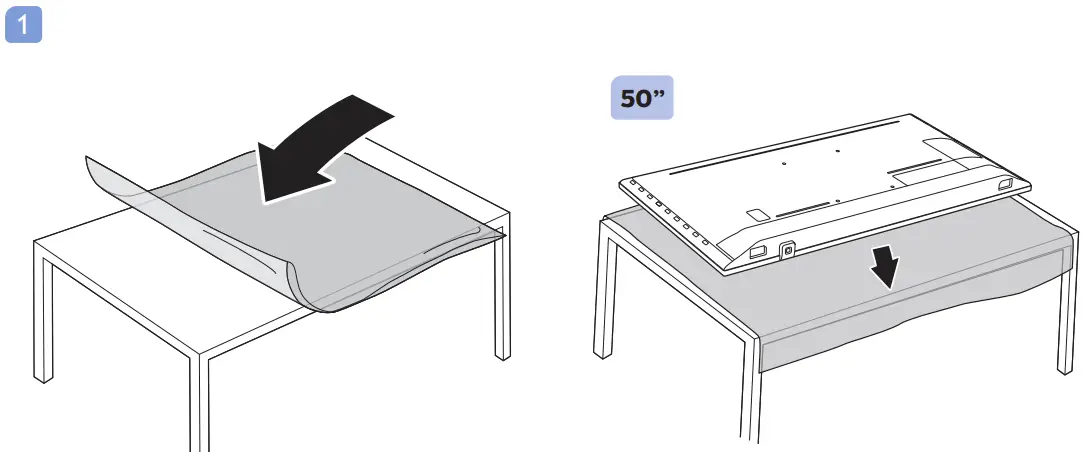
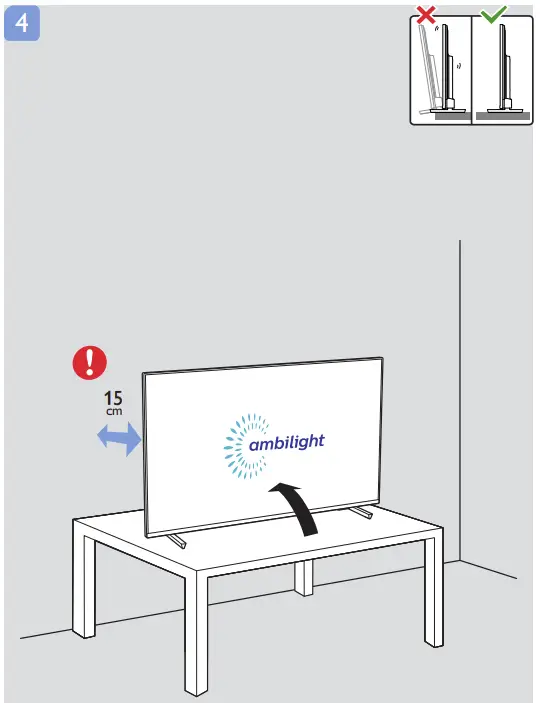
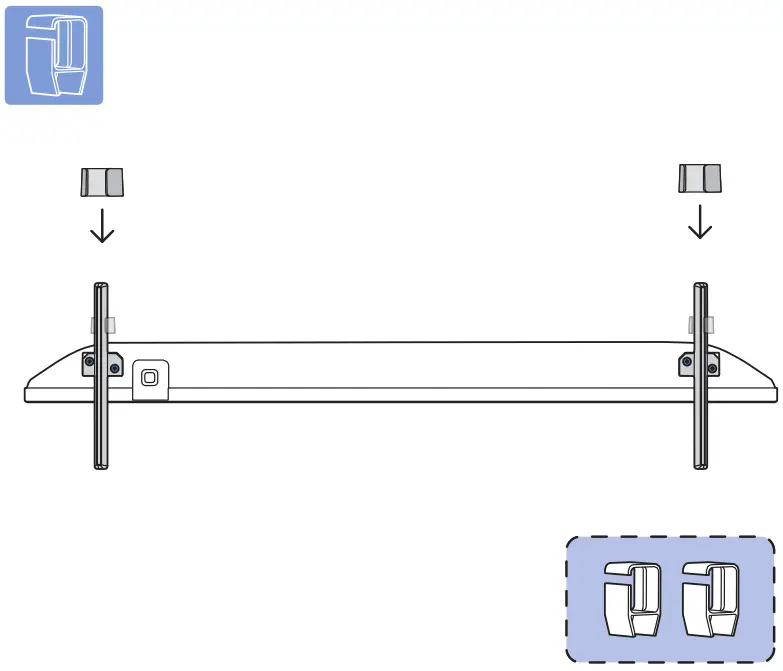
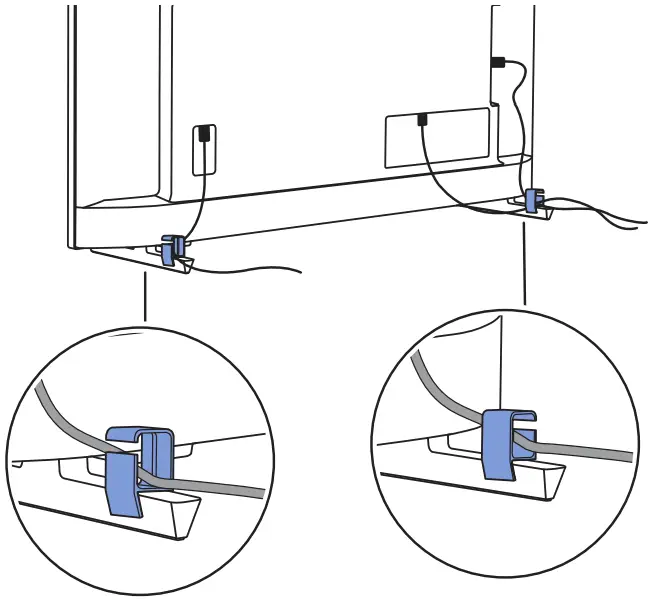
Installation instruction
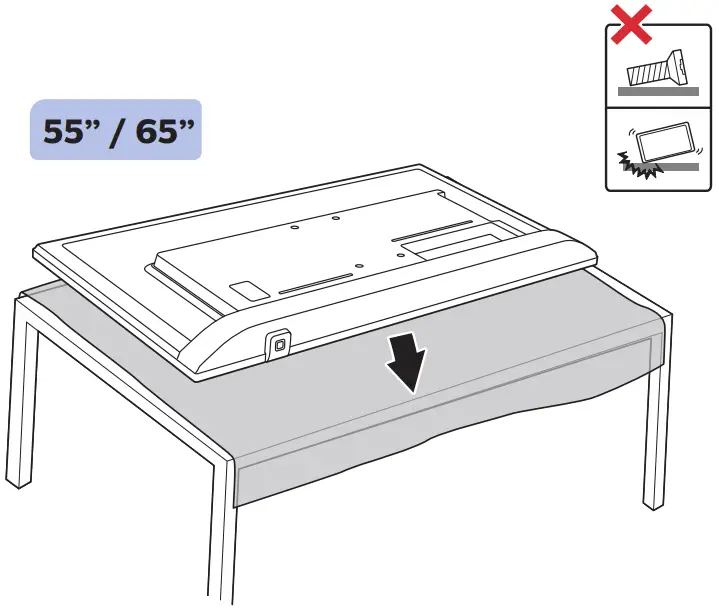
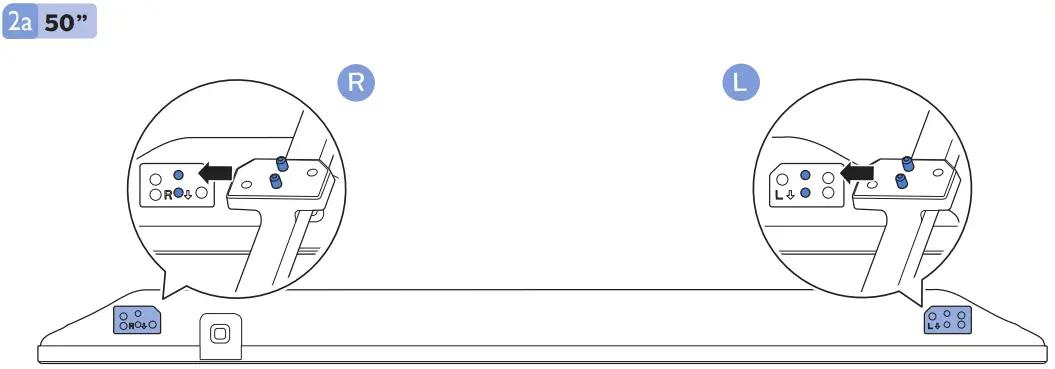
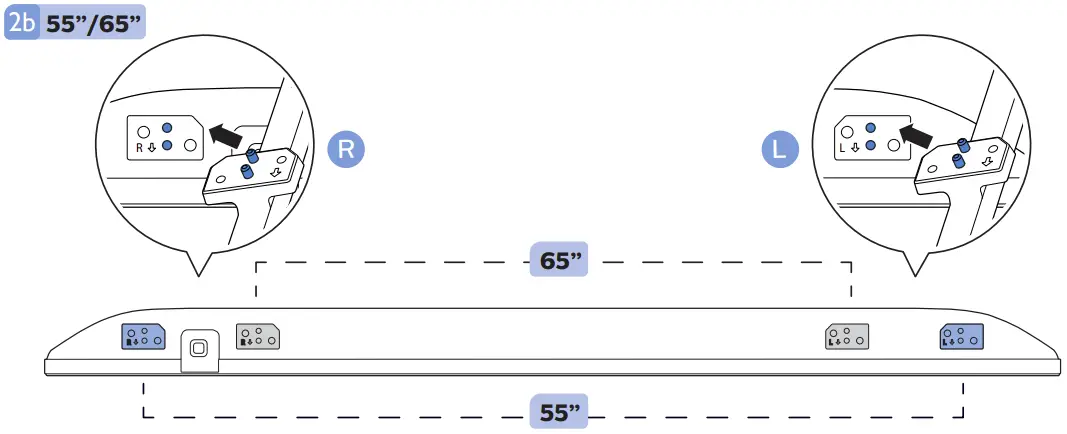
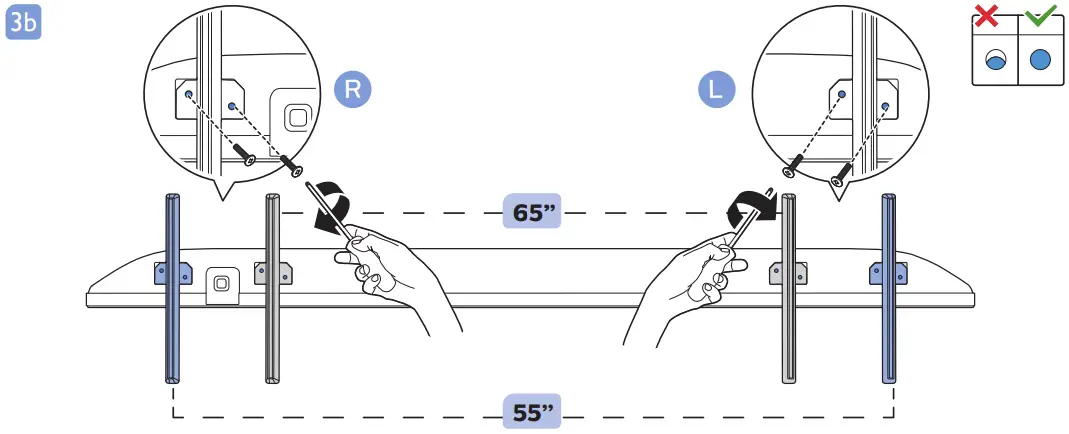
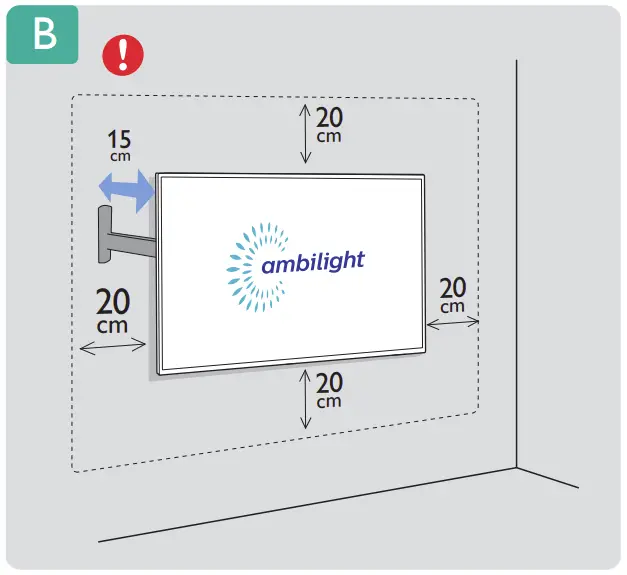
Mounting Instruction
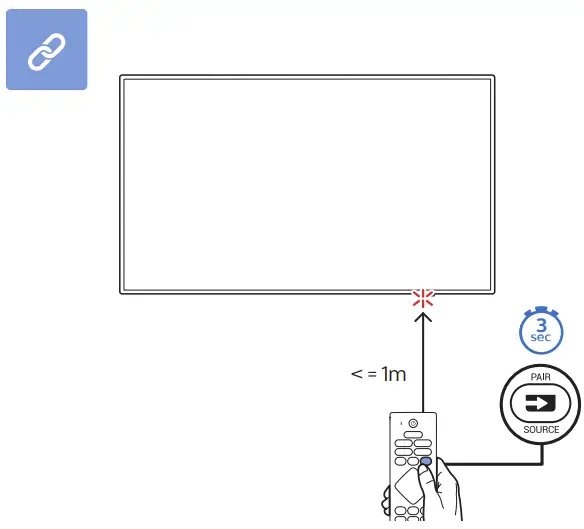
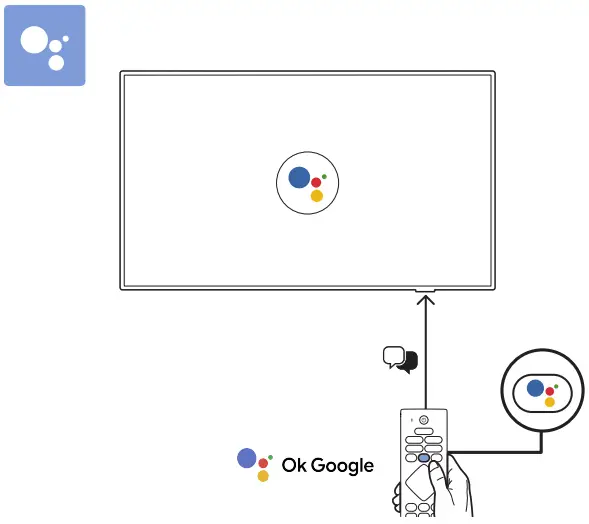
Google Assistant
Dimension
VESA (x, y)
1 50”
Kind Reminder: if you decide to wall mount your TV, kindly remove the existing screws from the TV back-cover first.
These screws are not wall mounting screws and must be removed before you start any wall mount installation.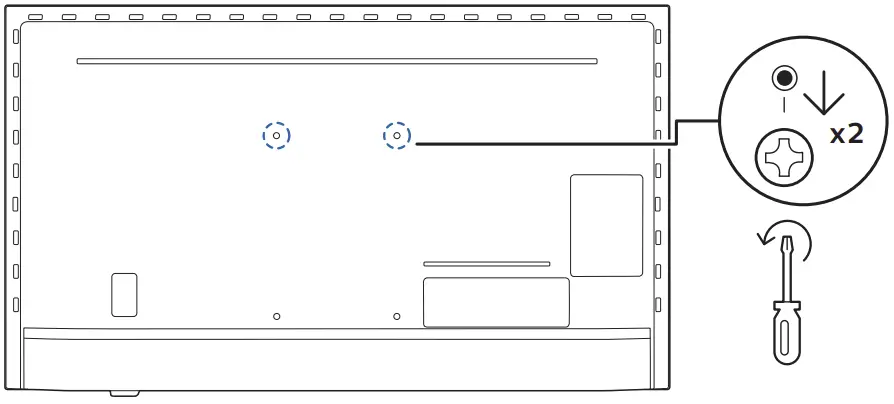
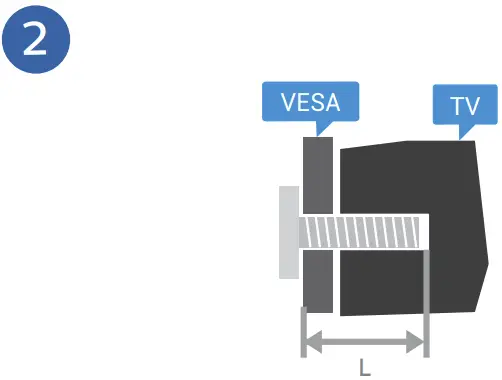
50” 200x300mm M6 (L: 10mm~16mm)  126 cm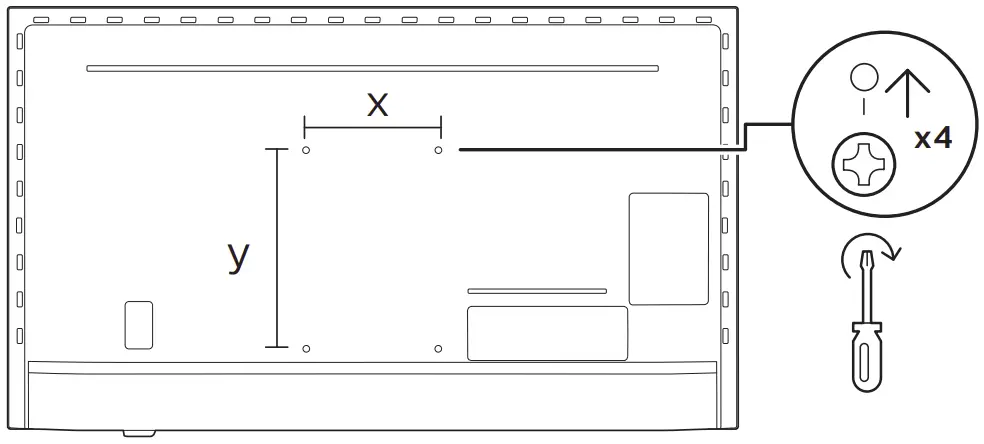
55” 200x300mm M6 (L: 10mm~16mm) 139 cm
65” 300x300mm M6 (L: 12mm~20mm) 164 cm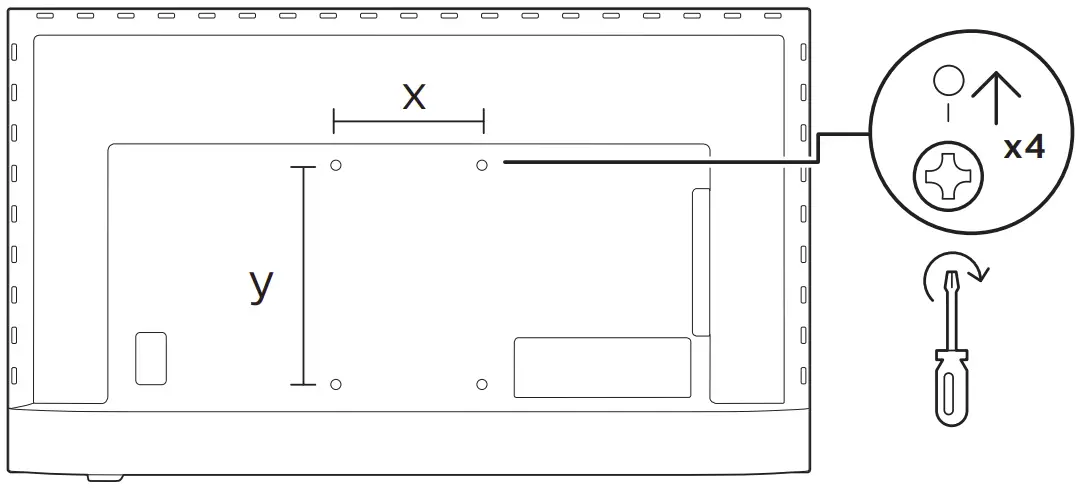
Download The App
 Read the safety instructions
Register your product and get support at
www.philips.com/TVsupport
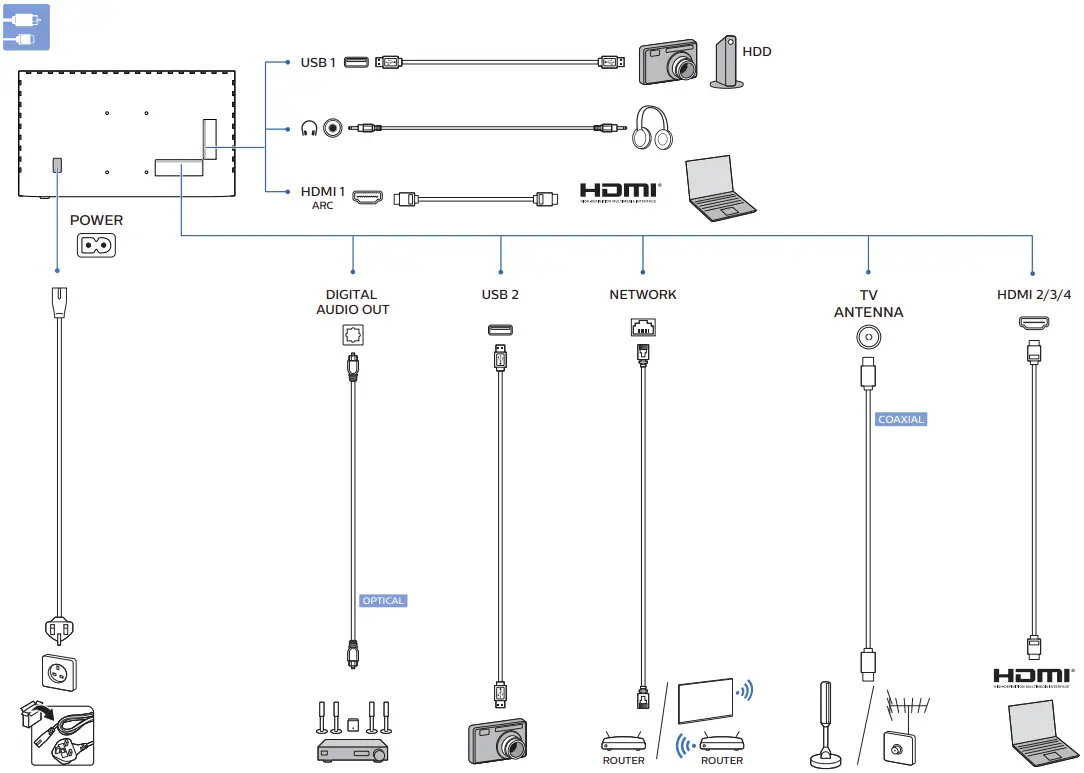
Connection instruction
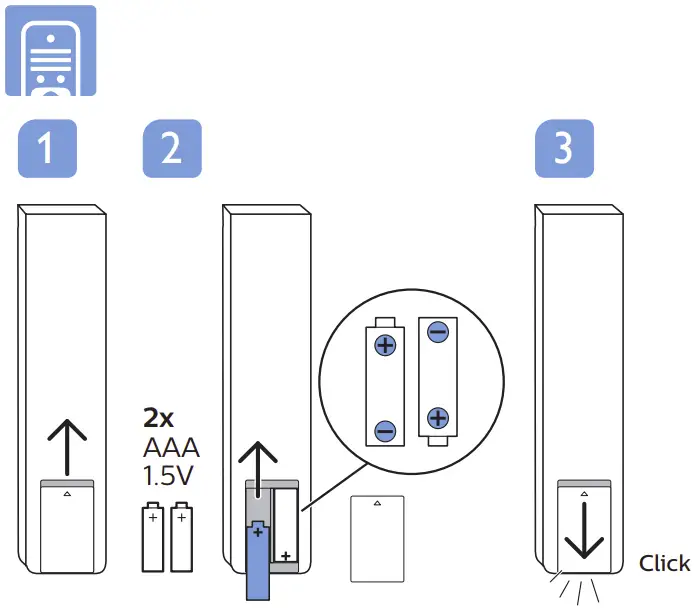
Installing the Batteries
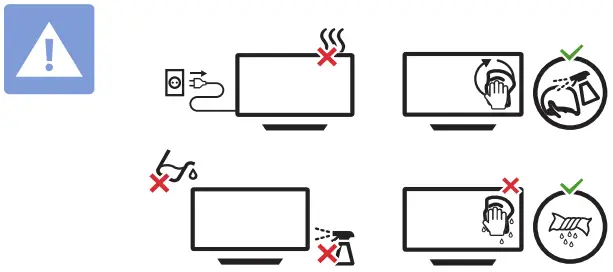
Safety instruction
Power On/Off
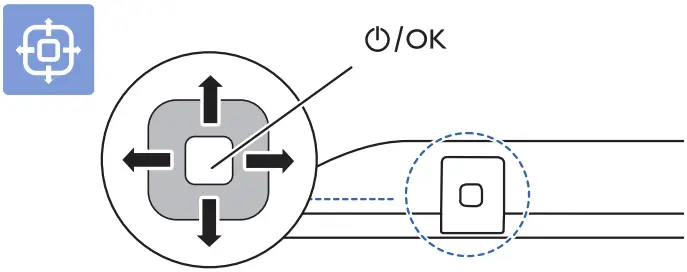
FAQ
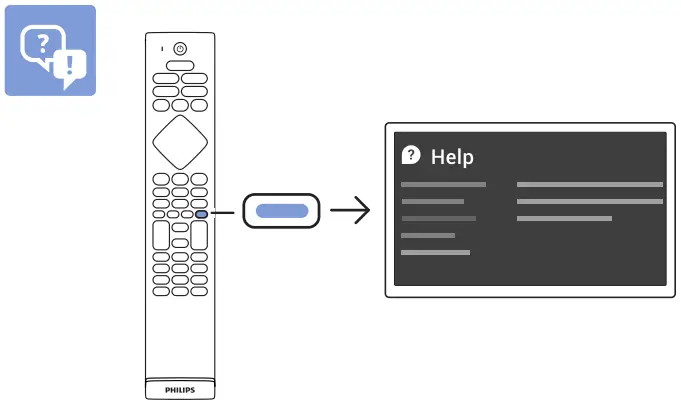
Customer Support
All registered and unregistered trademarks are property of their respective owners.
Specifications are subject to change without notice.
Philips and the Philips’ shield emblem are trademarks of Koninklijke Philips N.V. and are used under license from Koninklijke Philips N.V.
This product has been manufactured by and is sold under the responsibility of TP Vision Europe B.V., and TP Vision Europe B.V. is the warrantor in relation to this product.
2021© TP Vision Europe B.V. All rights reserved.
www.philips.com/welcome
 TV Support | Philips