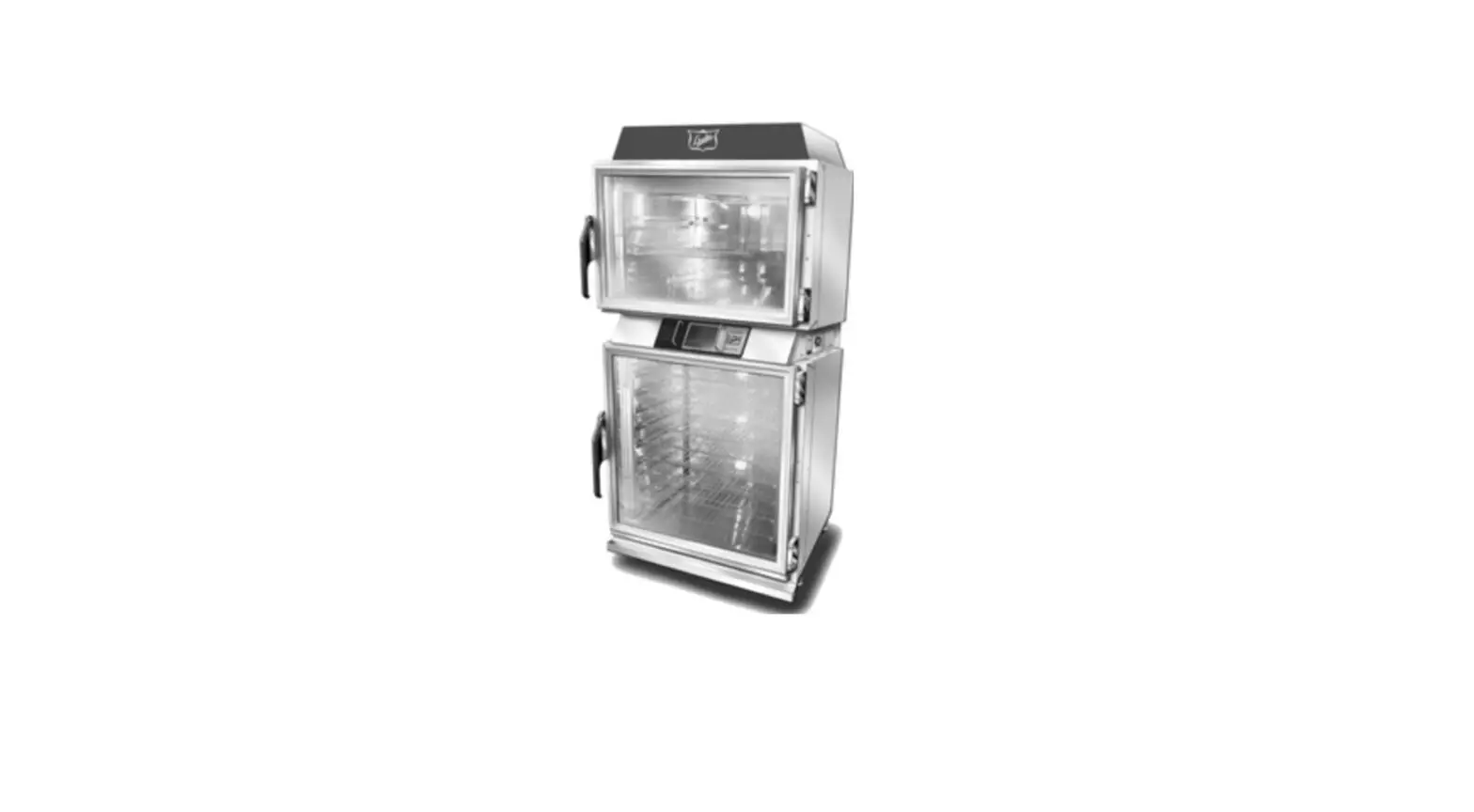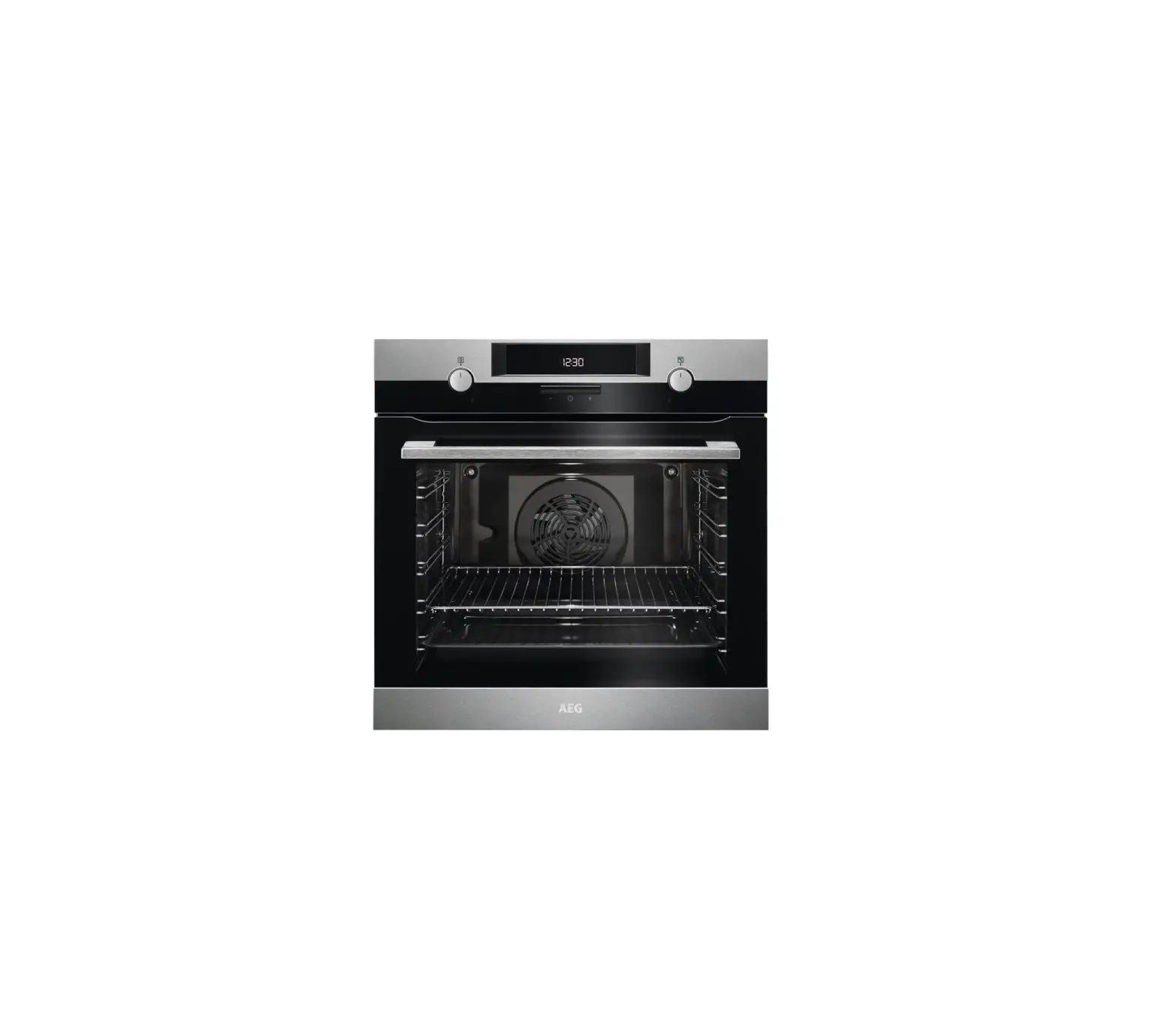
Baxter OV520G2 Smart Touch Digital Control Oven
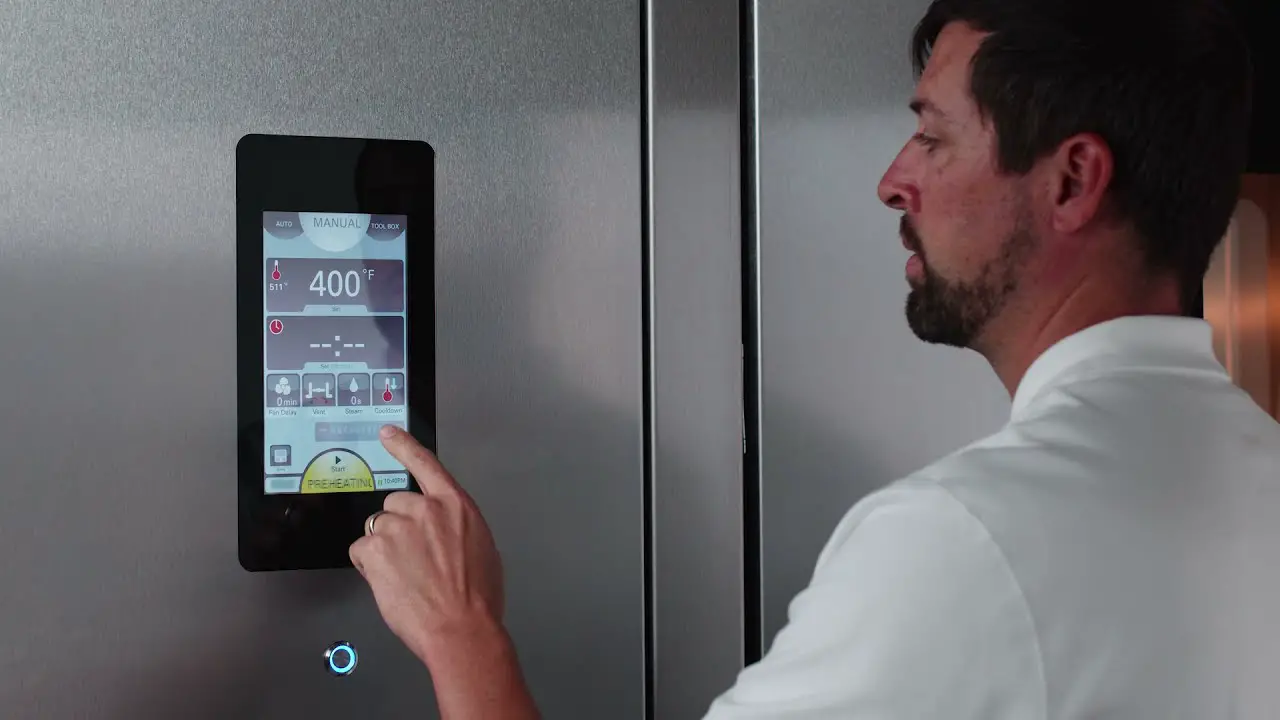
TO START OVEN
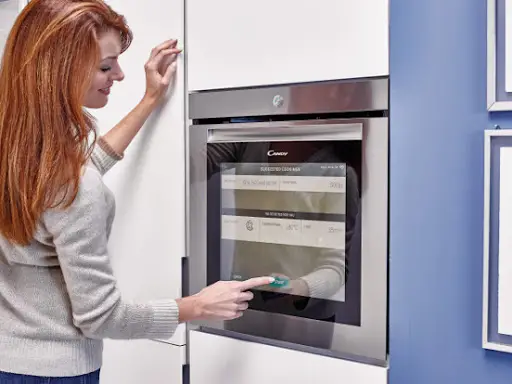
Press the button below the screen
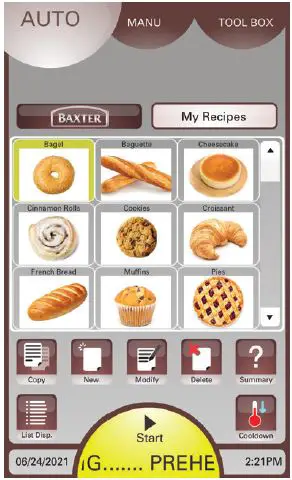
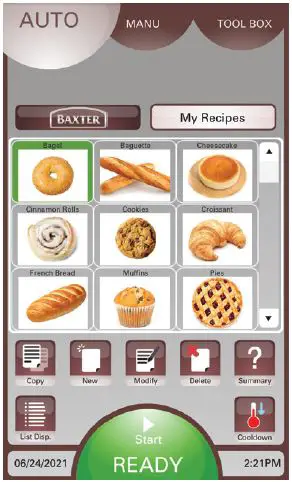
Auto Mode
- The start button shows YELLOW (Pre-Heating)
- Select and press the product you will be baking

- Start button turns GREEN (ready)

- Open oven door
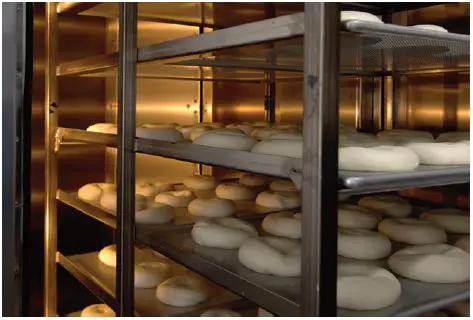
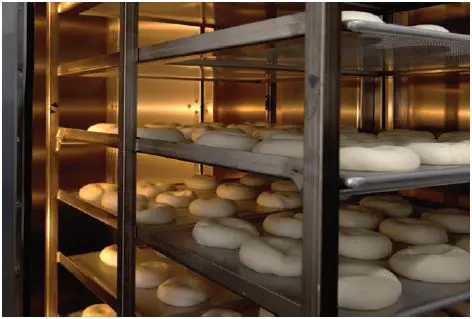
- Roll racks with products into the oven

Manual Mode
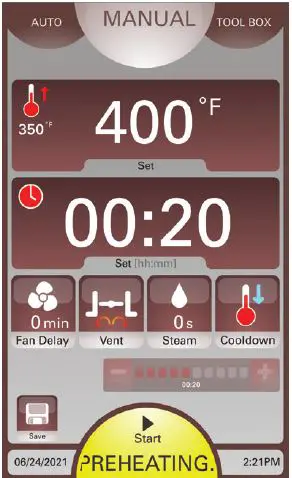
- The start button shows YELLOW (Pre-Heating)
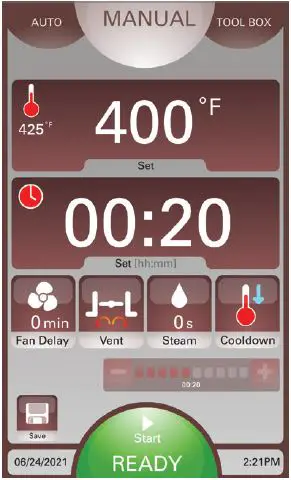
- Enter Bake Time, Temperature, etc. on screen

- Start button turns GREEN (ready)

- Open oven door
- Roll racks with products into the oven

Visit us at www.baxtermfg.com or contact us at 1-888-350-7090.
 Precision Baking and Cooking Equipment | Baxter