 THE WORK
HEADPHONES
INTRODUCTION
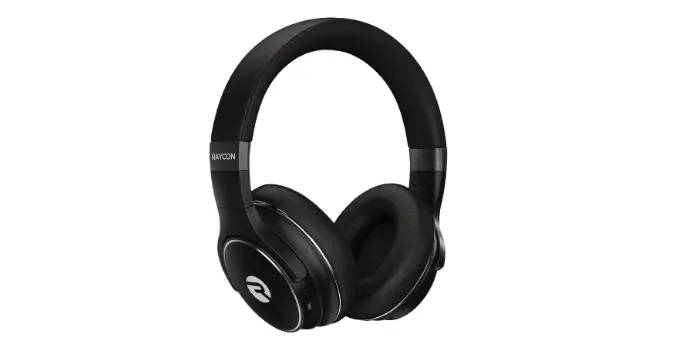
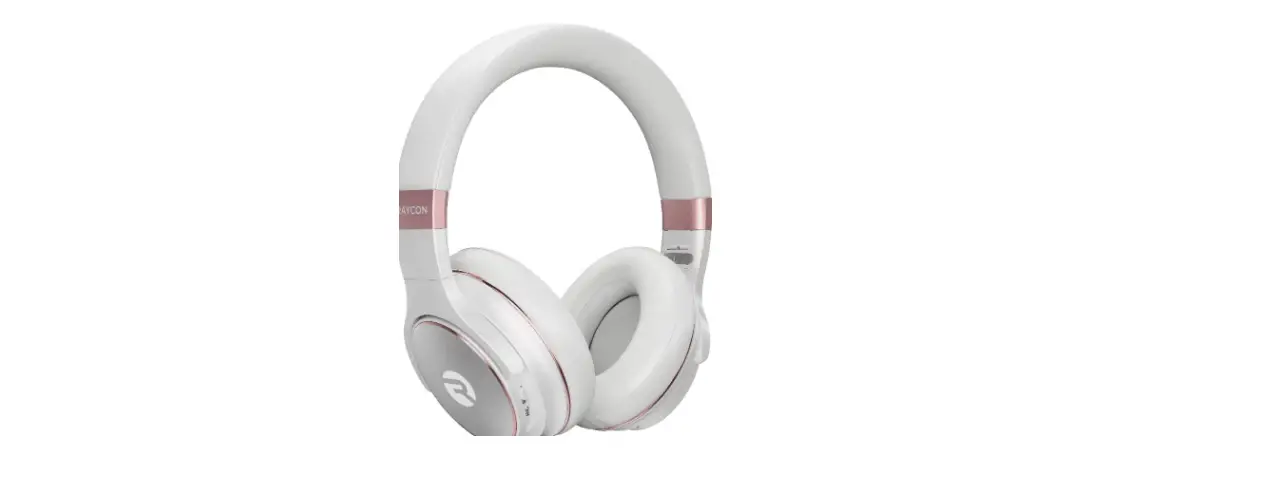
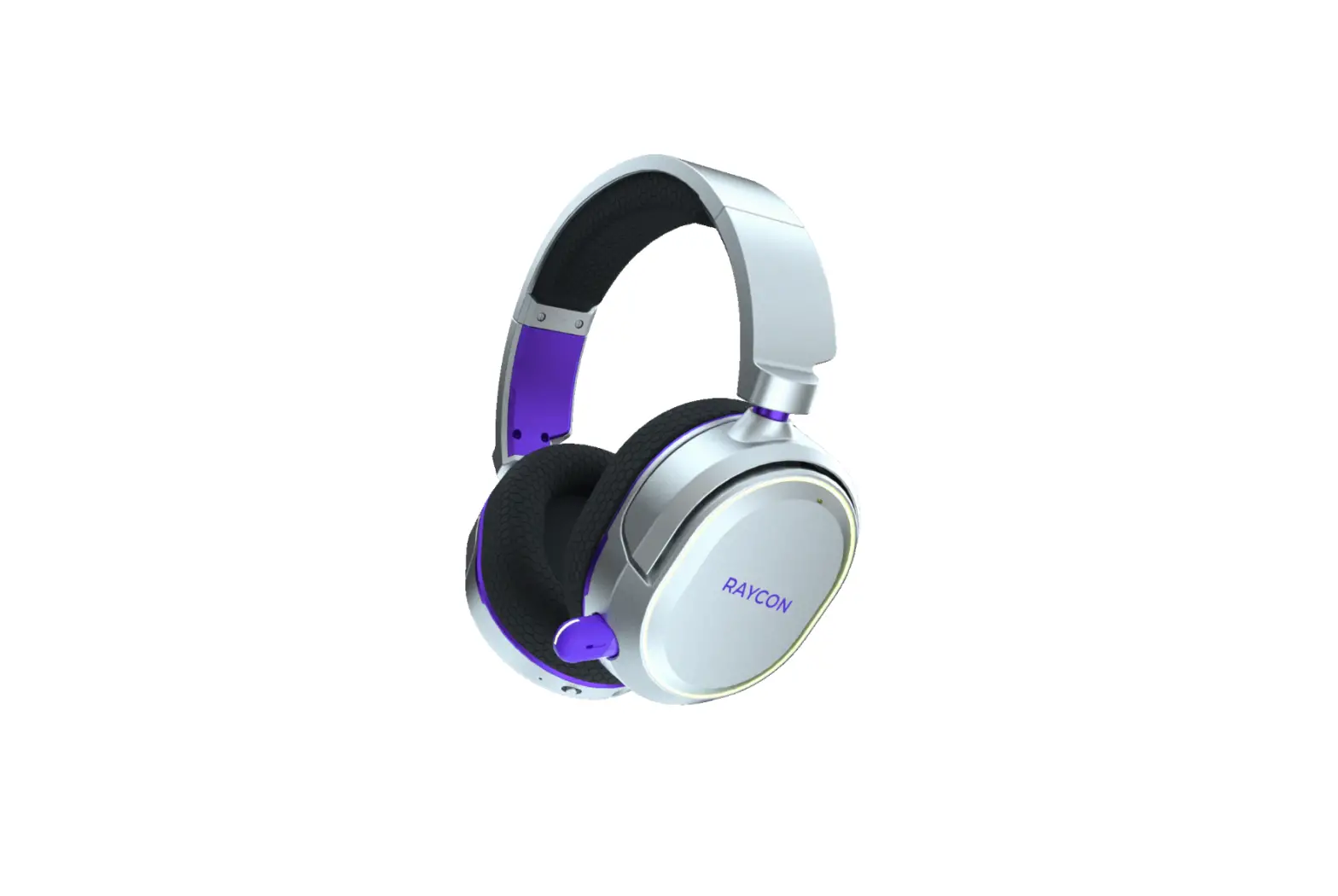
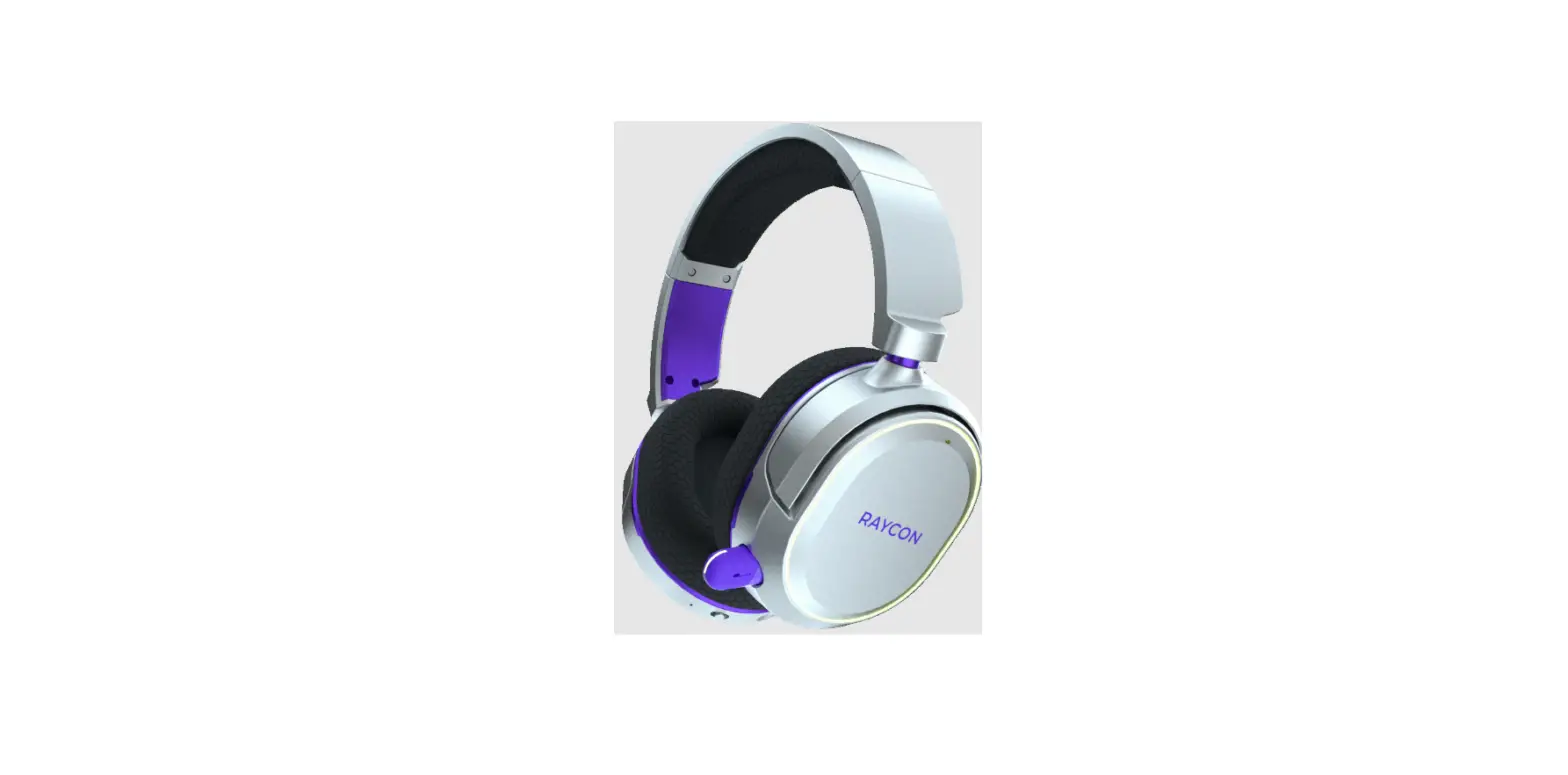
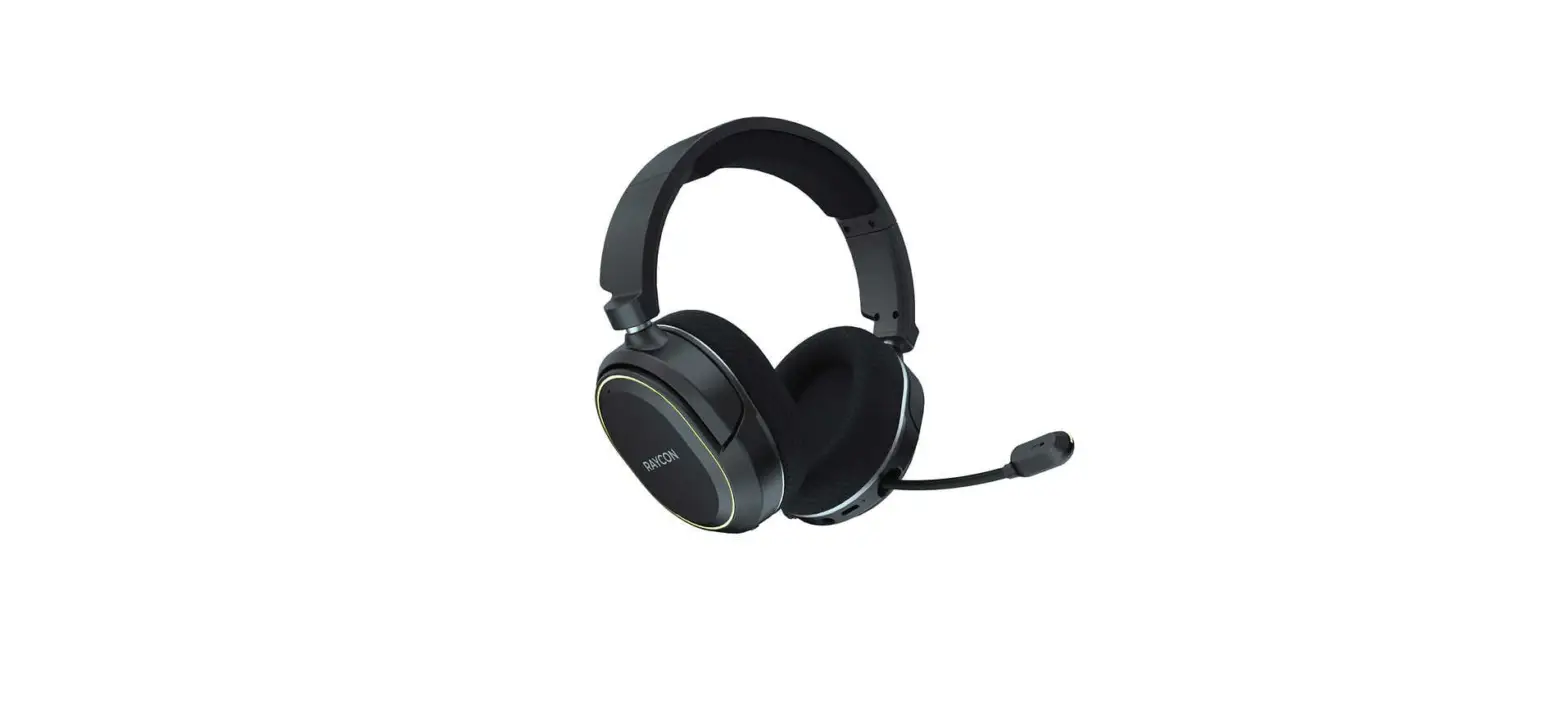
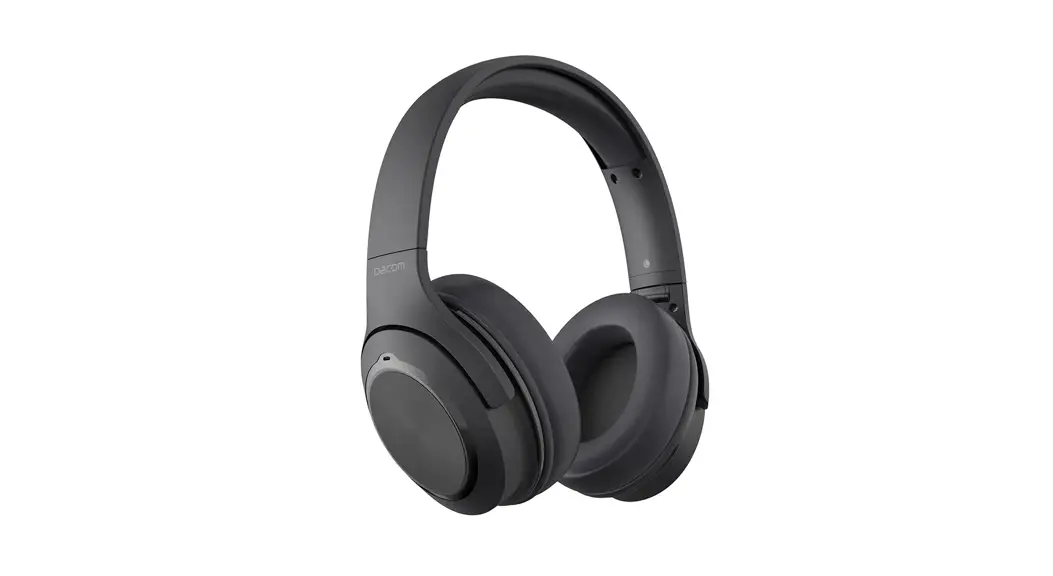
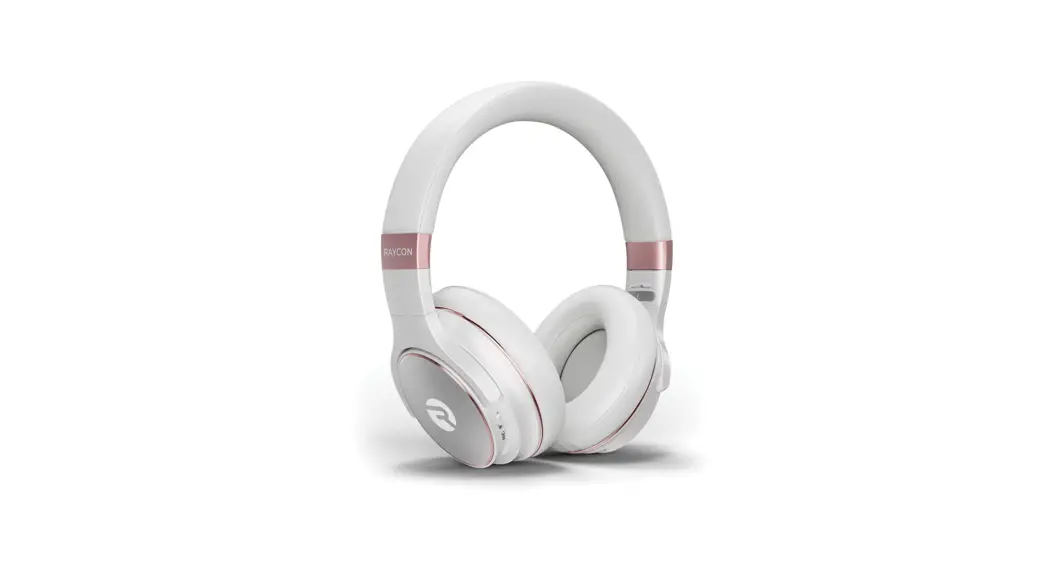
Welcome to your new Raycon Work Headphones!
At Raycon, we develop and design innovative electronics so you can move and conquer your daily fast-paced life. Before using your product, we strongly encourage you to fully read through this user guide. You can also visit our support center at www.rayconglobal.com/support The web page has more specific guidelines and helpful videos for you to navigate your product. For best performance, charge fully before first use.
Pairing ID: The Work Headphones
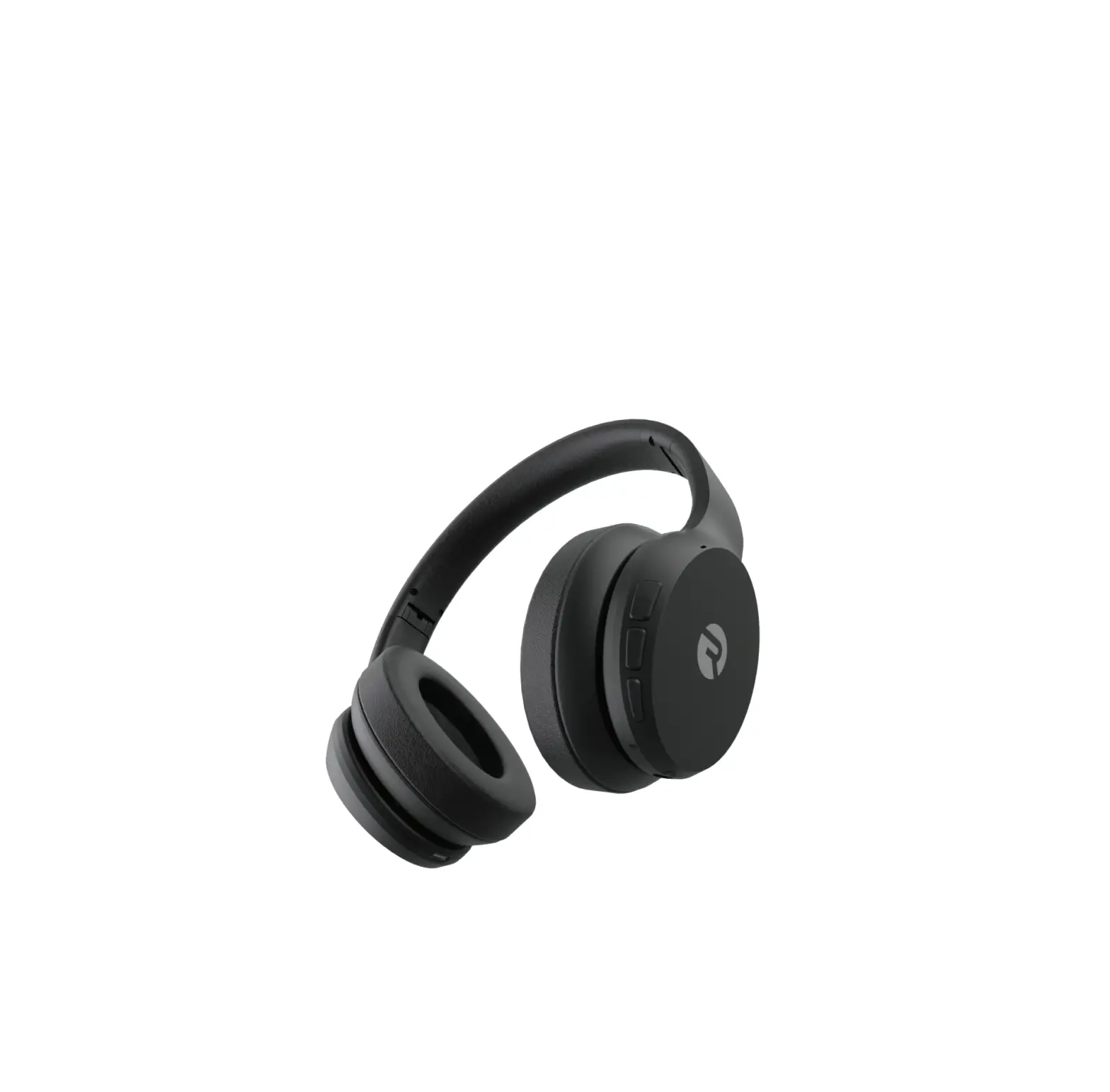
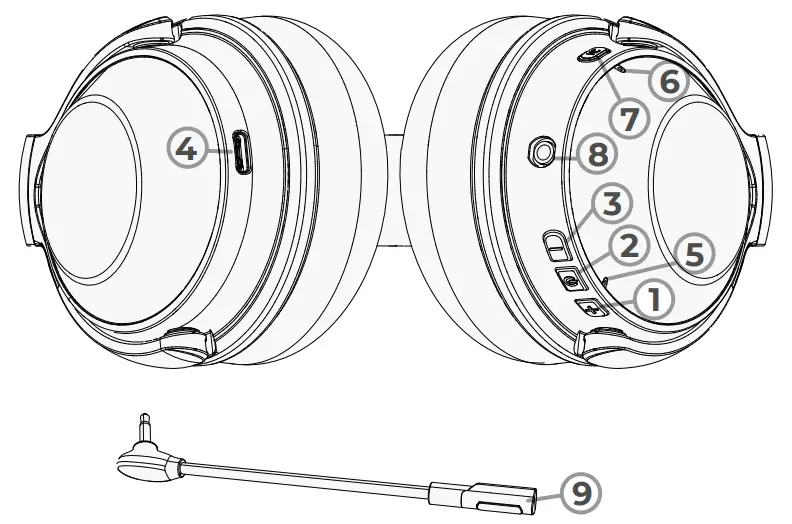
UNIT AT A GLANCE
- Volume Up/Next
- Power On/Off
- Volume Down/Previous
- Charging Port
- LED Indicator
- Microphone
- ANC/Awareness Mode/ Sound Profiles
- Mic Port
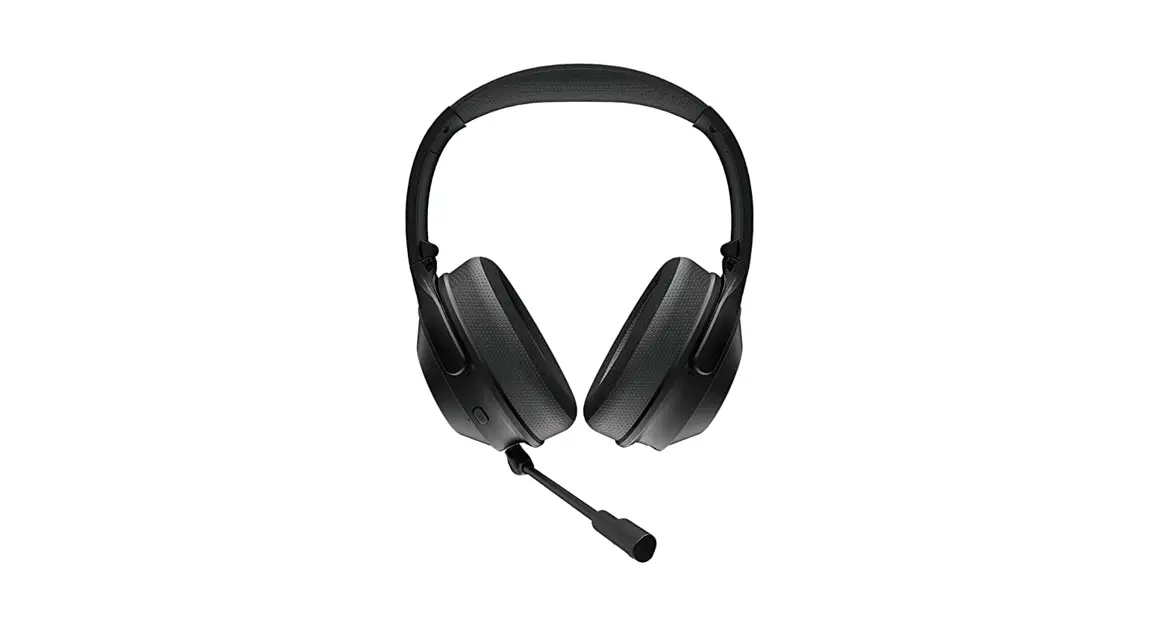
- External Microphone
INCLUDED
- The Work Headphones
- User Manual
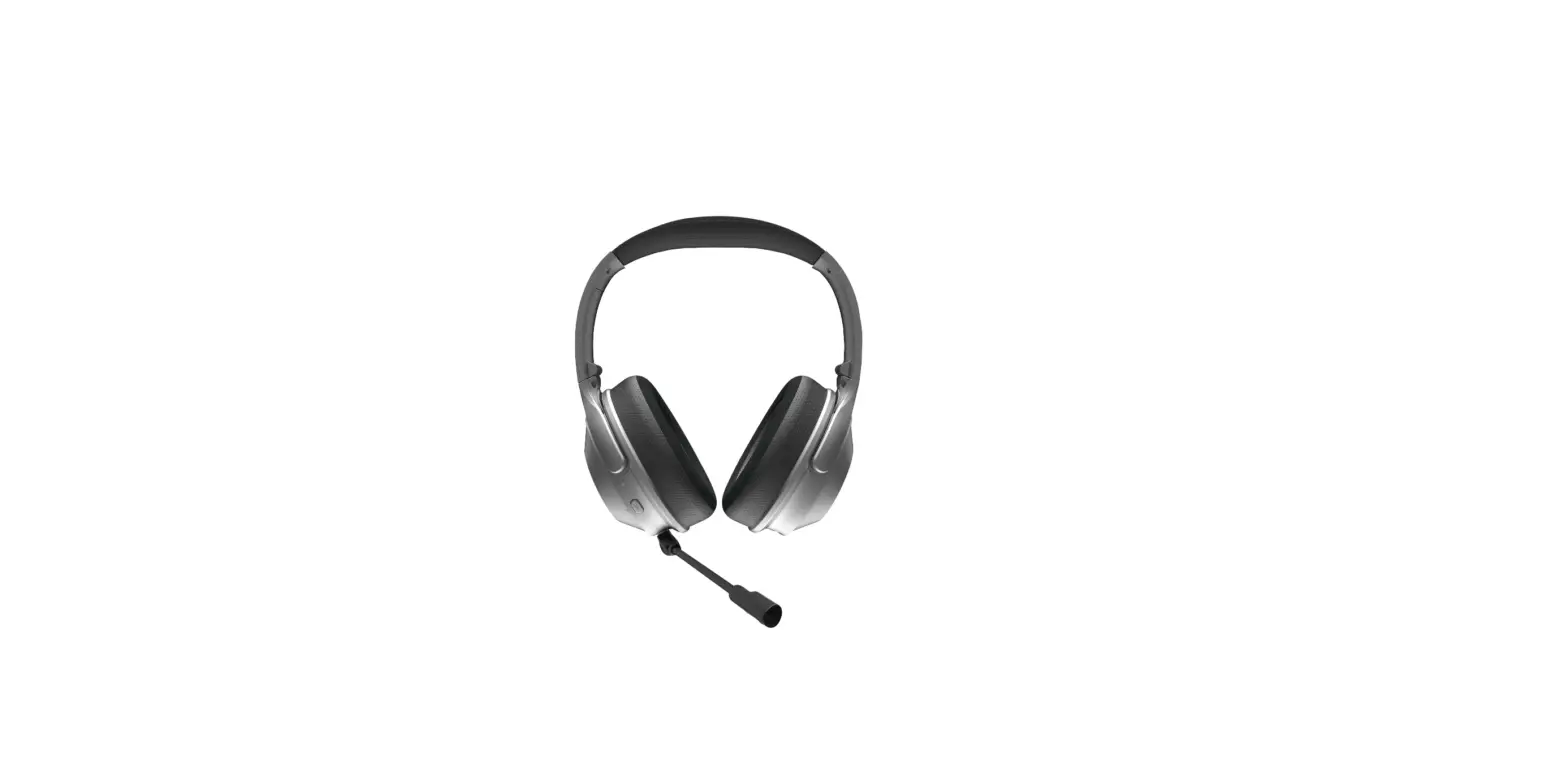
- External Mic
- USB Charging Cable
FEATURES AT A GLANCE
 Vivid Voice Technology with detachable mic
Be a commanding presence in meetings and presentations with Vivid Voice Technology and a detachable microphone.
 Memory Foam Cushions
Get it done in comfort with memory foam cushions that tailor themselves to your ears.
 Advanced active noice cancelLATION
With Advanced Active Noise Cancellation, distractions can’t get in the way of your goals.

QUICK START GUIDE
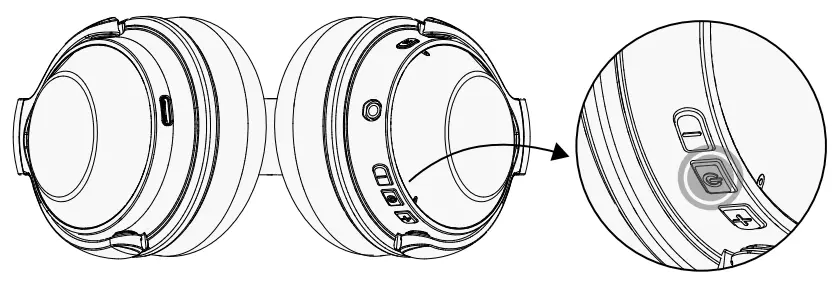
- Hold “
 ” for about 3 seconds to power on. Headphones will enter pairing mode automatically.
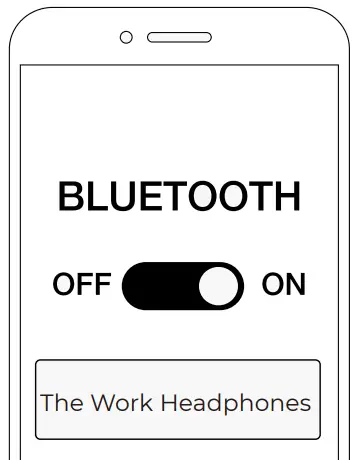
- From the source device, go to Bluetooth setting, and ensure Bluetooth is on. Search for “The Work Headphones” and select it to pair.

- Enjoy your Raycon Work Headphones!
FUNCTIONS
SWITCH CONTROL
 | Power On | Hold for 3 sec |
| Power Off | Hold for 5 sec |
MEDIA PLAYER CONTROL
| Play | Press |
| Pause | Press | |
 | Volume Up | Press |
| Next | Hold for 2 sec | |
 | Volume Down | Press |
| Previous | Hold for 2 sec |
AWARENESS & ANC MODE
| Awareness Mode | Hear what’s happening around you. |
| Active Noise cancellation (ANC) Mode | Focus and block out unwanted noise. |
ANC CONTROL
| NC | ANC On/Off | Press |
| Awareness Mode On | Press |
Note: ANC can be activated when headphones are powered off by holding “NC ” for 3 seconds.
PHONE CALL CONTROL
| Answer a call | Press |
| End a call | Press | |
| Reject a call | Hold for 1.5 sec | |
| Redial the last number | Press 2 times |
While on the phone call, short press “ ” and “ ” together to Mute Call.
Hold “ ” and “ “ for 3 sec to activate Siri/Google Assistant
CLEAR PAIRED DEVICES
Hold “ ” and “ ” for 5 seconds when headphones are powered on to clear paired devices.
MULTIPOINT CONNECTION
- Succesfully pair to a bluetooth device using steps in Quick Start Guide, then disconnect from first device.
- Successfully connect a second bluetooth device using steps in Quick Start Guide.
- Reconnect to the first device.
SOUND PROFILES
Your sound, your way! As our sound profiles were crafted by artists and producers at the top of the industry, you’re in good hands.
| Balanced Sound | leveled sound that is great for all around performance and warmth. |
| Bass Sound | Our bass boosted sound, great for songs with strong beats and a go-to for bass lovers. |
| Pure Sound | Our most refined sound, perfect clarity to hear every single note. |
| NC | Toggle between Sound Profiles | Hold for 1.5 sec |
EXTERNAL MIC
Use the provided External Mic to dive deeper into your work. Plug in the External Mic into the Mic Port, and you’re all set.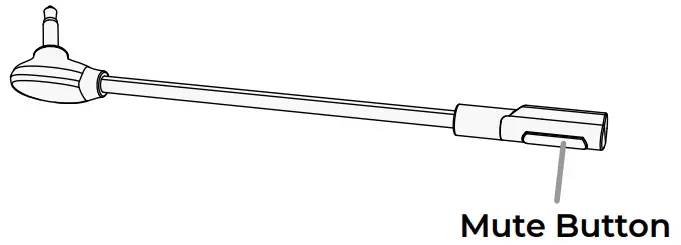
When on a call, press the button on the External Mic to mute/unmute the mic.
TROUBLESHOOTING
| Cannot power on | Check that the battery is fully charged before using the device. |
| No sound when connected to a device via | • Check the volume and play / pause button functions on the device and headphones to ensure the Bluetooth connection is set up correctly. |
| Bluetooth | • Before connecting the headphones, test the playback of the file on your Bluetooth device. • Ensure that no other Bluetooth devices interfere with the current Bluetooth connection. |
| No sound when connected to an external device by 3.5mm audio AUX cable | • Check the volume level of the connected device and the headphones, check the play / pause button on the connected device, and ensure that the line connecting the device and the headphones is intact and securely connected. • Before connecting the headphones, test the playbak of the file on your source device. |
| Reset your headphones | Ensure the charging cable is plugged into a power source, and connect it to the headphones. While connected, press “ “ and “NC ” together to reset your headphones. |
FAQ & ADDITIONAL RESOURCES
Visit: www.rayconglobal.com/support.
SAFETY GUIDELINES
Please follow the safety guidelines below at all times when operating or caring for your device.
- Be wary of any edges, uneven surfaces, and metal parts, including on accessories and product packaging, to prevent any possible injury or damage.
- Listen to music at a proper volume to avoid damaging your hearing and headphones.
- Do not store in high temperatures, such as in a hot vehicle or in direct sunlight.
- Do not expose the headphones or any of its supplied parts to rain or other liquids.
- Do not drop or cause undue impact to the headphones.
- Do not modify, repair, or dismantle the product on your own.
- Do not use any dilutant or volatile liquid to clean the product.
- Do not use the product in a hazardous location.
SUPPORT
If your device is not functioning correctly, please visit www.rayconglobal.com/support
for customer support, and we will be more than happy to help you.
LIMITED WARRANTY
Visit: www.rayconglobal.com/warranty.
SPECIFICATIONS
| Model Number: RBH880 Pairing Name: The Work Headphones RDID: D880-21E-Q321 Bluetooth Version: 5.0 Power Input: DC 5V /1A Li-battery Capability: 500mAh | Bluetooth Playtime: About 32 hours ANC Playtime: About 60 hours Charging Time: About 3 hours Support Profile: A2DP /AVRCP /HFP /HSP Frequency Response: 20Hz-20KHz Noise Reduction Parameters: 28 ±2dB Bluetooth Operating Range: ≤ 10 m |
FCC WARNING
This device complies with part 15 of the FCC Rules. Operation is subject to the following two conditions: (1) this device may not cause harmful interference, and (2) this device must accept any interference received, including interference that may cause undesired operation. Any changes or modifications not expressly approved by the party responsible for compliance could void the user’s authority to operate the equipment.
NOTE: This equipment has been tested and found to comply with the limits for a Class B digital device, pursuant to Part 15 of the FCC Rules. These limits are designed to provide reasonable protection against harmful interference ina residential installation. This equipment generates, uses, and can radiate radio frequency energy and, if not installed and used In accordance with the instructions, may cause harmfu interference to radio communications. However, there is no guarantee that interference will not occur in a particular installation.
If this equipment does cause harmful interference to radio or television reception, which can be determined by turning the equipment off and on, the user is encouraged to try to correct the interference by one or more of the following measures:
- Reorient or relocate the receiving antenna.
- Increase the separation between the equipment and receiver.
- Connect the equipment into an outlet on a circuit different from that to which the receiver is connected.
- Consult the dealer or an experienced radio/TV technician for help. The device has been evaluated to meet general RFexposure statement. The device can be used in portable exposure condition without restriction
IC CAUTION:
This device complies with Industry Canada licence-ex- empt RSS standard(s).
Operation is subject to the following two conditions:
- This device may not cause interference, and
- This device must accept any interference, including interference that may cause undesired operation of the device.
 FCC ID: 2AZOV-RBH880
IC: 27185-RBH880 @rayconglobal
 Raycon Help Center