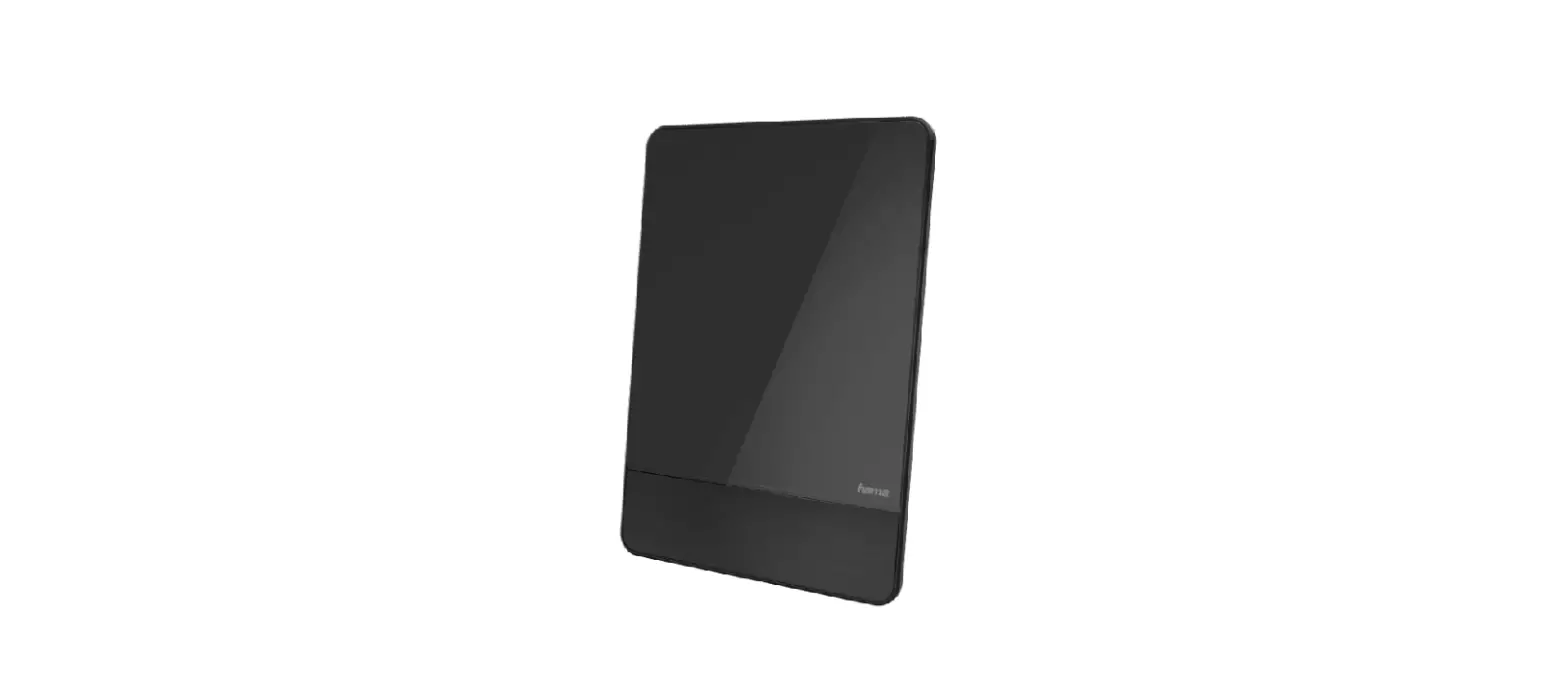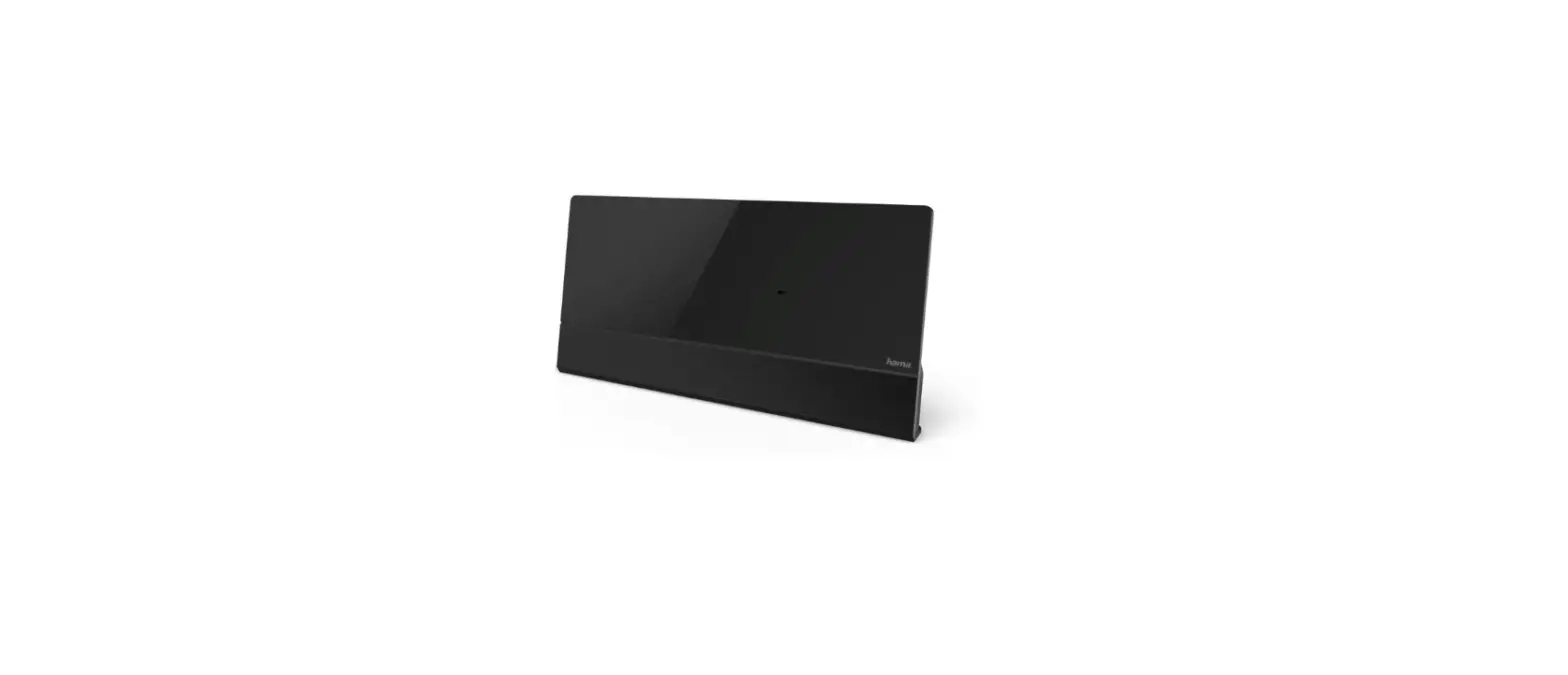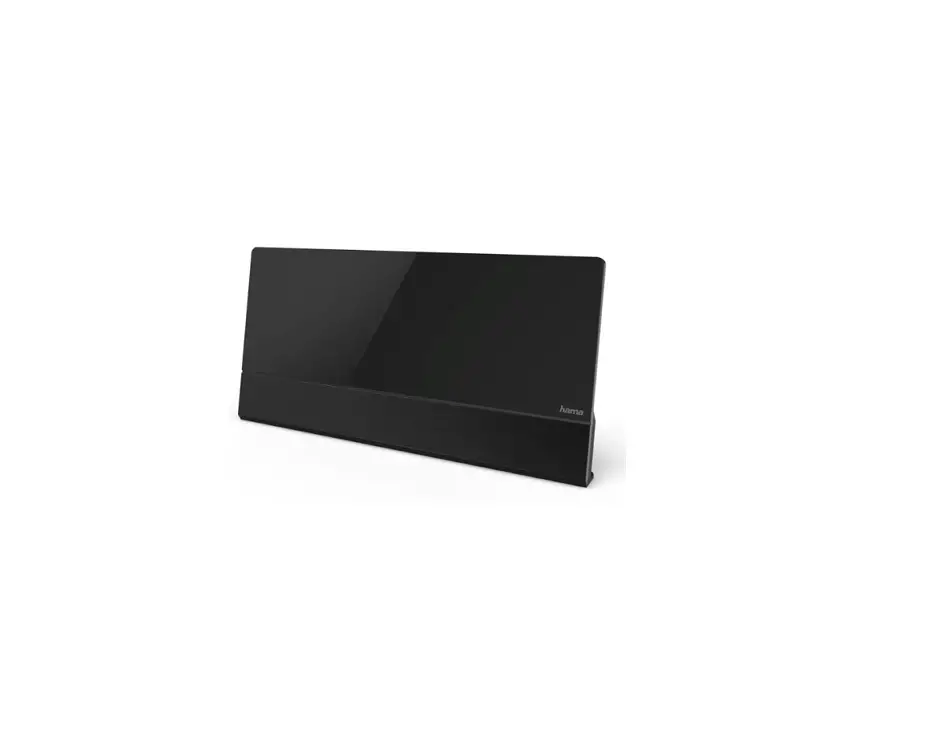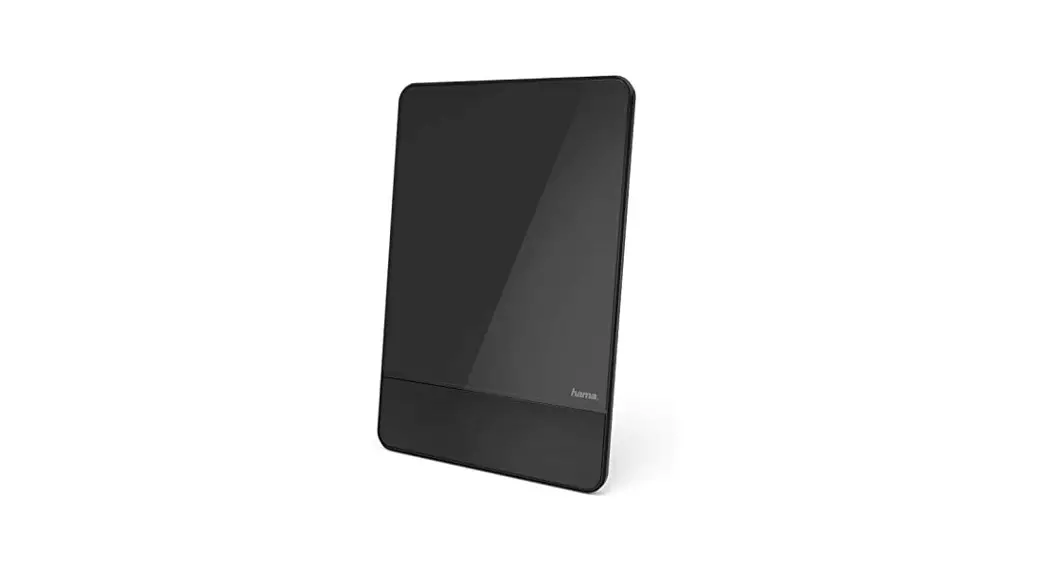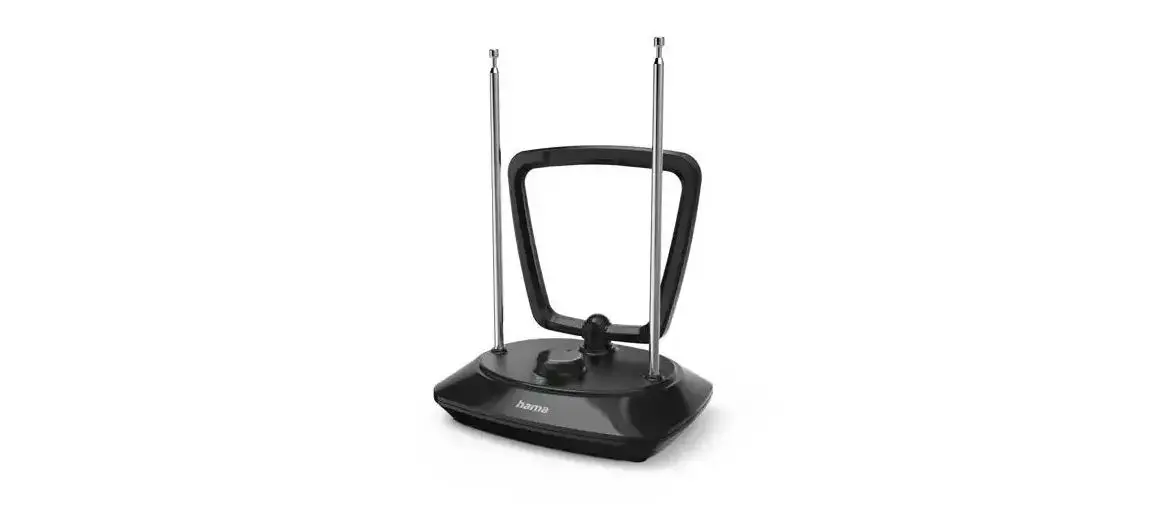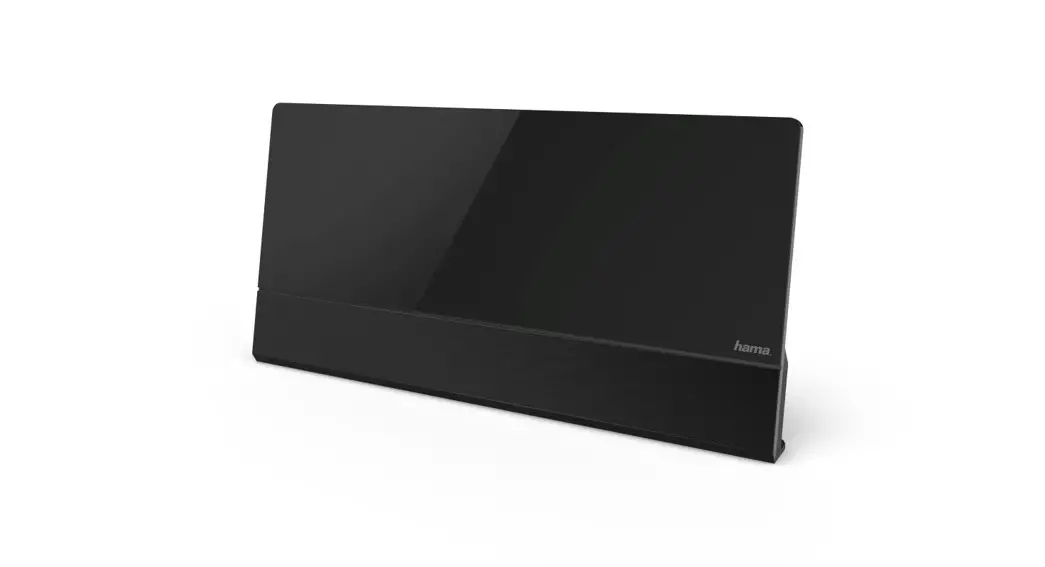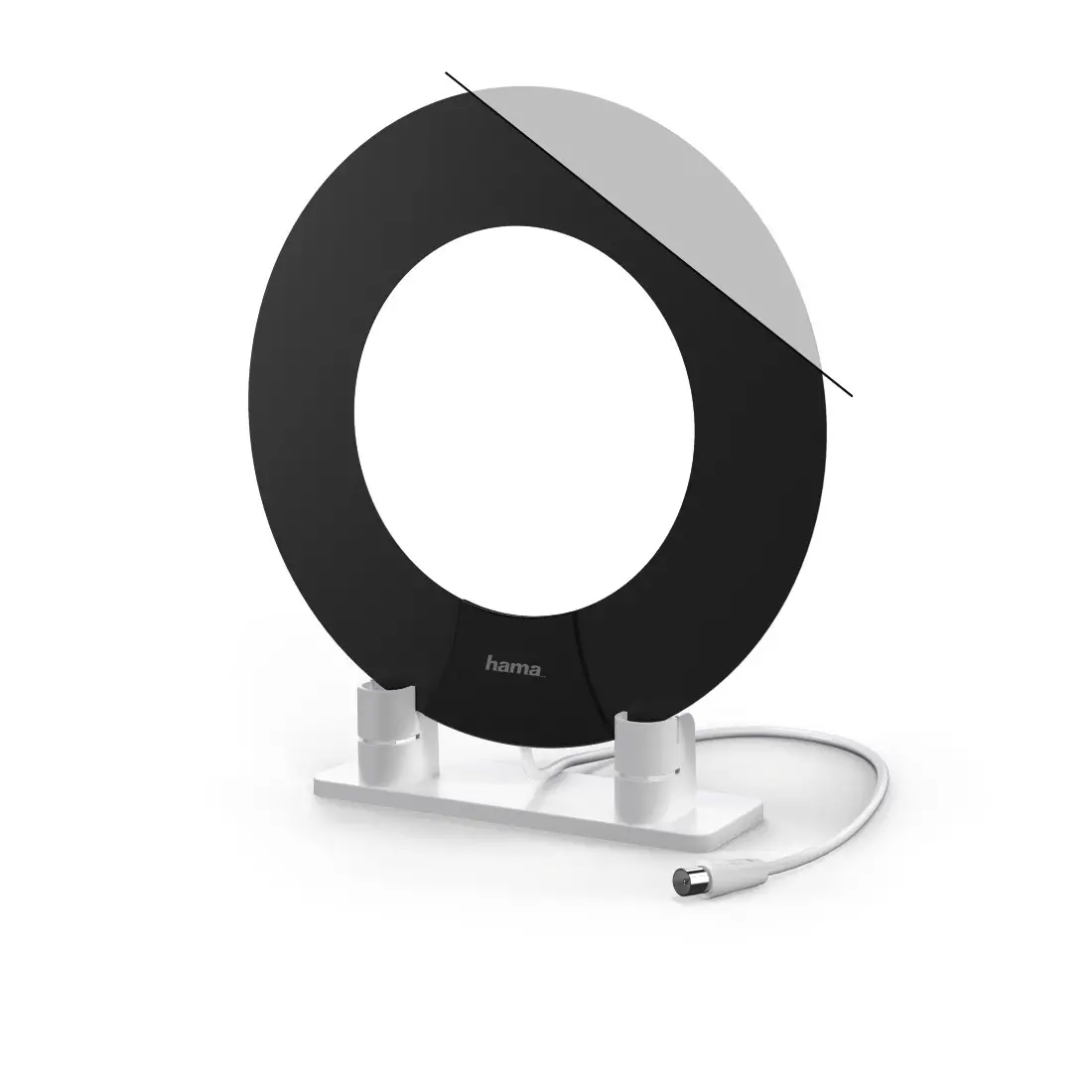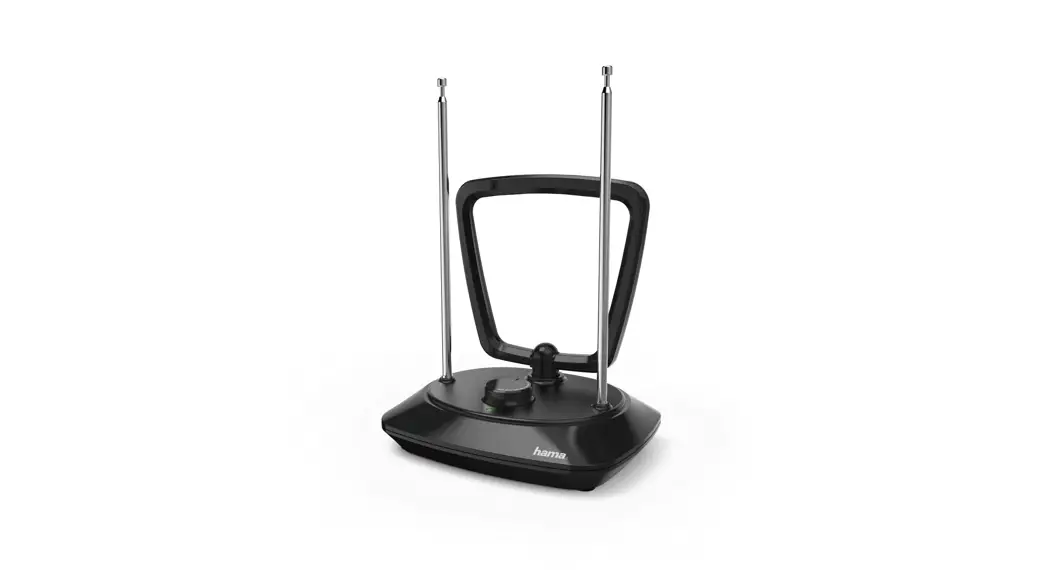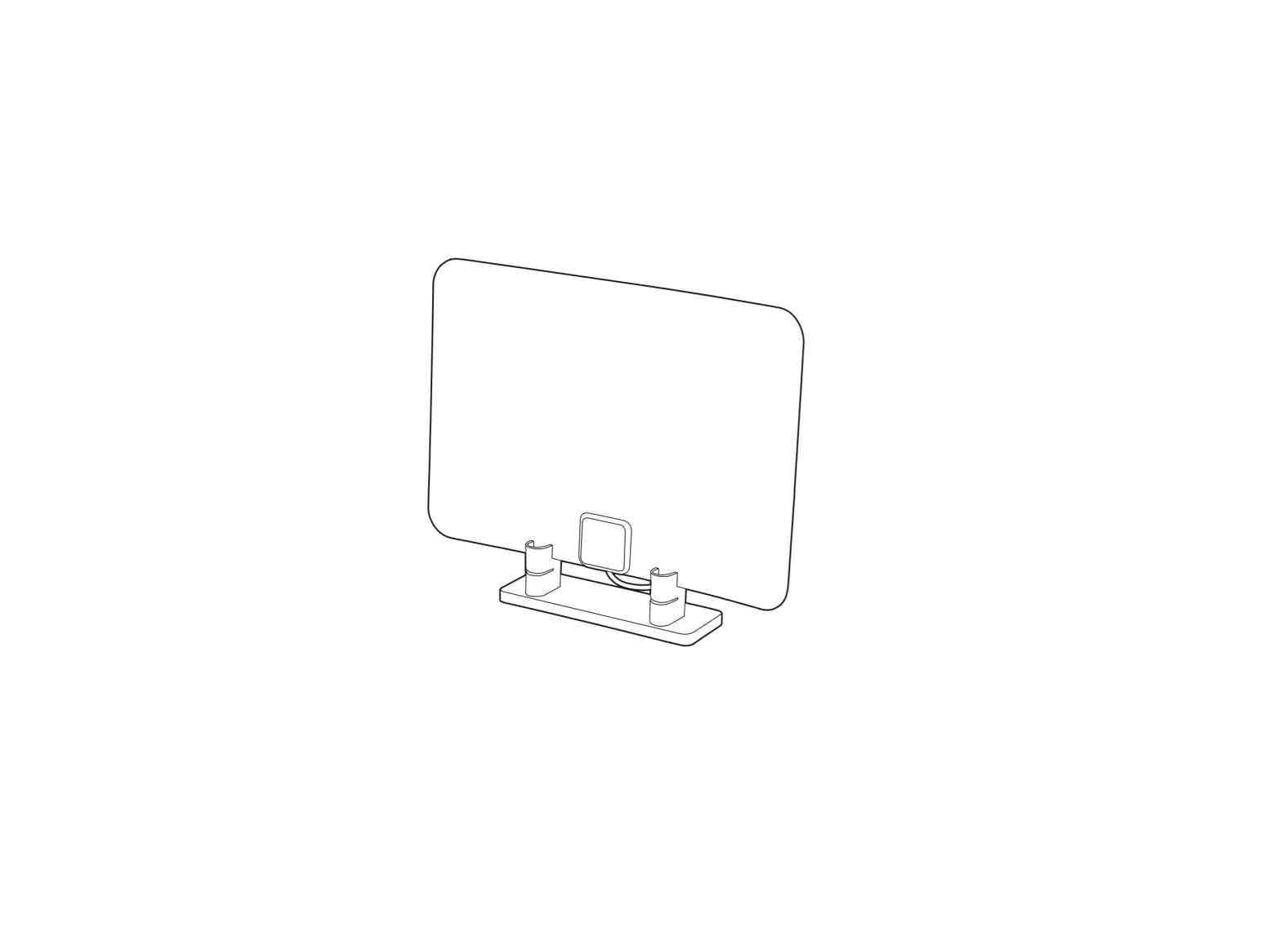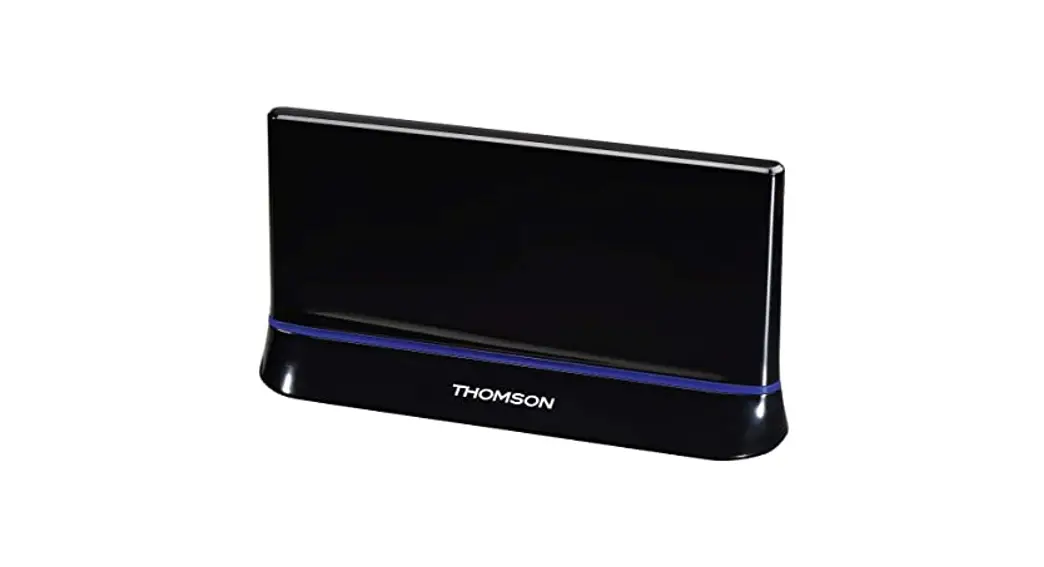

hama X1121702 Active DVB-T2 Indoor Antenna
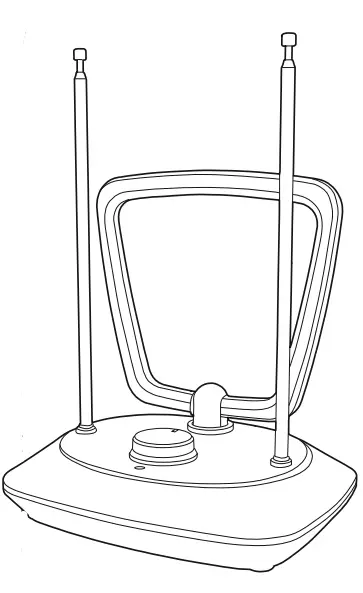
Thank you for choosing a Hama product. Take your time and read the following instructions and information completely. Please keep these instructions in a safe place for future reference. If you sell the device, please pass these operating instructions on to the new owner.
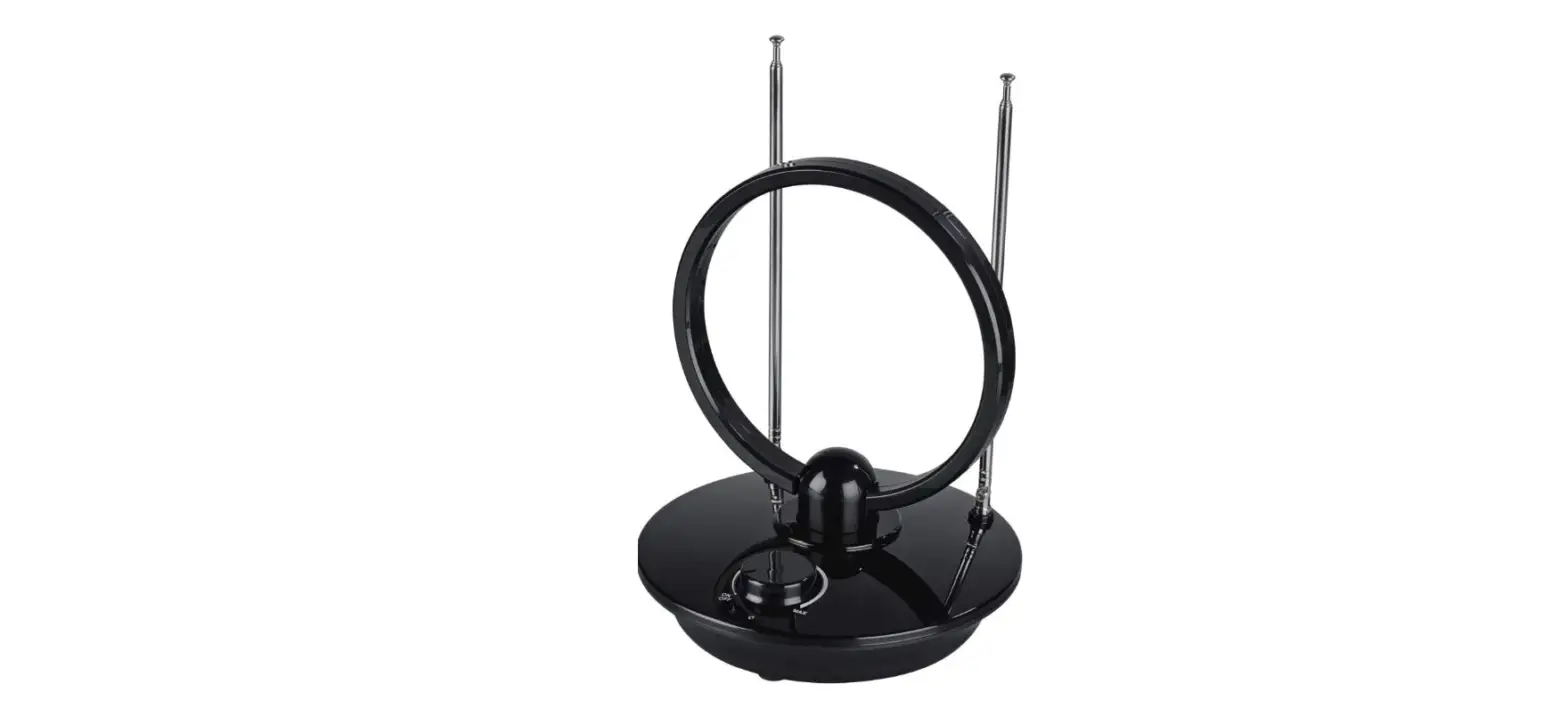
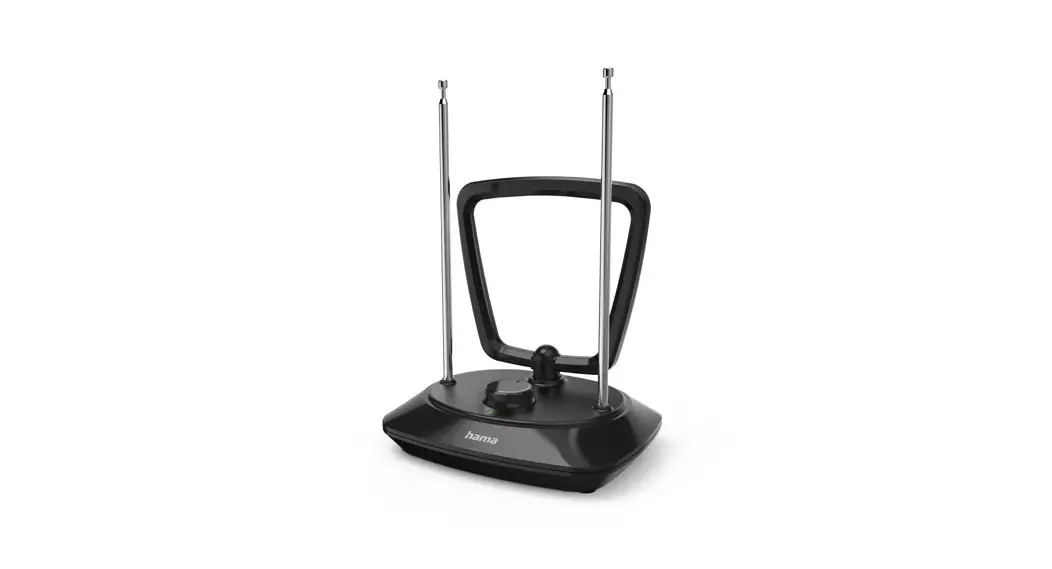
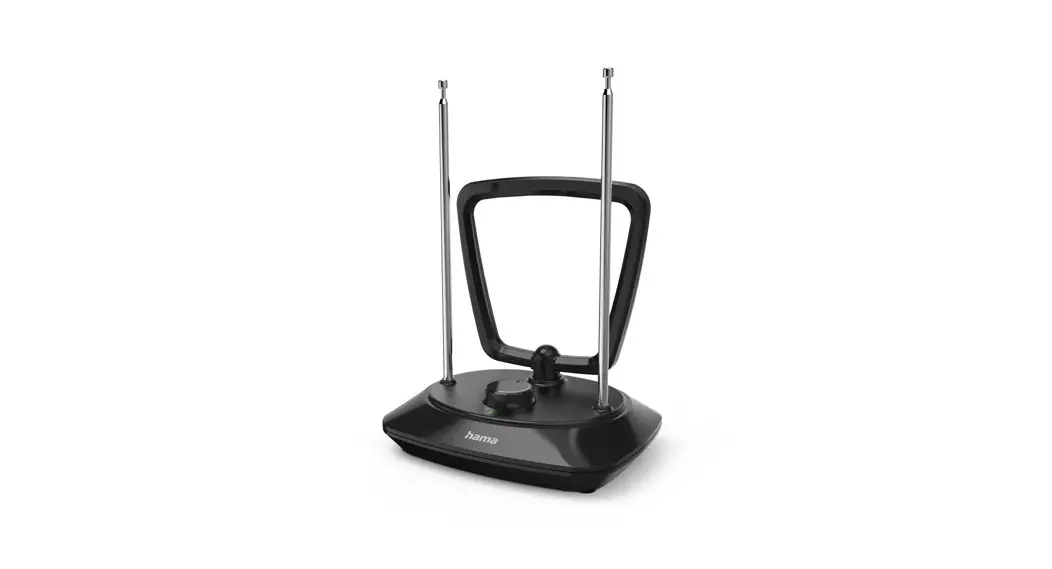
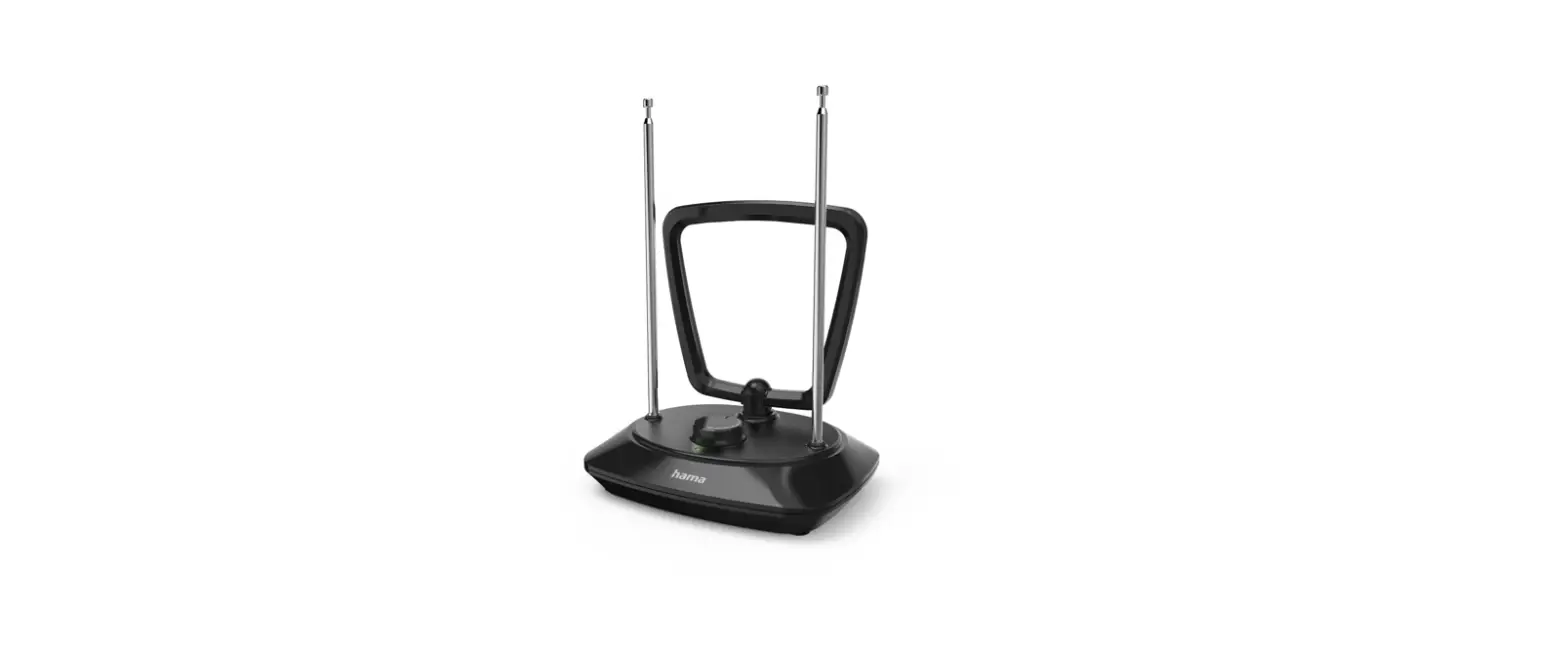
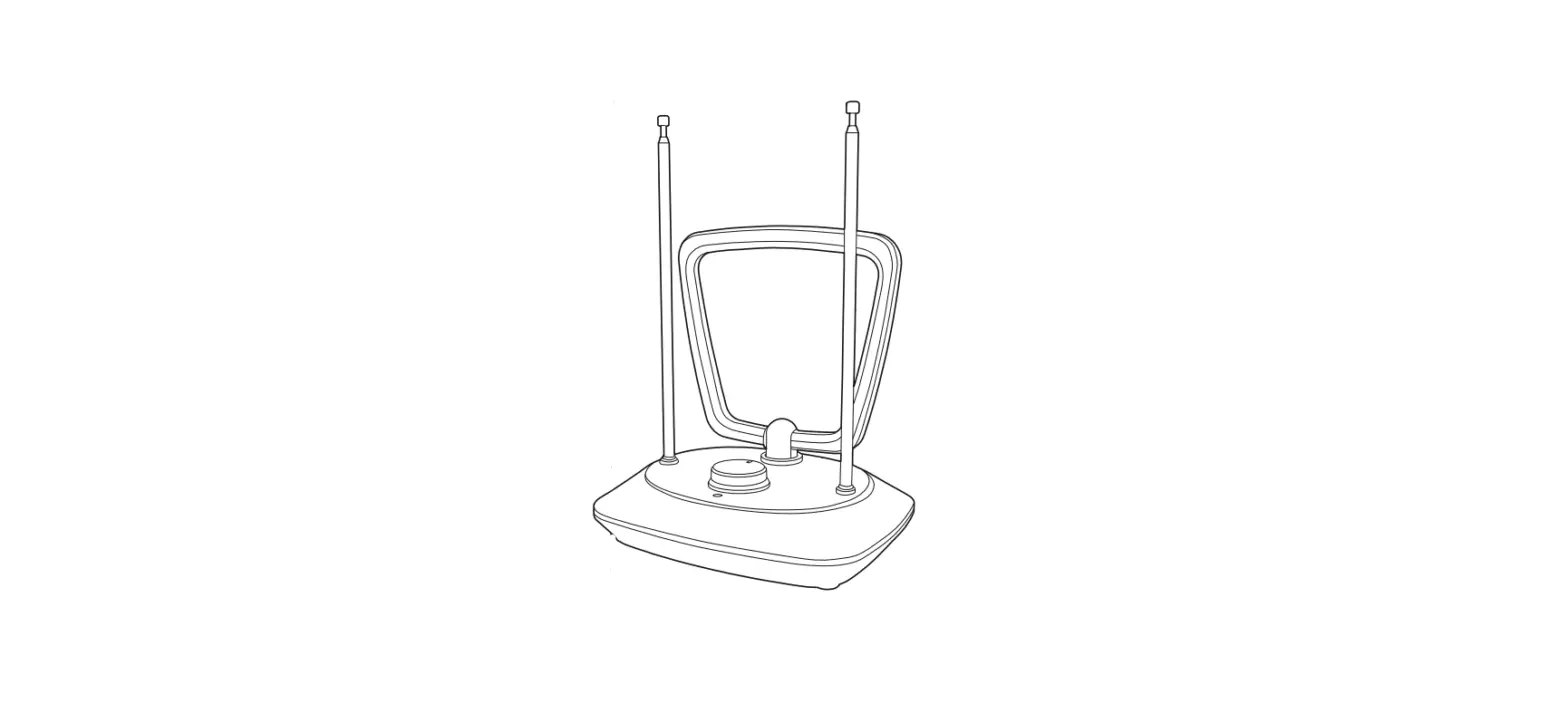
Controls and Displays
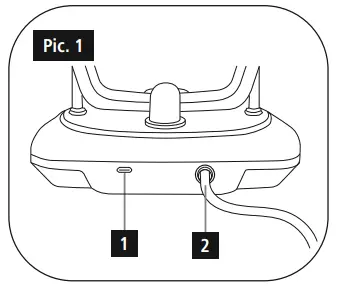
- Micro-USB input
- Antenna cable
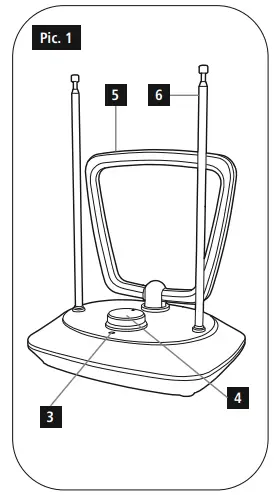
- Operating LED
- Knob / On/off switch
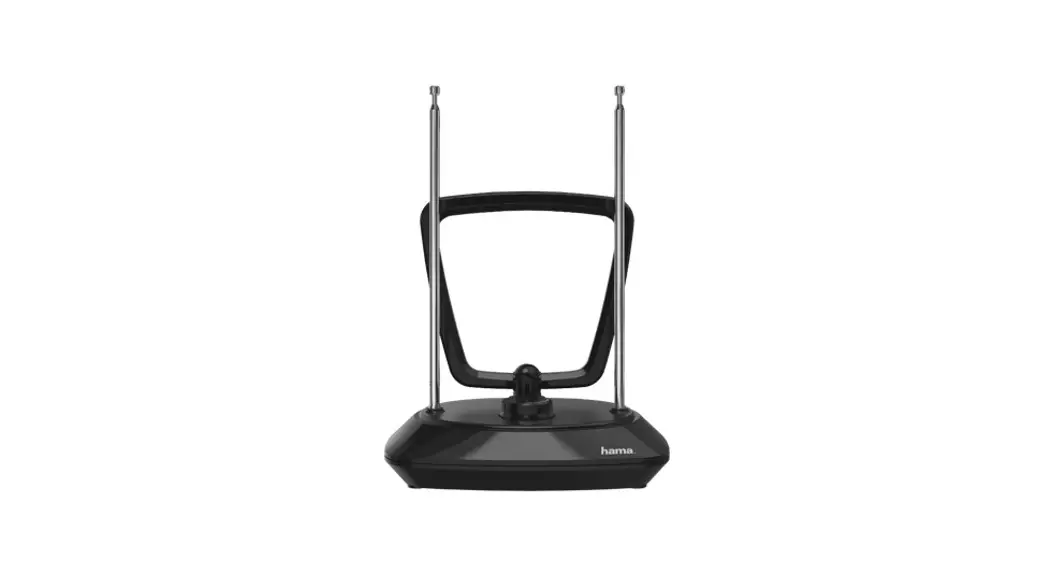
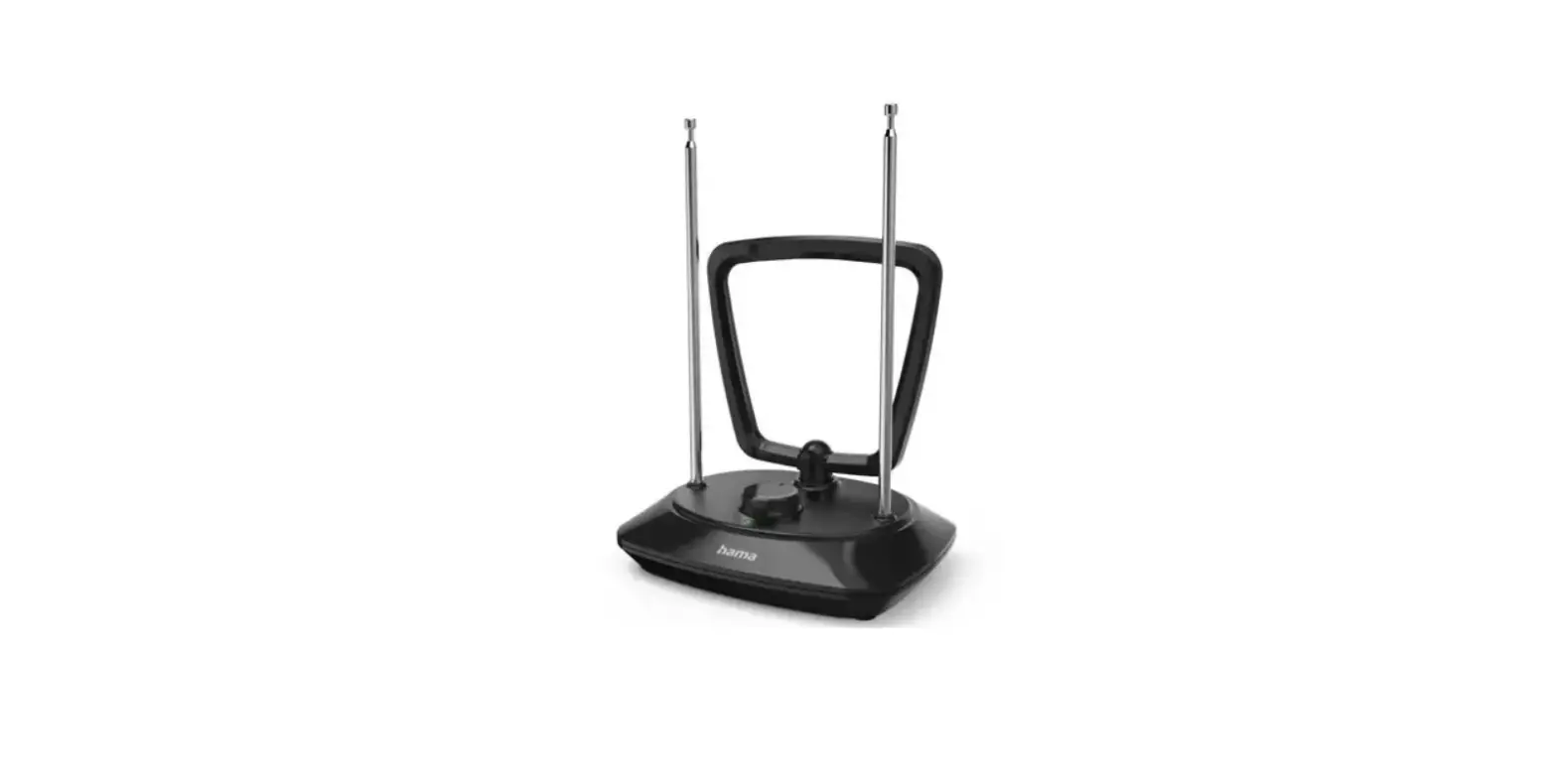
- Ring dipole
- Telescopes
Explanation of Warning Symbols and Notes
Warning: This symbol is used to indicate safety instructions or to draw your attention to specific hazards and risks.
Note: This symbol is used to indicate additional information or important notes.
Package Contents
- DVB-T Indoor Antenna
- USB cable
- These operating instructions
Safety Notes
- The product is intended for private, non-commercial use only.
- The product is intended for indoor use only.
- Use the product for its intended purpose only.
- Protect the product from dirt, moisture and overheating and use it in dry rooms only.
- Children should be supervised to ensure that they do not play with the device.
- Do not use the product in areas where the use of electronic devices is not permitted.
- Connect the product only to a socket that has been approved for the device. The electrical socket must always be easily accessible.
- Disconnect the product from the network using the power button – if this is not available, unplug the power cord from the socket.
- Lay all cables so that they do not pose a tripping hazard.
- Do not bend or crush the cable.
- Do not drop the product and do not expose it to any major shocks.
- Dispose of packaging material immediately according to locally applicable regulations.
- Do not modify the device in any way. Doing so voids the warranty.
Warning
- Do not use the product if the AC adapter, adapter cable or power cable is damaged.
- Do not attempt to service or repair the device yourself. Leave any service work to qualified experts.
- Do not open the device or continue to operate it if it becomes damaged.
Specifications
| Rated power consumption | max. 50 mA |
| Supply voltage antenna | 5 V |
| Power supply | 5 V 50 mA via USB |
| Frequency band(s) | UHF: 470 – 790 MHz VHF: 174 – 230 MHz |
| Active antenna gain | UHF: 7 – 17 dBi VHF: 6 – 16 dBi |
| Connection | coax plug |
| Ambient temperature | -20 to +40° C |
Getting started and operation
Powering the antenna using the antenna cable
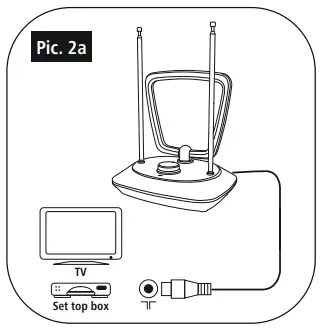
- Connect the coaxial cable of the antenna to the antenna input on the digital TV or set-top box.
- Switch on the antenna by turning the knob (4) clockwise. The LED (3) lights up.
- Switch on the digital TV (and the set-top box, if present).
Note: Powering the antenna directly from the set-top box or digital TV requires a supply voltage of 5 V. Note that the voltage of +5 V is provided by the set-top box and/or digital TV. Make any necessary settings in the menu.
Powering the antenna directly using the USB port of the digital TV / set-top box
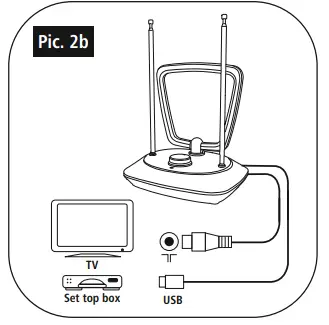
- Connect the coaxial cable of the antenna to the digital TV or set-top box.
- Connect the USB cable to an unused USB port on your TV or set-top box.
- Switch on the antenna by turning the knob (4) clockwise. The LED (3) lights up.
- Ensure that the set-top box or digital TV is switched on.
Powering the antenna using an external power supply unit
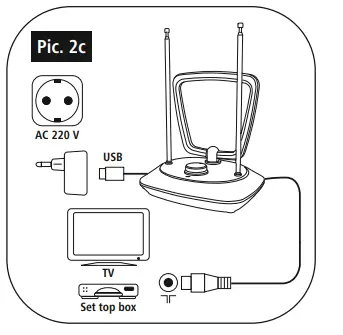
- Connect the coaxial cable of the antenna to the antenna input on the digital TV or set-top box.
- Connect the USB cable to the antenna and to a suitable USB power supply unit (not included) and plug the latter into a socket.
- Switch on the antenna by turning the knob (4) clockwise. The LED (3) lights up.
- Switch on the digital TV (and the set-top box, if present).
TV reception
- For perfect reception, extend both telescopes (6) fully.
- Position the antenna for the best possible reception. Depending on horizontal or vertical polarisation in the VHF/ UHF band, both the ring dipole (5) and the telescopes (6) can be adjusted.
- Depending on the station, the amplifier performance must be adjusted using the knob (4).
Note: Please note that the number and quality of stations received may vary depending on the position of the antenna and local conditions.
Radio reception
- The antenna can also be used for DAB reception.
- As most audio devices have an F-plug connection, please use a coax socket-F socket adapter (not included).
Note: Please note that the number and quality of stations received may vary depending on the position of the antenna and local conditions.
Care and Maintenance
Only clean this product with a slightly damp, lint-free cloth and do not use aggressive cleaning agents.
Warranty Disclaimer
Hama GmbH & Co KG assumes no liability and provides no warranty for damage resulting from improper installation/ mounting, improper use of the product or from failure to observe the operating instructions and/or safety notes.
Service and Support
Please contact Hama Product Consulting if you have any questions about this product.
- Hotline: +49 9091 502-0 (German/English)
- Further support information can be found here: www.hama.com
Declaration of Conformity
Hereby, Hama GmbH & Co KG declares that the radio equipment type [X1121702] is in compliance with Directive 2014/53/EU. The full text of the EU declaration of conformity is available at the following internet address: www.hama.com->X1121702->Downloads.
Hama GmbH & Co KG
86652 Monheim / Germany
All listed brands are trademarks of the corresponding companies. Errors and omissions excepted, and subject to technical changes. Our general terms of delivery and payment are applied.
 hama.com