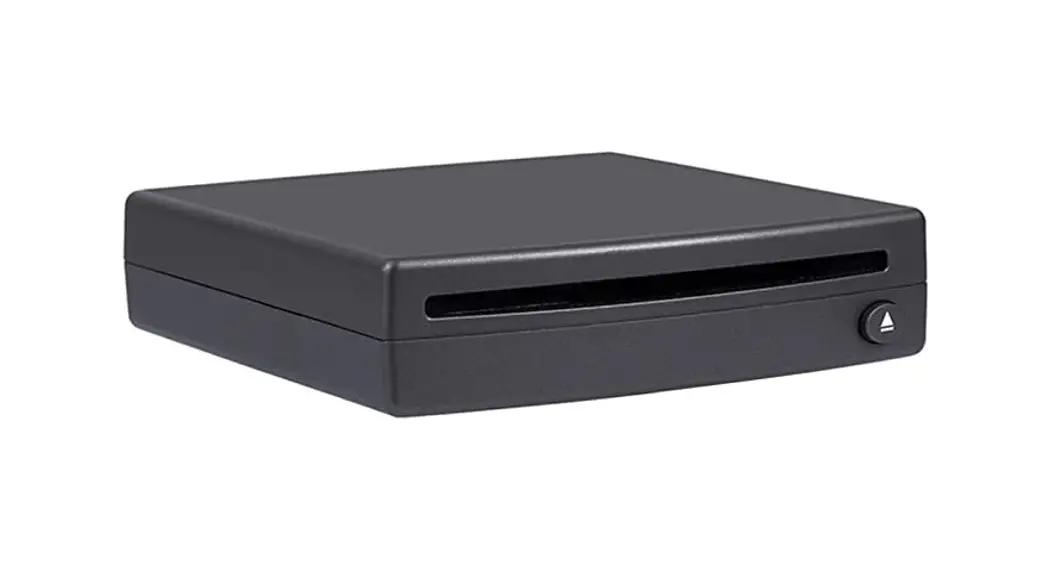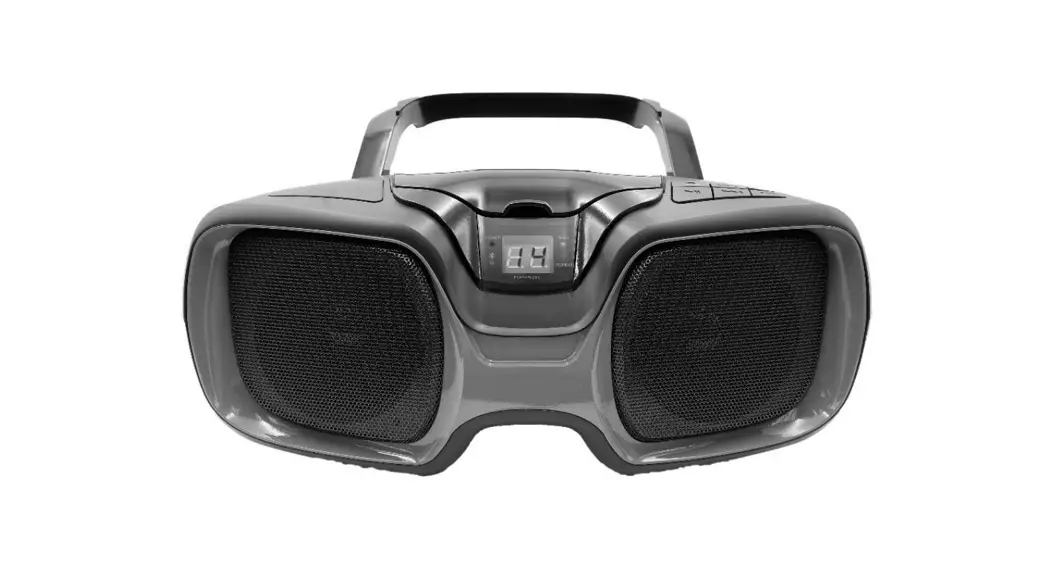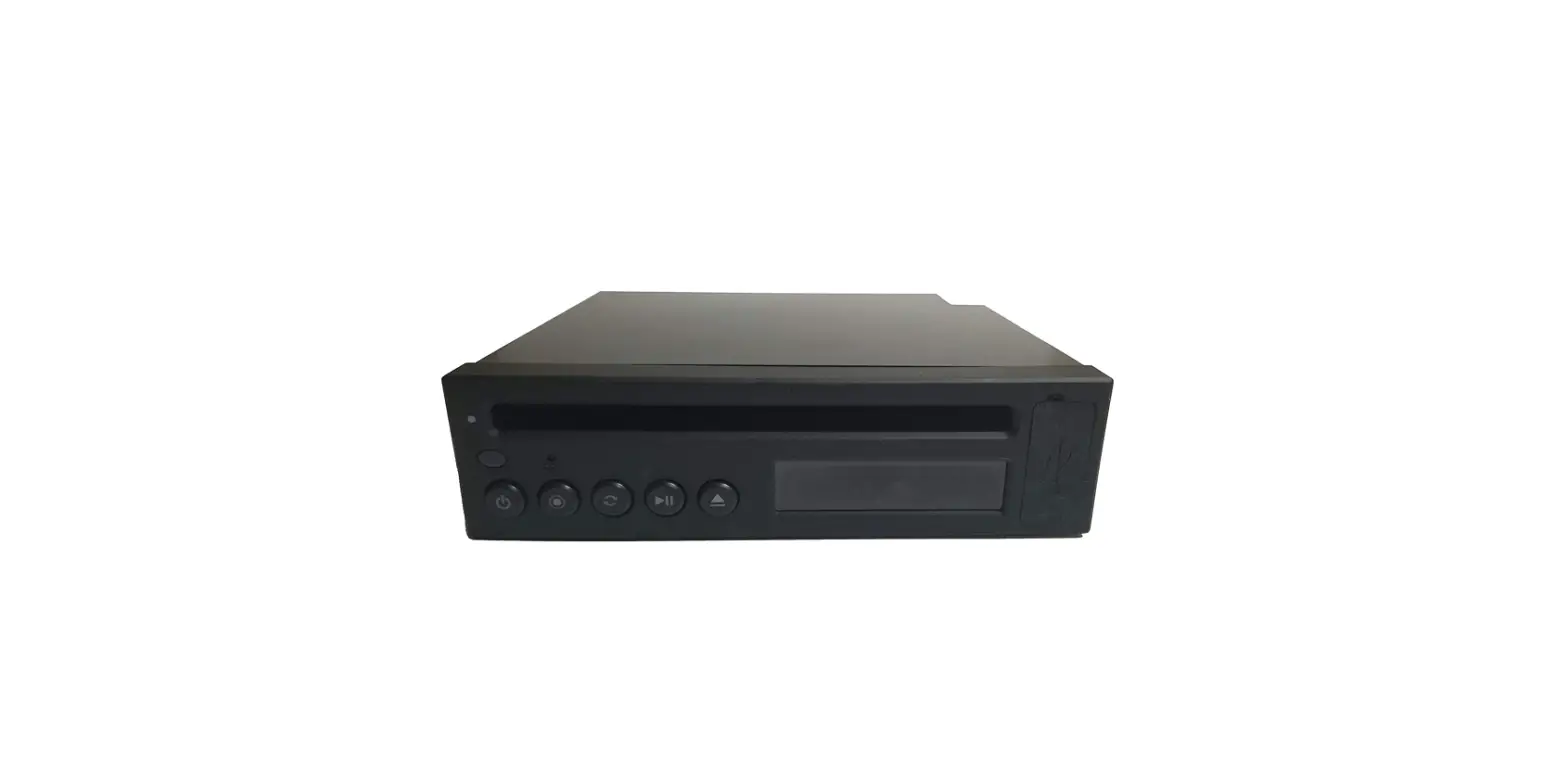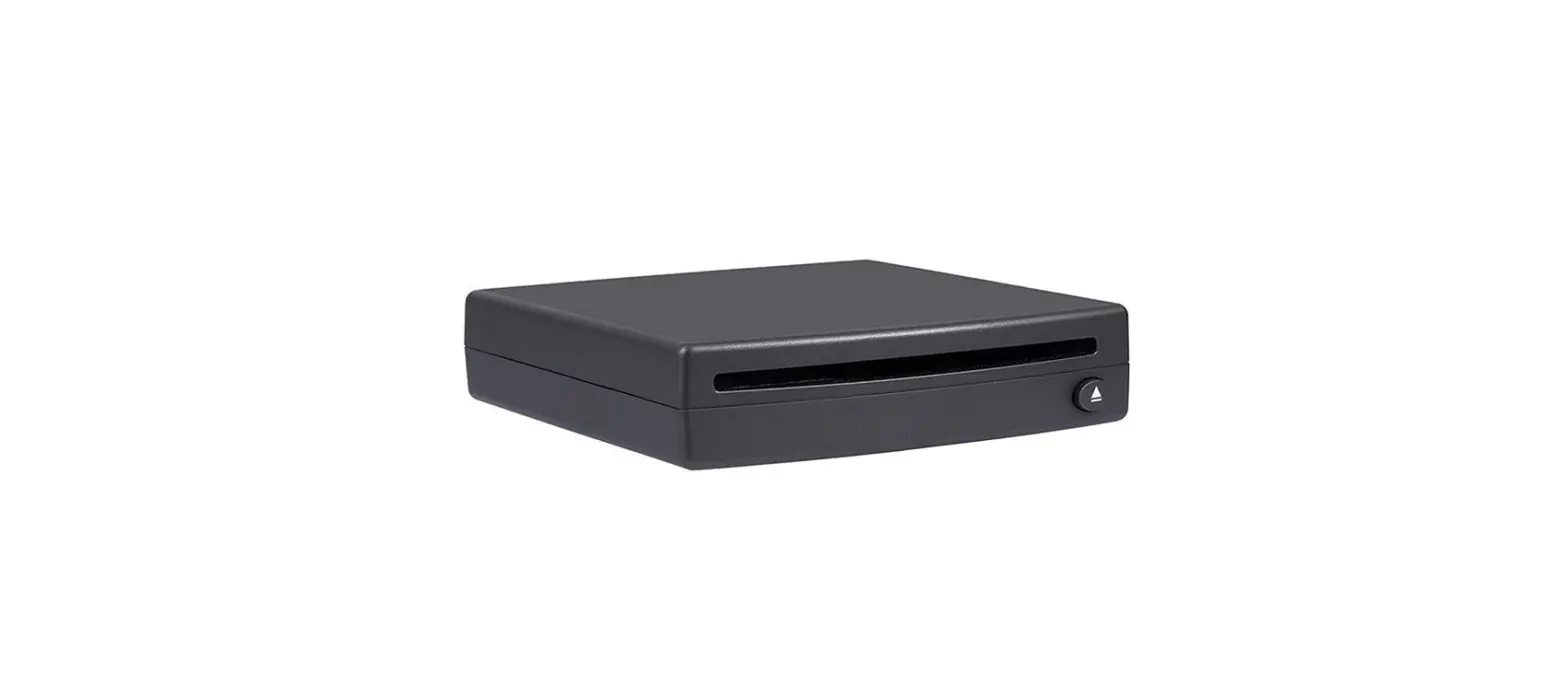

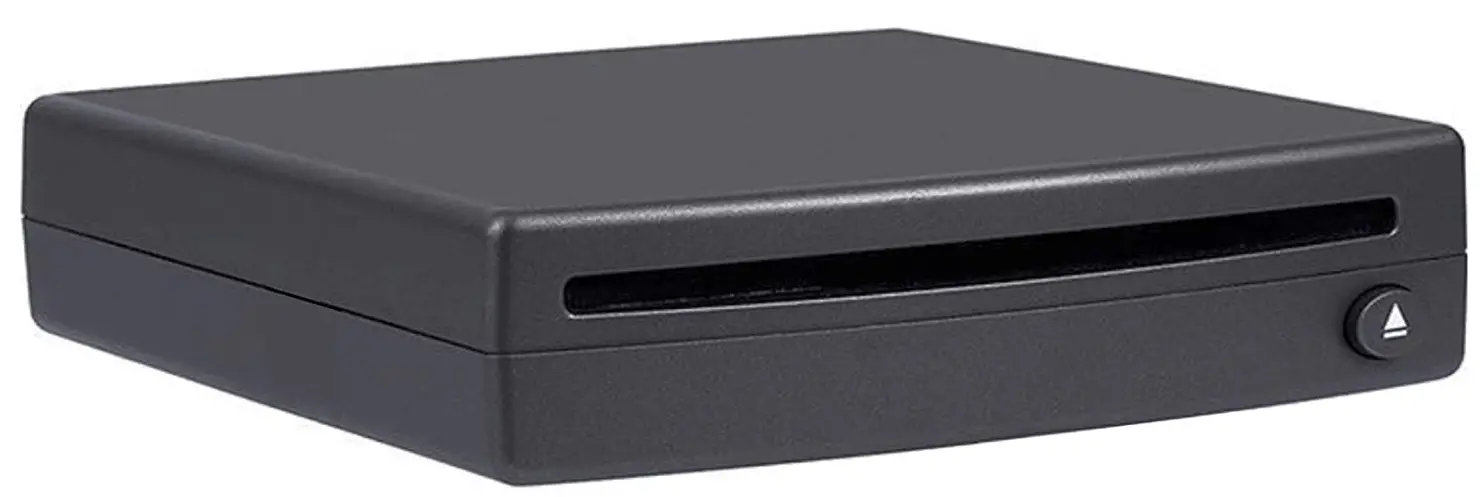
AIE USBCDPLAY2-S CD Player via USB radio connection
INTRODUCTION
THIS SECTION WILL COVER THE PROPER MOUNTING ORIENTATION/POSITION AND ANGLE OF YOUR NEW CD PLAYER. THE UNIT MUST BE AFFIXED TO A SOLID SURFACE VIA THE PROVIDED ADHESIVE PAD . PLEASE FOLLOW THESE PRECISELY TO ENSURE PROPER FUNCTIONALITY AND FITMENT
**FAILURE TO COMPLY VOID WARRANTY, CAUSE DAMAGE TO THE UNIT AND CREATE IMPROPER PERFORMANCE AND SOUNDS**
INSTALL POSITIONING “CORRECT”
STEP 1 WHEN CHOOSING A PROPER LOCATION FOR YOUR CD PLAYER, YOU MUST ENSURE THAT THE UNIT WILL BE FREE FROM DUST, EXCESSIVE VIBRATIONS OR ERRATIC ENVIRONMENTS SUCH AS EXTREME HEAT FROM IN-VEHICLE COMPONENTS (HEATER VENTS ETC.)
STEP 2 ONCE CHOSEN, MAKE SURE THE MOUNTING POSITION IS WITHIN COMPLIANCE AS REQUIRED BY THE MANUFACTURER. THIS IS AS FOLLOWS:
HORIZONTAL POSITION IS DEFINED AS CD SLOT BEING ON THE TOP SIDE OF THE UNIT WITH THE ARROW PORTION OF THE EJECT BUTTON POINTING UP
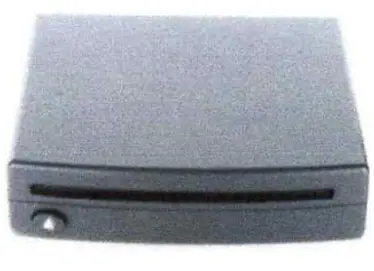
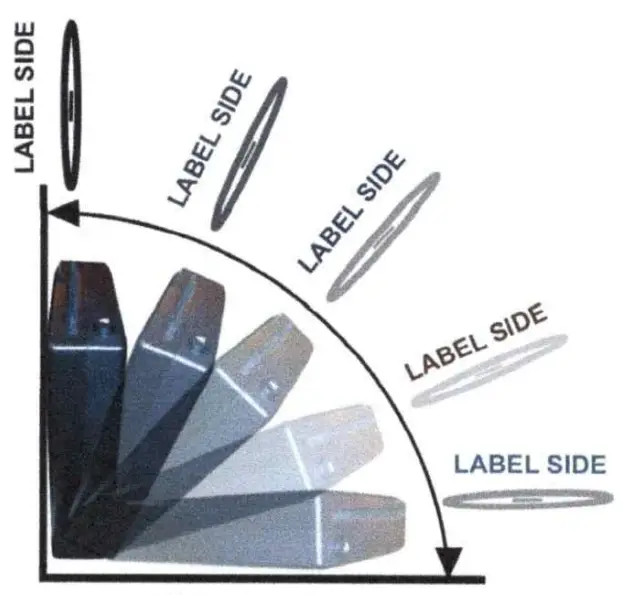
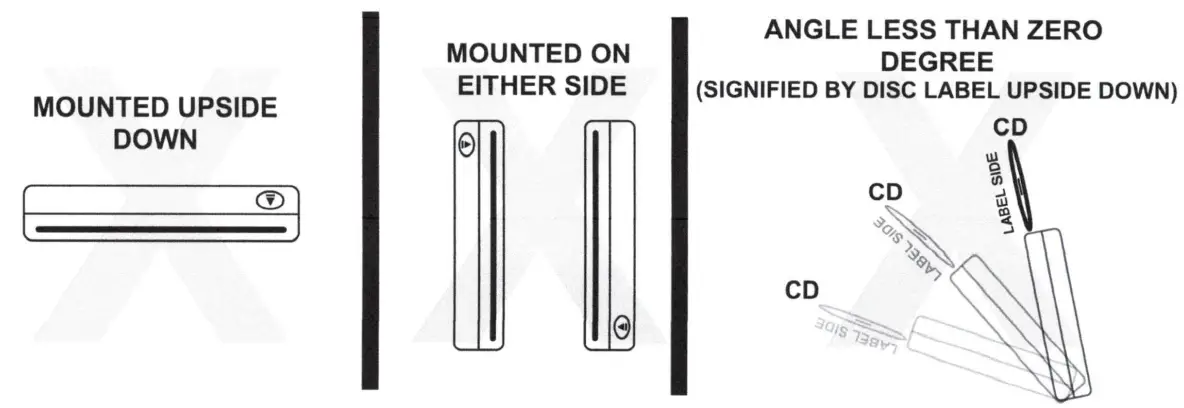
VERTICAL POSITION IS DEFINED AS CD SLOT FACING UP UNIT ANGLED NO GREATER THAN ZERO DEGREES (PERFECTLY STRAIGHT & UPRIGHT) THE MOUNTED ANGLE MUST **NOT** EXCEED PAST ZERO DEGREES TO AVOID DAMAGE/ABUSE TO THE UNIT AND CAUSE UNIT TO POSSIBLY MAKE IMPROPER FUNCTIONING SOUNDS.
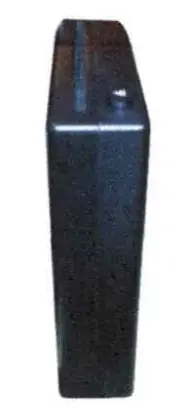
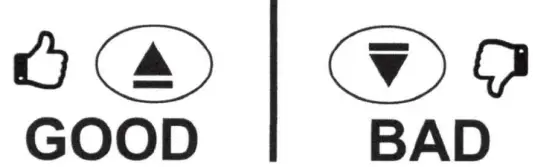
ANY ANGLE ZERO TO 90 DEGREES
INSTALL POSITIONING “NOT CORRECT”
INSTALL OPTION 1 (REFER TO FIT CHART)
STEP 1 TAKE USB CD PLAYER AND FIND SUITABLE LOCATION. TRY TO FIND A LOCATION THAT DOES NOT REQUIRE ANY USB EXTENSION CABLE IF POSSIBLE.
STEP 2 THE CD PLAYER CAN MOUNT VERTICALLY OR HORIZONTALLY. PLEASE MAKE SURE IF MOUNTINGVERTICALLY THAT THE UNIT IS A COMPLETE 90 DEGREES. ONCE A LOCATION IS CHOSEN, TAKE THE PROVIDED MOUNTING TAPE AND PROCEED TO PEEL AND STICK IT TO THE CD PLAYER IN A DISCREET BUT STABLE FLAT SURFACE ON THE TOP OR BOTTOM OF THE UNIT. THEN PEEL THE OPPOSITE SIDE AND PROCEED TO STICK IT TO THE CHOSEN SURFACE MAKING SURE ENOUGH SURFACE CONTACT IS MADE TO STABILIZE THE UNIT AND KEEP IT FROM MOVING ONCE SECURED.
STEP 3 CONNECT THE CD PLAYER USB PLUG COMING OUT OF THE REAR OF THE CD PLAYER UNIT AND CONNECT IT TO YOUR VEHICLES DATA BASED USB CONNECTION INPUT. PLEASE MAKE SURE YOU ARE CONNECTING TO YOUR DATA PLUG AND NOT A USB POWER ONLY PLUG. THIS WILL BE THE SAME CONNECTION(S) THAT YOUR SMART DEVICE OR USB MEDIA MUSIC STICK WOULD CONNECT TO FOR RADIO PLAYBACK AND CONTROL.
STEP 4 ONCE CONNECTED, YOU MAY INSERT A DISC INTO THE USB CD SLOT. IF PROPERLY CONNECTED, THE UNITWILL ACCEPT THE CD AND BEGIN THE LOADING PROCESS .
STEP 5 ONCE THE CD IS IDENTIFIED AND IS A PROPERLY FORMATTED CD, THE UNIT MAY BEGIN TO AUTO PLAY. THIS PROCESS WILL BE PART OF THE INDEX PROCESS AND CANNOT BE INTERRUPTED FOR AT LEAST 15 SECONDS. THE INDEXING PROCESS IS CREATING A TABLE OF CONTENTS FOR YOUR RADIO TO IDENTIFY AND IF THIS IS INTERRUPTED IN ANY WAY BY JUMPING TO A SONG OR PAUSING THE AUTO PLAYBACK, YOU WILL CORRUPT THE CDS PLAYBACK CAPABILITY AND YOU MUST START OVER. PLEASE REFER TO THE TROUBLESHOOTING SECTION OF THIS GUIDE FOR HOW TO CORRECT THE INDEXING CORRUPTION PROCESS.
STEP 6 ONCE INDEXING IS COMPLETE, YOU MAY PROCEED TO CHOOSE THE SONG OF YOUR CHOICE AND YOU WILL HAVE FULL CONTROL OF IT WITH FF, REW, PLAY/PAUSE
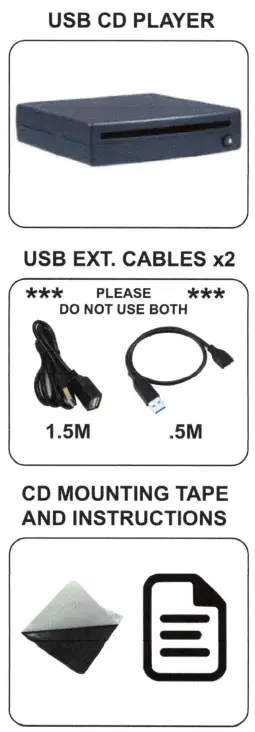
PARTS NEEDED
TROUBLESHOOTING GUIDE
- First, please check the Vehicle Fit Guide on the site page located in the images and check to make sure you ordered the correct model# for your vehicle. Also please check the Factory Requirements column to make sure the CD Player will work with your specific vehicle radio. The CD Players will not necessarily work with all radio types.
- If the vehicle does not find the USB CD Player
Check to make sure the CD Player is plugged into the USB port for data and not the USB port for charging. The charging port is usually marked with a lighting symbol, but it could be faint and hard to see. The charging port will not work to connect the CD Player to the car.
Also, make sure to disconnect any USB extensions and plug in the CD Player directly. Some vehicles have sensitivity to USB cable lengths. - If the CD will not play or skips
Step 1 Insert CD
Step 2 If the unit begins to auto play, still WAIT. The indexing process is being performed whereby the USB hub in your vehicle is building a table of contents to follow. This can take up to 20 seconds. If at any time this indexing process is interrupted by skipping to a song or pausing or unplugging or changing the source, it will interrupt the table of contents and it will skip songs, miss songs, play 10 sec then stop or just not work at all.
Ford and GM display on the screen that the unit is indexing and to “please wait”. It will even tell you when the indexing is complete. Other vehicles may not display anything on the screen. However, you must still wait for at least 20 seconds for the CD to index before pushing any buttons or trying to fast forward, skip, play, etc. - If the indexing process gets interrupted, you must eject the disc. Then insert a different disc to purge the vehicle USB hub. Let it index for that CD, then eject and reinsert the original CD. Let the original CD index again. Once finished indexing, it will be ready to listen to.
- These CD Players work with many vehicles and have an extremely low defect rate if properly installed. Please make sure you let every CD index for 20 seconds before trying to fast forward, skip, play, etc.
- Make sure you have read the Quick Reference Set-up Guide included with the CD Player and also located online in the images, as well as the online Troubleshooting Guide located in the images. If you are still experiencing issues, please call customer service at: (442) 400-9489 for more assistance.
FAQs
Your newer model car most likely has a USB port. Purchase a CD player with a USB adapter and connect it. You should think about a power supply. Look for a plug-in cord that your car will accept, or choose a player that has battery power.
Start your CD player, then put in your preferred CD. Auxiliary cables have two ends: one goes into your portable CD player, and the other goes into the aux port on your automobile. On the stereo in your automobile, choose “AUX.” Make sure your CD player’s volume is turned up and press “PLAY.”
There isn’t a CD player as standard equipment in practically all new cars. In contrast, plug-in or Bluetooth-enabled infotainment systems are far more prevalent.
Many USB ports are now standard in almost all new cars. An external CD drive with a USB connection is available to buy. You may still enjoy listening to all of your favourite CDs by plugging this into your automobile. However, compare prices before buying an external CD drive.
“The death of the CD player started around a decade ago,” claims Autoweek. Since then, some automakers have maintained the CD players and the sentimental memories of passengers inserting those small, metallic discs into the dashboards of their cars.
The CD should be ejected if your stereo has a “force eject” capability. Try again after starting the car if this doesn’t work. When the engine is off in the automobile, some CD players might not work. Try holding down the power and eject buttons while the engine is running for these players.
A soft-bristle brush should be used to remove all the loose debris and dust. Use an electric fan or a can of compressed air to remove small particles. Use an interior cleaner to wipe the CD player’s panel’s surface.
Press and hold the EJECT button while setting your ignition to the accessory power position. Try gently inserting a blank disc about an inch into the player before pressing the EJECT button a few times until both discs emerge from the player at the same time.
The actual query is, “Will it function reliably in any car?” “NO” is the response to it. They want you, the client, to test the unit they hurried to market with bad design. I am aware from personal experience that some of these machines malfunction or are unable to play some CDs that the more affordable portable CD players can.
You must visit their website to check if you can locate the code for your vehicle.
Check the description to check whether this fits in your automobile. I according to the instructions, and it is effective.
Tracks on the CD that are filthy or damaged are frequently to blame for this. Test a few more recent CDs to determine if the skipping behaviour persists before concluding that the issue is with the player. If not, the disc itself is the issue, so you’ll need to look into cleaning or fixing it so that it can play normally once again.
It denotes a problem with the eye that reads the data lines on the disc. It must be professionally cleaned and calibrated before it will function once again.
Make sure the disc is properly put into the disc tray with the playback side facing down. If the disc is scratched, fractured, or dirty with fingerprints or smudges, the player might not be able to read it. To fix this, clean the disc with a soft, dry cloth.
Hi-fi systems should live much longer, roughly 10 to 20 years, or at least the speakers, turntable, and amplifier elements of those systems. CD players can last between five and ten years, however they don’t last as long.