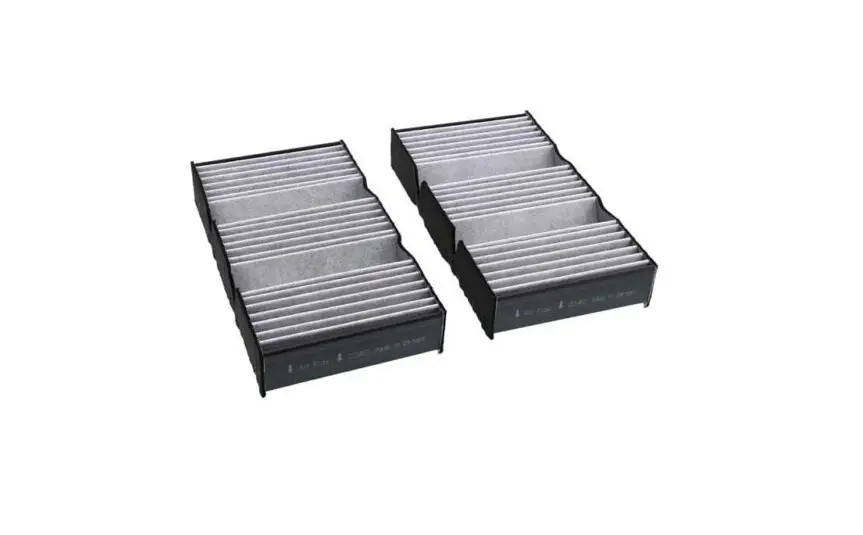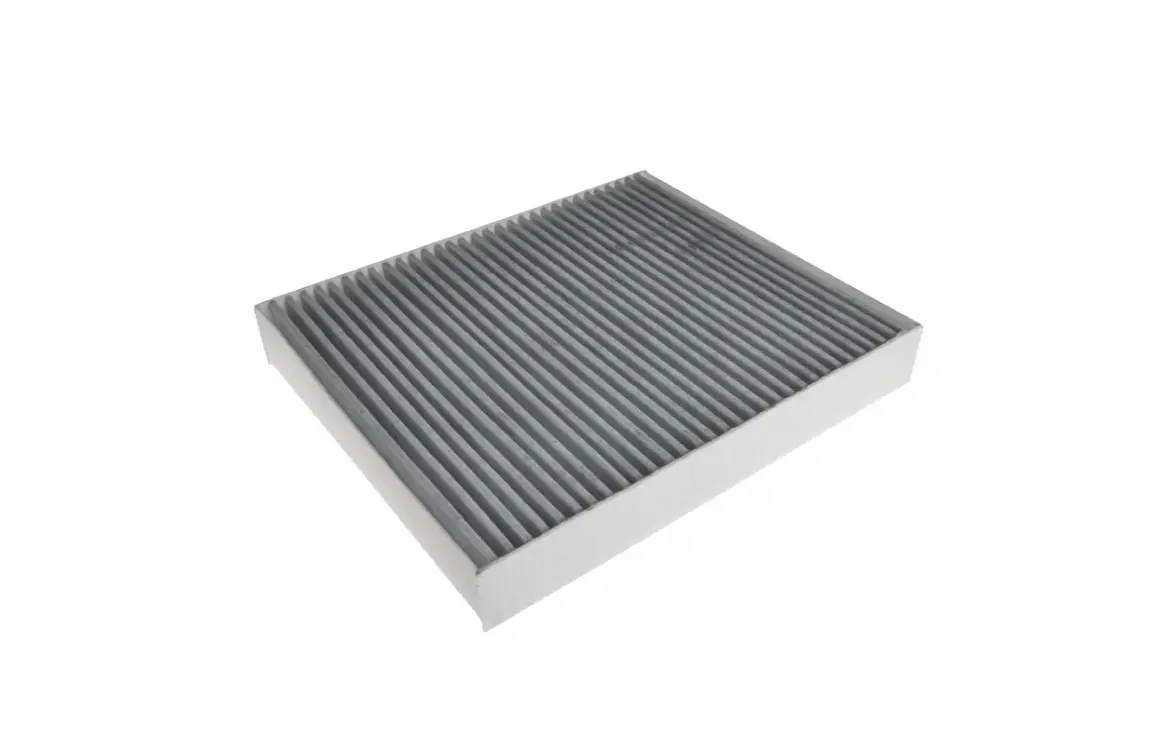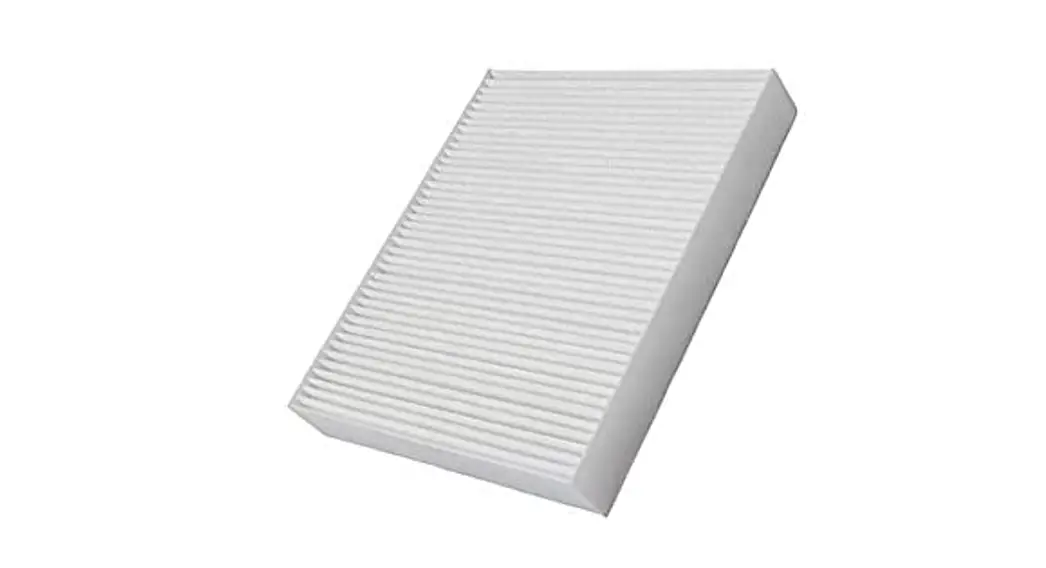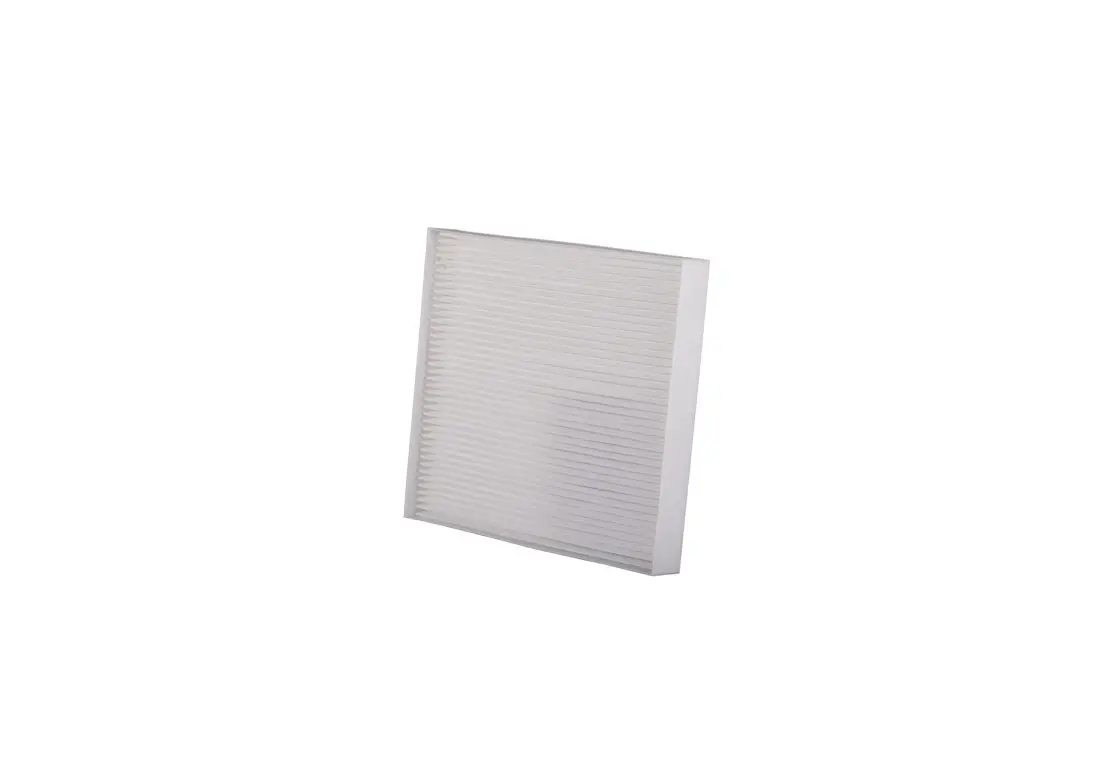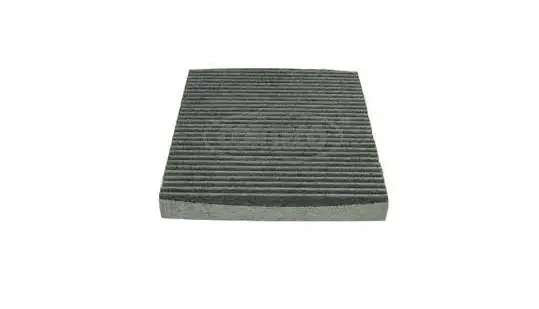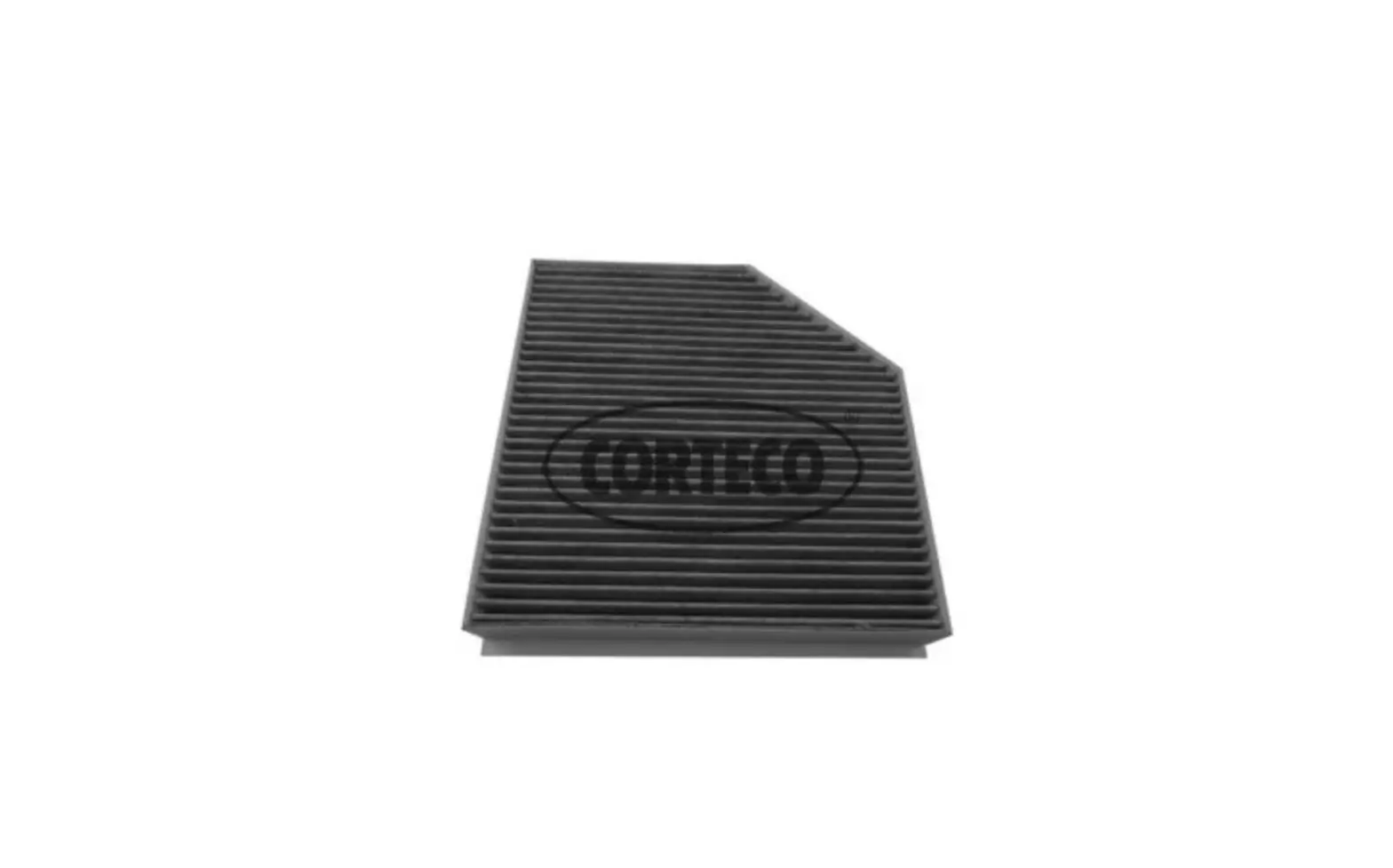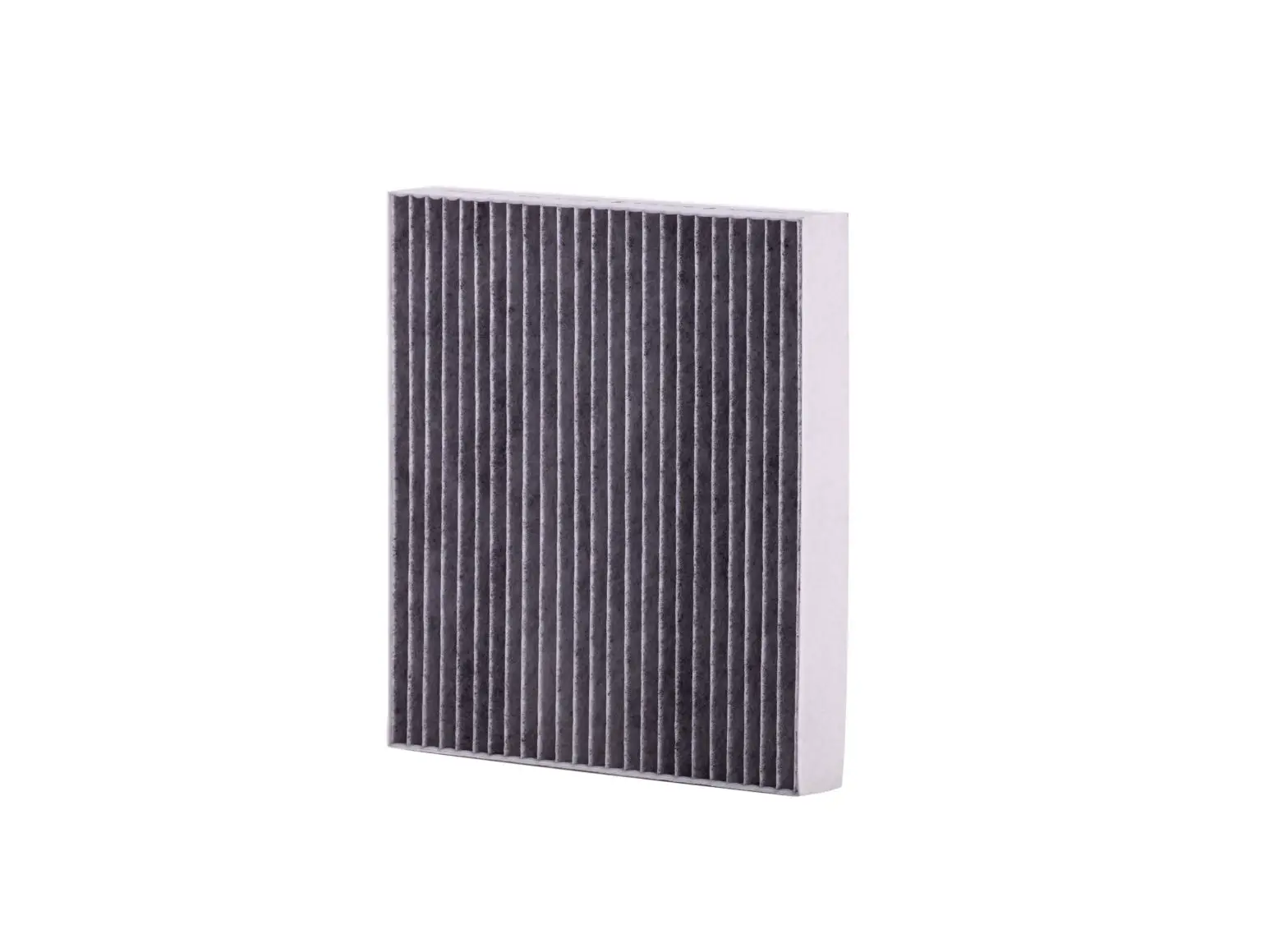
ZNetCS Cabin Air Filter CAF15033C Instruction Manual
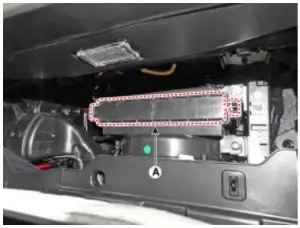
The Cabin air filter is located behind the glove compartment
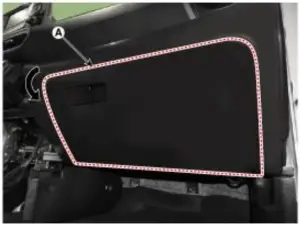
- Open the glove box (Fig 1)

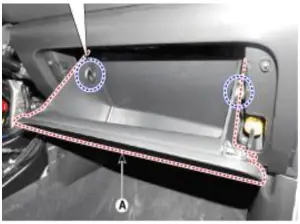
- Remove the glove box stoppers located on the right and left sidewalls of the glove box to lower the glove box (Fig 2)

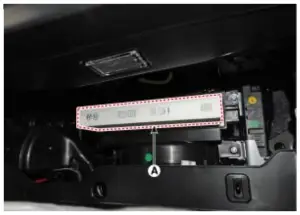
- Locate the cabin filter plastic cover and unlock it by pressing inward on the left and right-side tabs and remove by pulling the tray straight out towards you (Fig 3)

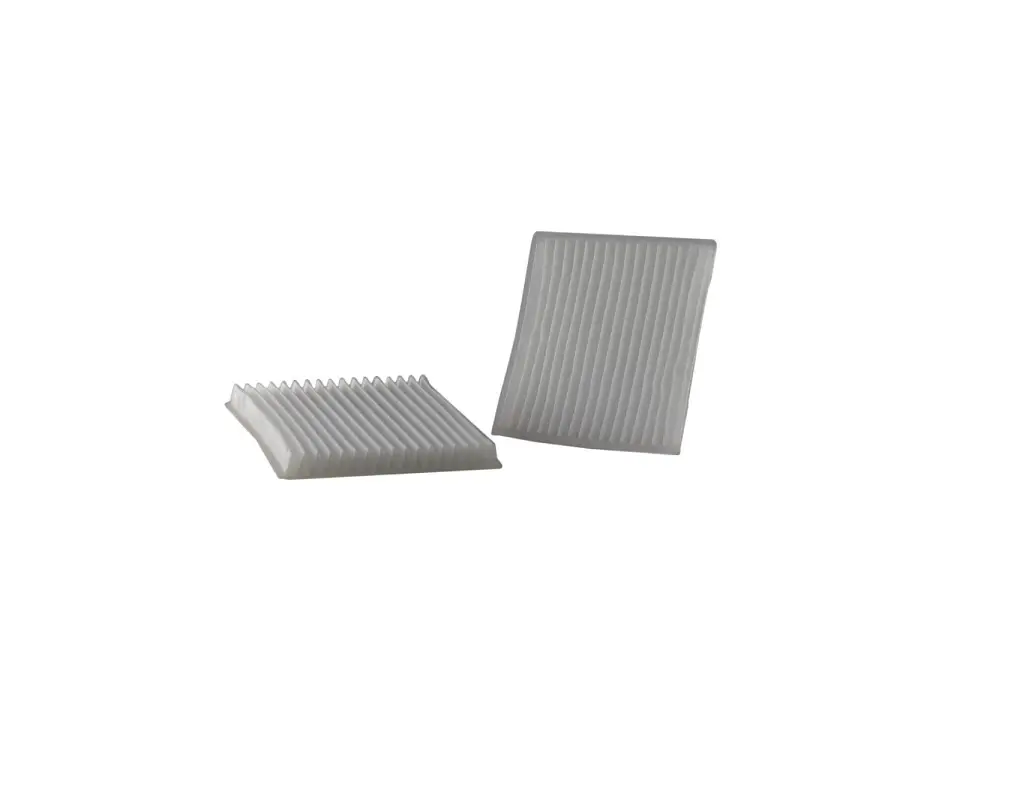
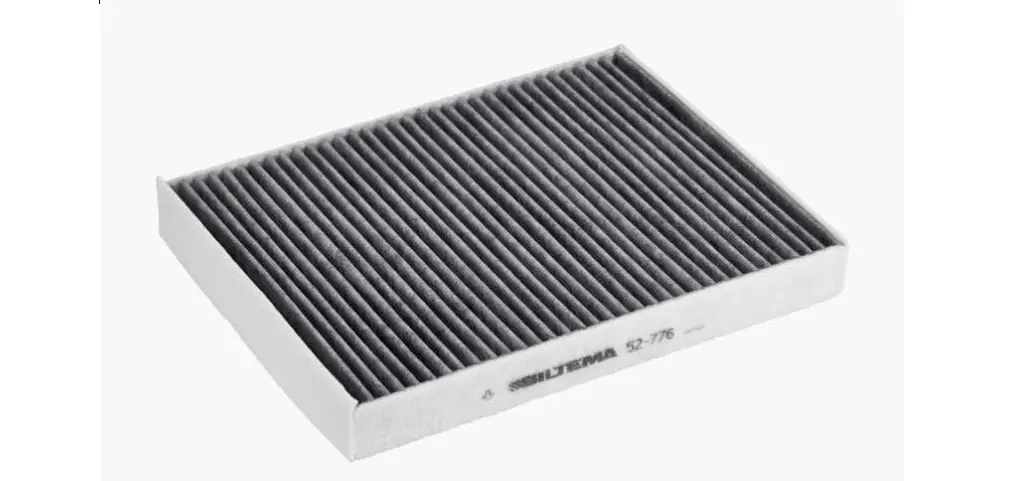
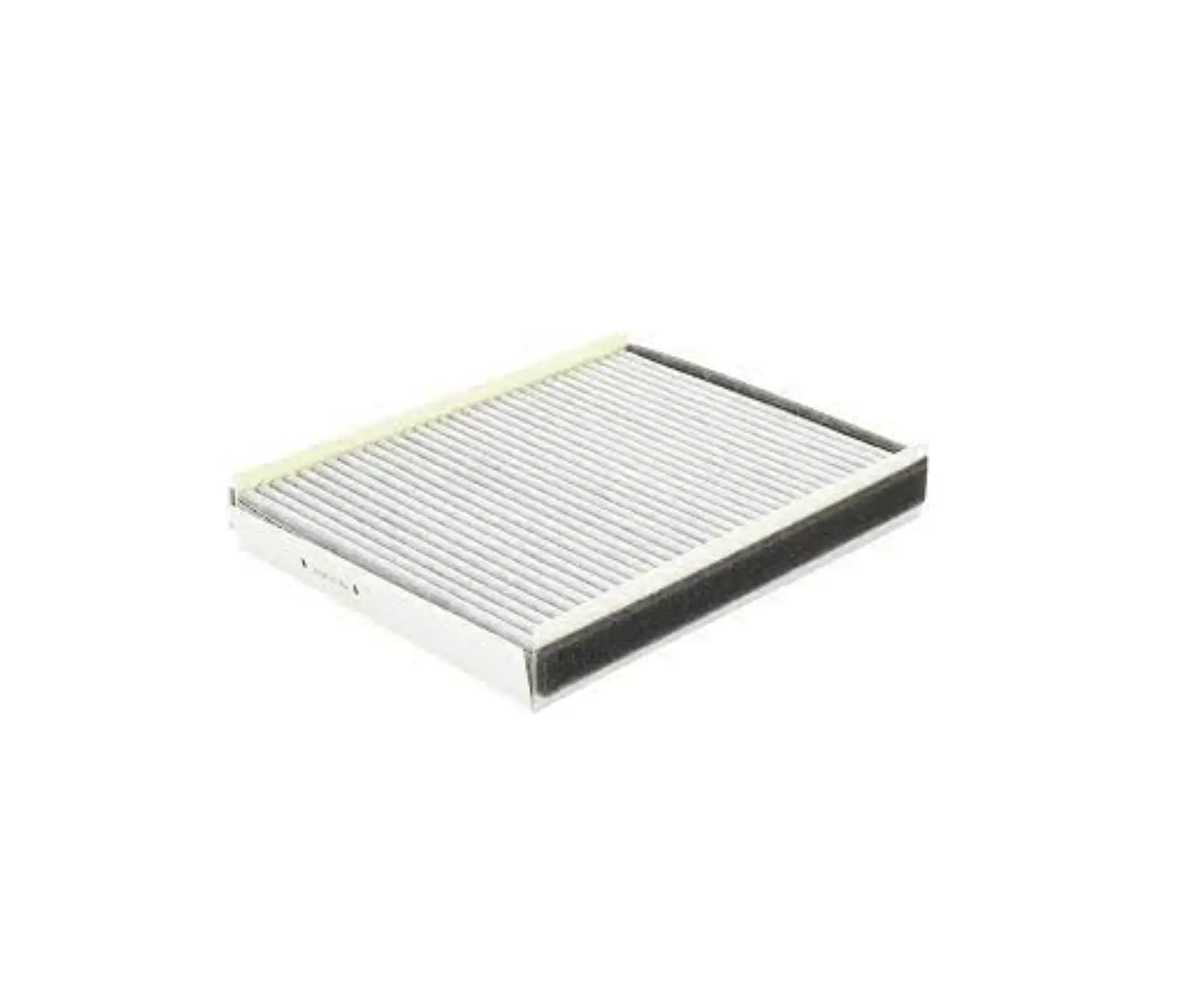
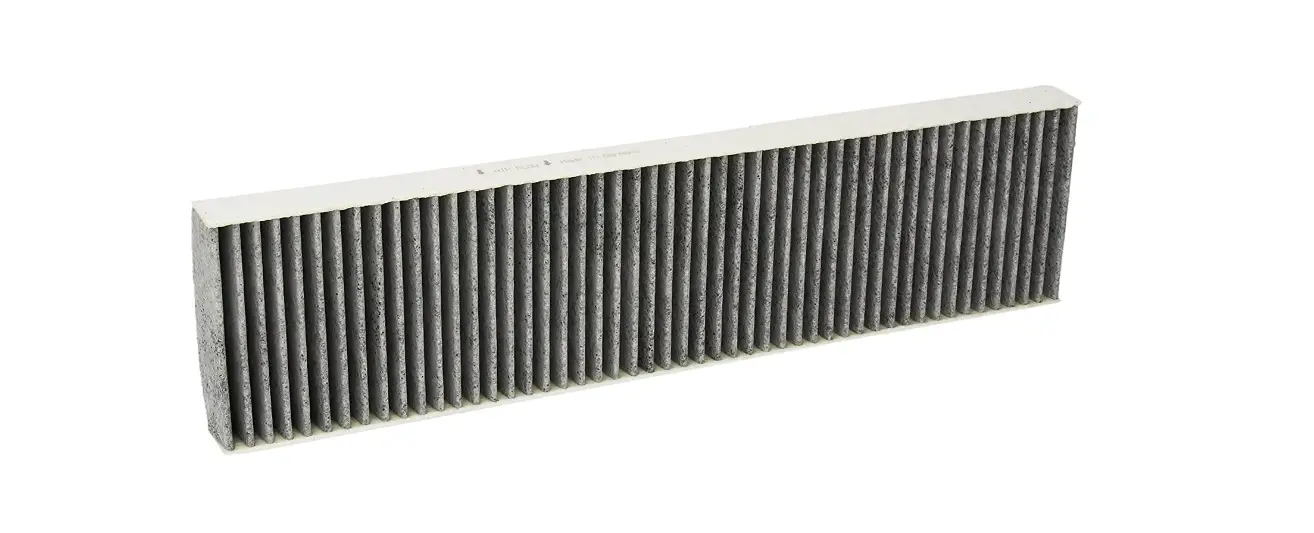
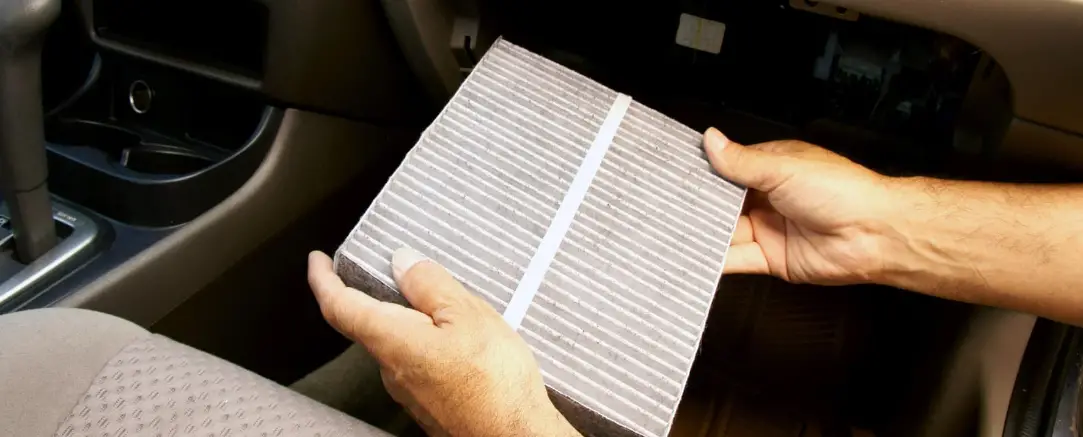
- Remove the old cabin air filter, taking note the air flow arrow indicator on the side of the old filter (Fig 4)

- Insert the new filter into the assembly, making sure the air flow direction is correct according to the arrow indicator
- Replace the rest of the glove box assembly by reversing the removal procedure
This is only a guide and may not be for exact model. See Owner’s manual and/or local mechanic for exact instructions for the particular model.