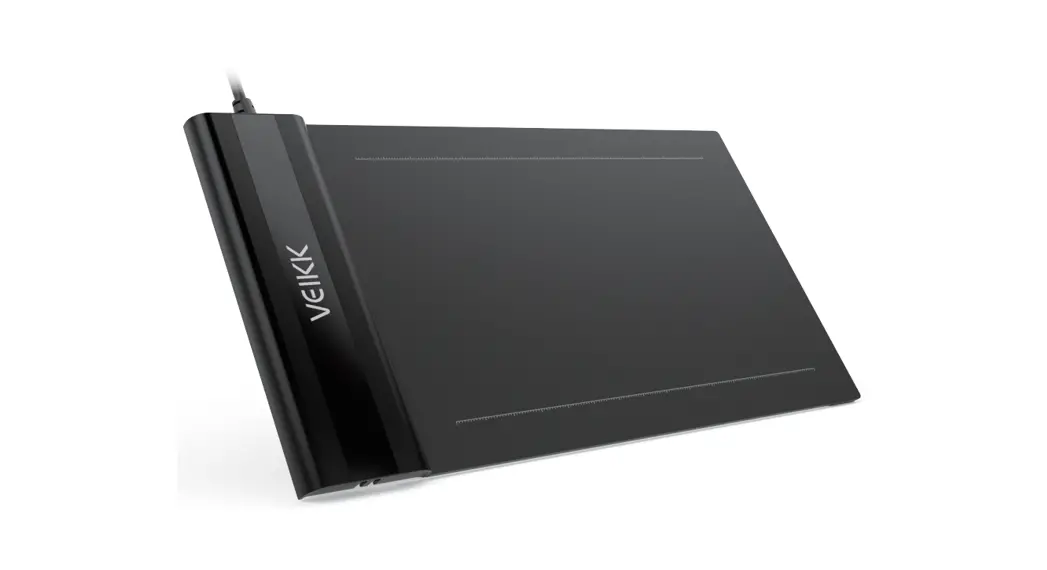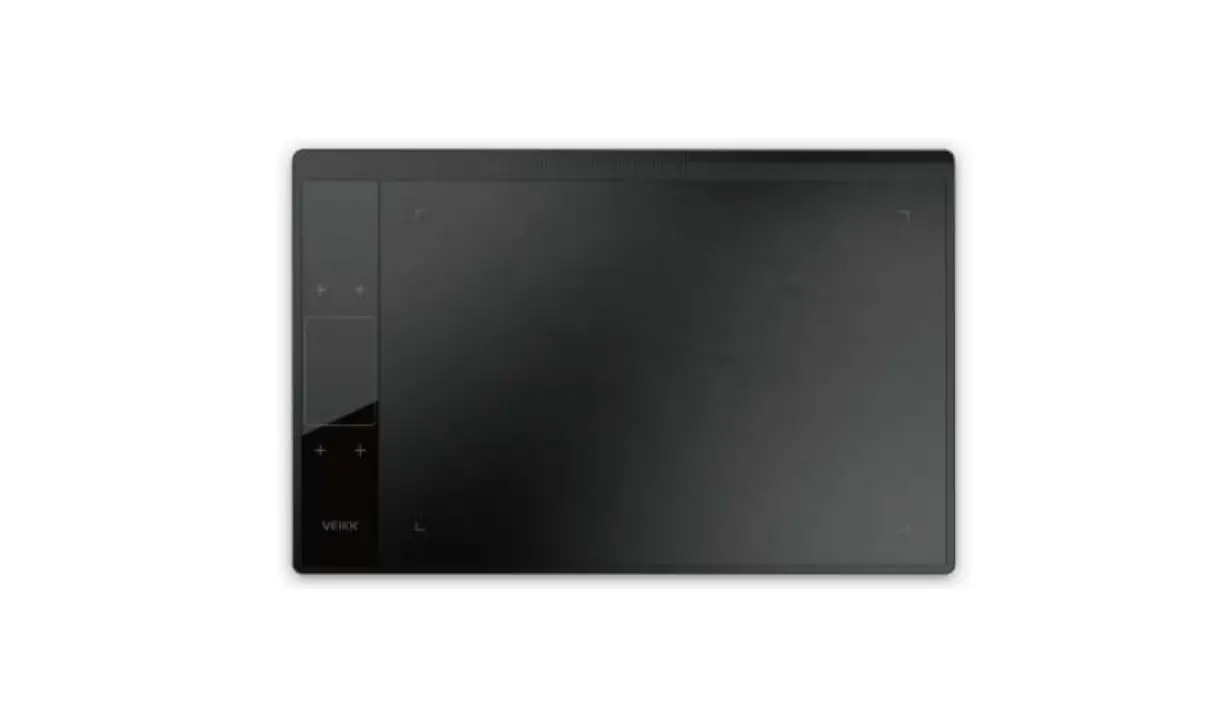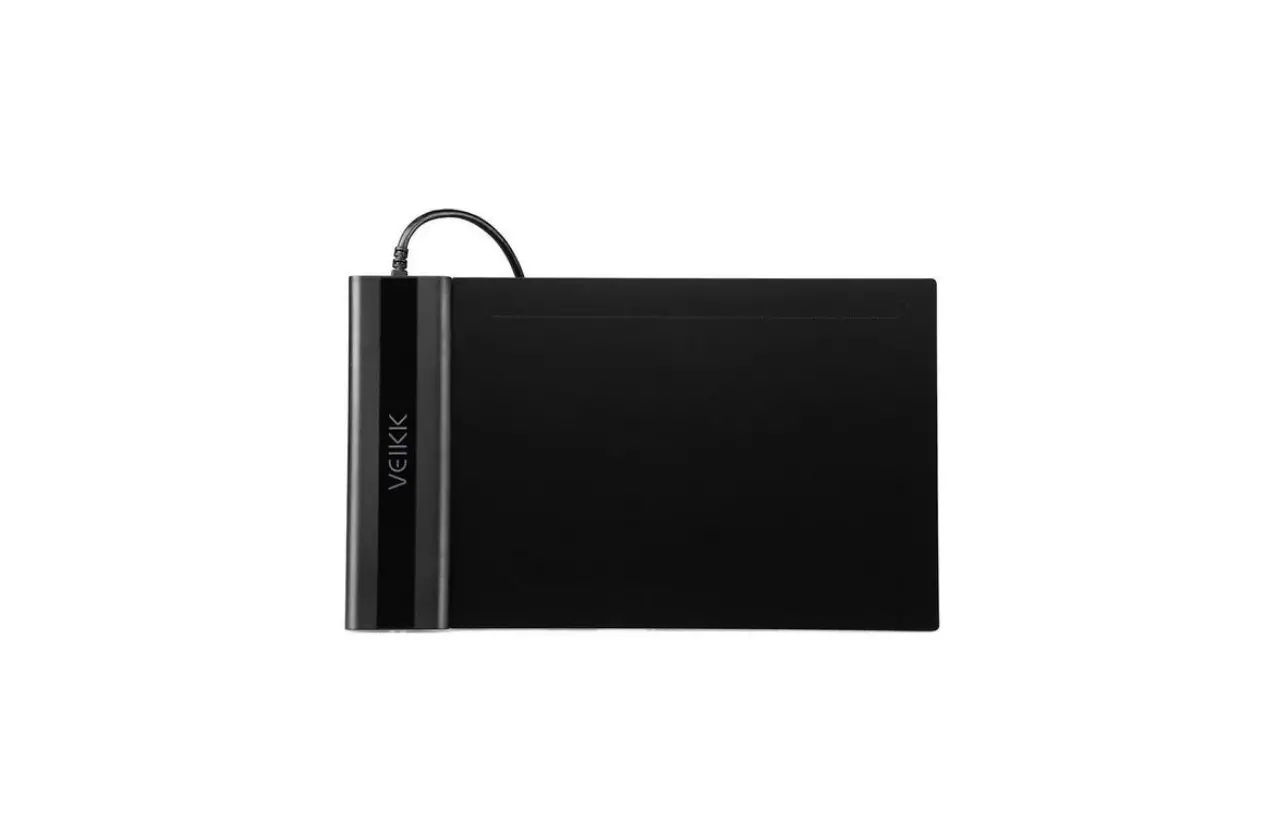
VEIKK S640 Battery-Free Pen Tablet User Guide
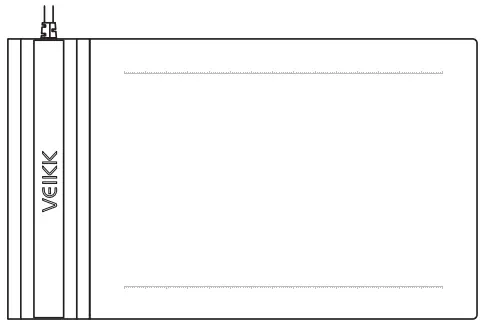
PRODUCT OVERVIEW
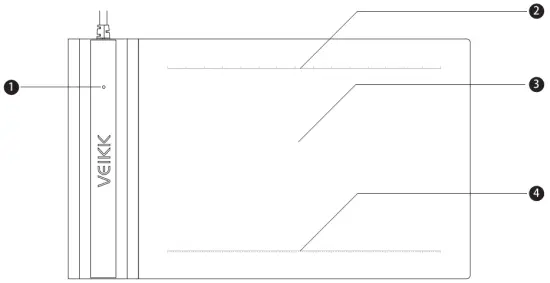
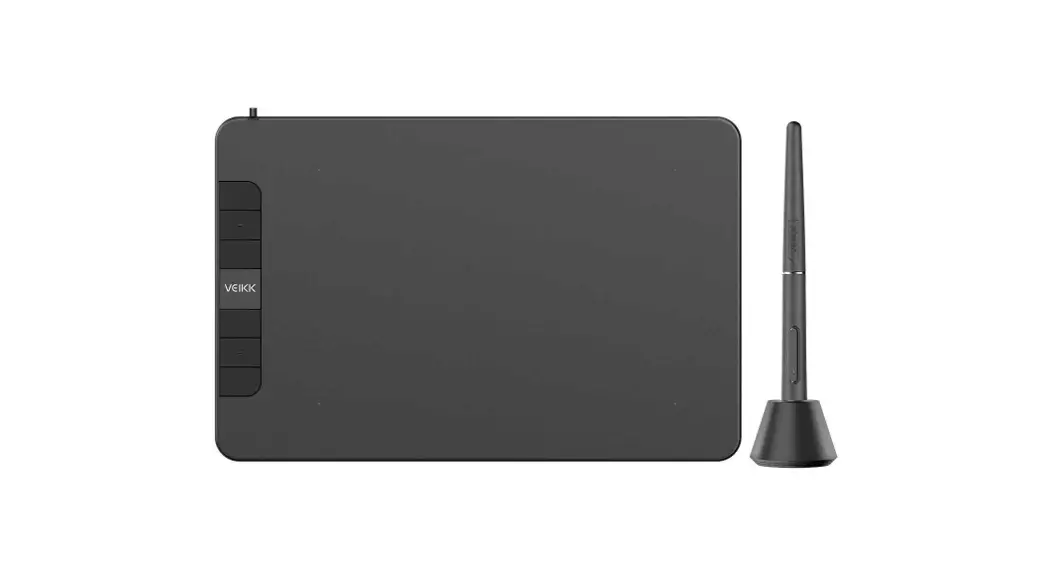
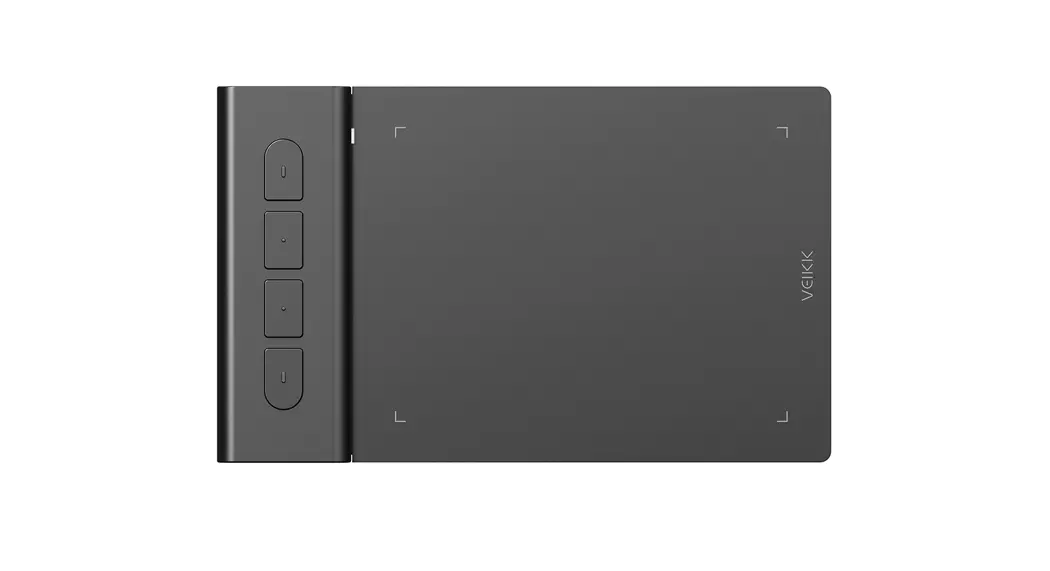
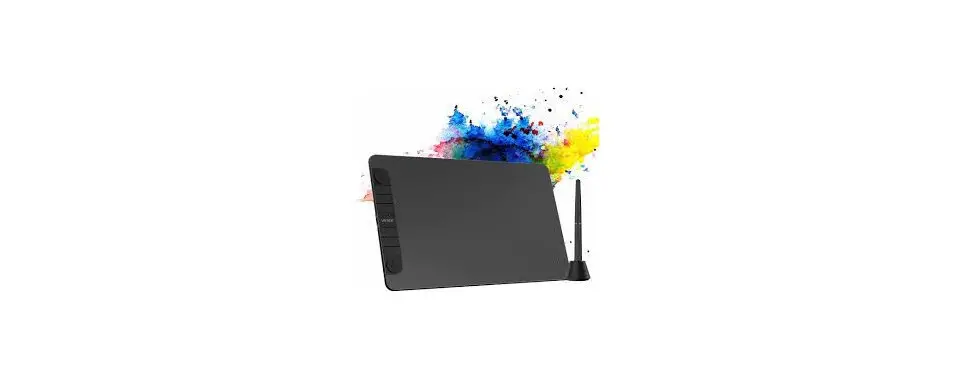
- LED Indicator
- Upper Marking Line
- Active Area
- Lower Marking Line
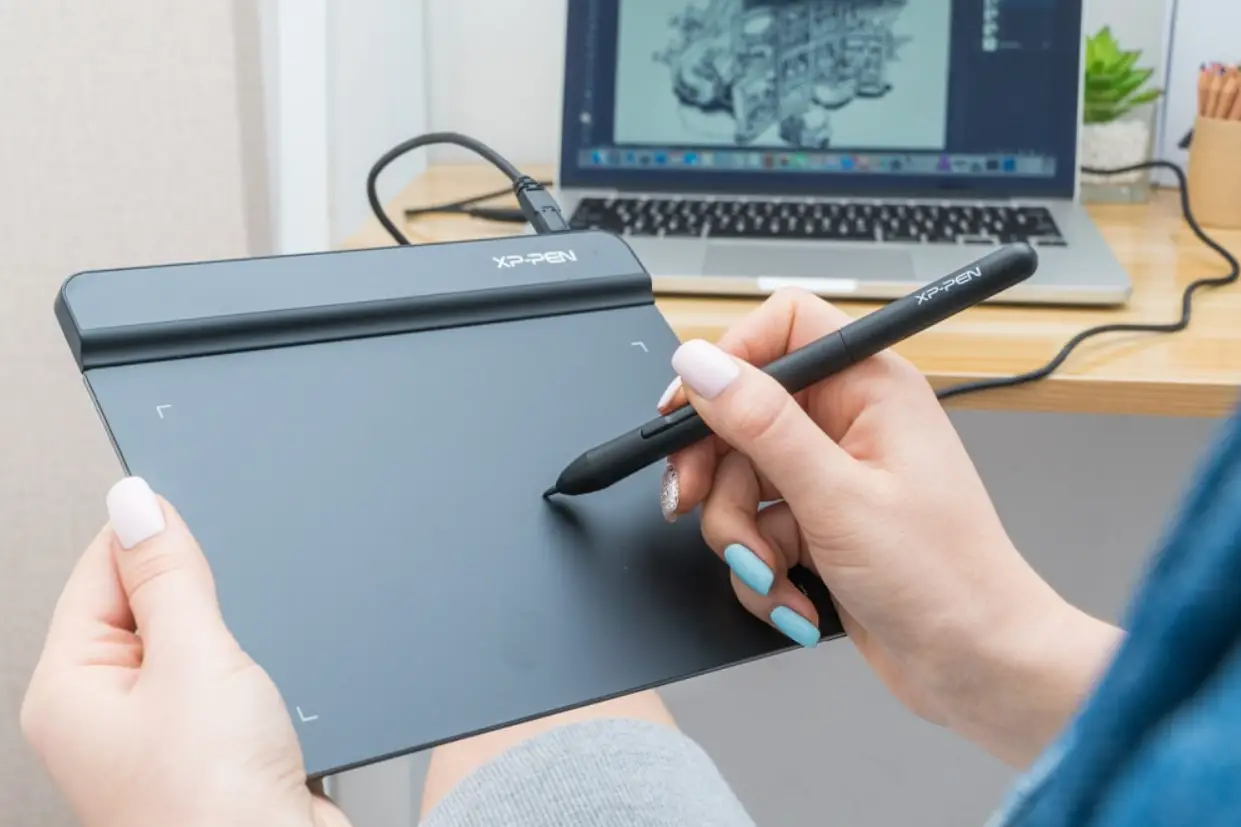
Tips: During the normal working state, when the pressure pen is suspended in the active area of the S640 tablet, the indicator light flashes; when the pen touches the tablet, the indicator light is always on.
PEN

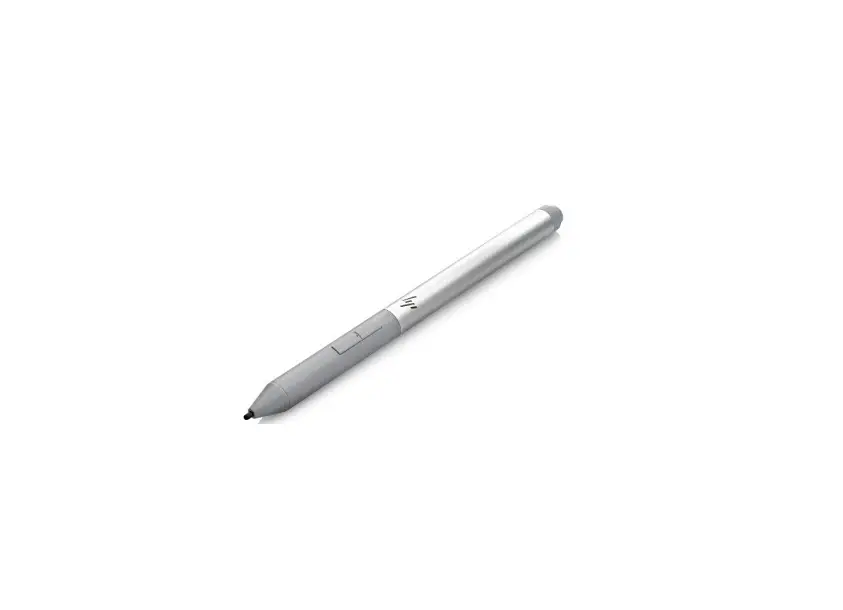
NOTE: The stylus pen is battery-free, no need to charge or battery.
PACKING LIST
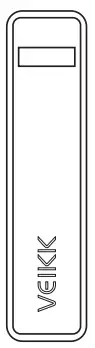
- S640 Pen Tablet

- Battery-free Pen

- Pen Pocket

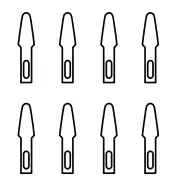
- Pen Nibs

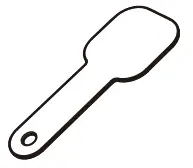
- Nib Removal

- Driver Download Reminder

- Quick Start Guide

Installing Driver
- OS Support Windows 10/8/7(32/64 bits) Mac OS 10.12 or later Android 6.0 or later (Except Samsung Android device)
- Installation For a PC/laptop:
- Before installing driver, please uninstall all tablet drivers from your computer and keep all antivirus program and drawing software closed
- Connect the tablet to your computer before installation(Please refer to 4.Tablet Connection)
- Please download updated driver from www.veikk.com
- Click Set up.exe and follow onscreen instructions
- After installation then restart your computer. For an Android mobile phone:
No need to install VEIKK driver on your phone.
Tablet Connection
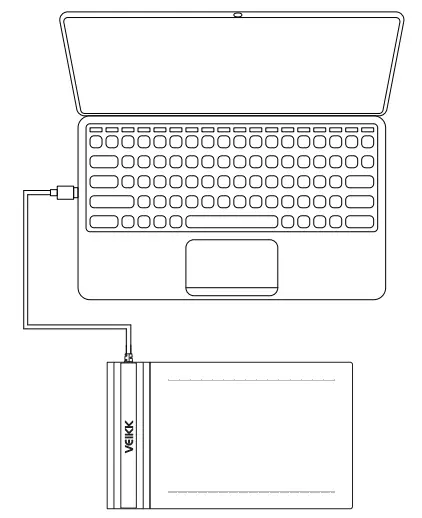
For a PC/laptop:
- Connect the tablet to your computer with USB cable.
- Open the driver interface, if the upper left corner shows the product model, indicating that the tablet has been connected successfully, you can start using your tablet now.

For an Android mobile phone:
- Please connect the tablet to your phone with the OTG adapter.
- Rotate the tablet as shown in Figure1,then you can start using your tablet.

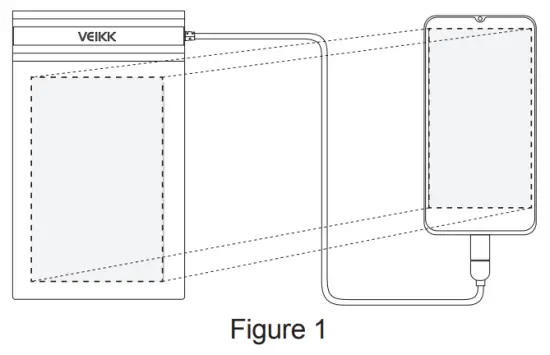
Note1: Works in mobile phone vertical screen mode only.
Note2: For some mobile phones, you need to enable the OTG function manually in the phone’s Settings.
Note3: The shortcut keys on the pen can’t work on Android mobile phone
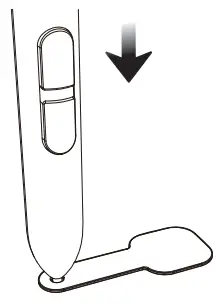
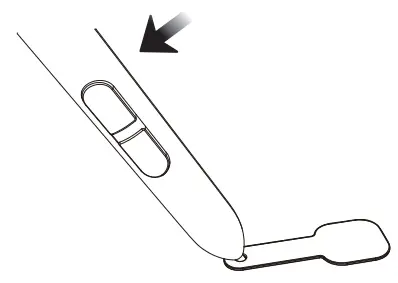
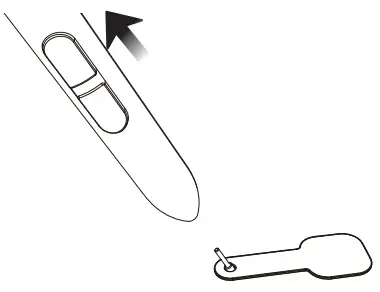
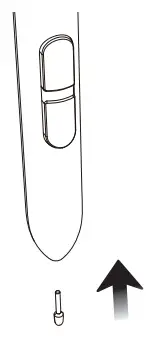
Replacing the nibs
When the pen nib is heavily worn,please replace the nib with the nib removal.
- Insert the pen nib into the pen holder hole

- Tilt the pen so that the pen holder can fully catch the pen nib

- Pull out the nib

- Insert a new nib into the pen and push it straightly until it stops

Specifications
| Model | S640 |
| Dimension | 218mm x 130mm x 9mm |
| Working Area | 6 x 4 inch |
| Pressure Sensitivity | 8192 levels |
| Resolution | 5080 LPI |
| Reading Height | 10 mm |
| Interface | USB |
Any questions, please contact us
Beijing Veikk E-commerce Co., Ltd.
Email : [email protected]
Skype : veikk service
Website : www.veikk.com

 VEIKK | Best Creative Pen Displays & Tablets for Drawing