OSD Audio
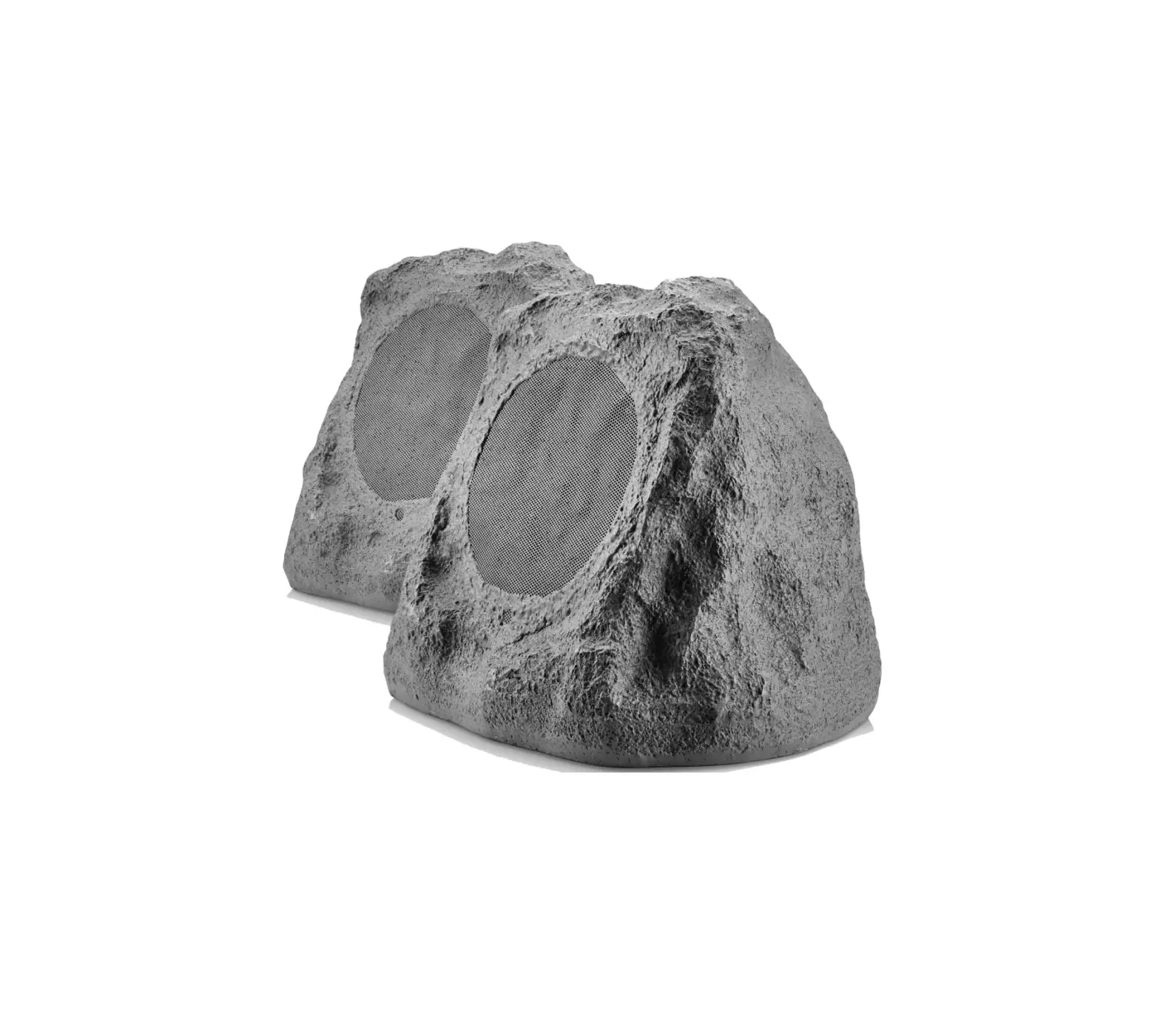
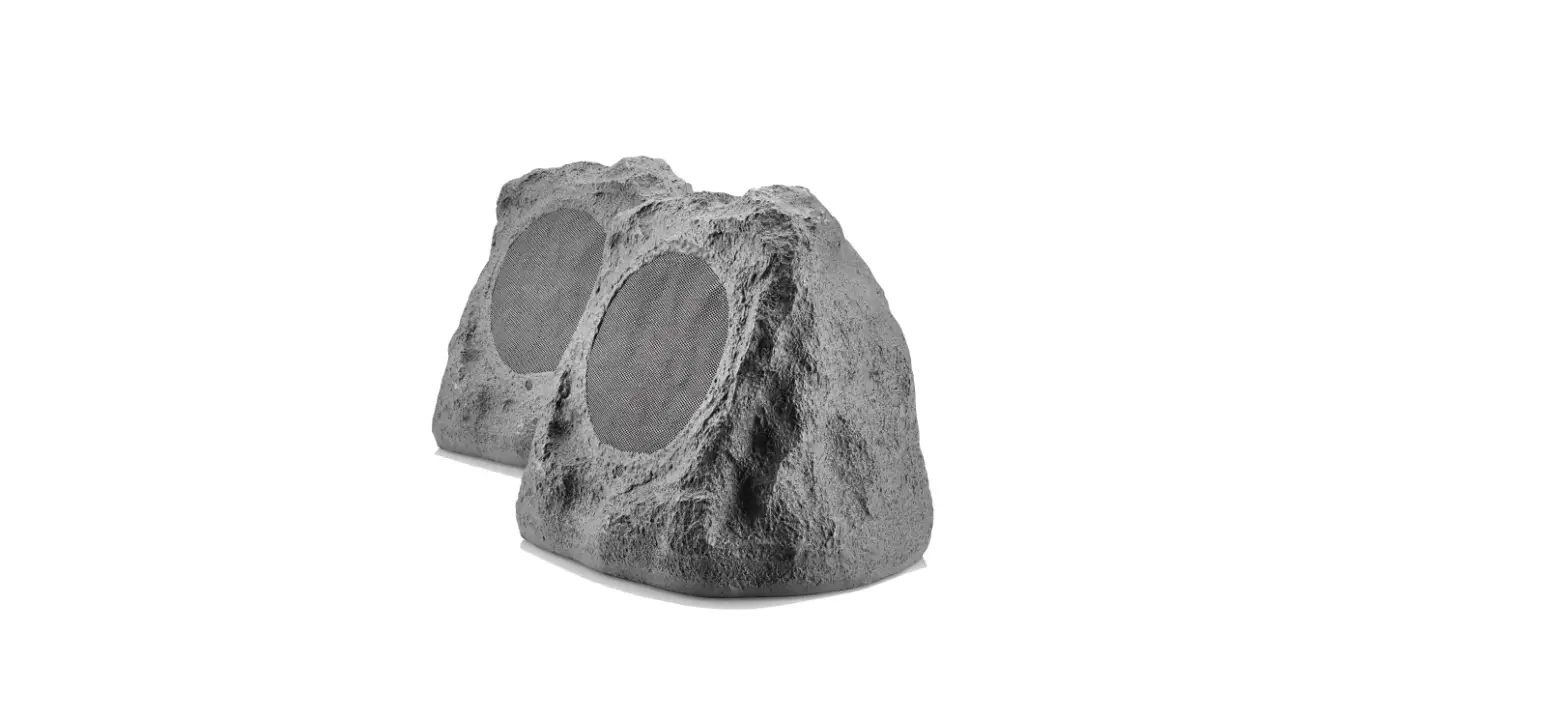
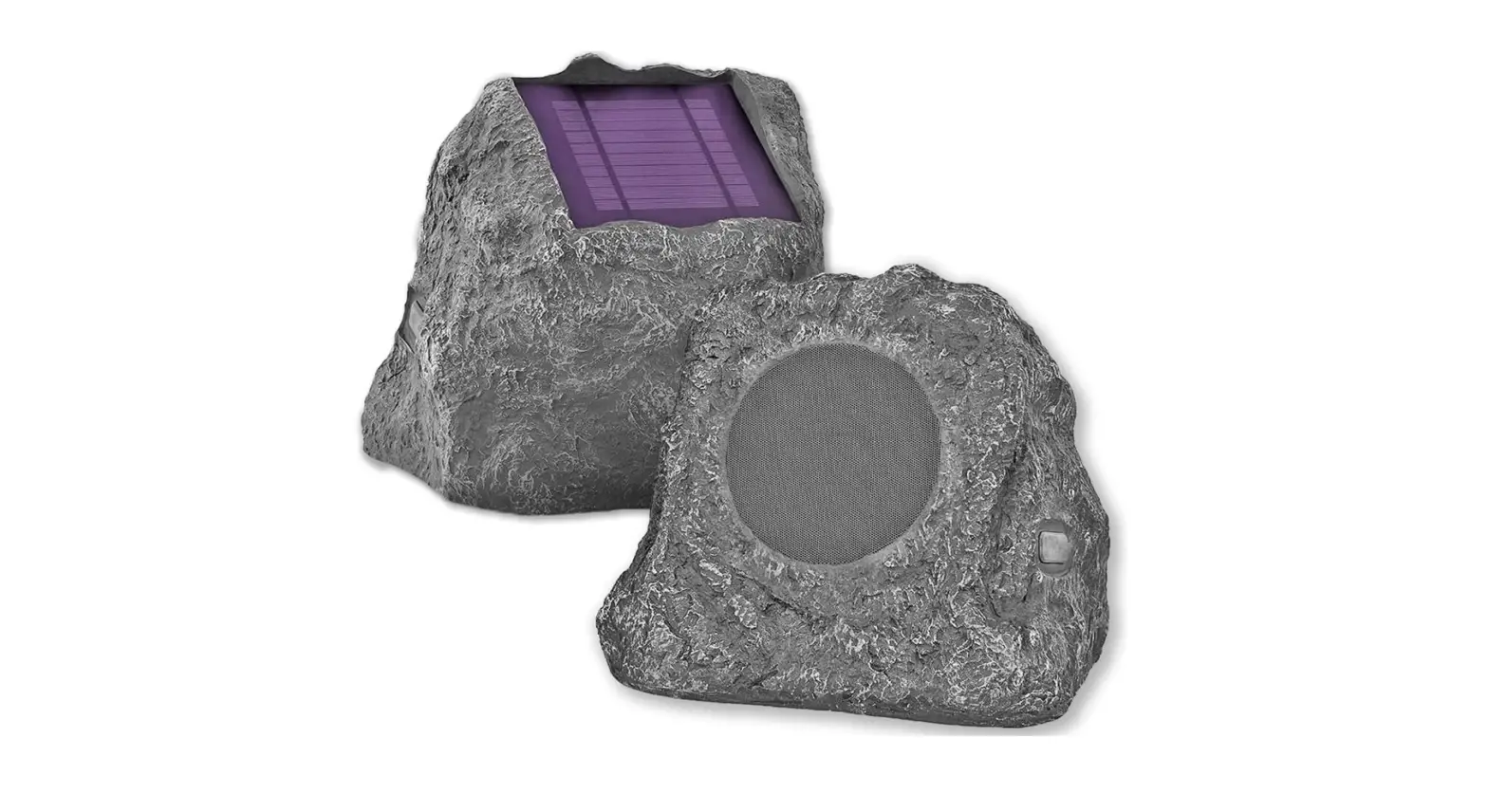
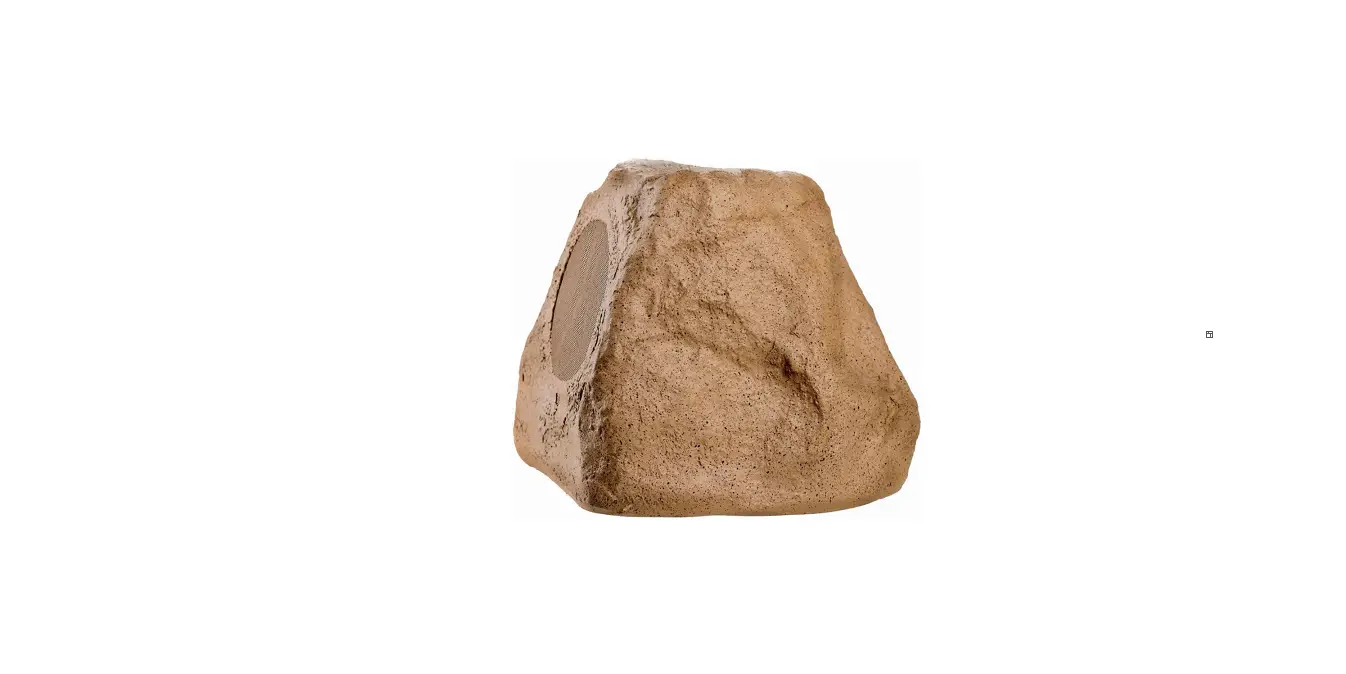
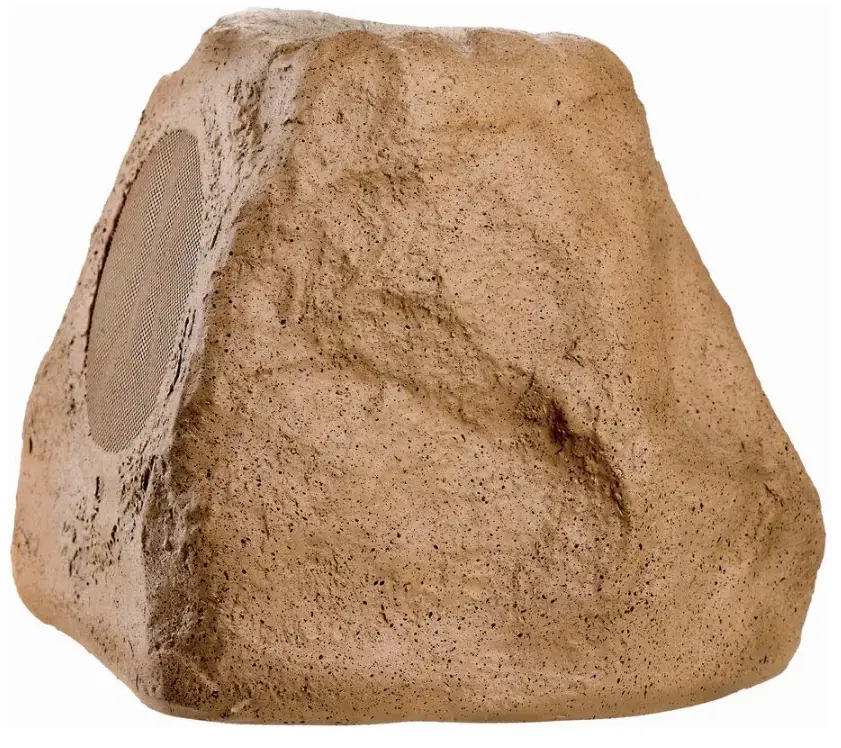
OSD Audio BTR-150 Bluetooth Outdoor Rock Speaker
CONTENT
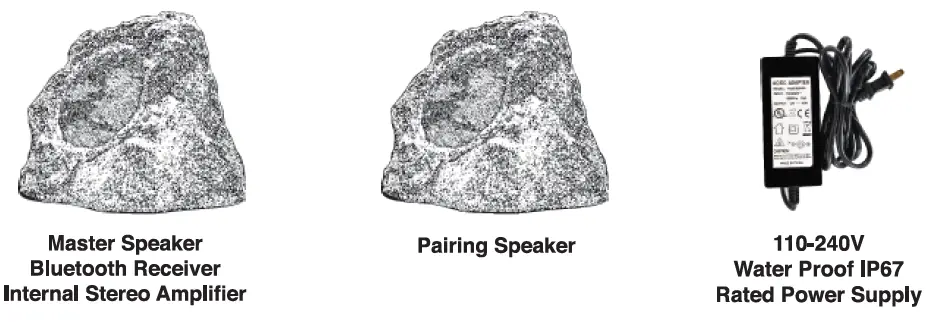
Basic Setup of the BTR Speakers
- Determine the ideal location where the Speakers are not exposed directly to the elements. Note: speakers typically should be placed between 8 to 12 feet apart for proper stereo separation.
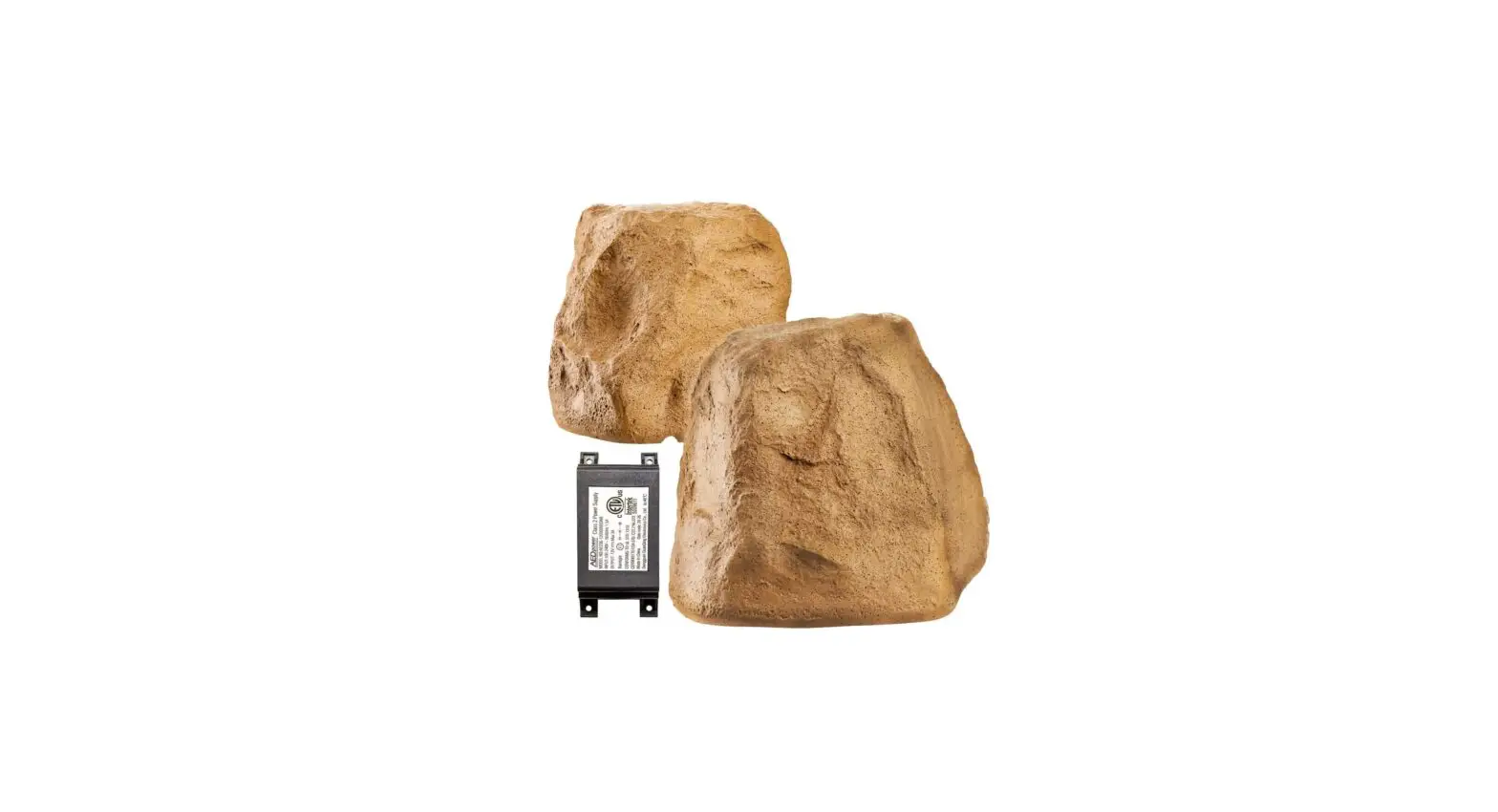
- The Master Speaker needs to be located near an AC outlet where you can connect the Power Supply to the Master Speaker in order provide the electrical current needed for the Internal Stereo Power Amplifier and Bluetooth Receiver.
- The Pairing speaker must be connected to the Master Speaker with Speaker Cable. The length of the speaker cable should not be extended beyond 30 feet.
- Be sure to match the polarity when connecting the Master Speaker to the Pairing Speaker. Connect Positive + to Positive + (copper lead) & Negative – to Negative – (silver lead)
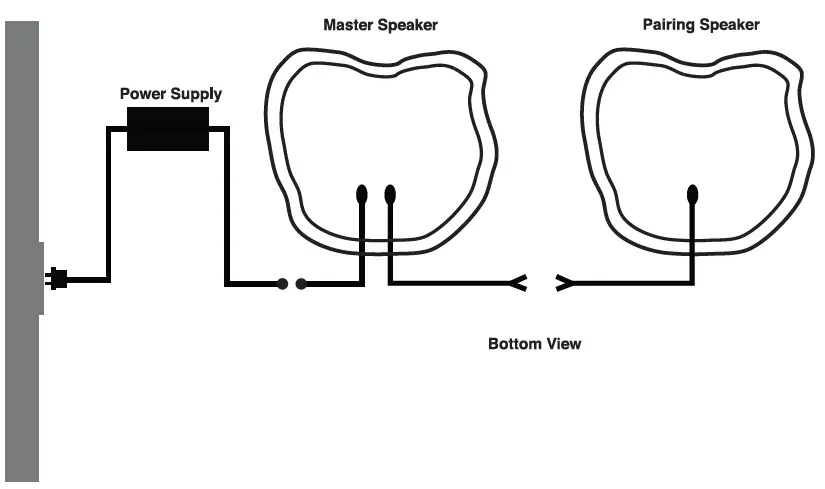
Power Supply
The power supply is IP67 rated and waterproof, As a precaution try and limit harsh weather and over exposure to the elements whenever possible.
“State of the art” Bluetooth Operation Connects to any Bluetooth-enabled device Sync to Bluetooth-enabled devices like smartphones and tablets.
Bluetooth Range
30-50 feet
Range may vary
Distances, both unobstructed and obstructed, may differ depending on device you are syncing up to the BTR.
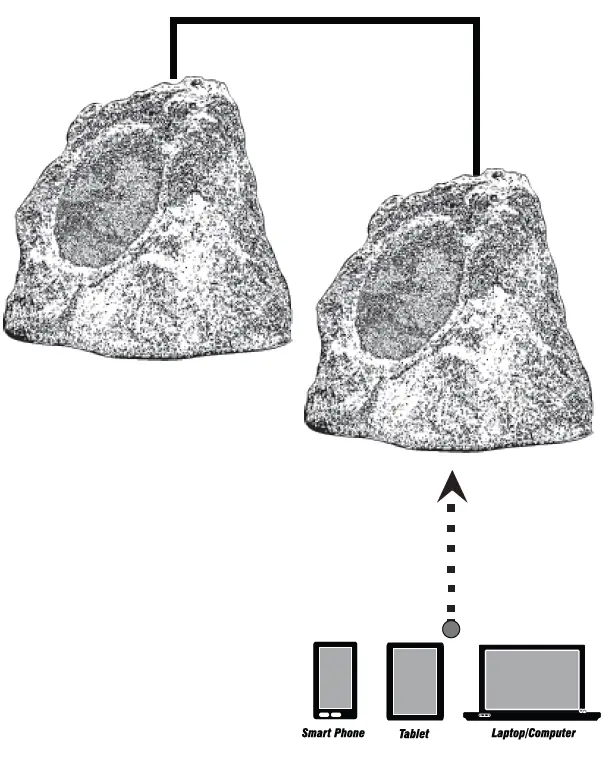
Make sure both your Bluetooth device and the OSD BTR speakers are turned on!
To pair two Bluetooth-enabled devices, both the Bluetooth Device and the BTR must be turned on and fully powered or fully charged. Bluetooth controls are typically found in the device’s Setting or Connections menu. The BTR will output a Bluetooth Sync code that will be received by the Bluetooth Device. Settings such as Volume, Mute, etc., will be controlled directly from your Bluetooth phone, tablet or another device.
Only one connection at a time:
The BTR syncs with only one device at a time. You must disconnect the current device before Syncing to another device.
Frequently Asked Questions
Allow up to 6 hours for the rock speaker’s USB charging to complete a full battery charge.
Quickly hit the power button once on one speaker. Press the power button twice fast on the second speaker. 3. The Speakers will then automatically pair.
Place your Bluetooth speaker on the ground. Dimensions of the room. Better is using two wireless Bluetooth speakers. Put the Bluetooth wireless speaker next to the walls. the Internet. Maintain Your Bluetooth Wireless Speaker.
What is the Bluetooth connection process for the Rock Speaker? Enter Bluetooth Mode on your Audio Rock Speaker by tapping the Bluetooth button. Once your device has entered Bluetooth mode, find the Audio Rock Speaker in the Bluetooth settings and select to pair with it.
Put the Micro USB Charging Cable’s bigger end into your computer or another USB charging device. The recommended USB cable charging time is between 5 and 6 hours. The charging indication light will turn RED while the speaker is charging and turn GREEN when it has finished charging.
Your speakers should be placed with their backs against a wall, fastened to substantial patio beams, or even up close to the ceiling overhang. These positions naturally increase volume and bass.
You can restart the device if necessary. You may turn it off by inserting a paperclip into the Solar Stone’s Reset hole at the bottom and gently pushing until the device turns off. Only do this after you’ve tried using the power button to restart Solar Stone.
Each Speaker must be turned on by simultaneously pressing and holding the power on/off button for two to three seconds. Both Speakers will pair after 10 seconds, and you’ll hear another tone to confirm the pairing process was accomplished.
The majority of outdoor speakers are passive devices, which means they will require power because they lack built-in amplification.
According to audio experts, it’s preferable to put outside speakers about ten feet high and ten feet apart, slanted slightly downward, for the best audio quality. Make sure to calculate your speaker wire requirements accurately to avoid running more than is necessary. Extra cable degrades the sound’s quality.
In general, keep your speakers as far apart as you can, but no closer than 20 feet. Attempt to direct each speaker toward a hub where the best sound will converge. Two speakers should be sufficient in a room between 200 and 400 square feet.
Place the volume control box outside and the receiver inside to connect outdoor speakers. Make sure you store your speakers in a protected spot. Allow sufficient distance from the ground and proper distance between the speakers while mounting them.
If they are properly cared for and maintained, outdoor speakers may often last up to ten years. The temperature and humidity of the environment, sunlight exposure, closeness to water (including swimming pools), owner maintenance, and the calibre of the wiring, mounting hardware, and weatherproof sealing all have an impact on how long outdoor speakers last.
Although they are designed expressly to withstand the elements, weatherproof speakers are only water resistant, not waterproof. Weatherproof speakers should be fine if they are exposed to moisture, steam, rain, or sprinklers.
Since almost all active outdoor speakers feature Bluetooth, they can all seamlessly sync to any compatible source right out of the box and are generally plug-and-play. To power passive speakers and connect them to an amplifier or receiver, you will also require outdoor speaker cable.