 The Epic Mesh Quick Install Guide
Setting up your Epic Mesh in 3 easy steps:
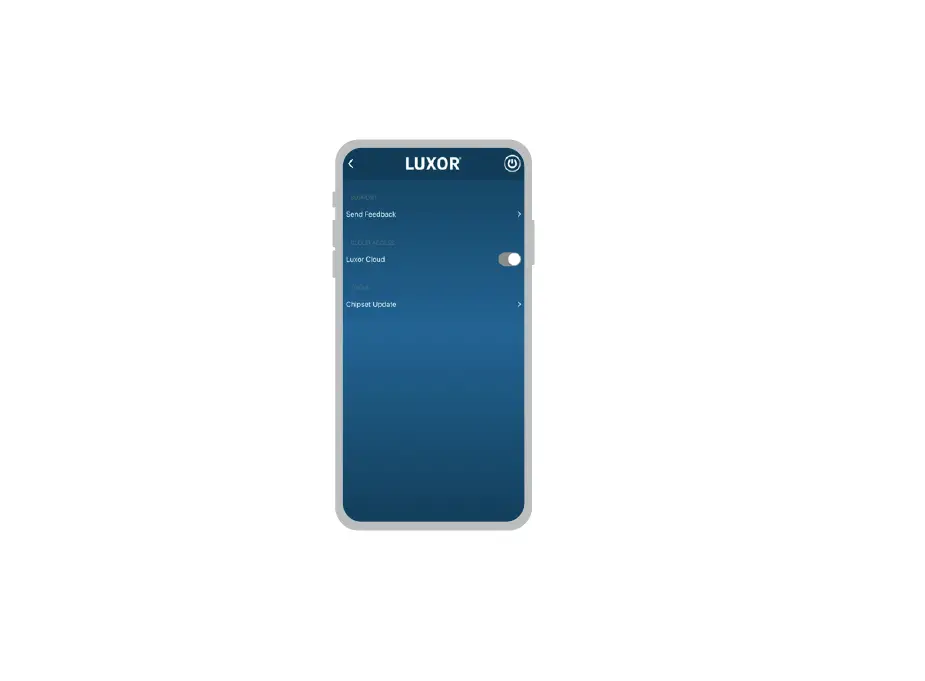
- Download the Luxul Easy Setup App (initial set up must be done using the app)
- Install your router node
- Install satellite node(s) as needed

https://easysetup.page.link/mn-10
Node Installation
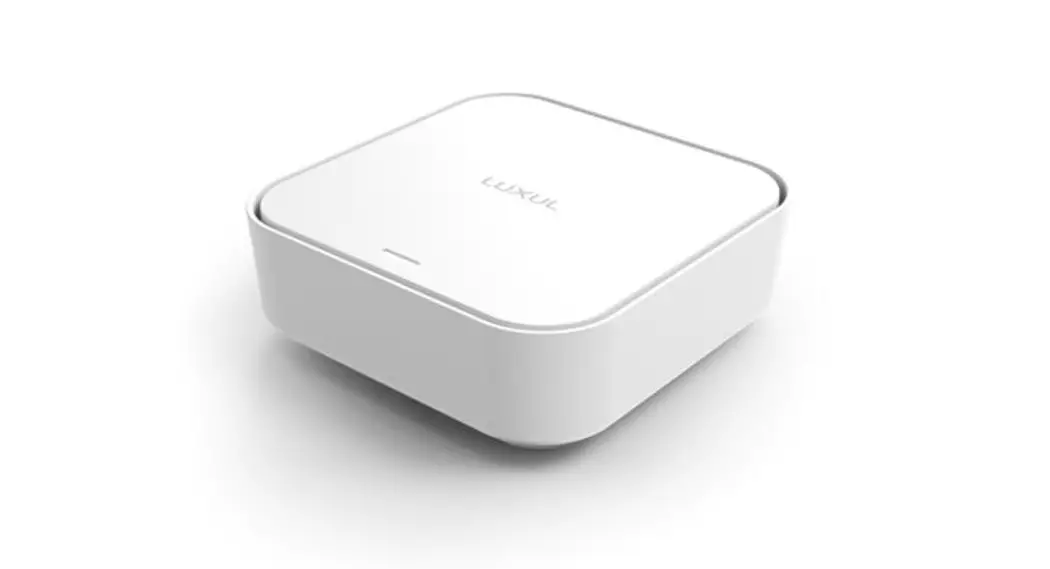
The first node you install in your mesh network will automatically be designated as the router node.
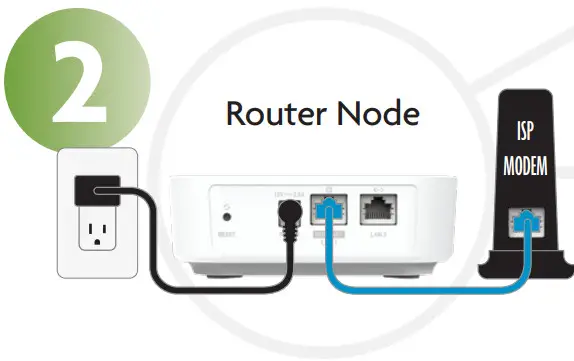
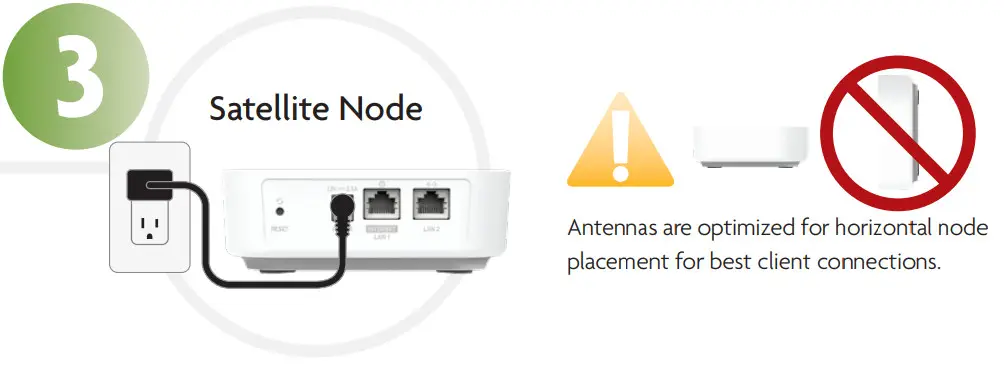
Connecting Nodes

 What if…
I need to restore factory default settings?
To restore factory default settings to your Epic Mesh node, press and hold the button labeled ‘Reset’ for six seconds.
I need to restart my Epic Mesh node?
To restart your Epic Mesh node, press and quickly release the button labeled ‘Reset.’
I want to perform advanced configuration?
- Open a web browser and go to 192.168.0.1 or the IP address you specified in the Easy Setup App during the setup process.
- Enter the login credentials you created during setup in the Easy Setup App.
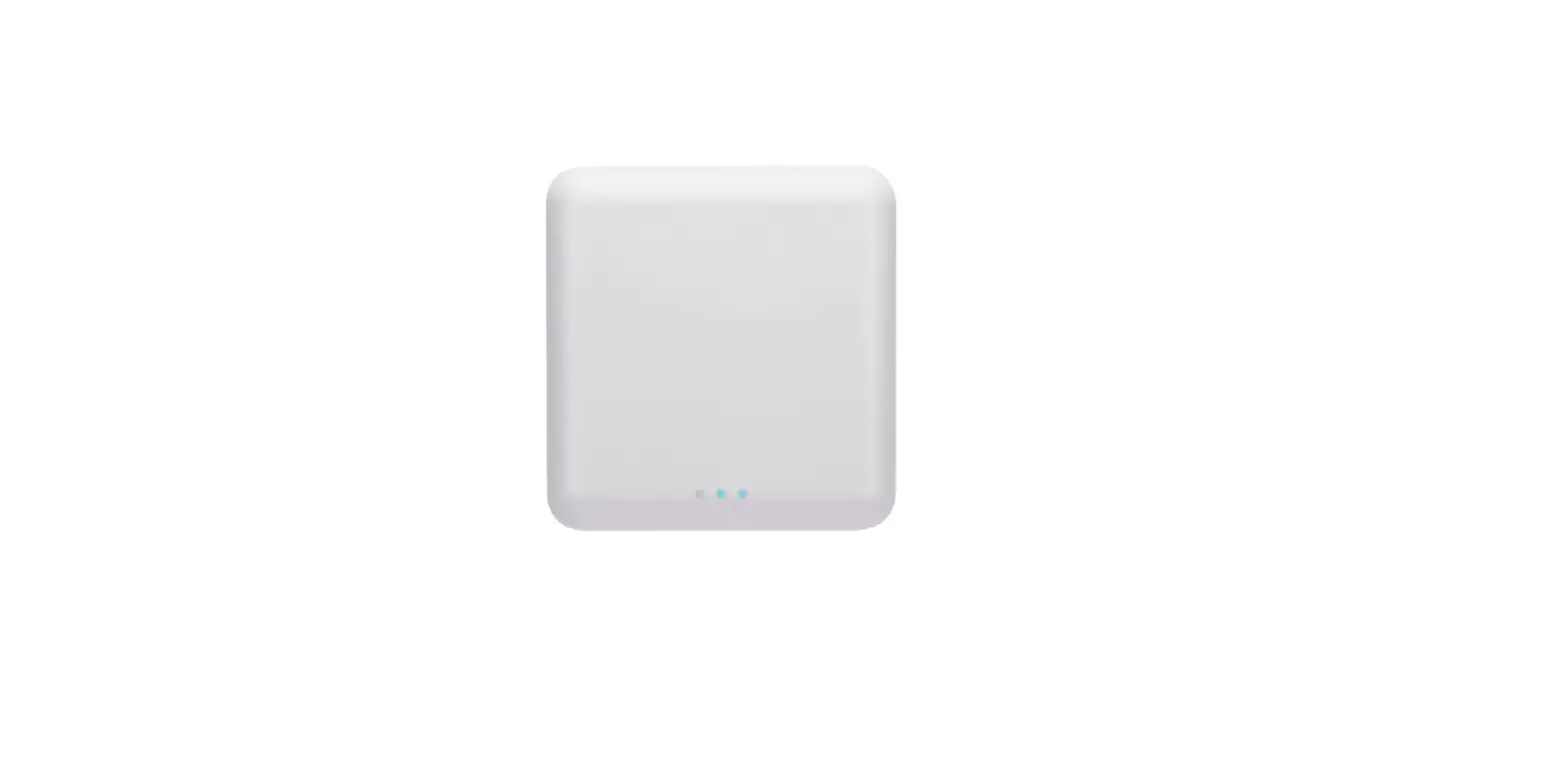
What does the LED on the front indicate?
Color | Pattern | Description |
| Green | Blinking | The device is booting up |
| White | Solid | Setup complete; normal operation |
| Red | Slow blink | The device has lost internet (WAN) connection |
| Green | Fast blink | Factory default is in process |
| Blue | Solid | The device is in a factory default state |
| Red | Solid | Error condition; contact support |
Copyright and Trademark Notices
No part of this document may be modified or adapted in any way, for any purposes without permission in writing from Luxul. The material in this document is subject to change without notice. Luxul reserves the right to make changes to any product to improve reliability, function, or design. No license is granted, either expressly or by implication or otherwise under any Luxul intellectual property rights. An implied license only exists for equipment, circuits, and subsystems contained in this or any Luxul product.
© Copyright 2019 Legrand AV Inc. All rights reserved. The name Luxul, the Luxul logo, the Luxul logo mark and Simply Connected are all trademarks and or registered trademarks of Legrand AV Inc.
All other trademarks and registered trademarks are the property of their respective holders.
Technical Support
P: 801-822-5450
E: [email protected]
For support, chat go to:
luxul.com
Sales
P: 801-822-5450
E: [email protected]
 Luxul | Professional grade Wi-Fi and networking products | Legrand AV