 Shenzhen C61 Mobile Data Terminal

Product intro
Intro
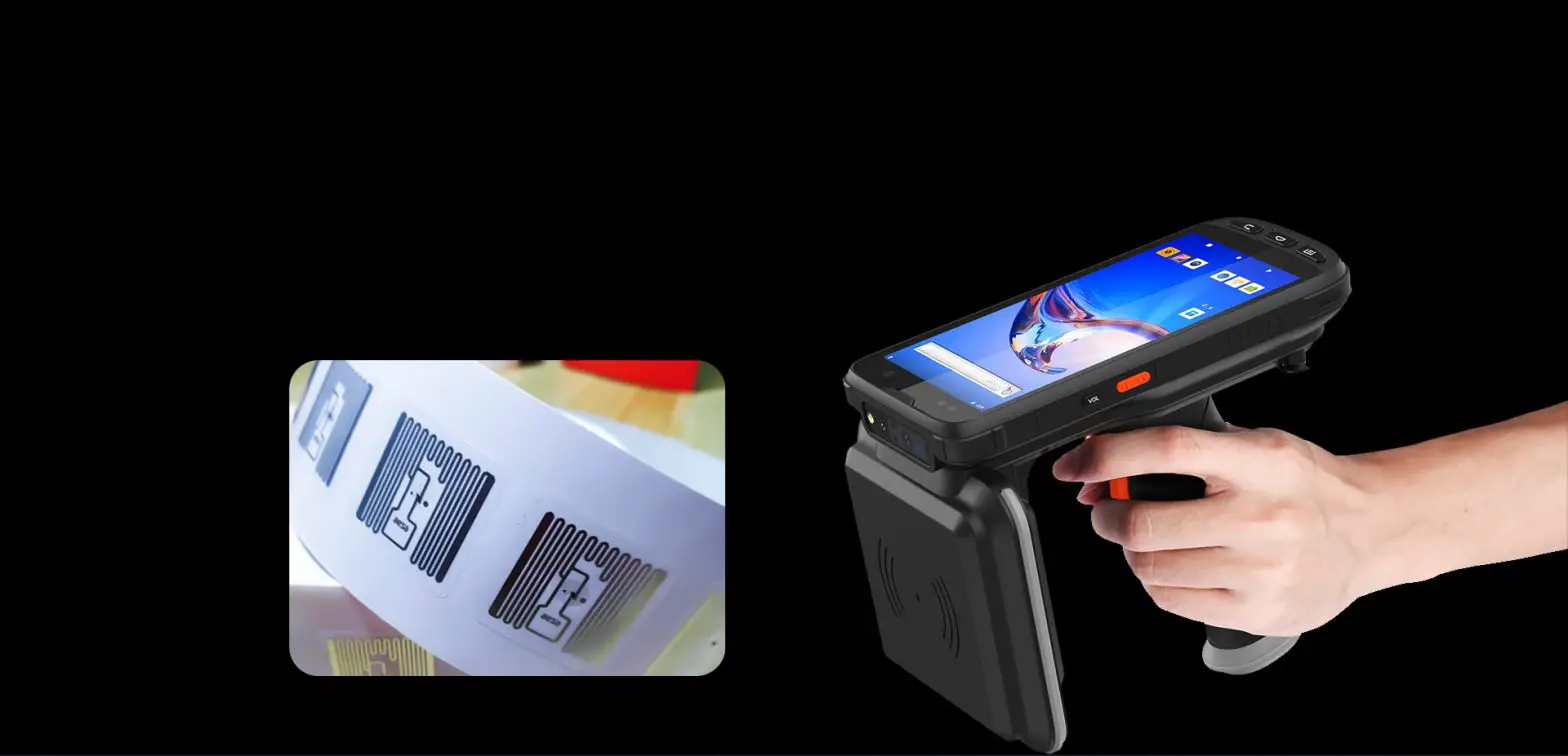
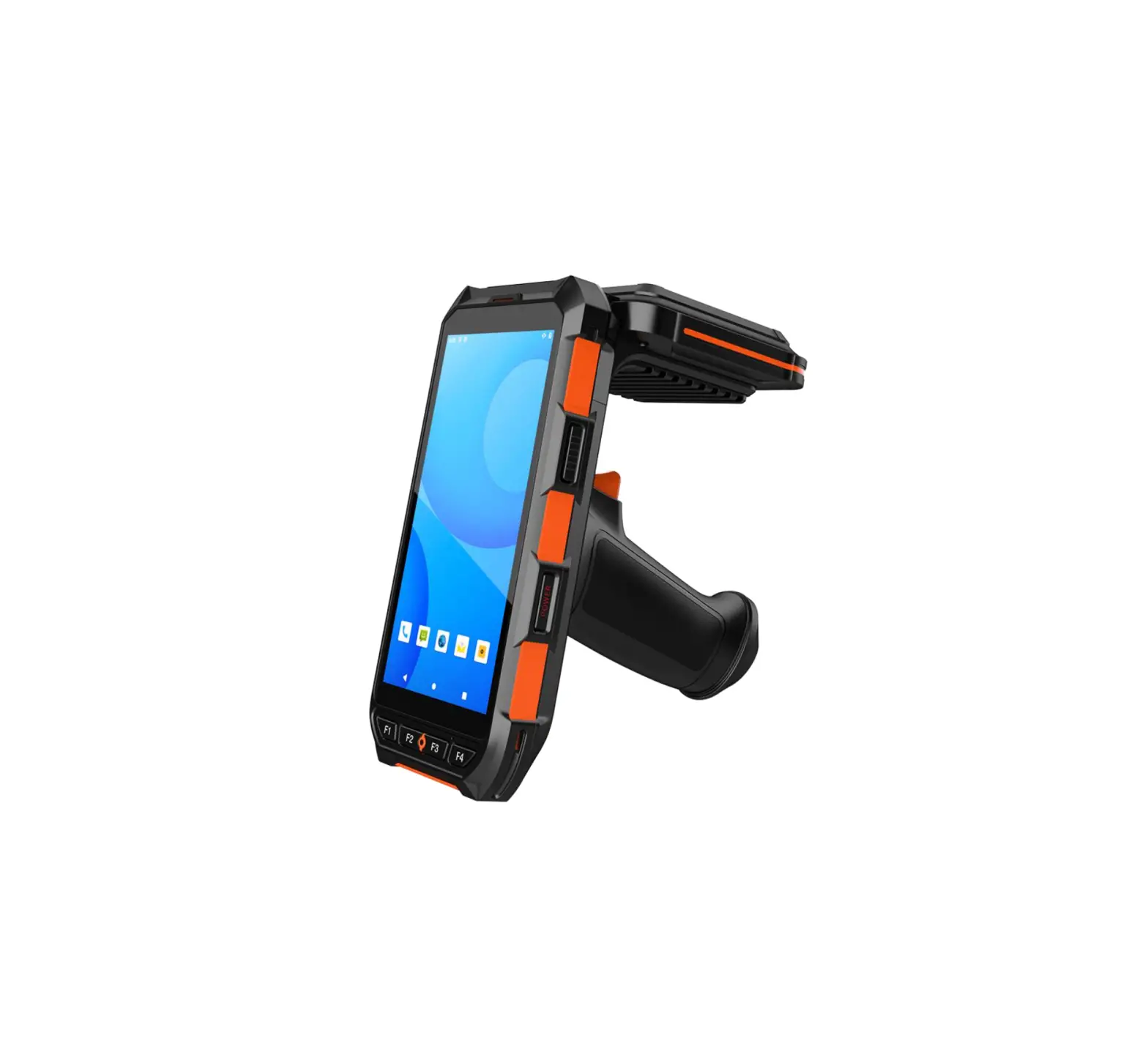
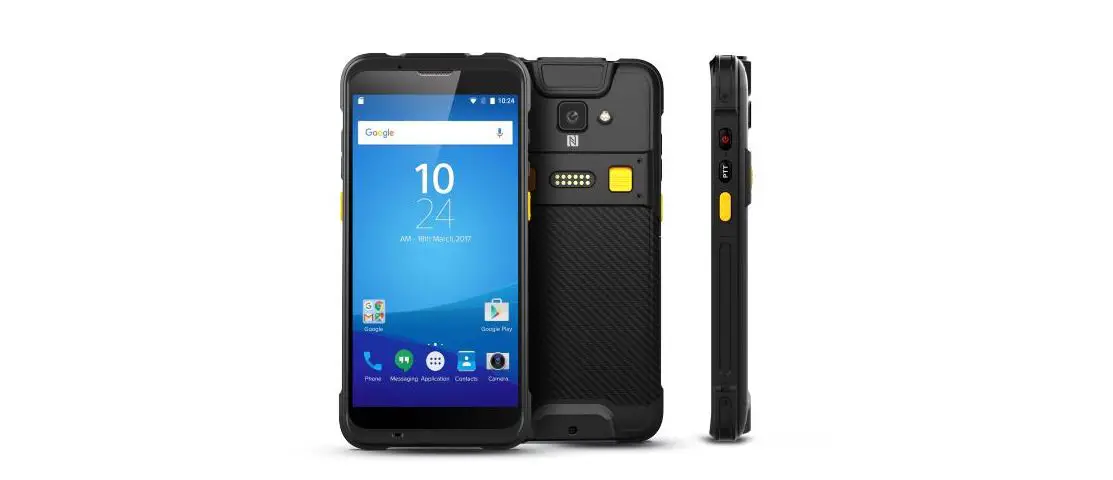
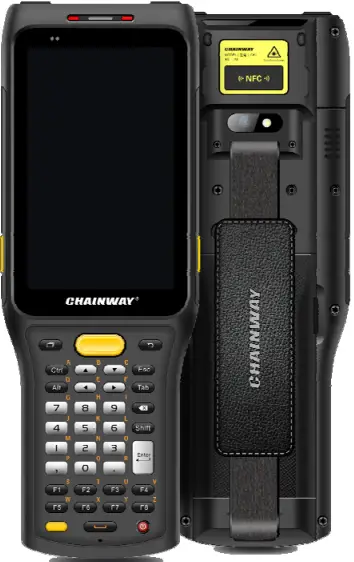
Chainway C61 is a new generation rugged handheld computer with robust performance. Built with AndroidTM 9 OS and Qualcomm Octa-Core processor, it supports a numeric/QWERTY keypad, abundant accessories like a trigger handle, and features a powerful removable battery. And it delivers optional barcode scanning, RFID, NFC, etc. This mobile computer can fulfill applications in logistics, warehousing, retail, etc.
Precaution before using battery
- Do not leave the battery unused for a long time, no matter it is in the device or inventory. If the battery has been used for 6 months already, it should be checked for charging function or it should be disposed of correctly.
- The lifespan of a Li-ion battery is around 2 to 3 years, it can be circularly charged for 300 to 500 times. (One full battery charge period means completely charged and completely discharged.)
- When a Li-ion battery is not in use, it will continue to discharge slowly. Therefore, battery charging status should be checked frequently and take reference of related battery charging information on the manuals.
- Observe and record the information of a new unused and non-fully charged battery. On the basis of the operating time of a new battery and compare with a battery that has been used for a long time. According to the product configuration and application program, the operating time of the battery would be different.
- Check battery charging status at regular intervals.
- When battery operating time drops below about 80%, charging time will be increased remarkably.
- If a battery is stored or otherwise unused for an extended period, be sure to follow the storage instructions in this document. If you do not follow the instructions, and the battery has no charge remaining when you check it, consider it to be damaged. Do not attempt to recharge it or to use it. Replace it with a new battery.
- Store the battery at temperatures between 5 °C and 20 °C (41 °F and 68 °F).
Charger
The charger type is DBS15Q, output voltage/current is 5V DC/3A/9V DC/2A/12V DC/1.5A. The plug is considered as a disconnect device of the adapter.
Notes
- Note
Using the incorrect type of battery has the danger of explosion. Please dispose of the used battery according to the instructions. - Note
Due to the used enclosure material, the product shall only be connected to a USB Interface of version 2.0 or higher. The connection to so-called power USB is prohibited. - Note
The adapter shall be installed near the equipment and shall be easily accessible. - Note
The suitable temperature for the product and accessories is 0-10℃ to 50℃. - Note
CAUTION RISK OF EXPLOSION IF BATTERY IS REPLACED BY AN INCORRECT TYPE. DISPOSE OF USED BATTERIES ACCORDING TO THE INSTRUCTIONS.
Installation instruction
Appearance
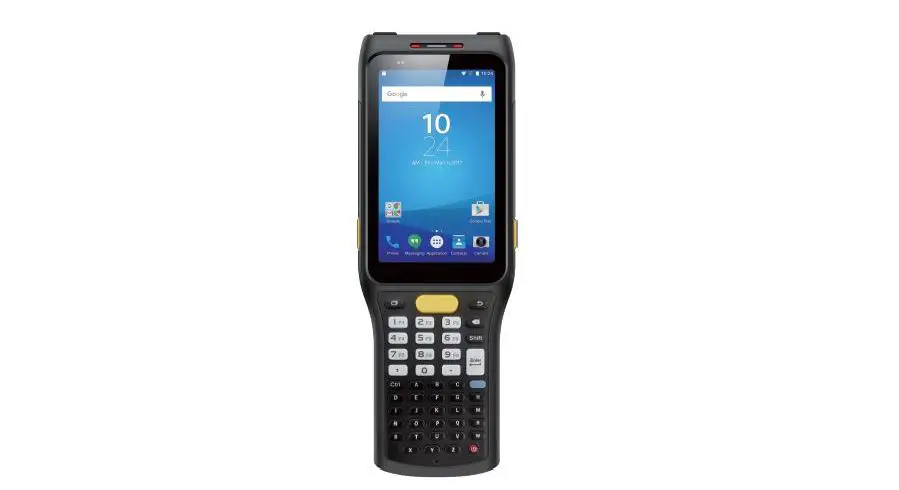
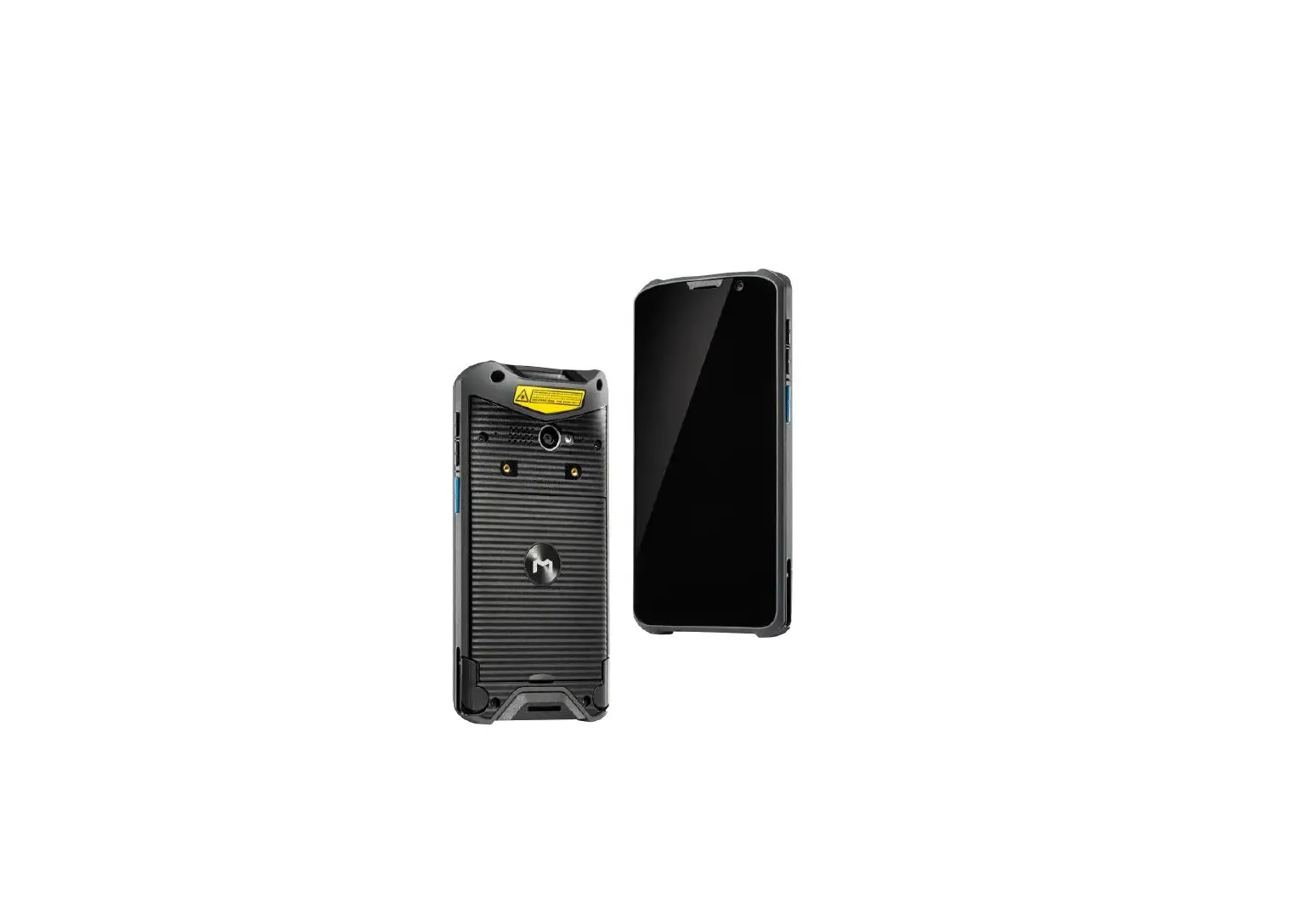
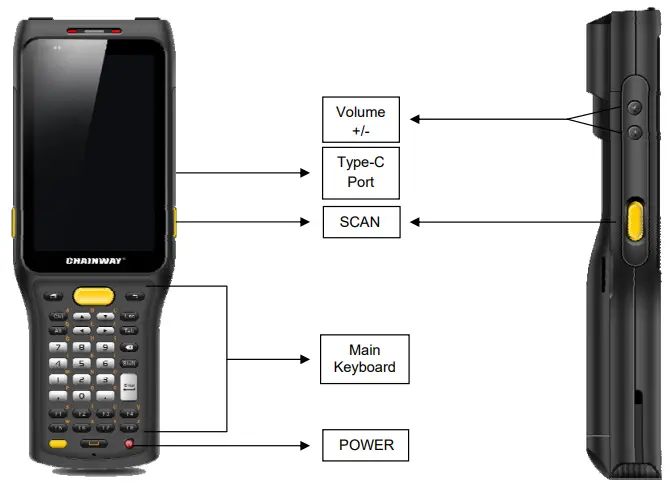
C61 back and front appearances are showing as follows: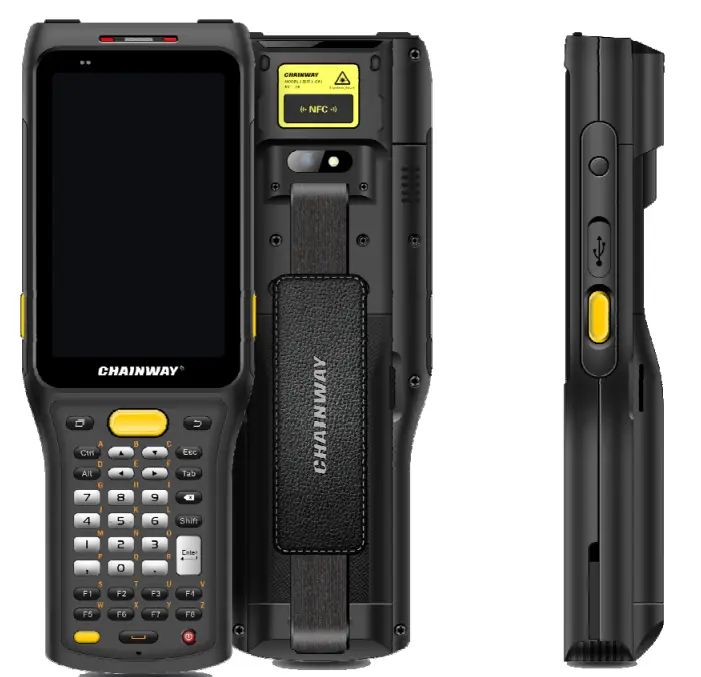
Buttons instruction
Install Micro SD and SIM cards
The card sockets are shown as follows: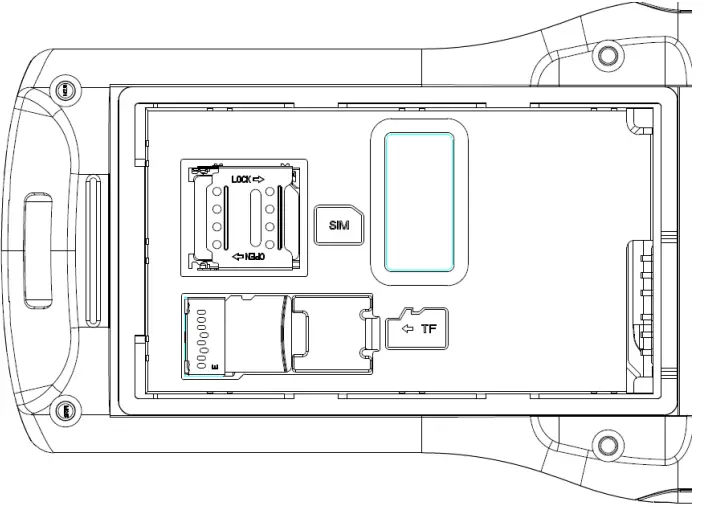
Battery charge
By using USB Type-C contact, the original adaptor should be used for charging the device. Make sure not to use other adaptors to charge the device.
C61 has the main keyboard that contains 10 numeric keys+2 symbolic keys, 4 direction keys, 2 Android function keys, ENTER/ESC/TAB/ALT/CTRL/BACK/DELETE, 10 user-defined function keys (reuse with letter keys), 1 POWER key, 1 SCA N key, 1 Alt key, 38 keys in total.
Side keys: 2 SCAN keys+2 volume keys+1 user-defined key, 2D scanning module locates on the top. HD camera and flashlight locate at the rear. NFC identification surrounds the camera.
Call function
Calling numbers
- Click icon

- Click the number key to input phone numbers.
- Click the icon
 to call.
 - Click the icon
 to end the call.

 to call.
 to end the call.
Contacts
- Click contacts to open the contacts list.
- Click the icon
 to add new contacts.
 - Click the icon
 to import/export contacts.
 to add new contacts.
 to import/export contacts.
SMS and MMS
- Click
 to open the message window.
 - Click to
 input message receiver and contents.
 - Click to
 send out messages.
 - Click to
 add attachment pictures and videos.
 to open the message window.
 input message receiver and contents.
 send out messages.
 add attachment pictures and videos.
Chapter 4 Barcode reader-writer
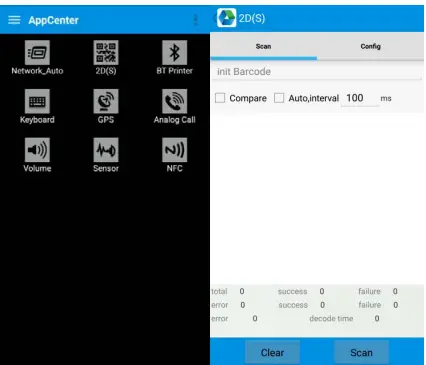
- In-App Center, to open 2D barcode scan test.
- Press the “SCAN” button or click the scan key to start scanning, the parameter “Auto interval” can be adjusted.
 Caution: Please scan codes in the correct way otherwise the scanning will be failed.
2D code:
 Max. radiant power: 0.6mW
Wave length: 655nM
IEC 60825-1 (Ed.2.0). 21CFR 1040.10 and 1040.11 standard.
 Caution: Please scan codes in the correct way otherwise the scanning will be failed.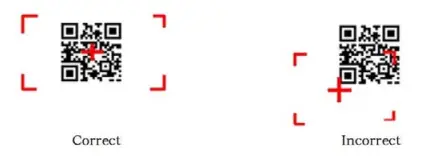
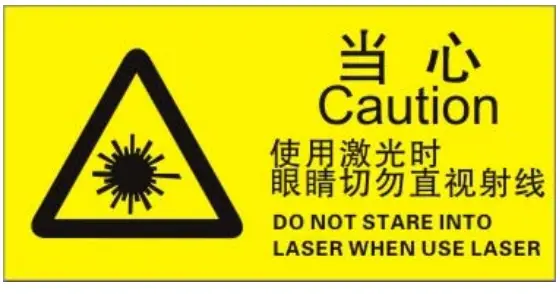 Max. radiant power: 0.6mW
RFID reader
NFC
Click App Center, and open “NFC” to read and write tag information.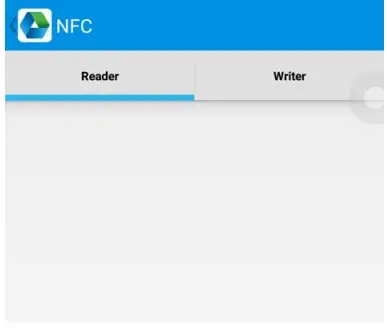
Other functions

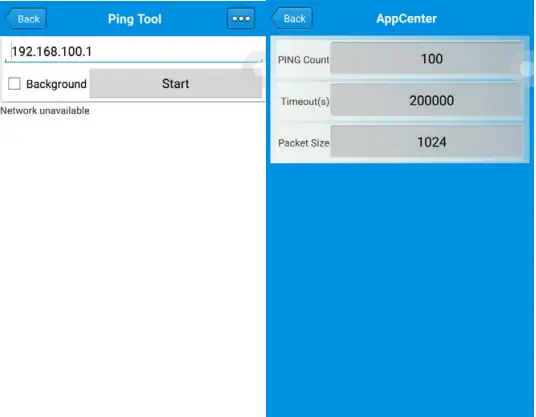
PING tool
- Open “PING” in App Center.
- Setup PING parameter and select external/internal address.
Bluetooth
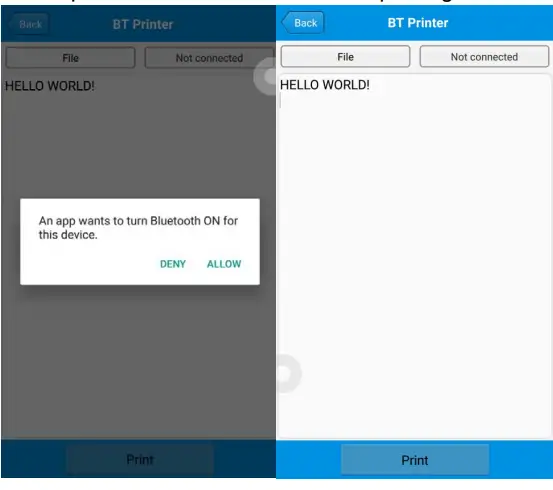
- Open “BT Printer” in App Center.
- In the list of detected devices, click the device that you want to pair.
- Select the printer and click “Print” to start printing contents.

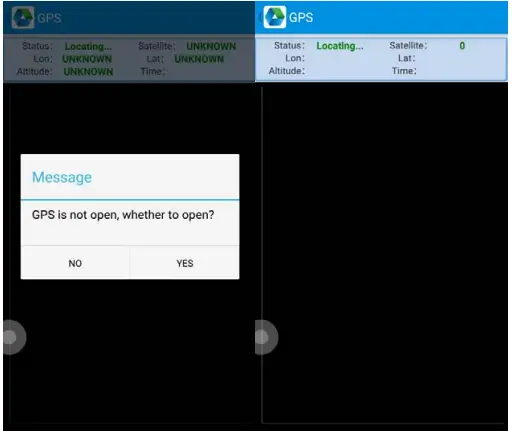
GPS
- Click “GPS” in App Center to open the GPS test.
- Setup GPS parameters to access GPS information.

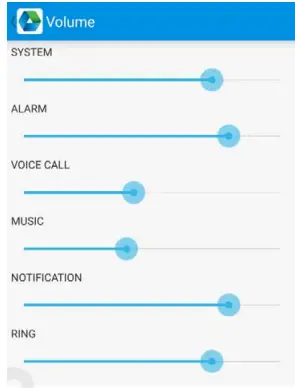
Volume setup
- Click “Volume” in App Center.
- Setup volume by requirements.

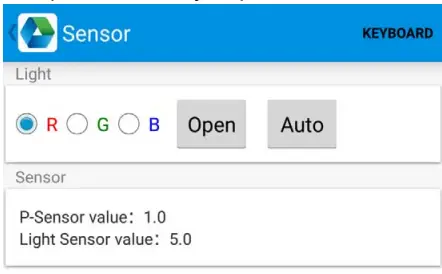
Sensor
- Click “Sensor” in App Center.
- Setup the sensor by requirements.

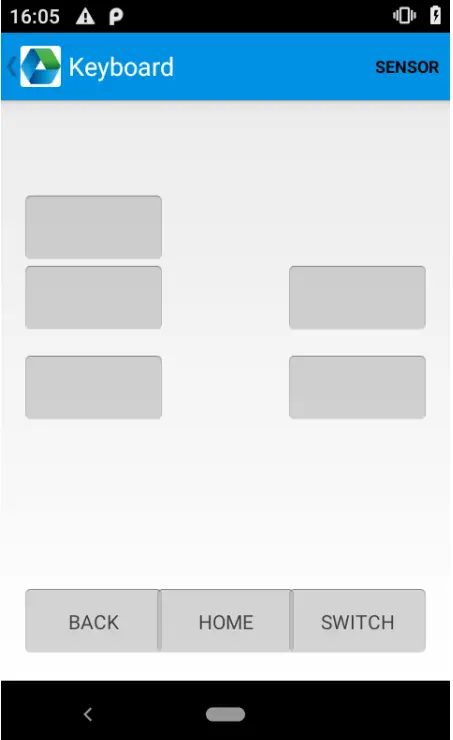
Keyboard
- Click “Keyboard” in App Center.
- Setup and test the main value of the device.

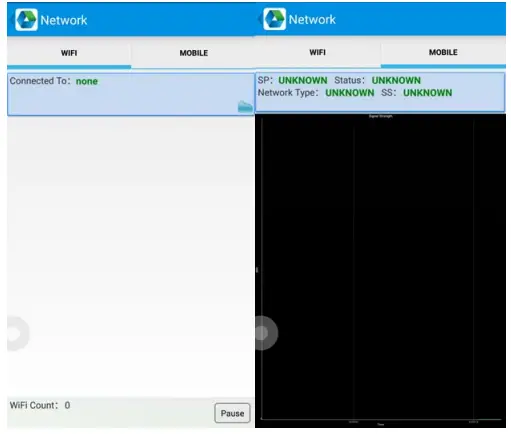
Network
- Click “Network” in App Center.
- Test WIFI/Mobile signal by requirements.

Keyboard emulator
The keyboard emulator can be used in multiple operating backgrounds and output formats directly. And it includes Prefix/Suffix/Enter/TAB.
Please check the Keyboard emulator manual for more details.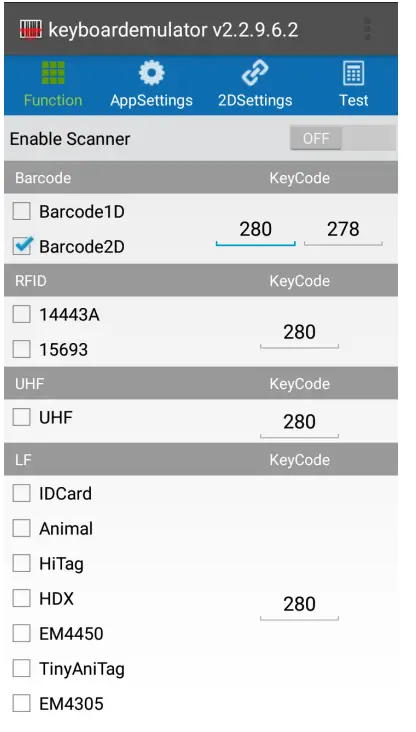
Device characteristic
Physical characteristics
| Size | 202.0 x 72.5 x 32.0 mm / 7.95 x 2.85 x 1.26 in. |
| Weight | 390 g / 13.76 oz. |
| Display | 4-inch display, LTPS LCD screen |
| Main Keyboard | 37 keys in total Side keys: 2 SCAN keys + 2 volume keys + 1 user-defined key |
| Battery | 5200 mAh removable main battery, 5200 mAh optional pistol battery, support QC3.0 and RTC Standby: over 300 hours (only main battery) Continuous use: over 12 hours (depending on user environment) Charging time: 2.5hours (charge device by standard adaptor and USB cable) |
| Expansion | Supports up to 128 GB Micro SD card |
| Expansion Slot | 1 slot for SIM card, 1 slot for TF card |
| Audio | 1 Microphones, 1 Speaker |
| Camera | 13MP autofocus camera with flashlight |
Performance
| CPU | Qualcomm 1.8 GHz Octa-core |
| OS | Android 9 |
| RAM | 3GB |
| Communication Interface | USB3.0,Type-C |
| ROM | 32GB |
| Max. expansion | Supports up to 128 GB Micro SD card |
User environment
| Operating temp. | -20℃ to 50℃ | |
| Storage Temp. | -40℃ to 70℃ | |
| Humidity | 5%RH – 95%RH non condensing | |
| Sealing | IP65, IEC sealing standard | |
| Drop specification | Multiple 1.8 m / 5.9 ft. drops (at least 20 times) to the concrete across the operating temperature range | |
Communication
| WAN | |
| US: | |
| 2G: 850/900/1800/1900MHz | |
| 3G: 850/900/1900/2100MHz | |
| 4G: B2/B4/B5/B7 | |
| WLAN | Support 802.11 a/b/g/n/ac |
| Bluetooth | Bluetooth 4.2/4.1+HS/4.0/3.0+HS/2.1+EDR |
Data collection
| Barcode scanning | SE4710/SE4750/SE4850 |
| RFID | NFC 13.56Mhz |
Developing Environment
| SDK | Chainway software develop kit |
| Language | Java |
| Develop | Eclipse/Android Studio |
FCC Caution
Labeling requirements.
This device complies with part 15 of the FCC Rules. Operation is subject to the following two conditions: (1) This device may not cause harmful interference, and (2) this device must accept any interference received, including interference that may cause undesired operation.
Information to the user.
Note: This equipment has been tested and found to comply with the limits for a Class B digital device, pursuant to part 15 of the FCC Rules. These limits are designed to provide reasonable protection against harmful interference in a residential installation. This equipment generates uses and can radiate radio frequency energy and, if not installed and used in accordance with the instructions, may cause harmful interference to radio communications. However, there is no guarantee that interference will not occur in a particular installation. If this equipment does cause harmful interference to radio or television reception, which can be determined by turning the equipment off and on, the user is encouraged to try to correct the interference by one or more of the following measures:
- Reorient or relocate the receiving antenna.
- Increase the separation between the equipment and receiver.
- Connect the equipment into an outlet on a circuit different from that to which the receiver is connected.
- Consult the dealer or an experienced radio/TV technician for help.
Information to user.
Any Changes or modifications not expressly approved by the party responsible for compliance could void the user’s authority to operate the equipment.
Specific Absorption Rate (SAR) information
This wireless phone meets the government’s requirements for exposure to radio waves. The guidelines are based on standards that were developed by independent scientific organizations through periodic and thorough evaluations of scientific studies. The standards include a substantial safety margin designed to assure the safety of all persons regardless of age or health.
The highest SAR value reported under this standard during product certification for use at the ear is 0.31W/kg and when properly worn on the body is 1.14W/kg. This device was tested for typical body-worn operations with the back of the handset kept1.0cm from the body. To maintain compliance with FCC RF exposure requirements, use accessories that maintain a 1.0cmseparation distance between the user’s body and the back of the handset. The use of belt clips, holsters and similar accessories should not contain metallic components in its assembly. The use of accessories that do not satisfy these requirements may not comply with FCC RF exposure requirements and should be avoided.
Body-worn Operation
This device was tested for typical body-worn operations. To comply with RF exposure requirements, a minimum separation distance of 1.0 cm must be maintained between the user’s body and the handset, including the antenna. Third-party belt clips, holsters, and similar accessories used by this device should not contain any metallic components. Body-worn accessories that do not meet these requirements may not comply with RF exposure requirements and should be avoided. Use only the supplied or an approved antenna.