
INSTRUCTION MANUAL

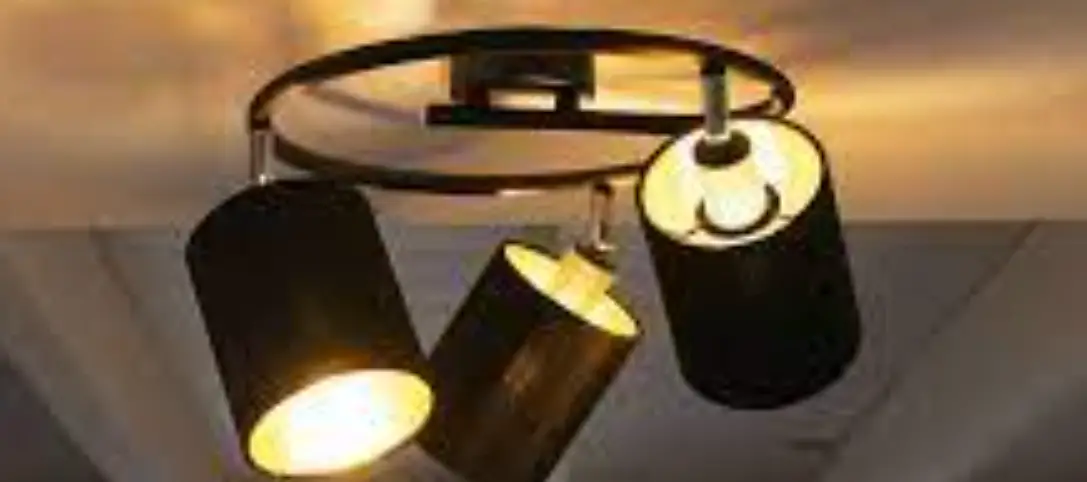
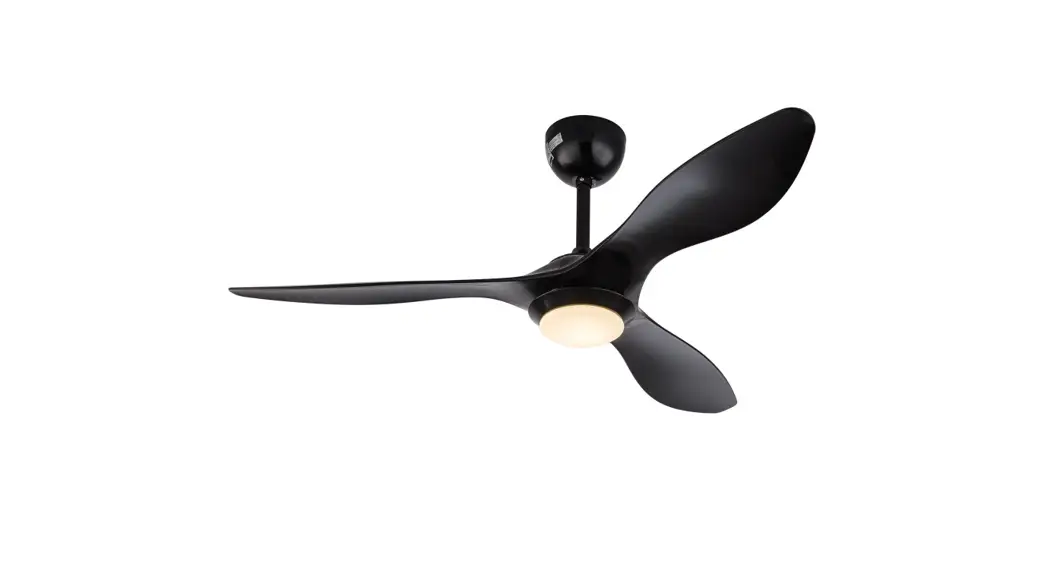
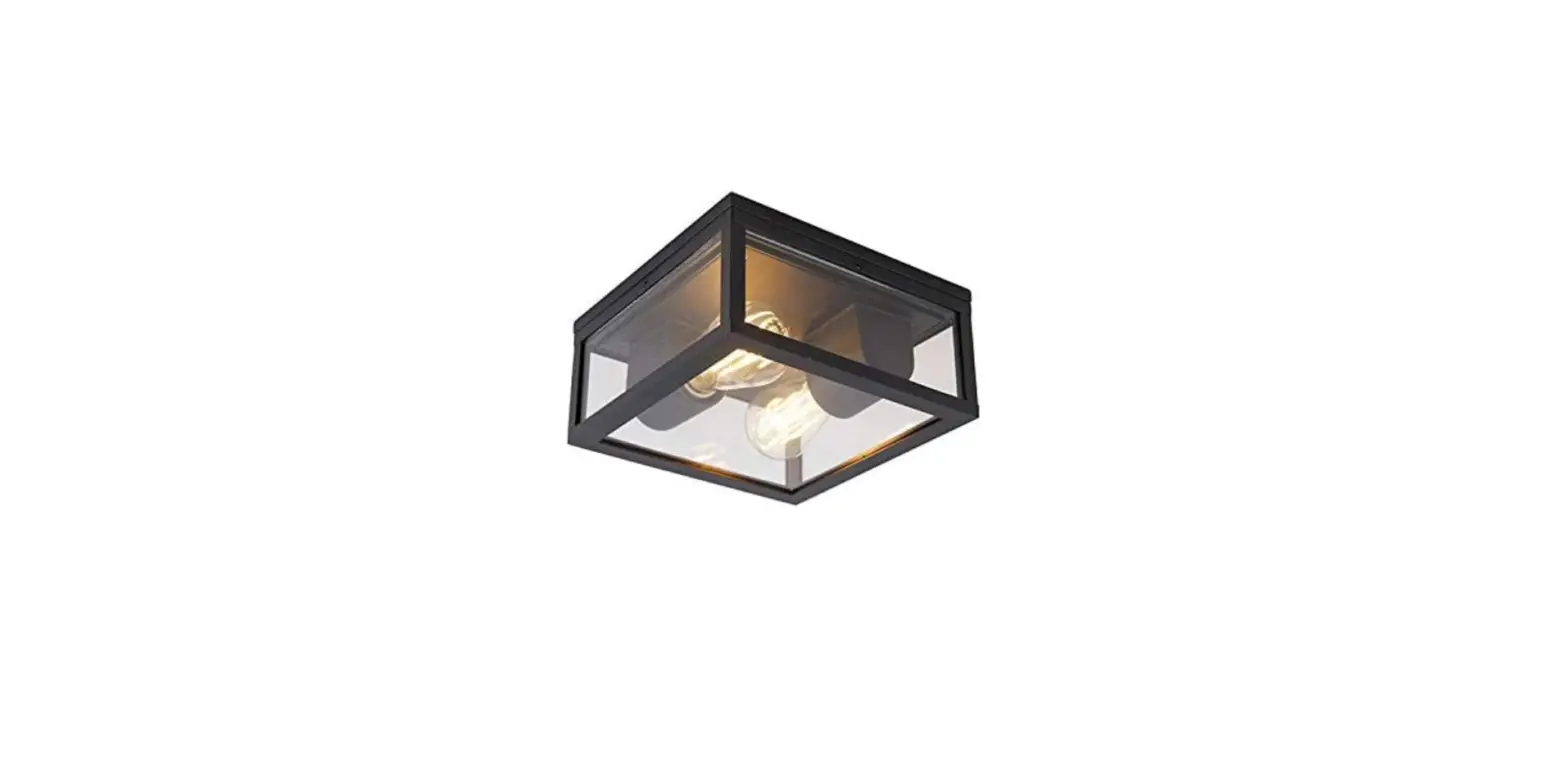
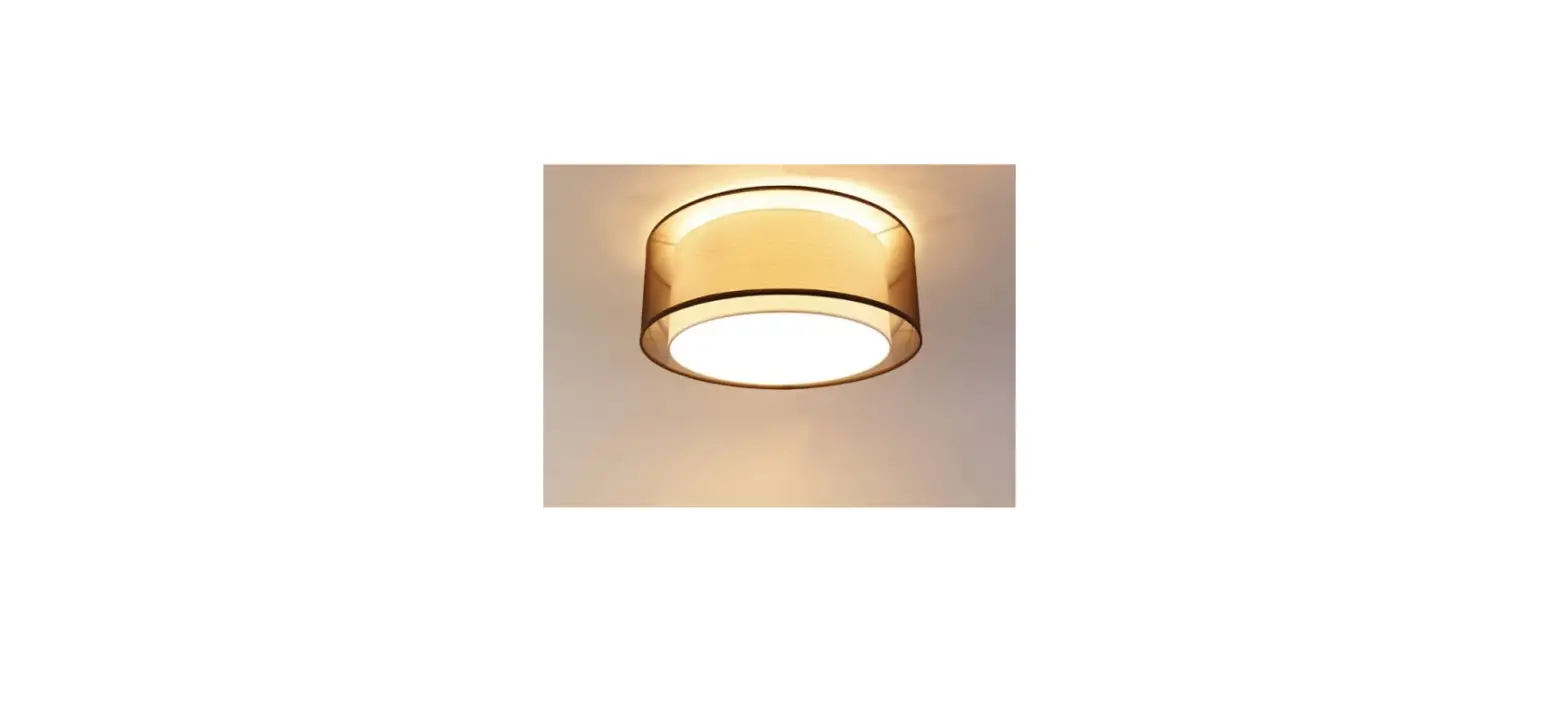
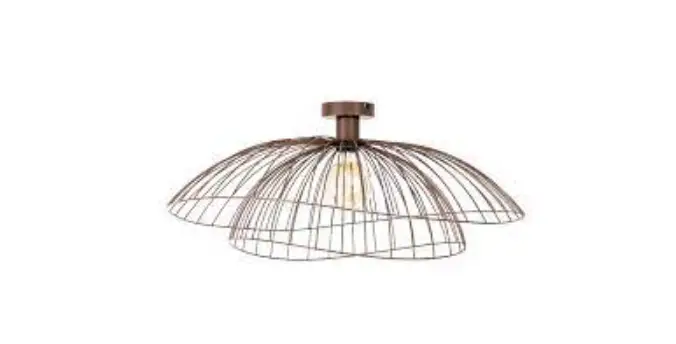
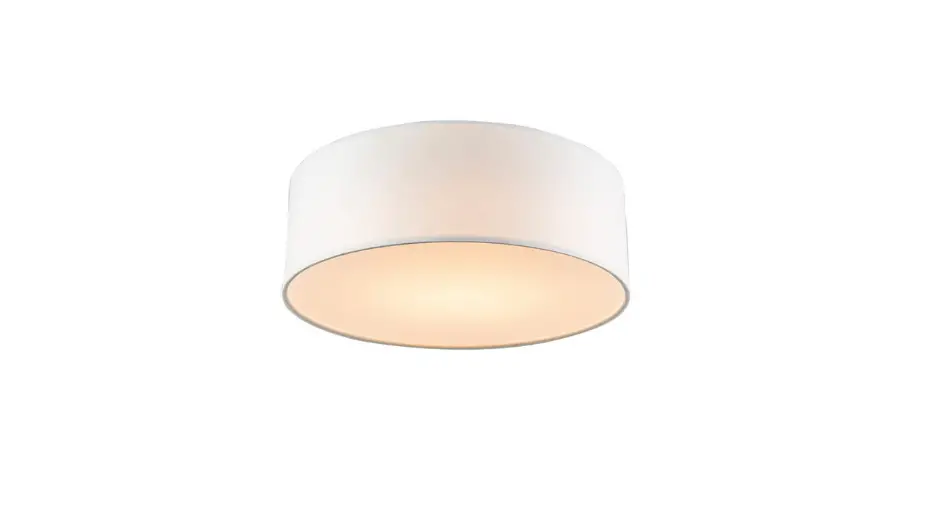
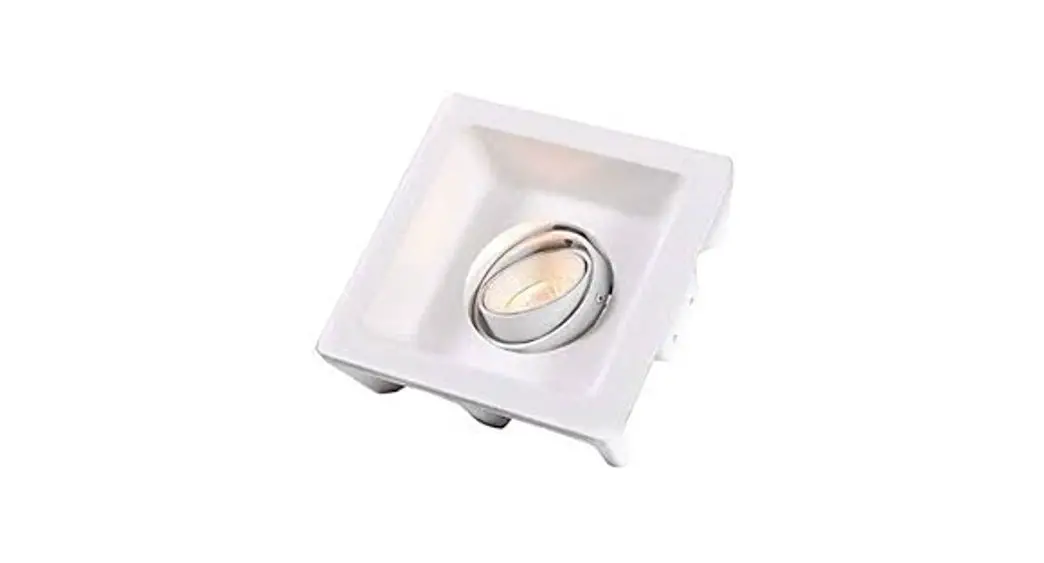
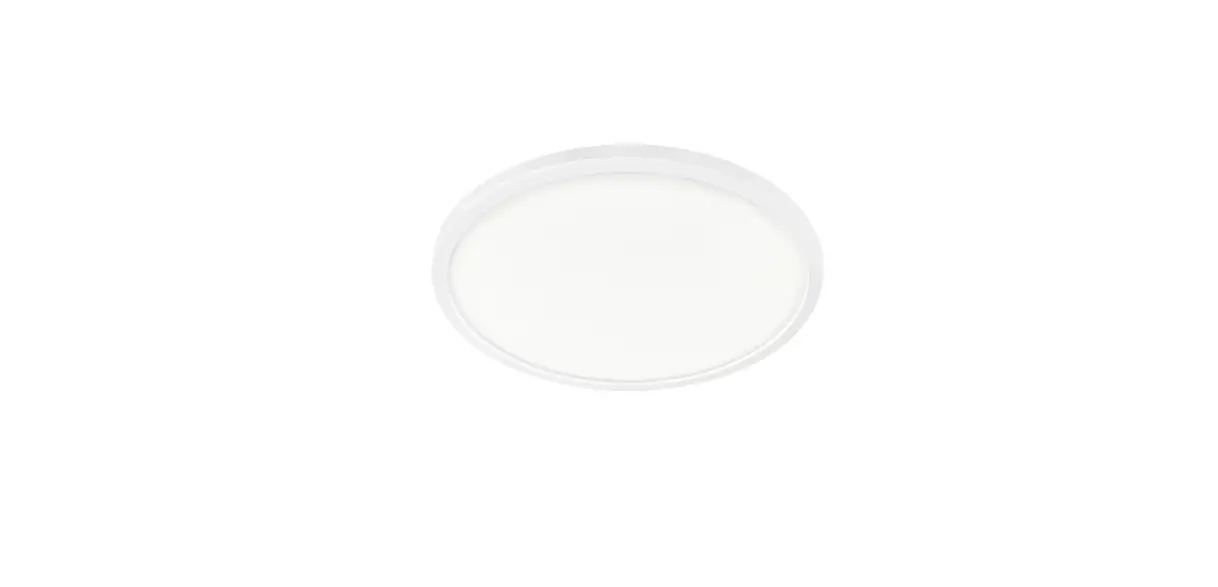
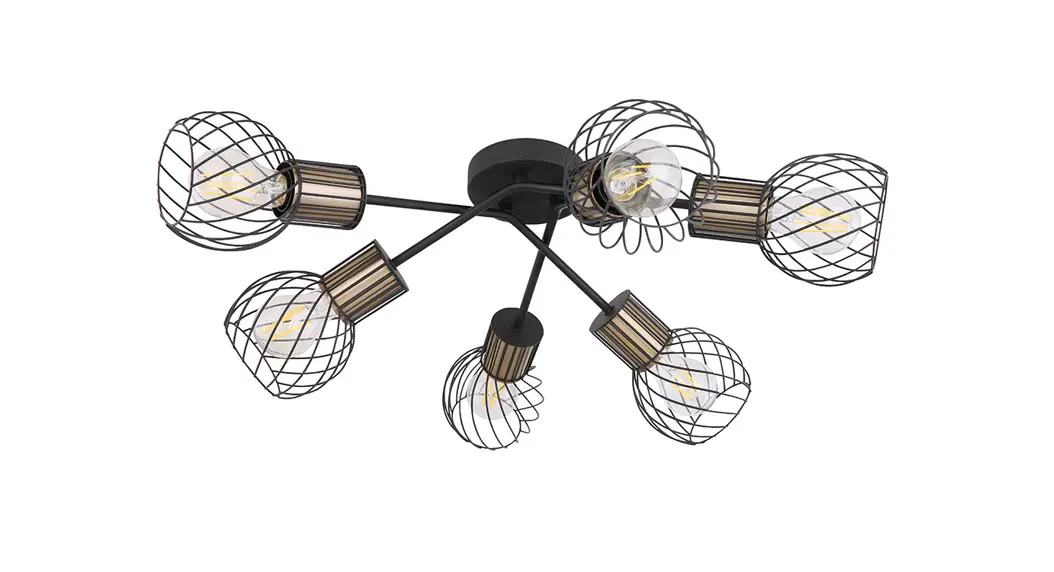
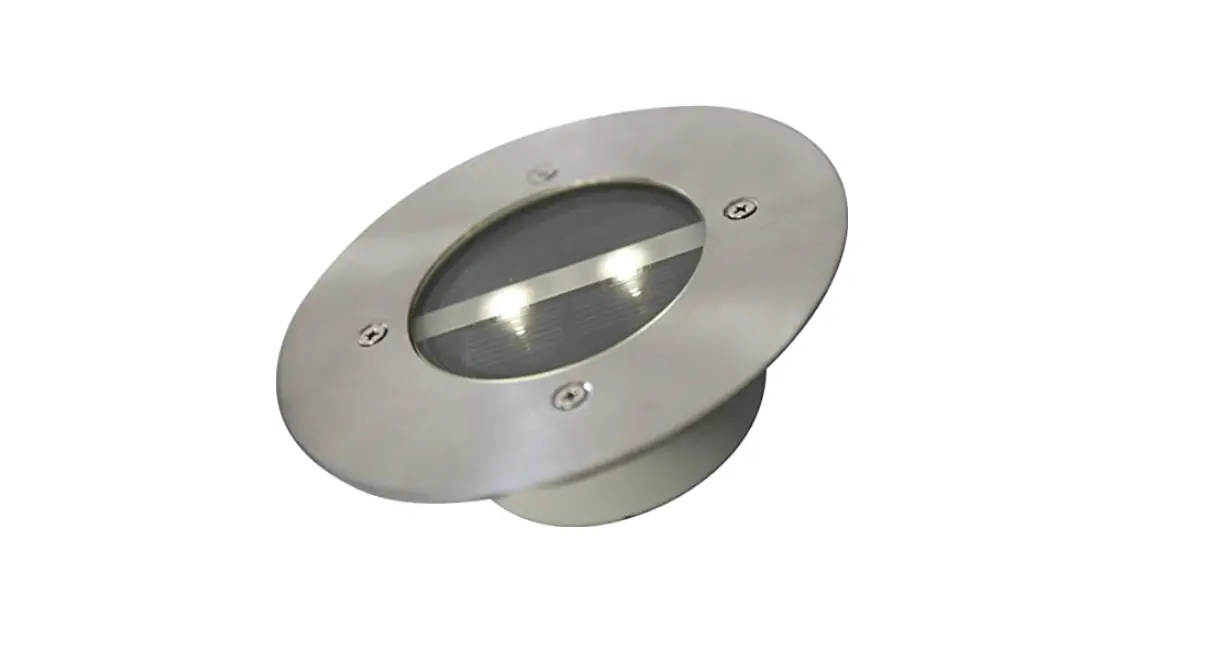
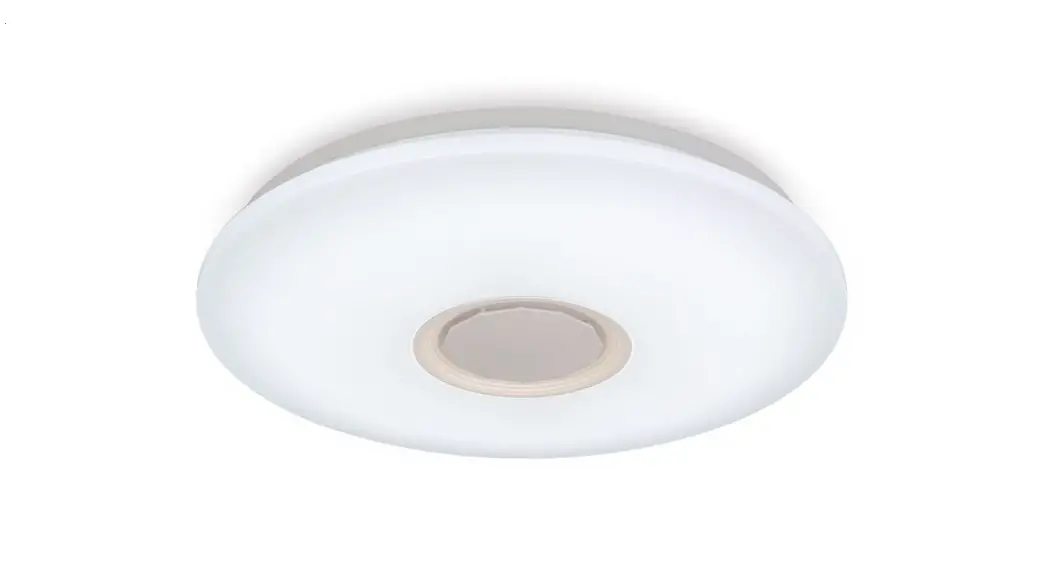
Damla CL 48 White Smart 103950
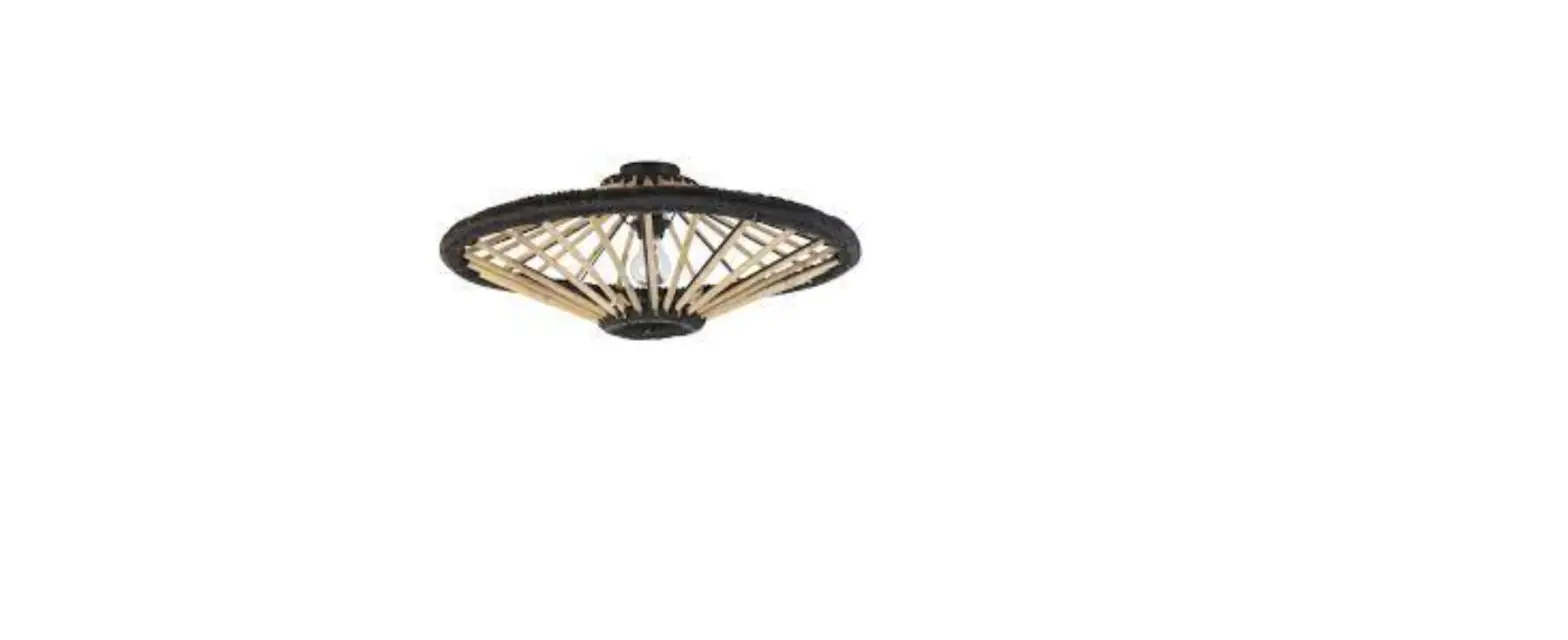
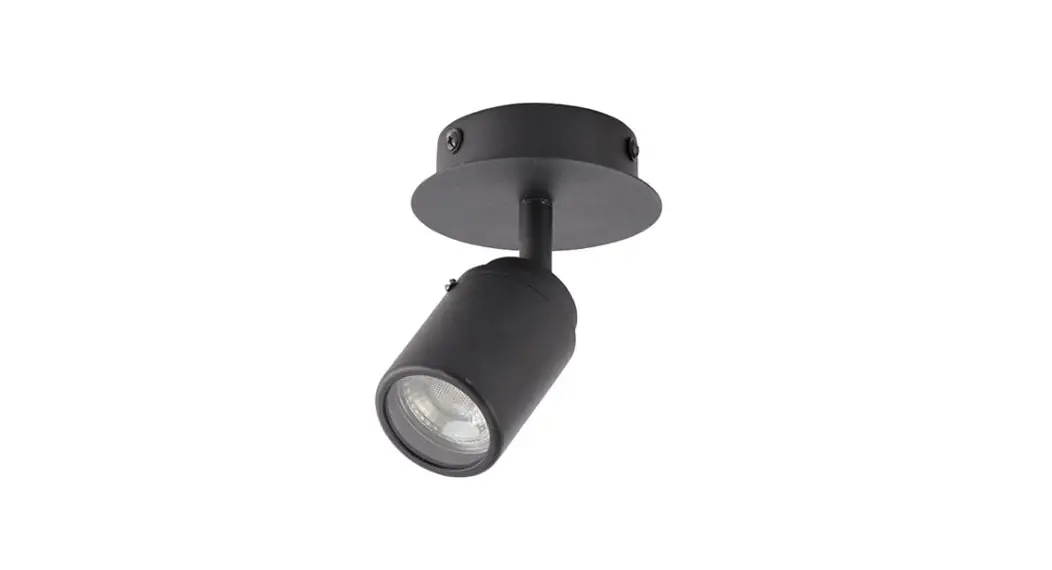
Luka CL 49 Black Smart 103961
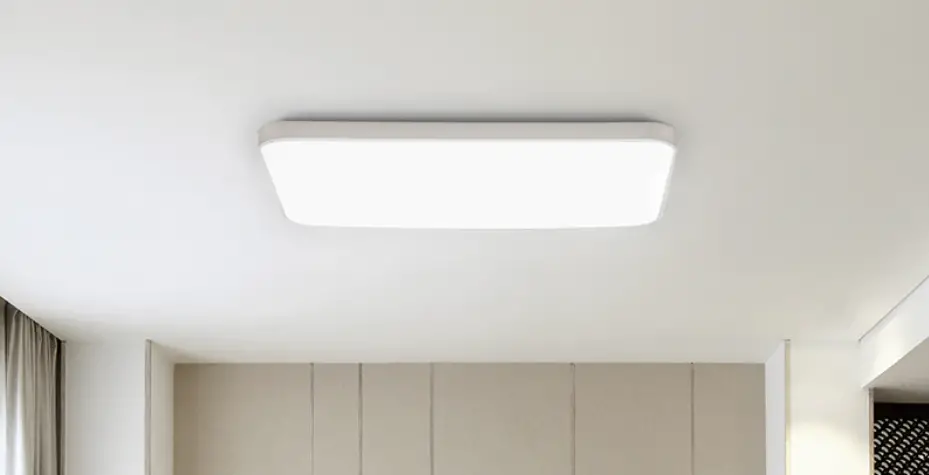
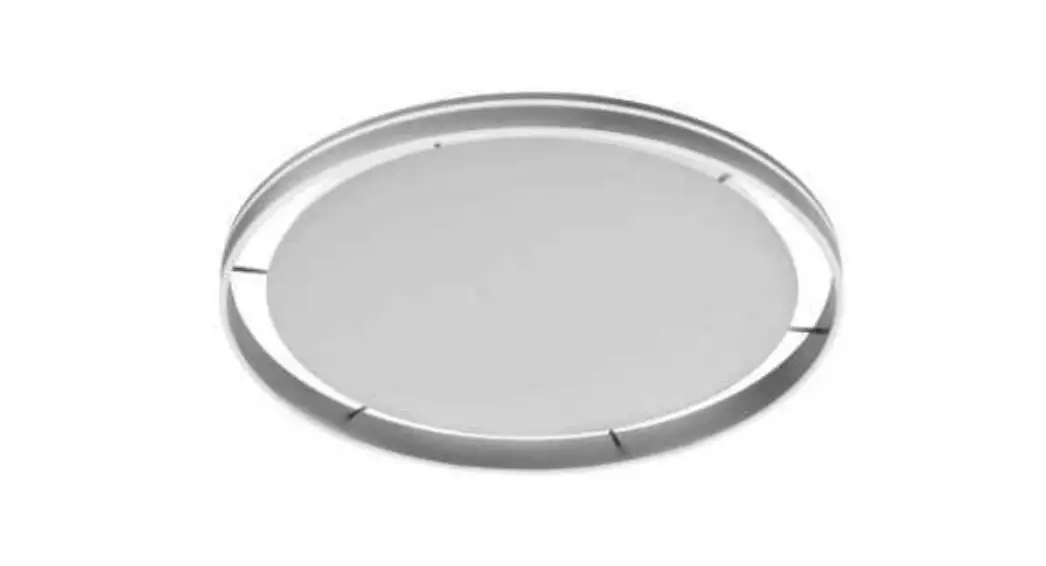
Emma CL 36 White Smart 103951
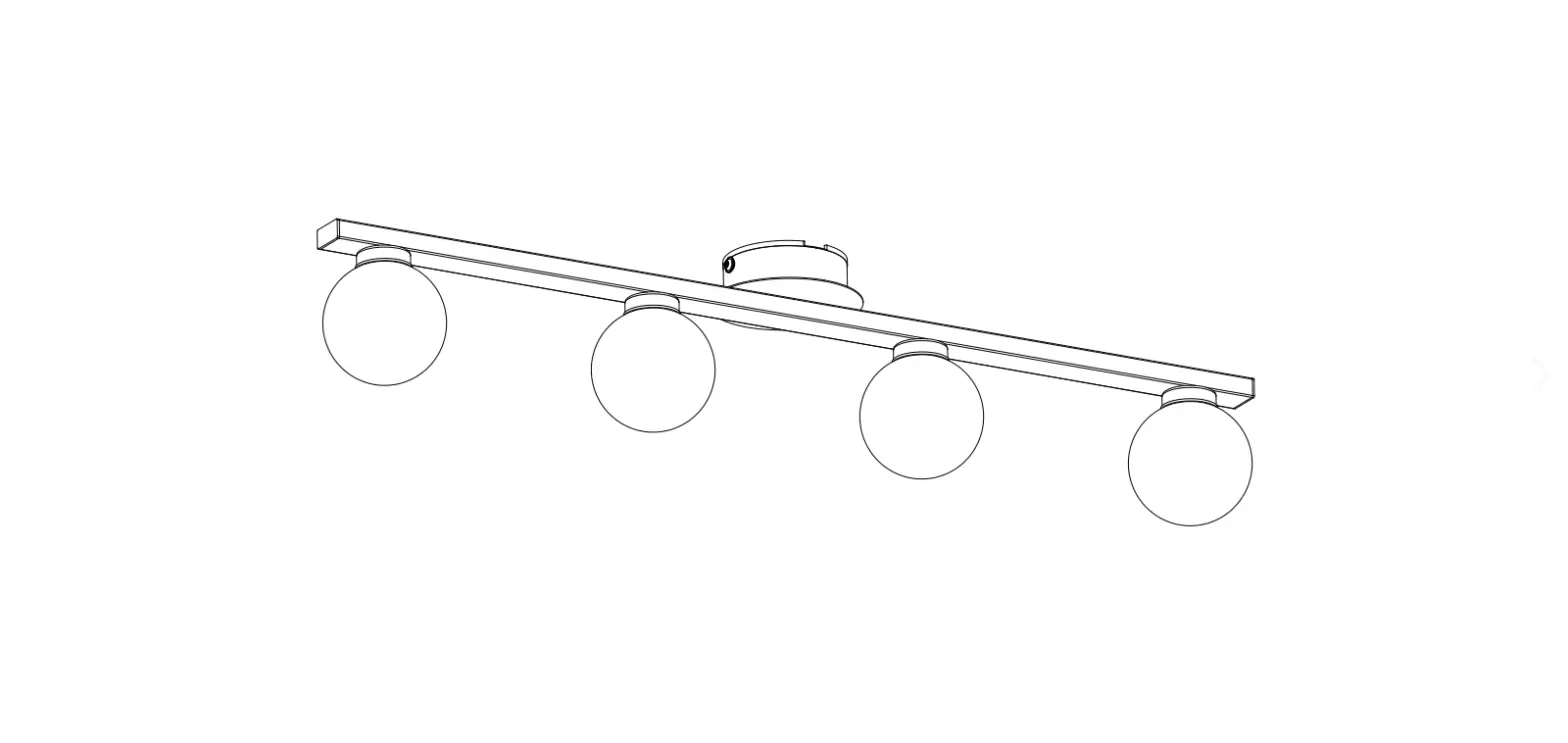
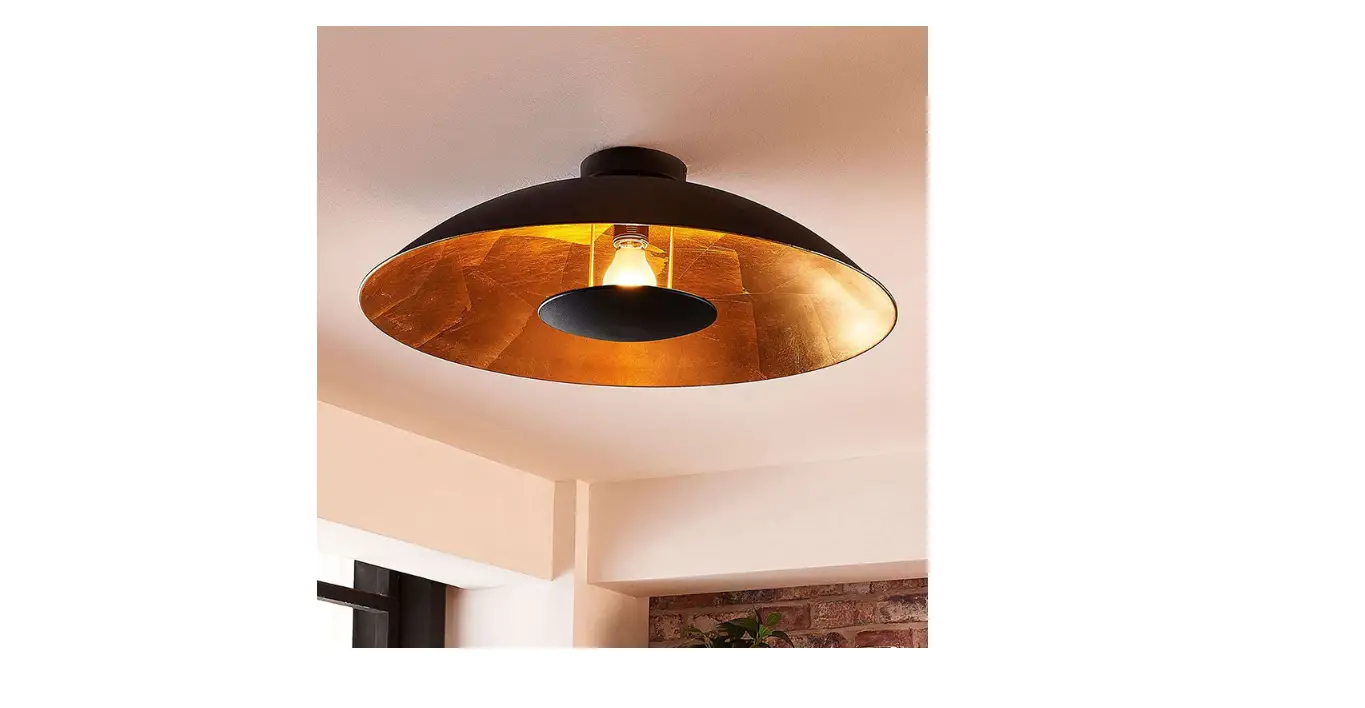
Marian CL 49 Black Smart 103963
Overall size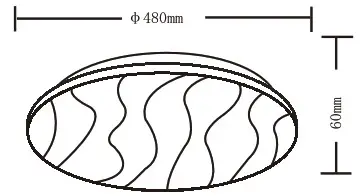 | Overall size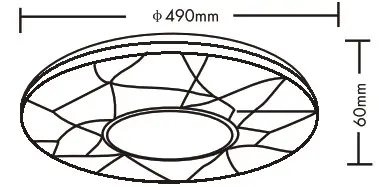 | Overall size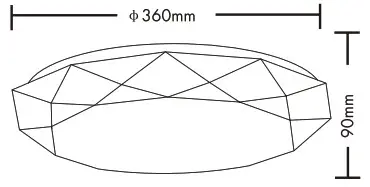 | Overall size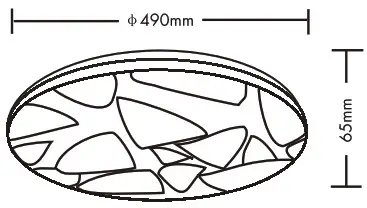 | ||||
| LM | 3600 | LM | 1800 | LM | 3600 | LM | |
| 48 | W | 48 | W | 24W | W | 48W | W |
| 2000-4000 | K | 2000-4000 | K | 2000-4000 | K | 2000-4000 | K |
| >80 | CRI | >80 | CRI | >80 | CRI | >80 | CRI |
| 30000 | H | 30000 | H | 30000 | H | 30000 | H |
| 25000 | ON/OFF | 25000 | ON/OFF | 1/425000 | ON/OFF | 25000 | ON/OFF |
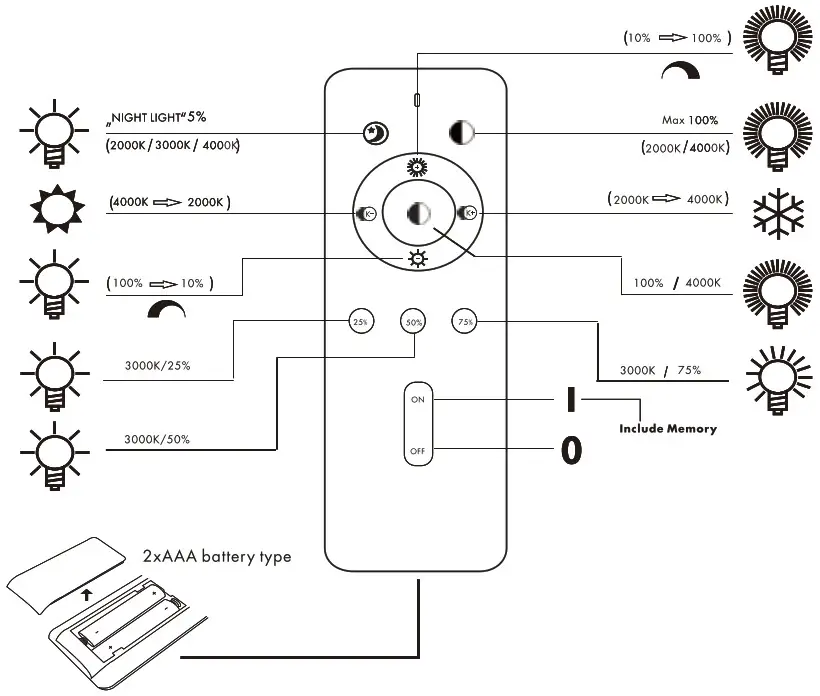
REMOTE CONTROL MANUAL
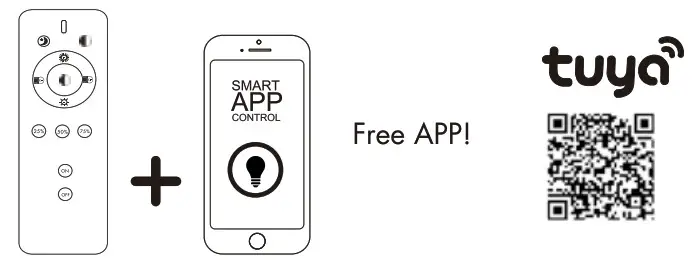
https://smartapp.tuya.com/tuyasmart
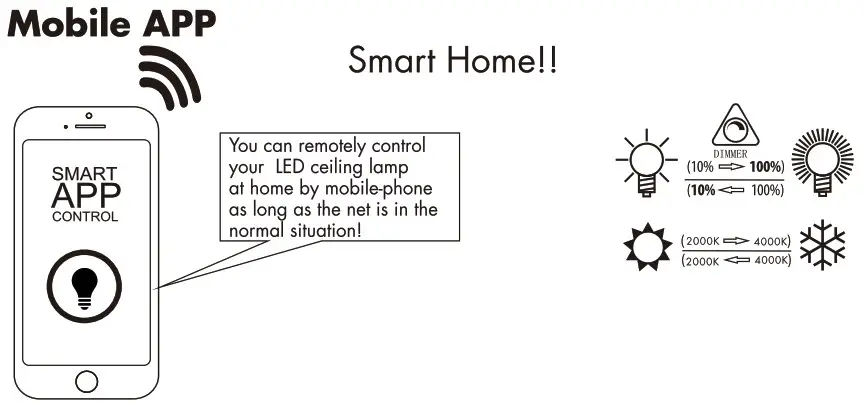
Tuya APP MANUAL
ON/OFF, Brightness, CCT changeable, scene mode can be controlled by mobile phone!
What is scene mode2Below choices for you:
- Reading mode
- Sleeping mode
- Lighting mode
- Viewing mode
Mobile APP operation is set up in 4 easy steps
Before you start write down your network name & password.
Note: this item only works on a 2,4GHz Wifi network, not on a 5GHz WiFi network.
Please consult the manual of your router for settings.
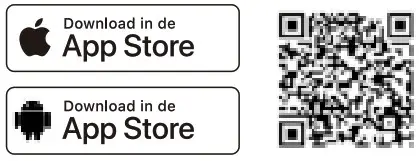
- Download “Tuya Smart’or “Smart Life”from the Apple store,the Andriod or scan the QR code.

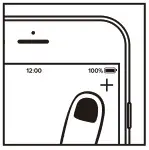
- Open the app First-time user follow on-screen instructions to create your account. To add this lamp start by touching “add device”(+) and follow the on-screen instructions.

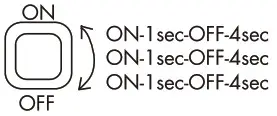
- Turn the lamp on.The lamp will start flashing. (If the lamp or device does not start flashing,switch it on and off 3 times.
It will reset the lamp or device.]
- Follow the on screen prompts to finish installation.
If you get the notification the product only works on 2,4GHz networks you should change the WiFi frequency of your network to 2,4GHz only in the setting menu of the router.

FittinQ B.V.
Smaragdweg 52,5527 LB Hapert The Netherlands
www.qazqa.nl