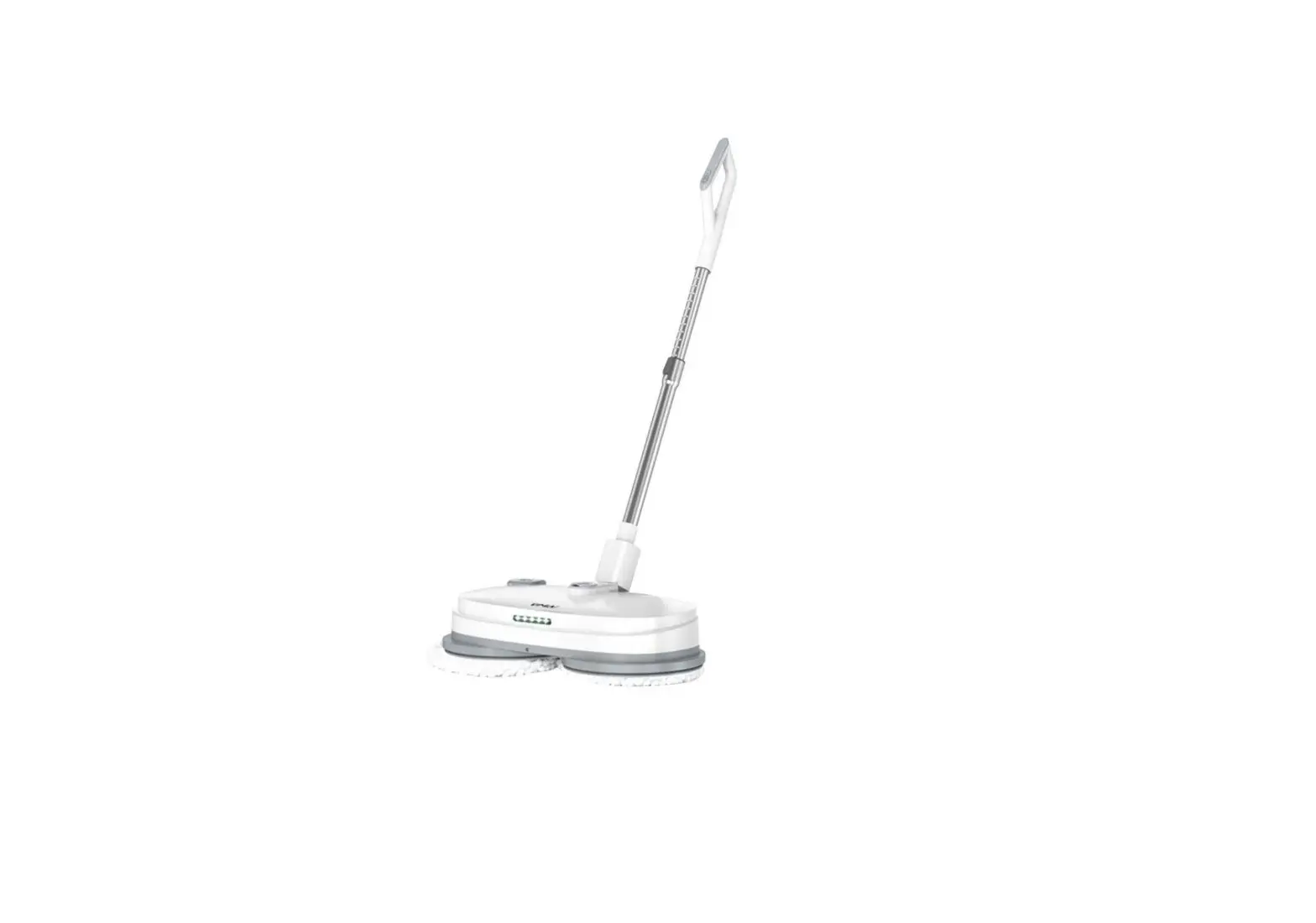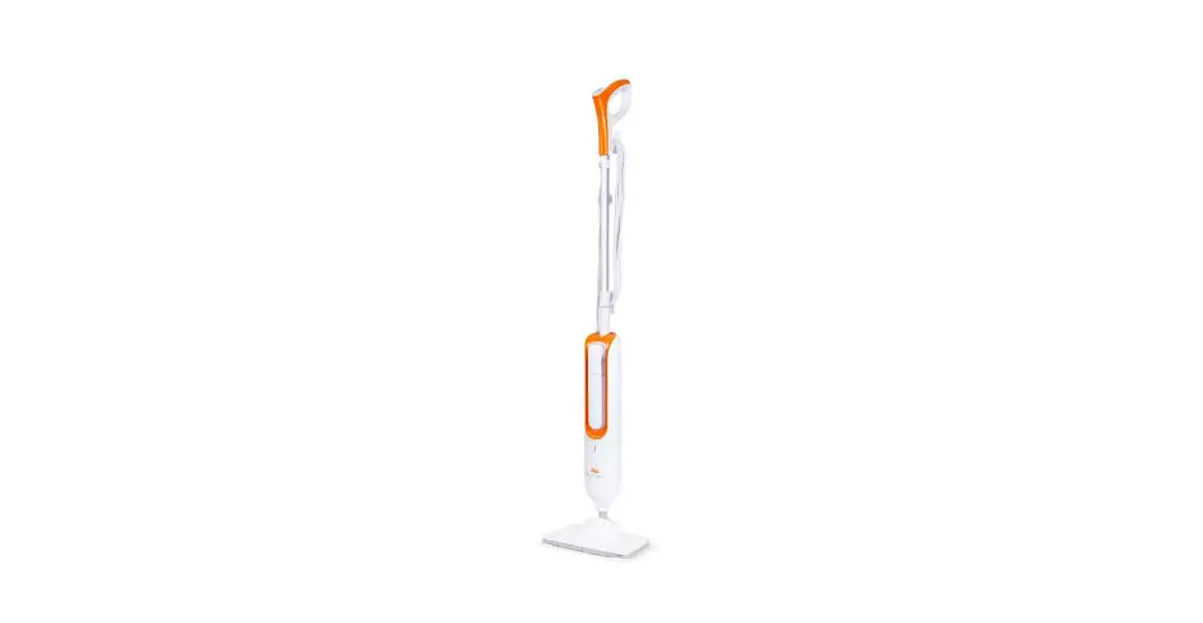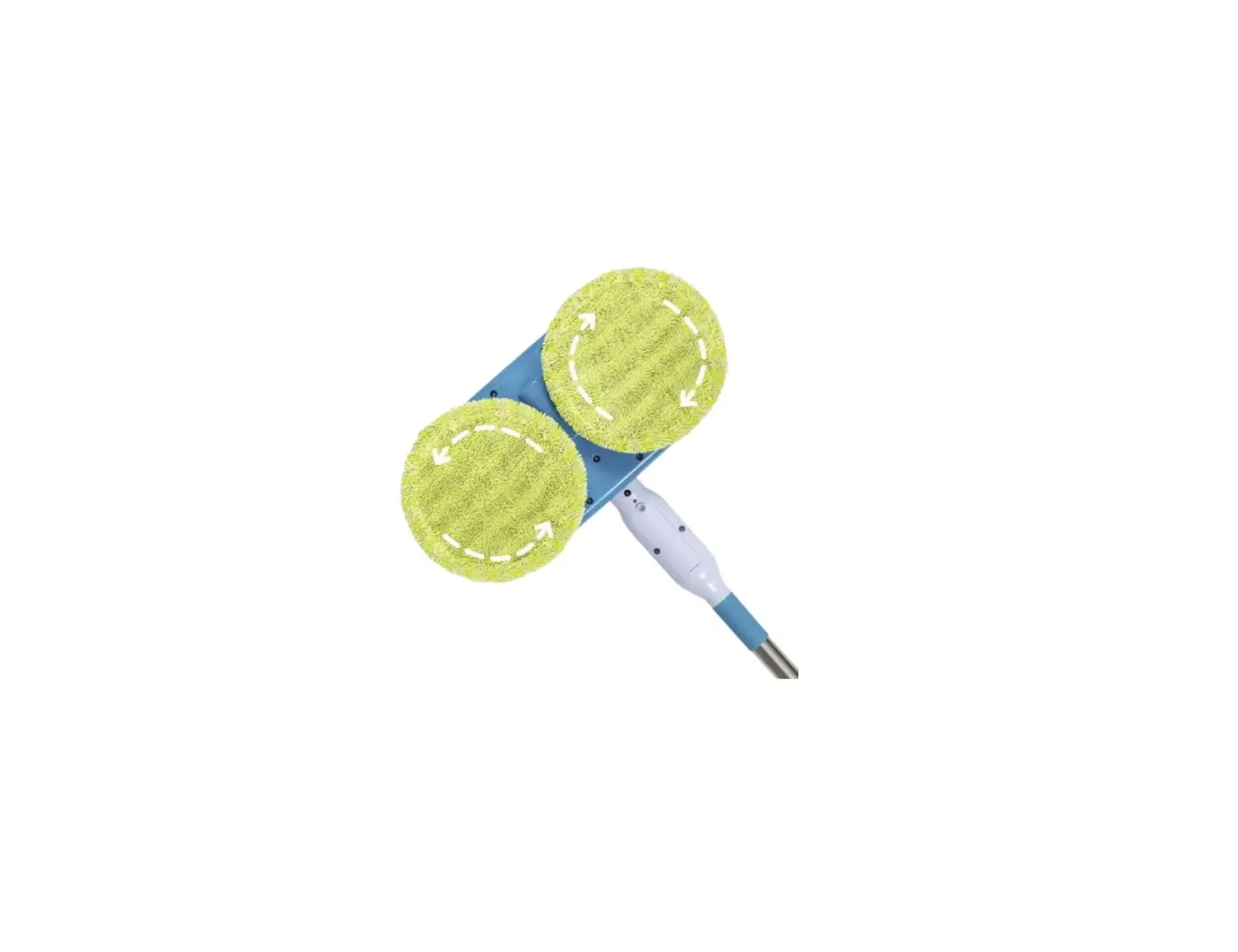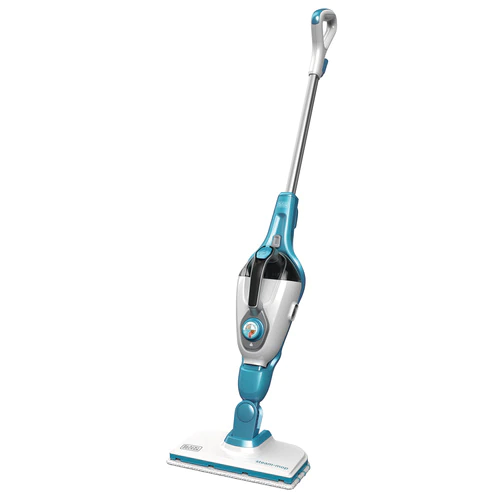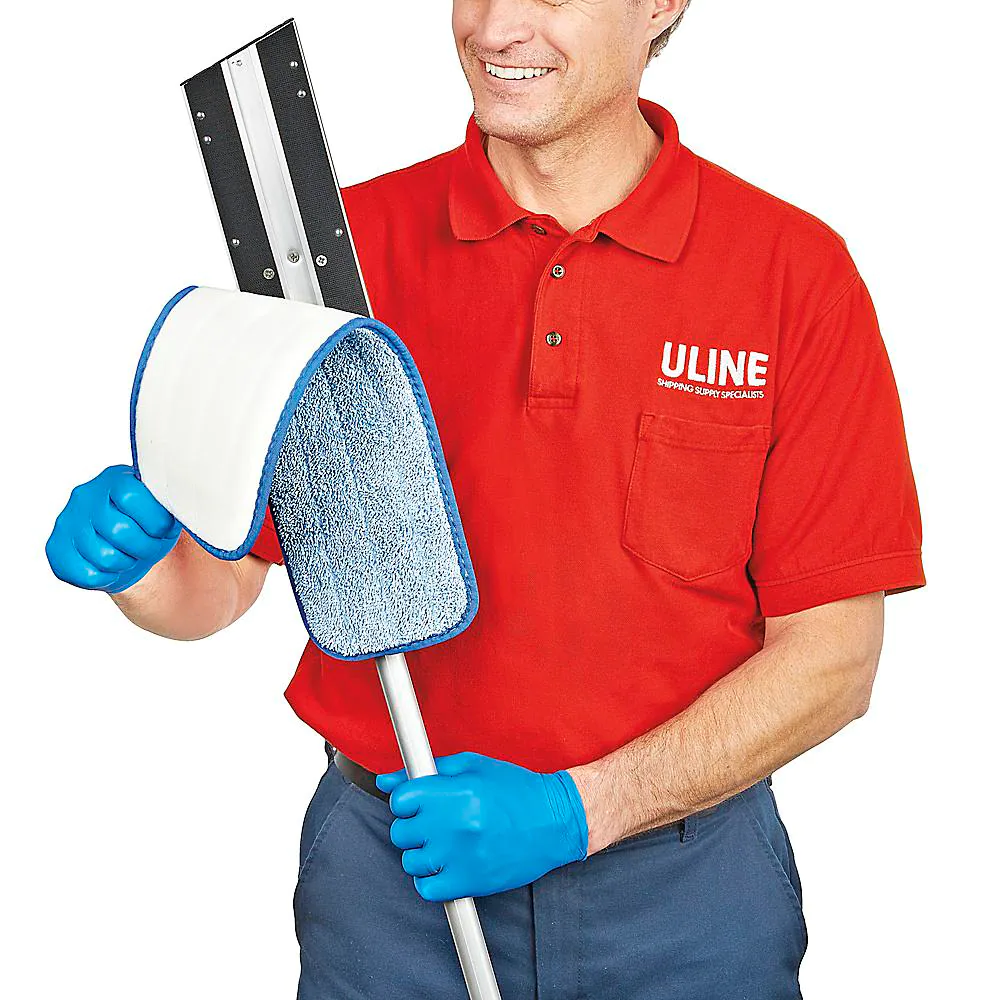
ULINE H-4506 18″ Microfiber Mop System
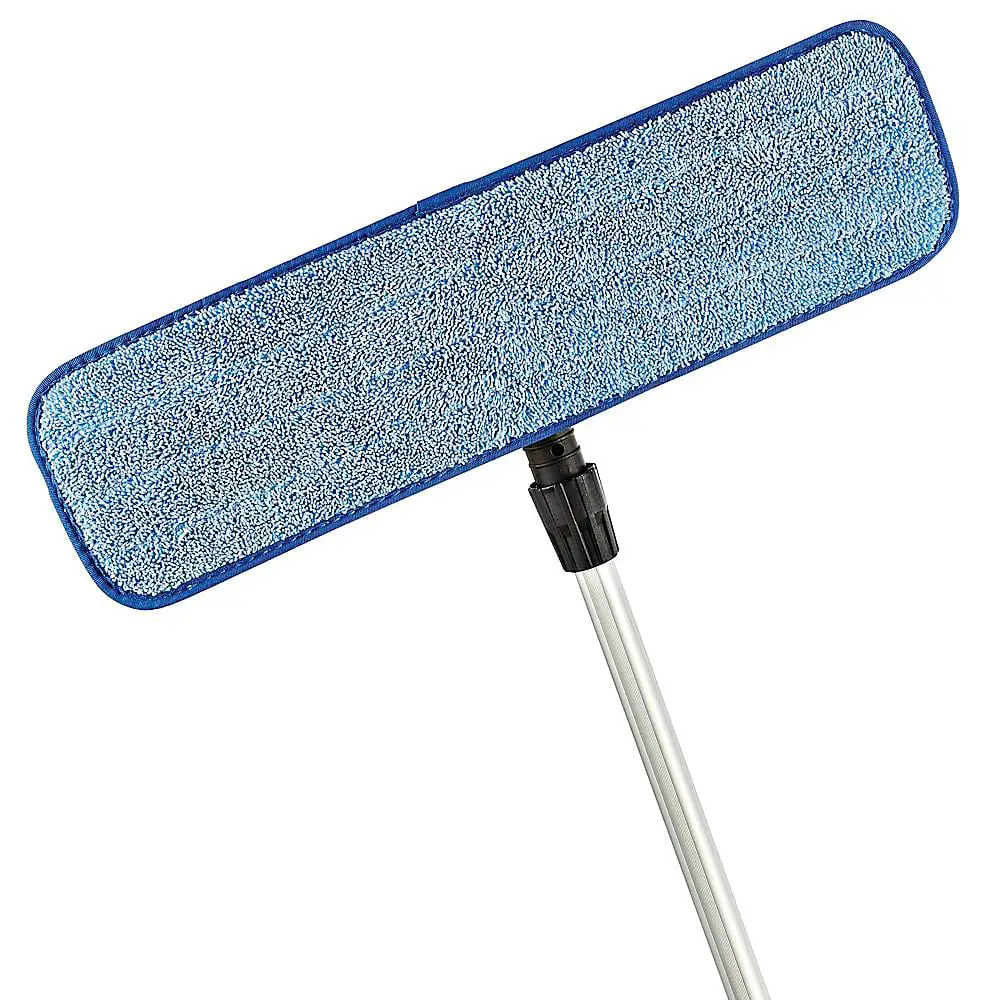
PARTS

ASSEMBLY
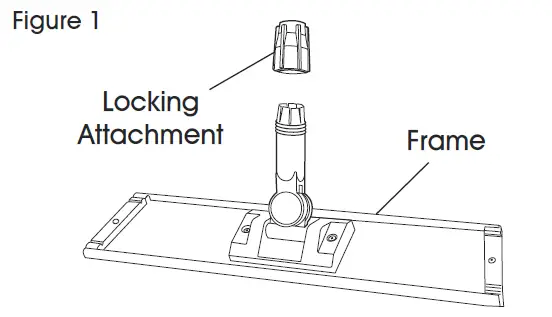
- Unscrew the locking attachment from the frame. (See Figure 1)

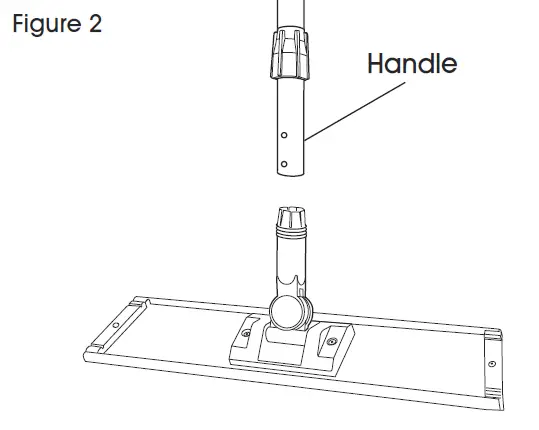
- Slide the locking attachment onto handle. (See Figure 2)

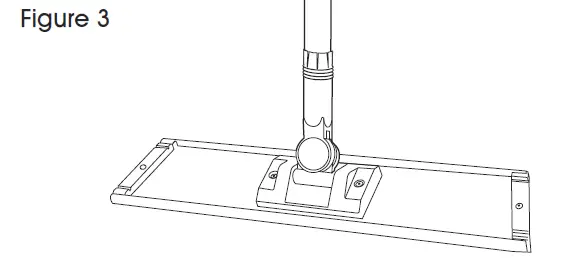
- Put the handle into the frame. (See Figure 3)

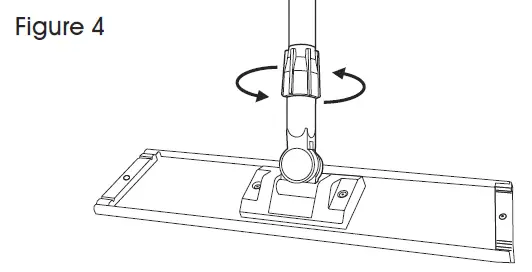
- Screw the locking attachment to the frame to secure. (See Figure 4)

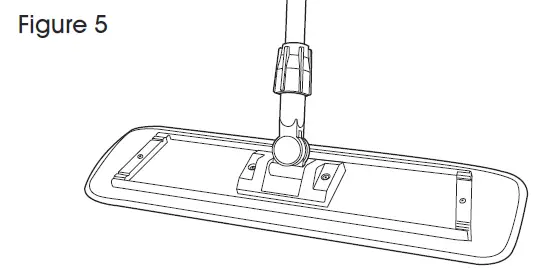
- Attach microfiber wet pad (S-20083) to frame. (See Figure 5)